

Video model
Grok Imagine Video 1.5 on NOLGIA
Grok Imagine Video 1.5 makes video clips on NOLGIA from 23 credits per 5s clip, available on Pro and up.
- Price
- 39 credits per 5s clip
- Plan
- Pro and up
- Resolution
- 480p, 720p, 1080p
- Aspect ratios
- 16:9, 9:16, 1:1, 4:3, 3:4, 3:2, 2:3
What it costs
| Quality | Credits | USD |
|---|---|---|
| 480p | 23 | $1.61 |
| 720pDefault | 39 | $2.73 |
| 1080pPremium | 70 | $4.90 |
The price covers a 5 second clip. Longer clips cost proportionally more.
Dollar figures use the 100-credit top-up price, $0.07 per credit.
Presets that use it
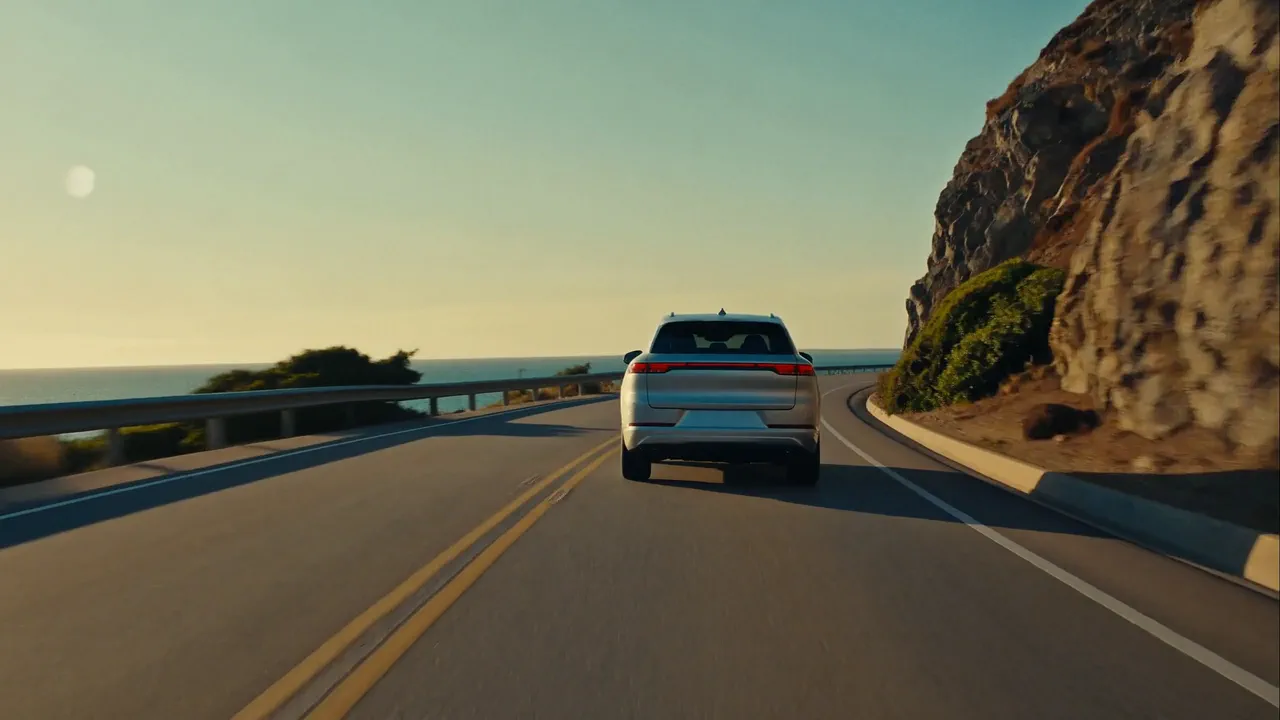
Commercial
A brand commercial with real cinematic energy. A story in your brand's world, people living the moment, the product woven into life, your tagline on the end card.
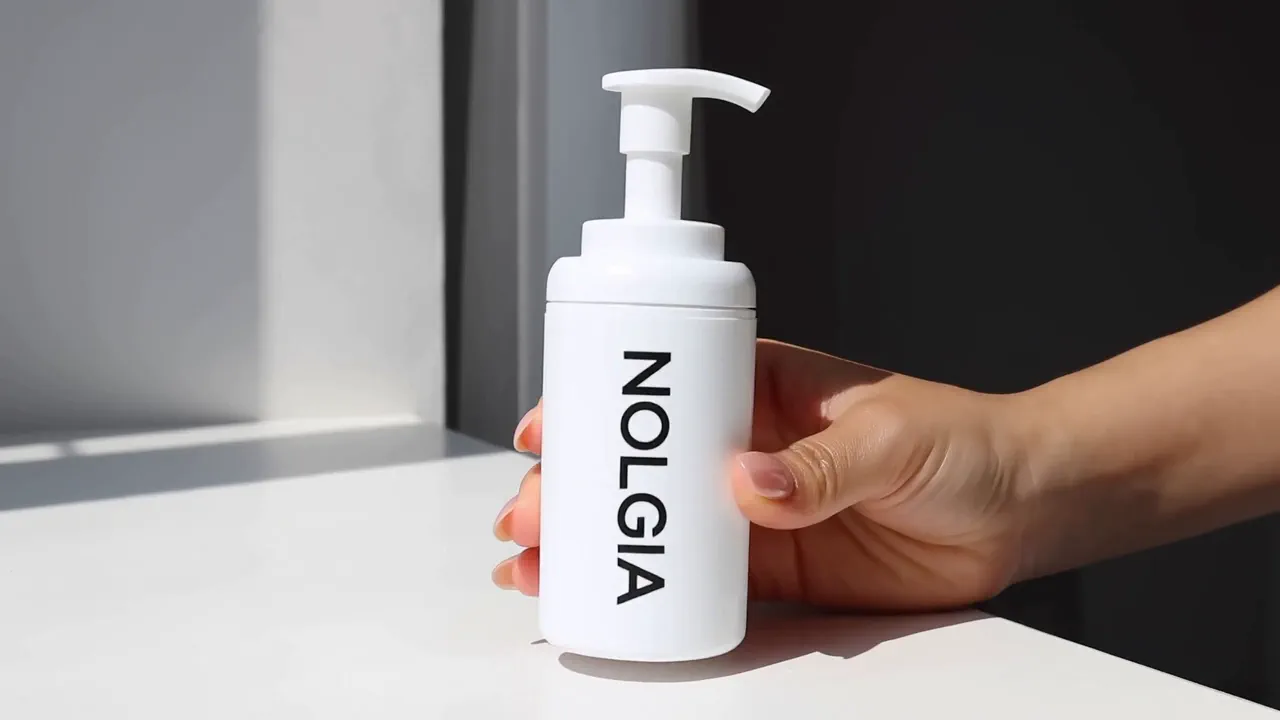
Hands-on product ad
Your product is the star. Hands on demo footage with sound, no presenter on camera, cut like real phone footage.
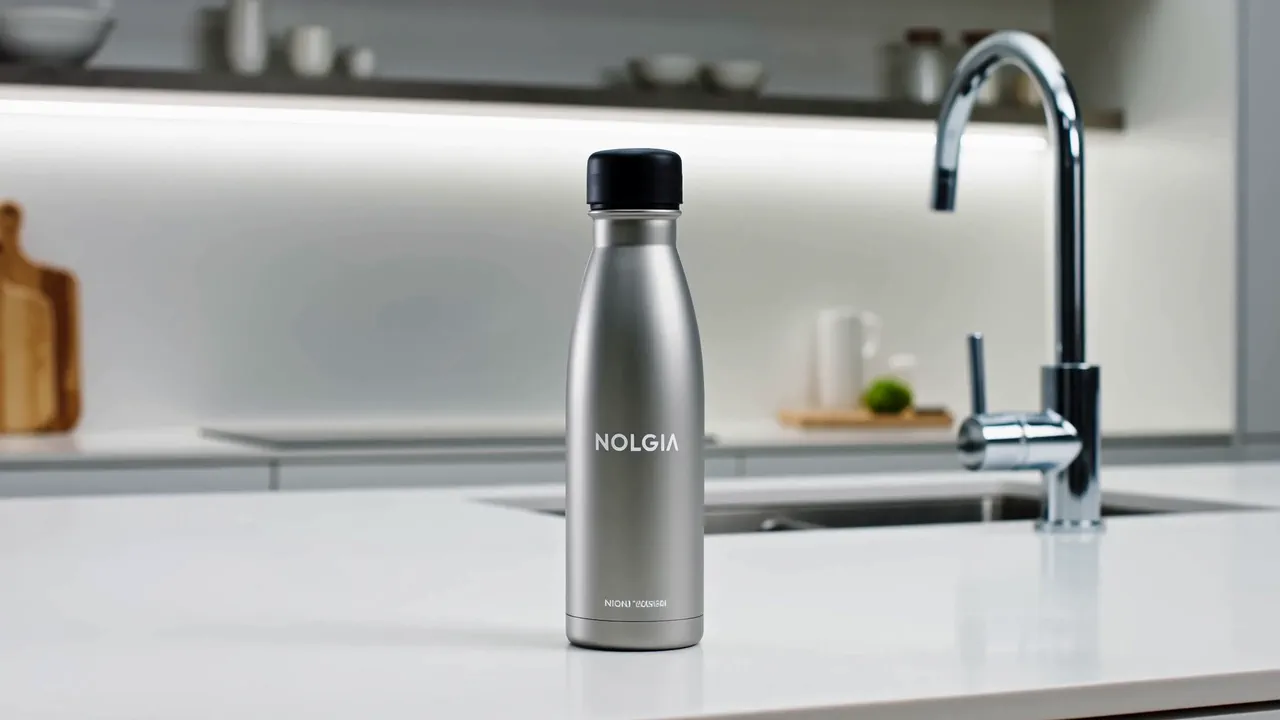
Product demo
A crisp demo that walks through your product's key features with clean studio shots.

Narrated channel video
Storybook style channel visuals in a locked look, ready for your narration. Pick a style once and every video after matches it.
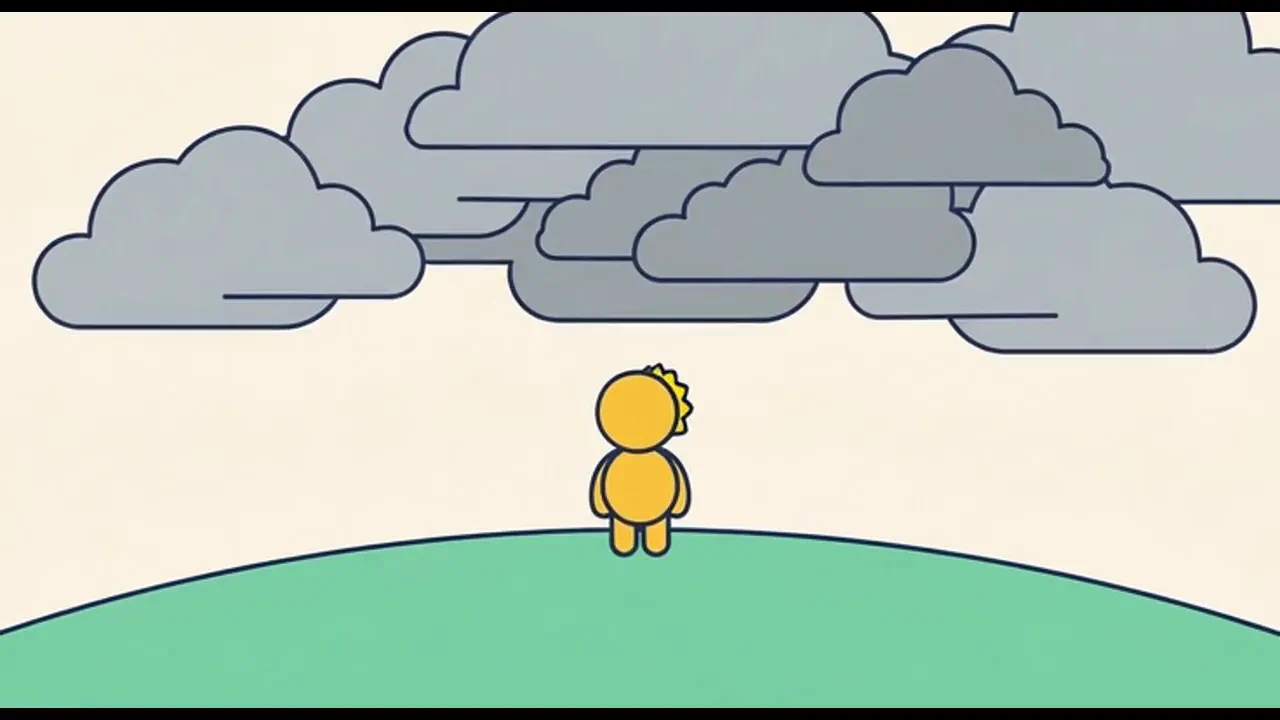
Narrated explainer
Any topic or document turned into a finished narrated video: one voice, one illustrated style, a new scene every ten seconds, cut together and ready to share.
FAQ
Questions about Grok Imagine Video 1.5.
- How much does Grok Imagine Video 1.5 cost on NOLGIA?
- Grok Imagine Video 1.5 costs 39 credits per 5s clip at the default 720p tier, about $2.73 at the top-up rate. Other tiers: 480p 23 credits and 1080p 70 credits.
- Which plan do I need?
- Pro and up. Topping up credits does not unlock it on a lower plan.
- Which resolutions are available?
- 480p, 720p (the default), and 1080p (premium).
- Which aspect ratios are available?
- Grok Imagine Video 1.5 renders 16:9, 9:16, 1:1, 4:3, 3:4, 3:2, and 2:3.
- How is a longer clip priced?
- The price covers a 5 second clip. Longer clips cost proportionally more.
- Can I use Grok Imagine Video 1.5 from the CLI or an agent?
- Yes. The command on this page runs it from a terminal, and the NOLGIA MCP server gives Claude Code and other MCP clients the same model.
Make an Output with Grok Imagine Video 1.5.
Use it from your terminal
nolgia models get grok-imagine-video-1.5
nolgia gen video --model grok-imagine-video-1.5 --prompt "a lighthouse on a sea cliff at dusk, slow push in"