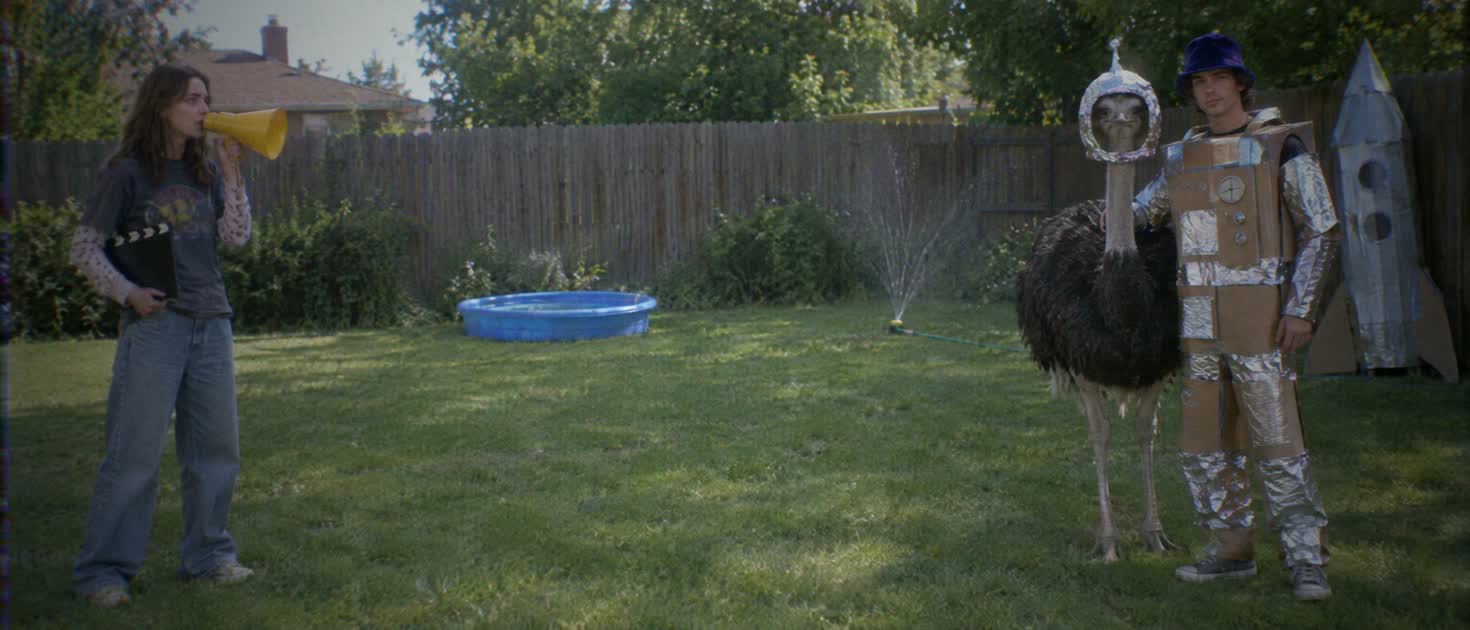
- What is NOLGIA?
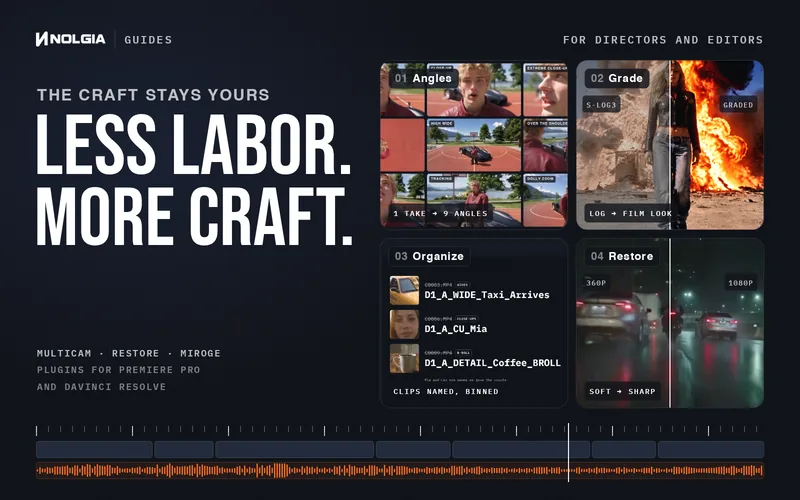
- NOLGIA is the utility for the film studio: the tools, presets, plugins and agent that take the manual work off directors, editors and creators. You keep every creative call, and NOLGIA handles the setup, the versions and the busywork, so more of your time goes into the work itself.
- Can I try it for free?
- Yes. A new account starts with 36 free credits, no card needed: enough for a first Seedance 2.0 Mini video or a few images. Add a card (no charge, one card per account) for 10 more free credits every day. Free credits cover images, audio and Seedance 2.0 Mini video; premium video such as Seedance 2.5, Kling 4.0 and Veo needs paid credits. Unspent daily credits add up to 30: a Seedance 2.0 Mini video every three days.
- What does it cost?
- Every generation spends credits at the rate its model publishes, and you see the estimate before you create. Plans from $15 a month. Compare every plan on the pricing page.
- What is the NOLGIA Agent?
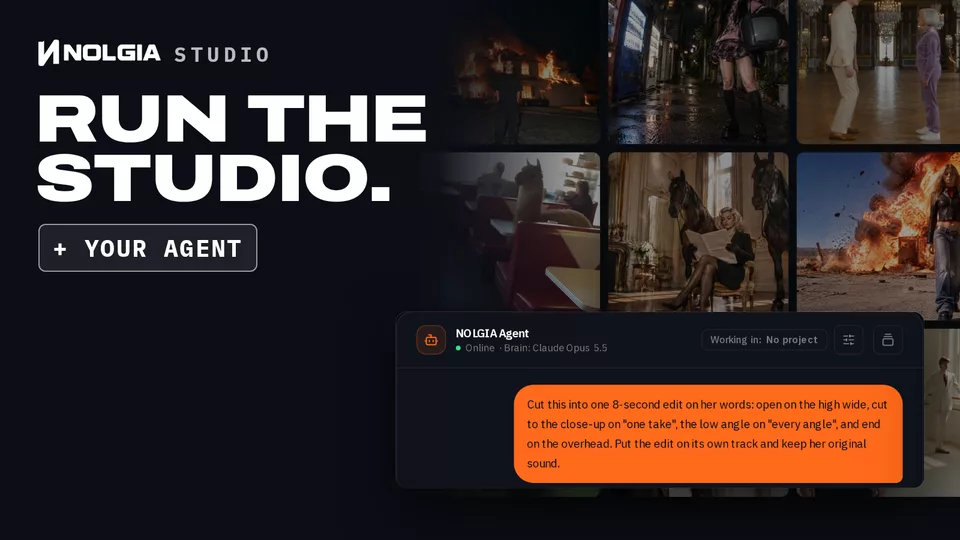
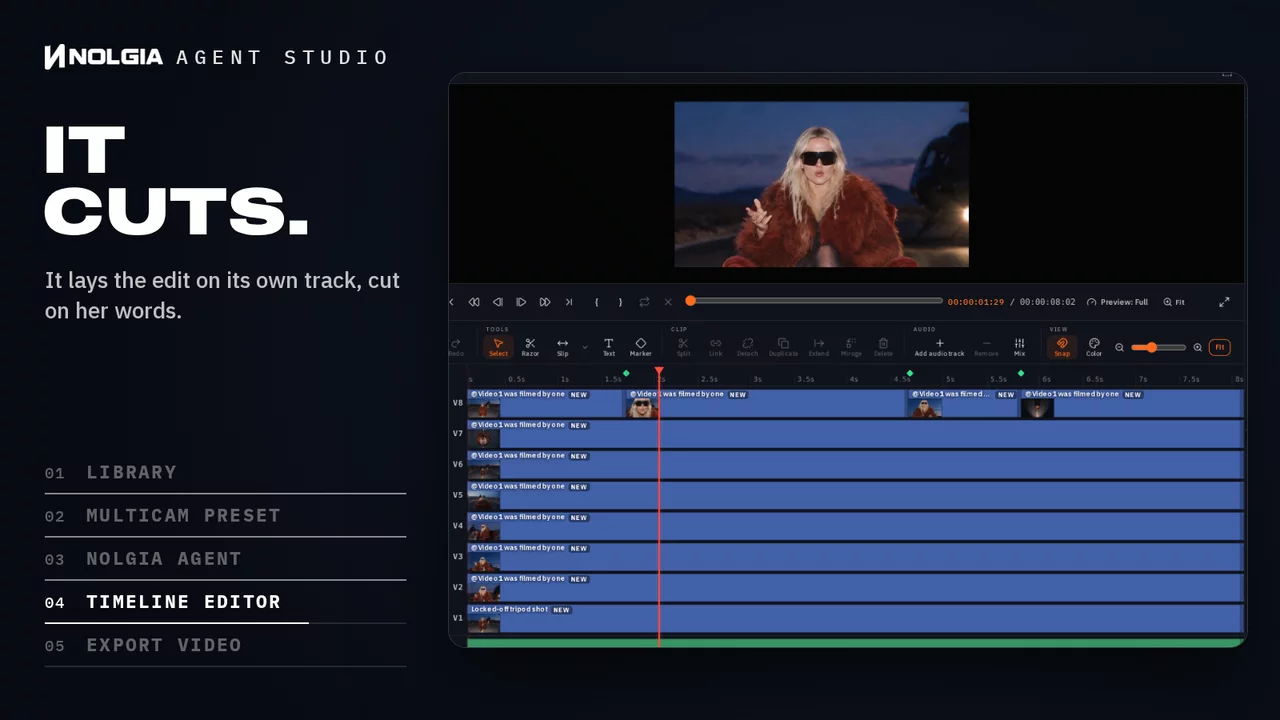
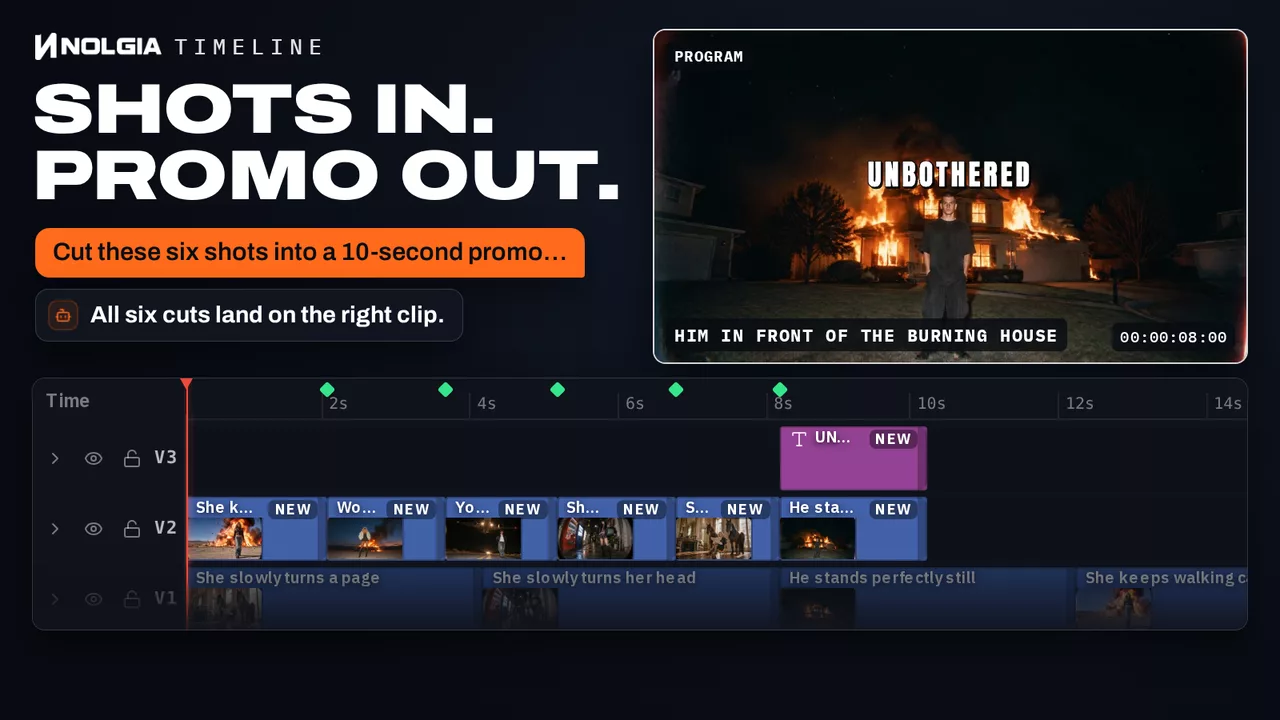
- An assistant on your own account that takes the legwork. Brief it in chat and it plans the shots, runs the generations, checks the results and lays out a first cut you can open in the editor. Studio plans include it.
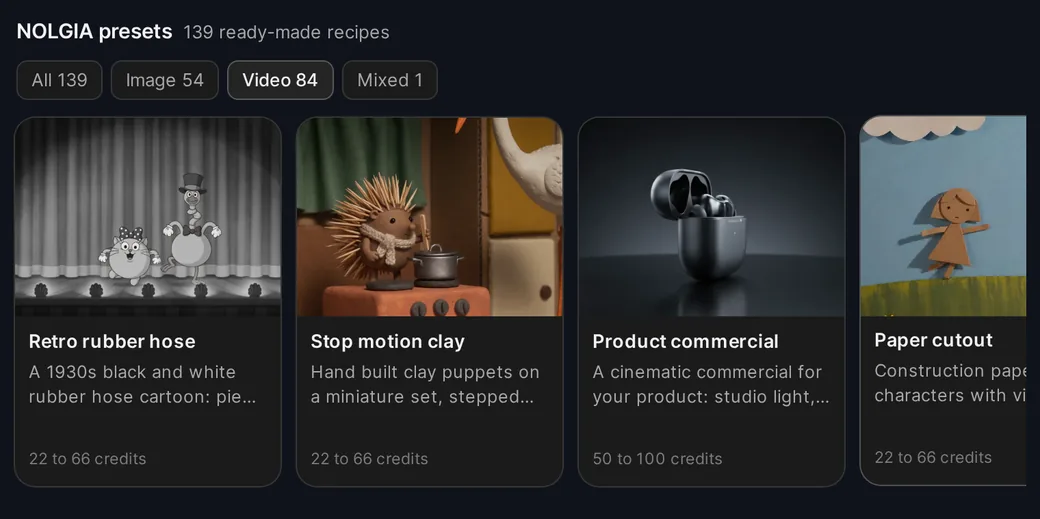
- What are presets?
- Proven starting points for one kind of result, such as product photos or a short ad. Open one and it asks only for what it needs, shows the credit estimate, and makes it when you press Create.
- Can I edit what I make?
- Yes. Studio, the timeline editor, comes with every plan: cut on a multitrack timeline, add titles, grade color and export.
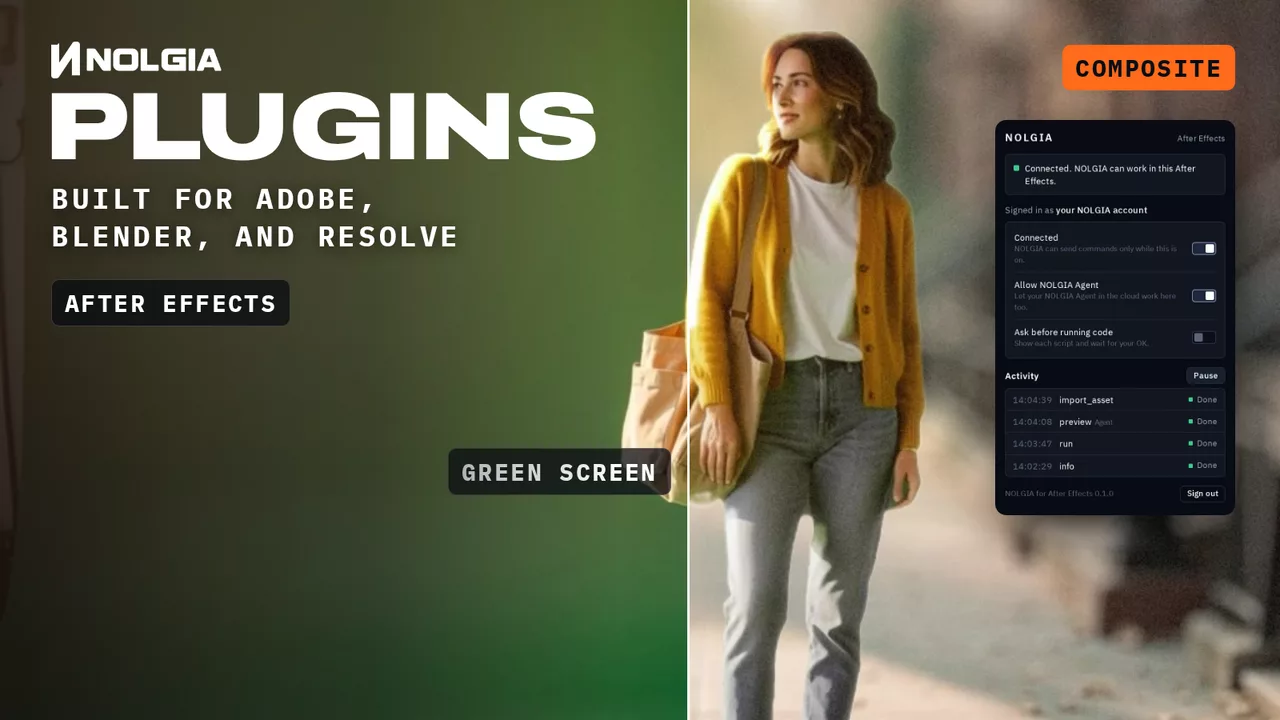
- Can I use NOLGIA from my own tools?
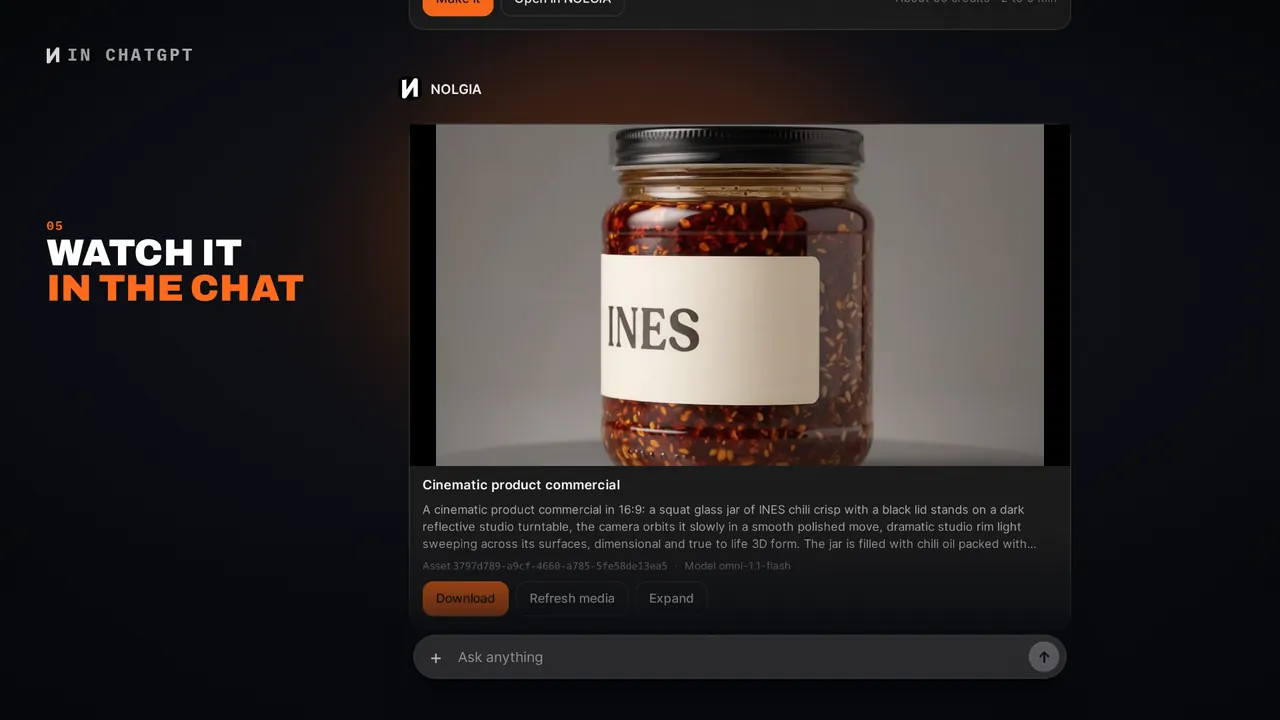
- Yes: the nolgia CLI, the REST API and the hosted MCP server. Signed in with nolgia auth login, the CLI spends credits the way the app does, and so does an assistant you connect over OAuth, such as ChatGPT or Claude. A personal access token you create never spends your monthly plan credits or your free credits: it draws only on the credits you top up.


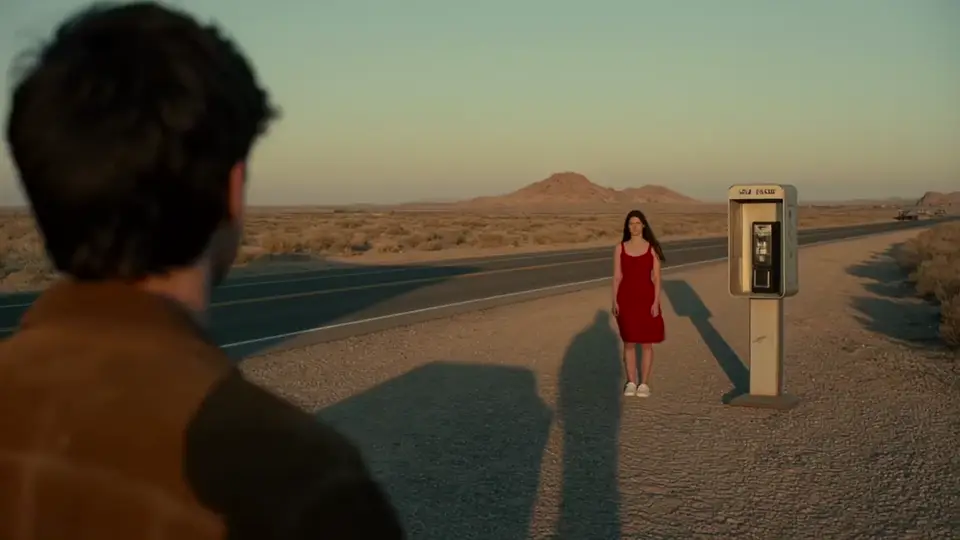

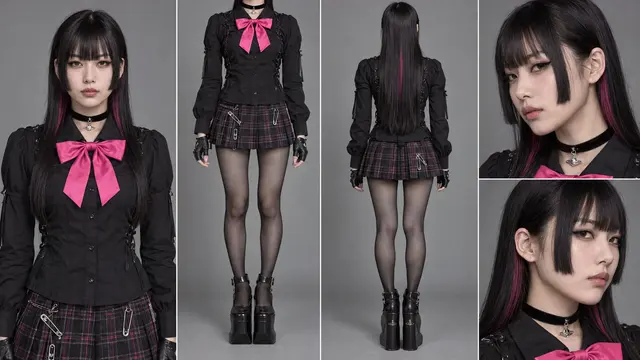



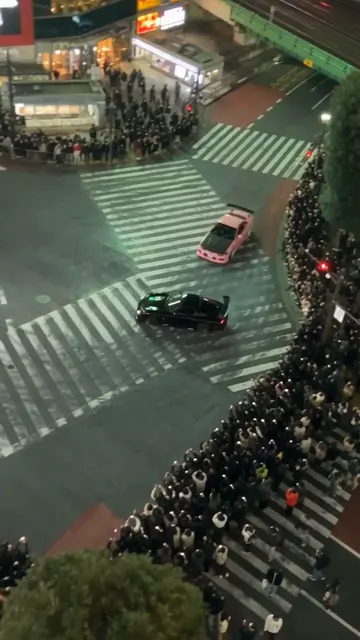









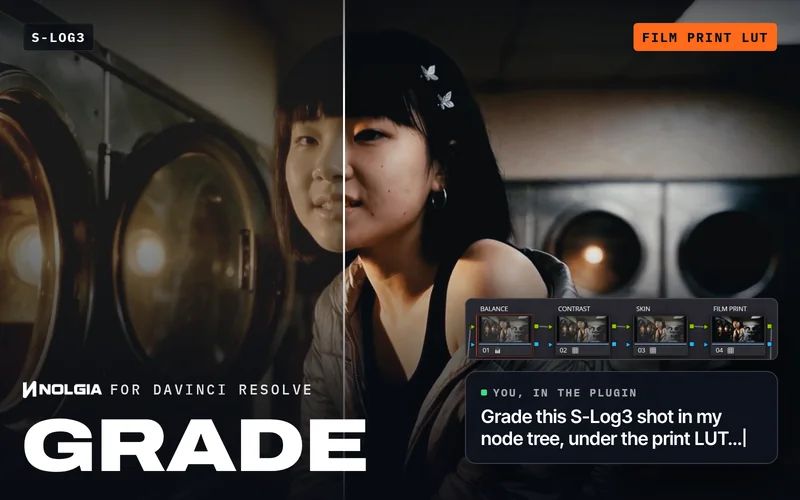 Log footage looks flat and grey.Grade in DaVinci Resolve: one NOLGIA film stock, installed as a LUT, turns flat camera log into a finished film grade on the clips you choose.NOLGIA for DaVinci Resolve Studio