MCP
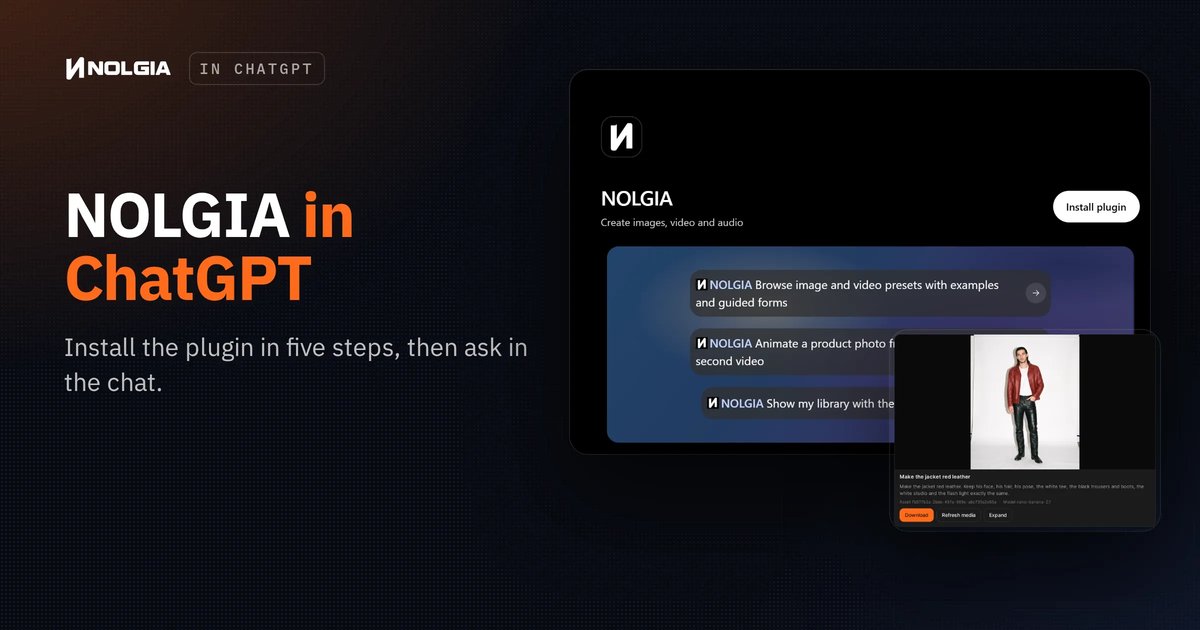
Use NOLGIA in ChatGPT: install the plugin in five steps and start making
NOLGIA is a plugin in ChatGPT. Find it, install it, sign in once, and from then on you just ask for what you want in the chat.
Read the guide

Loading guides...
Guides
Step-by-step guides with the real output of every step: what to type, what came back, and what to watch for.
MCP
NOLGIA is a plugin in ChatGPT. Find it, install it, sign in once, and from then on you just ask for what you want in the chat.
Read the guideVideo editing
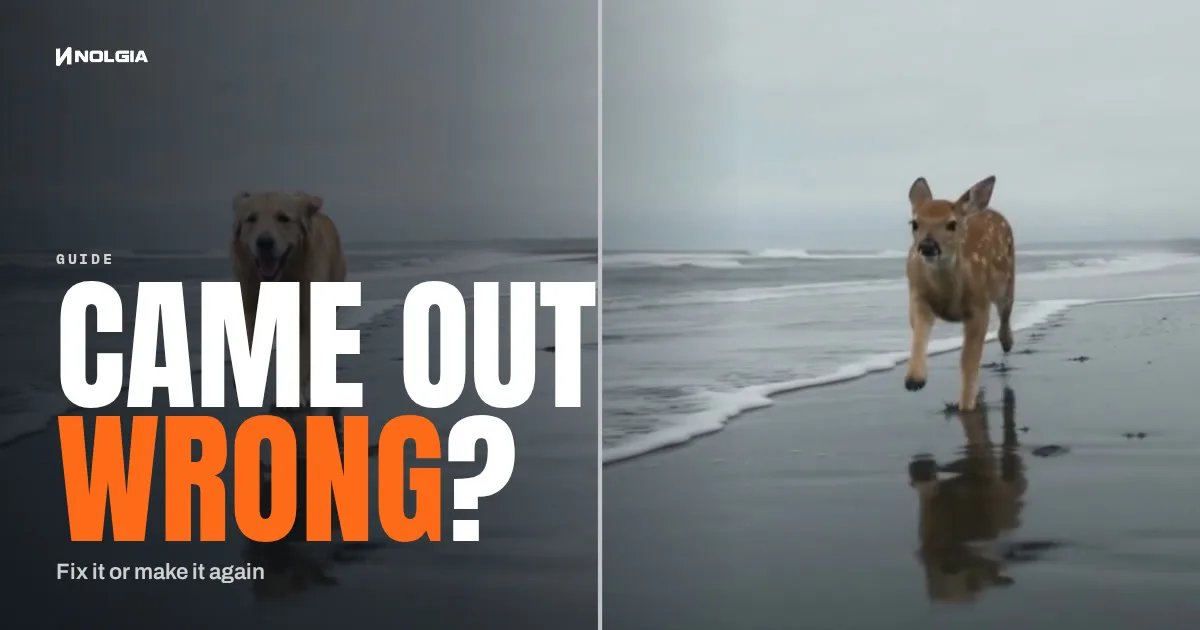
Most wrong clips do not need a new render. Swap the one thing that is off, move the scene, clean up the picture or extend it, and make it again only when the shot itself is wrong.
· 6 min read
Video editing
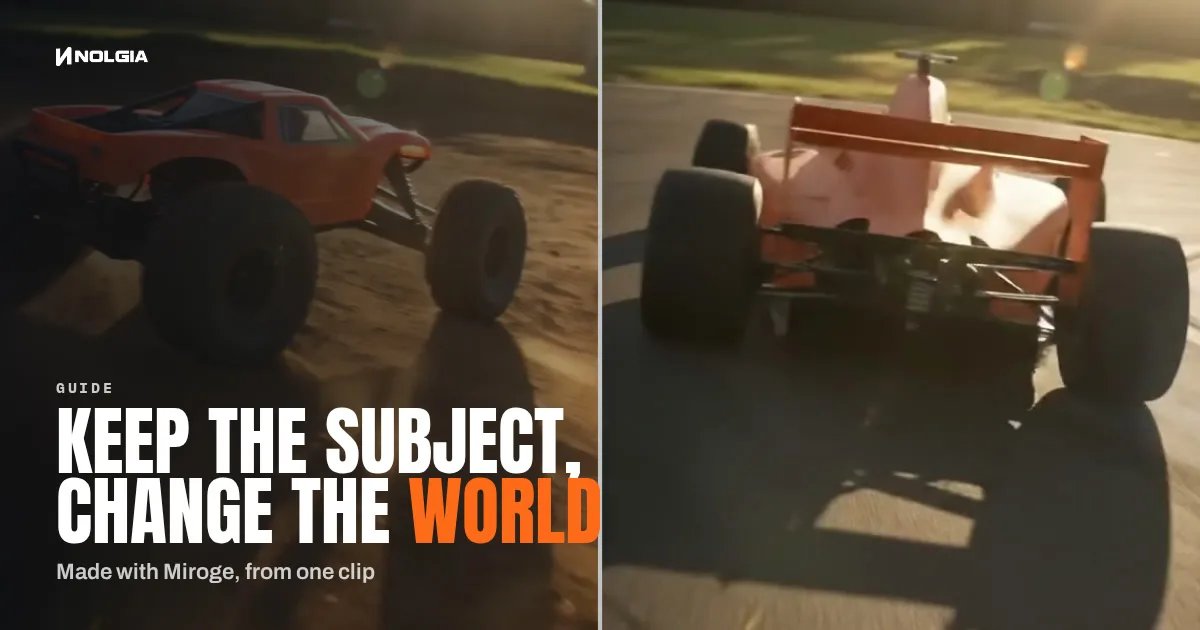
Keep the legs, hands or product in a clip and redraw the place around them. The prompt order that held in 6 of 6 tests, and where it breaks.
· 9 min read
Product images
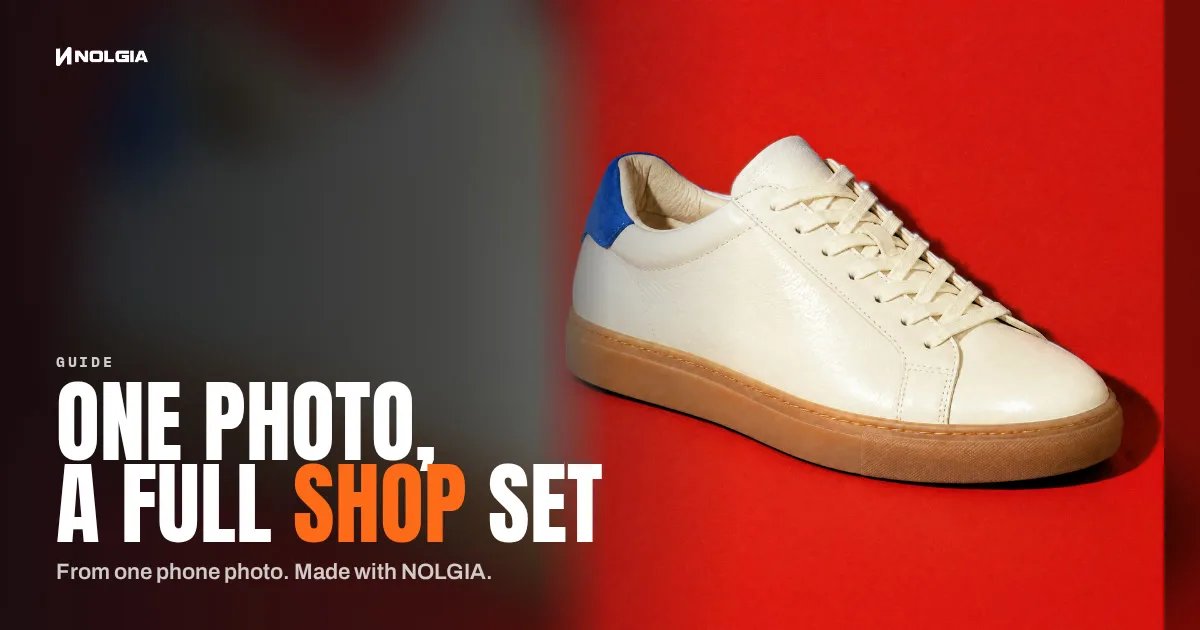
Turn one clear phone photo into a studio hero, a seasonal version, a product page banner and a short clip, with the preset for each step and what the set costs.
· 6 min read
Video editing
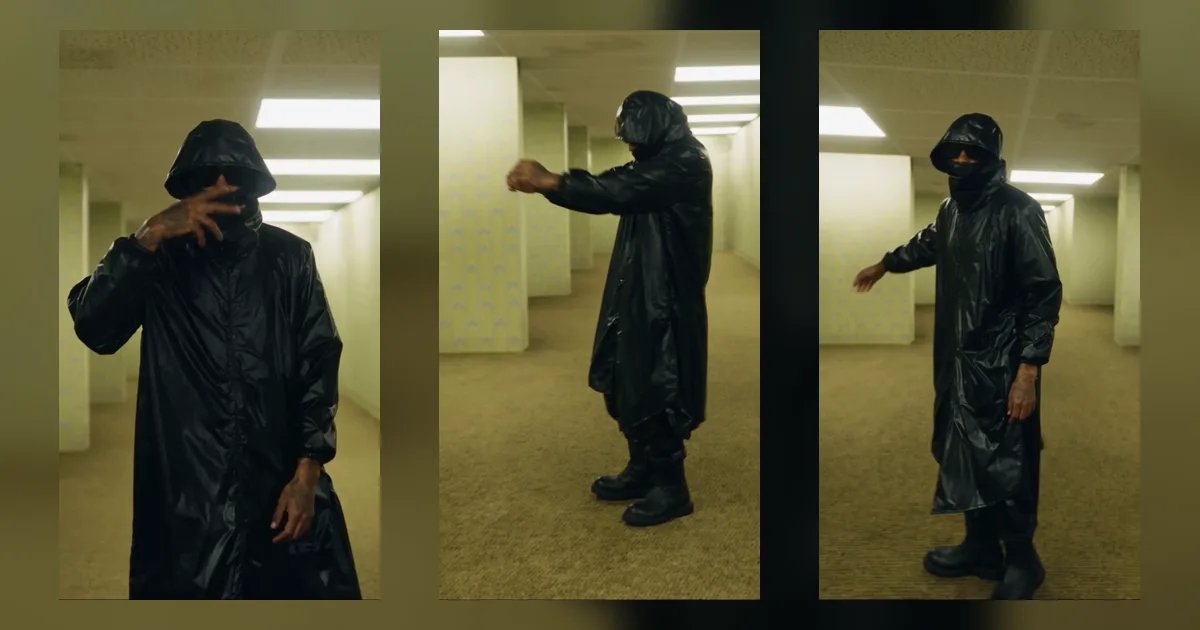
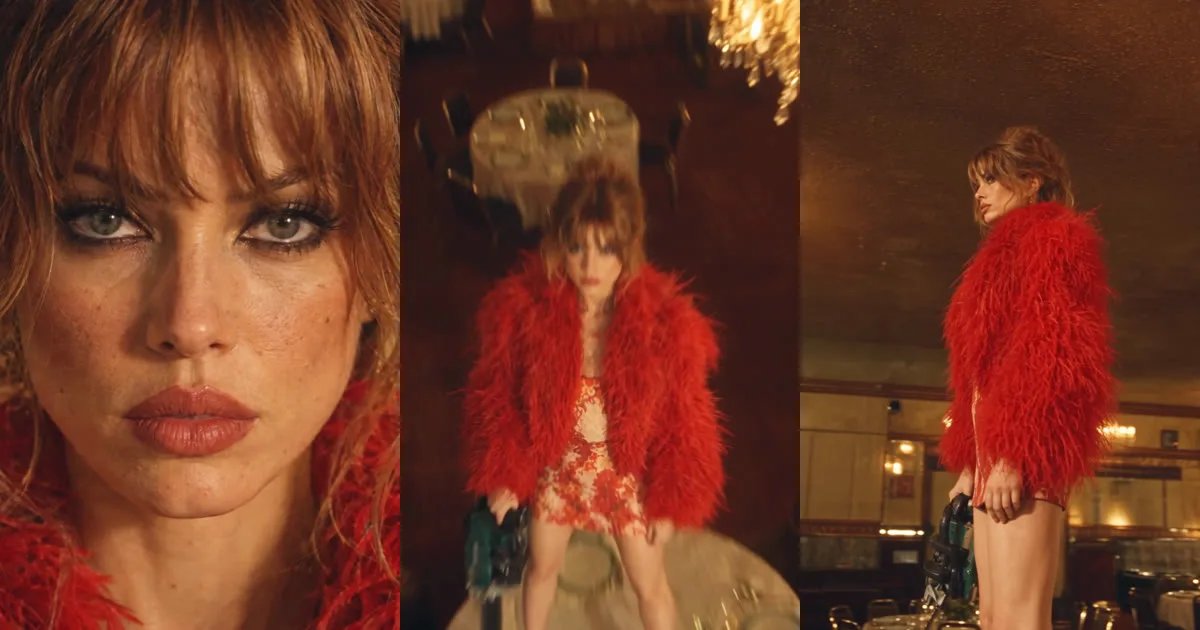
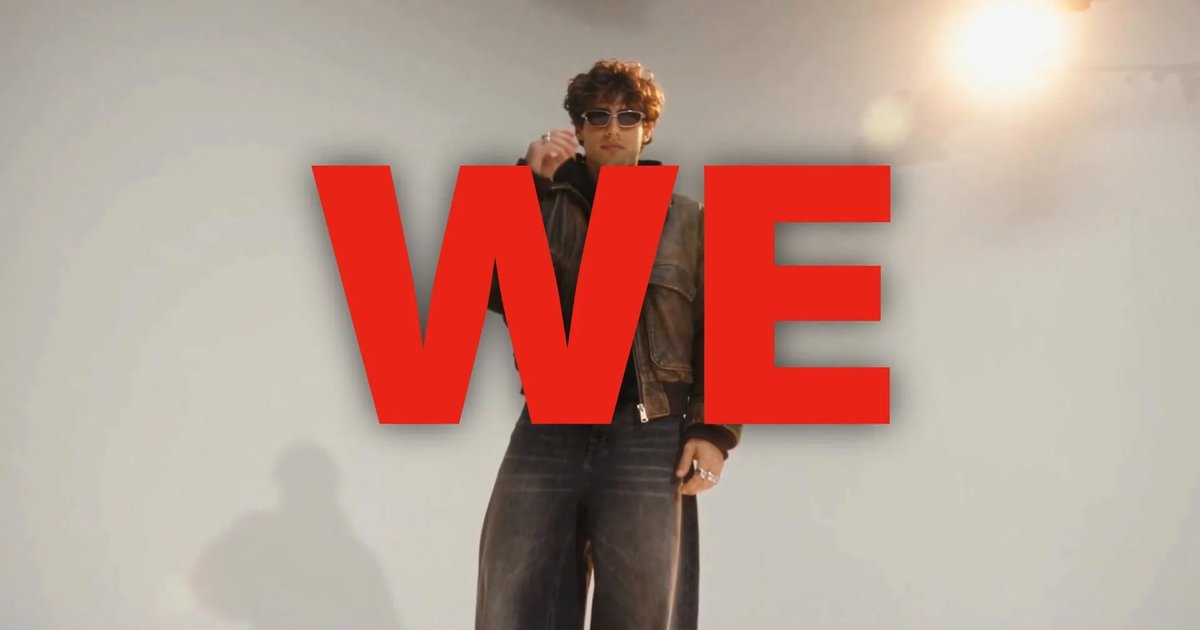
A masked Yeezy Season 12 look dancing through the Backrooms, made in Miroge on Seedance 2.5 from a clip, two reference sheets and one tagged prompt.
· 11 min read
Filmmaking
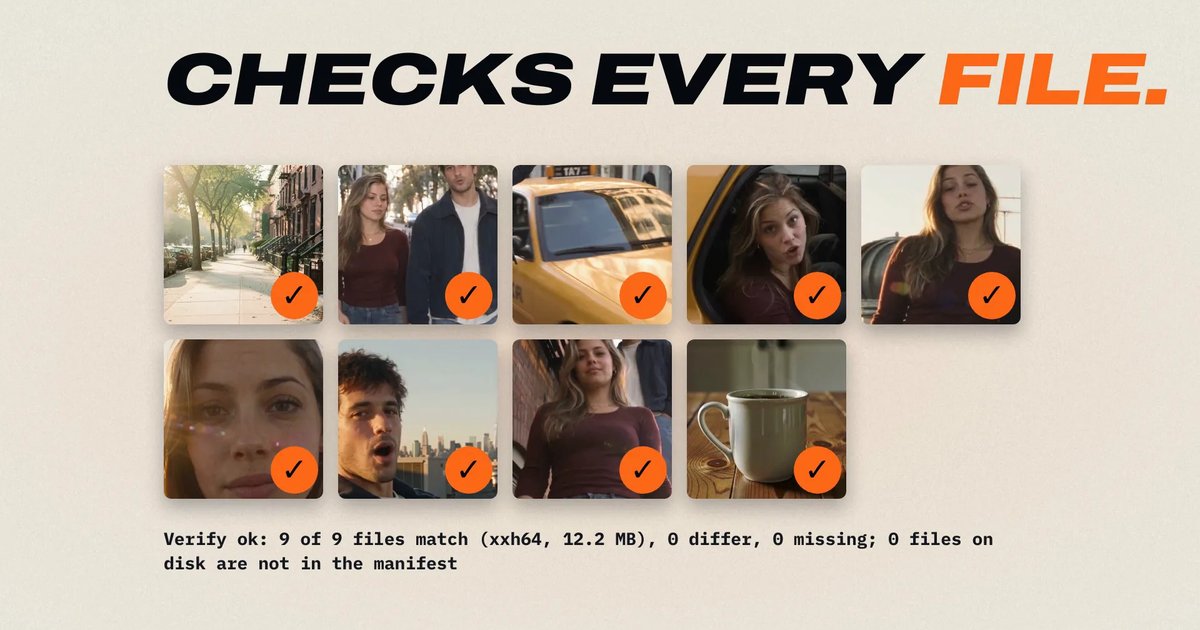
Copy camera cards to two drives, check every copy against the card, and get ASC MHL manifests, a DIT report and named files. Free, on your own computer.
· 8 min read
Product video
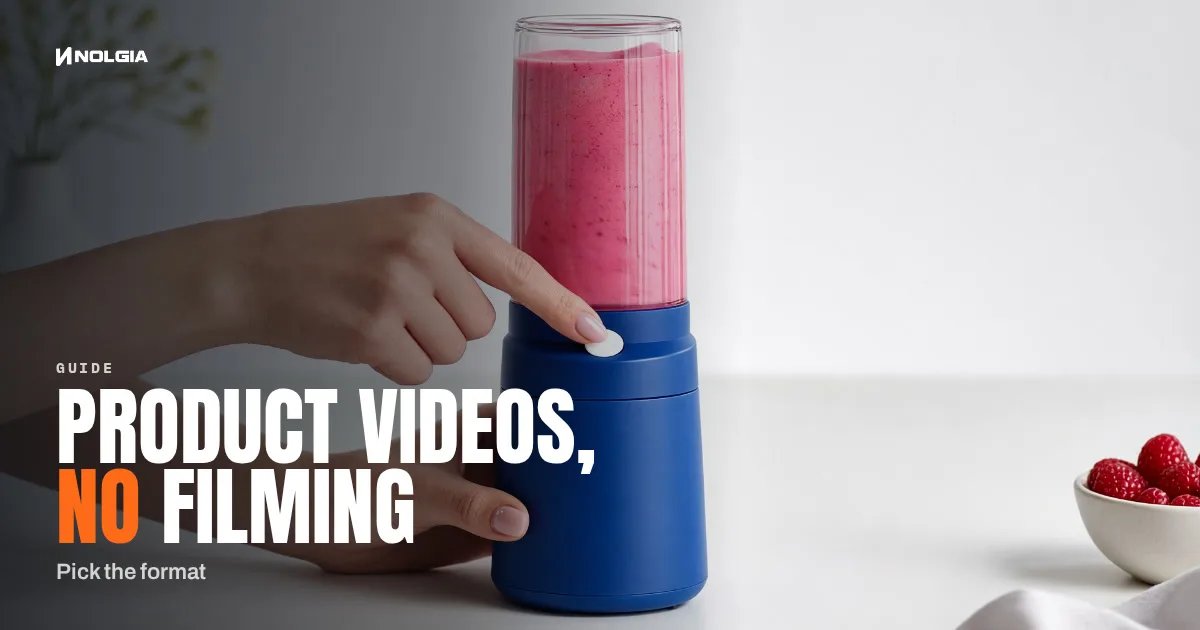
Seven product video formats, from a how to clip to an unboxing to hands only, each with a real example, what it is for and when to pick it.
· 8 min read
Channels
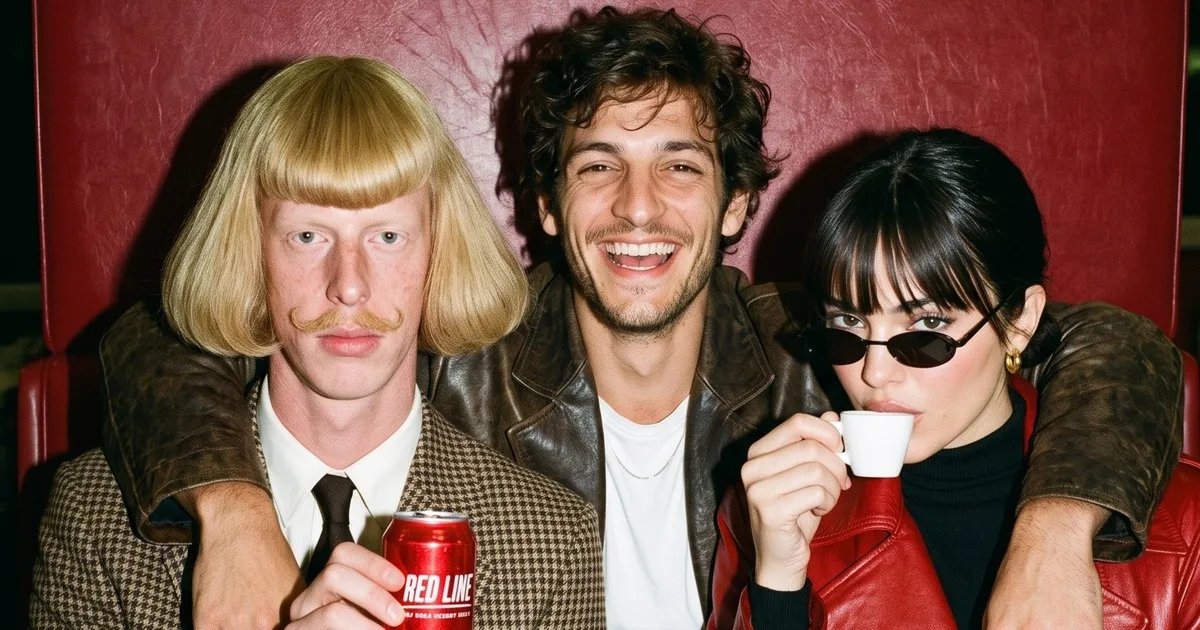
Recreate Jean Phil on NOLGIA from his reference photos, then make your own AI influencer: face, character, sheet and episodes, step by step.
· 8 min read
Product images
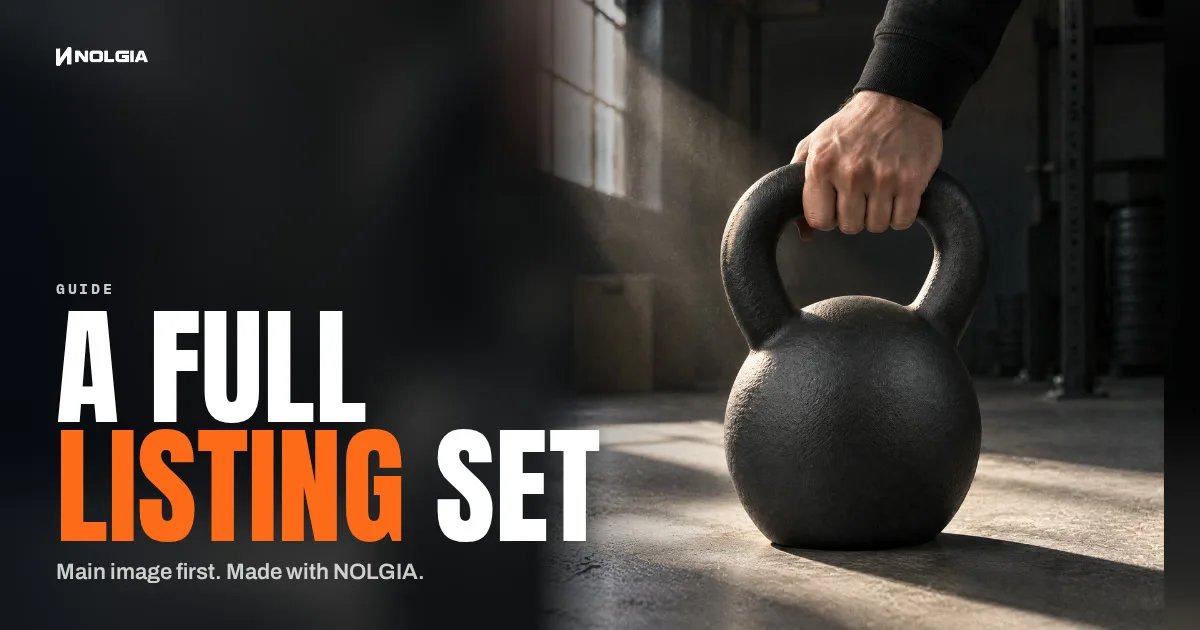
Make the main image on white from your own product photos, approve it, then make only the supporting images and page modules your listing needs.
· 6 min read
Filmmaking
The step-by-step workflow for realistic AI video: plan with the NOLGIA Agent, lock the characters and the place, write every shot beat by beat for Seedance 2.5, then score and cut.
· 22 min read
Video editing
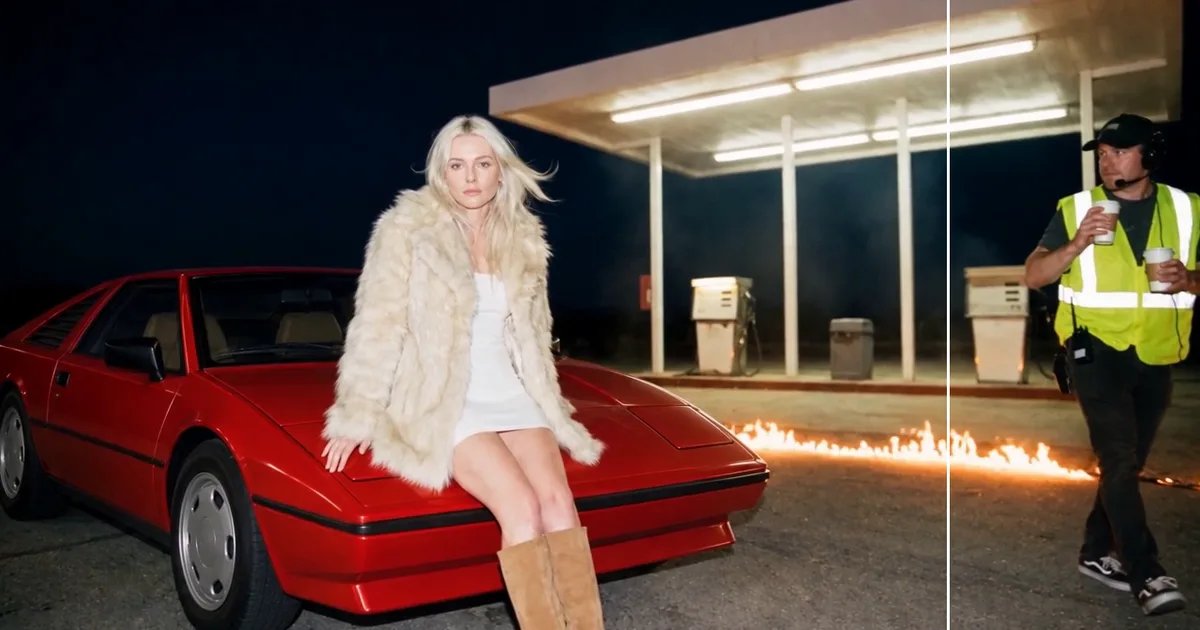
Take a person, a boom mic or a stray prop out of a clip you shot: in Miroge, choose Remove, name it, and get the rest of the shot back as you filmed it.
· 9 min read
Video editing
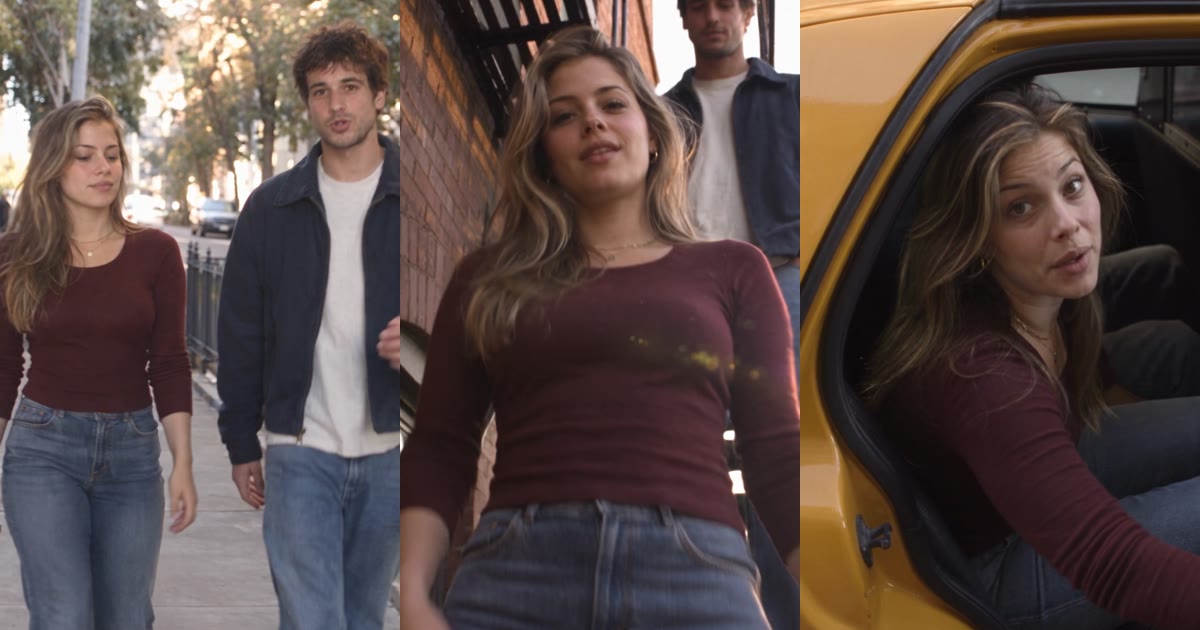
Pick a video, add a photo of a person and one of a dog, and Miroge recasts the clip with them: the same moves, the same set, the same camera. Every step, on a computer and a phone.
· 10 min read
Filmmaking
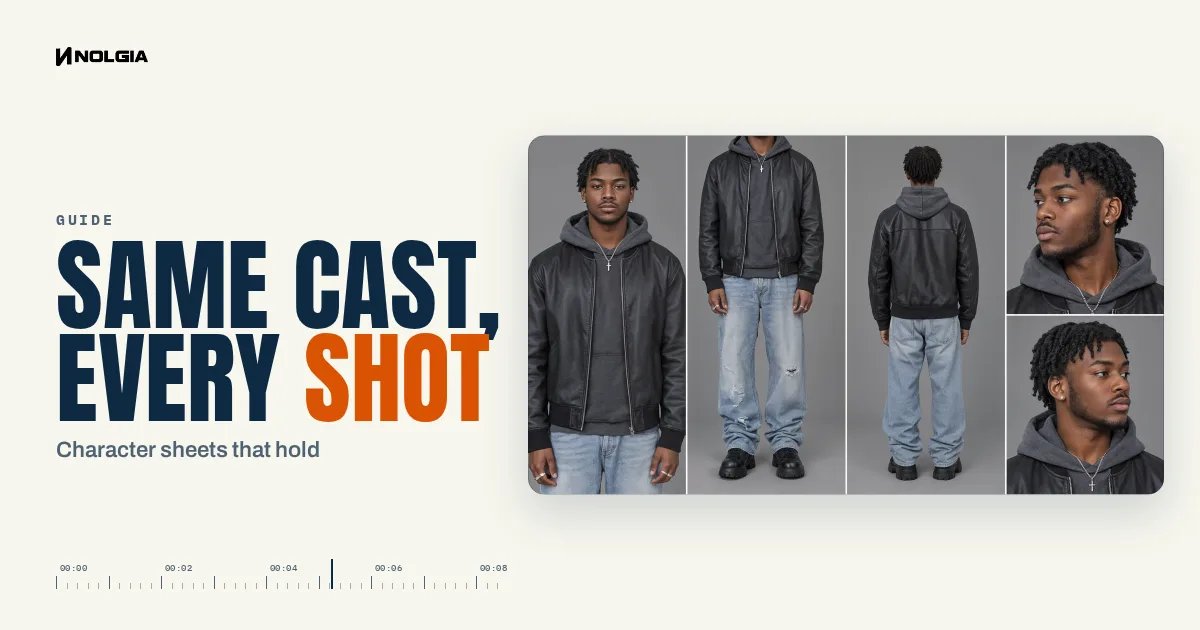
A character sheet laid out to hold, a saved location and one sentence per prop: what held across five shots of one film, and two checks for every sheet.
· 17 min read
Video editing
Take the camera move from any clip and put your own character in your own location with Miroge: the character sheet, the location still, the motion video and the one sentence that keeps your set.
· 10 min read
Video editing
Remake an edit you have the rights to with you in it, on the same cuts and word timing, or start from one of ten Encore styles.
· 24 min read
Filmmaking
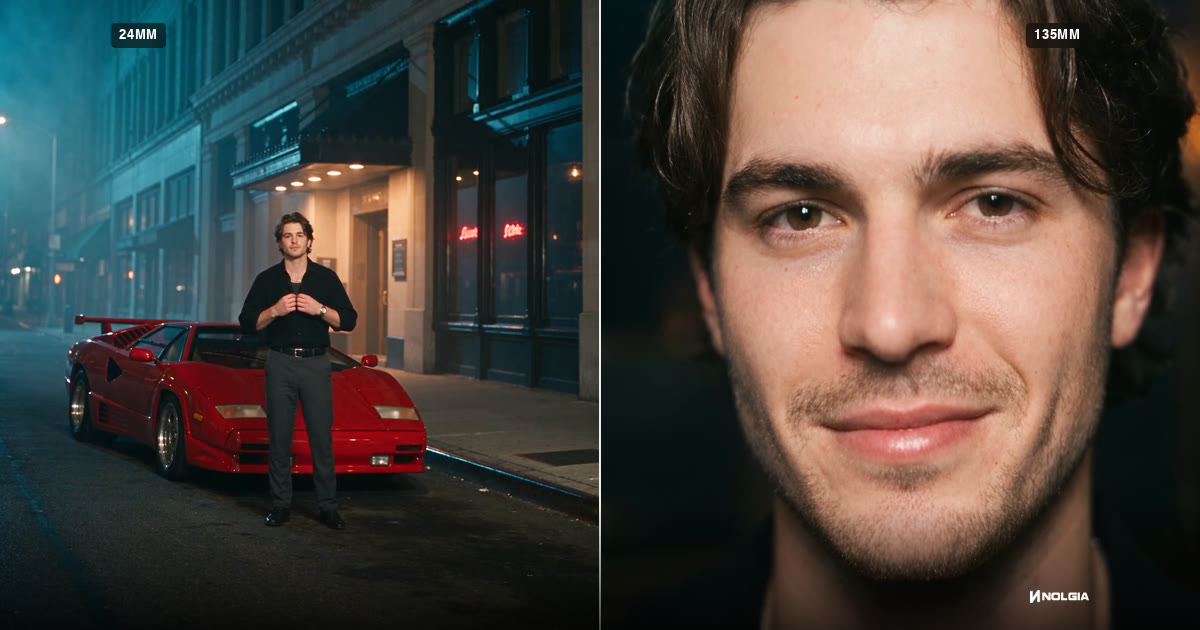
What 24mm, 70mm, 135mm and 200mm do to a frame, how to prompt each in Seedance 2.5, and how the focal length reel was made, with every prompt as it was sent.
· 15 min read
Filmmaking
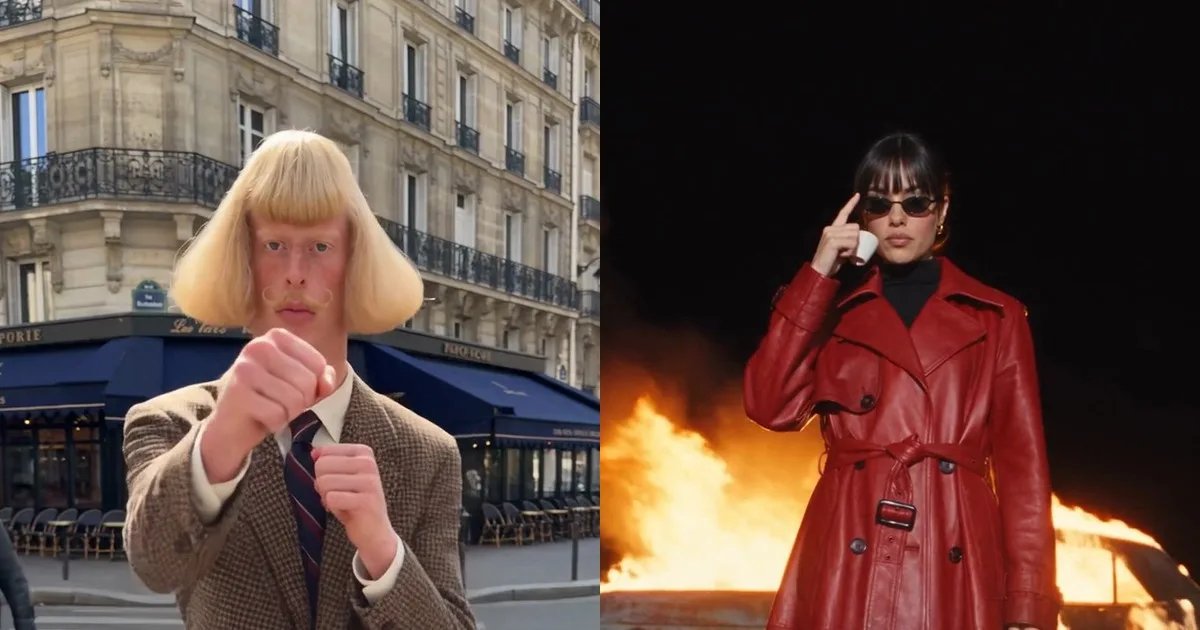
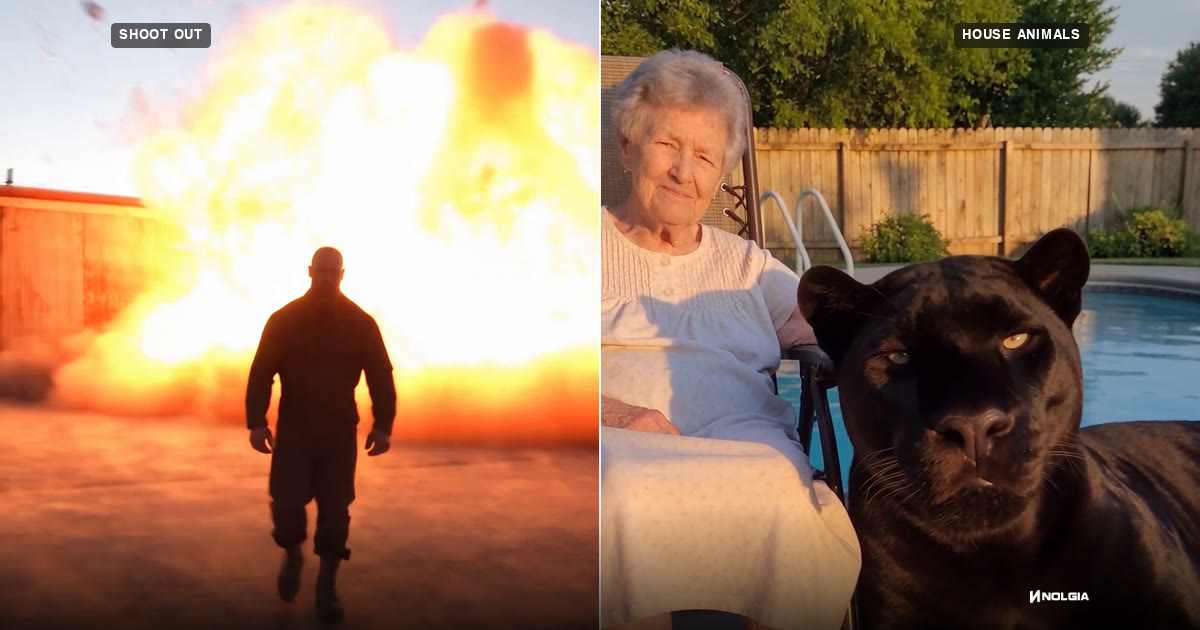
How to make viral home-video clips like a grandma petting a panther or a man walking away from an explosion, with every Seedance 2.5 prompt from three real projects.
· 28 min read
Prompting
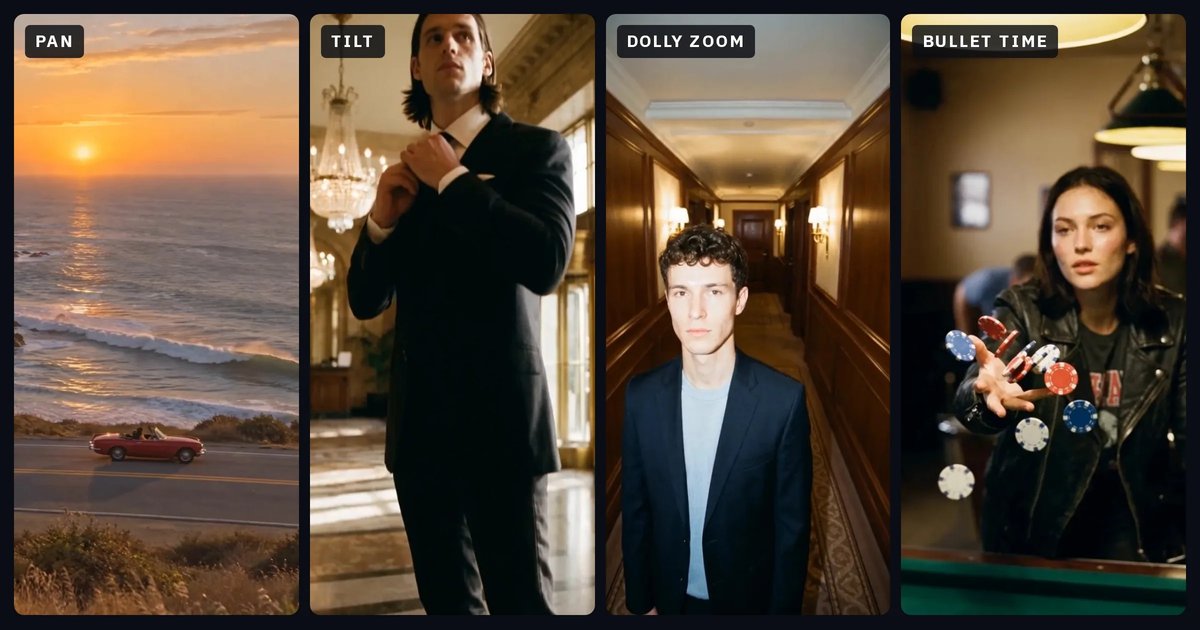
Twelve camera moves in plain words: what the camera does, what it makes people feel, the words to write in your prompt, and the move each one is confused with. Each with a clip made in NOLGIA.
· 26 min read
Prompting
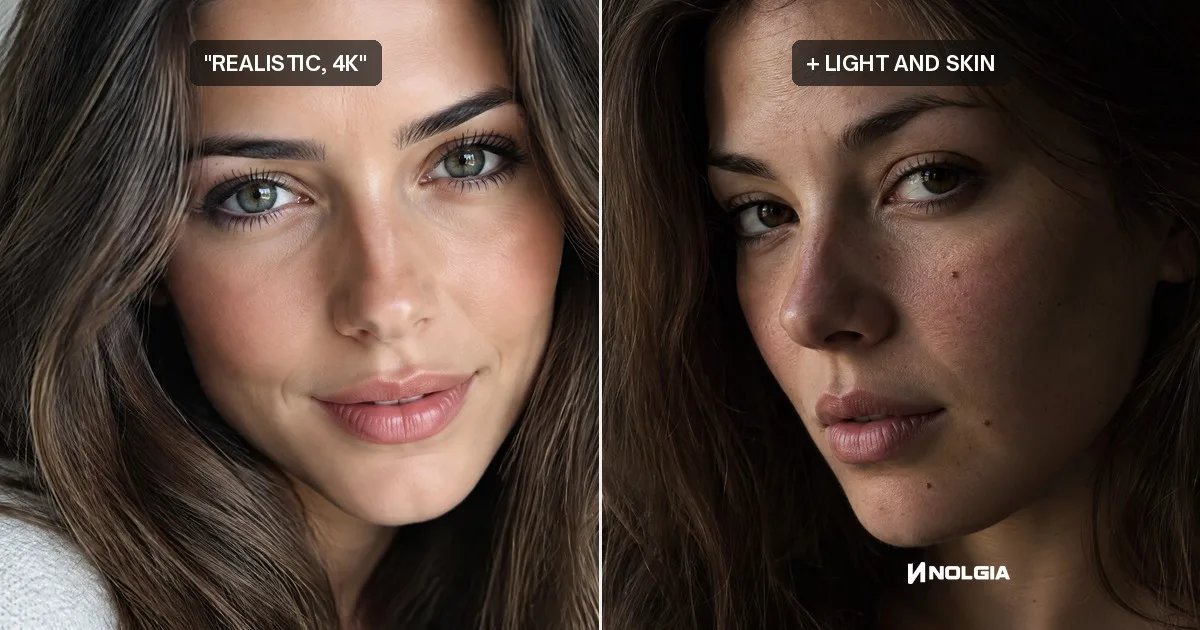
Typing 4k, 8k or hyperrealistic adds no pixels and no detail. We ran the same portrait with and without them, and show what does make it sharper.
· 10 min read
Filmmaking
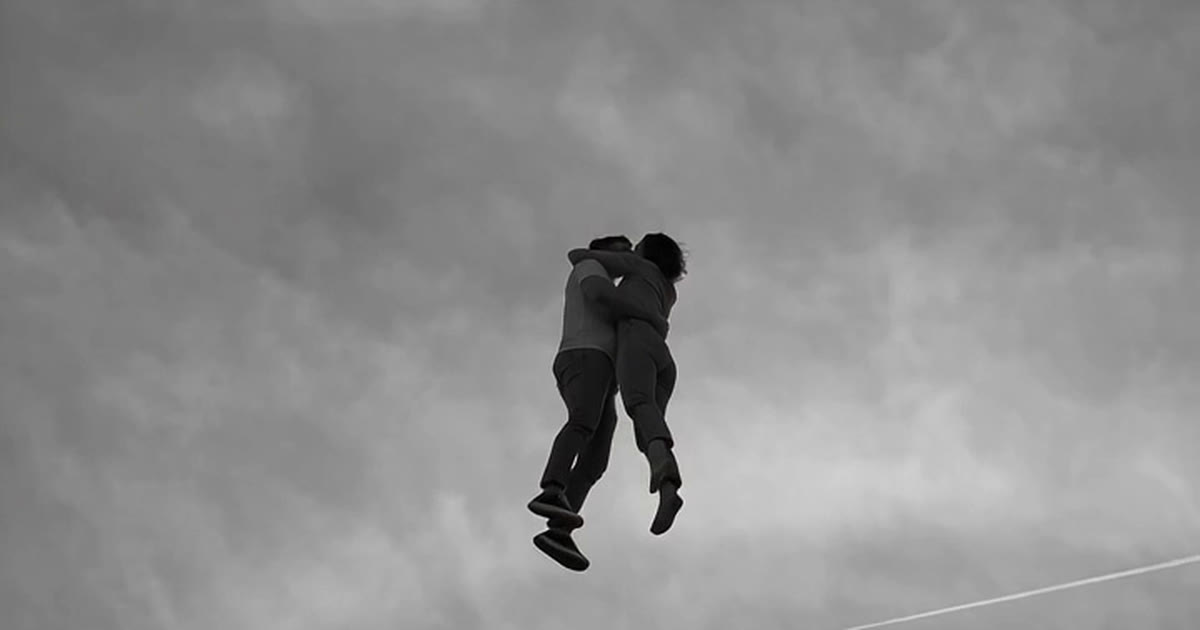
Make dreamlike AI videos with Seedance 2.5: one impossible thing in a tender moment, a bystander's camera and an old film look, with 17 real clips and their prompts.
· 17 min read
Prompting
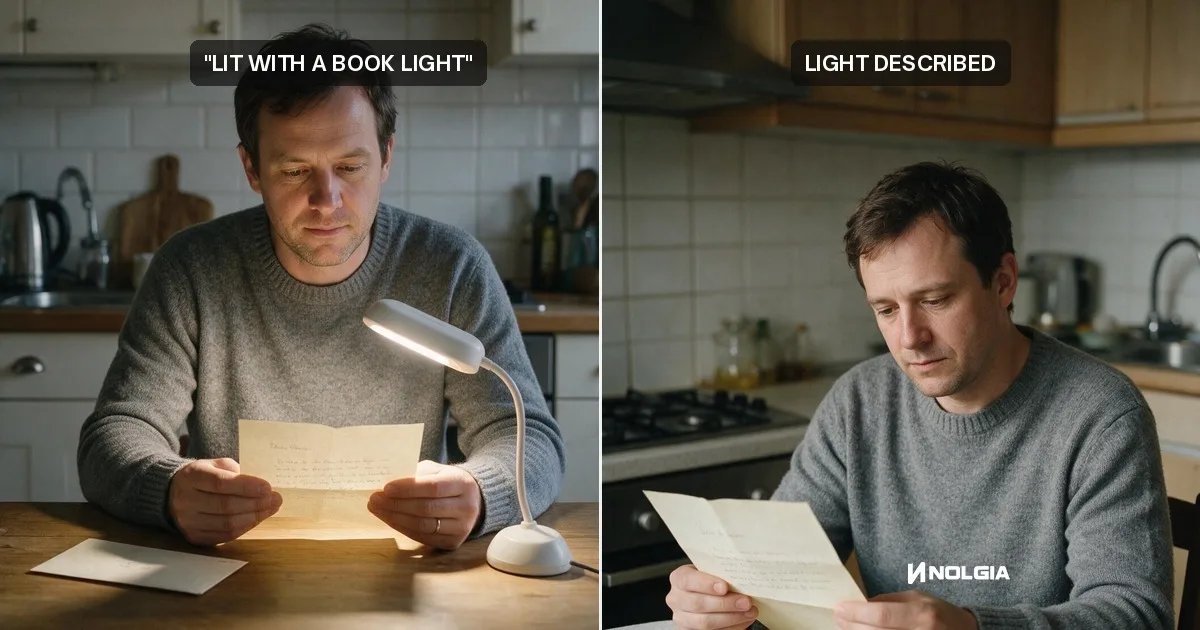
Name a lighting tool in a prompt and the model draws it: a book light becomes a reading lamp. Write where the light comes from and what it does instead.
· 10 min read
Models
Nano Banana 2.1 is Google's new image model, out October 6, 2026. What changed, and how to use 4K, four references, exact text and 8:1 frames on NOLGIA.
· 7 min read
Video editing
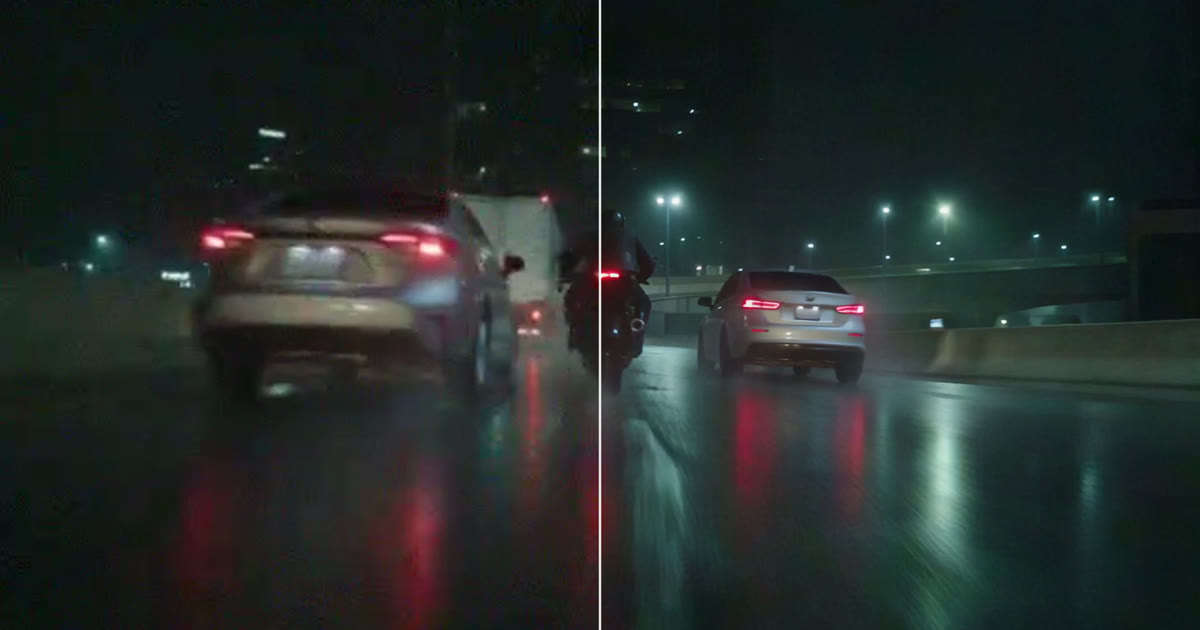
Restore Video re-renders a clip from your Library at up to 8K, cleaning noise, compression and softness. Pick the engine by what is wrong with the clip, and know what it cannot bring back.
· 7 min read
Audio
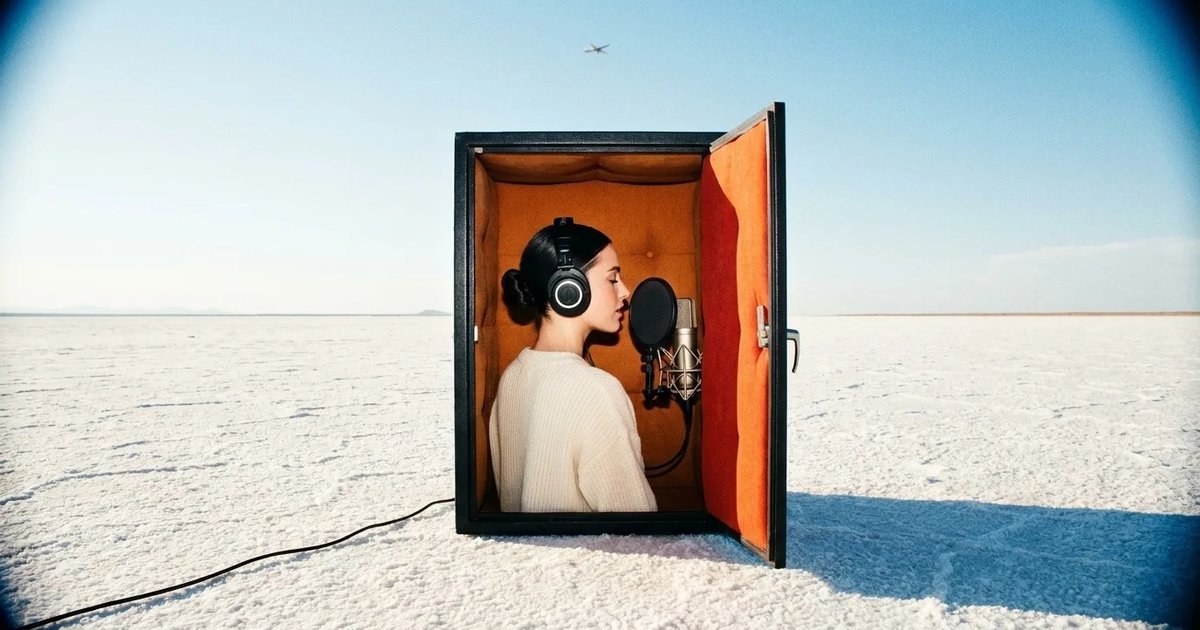
Save a catalog voice on a character, read every line with Speak as, and lay a music bed and a sound cue under it in Studio. One narrator, three clips, made for real.
· 11 min read
Video editing
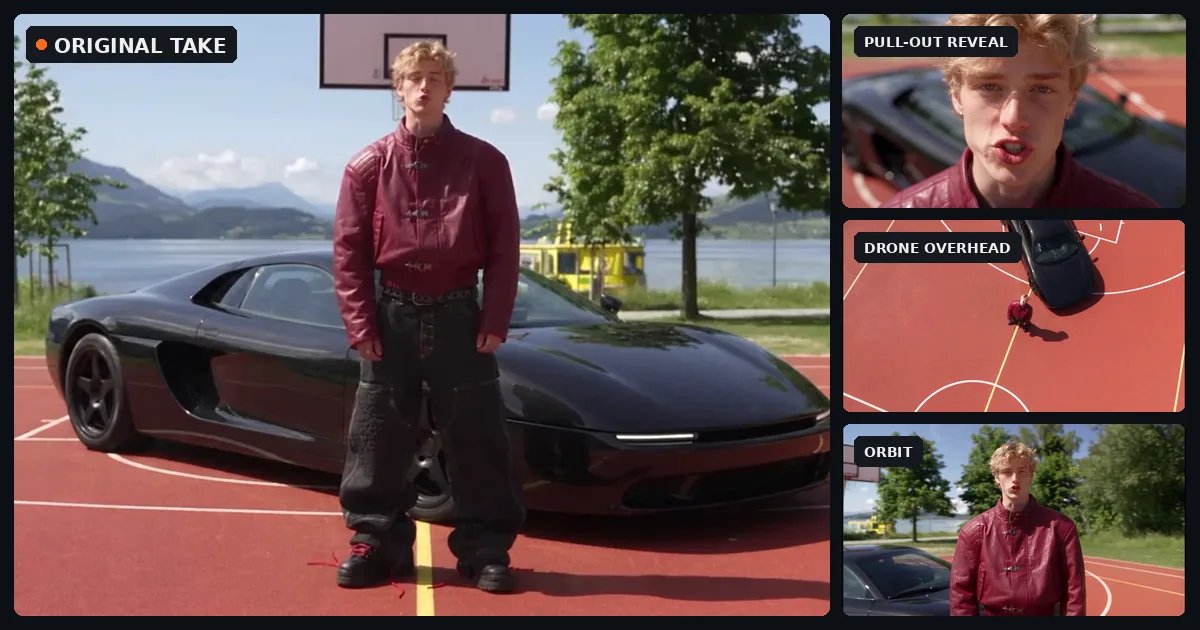
Turn one locked off take into a multicam edit: a real NOLGIA project from the take to the cut, with every prompt as it was sent, what to watch for in each angle and what it all took.
· 15 min read
Prompting
Eight prompts copied from real NOLGIA renders, a film scene, a game trailer, a product film, a logo sting and more, each with the result and what makes it work.
· 8 min read
Ads
One master clip, three layers of change. Hooks are typed text in Studio, products are Miroge swaps, sizes are new renders or reframed stills. The maths, a real 3 by 3 grid, and what we do not do.
· 12 min read
Ads
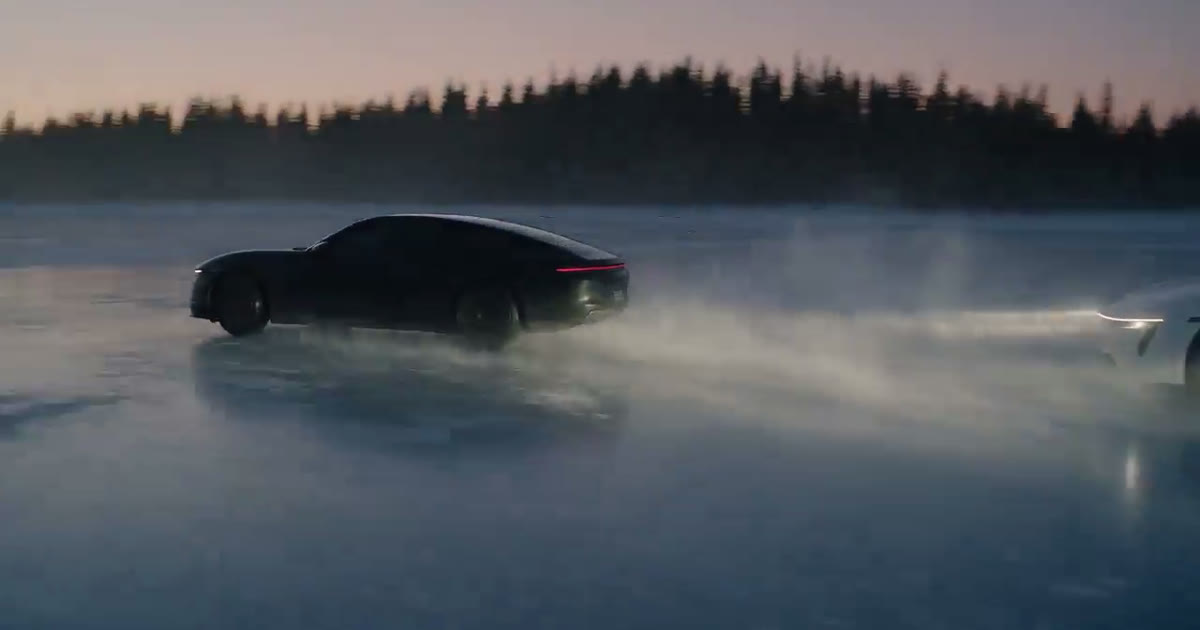
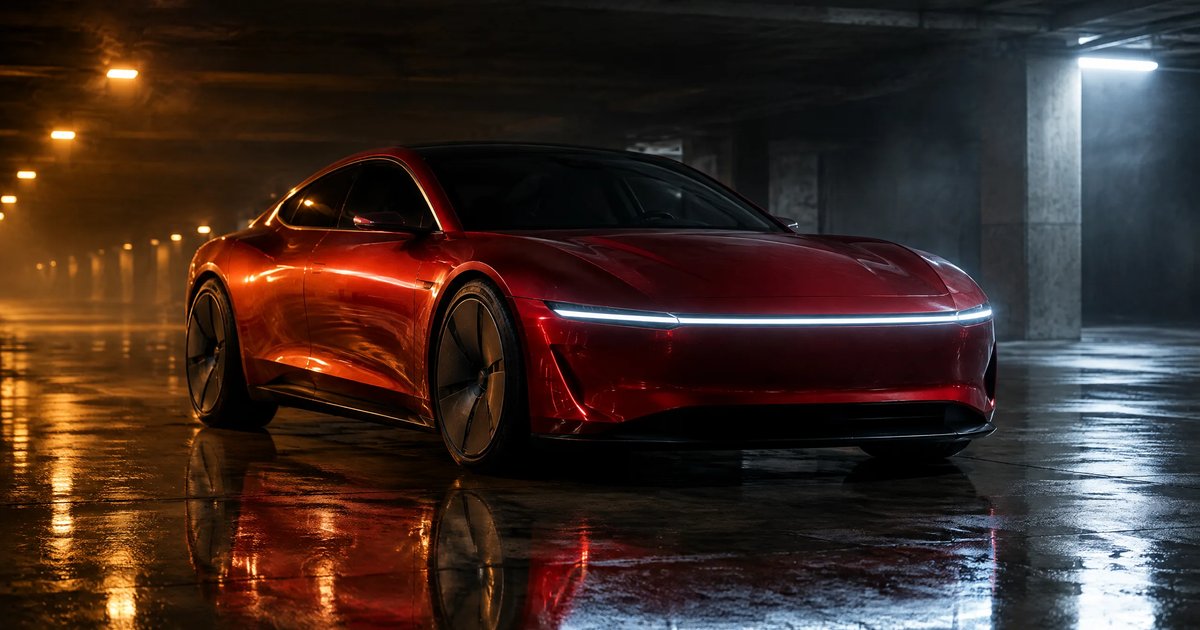
Design a badge-free car once, then animate every shot from that still. The full prompts for a hero, a drive-by, an interior and night gels, and which model kept the car's shape.
· 10 min read
Ads
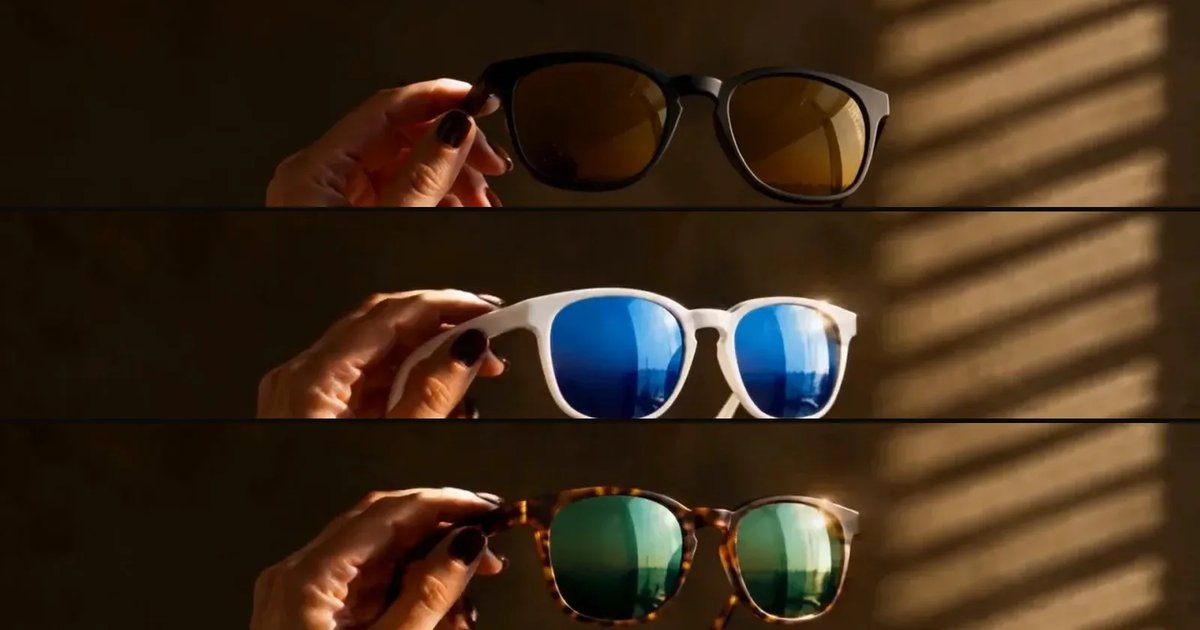
Make one styled product still, animate three shots from it, cut them to a sound bed in Studio and type the end line. The appetite cues that worked on a fictional tonic, and the two that did not.
· 11 min read
Channels
Script, one saved narrator voice, b-roll in a locked look from the video composer, the cut in Studio, and the NOLGIA Agent for the next episode. Two short episodes made for real.
· 12 min read
Filmmaking
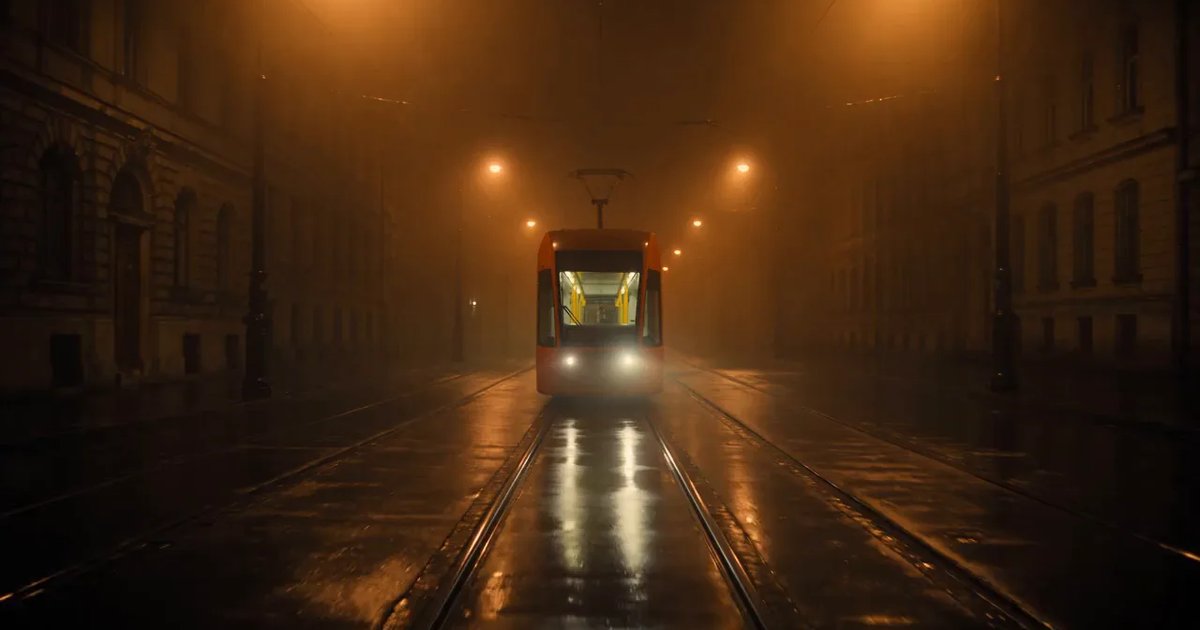
A 25 second film, Last Train, from a five line script to a graded cut: a saved character, a saved location, a prop, frames first, then shots, sound, Studio, and the export to Premiere or Resolve.
· 13 min read
Ads
One clean product photo in; a six second ad and three poster sizes out. The image console restyles the photo, the video console animates it, and the posters keep the same gloves and the same words.
· 8 min read
MCP
Connect NOLGIA to Claude Code or Cursor with one token and one command or config entry, then ask for images, video and audio in plain words.
· 5 min read
Video editing
Six fixes for melting hands, drifting faces and objects that change shape mid-clip: the prompt, a reference image, the model, the length, the size and a restore pass. Each tested on one shot.
· 9 min read
Credits
The price is on the Generate button, the job holds it while it works, and the hold becomes a charge or a refund. Here is when credits come back after a failure, a refusal or a cancel.
· 6 min read
Filmmaking
Split a 60 to 90 word script into shots, generate each one in the video composer with a camera move, record the narration, cut it in Studio and export. Every step run for real.
· 13 min read
Prompting
People move badly in AI video when the prompt names an action, not its physics. One backflip on three models from the same frame, plus three pairs on weight, contact and timing.
· 11 min read
Prompting
Three sentences make a clip read as filmed: a named light source, a walk with weight, a camera someone is holding. Each tested before and after on Kling v3.
· 9 min read
MCP
One Claude Code session and the NOLGIA MCP tools: a project, an approved hero, three creatives in two sizes, filed and checked from the terminal. The real transcript.
· 8 min read
Filmmaking
How PINK SLIP Ep. 1 was made on NOLGIA: a sheet for every person, car and place, one clear action per shot on Seedance 2.5, and templates to copy.
· 18 min read
Filmmaking
NOLGIA has no storyboard tool. The honest path is the agent: paste a script, ask for a shot list and one frame per shot, and review the real transcript and frames it made.
· 11 min read
Prompting
How to write for Seedance 2.5 on NOLGIA: text to video, a still as the start frame, a take as @Video1 with its sound, the six aspect ratios, 4 to 30 seconds, and what it refuses.
· 10 min read
Prompting
The seven ways a video prompt goes wrong, each rendered twice on Kling v3: the vague prompt, then the same prompt with one fix. Copy the fixes, and read what a seed does not do.
· 12 min read
Video editing
Replace one product or prop in a clip you already shot: add the clip and a photo of the new one to Miroge's Swap mode, then check what carried over and what did not.
· 7 min read
Video
Animate one still on NOLGIA three ways: the video composer for control, the agent for a hands-off run, a preset for the fastest clip. Which models take a photo, and what each way costs.
· 16 min read
Models
The three Veo 3.1 tiers NOLGIA carries, what each takes (a start frame or up to three references, 4, 6 or 8 seconds, 16:9 or 9:16), how to write a spoken line, and what it refuses.
· 10 min read
Audio
Make a narration line, a music bed and a sound effect in the audio composer, then lay them under your clip in Studio. Which model does which job, and what each one costs.
· 10 min read
Agent
Ten messages you can send the NOLGIA Agent, what it does with each one and the preset behind it, from product photos and a listing set to a hook score and a graded cut.
· 6 min read
Brand
Two presets for motion that ends on your mark: Animate your logo plays a small scene that resolves into it, Logo reveal assembles it in a short sting. When to pick each.
· 6 min read
Models
The MiniMax video models NOLGIA carries: MiniMax H3 with references and spoken lines at 2K, H3 Max with a start and an end frame or text alone, and the older Hailuo 2.3. Real renders per input.
· 9 min read