

A drink ad in fifteen seconds, from stills you generate
A food or drink ad is three or four shots that make the product look cold, fresh and worth reaching for. You do not need a set. You need one good still, three animated shots and a cut.
- 10 min read
- Presets: Hands-on product ad, Commercial
To make a food or drink video ad with AI, generate one styled still of the product, animate three shots from it (a hero, a pour or motion shot, a macro), then cut them to a sound bed in Studio. That is the whole method. Everything on this page was made that way for a fictional sparkling tonic with no brand, and every clip is the real output of the run described next to it.
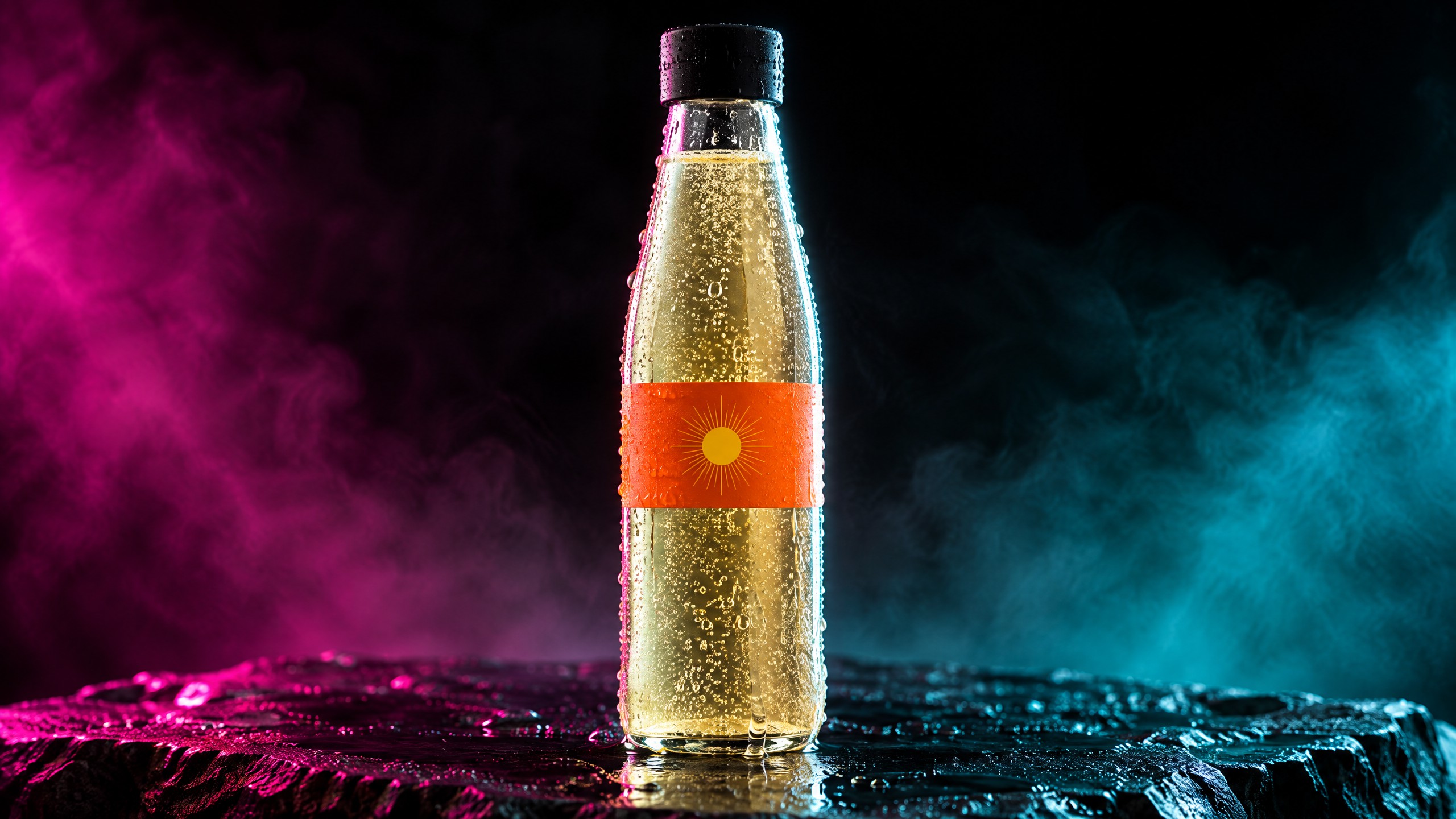
The product is invented on purpose: a slim bottle, a black cap and an orange band with a sun mark and no words. Use your own product photo where we used a generated still; the steps are the same.
Before you start
- One clear photo of the product, or a written description if it does not exist yet. Every shot in the ad is made from one styled still, so get that still right first.
- Three cues you can name. For a cold drink: condensation running, bubbles rising, a pour over ice. For hot food: steam, a glaze catching light, a cut that shows the inside. The model only renders what the prompt names.
- Where the ad will run. Every shot below is 16:9. Make it 9:16 from the start for Stories and Reels; a 16:9 clip does not turn into a good 9:16 one afterwards (see the limits below).
- No words in the picture. Keep lettering off the label and out of the prompt. Add any text as a layer in Studio, where it is typed, not drawn.
Make the styled still
Open the image console and describe the product, the surface it stands on and the light, in that order. If you have a product photo, add it with Add reference image and describe it the same way, so the model keeps its shape and colours. This still is the ad's look: every later shot inherits its gels, haze and contrast.
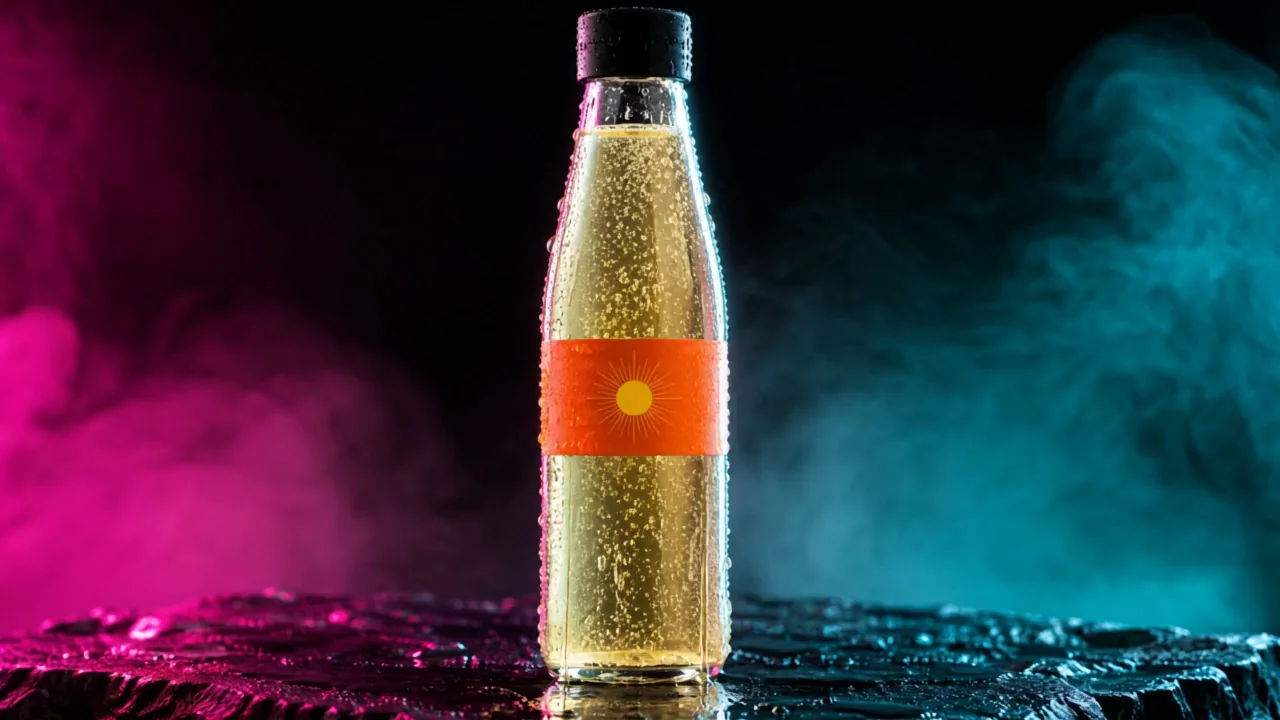
Premium drink advert still, macro product photography. A tall slim clear glass bottle of sparkling yuzu tonic, pale gold liquid with fine bubbles rising, heavy cold condensation beading and running down the glass. Plain matte black cap. The label is only a single band of electric orange with one small abstract sun shape, no lettering at all. The bottle stands on wet black slate. Magenta gel from the left, teal gel from the right, a hard white rim light tracing the bottle edge, thin haze in the air, deep black background, strong contrast, shallow depth of field, 100mm macro lens. No text, no letters, no words, no logos, no brand marks, no watermark, no readable signage.
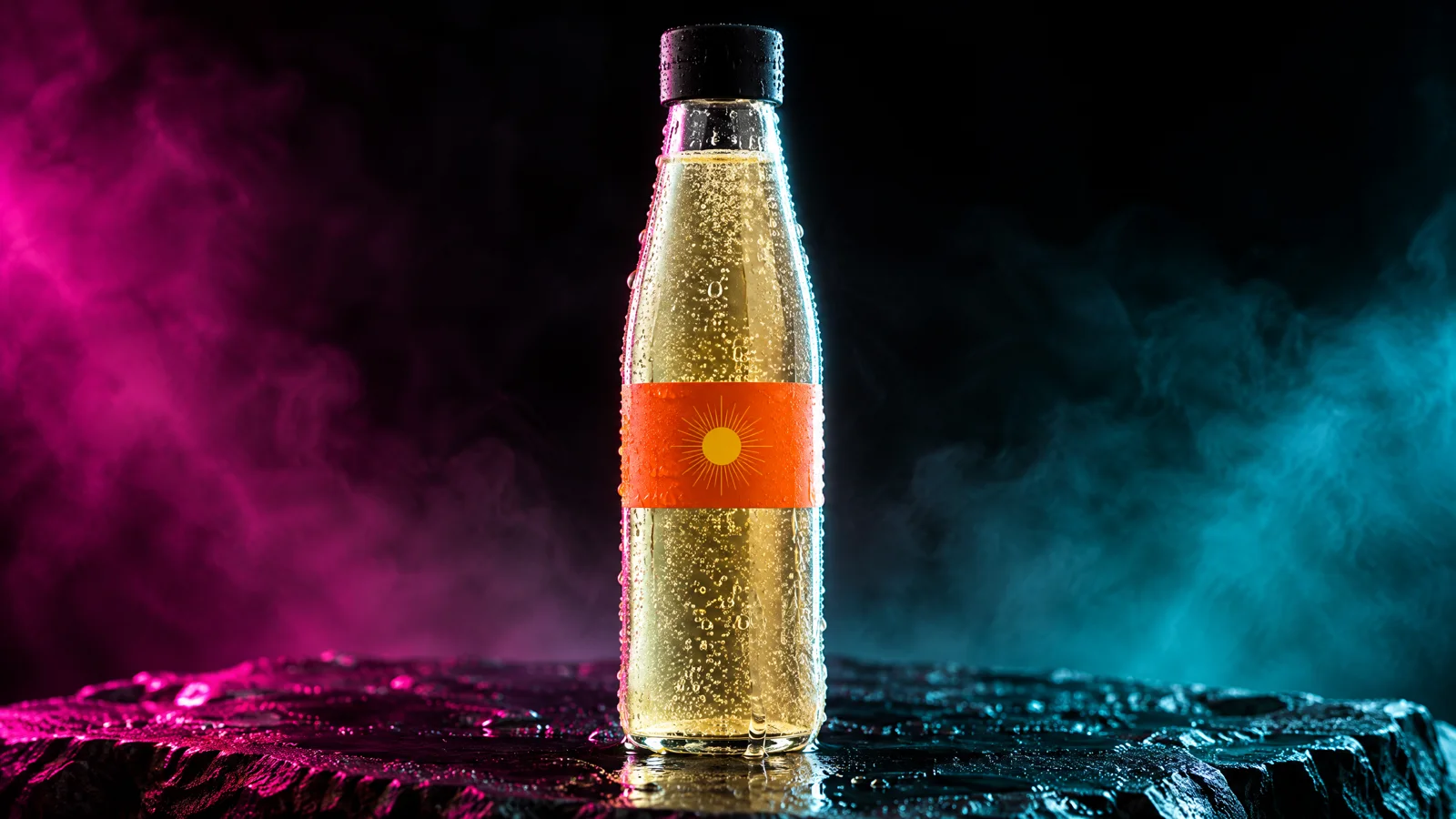
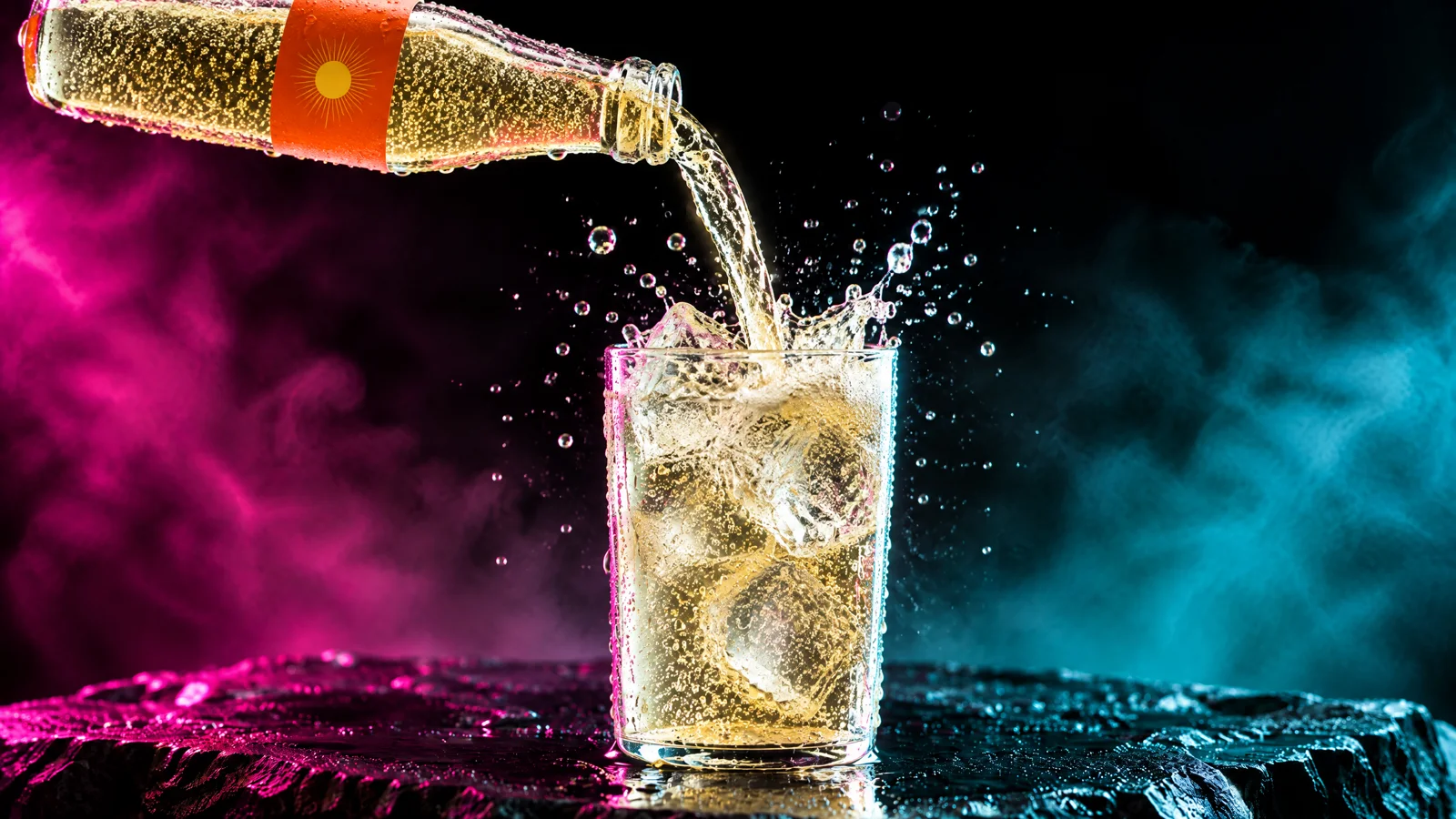
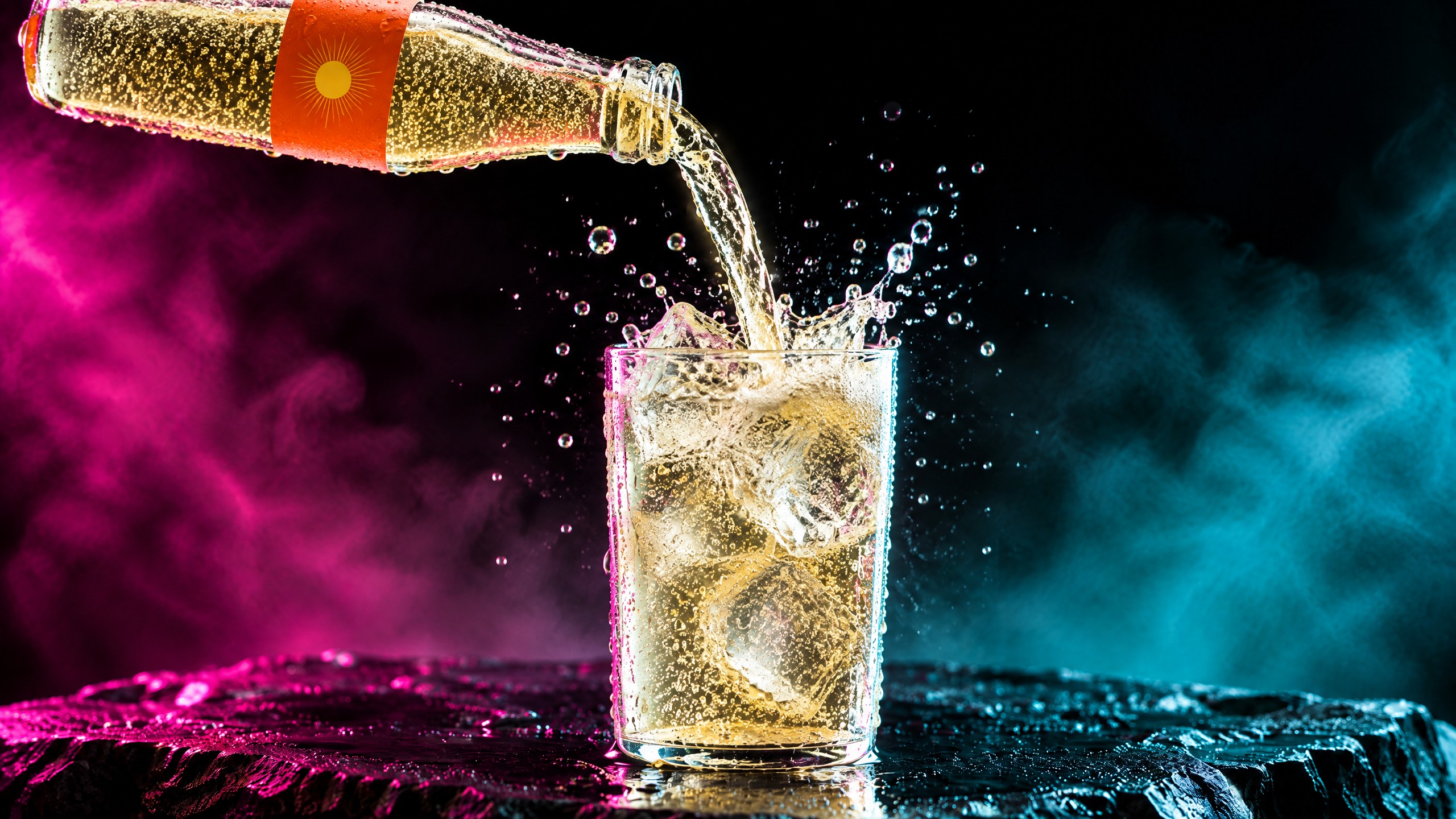
Tip:Make one more still per shot, from this one. The pour and the macro below each started as a new still made with this one attached as the reference. That keeps the bottle, the band and the light the same across shots without a product library.
Animate three shots from stills
Open the video console, choose Animate an image, press Add start frame and then Upload image (or Pick an asset for a still already in your Library). Pick the model with the Choose model button; we used Kling v3 (Kling 3.0 in the menu) for all three shots because it keeps a pour, the ice and a standing bottle believable. Set the length on the duration chip. The Generate button shows the live price before you press it.
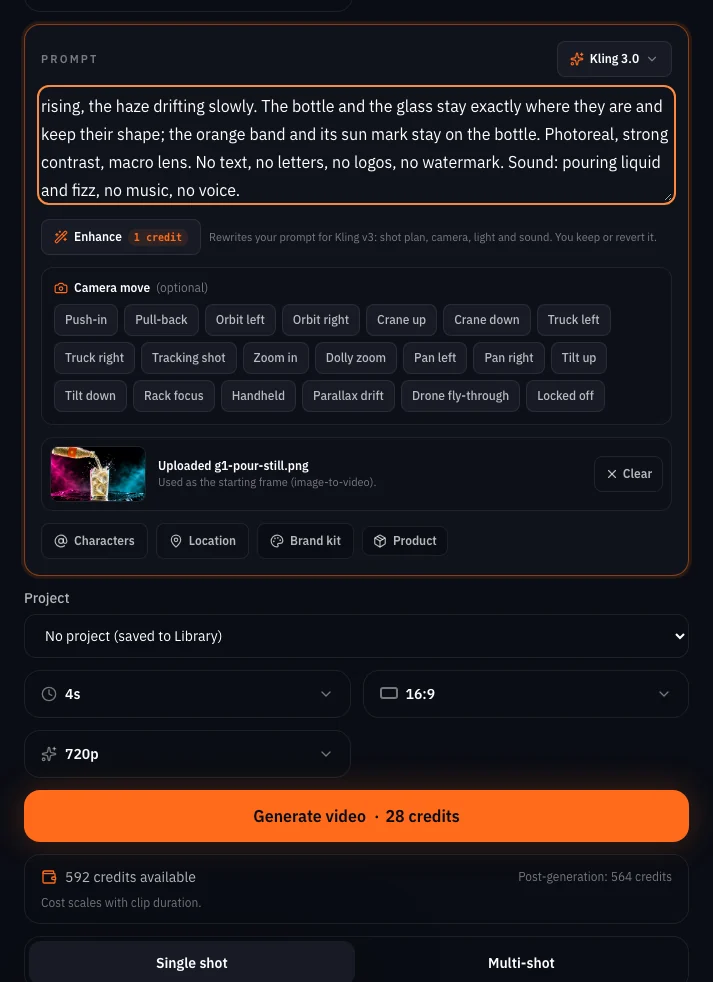
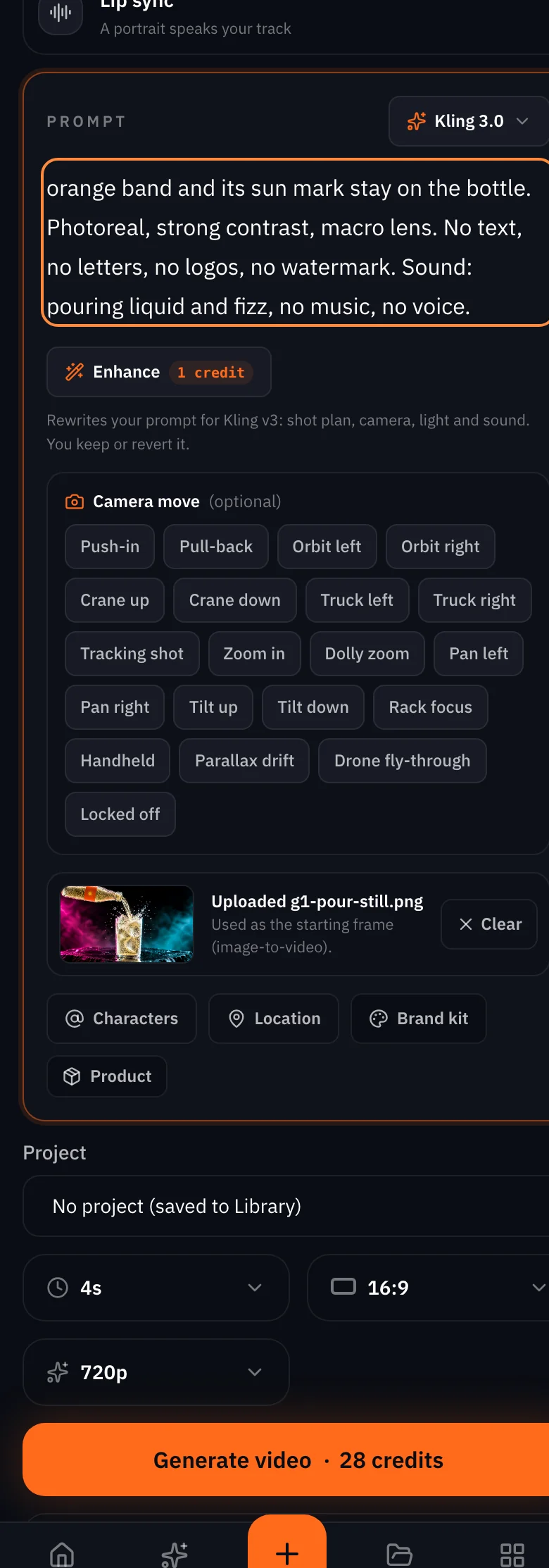
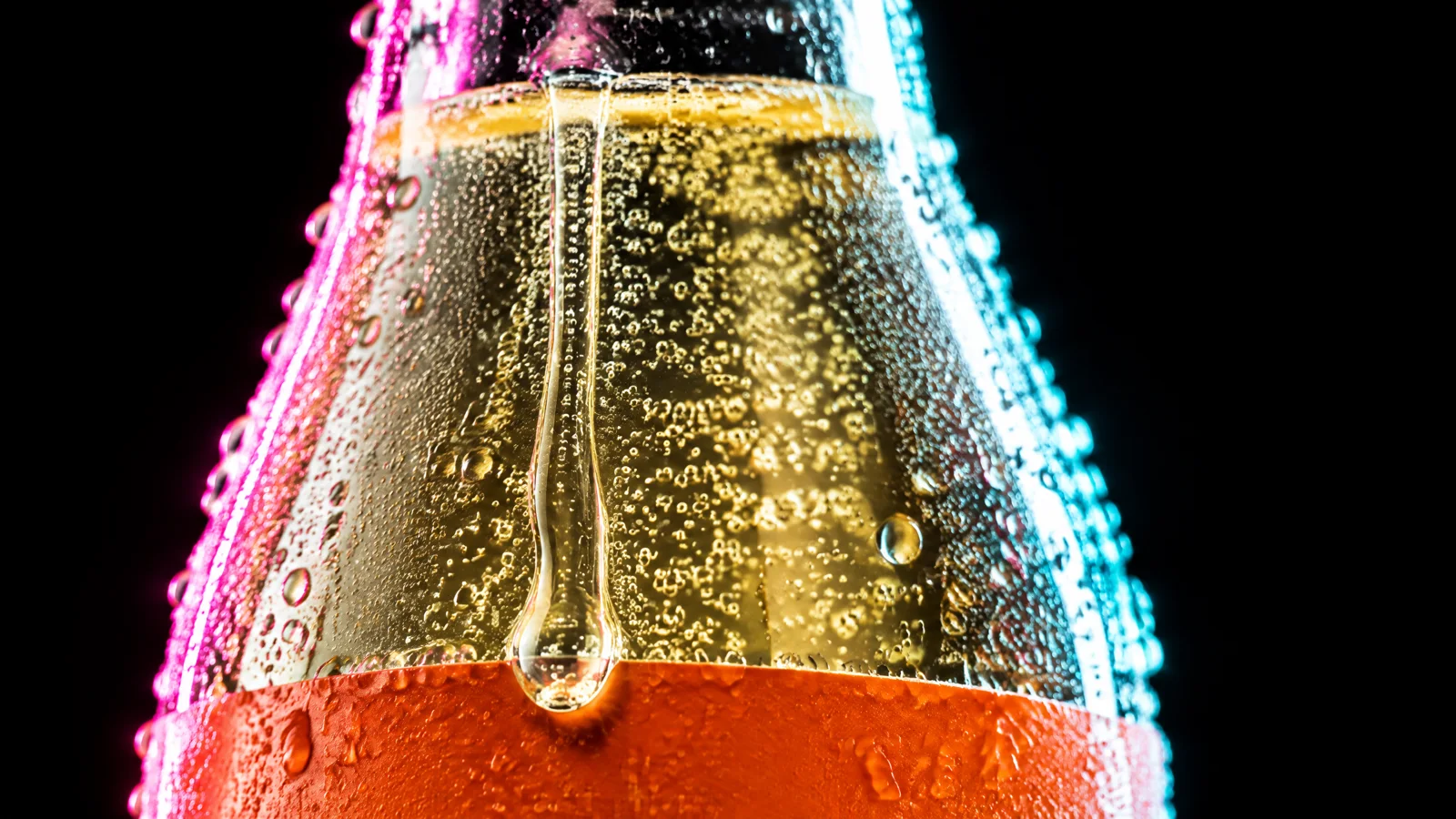
Write the prompt as motion only. The still already holds the look, so say what moves, what stays and what the sound is. Say what must not move, too: the bottle, the label, the camera.
Premium drink advert, one continuous shot from a locked-off camera with only a very slow, gentle push-in that stops early: the whole bottle and its orange label stay fully in frame for the entire shot. Cold condensation beads swell and run down the glass, fine bubbles rise through the pale gold sparkling tonic, the magenta and teal haze drifts slowly behind it, the hard white rim light stays on the bottle edge, the wet slate glistens. The bottle itself does not move or turn. Photoreal, strong contrast, shallow depth of field. No text, no letters, no words, no logos, no brand marks, no watermark. Sound: a soft fizz of bubbles and a low cinematic hum, no music, no voice.
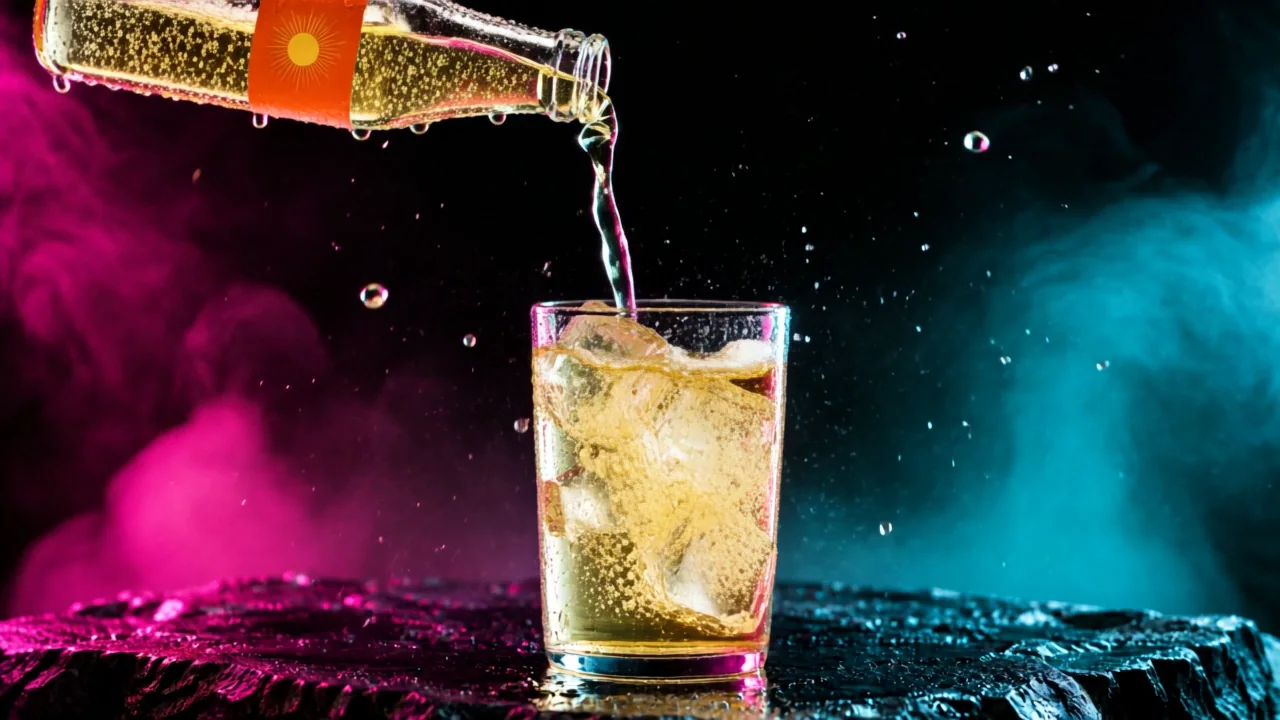
Premium drink advert, one continuous shot, locked-off camera. The stream of pale gold sparkling tonic keeps pouring from the tilted bottle into the glass of ice, splashing and fizzing at the surface, droplets flying and catching the magenta and teal light, bubbles rising, the haze drifting slowly. The bottle and the glass stay exactly where they are and keep their shape; the orange band and its sun mark stay on the bottle. Photoreal, strong contrast, macro lens. No text, no letters, no logos, no watermark. Sound: pouring liquid and fizz, no music, no voice.
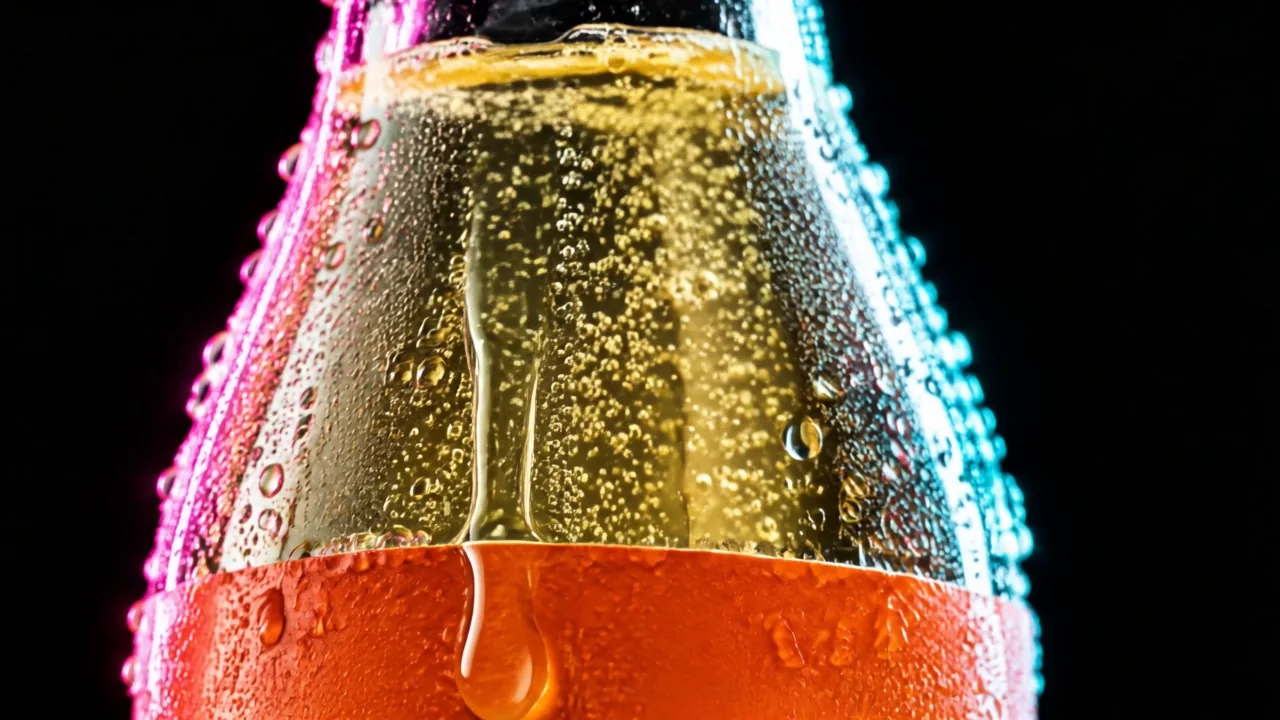
Premium drink advert, one continuous extreme macro shot, locked-off camera. The large drop of condensation slides slowly down the cold glass and over the top edge of the orange band, smaller beads tremble and merge, fine bubbles rise inside the pale gold tonic, the magenta light on the left edge and the teal on the right flicker very slightly. Nothing else moves; the bottle stays exactly where it is. Photoreal, razor thin depth of field. No text, no letters, no logos, no watermark. Sound: a faint fizz, no music, no voice.
Appetite cues: what worked and what did not
| Cue | Result on Kling v3 | What to do |
|---|---|---|
| Condensation running down the glass | Beads on the glass in every shot; in the macro the drop slides over the band | Name it in every shot that shows the bottle |
| Bubbles rising inside the drink | Visible through the glass in the hero and the macro | Ask for fine bubbles rising, not just sparkling |
| A pour over ice with splash | Worked from a pour still: a splash over the ice, then the glass fills to a foam line | Make a still of the pour first, then animate it |
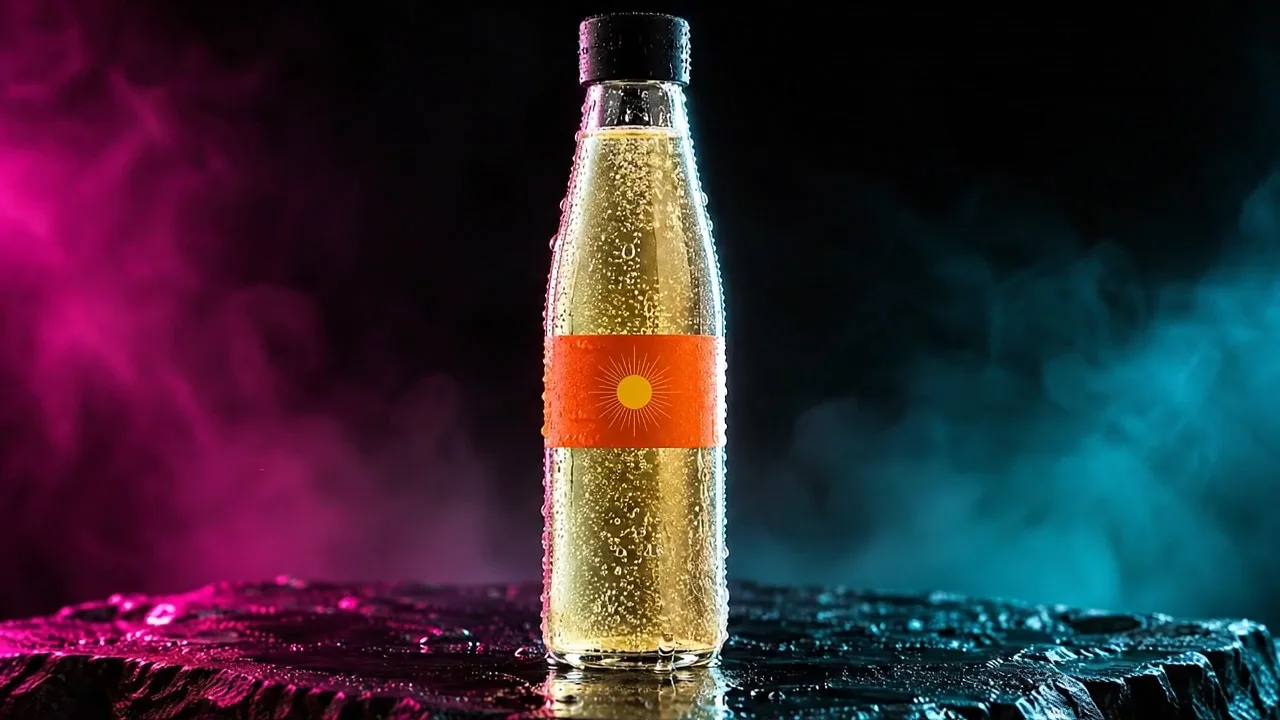
| A slow push-in on the hero | Held: the whole bottle stayed in frame. Veo 3.1 Fast walked off the label after 2.5 seconds | Say the push-in stops early and the whole bottle stays in frame |
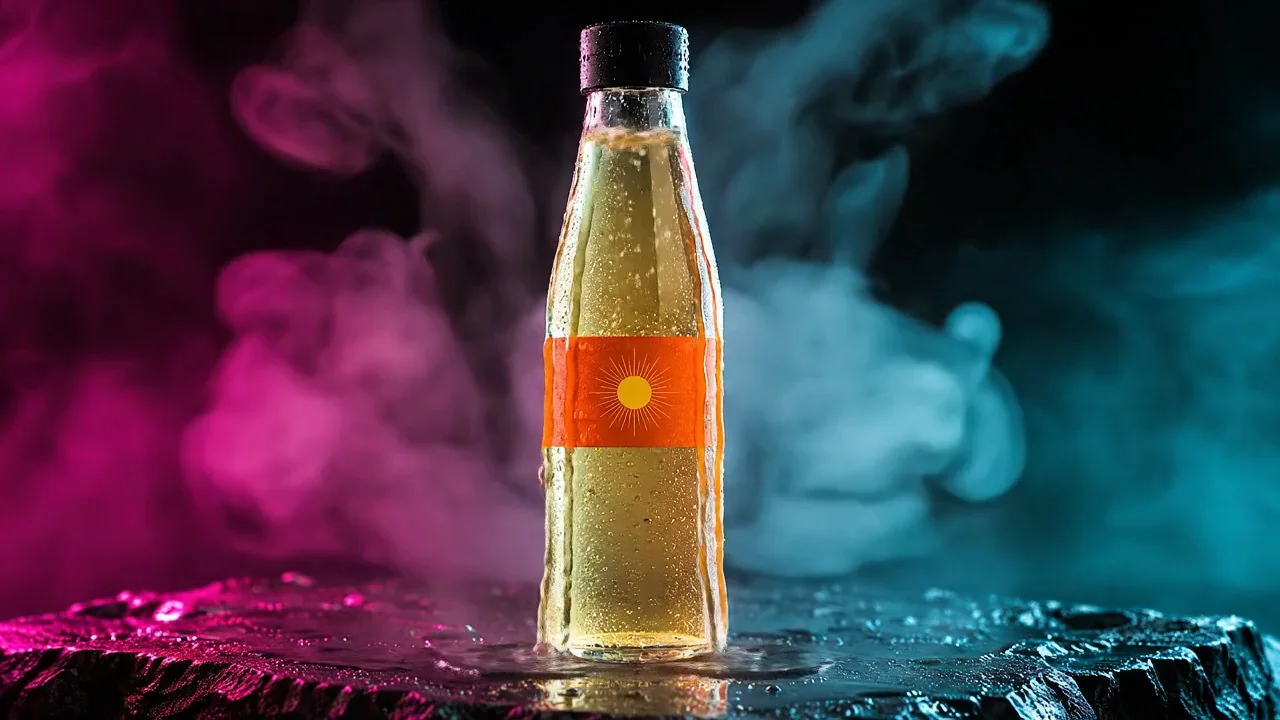
| A closed bottle standing still | Held: nothing entered the bottle. Veo 3.1 Fast poured liquid in through the cap | Say the cap stays closed and nothing enters the frame |
Veo 3.1 Fast, take 1: walks off the label
Veo 3.1 Fast, take 2: a pour through the cap
Cut it in Studio over a sound bed
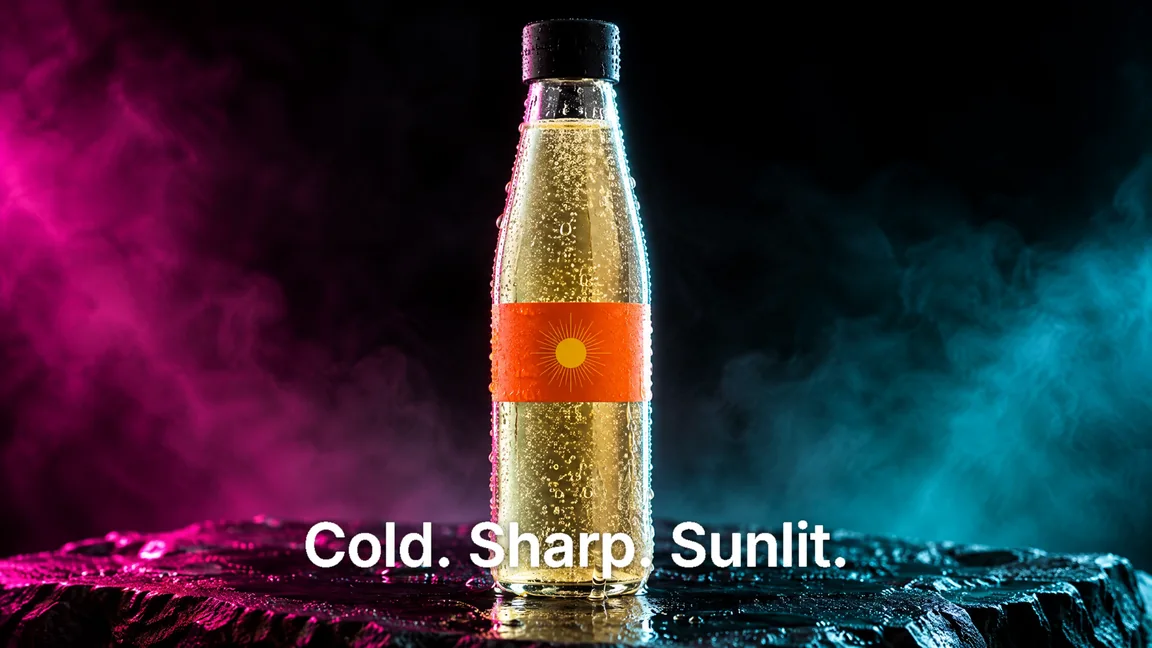
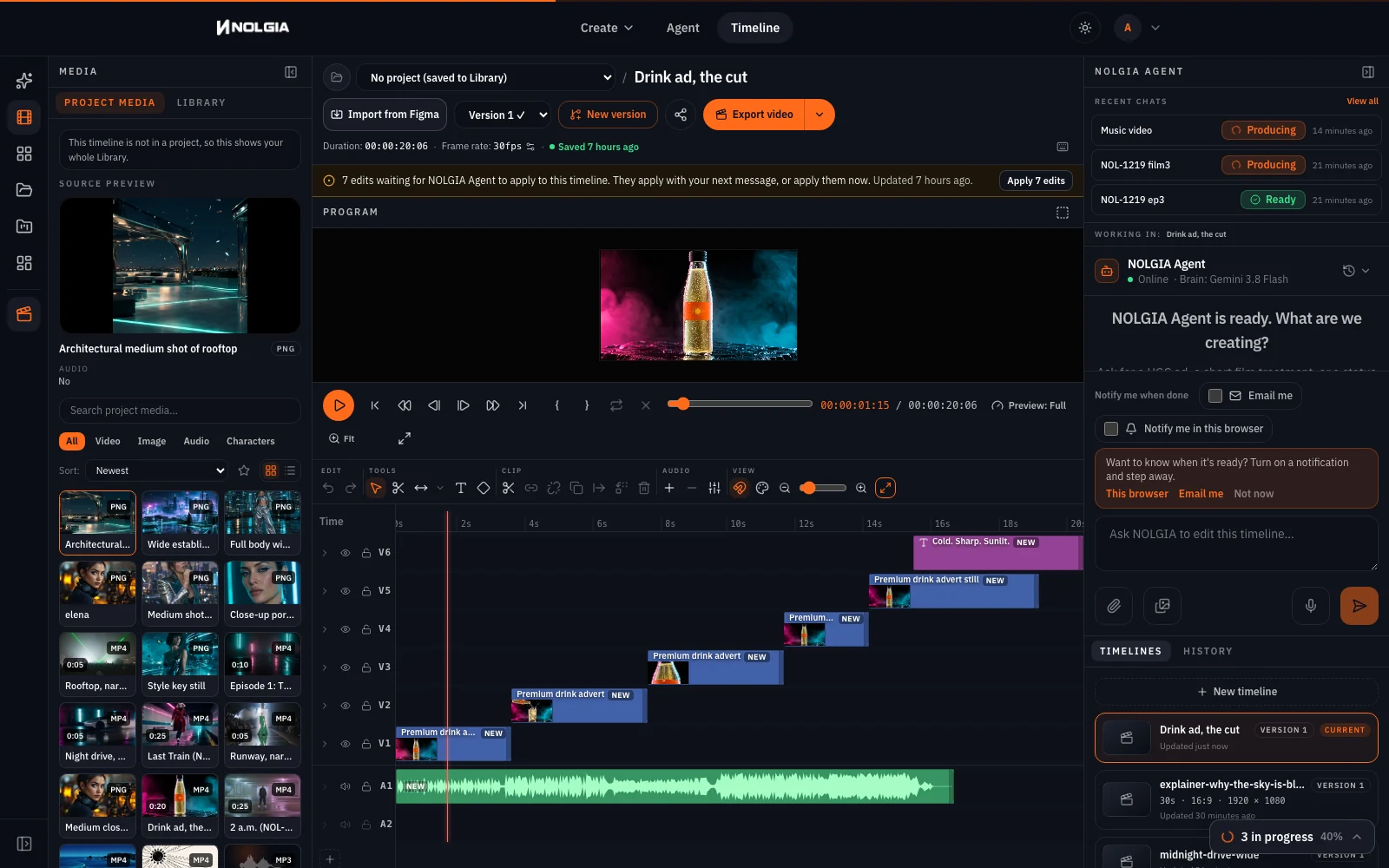
Make the music first: open the audio page, choose Music, describe the bed and generate. We used Lyria 3.5. Then open the hero clip from your Library with Open in Studio, switch the media panel to Library, and for each clip set Mark In and Mark Out in the source preview before pressing + to add it at the playhead: the hero from 2.6 s to the end, the pour, the macro, the first 2.5 s of the hero again, then the bottle still as an end card. Add the music the same way from the start. Press Text to add a text clip over the end card and type the line; it is typed, so it cannot be misspelled. Export video renders the whole timeline as an MP4.
A premium drink advert sound bed, about twenty seconds: a minimal deep electronic pulse, warm sub bass, a crisp shaker groove, a bright synth swell that builds through the middle and resolves with a clean stop at the end. Modern, cool, confident. Instrumental only, no vocals.
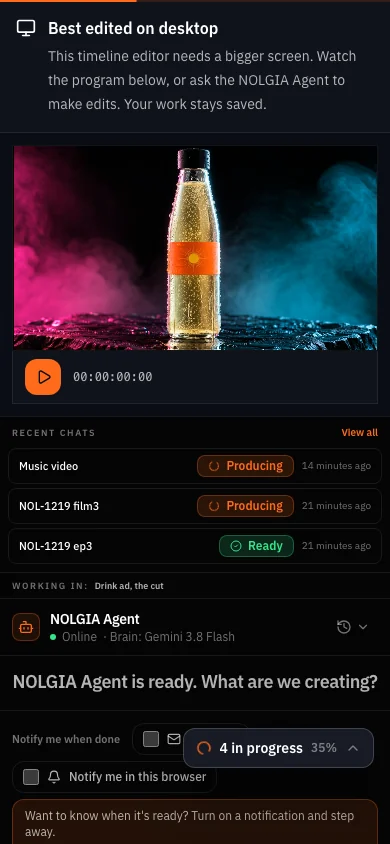
Which tool for which job
| Job | Use | Why |
|---|---|---|
| A hands-on demo with no presenter, fast | Hands-on product ad preset | One form, phone-footage look, sound included |
| A story ad with people and an end card | Commercial preset | Plans the beats for you; costs more because it renders several shots |
| The look of the ad | Image console, GPT Image 2.5 Flare | One still sets the light, the gels and the product for every shot |
| Each shot | Video console, Animate an image, Kling v3 | Keeps a pour and a standing bottle believable |
| The music | Audio page, Music, Lyria 3.5 | One prompt, one bed, then trim it in Studio |
| The cut and the export | Studio | Trim, order, audio track, export as MP4 |
Where you still regenerate
- The camera does what it wants. On Veo 3.1 Fast two of four takes moved the camera more than asked; on Kling v3 it held. Lock it off in the prompt either way.
- A new size is a new render. Reframe works on stills, not clips. Decide 16:9 or 9:16 before you animate anything.
- A label with words will not survive. Keep lettering off the product in the still and add it as text in Studio.
- Sound is per shot. We made these shots without sound, so the music bed carries the ad. Kling v3 renders its own sound in the console; mute a clip's track in Studio if it fights the beat.
What it costs
This ad took three stills, three clips on Kling v3 (a hero, a pour, a macro) and one music run. Each price is shown on the Generate button before you press it; a render that fails is refunded. Cutting and exporting in Studio added nothing to the bill on our run.
- Hands-on product ad
39 credits per 5s at 720p (23 at 480p for drafts, 70 at 1080p)
Takes 1 to 3 min
GPT Image 2.5 FlareEvery plan
Per image
Native 8 credits · 2K 21 credits · 4K 58 credits
Kling v3Pro and up
Per 5s clip (audio on by default)
720p 35 credits · 1080p 47 credits · 4K 117 credits
Lyria 3.5Every plan
Per generation
Standard 5 credits
Read live from the catalog when this page loads. Every price is shown before you generate. See every rate.
Checklist before you post
- The product keeps its shape, colour and label mark in every shot.
- Every shot names one appetite cue and shows it.
- The camera stays on the product; nothing walks out of frame.
- Any words are typed in Studio, not drawn by the model.
- The cut is the length the placement needs, and 9:16 if it runs in Stories.
Try it yourself
Download the bottle still, open the video console, choose Animate an image, upload it as the start frame, pick Kling v3 (Kling 3.0 in the menu), paste the hero prompt above and set 6 seconds. The hero on this page came from that still and that prompt.
The inputs
Questions and answers
- Can I do this with my real product?
- Yes. Add your product photo as the reference when you make the styled still, and describe its shape, colours and label. Check the still against the real thing before you animate it, because every shot inherits it.
- How many shots does a 15 second ad need?
- Four or five. Ours is the tail of one hero take, the pour, the macro, the start of the other hero take and the still as an end card, each trimmed to 2.5 to 5 seconds in Studio, 20 seconds in all.
- Which model should I animate with?
- Kling v3 for every shot: it kept the pour, the ice and the closed bottle believable. Seedance 2.5 takes the same start frame and lets you add reference images if you need the product held from more angles. Veo 3.1 Fast poured through the closed cap on our run.
- Can I make the same ad vertical?
- Not from these clips. Reframe works on stills only, so make the still and the shots at 9:16 from the start for a vertical placement.
- Can the label carry my brand name?
- Keep words off the label in the still and add them as a text layer in Studio, where they are typed. A word drawn by the model can come back misspelled and will change between shots.
- Does the same method work for hot food?
- Yes, with different cues: steam rising, a glaze catching the light, a cut that shows the inside. Name each one in the prompt; we have only run the cold drink on this page.
Make your first shot from a still
Open the video consoleRelated guides
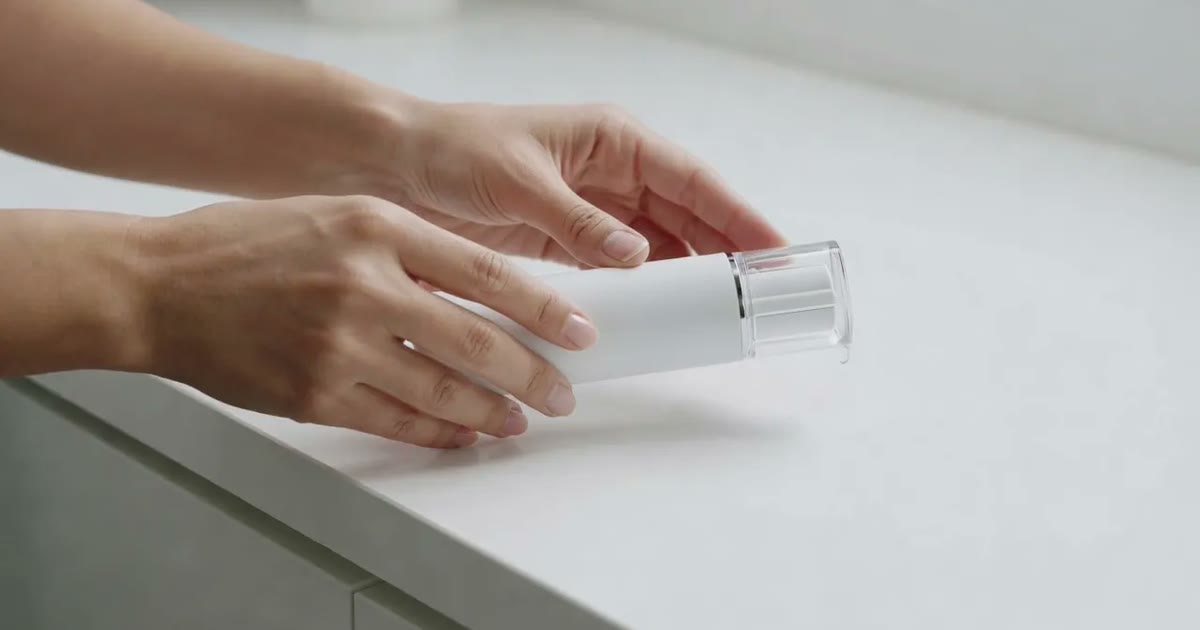
Product video
Product videos without filming: pick the format
Seven product video formats, from a how to clip to an unboxing to hands only, each with a real example, what it is for and when to pick it.
· 7 min read
Ads
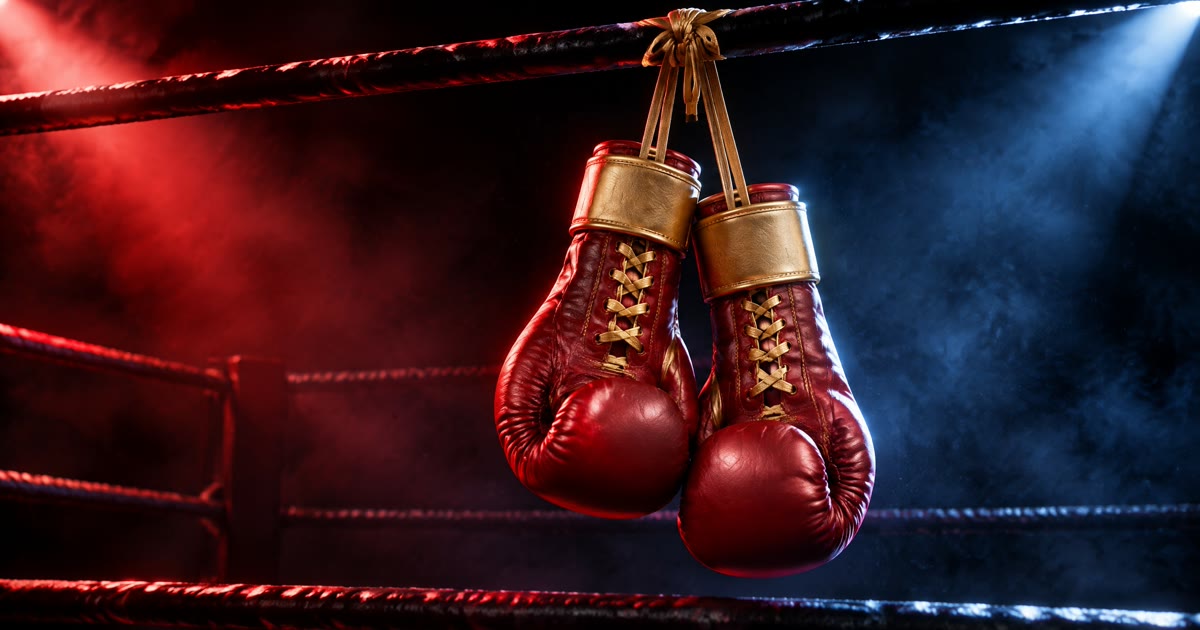
From one product photo to a video ad and a poster set
One clean product photo in; a six second ad and three poster sizes out. The image console restyles the photo, the video console animates it, and the posters keep the same gloves and the same words.
· 8 min read
Ads
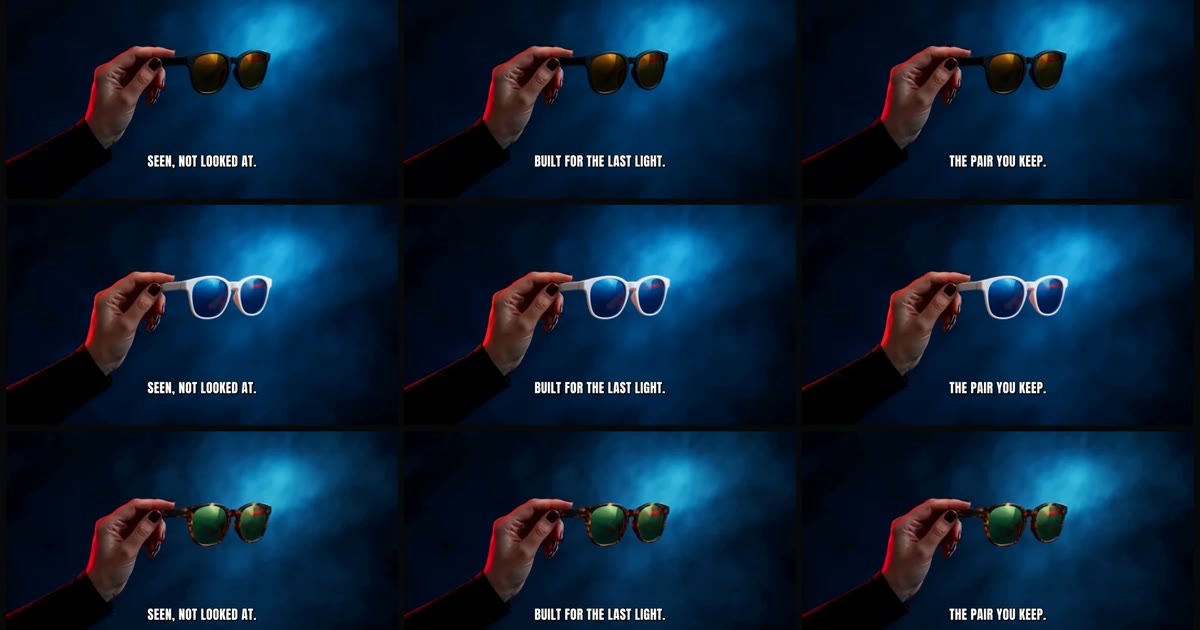
100 ad variations from one master: swap hooks, products and sizes
One master clip, three layers of change. Hooks are typed text in Studio, products are Miroge swaps, sizes are new renders or reframed stills. The maths, a real 3 by 3 grid, and what we do not do.
· 11 min read