

Product videos without filming: pick the format
No crew, no studio, no shoot day. The job decides the format: here are seven, each with a real clip.
- 7 min read
- Updated
- Presets: How to tutorial, Social media ad, Creator review ad, Unboxing reaction, Hands-on product ad, Outfit try-on, App ad
A how to clip, a creator ad, an unboxing and a hands only demo do different jobs. Pick the format for the job first, then fill in the product.
Each clip below is the example on that preset's page. They show different products and invented people, so treat them as samples of the format. The previews play without sound.
How to tutorial: show how it works
How to tutorial answers the question customers ask before they buy: how does it work? A presenter holds up the product, works through three to five real steps one hand action at a time, names each step out loud and ends on the result.
Write the steps, one short line each, in order. The presenter does the steps you write, nothing made up. Pick 10 or 15 seconds, and keep to three steps for 10. Pick it for first use guides, help centre clips and TikTok tutorials.
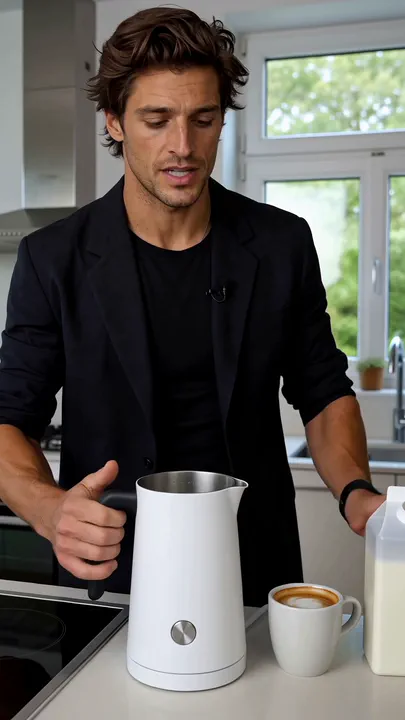
Watch for this:The people are cast, not filmed. Everyone in these clips is an invented presenter. You pick a stock presenter or one of your saved characters, or let the preset cast someone. The FAQ below lists which format offers what.
Creator review ad: a review in one take
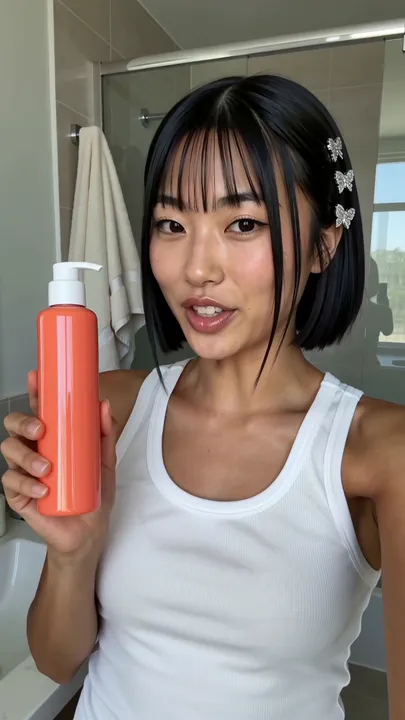
Creator review ad is one continuous take of a creator talking your product up, opening mid sentence with the product held up beside them, in a warm conversational voice. Give it the product and the one honest thing you want said; it writes the line and casts the creator.
Pick 5, 10 or 15 seconds. It is the quicker route to a review style clip: one take with no captions or end card, 2 to 5 minutes. Pick it for TikTok and Reels ads that should feel like a real recommendation, and for marketplace listing videos.
Unboxing reaction: make the reveal the moment
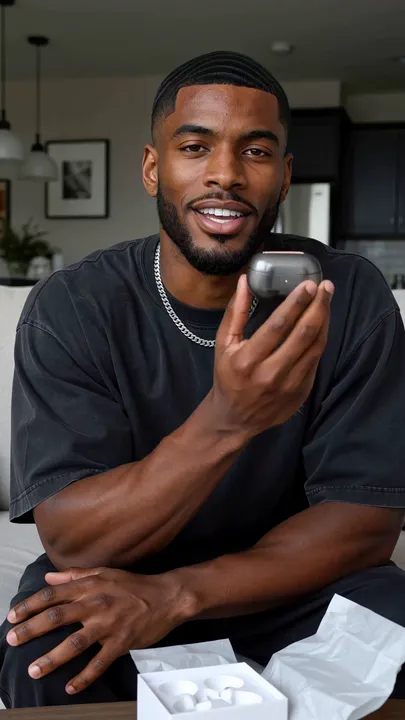
Unboxing reaction opens with the box already open, tissue folded back, and the product lifted out and held up to the lens with a first reaction. Add one to four photos of what comes out of the box, which this preset requires, and the box colour and tissue if you like.
The prompt is written so the product never floats or moves without a hand on it. Pick it for launches, PR boxes, merch drops and gifting campaigns.
Hands-on product ad: nobody on camera
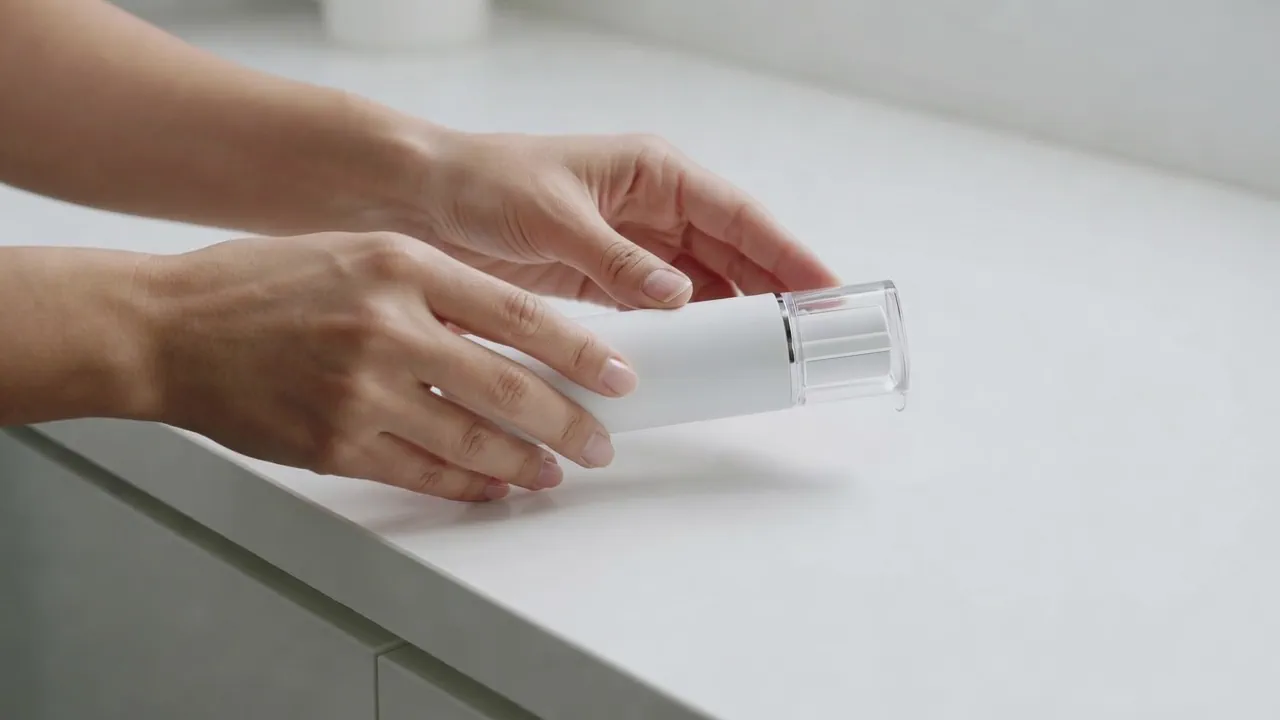
Hands-on product ad leaves people out of the frame: hands and the product, a locked off frame and one clear motion completing on camera, cut like real phone footage with sound. Add one to four product photos, one for each side the viewer will see, and describe the one action, start to finish, in a sentence.
It runs on Grok Imagine 1.5 and is the quickest and lightest of the seven, 1 to 3 minutes. Pick it for listing videos, product page loops, one feature shown close up, or a clip for every colour you sell.
Outfit try-on: from hanger to worn
Outfit try-on is the fit check: the creator shows the piece to camera, one hard cut later it is on, the fit gets read head to toe and there is a spoken verdict. Add up to three photos of the piece on a hanger or laid flat, or describe the fabric, colour and cut.
Pick how the verdict lands, Delighted, Deadpan or Luxury calm, and how the rest of the outfit is styled. Pick it for fashion drops, boutique promos and size and fit content.
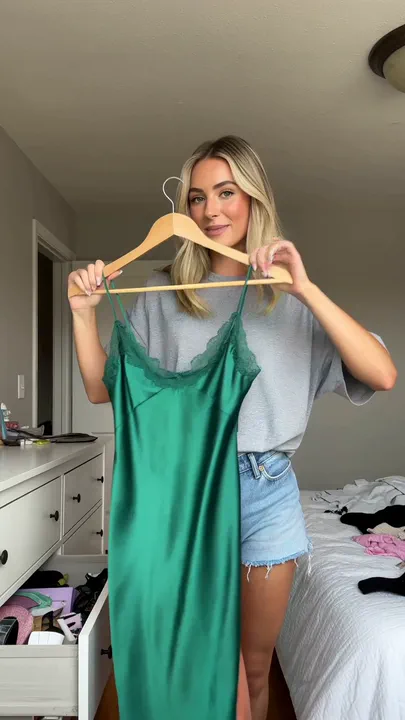
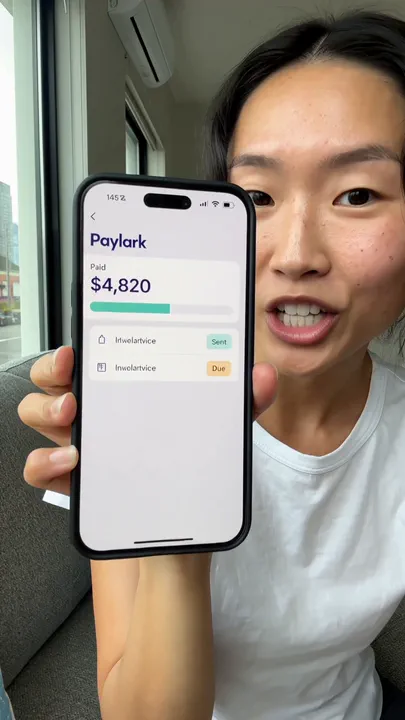
App ad: the app on the phone in the shot
App ad is for software: a creator holds your app up to camera and says what it did for them. The app is on the phone screen inside the shot, not pasted over the video afterwards.
Give it the app's name and link and the one outcome a user cares about. Real screenshots are optional but better than describing the screens. Pick it for SaaS launches, app installs and app store preview videos.
Side by side, and what it costs
| Format | Pick it for | On camera | Render time |
|---|---|---|---|
| How to tutorial | First use guides, tutorials | A presenter | 3 to 6 min |
| Social media ad | Paid social hooks | A creator | 15 to 30 min |
| Creator review ad | Review style ads, launches | A creator | 2 to 5 min |
| Unboxing reaction | Launches, PR boxes, merch drops | A creator | 2 to 5 min |
| Hands-on product ad | Listing videos, page loops | Hands only | 1 to 3 min |
| Outfit try-on | Fashion drops, boutique promos | A creator | 2 to 5 min |
| App ad | SaaS launches, app installs | A creator with your app | 2 to 5 min |
Most of these are priced by the length you pick, so a shorter clip costs less.
- How to tutorial
195 credits for the 15 second default, 130 for 10 seconds
Takes 3 to 6 min
- Social media ad
Priced on the review card before it runs
Takes 15 to 30 min
- Creator review ad
65 to 195 credits (draft explorations at 37 per 5s on the 768p tier)
Takes 2 to 5 min
- Unboxing reaction
65 to 195 credits (draft explorations at 37 per 5s on the 768p tier)
Takes 2 to 5 min
- Hands-on product ad
39 credits per 5s at 720p (23 at 480p for drafts, 70 at 1080p)
Takes 1 to 3 min
- Outfit try-on
65 to 195 credits
Takes 2 to 5 minutes
- App ad
65 to 195 credits (draft explorations at 37 per 5s on the 768p tier)
Takes 2 to 5 min
Read live from the catalog when this page loads. Every price is shown before you generate. See every rate.
New accounts start with 350 free credits.
Questions and answers
- Who is on camera?
- On How to tutorial, Social media ad, Creator review ad and Unboxing reaction you pick one of twelve stock presenters, choose Use my character for one of your saved characters, or skip it and the preset casts someone. Outfit try-on and App ad take a saved character or cast someone. Hands-on product ad shows hands only.
- Do I need product photos?
- Unboxing reaction and Hands-on product ad need them. How to tutorial, Social media ad and Creator review ad let you skip them if you describe the product. Outfit try-on takes photos of the piece or a description, and App ad takes optional screenshots.
- Does the presenter follow my script?
- On How to tutorial the presenter does the steps you write, in order. The other talking formats write the lines for you from the product and the promise you give, and say nothing about the product you did not write.
- Can I add titles or cut it with other clips?
- Yes. Open the clip in Studio, the timeline editor, to add titles, trim it or cut it together with other clips.
Start with the clip that shows how it works
Open How to tutorialRelated guides
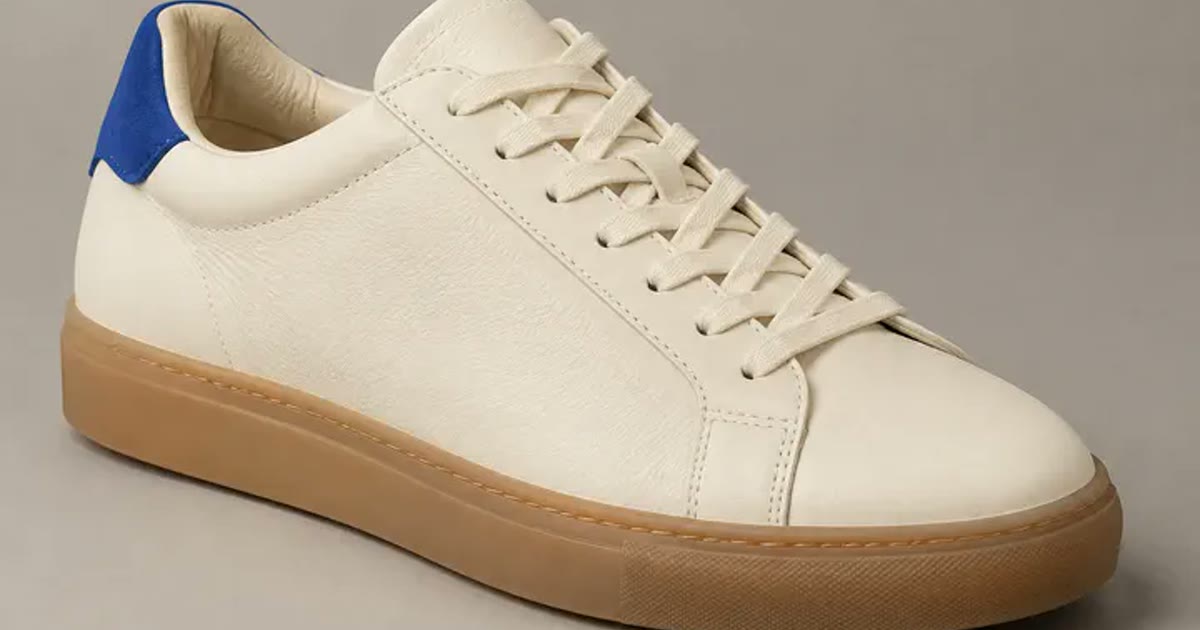
Product images
One phone photo to a full shop set
Turn one clear phone photo into a studio hero, a seasonal version, a product page banner and a short clip, with the preset for each step and what the set costs.
· 6 min read
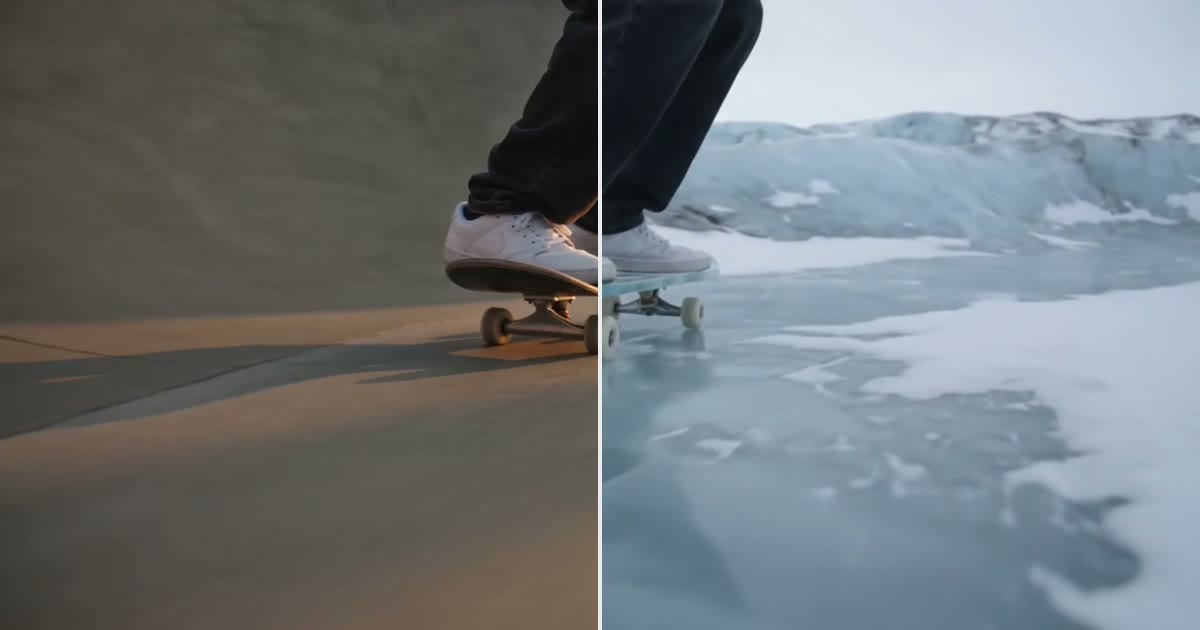
Video editing
Keep the subject, change the world around it
Keep the legs, hands or product in a clip and redraw the place around them. The prompt order that held in 6 of 6 tests, and where it breaks.
· 9 min read
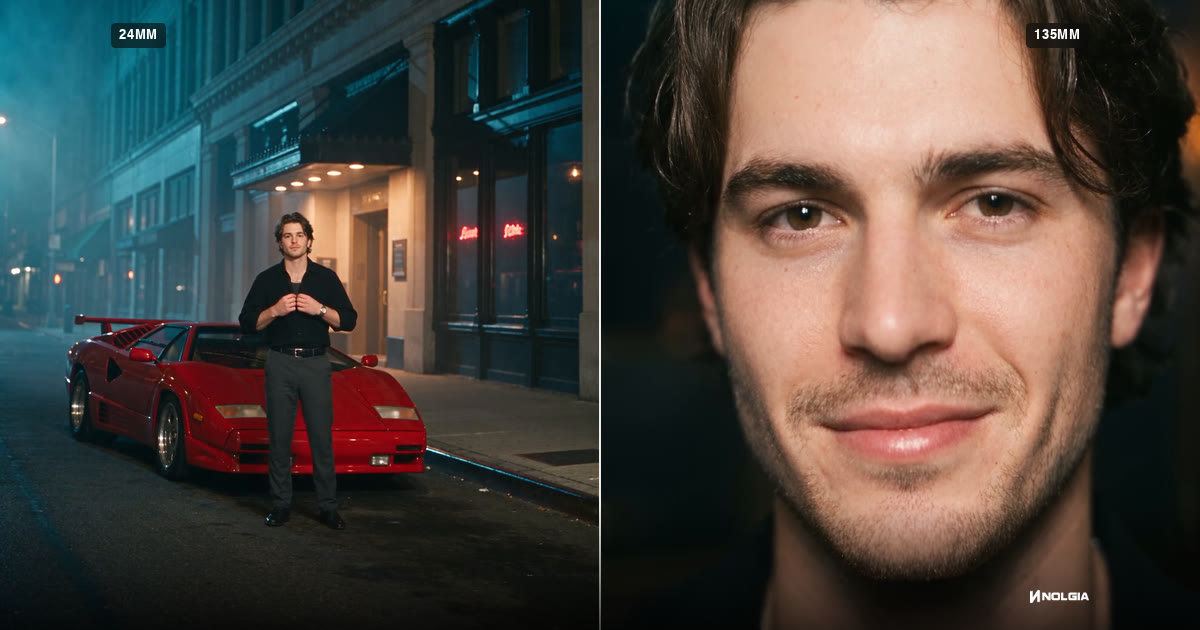
Filmmaking
Focal length for AI video: 24mm, 70mm, 135mm and 200mm
What 24mm, 70mm, 135mm and 200mm do to a frame, how to prompt each in Seedance 2.5, and how the focal length reel was made, with every prompt as it was sent.
· 15 min read
Social media ad: stop the scroll
Social media ad is a creator ad made to look shot on a phone: a hook line on screen in the first second, captions timed to the speech and a call to action end card. Give it the product and the promise, and it writes the hook, the script and the call to action.
Pick the length (10, 15, 30 or 45 seconds), how it opens, the room and how the person dresses. The full version runs as a NOLGIA Agent session and takes 15 to 30 minutes, the longest of the seven. Pick it for paid social on TikTok, Reels and Shorts, or to test several hooks against one product.
Tip:Only true promises. Where a preset asks what you can promise, write only what is true. The clip claims nothing you did not write there.