
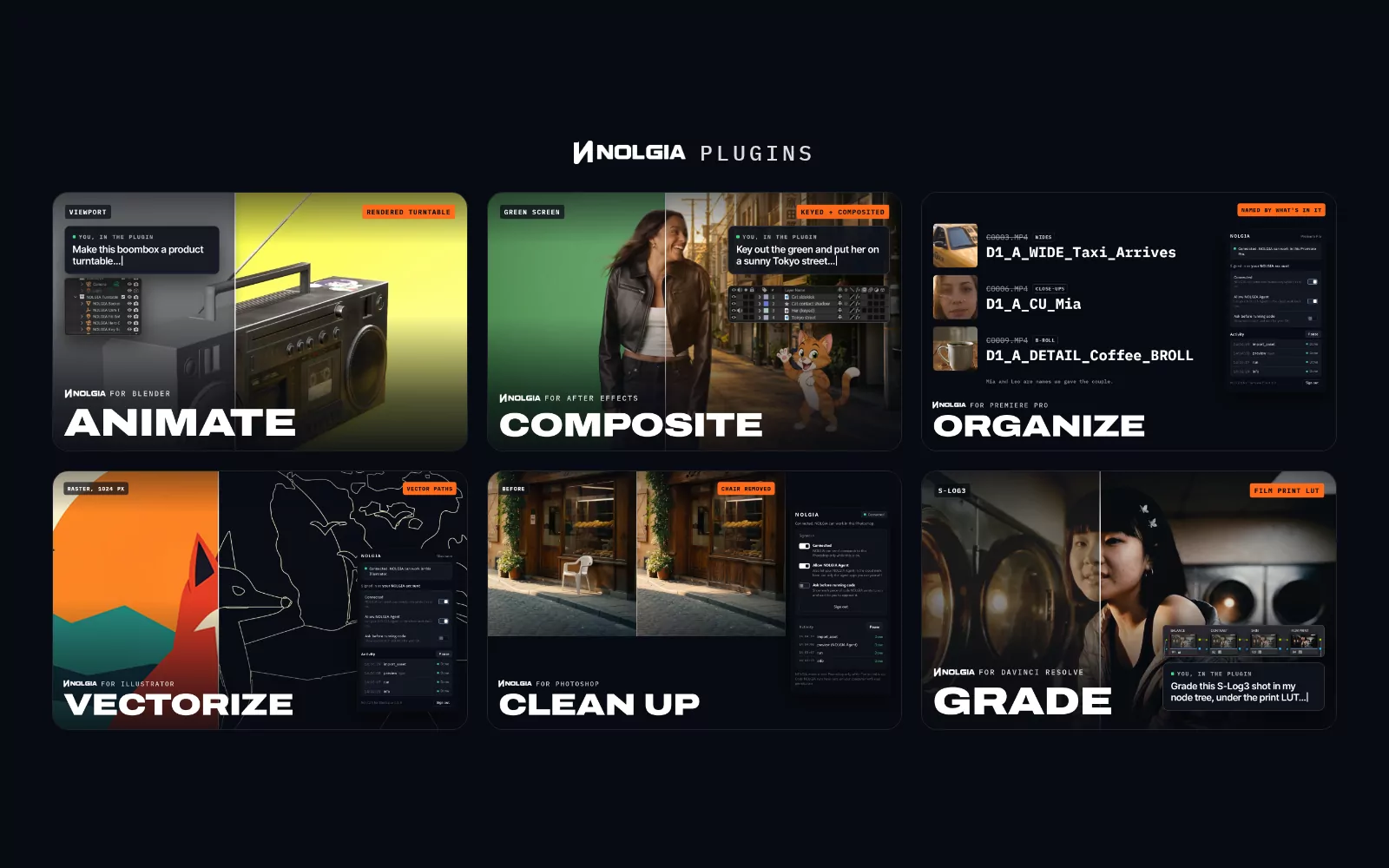
NOLGIA plugins
Let NOLGIA Agent work in the apps you already use.
A NOLGIA plugin connects an app on your computer to NOLGIA, so your agent can take the repetitive work in your project: changes, previews and moving files to and from your Library.
- NOLGIA Agentor Claude, Cursor and Codex
- NOLGIAmcp.nolgia.ai
- The pluginIn the app on your computer

The plugin connects out to NOLGIA. Nothing connects in to your computer.
Apps
Pick your app.
Blender, After Effects, Premiere Pro, Illustrator, Photoshop and DaVinci Resolve Studio are available now, each with its own workflows.
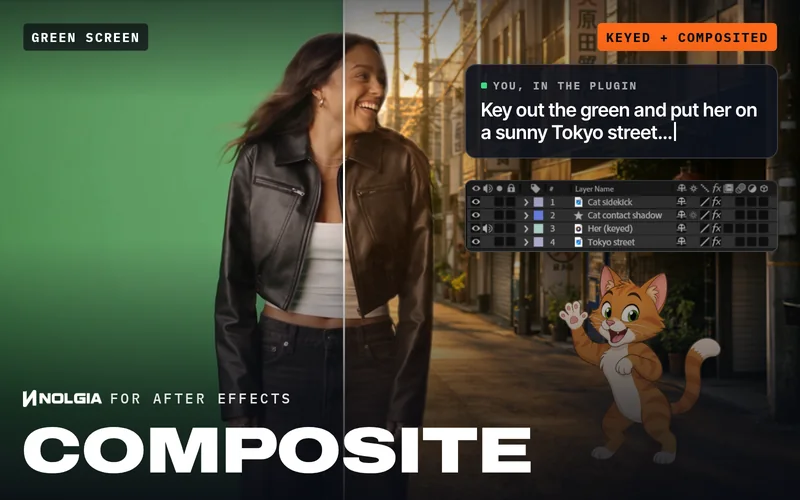
After Effects
Compositions, layers and motion graphics.
One extension with Premiere Pro and Illustrator.
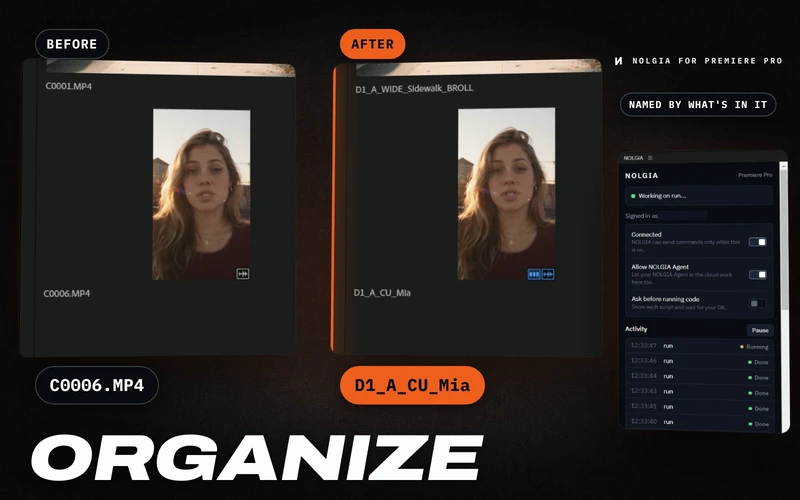
Get the pluginPremiere Pro
Projects, bins and sequences.
One extension with After Effects and Illustrator.
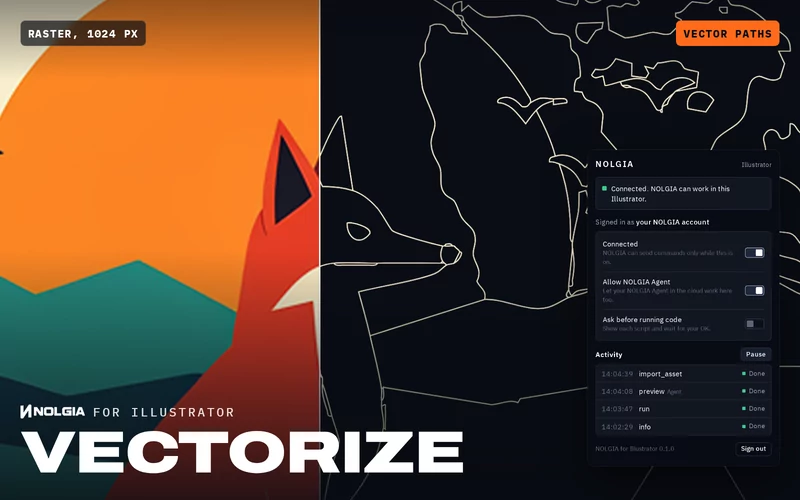
Get the pluginIllustrator
Vector artwork and artboards.
One extension with After Effects and Premiere Pro.
Get the plugin


How it works
Three steps, then ask.
Install the plugin and sign in
Add the NOLGIA plugin to your app and sign in with your NOLGIA account. It connects out to NOLGIA; nothing connects in to your computer.
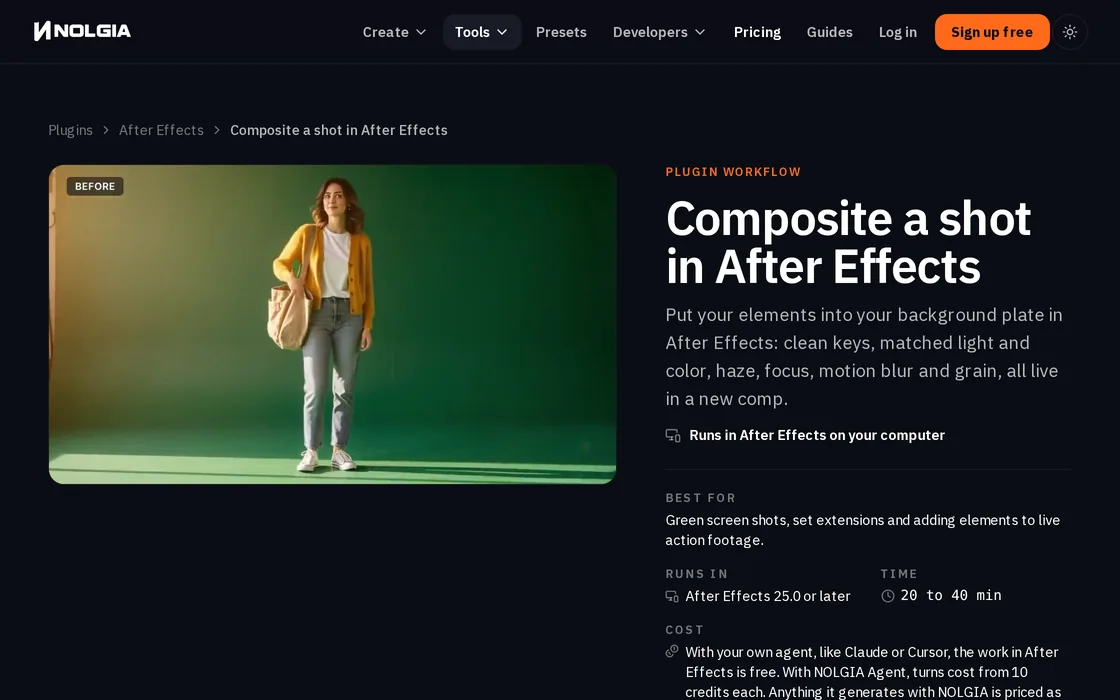
Tell NOLGIA Agent what to do
NOLGIA Agent works in your app as soon as the plugin is connected, so you never need to leave NOLGIA. Say what you want in plain words, or start from a plugin workflow: written steps it follows in your own project.
See the plugin workflows
Or use an agent you already know
Claude, Cursor, Codex or another agent with NOLGIA connected can work in your app too. Add NOLGIA to it once.
Connect another agent
Safety
You stay in control of your app.
A plugin gives your agent real hands in your project, so it only acts when you let it and shows you everything it does.
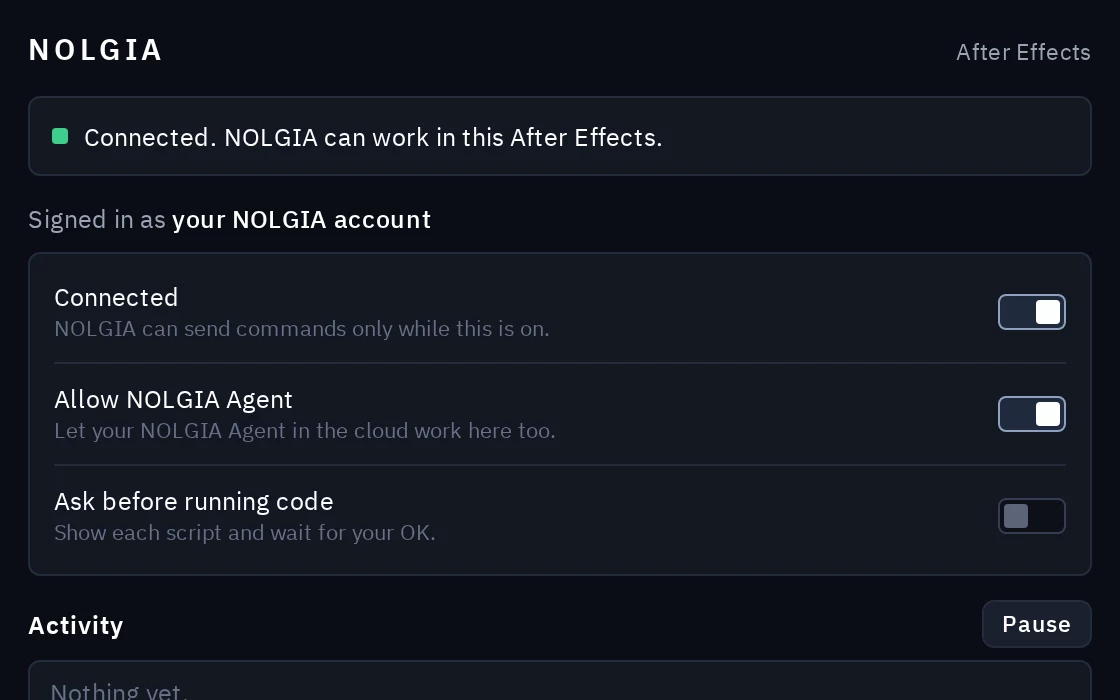
Only while you say so
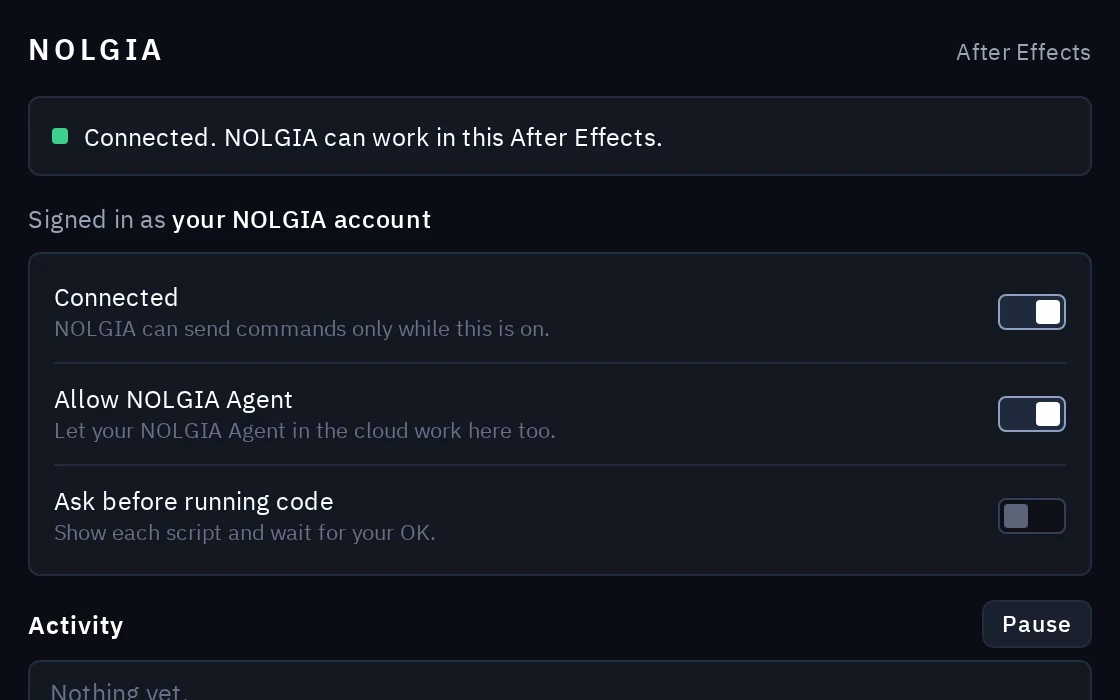
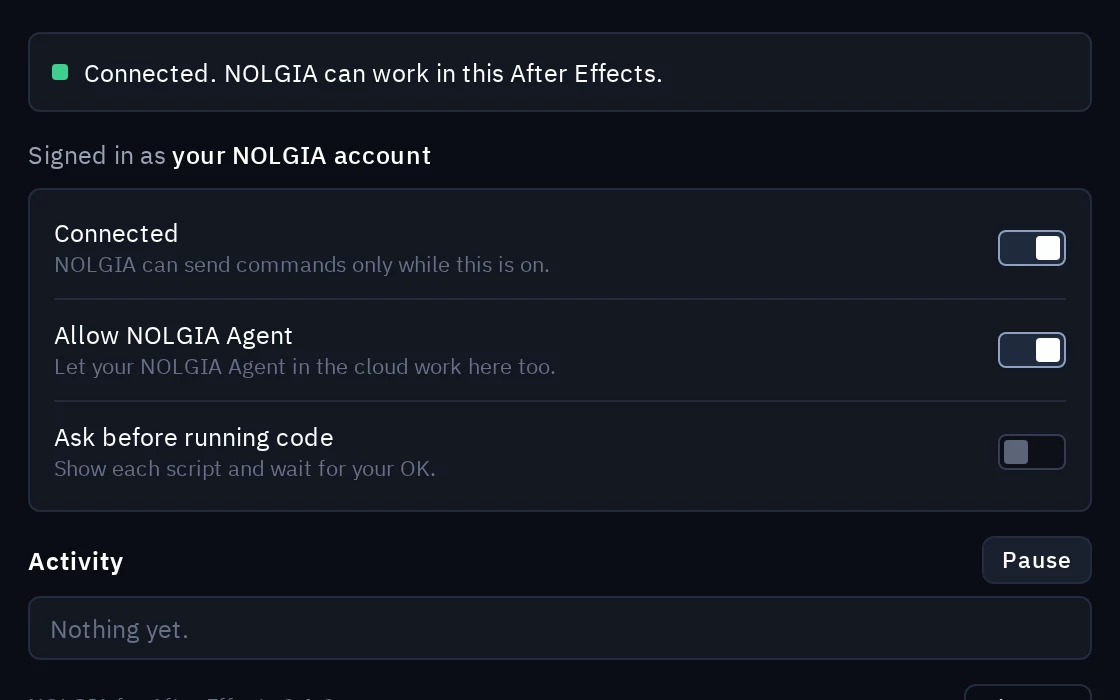
The plugin takes commands only while you are signed in and it is switched on (Connected). Turn it off and nothing reaches your app.
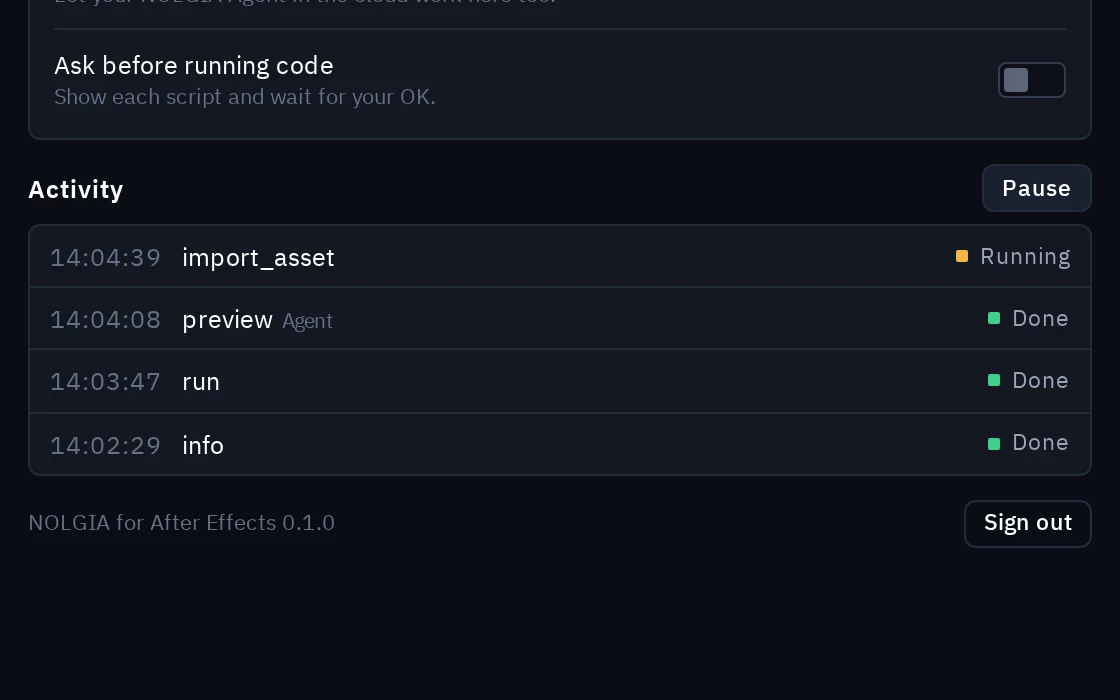
You see every command
Every command your agent sends shows up in the plugin's Activity list as it runs. Pause stops it at any time.
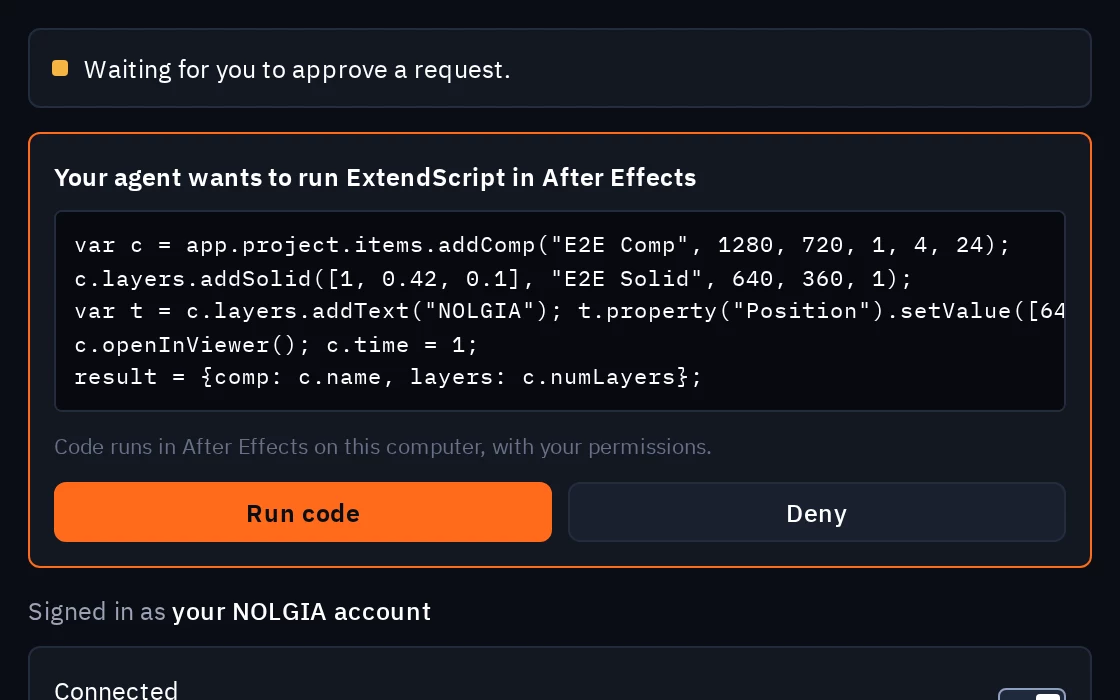
Ask before running code
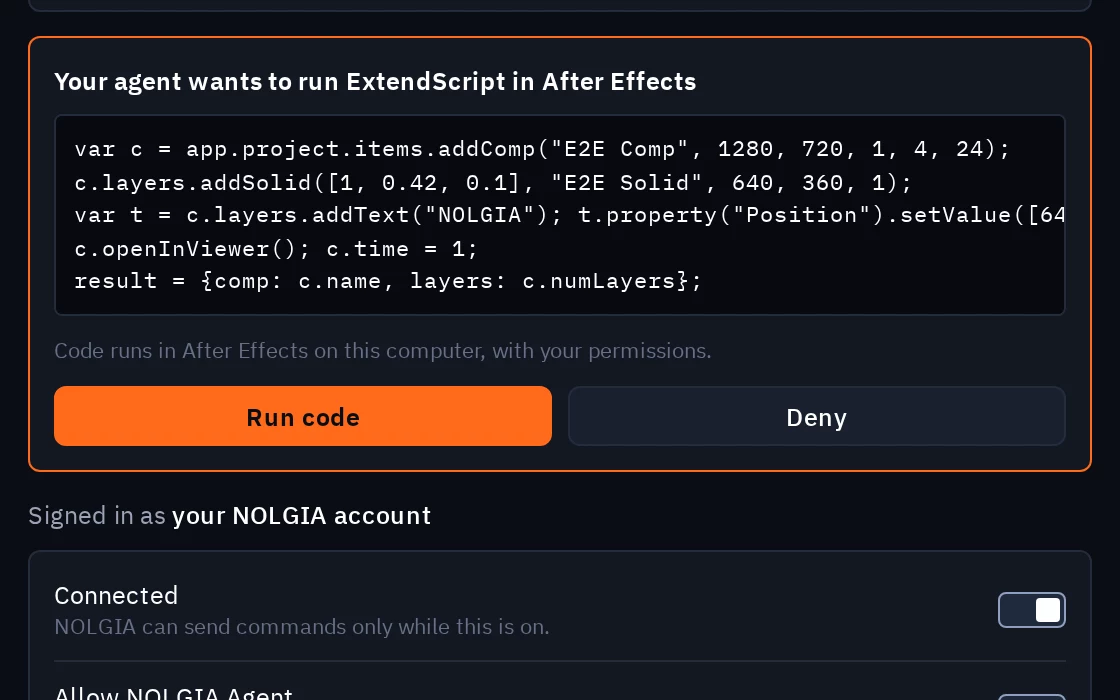
Turn on Ask before running code and the plugin shows you every piece of code first, then waits for you to approve or deny it.
Your call on NOLGIA Agent
Allow NOLGIA Agent decides whether your NOLGIA Agent in the cloud may work in the app too, not only the agents you run yourself.
Code runs on your computer
Code your agent runs in the app runs on your computer with your permissions, like any add-on or script you install. Only connect agents you trust.
FAQ
Questions about plugins.
- What does a plugin cost?
- The plugins are free. NOLGIA Agent does the work in your app right from NOLGIA, and each turn costs about 10 to 120 credits, depending on the Agent model you choose, and never more than 200 for the Agent's own work. If it makes something with NOLGIA along the way, like an image or a 3D model, that generation is priced as usual and it tells you the cost first. You can also use Claude, Cursor, Codex or another agent with NOLGIA connected.
- Does NOLGIA get my project files?
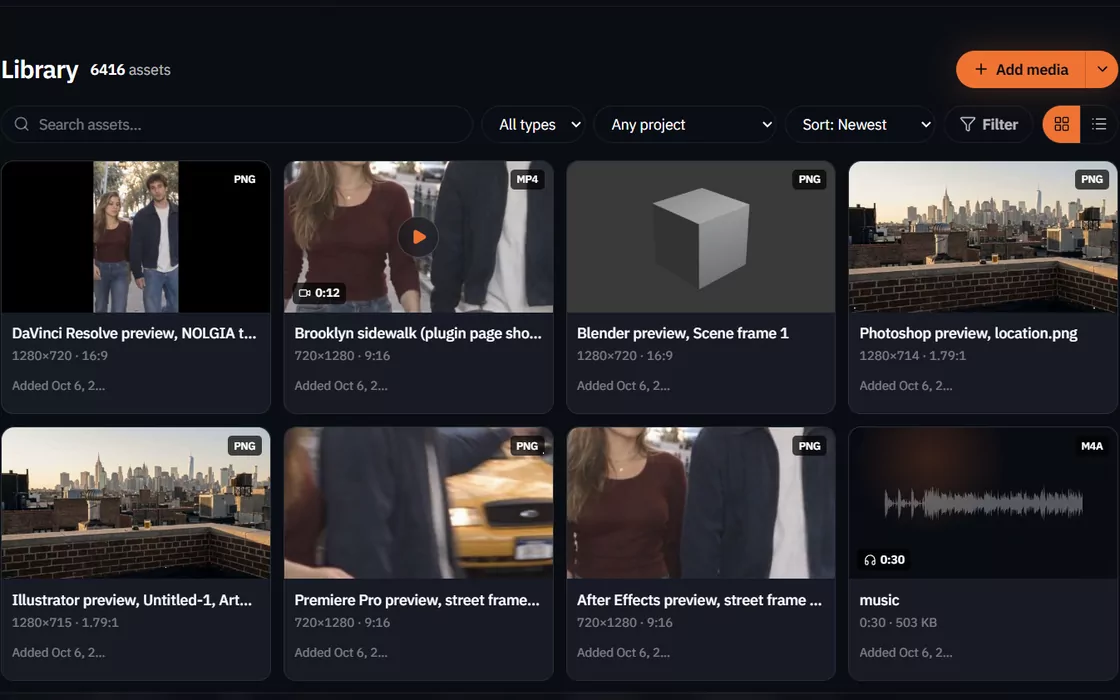
- No. Your project files stay on your computer. Only the previews and exports you or your agent ask for are uploaded, into your NOLGIA Library.
- Which agents can use a plugin?
- NOLGIA Agent, right here on NOLGIA, while Allow NOLGIA Agent is on in the plugin. You can also use Claude, Cursor, Codex or another agent with NOLGIA connected.
- Do After Effects, Premiere Pro and Illustrator need separate plugins?
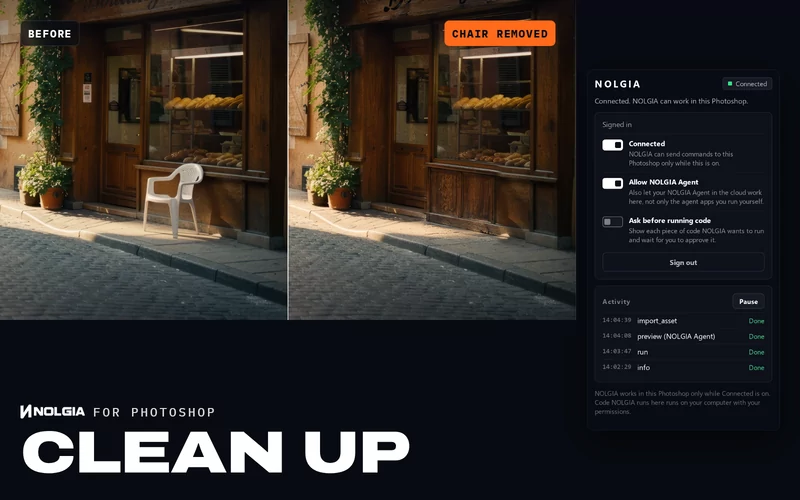
- No. One extension, NOLGIA for Adobe, installs into After Effects, Premiere Pro and Illustrator at once. Each app then signs in on its own. Photoshop has its own plugin.
Open source.
Every plugin's code is public, so you can read exactly what runs on your computer.