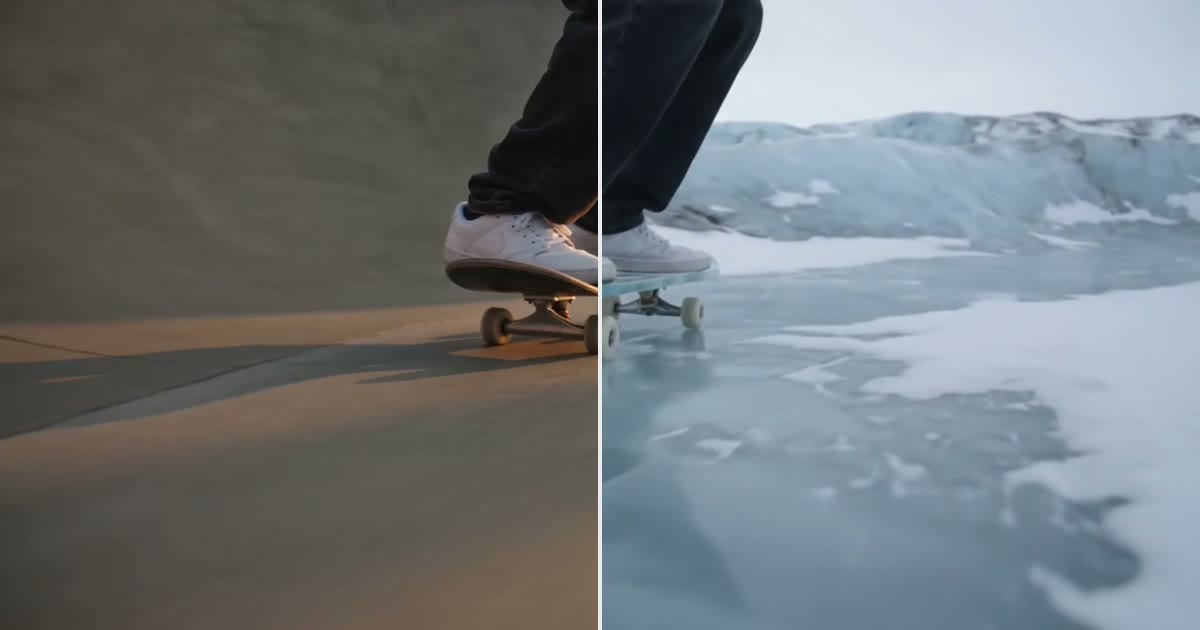
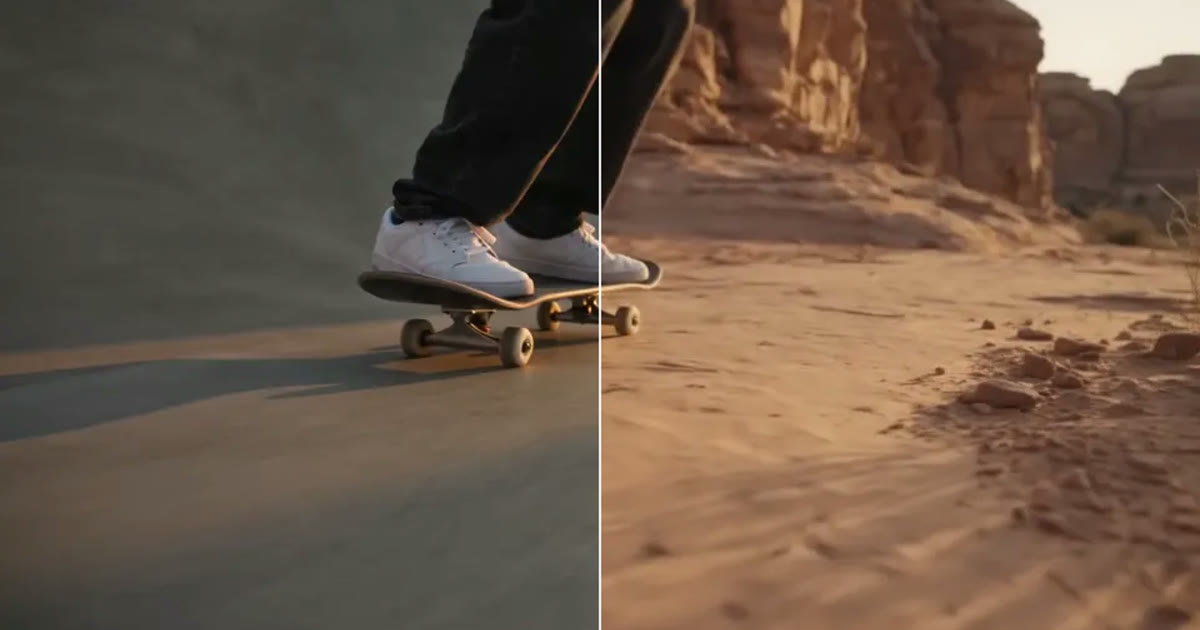
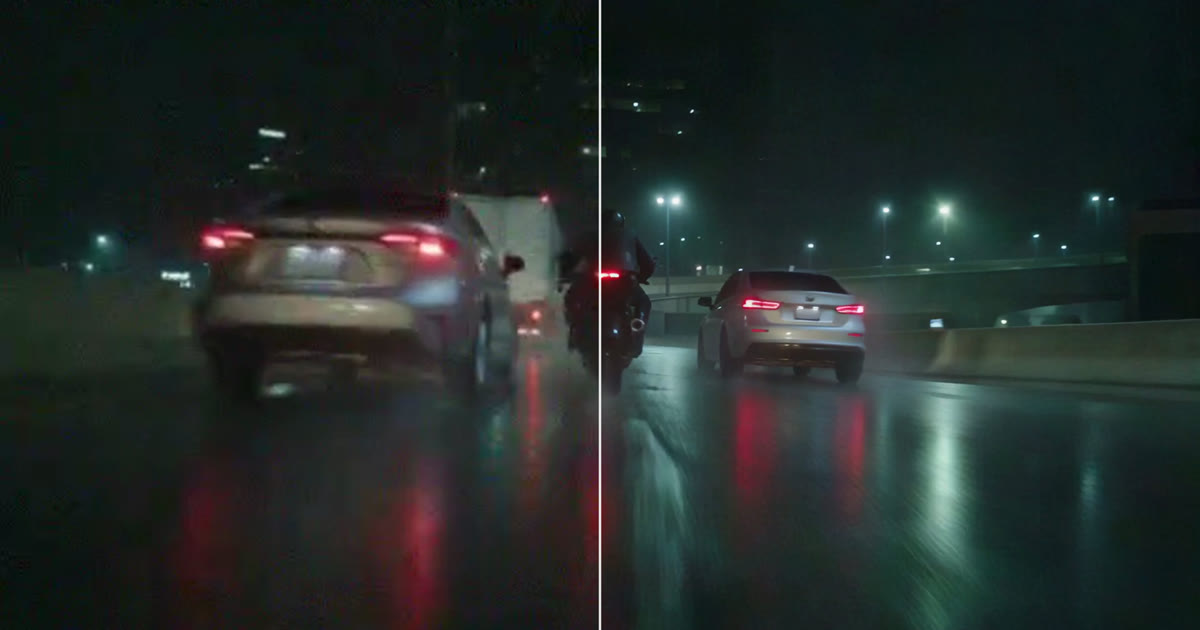
You have a clip you like. The move is right and the timing is right, but it happened in the wrong place. Miroge can keep what moves in the frame and redraw everything around it. The trick is the order you describe things in.
Most wrong clips do not need a new render. Swap the one thing that is off, move the scene, clean up the picture or extend it, and make it again only when the shot itself is wrong.
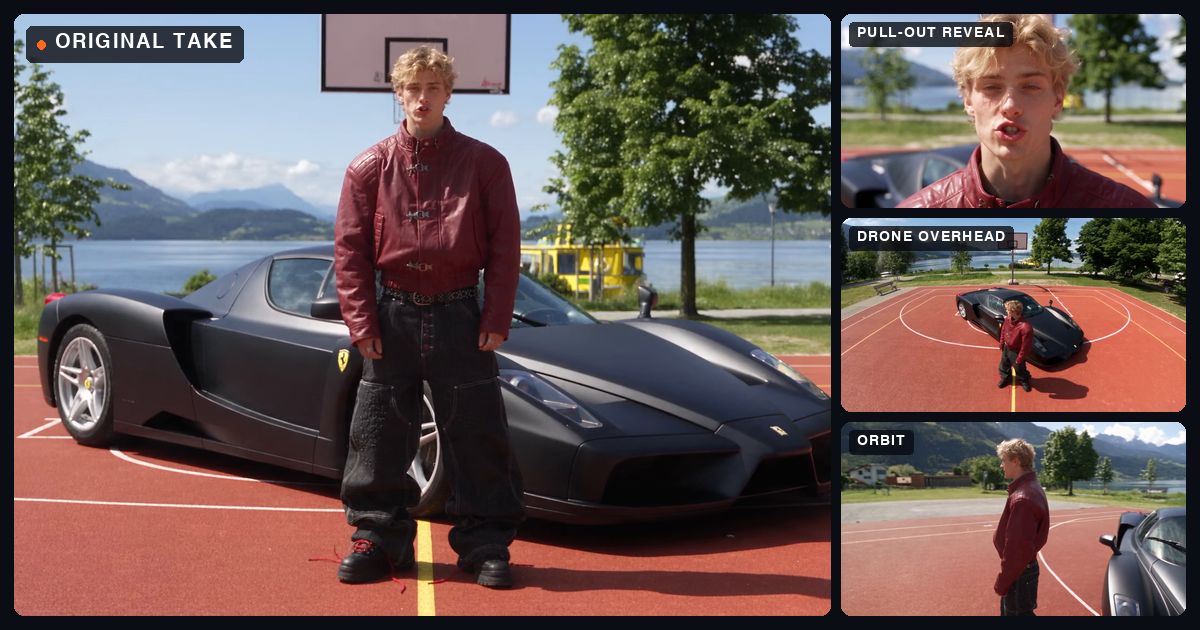
Turn one locked off take into a multicam edit: a real NOLGIA project from the take to the cut, with every prompt as it was sent, the angles that worked, the ones that missed and what it all took.
Six fixes for melting hands, drifting faces and objects that change shape mid-clip: the prompt, a reference image, the model, the length, the size and a restore pass. Each tested on one shot.
Restore Video re-renders a clip from your Library at up to 8K, cleaning noise, compression and softness. Pick the engine by what is wrong with the clip, and know what it cannot bring back.
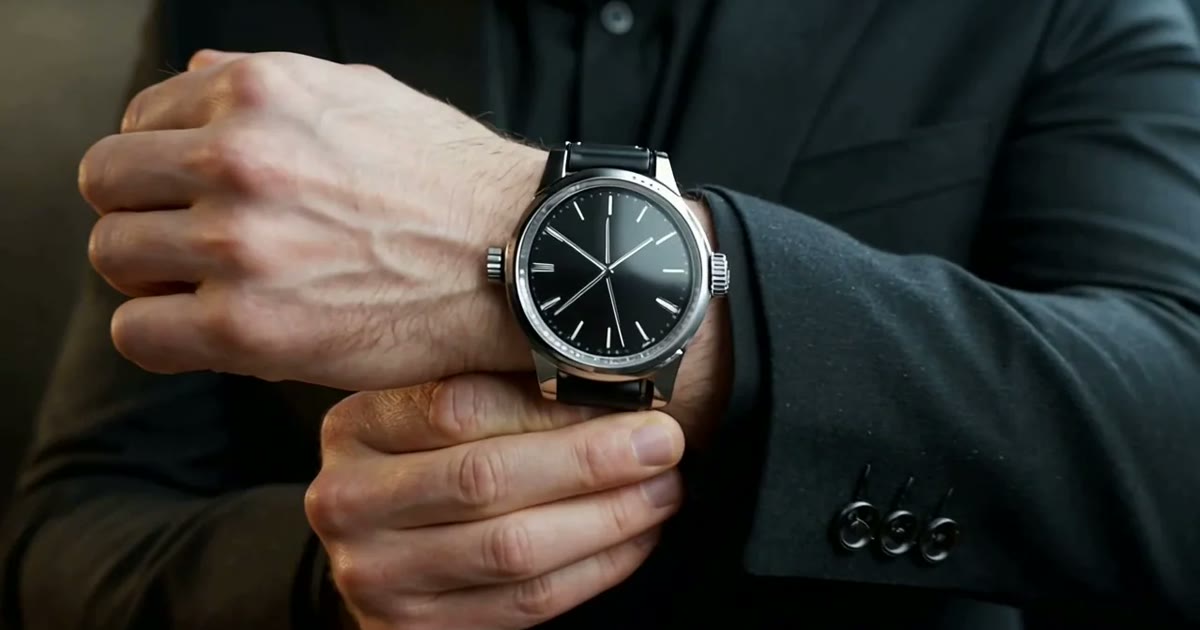
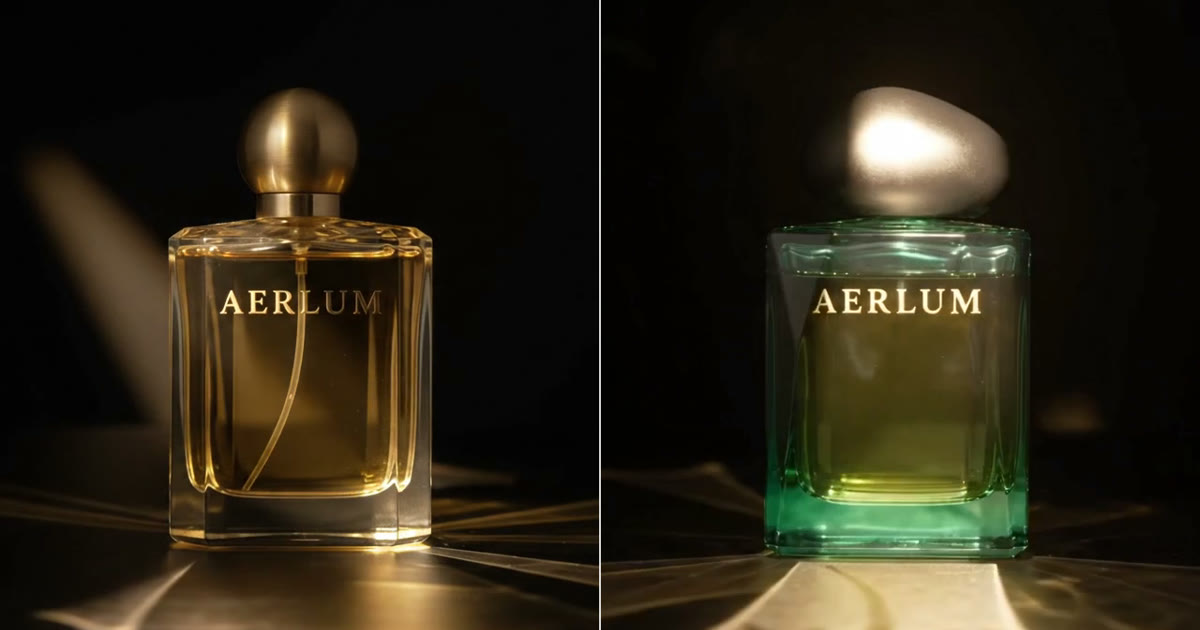
Replace one product or prop in a clip you already shot: add the clip and a photo of the new one to Miroge's Swap mode, then check what carried over and what did not.
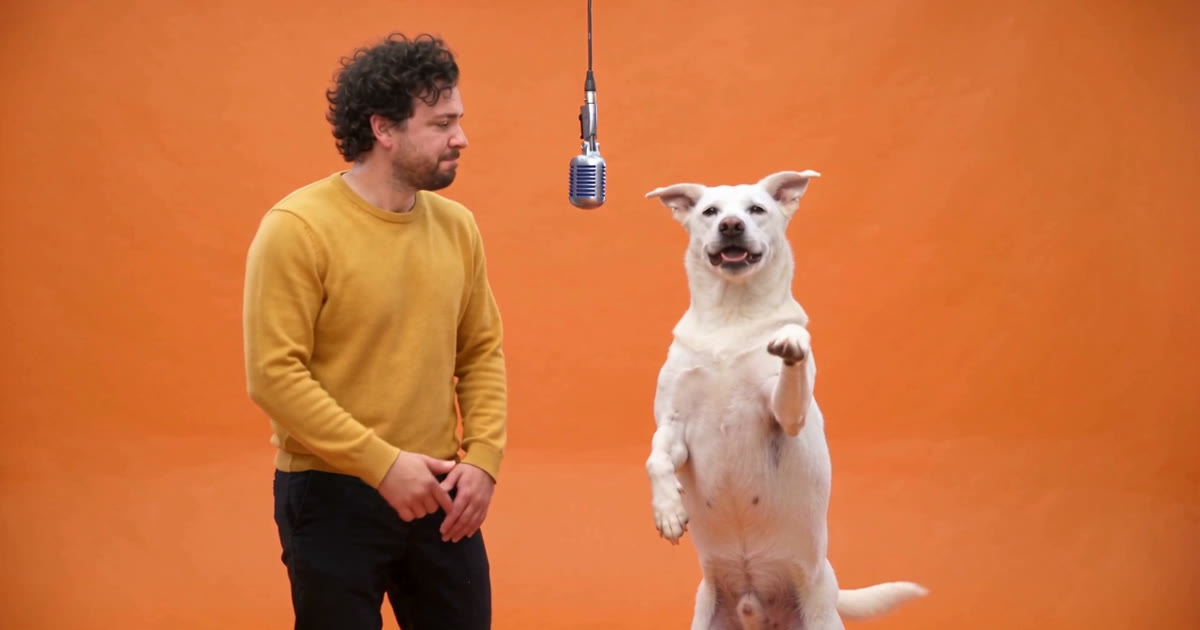
Pick a video, add a photo of a person and one of a dog, and Miroge recasts the clip with them: the same moves, the same set, the same camera. Every step, on a computer and a phone.