

Seedance 2.5: how to prompt it, with a library that was run
Write one block, in this order: the look, the subject, the place, the first frame, the action with timings, the camera, the physics, the sound. Seedance 2.5 takes that block on its own, on top of a still, or on top of a whole take you address as @Video1. Every prompt below was run once on NOLGIA and its output is shown.
- 10 min read
Seedance 2.5 is the long-form video model on NOLGIA: clips from 4 to 30 seconds, six aspect ratios, three quality tiers, sound rendered in the same pass, and the widest reference set in the catalog. One prompt shape works across all of it. This guide gives you that shape, then runs it three ways on one subject: from text alone, from a still, and from a finished take.
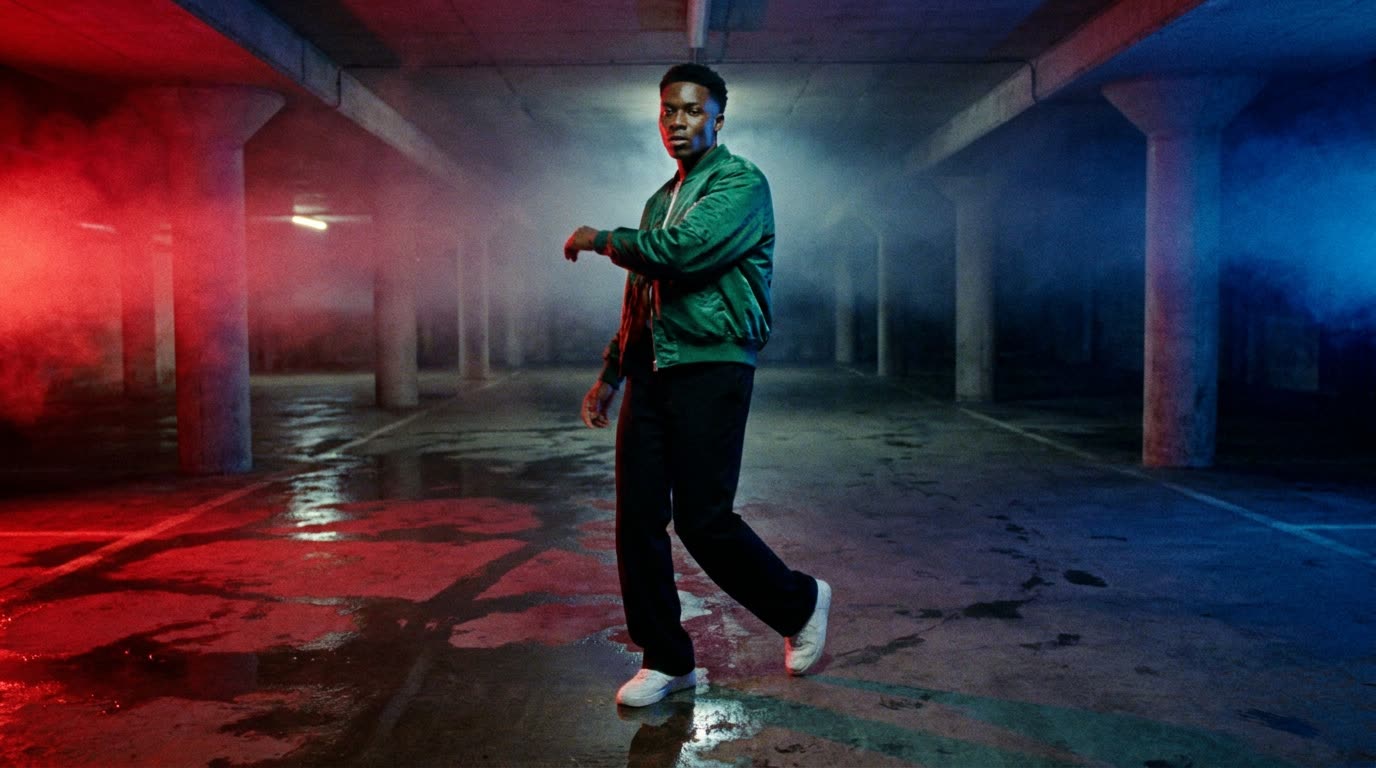
The subject is a dancer in an underground car park, a music video look with red and blue gels. The prompts are printed exactly as sent, and nothing was rerolled to make the library look better.
What Seedance 2.5 is on NOLGIA
| Setting | What you get |
|---|---|
| Clip length | 4 to 30 seconds, any whole number |
| Quality | 480p, 720p, 1080p. The 1080p tier renders 16:9 and 9:16 only |
| Aspect ratios | 16:9, 4:3, 1:1, 3:4, 9:16, 21:9 |
| Sound | Optional. Switch it on and the clip comes back with ambience, effects and spoken lines |
| Start and end frame | Both. A still becomes frame one, a second still becomes the last frame |
| References | Up to 9 images, up to 10 videos (at least 2 seconds each, 30 seconds and 50 MB in total), up to 10 audio tracks |
| Reference modes | Reference (the take drives the render), Edit (change one thing in the take), Extend (continue the take) |
Everything in this guide runs in the video composer with Seedance 2.5 selected. Text to video is the default door. Animate an image adds the start frame. Attaching a reference video switches the composer into reference mode and tells you to address the attachments as @Video1 and @Image1.
What goes wrong
| Mistake | Why it fails | Fix |
|---|---|---|
| A paragraph of adjectives | Cinematic, epic and beautiful tell the model nothing about what happens. | Verbs with timings. [0-2s] he drops into a slide. |
| Describing the still again | On Animate an image the still is already there. Redescribing it invites a redraw. | Only the motion, the camera and the sound. |
| No sound line | With audio on, the model invents a soundtrack, often music with vocals. | One Sound: line. Name what is heard and what is not. |
| Two people, one face | Multi-character shots drift from the third cut onwards. | One performer per prompt in this guide. Cast more with references and check every cut. |
| 1080p at 1:1 | The 1080p tier renders only 16:9 and 9:16. | Pick 720p for square, or change the ratio. |
| A 3 second clip | The model's range is 4 to 30 seconds. | Ask for 4 and trim in Studio. |
Before you start
- Pick the aspect ratio before you write. 21:9 for a film frame, 9:16 for a phone, and the prompt's blocking changes with it.
- Keep the first run to 5 seconds. The price scales with the seconds, and a 5 second draft tells you whether the prompt works.
- Have your still or your take ready as an asset: uploaded, or already in your library.
- Switch Generate audio on if you want the Sound: line to do anything.
- Seedance 2.5 sits on Pro and up; the price for your exact settings is on the Generate button.
The prompt shape
One continuous block, with labelled parts in this order. Leave a part out and the output fails in a predictable way: no first frame and the clip opens on an empty establishing shot, no physics and satin moves like cardboard, no sound line and you get a song.
- LOOK. Genre, film or digital, grain, grade, aspect ratio, what must never appear.
- SUBJECT. One line per person: build, hair, wardrobe. On a still or a reference, name the attachment instead: the man in @Image1.
- PLACE. The space, its surfaces and its light sources, separate from the people.
- FIRST FRAME. Where everyone is and which way they face the moment the clip starts.
- ACTION. Timed beats: [0-2s], [2-4s], [4-5s]. Cuts as Hard cut, if you want them at all.
- CAMERA. Height, lens feel, one move. Say no cuts if it is one shot.
- PHYSICS. How fabric, hair, water and haze behave.
- SOUND. What is heard, what is not. No vocals, no melody, unless you want them.
Library 1: text to video, 21:9
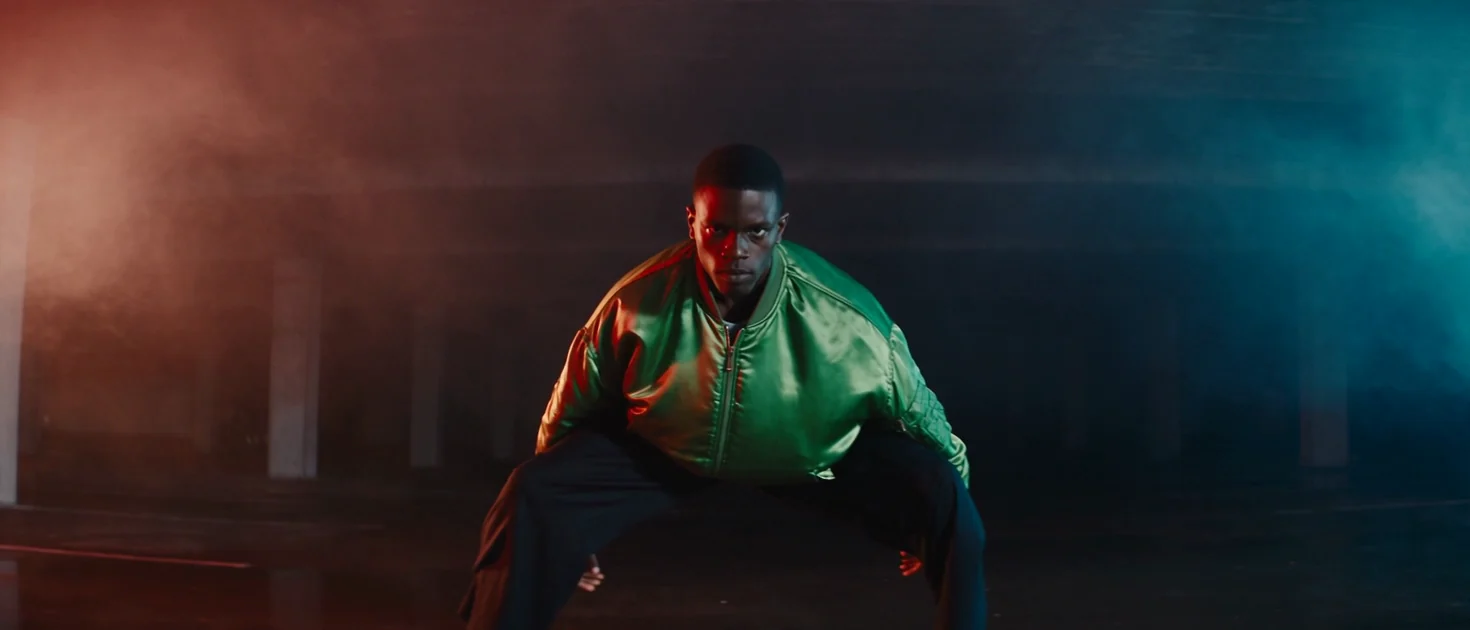
No attachments. Seedance 2.5, 21:9, 720p, 5 seconds, audio on. The whole scene comes from the words, so every part of the shape is filled in.
LOOK: music video, photoreal, anamorphic widescreen 21:9, fine film grain, deep blacks, hard contrast. SUBJECT: a young Black man, a dancer, in an emerald green satin bomber jacket zipped up, black wide-leg trousers and clean white trainers. PLACE: an empty underground car park, wet concrete floor, concrete pillars receding into darkness, a red gel light from the left and a deep blue gel light from the right, thick haze. FIRST FRAME: he stands centre frame in profile, weight on his back foot, head down, the haze drifting past him. ACTION: [0-2s] he snaps his head up to the lens and drops into a low slide to the left, [2-4s] a fast spin that flares the jacket, [4-5s] he lands in a wide stance facing the lens and holds. CAMERA: low, at knee height, a slow push in through the haze, no cuts. PHYSICS: the satin catches the gels and ripples with every move, water on the floor splashes under the trainers, the haze rolls where he moves. SOUND: a dry kick drum and a deep sub pulse, trainers squeaking on wet concrete, no vocals, no melody. No on-screen text, no logos.
Library 2: a still as the start frame
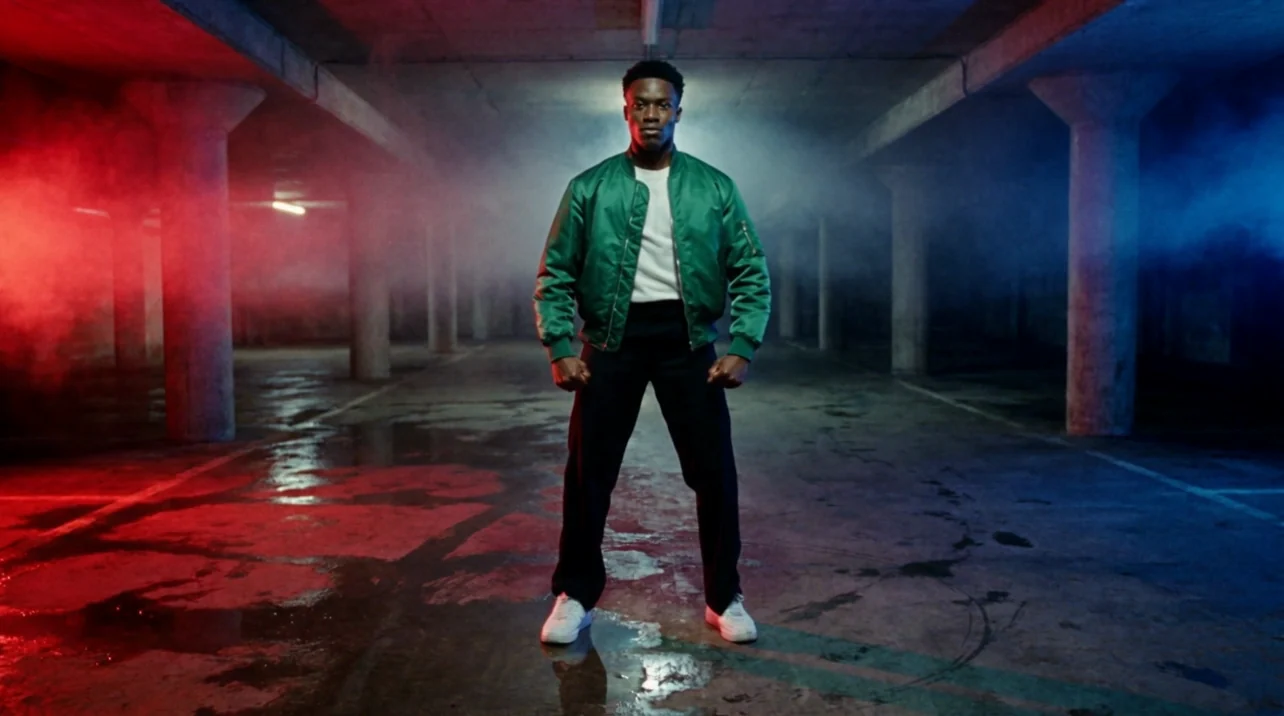
Choose Animate an image, add the still, keep Seedance 2.5. The still is frame one, so the LOOK, SUBJECT, PLACE and FIRST FRAME parts are already answered by the picture. The prompt shrinks to ACTION, CAMERA, PHYSICS and SOUND.
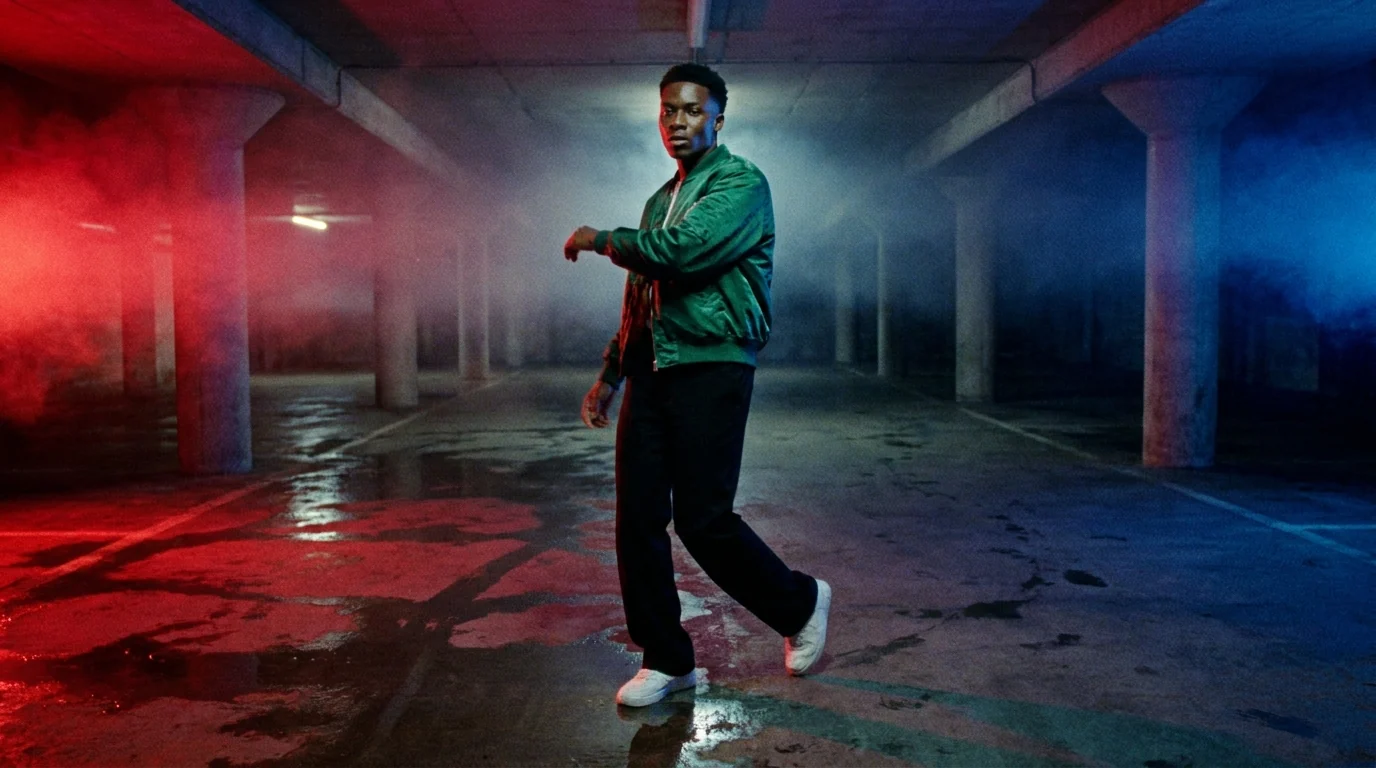
ACTION: he explodes out of the pose. [0-2s] a sharp arm whip and a quarter turn towards the lens, [2-4s] a low slide that skims the wet floor, [4-5s] he lands square to camera and holds. CAMERA: low and locked off, no cuts, no new people. PHYSICS: the haze keeps drifting through the red and blue gels, the floor mirrors the lights, the satin flares on the turn. SOUND: trainers squeaking on wet concrete, one deep sub hit on the landing, no music, no vocals. No on-screen text, no logos.
Try it yourself
- The start frame (JPEG, 16:9)JPEG photo · 1376x768 · 90 KBDownload
Library 3: a whole take as @Video1, with its sound
Attach a finished clip under Reference videos and the composer switches to reference mode: the take drives the moves, the timing and the camera, and your words recast what is in it. Address the take as @Video1. Reference audio rides the same way, and the take's own soundtrack goes in with it, so the render can cut to the same beats.
We attached the text to video clip from library 1 as @Video1 and asked for the same dance in a new place and a new frame shape, 9:16, keeping the take's soundtrack. One thing to know before you press the button: a reference run costs more than the same clip from text, because the seconds of the reference video are billed as well as the seconds you get back. The Generate button showed the higher figure before we pressed it.
@Video1 is the take. Keep the dancer, his moves, his timing and the camera exactly as they are in @Video1, and keep the soundtrack of @Video1. Recast the place: the same dance now happens on a rooftop helipad at night in light rain, one hard white spotlight from above, the city lights soft in the distance, the wet ground mirroring the light. Vertical 9:16 frame with the dancer centred and room above his head. No cuts, no new people, no on-screen text, no logos.
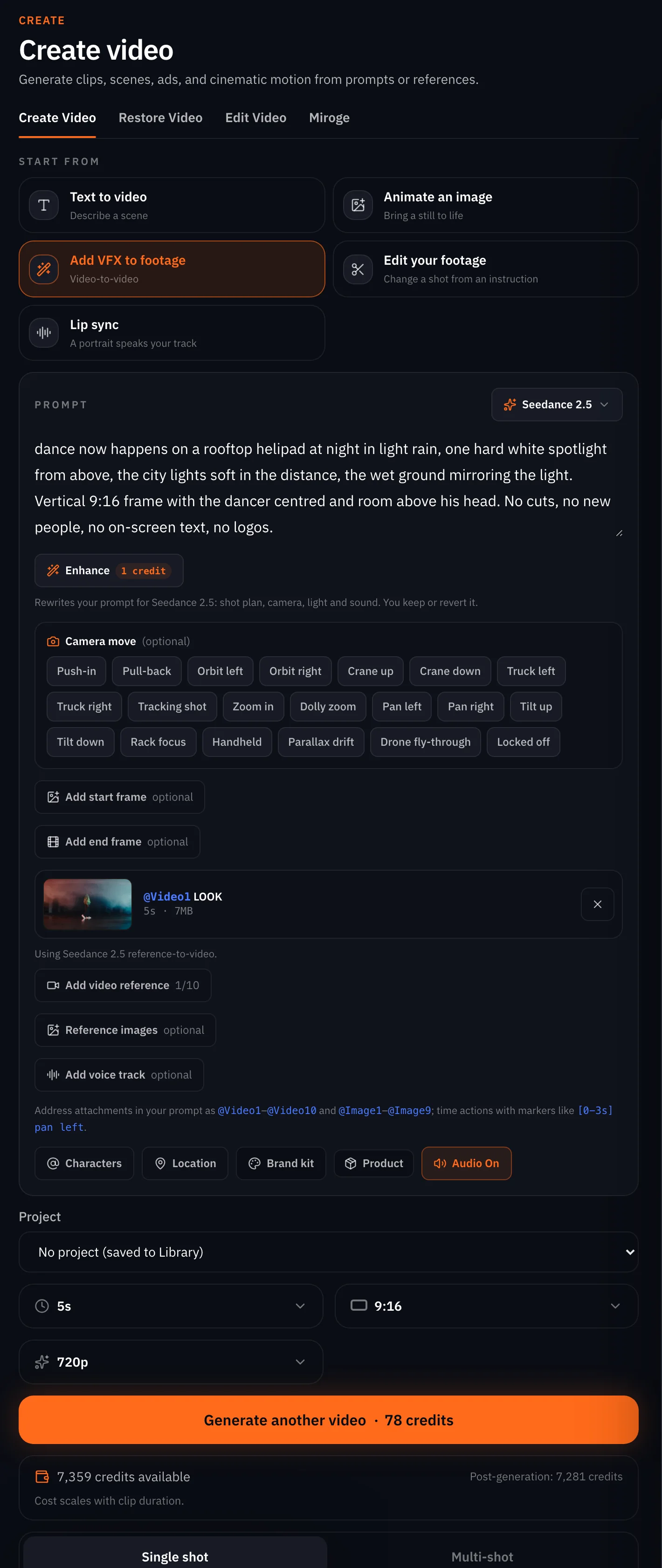
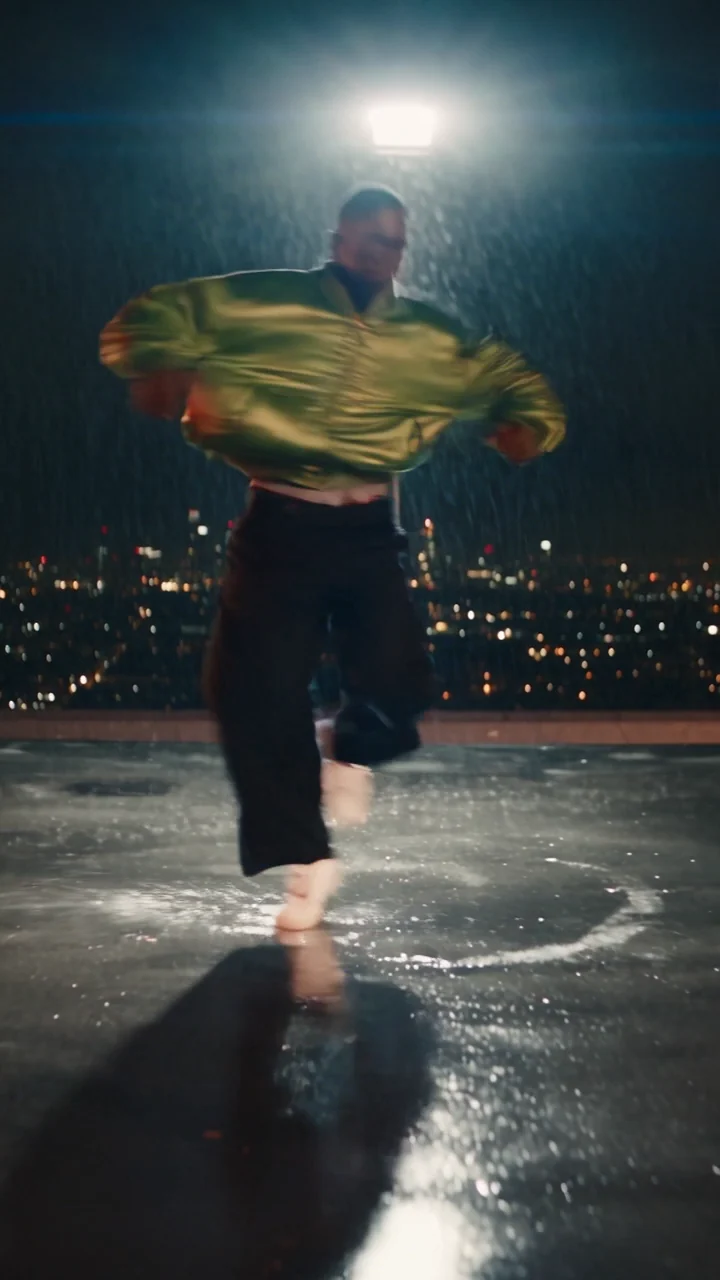
Watch for this:Reference mode drops your frames. A start or end frame you added before attaching a video is moved into the reference images (@Image1) with a notice. Reference mode pins no frames; it takes the take as the anchor instead.
Aspect ratios and durations
| You want | Set | Note |
|---|---|---|
| A film frame | 21:9 | 480p or 720p only |
| A phone clip | 9:16 | All three tiers |
| A feed square | 1:1 | 480p or 720p only |
| A landscape hero | 16:9 | All three tiers |
| A draft | 5 seconds | The price scales with the seconds |
| One long take | up to 30 seconds | Write the ACTION part as timed beats across the whole length |
The composer's duration control reads the model's range live and refuses a number outside it before you can press Generate.
What it refuses
- 1080p outside 16:9 and 9:16. We asked for 1080p at 1:1 and the API refused before the model ran, naming the two ratios and suggesting 720p at 1:1. Nothing charged. The composer marks the tier with its ratios in the quality picker.
- A clip under 4 or over 30 seconds. We asked for 3 and were told the minimum is 4. Nothing charged; the composer's duration chip only offers the range.
- More than 10 reference videos, or one under 2 seconds. The composer trims the list with a notice.
- Edit mode on a clip without a known length, or outside 4 to 30 seconds. Edit needs a real asset with duration metadata.
- Content the provider blocks. A request refused before the model runs costs nothing. A render the provider's safety system rejects after the model was called is charged and not refunded; the job says which happened.
What it costs
Per clip, by tier and by second, audio included. The Generate button shows the exact charge for the settings on screen.
Seedance 2.5Pro and up
Per 5s clip
480p 26 credits · 720p 56 credits · 1080p 137 credits
1080p renders at 16:9 and 9:16
Read live from the catalog when this page loads. Every price is shown before you generate. See every rate.
Checklist
- Aspect ratio chosen first, and the 1080p rule remembered.
- The block in order: LOOK, SUBJECT, PLACE, FIRST FRAME, ACTION, CAMERA, PHYSICS, SOUND.
- Timed beats in the ACTION part, one move in the CAMERA part.
- On a still, only the last four parts.
- On a take, @Video1 named in the prompt, and the frames released.
- Audio switched on, and a Sound: line that says no vocals unless you want them.
- Five seconds first, the full length once the draft is right.
Questions and answers
- How long can a Seedance 2.5 clip be?
- From 4 to 30 seconds, any whole number. A 30 second take needs the ACTION part written as timed beats across the whole length.
- Why can I not pick 1080p for a square clip?
- The 1080p tier renders 16:9 and 9:16 only. Square, 4:3, 3:4 and 21:9 render at 480p or 720p.
- How many references can I attach?
- Up to 9 images, up to 10 videos of at least 2 seconds each (30 seconds and 50 MB in total), and up to 10 audio tracks. Use the fewest that do the job.
- What does @Video1 mean?
- The first reference video you attached. The composer numbers videos @Video1 upwards and images @Image1 upwards, and you use those names in the prompt to say what each one is for.
- Does it make sound?
- Yes, when Generate audio is on. Write a Sound: line that names what is heard and what is not, or you will get music you did not ask for.
- What are Edit and Extend?
- Reference modes for a take you attach. Edit changes one thing in the take and keeps its length and ratio. Extend continues the take past its last frame by the seconds you ask for.
Run one of these prompts on your own subject.
Open Seedance 2.5Related guides
Video
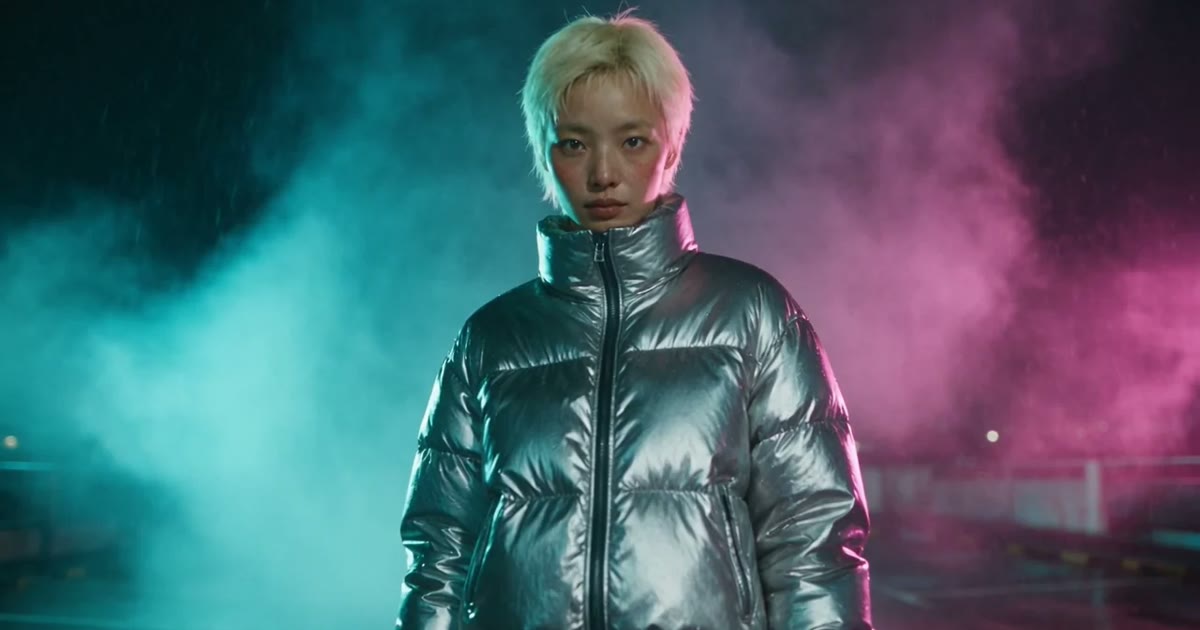
Turn a photo into a video, three ways
Animate one still on NOLGIA three ways: the video composer for control, the agent for a hands-off run, a preset for the fastest clip. Which models take a photo, and what each way costs.
· 13 min read
Prompting
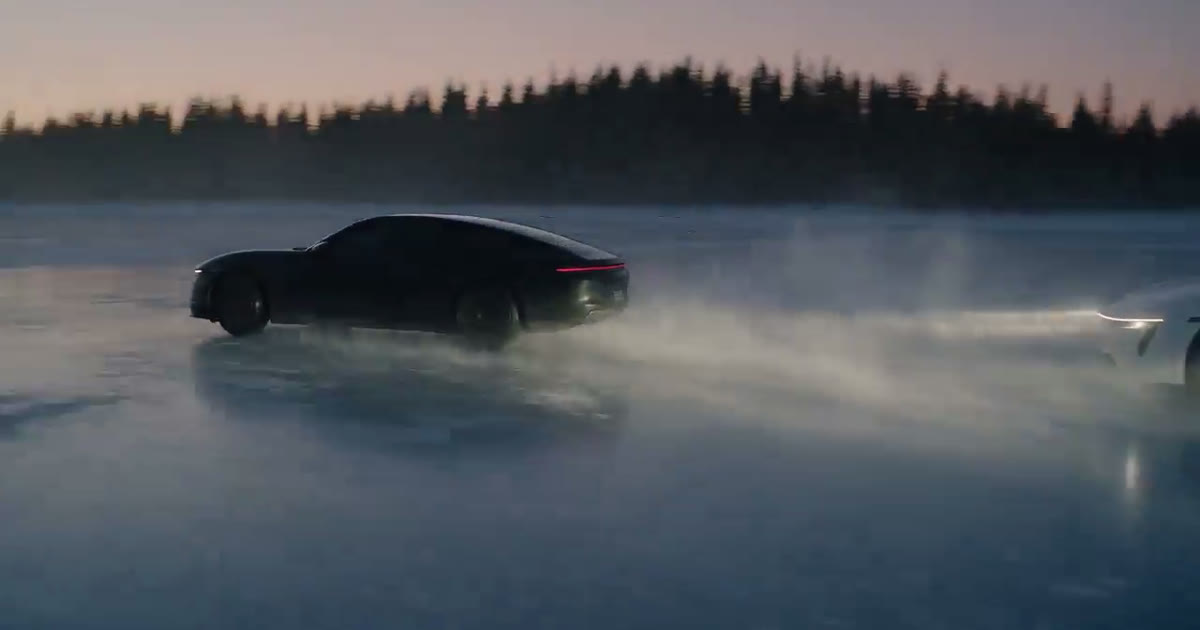
A prompt library: the exact prompts behind eight NOLGIA examples
Eight prompts copied from real NOLGIA renders, a film scene, a game trailer, a product film, a logo sting and more, each with the result and what makes it work.
· 8 min read
Prompting
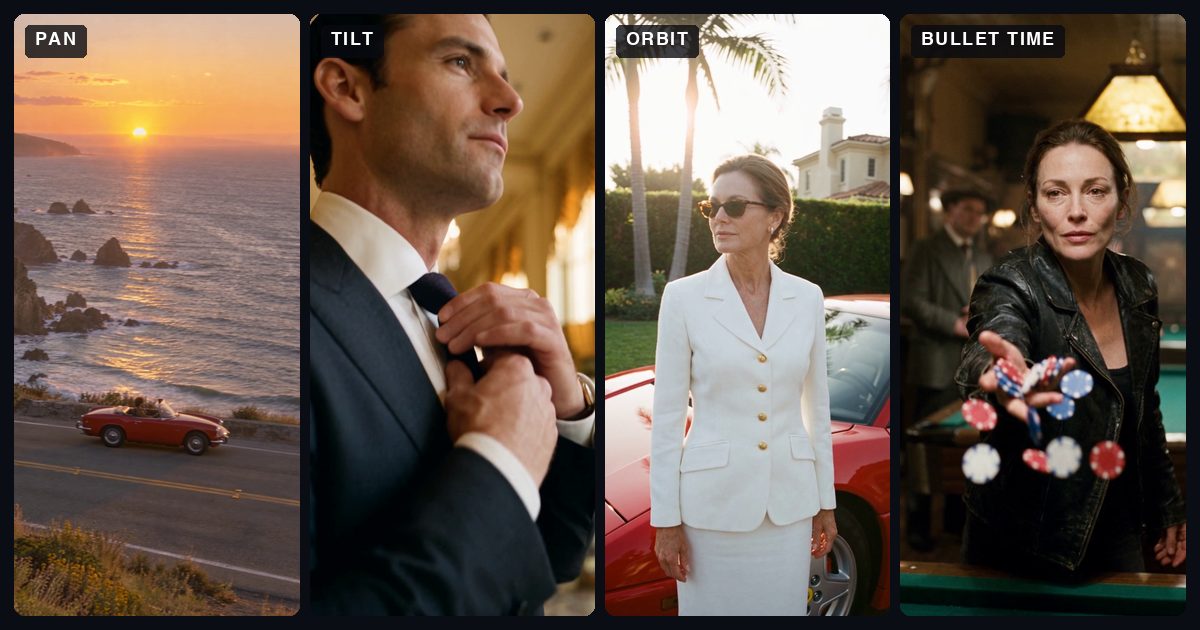
Camera moves: what each one does and the words that get it
Twelve camera moves in plain words: what the camera does, what it makes people feel, the words to write in your prompt, and the move each one is confused with. Each with a clip made in NOLGIA.
· 25 min read