

Veo 3.1 on NOLGIA: three tiers, native sound, and what it refuses
NOLGIA carries Veo 3.1, Veo 3.1 Fast and Veo 3.1 Lite. All three make 4, 6 or 8 second clips at 16:9 or 9:16 with sound and speech rendered in the same pass, from text or from a photo. Veo 3.1 bills the same at 720p and 1080p; Fast and Lite charge more for 1080p. This guide runs the thing Veo is best at, a spoken line from a still, lists what it turns down, and says where it is the wrong model: anything with real movement.
- 9 min read
Veo is the model to reach for when a person has to say something and the sound has to be right. Its clips are short and its options are few, which is the point: three lengths, two frame shapes, a photo or three references, and native audio you do not switch off. It is not the model for physics: for a jump, a dance, a pour or a car on the move, use Kling v3 or Seedance 2.5.
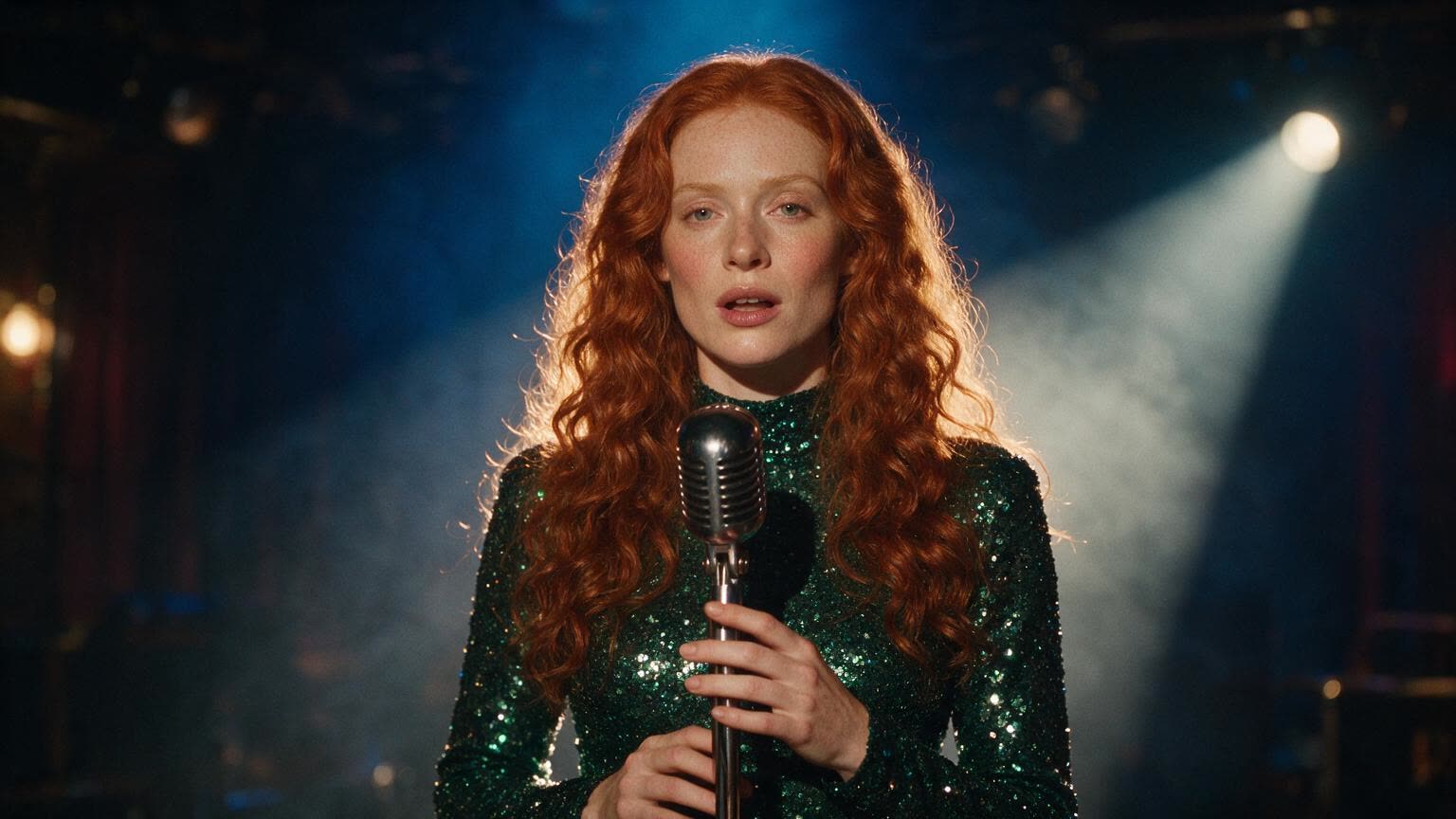
This guide uses one subject, a singer at a vintage microphone made with an image model, and renders on the Fast tier at 1080p. The catalog facts come from the public model pages on the day of writing; the Veo 3.1 model page is the live version.
Which Veo you are choosing
| Tier | Quality | Takes | Sound | Best for |
|---|---|---|---|---|
| Veo 3.1 | 720p or 1080p, same price | Text, a start frame, or up to 3 reference images | Always, with speech | The finished shot |
| Veo 3.1 Fast | 720p, 1080p costs more | Text, a start frame, or up to 3 reference images | Always, with speech | Drafts, and most of this guide |
| Veo 3.1 Lite | 720p, 1080p costs more | Text or a start frame. No references | Always, with speech | Everyday clips on a budget |
Pick the tier in the video composer model list: Veo 3.1, Veo 3.1 Fast and Veo 3.1 Lite sit next to each other. The quality picker under the prompt shows the price of each tier for the length you set.
What goes wrong
| Mistake | Why it fails | Fix |
|---|---|---|
| Asking for 5 seconds | Veo renders 4, 6 or 8 seconds only. | Pick one of the three; the composer offers nothing else. |
| A square or 4:3 clip | Veo renders 16:9 and 9:16 only. | Choose the shape first, reframe in Studio later. |
| A start frame and reference images together | The provider refuses the request. One or the other. | Frame for an exact opening, references for a new angle. |
| A paragraph of dialogue | Eight seconds fits one short line, spoken clearly. | One line in quotes, then what is heard under it. |
| Switching audio off | Veo always renders sound. | Leave it on and write the sound you want. |
| Reference images on Lite | Lite takes no references. | Use a start frame, or move to Fast. |
Before you start
- Decide 16:9 or 9:16. Everything else follows from it.
- Write the spoken line in quotes, short enough to say in three seconds.
- If you have a photo, decide whether it is frame one (start frame) or a look to study (reference).
- Veo is on Pro and up. The Generate button carries the exact price for the tier, length and quality on screen.
A spoken line from a still
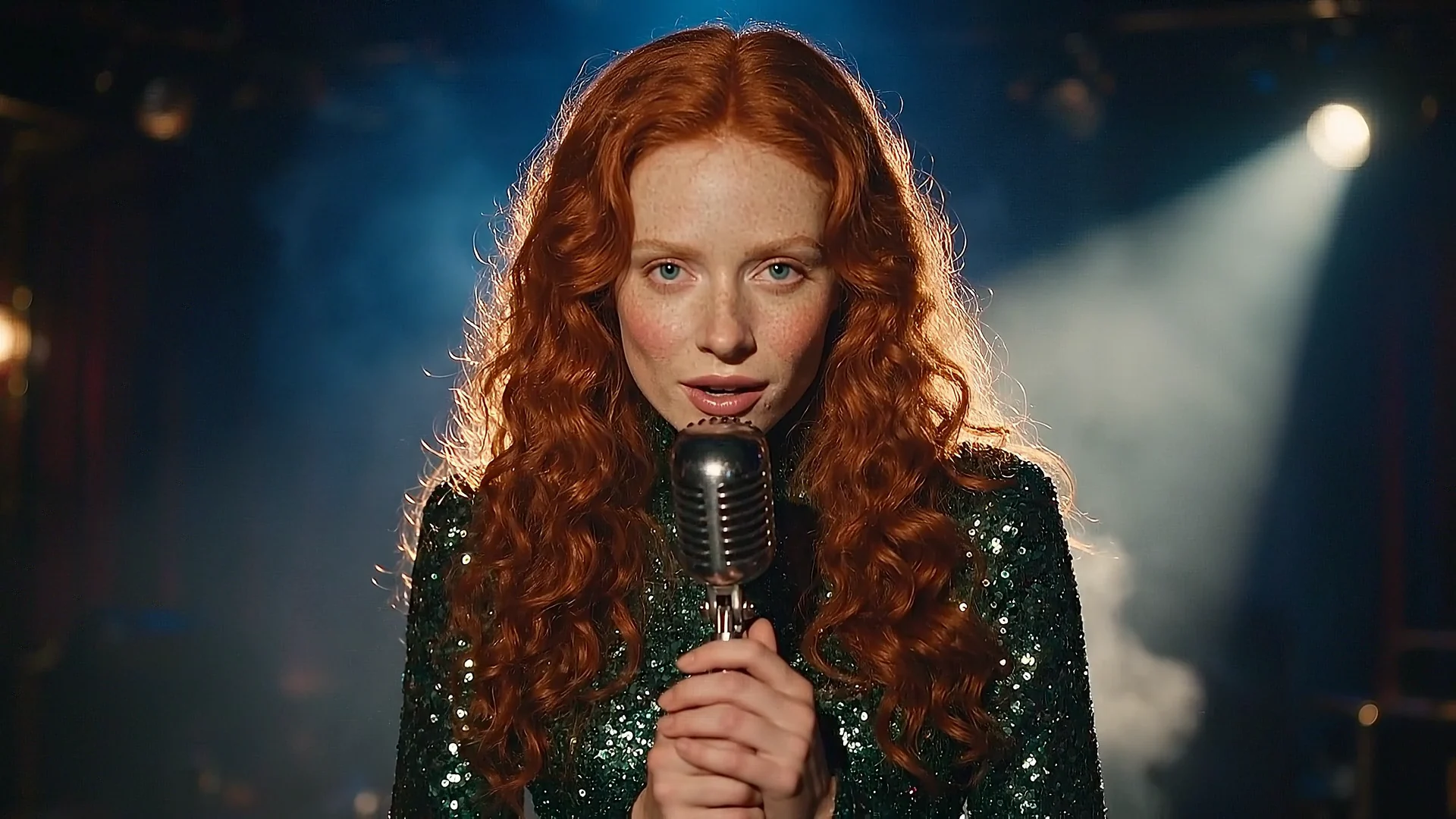
This is Veo's home ground: a person says one line and the sound of the room is under it. We chose Animate an image, added the singer's still as the start frame, picked Veo 3.1 Fast at 1080p, 16:9, 8 seconds, and wrote the line in quotes with the sound after it.
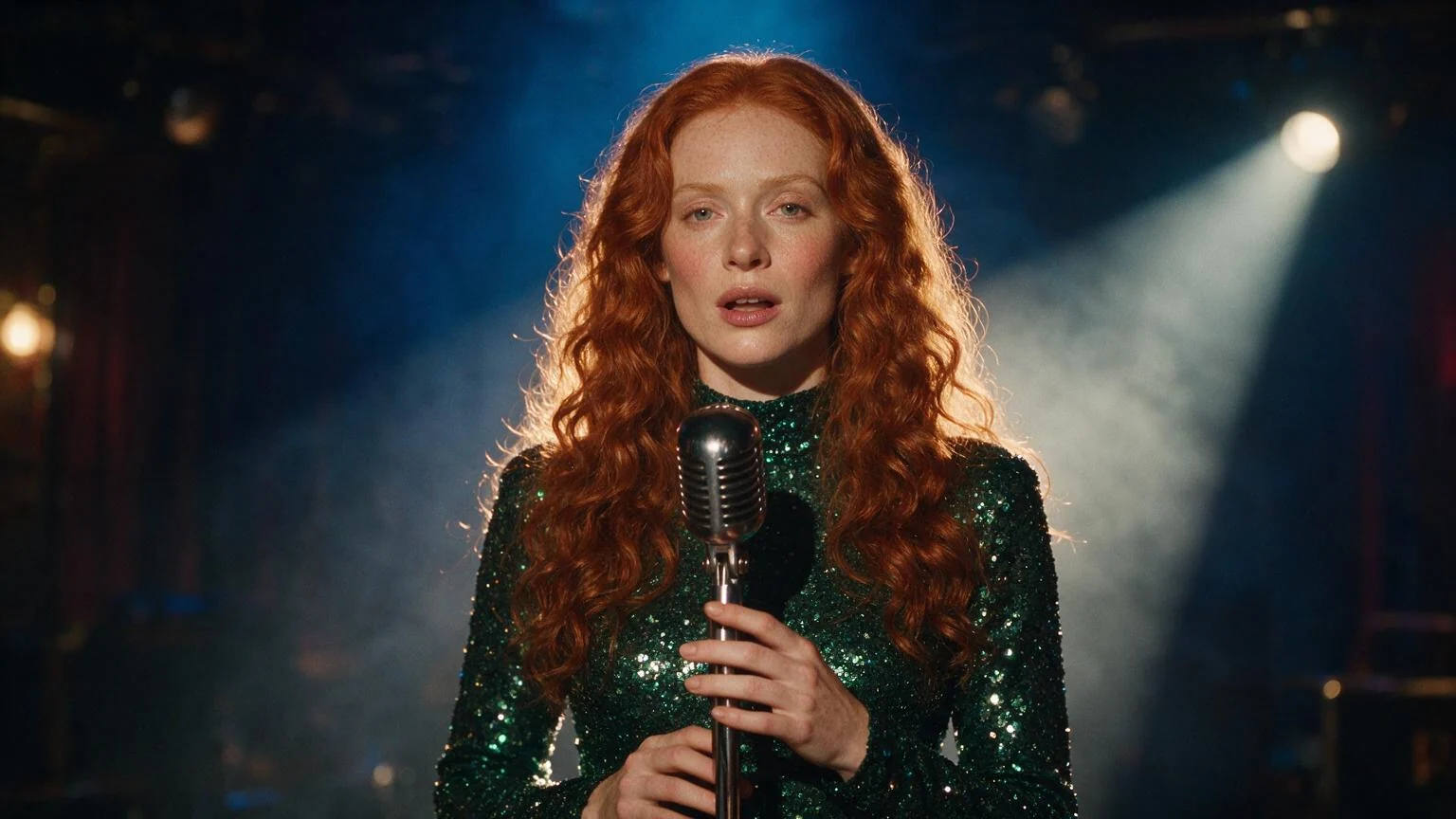
An invented, computer-generated singer, not a real person. She leans an inch closer to the microphone, looks into the lens and says, quietly and clearly, "One more song. Then we go." A small smile after the line. Slow push in to a medium close up, no cuts, no new people. The smoke drifts through the blue backlight. Sound: the room tone of a small club, a faint crowd murmur, the click of the microphone stand, no music under the line. No text, no logos.
Try it yourself
- The start frame (JPEG, 16:9)JPEG photo · 1536x864 · 110 KBDownload
The same still as a reference: what happened
Attach the still under Reference images instead of as the start frame and Veo studies it rather than animating it: the wardrobe, the microphone and the light are read from it, and the model frames its own shot. The composer releases the start frame the moment you add a reference, because Veo takes one or the other. Reference runs are 8 seconds only.
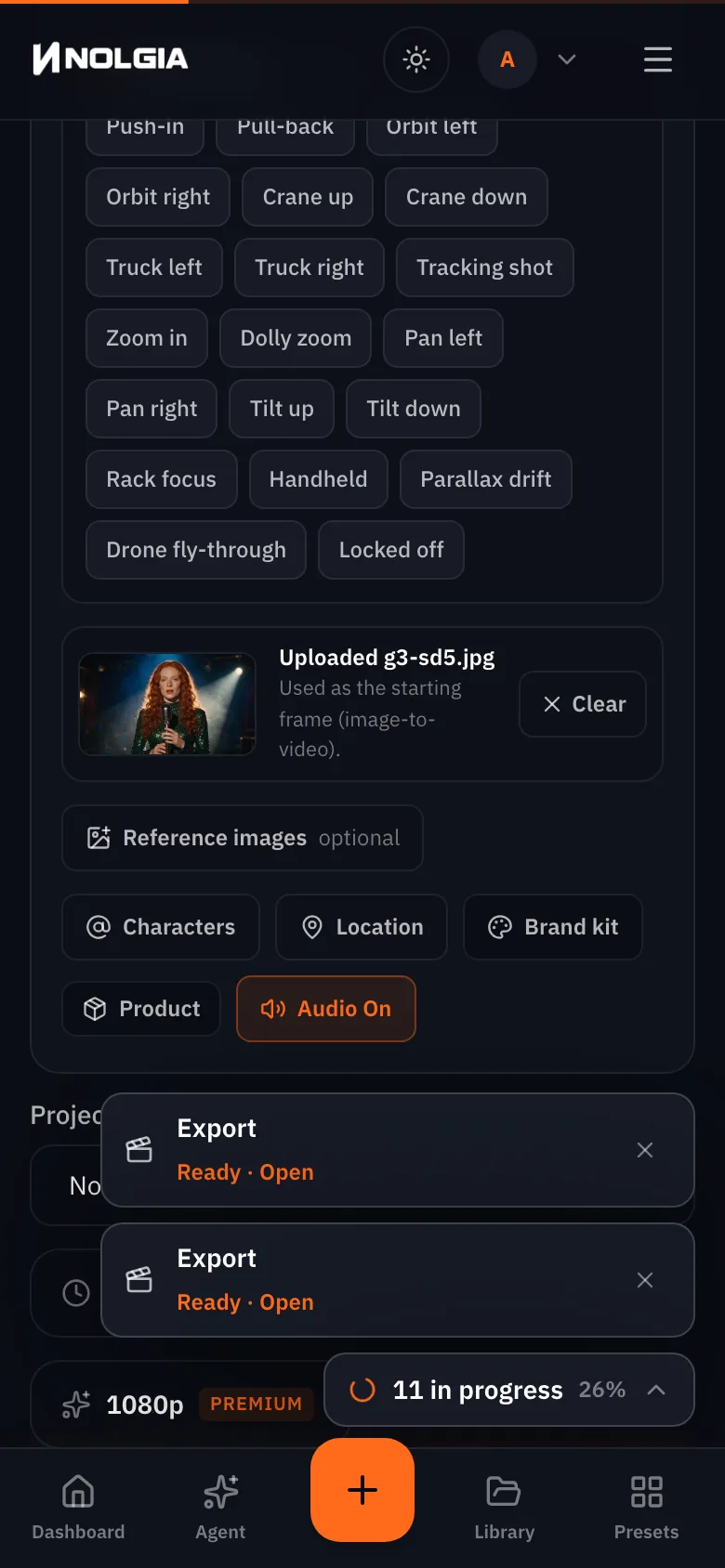
We ran it, and it did not come back. The first attempt asked for 6 seconds and was refused before the model ran, with the 8 second rule spelled out and nothing charged. The second attempt, at 8 seconds, was rejected by the provider's safety system with the reason given as a content policy match on the prompt or the reference; that run was charged and not refunded, because the provider had already processed it. The prompt is below, as sent, so you can see how ordinary it was.
Use @Image1 for the singer, her dress and the stage. A vertical shot from the back of the club: the crowd's heads in the bottom of the frame in silhouette, the singer small on stage in the spotlight, smoke rolling through the blue backlight. She raises one hand and the crowd cheers. Handheld, a slow drift to the left, no cuts. Sound: a full room, a cheer that swells at the raised hand, no music. No text, no logos.
Watch for this:A photoreal person as a reference is where Veo says no. The same still worked as a start frame with a spoken line, on the same tier, minutes earlier. As a reference it was rejected. Say invented person, not a real person, in every Veo prompt, expect the provider to be strict about people in reference images, and know that a safety rejection costs the credits. If you need a person carried into a new shot, Hailuo 3 took the same kind of request in the MiniMax H3 guide.
How to write for Veo
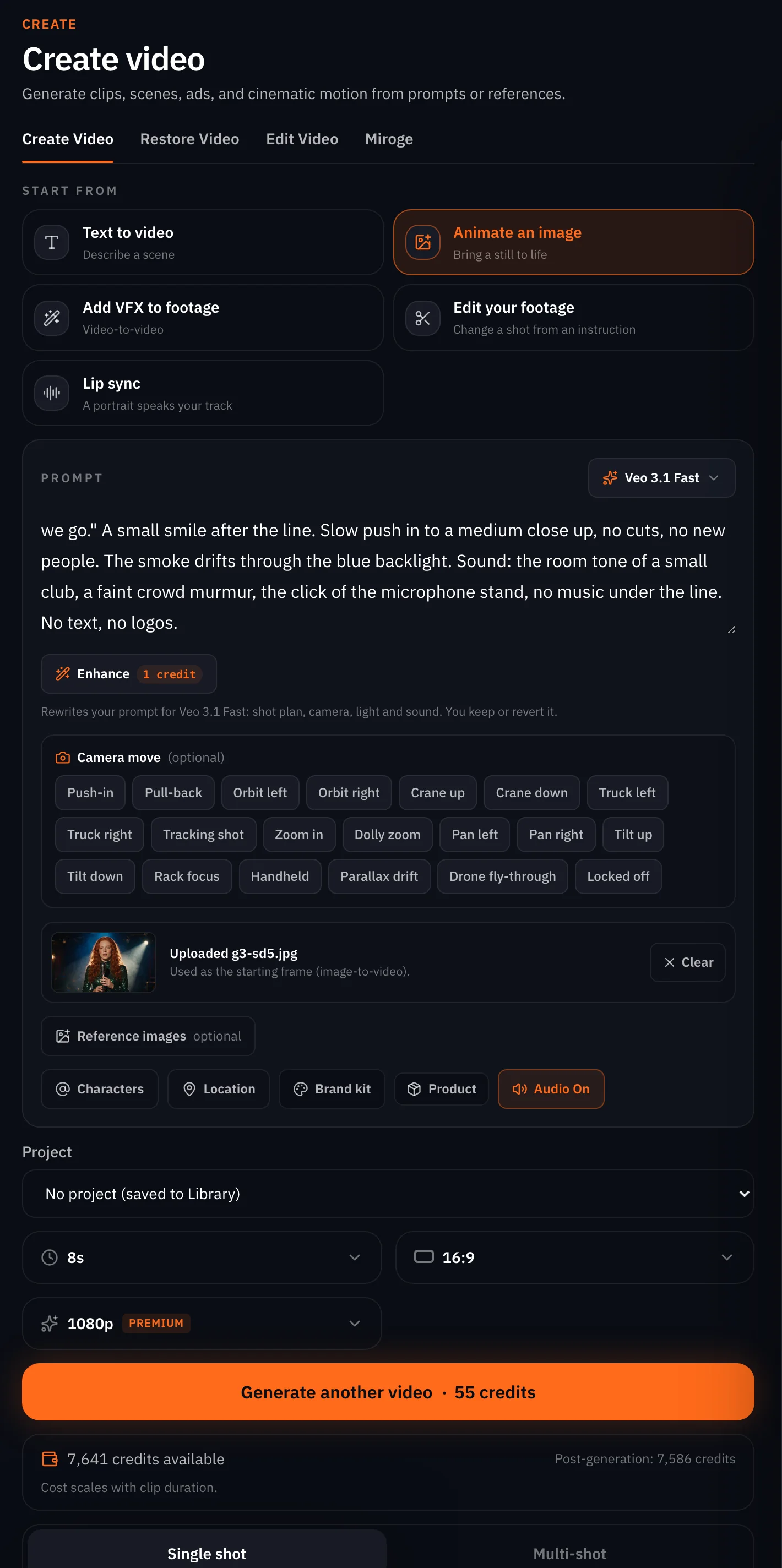
- The line in quotes, once. Put the words the person says inside quotation marks and say how they say them: quietly, clearly, with a smile after.
- Sound after the line. Name the room, one or two sounds in it, and say no music if you mean it.
- One camera move. Push in, drift, hold. Veo's clips are short; a second move does not fit.
- No stunts. A flip, a run, a fall or a pour asks for physics Veo does not hold. On our backflip test Veo 3.1 Fast missed three rolls of four, where Kling v3 and Seedance 2.5 flipped every time. Keep Veo for a line and a small move, and see Make AI people move realistically.
- Invented person, not a real person. Say it. Veo declines requests that read as a real person.
- Keep the still in charge. On Animate an image, do not describe the picture again; describe what she does.
What it refuses
- Any length but 4, 6 or 8 seconds. We asked for 5 and the API answered before the model ran: duration must be one of 4, 6, 8. Nothing charged. The composer only offers the three.
- Reference images at any length but 8 seconds. We asked for 6 with a reference and were told references on Veo 3.1 Fast require 8 seconds. Nothing charged.
- Reference images on Veo 3.1 Lite. Refused with a validation message naming the capability; the composer never shows the slot on Lite.
- A start frame together with reference images. The provider returns an unsupported request, so the composer releases the frame when you add a reference.
- Any ratio but 16:9 and 9:16. The composer offers only those two for Veo.
- Audio switched off. The sound is always rendered; there is nothing to switch.
- A person it does not want to render. Our reference-image request was rejected by the provider's safety system after the model had been called, and that one was charged and not refunded. The next step shows exactly what we sent.
What it costs
Per clip, by tier and by length. Veo 3.1 charges the same at 720p and 1080p; Veo 3.1 Fast and Lite charge more at 1080p. The exact number for your settings sits on the Generate button.
Veo 3.1Pro and up
Per 5s clip
720p 112 credits · 1080p 112 credits
Veo 3.1 FastPro and up
Per 5s clip
720p 28 credits · 1080p 34 credits
Veo 3.1 LitePro and up
Per 5s clip
720p 14 credits · 1080p 23 credits
Read live from the catalog when this page loads. Every price is shown before you generate. See every rate.
Which tier for which job
| Job | Tier | Why |
|---|---|---|
| A spoken line for a cut you will ship | Veo 3.1 at 1080p | The top tier costs the same at both qualities, so take 1080p |
| Testing the line and the timing | Veo 3.1 Fast at 720p | The cheapest way to hear whether the line lands |
| A quiet B-roll clip from a photo | Veo 3.1 Lite | A start frame and native sound at the lowest price; no references |
| A new angle on a subject you have a photo of | Veo 3.1 or Fast with references | Lite takes no references |
| A 10 second take or a square clip | Not Veo | Seedance 2.5 or Hailuo 3 take those lengths and ratios |
| A jump, a dance, a pour, a car on the move | Not Veo | Kling v3 or Seedance 2.5; Veo does not hold the physics |
Checklist
- 16:9 or 9:16 chosen.
- 4, 6 or 8 seconds chosen.
- A start frame or references, not both.
- The line in quotes, the sound after it, no music if you mean it.
- Invented person, not a real person, written in.
- The price read on the button, and the tier's 1080p rule remembered.
Questions and answers
- How long can a Veo 3.1 clip be?
- 4, 6 or 8 seconds, on every tier. Nothing in between and nothing longer; for a longer take use Seedance 2.5 or Hailuo 3.
- Is 1080p really the same price as 720p?
- On Veo 3.1, yes, the catalog lists the same figure for both tiers. On Veo 3.1 Fast and Veo 3.1 Lite the 1080p tier costs more. The cost block above reads the live numbers.
- Can it make a person speak?
- Yes, on all three tiers. Put the line in quotes, say how it is said, and describe the sound under it. Sound is always rendered on Veo.
- Start frame or reference image, which do I want?
- A start frame makes your photo frame one of the clip. A reference lets the model compose a new shot from what it sees in the photo. Veo takes one or the other in a run, and Lite takes no references at all.
- Which plan do I need?
- Pro and up, for all three tiers. Topping up credits on a lower plan does not unlock them.
- What happens when Veo refuses a request?
- A request outside the lengths, ratios or input rules is refused before the model runs and nothing is charged. A render the provider blocks on content is refunded.
Give Veo one line to say.
Open Veo 3.1Related guides
Video
Turn a photo into a video, three ways
Animate one still on NOLGIA three ways: the video composer for control, the agent for a hands-off run, a preset for the fastest clip. Which models take a photo, and what each way costs.
· 13 min read
Models
MiniMax H3 on NOLGIA: Hailuo 3, H3 Max and what each one takes
The MiniMax video models NOLGIA carries: Hailuo 3 with subject references and spoken lines at 2K, H3 Max with a start and an end frame or text alone, and the older Hailuo 2.3. Real renders per input.
· 9 min read
Filmmaking
Focal length for AI video: 24mm, 70mm, 135mm and 200mm
What 24mm, 70mm, 135mm and 200mm do to a frame, how to prompt each in Seedance 2.5, and how the focal length reel was made, with every prompt as it was sent.
· 15 min read