

Turn your logo into an intro or a sting
One plays a few seconds of story and lands on your mark. The other builds the mark itself and holds it. Pick by where the clip will play.
- 6 min read
- Updated
- Presets: Animate your logo, Logo reveal, Logo
A few seconds of motion that ends on your mark works as a channel intro, an ad end card or a keynote opener. NOLGIA has two presets for it, and they make different things.
Animate your logo plays a small original scene that resolves into your logo, the way a film studio opens a movie. Logo reveal is a short sting: the pieces of your logo arrive, lock together with a sweep of light and hold.
Pick the route
| Animate your logo | Logo reveal | |
|---|---|---|
| What plays | A small original scene that resolves into your logo | The pieces of your logo arrive, rotate into alignment, lock with a specular sweep and hold |
| Default length | 8 seconds | 5 seconds |
| How it ends | Your logo held still and centred, with room beneath it for a wordmark or tagline | Your logo on a clean ground, also delivered as a transparent overlay |
| Made for | Brand films, channel intros, event openers, podcast and series title cards | Channel intros and outros, ad end cards, pitch deck openers, event screens |
| Time to make | 2 to 5 minutes | 2 to 4 minutes |
Pick Animate your logo when you want a moment of story before the mark, an opener that sets a mood. Pick Logo reveal when the mark itself is the whole show, or when you need a short piece to lay over footage you already have.
Get a clean logo file
Both presets start from your logo, uploaded or picked from your Library. For Animate your logo, use a clean flat file on a plain background: simple solid shapes work best. For Logo reveal, use the biggest flat version you have, with a transparent background if you can, because it is the star of the video.

No mark yet? The Logo preset makes one first, and Logo reveal can then animate it.
Tip:Save it once. Keep your logo and colors in a brand kit, then pick the kit in the image or video composer, or set it on a project, and NOLGIA adds them to each generation there.
Animate your logo: describe the mark and pick a mood
Open Animate your logo and add the logo. If you like, describe it in words, its shapes, line thickness and exact colors, so the scene is built around it. Then pick the mood, which decides the kind of scene that turns into your logo:
- Whimsical: a small, gentle, slightly odd scene with a soft glow and a touch of wonder.
- Majestic: a vast landscape, a slow camera, deep sound, your mark arriving like a monument.
- Playful: bright colors, bouncy timing and one visual gag that snaps into your mark.
- Minimal: one shape, one move, one sound on a clean ground, with nothing else in frame.
Every scene is invented, never borrowed from a real studio's opener, and everything else in frame comes back plain and unlettered, so the only branded thing in the shot is the mark you supplied. Add brand colors as names or codes if you have them.
Start from a direction, or describe your own
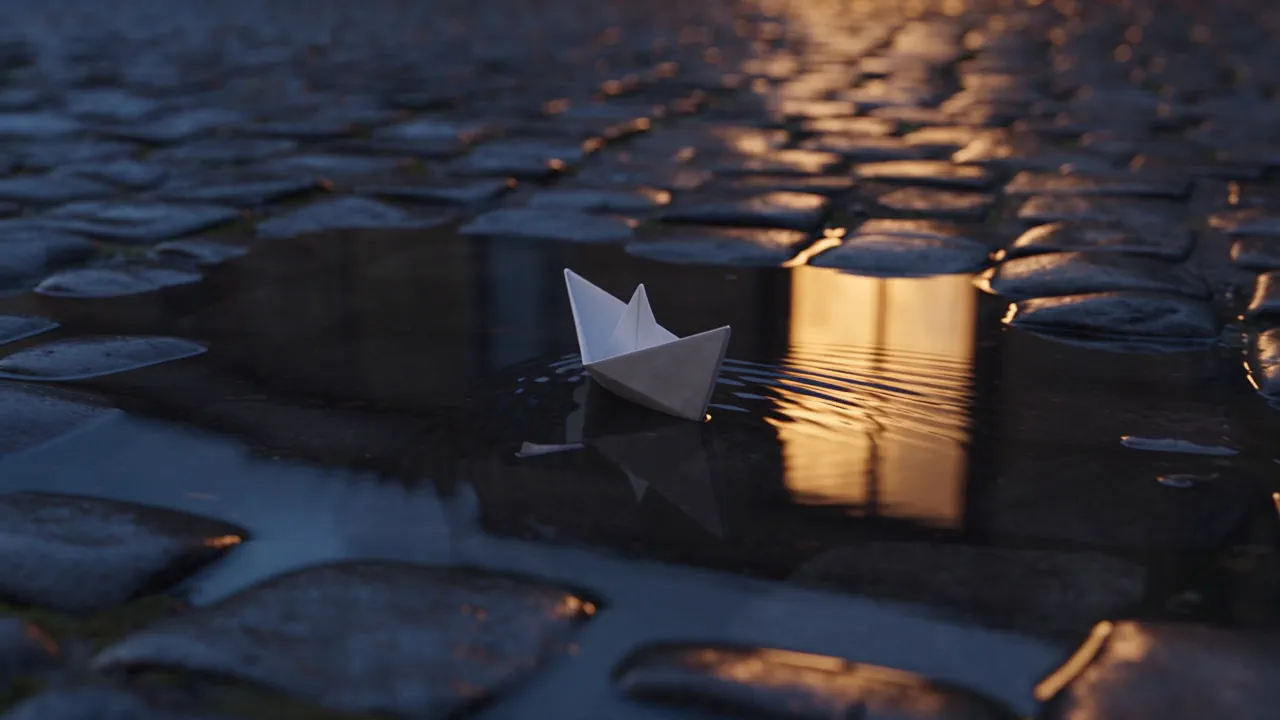
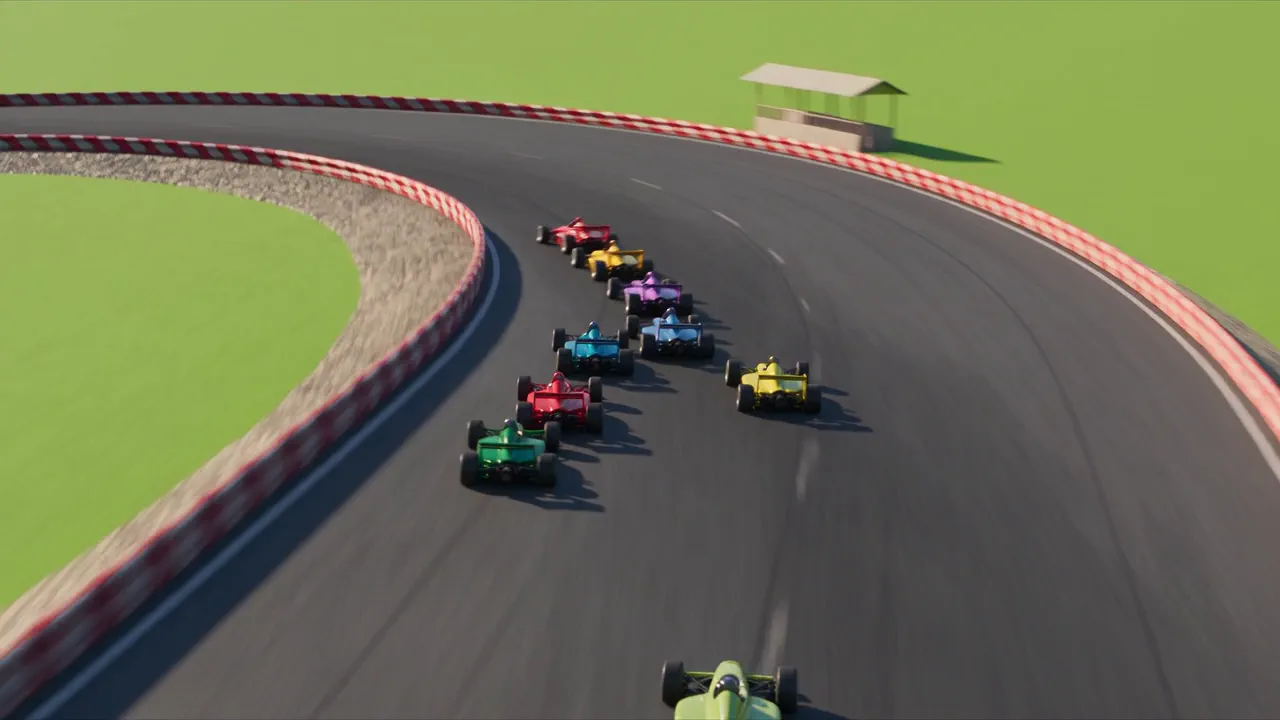
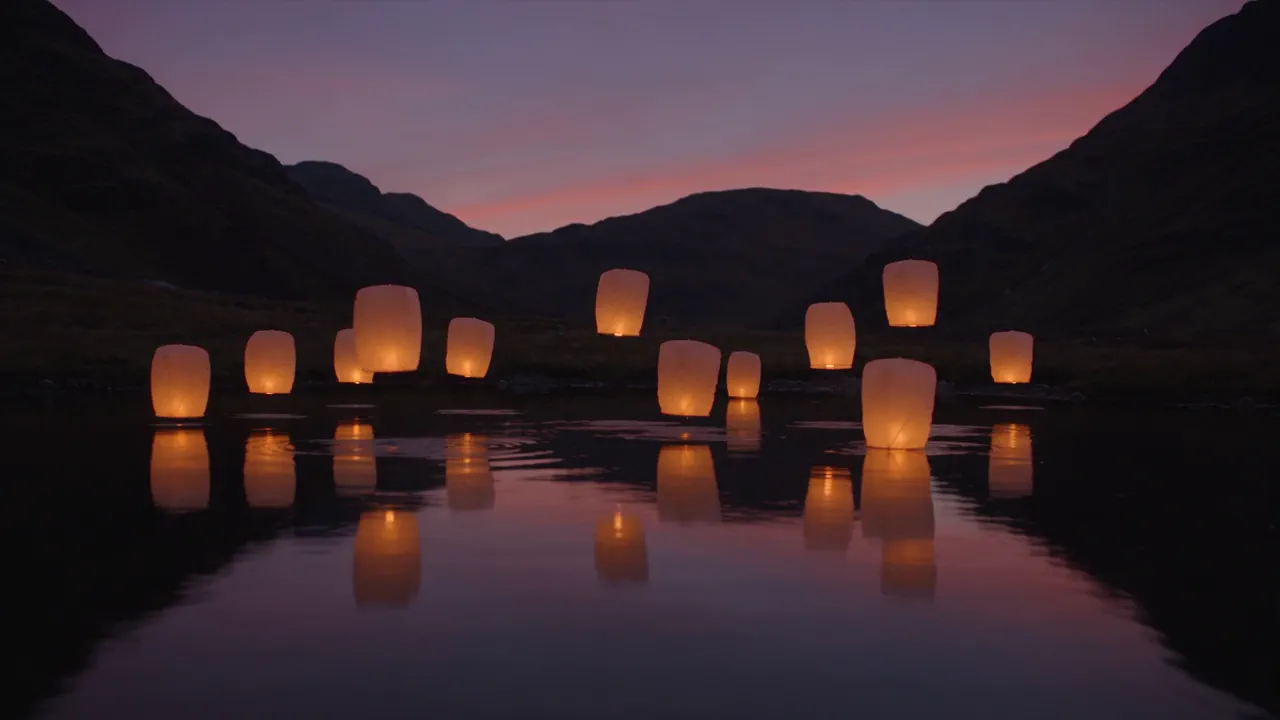
The preset page offers ident directions to start from: a racetrack, a paper boat and lanterns. If none of them fits, describe your own, and NOLGIA Agent starts from the Animate your logo brief and keeps the same guardrails.
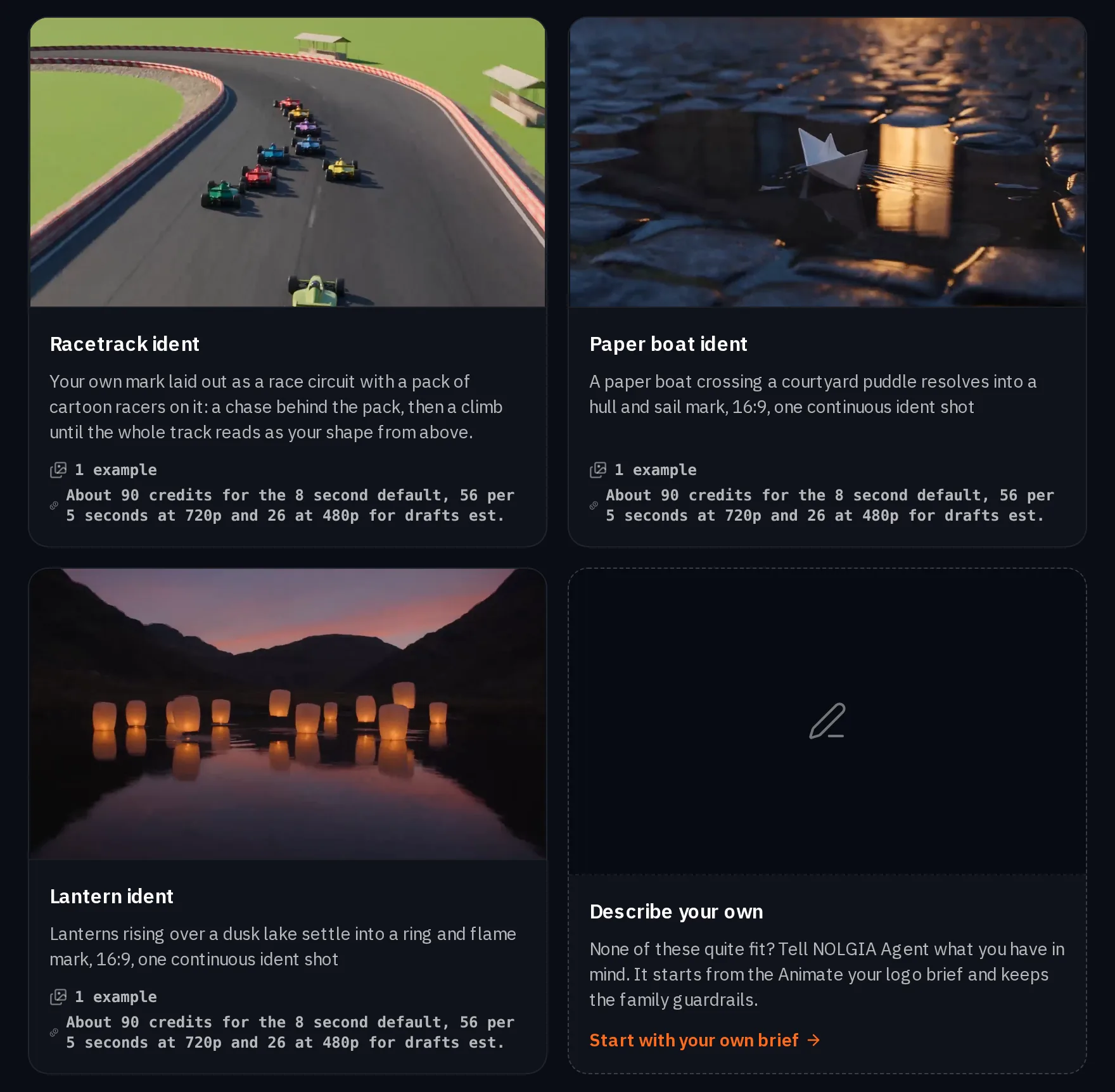
The examples here were made from invented marks described in words, not from uploaded logo files.
Logo reveal: add colors and a feeling
Open Logo reveal and add the logo. Give brand colors as names or codes, and the feeling in your own words, such as premium, quiet and confident. Both are optional.
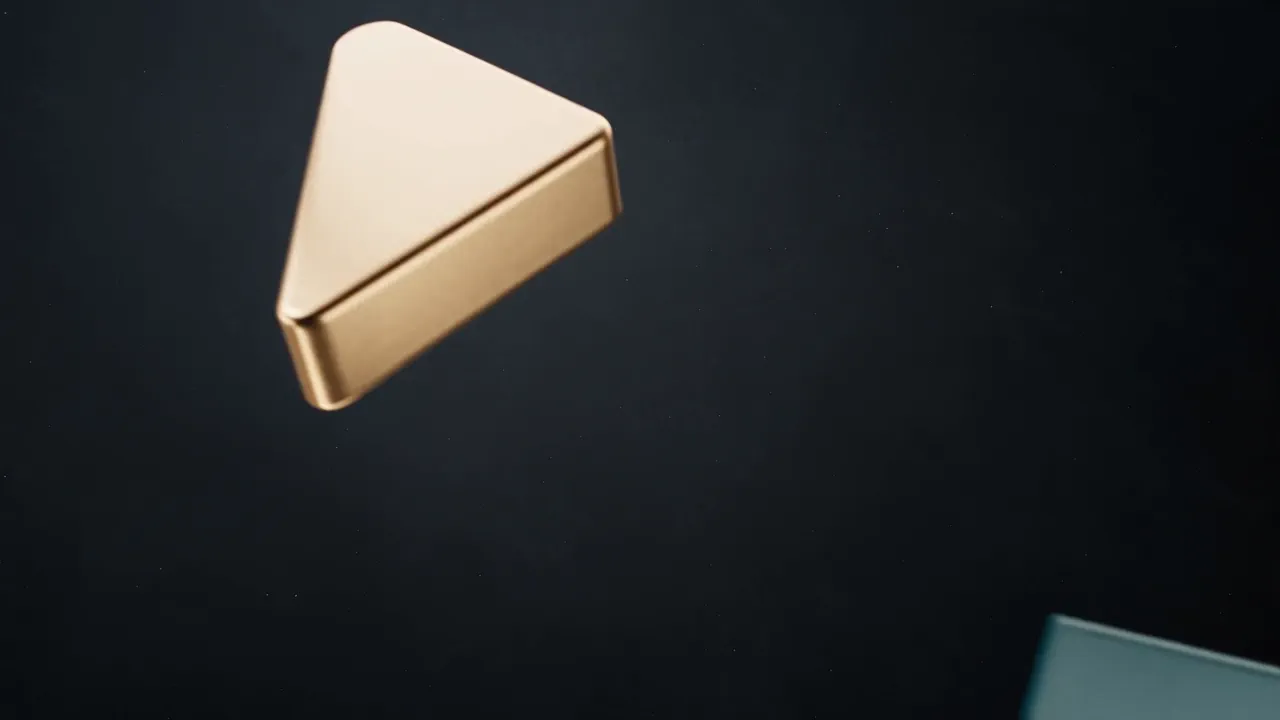
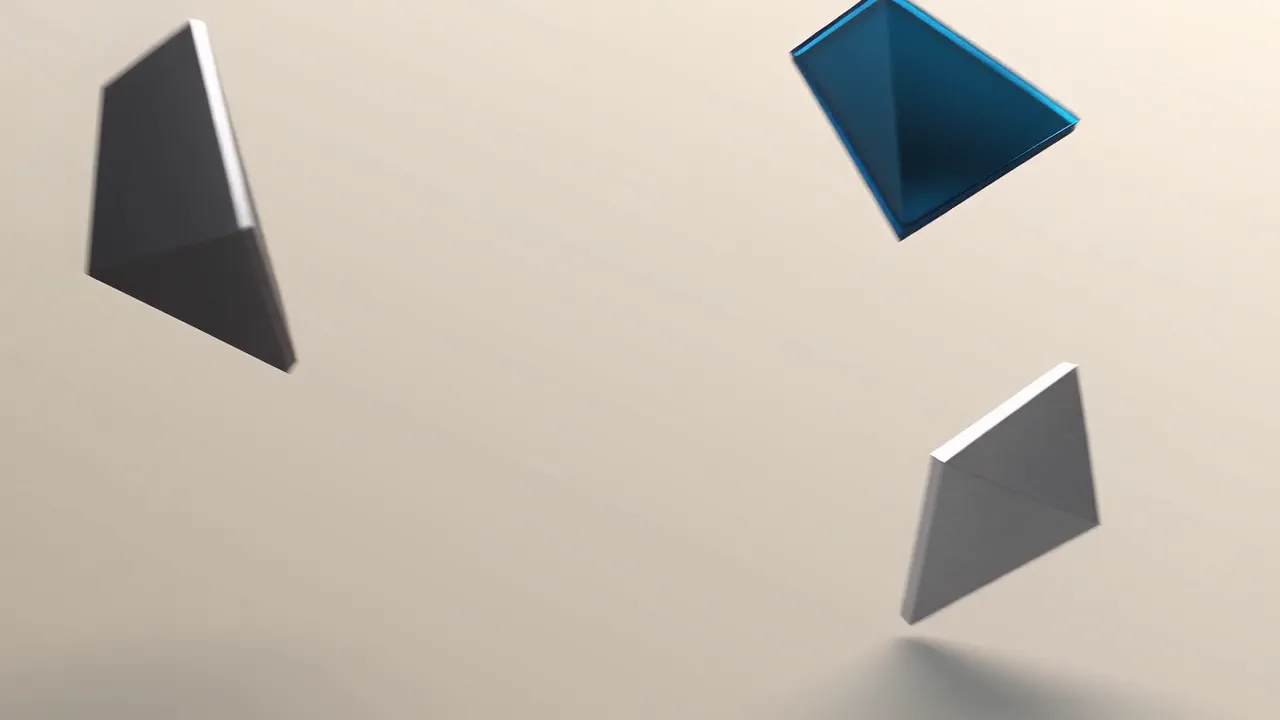
The pieces arrive, rotate into alignment, lock with a specular sweep and hold. You get the sting on a clean ground and as a transparent overlay, so it can sit on top of other footage as an intro, an outro or an ad end card. The three examples below are invented abstract marks.
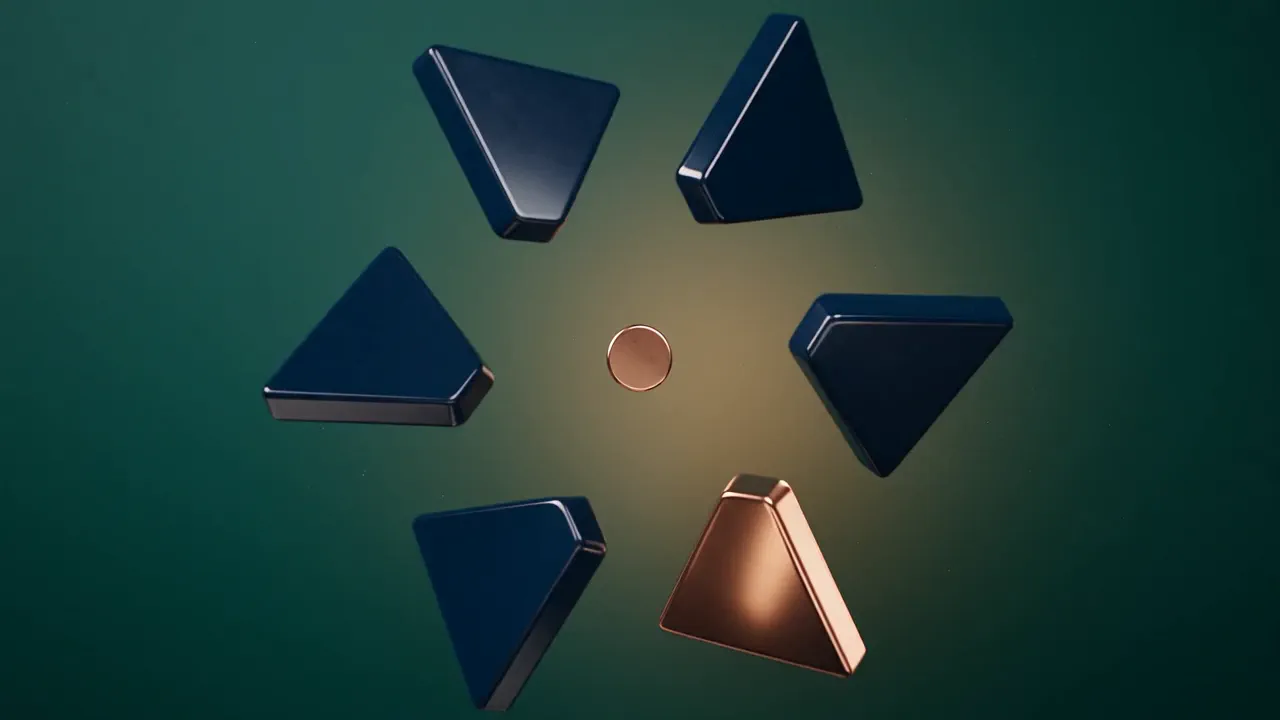
Pick the shape and create
Both presets offer widescreen 16:9 for YouTube, television and presentations, vertical 9:16 for Shorts, Reels and TikTok, and square 1:1 for feeds and thumbnails. If it has to play in more than one place, run it again in a second shape.

Both render with sound, and the result lands in the chat and in your Library. The clips on this page are silent previews.
What it costs
Each preset shows its own estimate for its default length, and both list a lower 480p rate for drafts. The models they run on publish their own rates.
- Animate your logo
About 106 credits for the 8 second default, 66 per 5 seconds at 720p and 31 at 480p for drafts
Takes 2 to 5 minutes
- Logo reveal
About 66 credits for the 5 second default (66 per 5s at 720p, 31 per 5s at 480p for drafts)
Takes 2 to 4 min
Seedance 2.5Pro and up
Per 5s clip
480p 31 credits · 720p 66 credits · 1080p 160 credits · 4K 202 credits
1080p renders at 16:9 and 9:16
4K renders at 16:9 and 9:16
Gemini Omni 1.1 FlashPro and up
Per 5s clip
720p 29 credits · 1080p 44 credits
Read live from the catalog when this page loads. Every price is shown before you generate. See every rate.
Questions and answers
- Will my logo come out exactly as it is?
- Your logo file rides along as a reference, and a clean flat file with simple solid shapes works best. The examples in this guide were made from invented marks, so judge the result on your own file.
- Can I make a vertical version for Reels?
- Yes. Both presets offer vertical 9:16. Run it again in a second shape if you need both.
- Does it come with sound?
- Yes. Both presets render with sound on.
- Can I reuse my logo and colors elsewhere?
- Yes. Save them in a brand kit, then pick the kit in the image or video composer, or set it on a project, and NOLGIA adds them to each generation there.
Put your mark in motion
Open Animate your logoRelated guides
Blog · Product
Brand kits, product import, cast, locations, camera moves and the Agent Sessions API
Save your brand, your products, your cast and your places once, reuse them in every generation, and drive the NOLGIA Agent from your own code.
· 5 min read
Product video
Product videos without filming: pick the format
Seven product video formats, from a how to clip to an unboxing to hands only, each with a real example, what it is for and when to pick it.
· 8 min read
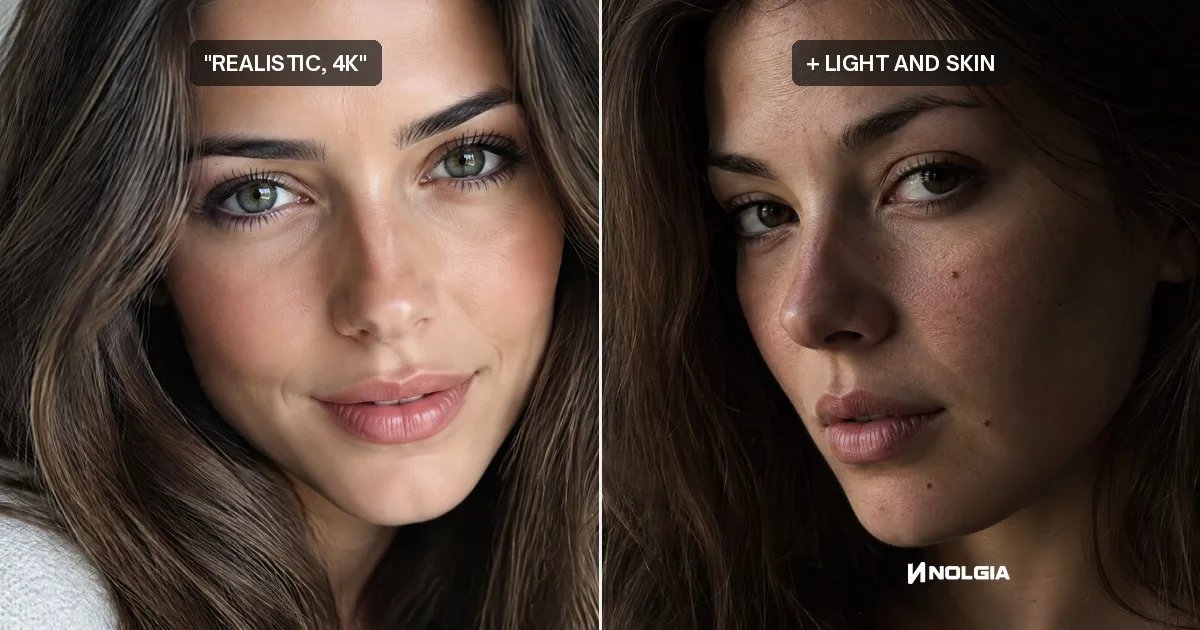
Prompting
Why typing 4k doesn't make an AI image sharper, and what does
Typing 4k, 8k or hyperrealistic adds no pixels and no detail. We ran the same portrait with and without them, and show what does make it sharper.
· 10 min read