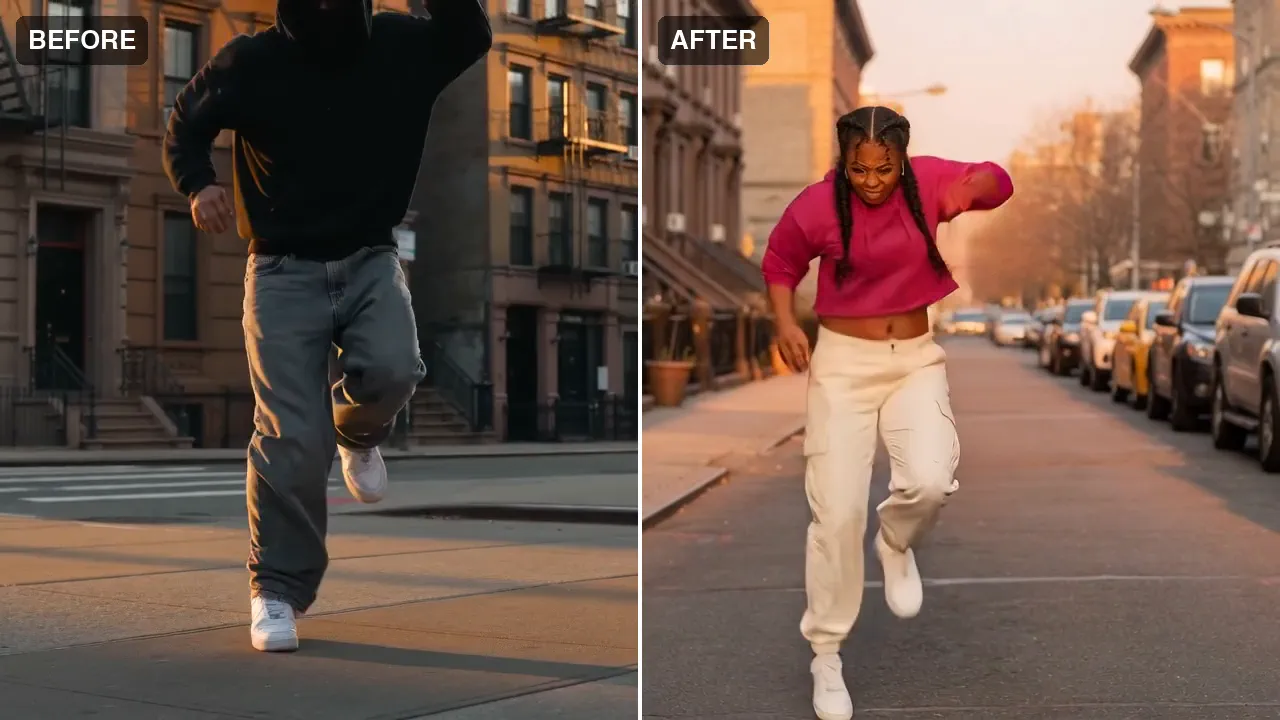
A street routine, performed by someone else, beat for beat.
Motion transfer
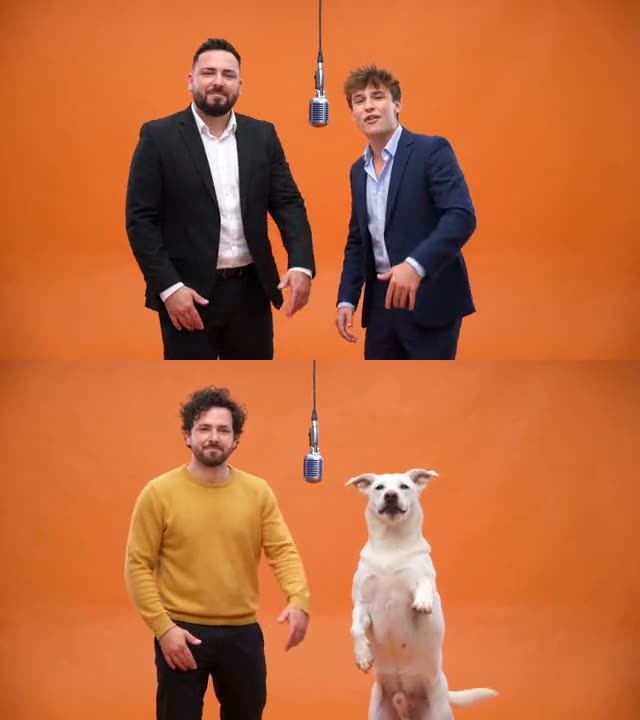
Your cast performs the clip. The moves, the timing and the camera come from your video, the performers come from your photos.


Miroge
Recast a clip you already have with your own people, pets or characters, swap one thing in it, or move it to a new place. The moves, the timing and the camera carry over from your clip.
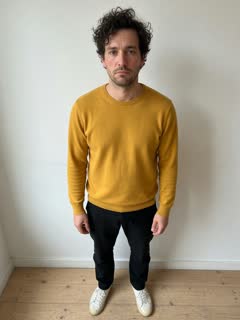
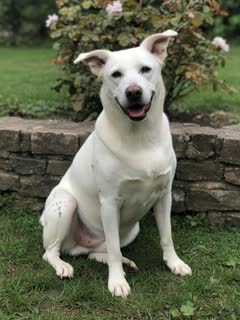 + a video
 Your videoMiroge
A street routine, performed by someone else, beat for beat.
Your cast performs the clip. The moves, the timing and the camera come from your video, the performers come from your photos.
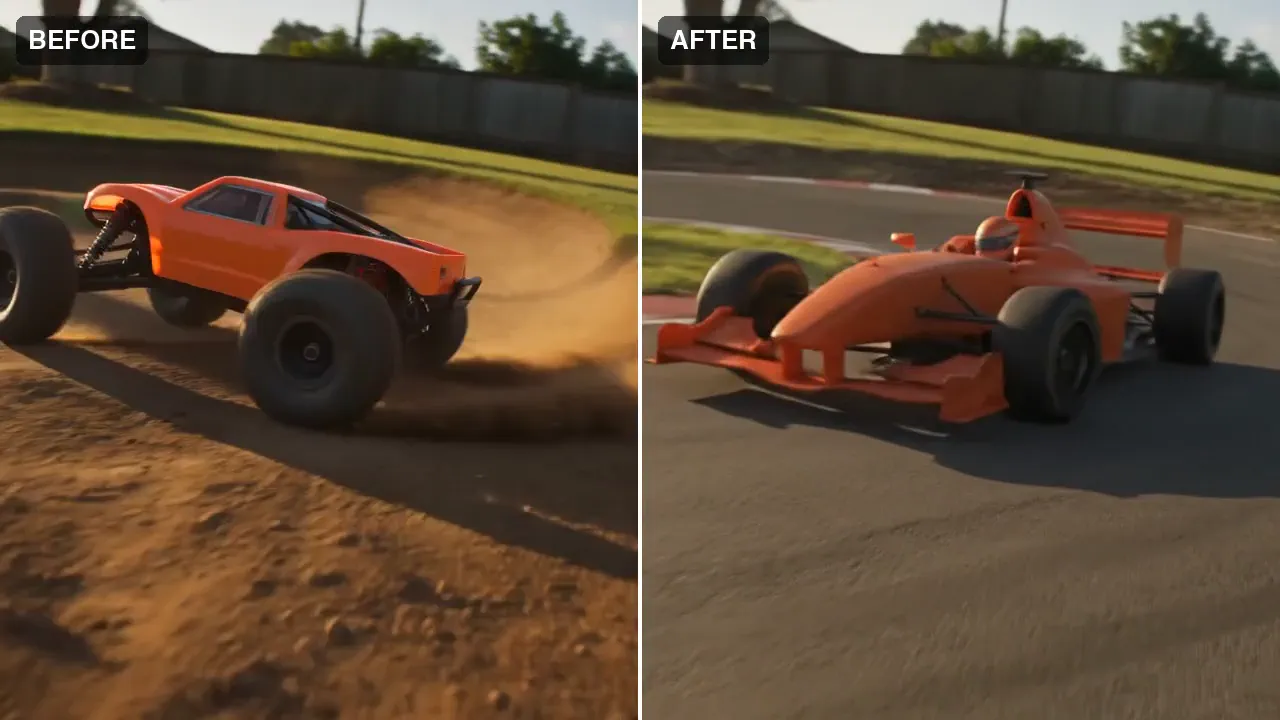
An RC buggy becomes a full-size race car. Same corner, same camera move.
Change one thing in your clip, a person, a product or an outfit, and keep the rest of the shot as you filmed it.
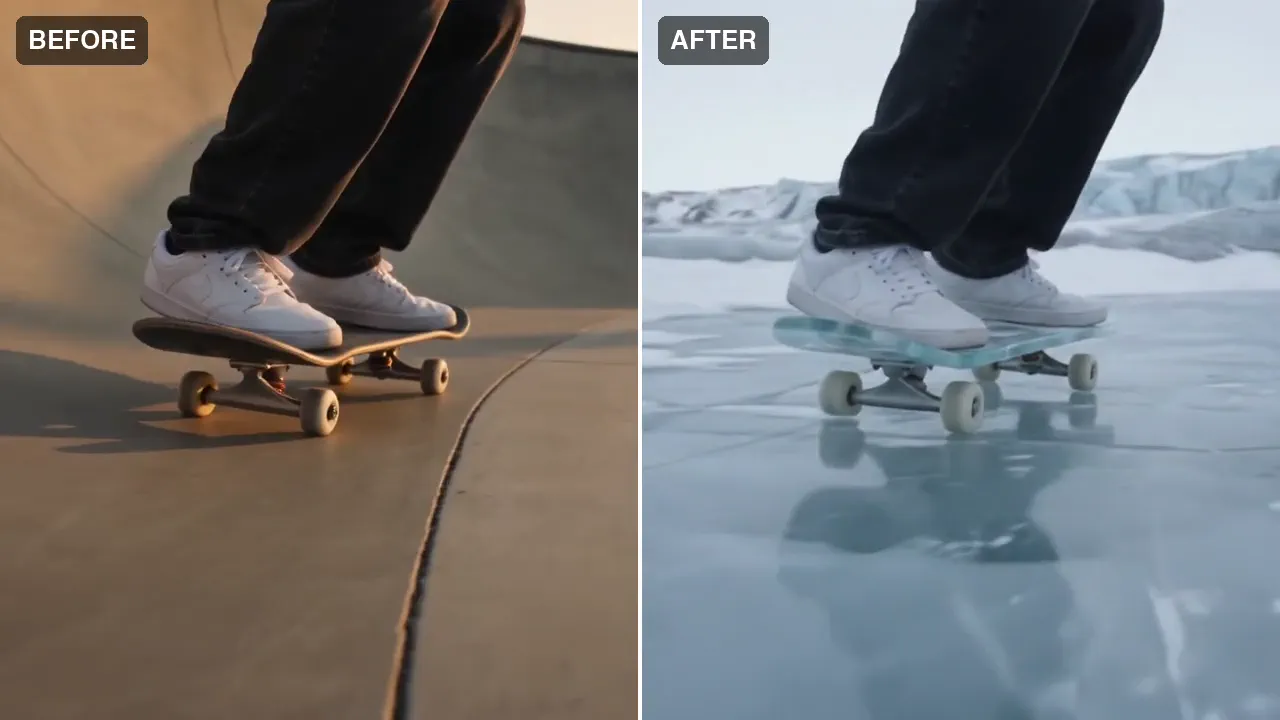
Same rider, same trick, same timing. The bowl becomes an arctic glacier.
Keep the subject and its moves, and redraw the place and the light around it.
Use a clip you shot or made yourself. The price for your clip is on the Generate button before anything runs.
Sign in to start