La vidéo finie
Coupé à l’image près, chaque mot écrit comme vous l’avez tapé, et vérifié pour que les flashs restent dans des limites sûres pour les spectateurs sensibles à la lumière clignotante.


Encore
Choisissez un style ou collez le montage, ajoutez vos photos, votre produit ou vos images, et Encore rejoue le montage avec vous dedans.
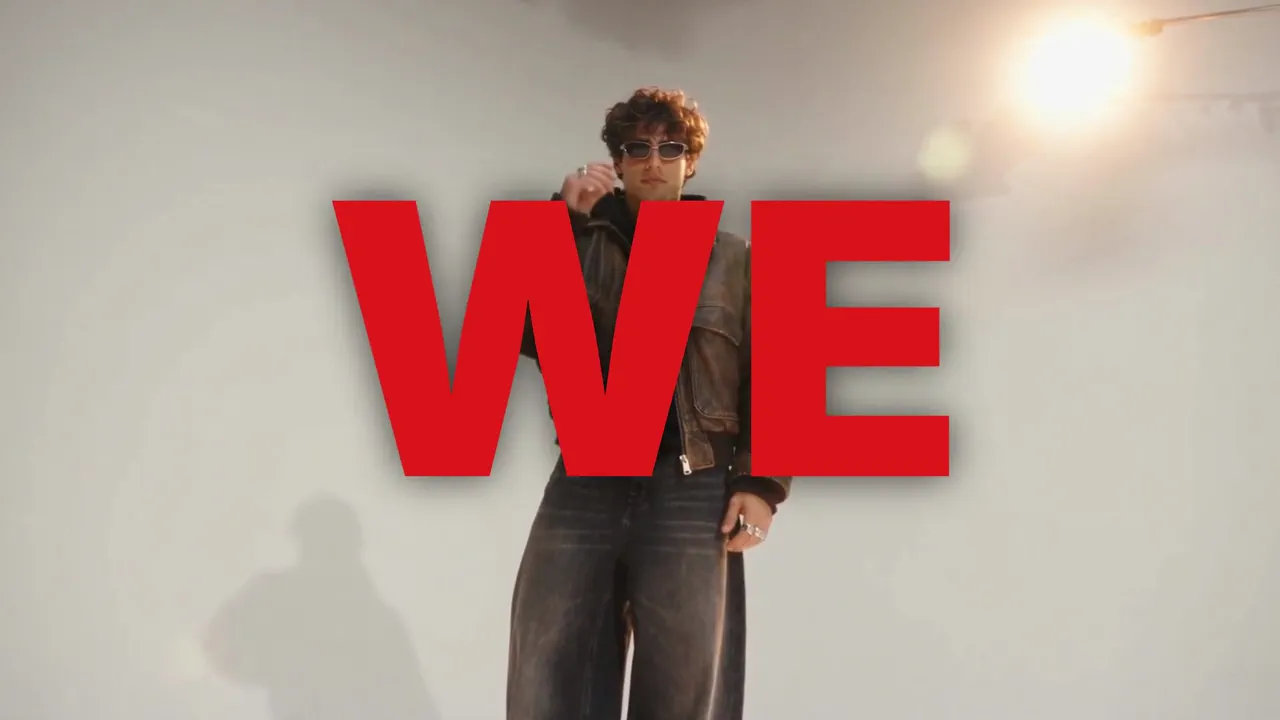
Any edit you wish was yours, remade with you in it. Paste the edit, add your photos, your product, your footage or a character, and Encore studies every frame and performs it again, with you.
Importez un montage dont vous avez les droits d’utilisation. L’analyse est gratuite et lit ses coupes, son rythme et les mots qu’il affiche à l’écran.
Des photos de vous, un produit, vos propres images ou un personnage.
Un champ pour chaque mot que le montage affiche à l’écran, composé exactement comme vous l’écrivez.
Chaque plan est planifié avant tout lancement, et le prix est sur le bouton.
Le montage refait avec vous, un fichier de comparaison à côté de la référence, et un projet Studio pour continuer à le modifier.
Chaque style est un montage fini avec sa propre coupe, sa typo et son rythme. Ajoutez ce qu’il demande, une photo, vos images, votre produit ou votre script, et Encore l’interprète avec vous.
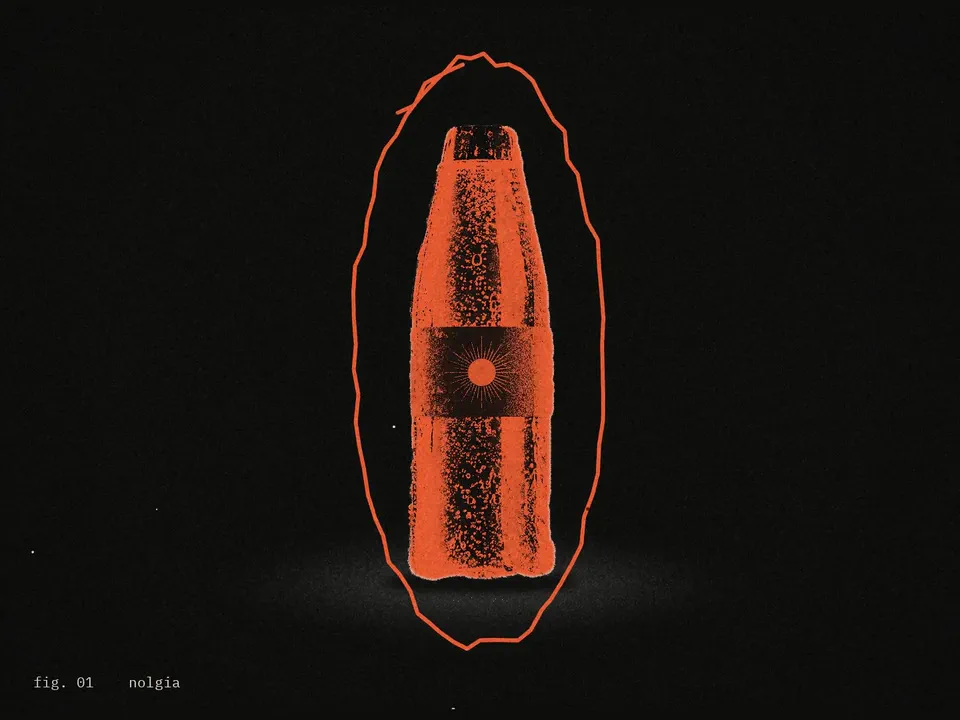
A product launch edit in photocopy editorial style: your product as the only color on black and white paper, figure labels and stamps, your brand stacked and repeated, and an end card with your claim. Cut from your photos and clips with nothing generated, or made from your photos alone.
About 5 minutes from your clips; about 10 to 15 minutes from your photos alone
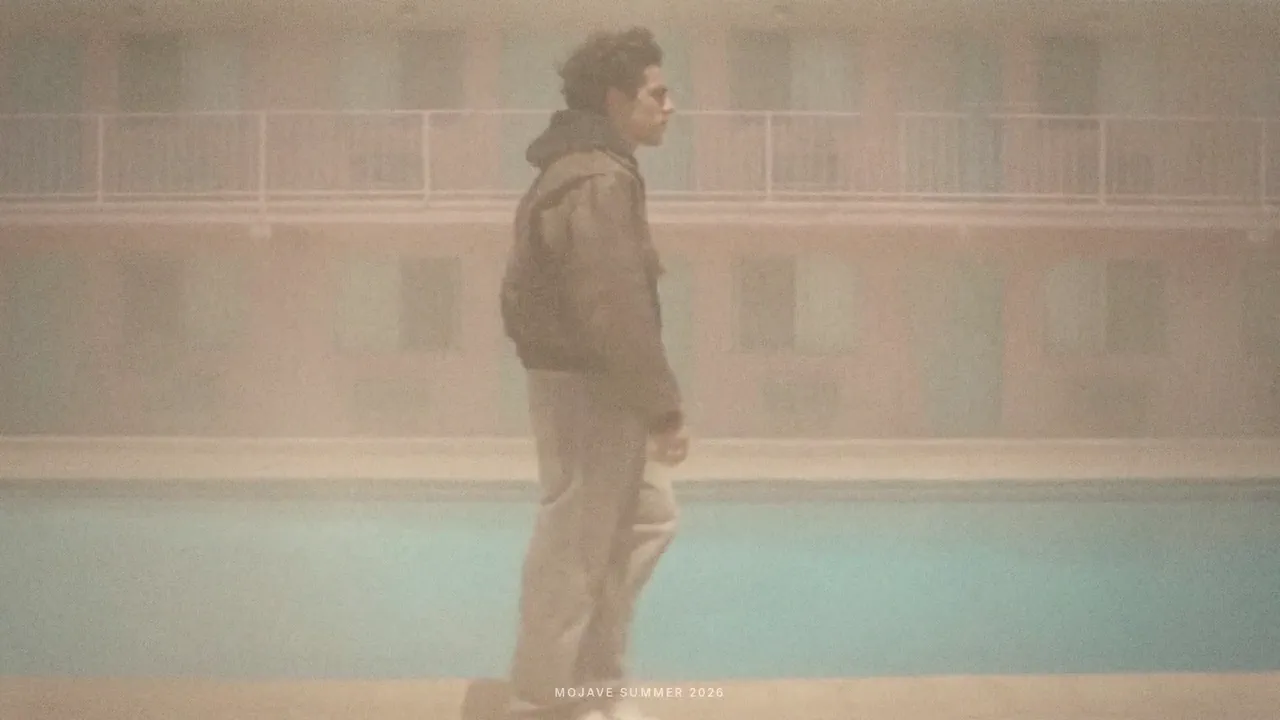
Turn your footage of a place, or one line or one photo of it, into a 28 second mood edit with a typed title, a place word and a handwritten line in your own words. From your footage nothing is generated, so the run is free.
About 5 minutes for a short clip, about 6 to 7 minutes for a 2 minute clip, longer for longer footage; about 25 to 45 minutes from one line or one photo
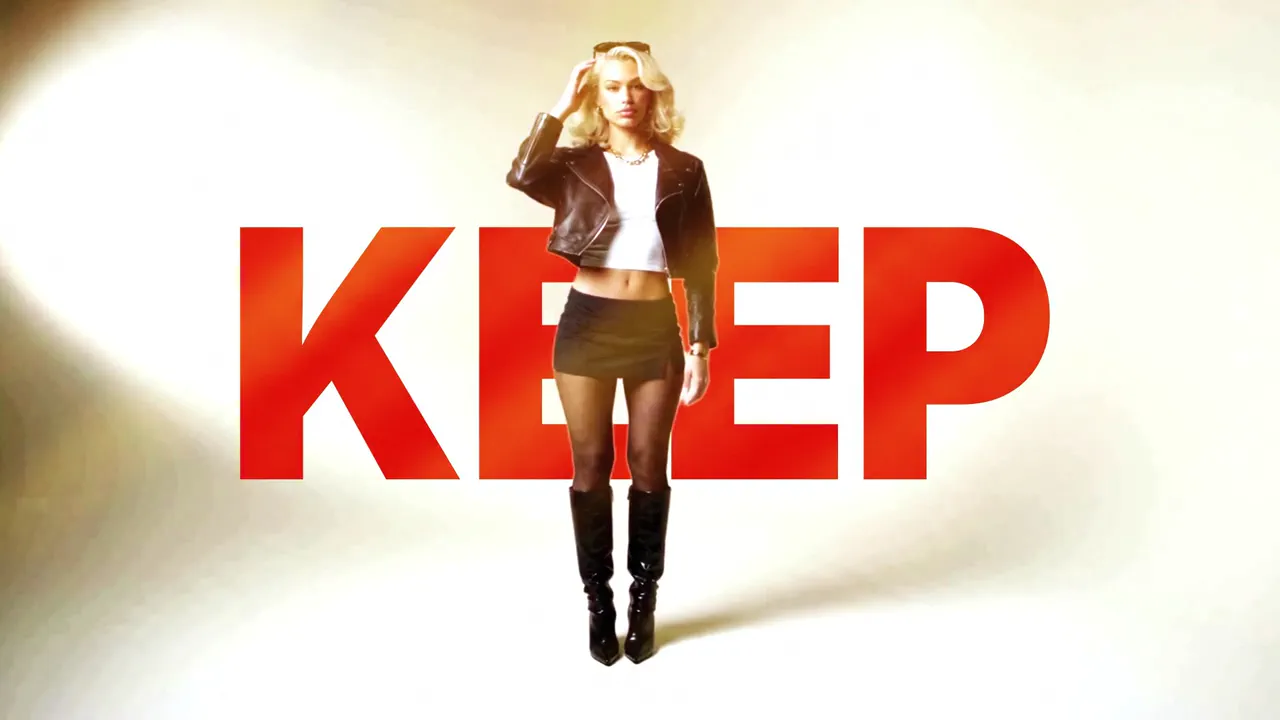
The lyric word edit for musicians: you on seamless, your words typeset behind and over you on every beat, matte swap cuts, a halo close up and a tinted ending, cut to your own song, at 16:9 or 9:16.
About 15 minutes (20 to 30 at 1080p)
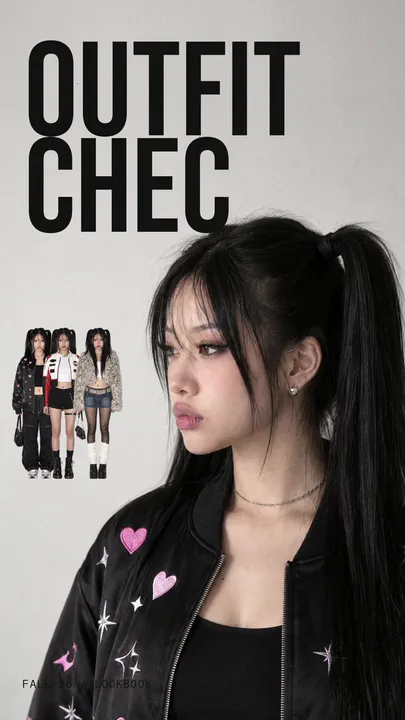
Your outfits as a 12 second vertical lookbook: the question typed over your profile, the lineup of your looks, the winning look picked in red, your walks with sticker cutouts, and the closer.
About 10 minutes; about 14 with the winner's move
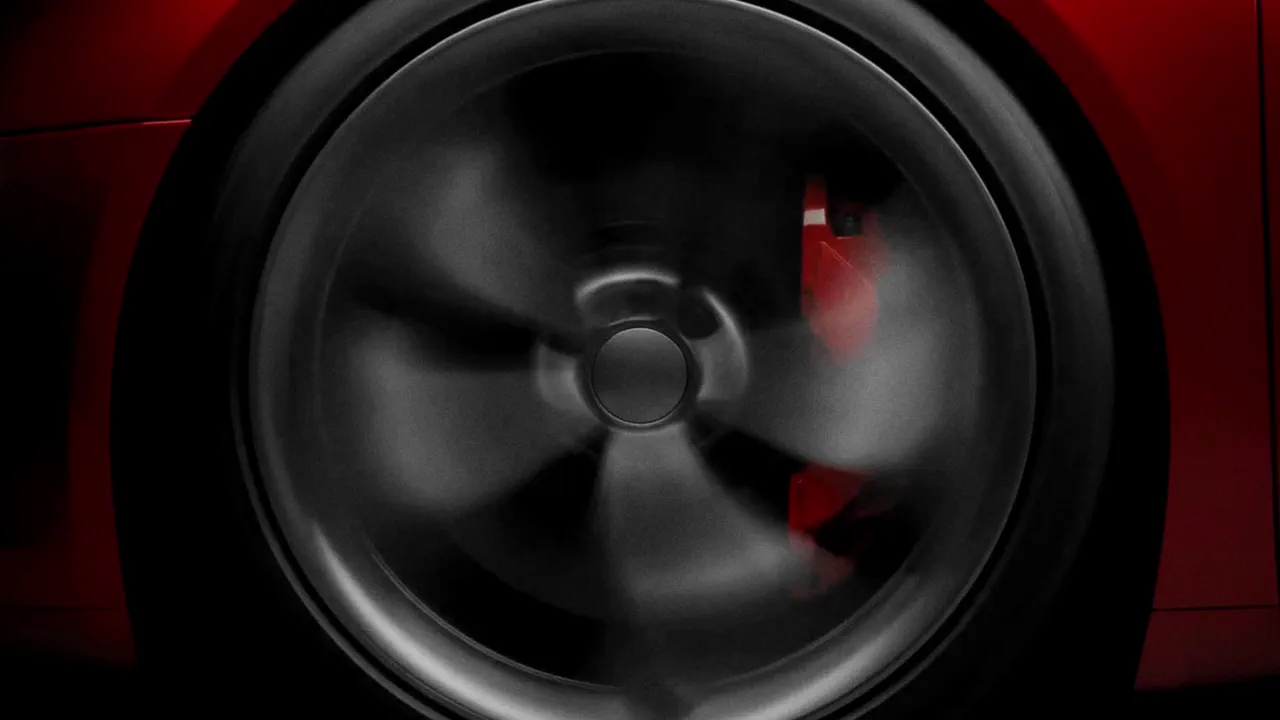
A dark studio reveal of your car, or any hard product, in 18 seconds: light sweeping along it, white flash cuts, a gauge, the name on a plate, printed pages, the reveal and a white flash out.
About 10 minutes
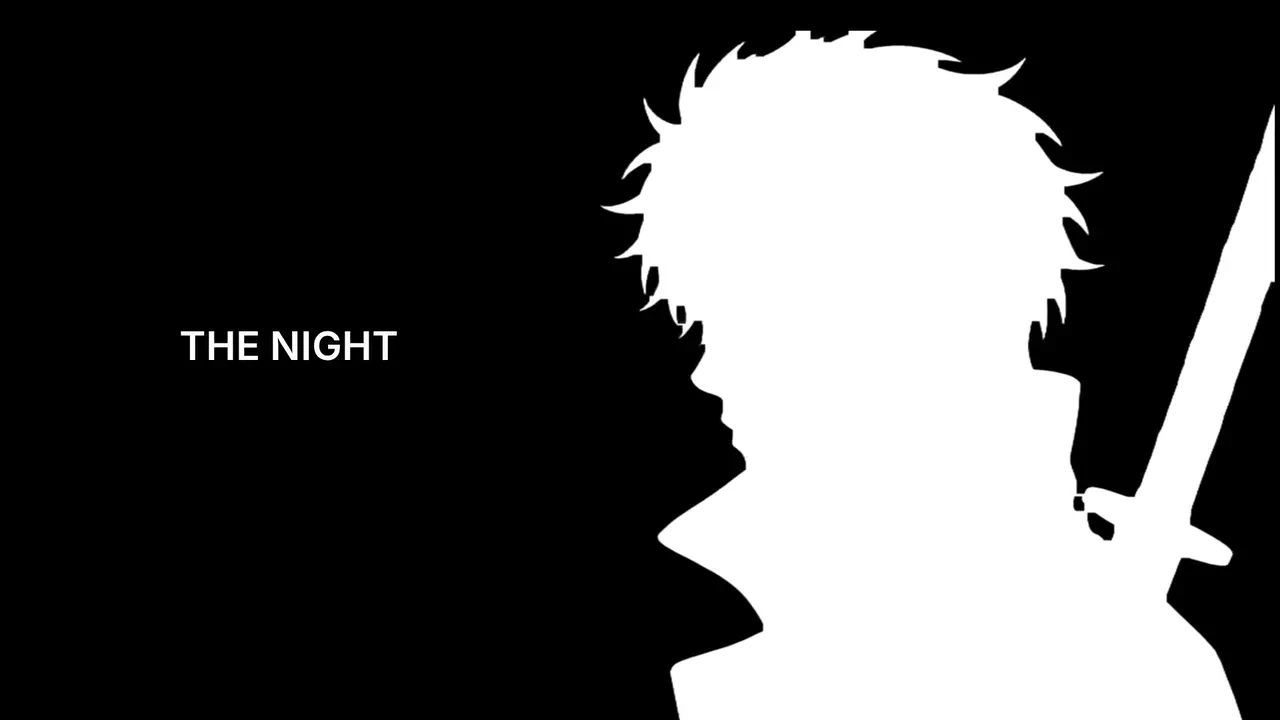
One photo in, an anime opening out: you drawn in flat cel style, a silhouette intro with typed lines, teal panels, a sword draw or an energy strike, a card collage and a walk over a giant glowing eye. Or go cinematic: a 28 second trailer of you in armour.
About 12 minutes for the anime opening; the cinematic trailer about 25 to 45 minutes after you approve its hero sheet
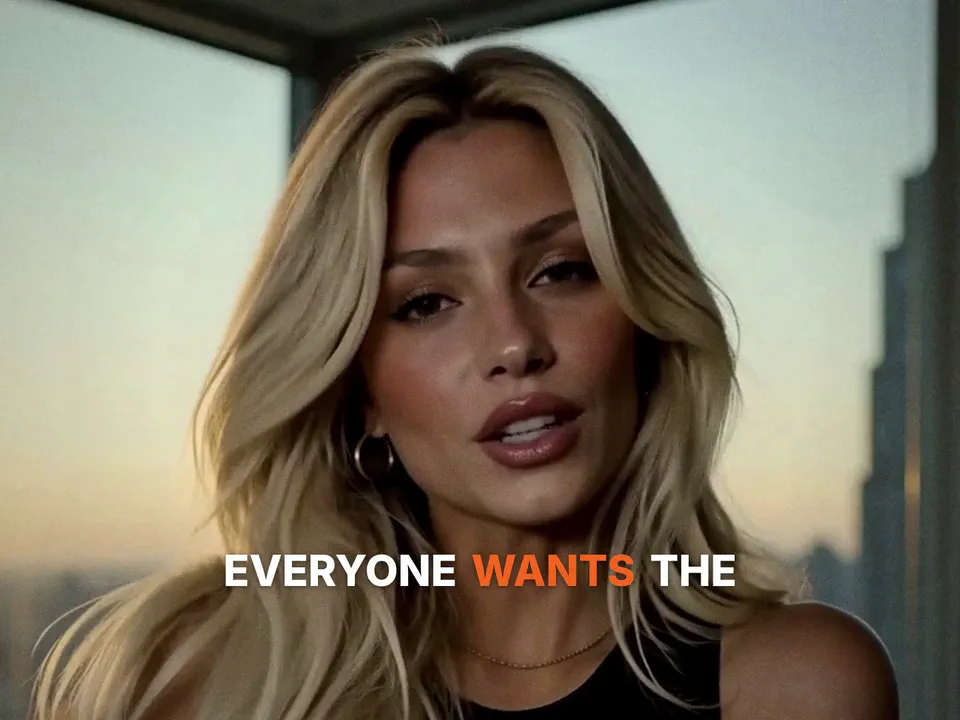
Your script said by your character, or your own talking clip, cut like a trailer: word by word captions with one colored word per line, hard cuts and an end card with one word.
About 6 minutes from your own clip; about 15 minutes from a script
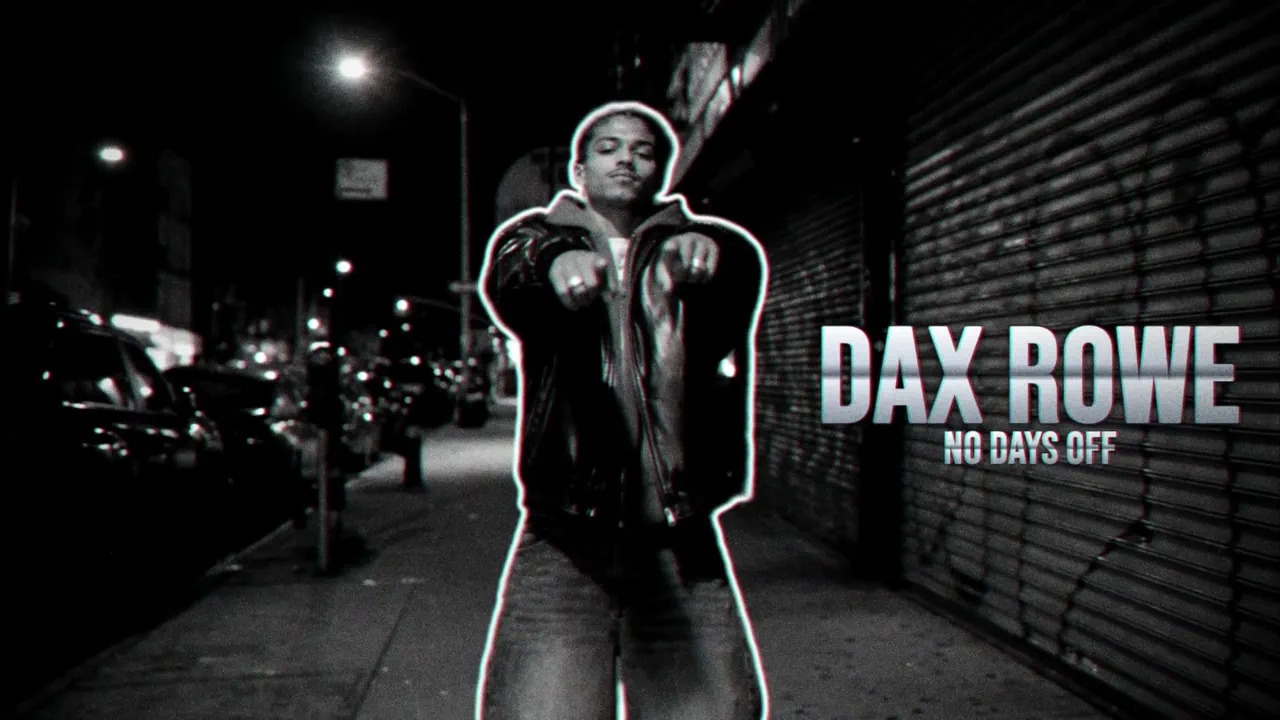
Your own music video cut and your song, on the beat. ROTO dresses you in a neon rim, marker doodles, clones and echo trails; TAPE plays it back as VHS, with static at your cuts, glitches, film burns and a lens punch. Your words land big behind you, with an optional freeze intro with your name and a 9:16 copy that follows you. Only the matte of your cut is made, about 3 credits a second.
About 10 minutes for a 20 second cut (ROTO), about 12 with TAPE
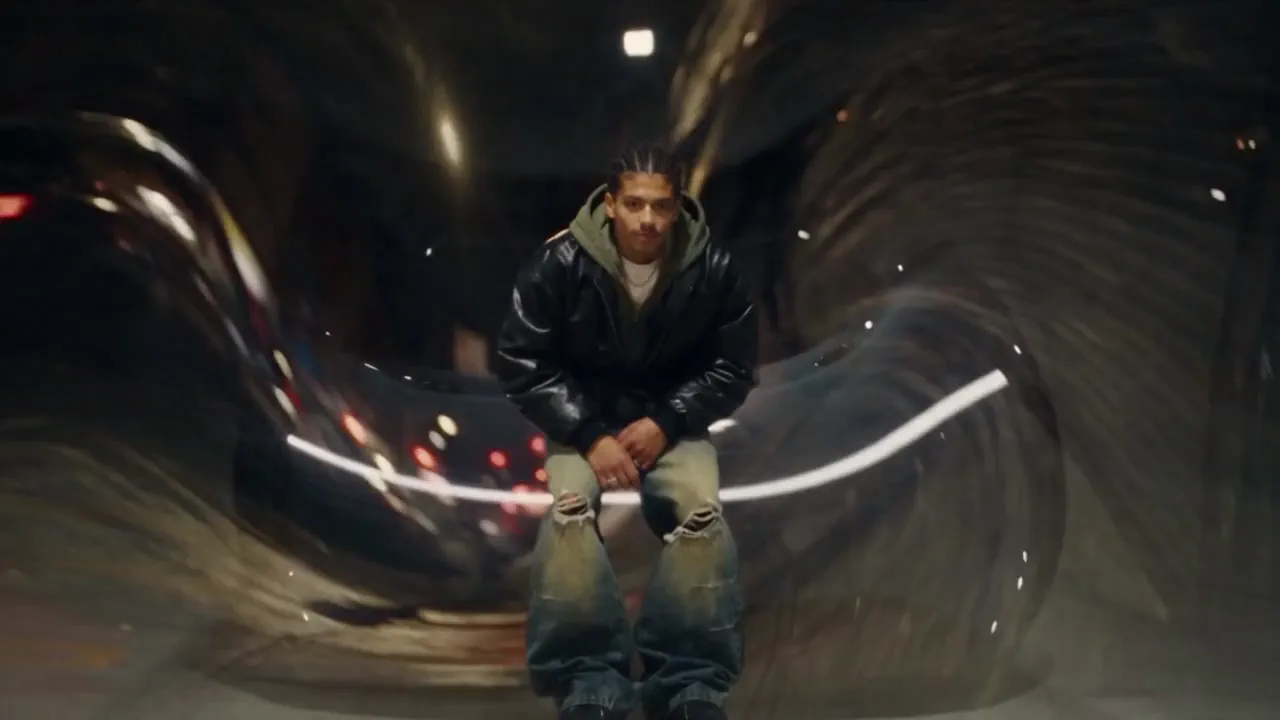
Your own shots in order, with an AI morph at every cut that melts one shot into the next. Each morph is pressed into its cut, so the edit keeps its length and stays on your song. 45 credits a morph, with a 9:16 copy on your face.
About 7 minutes for 3 shots
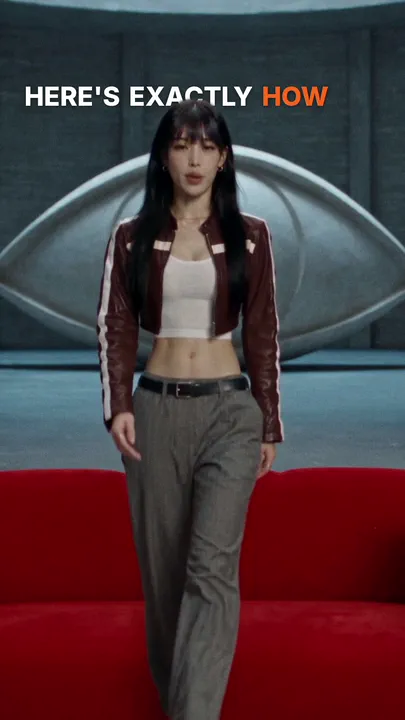
Your own talking clip, captioned word by word at 9:16: bold lines with one colored word, karaoke words that light as you say them, words set behind you, or words that glitch in, with emoji pops and soft whooshes if you like.
About 5 to 15 minutes, by the length of your clip
Coupé à l’image près, chaque mot écrit comme vous l’avez tapé, et vérifié pour que les flashs restent dans des limites sûres pour les spectateurs sensibles à la lumière clignotante.
Votre résultat à côté du montage qu’il suit, pour vérifier chaque coupe et chaque mot.
Ouvrez le résultat dans Studio comme projet et continuez à le modifier.
Vous voyez les crédits sur le bouton avant tout lancement. Encore Drop et Encore Travel montent vos propres images pour 0 crédit.
Connectez-vous, collez le montage ou choisissez un style, et voyez le prix avant tout lancement.
Se connecter pour commencer