

Encore preset
Recreate any video edit with AI
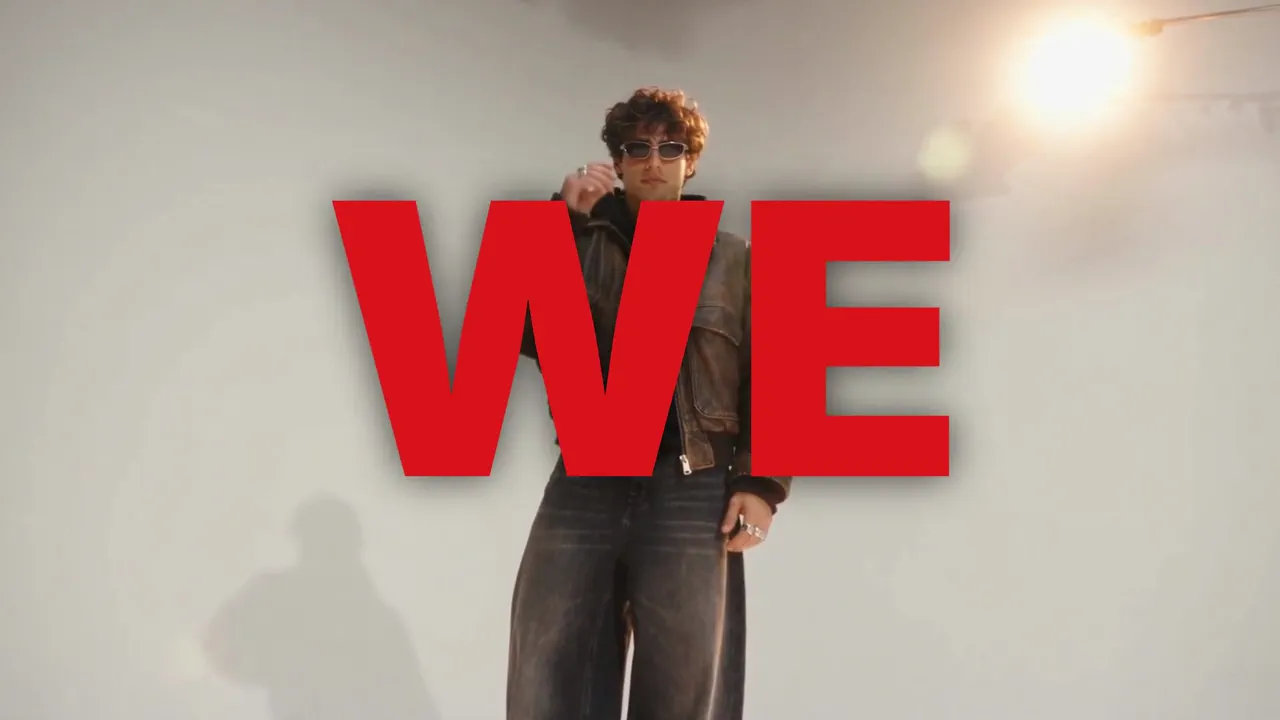
Recreate any video edit with AI, for creators, brands, musicians and filmmakers who want an edit again with a new subject. Any edit you wish was yours, remade with you in it. Paste the edit, add your photos, your product, your footage or a character, and Encore studies every frame and performs it again, with you.
- Best for
- Creators, brands, marketers, musicians and filmmakers who own an edit they want again with a new subject
- Output
- Video
- Time
- A free scan in about 2 minutes, then about 5 to 10 minutes, or about 15 to 20 with Perform the moves; with Swap (Beta), up to about an hour
- Credits
- Priced after the free scan, shot by shot: about 22 to 45 credits for each new scene on Seedance 2.5, 8 for each still on GPT Image 2.5 Sunburst, 14 per 5 s for each matte that puts your words behind you; about 36 for each shot you perform (Perform the moves, Pro and Studio); about 54 for each swapped product shot (Swap, Beta, with Exact); drawn shots, shots kept from your edit and your own footage are free. Our 14 second test remakes came to 382 and 457 credits. The exact price and the retake cap are on the button est.
Already have an account? Sign in
350 free credits when you create an account, no card required. You land right in the Encore composer, ready to run.
How to use it
In the Agent, these are the questions NOLGIA asks, one at a time. The Encore composer puts it all on one screen.
Say what you want
Describe it in a sentence, or pick a sample prompt. Add your own photos or clips to the chat if you have them.
Get your video
NOLGIA Agent makes it in the chat and saves it to your Library. Nothing runs until you say go. It takes a free scan in about 2 minutes, then about 5 to 10 minutes, or about 15 to 20 with Perform the moves; with Swap (Beta), up to about an hour.
About this preset
Upload an edit you made or hold the rights to, 4 to 60 seconds. Add 1 to 5 photos of you, 1 to 3 photos of your product, a clip of your own or one of your characters. Encore scans the edit first, for free: the cuts, the beat, the shot sizes, the camera moves, and every word on screen with where it sits.
Remix, with you in it. Encore keeps the edit's cuts on the same frames and its rhythm, and plans every shot before anything runs: a new scene made with your subject, a still of you moved in code, your own footage, a drawn card, or a shot kept from your edit when nobody is in it. Your words are typeset in real fonts, never guessed, at the size and place the edit set its own, and they go behind you where the edit had them behind its subject.
Perform the moves. In a Remix with photos of you or one of your characters, choose Perform the moves and you perform the edit's own moves in every shot with a person in it: the dance, the walk, the gesture, on the same cuts and timing, in new scenes made for you. Each of those shots is a still of you posed in the new scene, then the edit's move performed from it, about 36 credits a shot up to 5 seconds, on the Pro and Studio plans. The other shots are planned as in a Remix. Our 14 second test came to 493 credits.
Exact, shot for shot. Choose Exact and Encore remakes the edit on its own frames, at its own frame rate. With photos of you or one of your characters, you perform each person shot's own moves, camera and timing (Pro and Studio plans). Shots of your product become stills of it in the same framing, shots that only carry words keep the edit's picture with your words, and shots with nobody in them are kept. Your own footage runs in Remix.
Swap your product in (Beta). Choose Exact, add 1 to 3 photos of your product and turn on Swap. Encore puts your product into the edit's own product shots, keeping each shot's place, light, camera and timing, so the edit becomes the launch edit for your product. The free scan reads the edit's stamps and logos for Swap too; if you scanned before turning it on, the scan runs once more, still free. Every swapped shot is checked against the edit and your photos before it ships, and a shot that comes out wrong is made again. A shot that still isn't right shows your product photo on a plain ground in the edit's tone instead, named in the delivery note, and costs you nothing. Each swapped shot is about 54 credits, priced on the button, on the Pro and Studio plans, and a run with Swap can take up to about an hour. Swap is in beta: hand-drawn lines around a product, like a circle or an outline, can come back drawn differently; pours and drinks in a glass often show your photo instead; and where the edit's own picture changes texture, a short smear can show for a few frames.
The remake comes at the edit's aspect, 1080 pixels on the short side, with a compare file (your edit above, the remake below, on the same cuts) and a composition you can keep cutting in Studio. The sound is the edit's own track, your song or silence. The plan and its price are on the button before anything runs.
A 4K finish. Add the 4K finish and your remake is re-rendered at 2160p after it is made, its grain and sound kept. It adds about 10 to 30 minutes and is priced on the button by your edit's length.
A free 9:16 copy. Add a free 9:16 copy for Reels and TikTok. It is your edit set again for the tall frame: the crop follows your subject through every shot, and the words are placed again so they fit and stay off faces. No face is cut in half. A close-up too wide for the tall frame is shown whole, as large as it fits, over its own softened picture. The copy keeps your edit's cuts, timing and sound, and costs no credits. If the copy cannot pass its own checks, you still get your edit, and the run says why the copy is missing. An edit that is already vertical has no separate copy.
Use cases
- Remake an edit you love with your own face in every shot
- Turn a product launch edit you own into the launch edit for your product
- Recut your own footage to the cuts and words of an edit you made
- Give a new campaign the cuts, rhythm and type of a past edit you own
- Recast an edit you made with one of your characters on the same cuts
Suggest directions for me
Say what you are making it for and NOLGIA suggests a few directions for Encore, each with a prompt and the options it sets. Nothing is generated until you use one.
Options
Named starting points this preset knows. Pick one after signing in and the chat opens with it in the composer.
- RemixThe edit's cuts, rhythm and words on new scenes made for your subject, planned shot by shot after a free scan.
- Perform the movesWith photos of you or a character: you perform the edit's own moves, shot by shot (a dance, a walk, a gesture), in new scenes. Pro and Studio plans.
- Your subject1 to 5 photos of you, 1 to 3 photos of a product, a clip of your own from 10 seconds to 3 minutes, or one of your characters.
- Your wordsOne field for every word the edit sets on screen, each as long as the space it fills. Leave one empty to drop it.
- SoundThe edit's own track, your song from the second you pick, or silent.
- Accent colorThe color of the words the edit sets in color.
- A 9:16 copy (free)The same edit as a vertical 1080x1920 video for Reels and TikTok, set again for the tall frame: the crop follows your subject, and the words are placed again to fit and stay off faces. A close-up too wide for the tall frame is shown whole, as large as it fits, over its own softened picture.
- Swap your product in (Beta)With Exact and photos of your product: your product put into the edit's own product shots, in their place, light and camera. Each swapped shot is checked and made again if it comes out wrong; one that still isn't right shows your product photo on a plain ground instead, named, at no cost. Pro and Studio plans.
Models it uses
The models NOLGIA Agent reaches for on this preset, in order of preference. Sign in to see live credit costs and capabilities from the model catalog.
Seedance 2.5
video- Credits per generation
- 56 credits per 5s clip
Runs inside the Encore composer.
GPT Image 2.5 Sunburst
image- Credits per generation
- 8 credits per image
Runs inside the Encore composer.
Ready to make an Encore?
Create an account and you land in the Encore composer.