

Encore: remake an edit you love with you in it, or start from ten styles
Upload an edit you made or hold the rights to, add yourself, and Encore remakes it with you in it on the same cuts, beat and word timing. Or start from one of ten styles. Every clip here is a real Encore run.
- 24 min read
- Updated
- Presets: Encore, Encore Hero, Encore Talk, Encore Fit, Encore Lyric, Encore Car, Encore Drop, Encore Travel, Encore MV FX, Encore Morph, Encore Captions
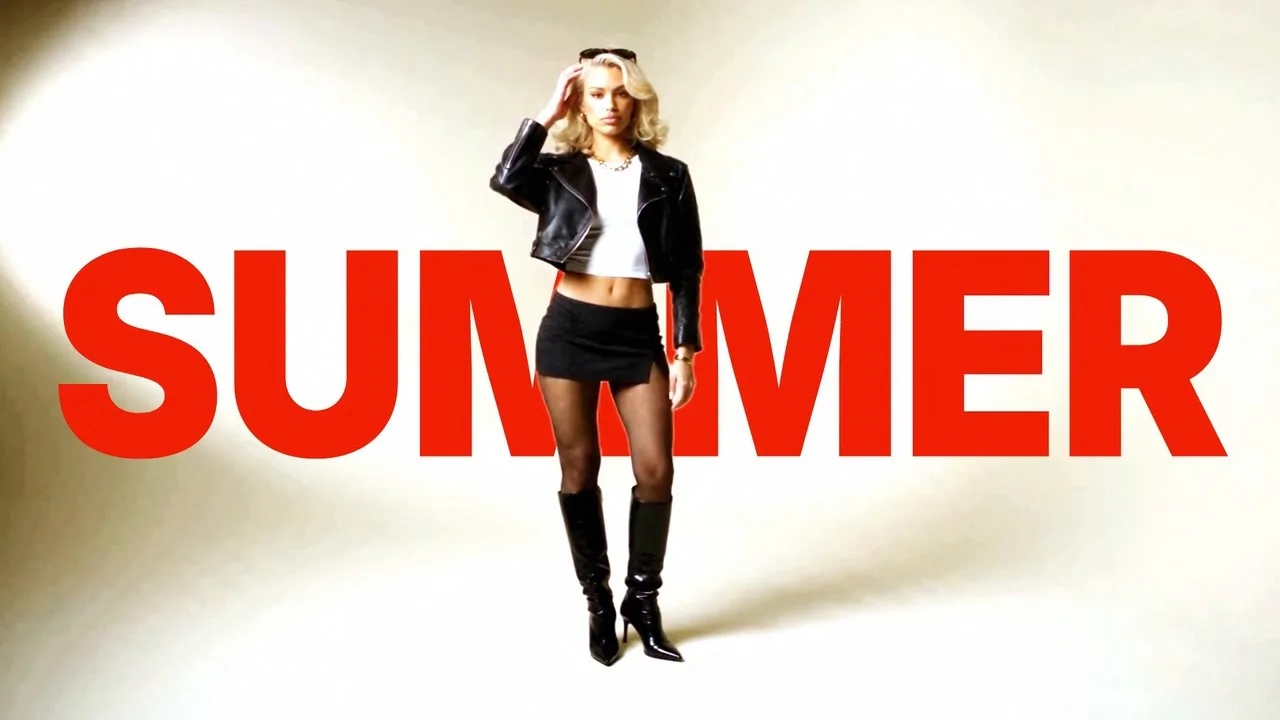
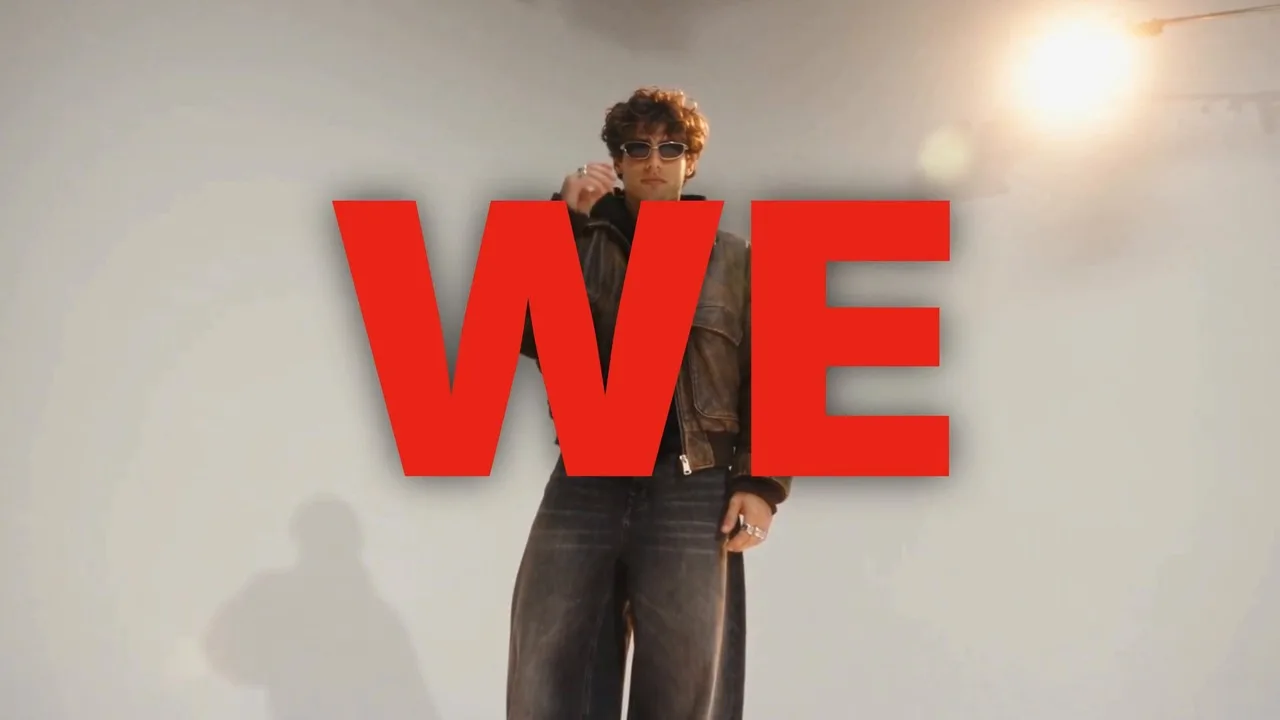
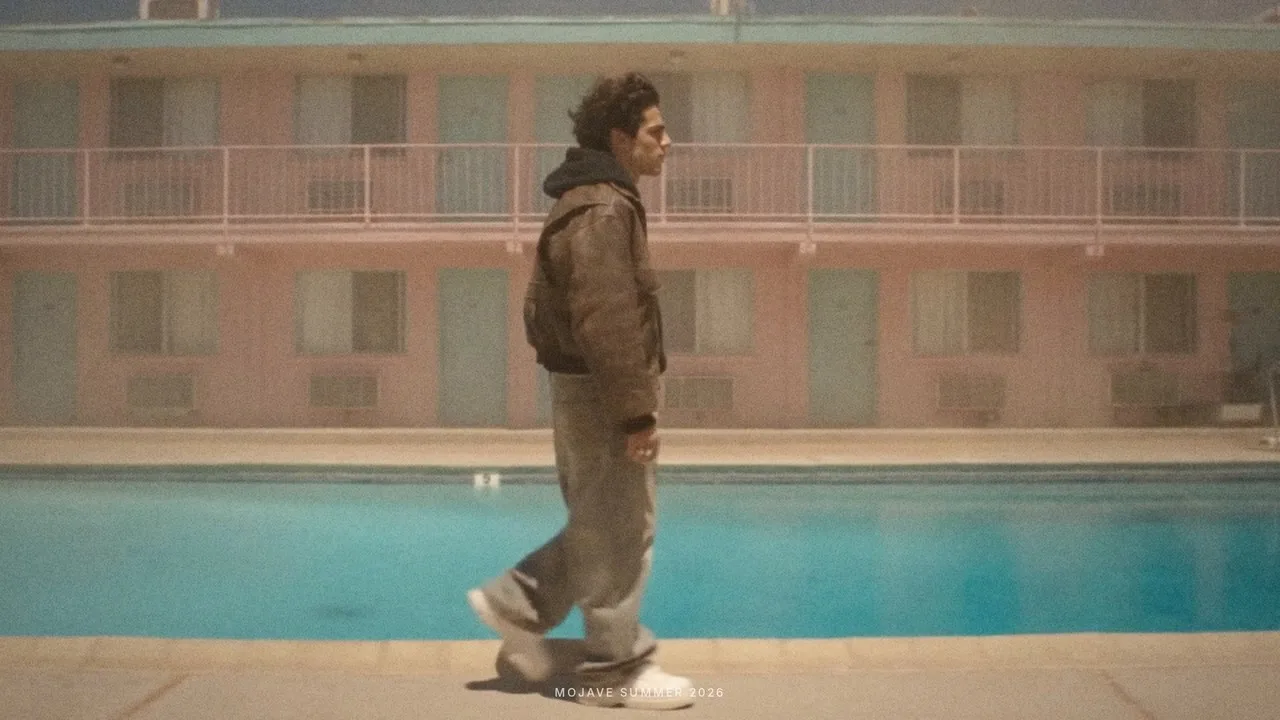
Encore is new on NOLGIA. Upload an edit you love that you made or hold the rights to, add yourself, and Encore performs it again with you in it: the cuts on the same frames, the same beat, and your own words where the edit had its words.
It also comes with ten styles you fill with one photo, a script or your own talking clip, your outfits, your car or another product, your product photos or clips, your footage of a place, your song, or your own music video cut. Every clip in this guide is a real Encore run, with AI characters made on NOLGIA.
Two ways in
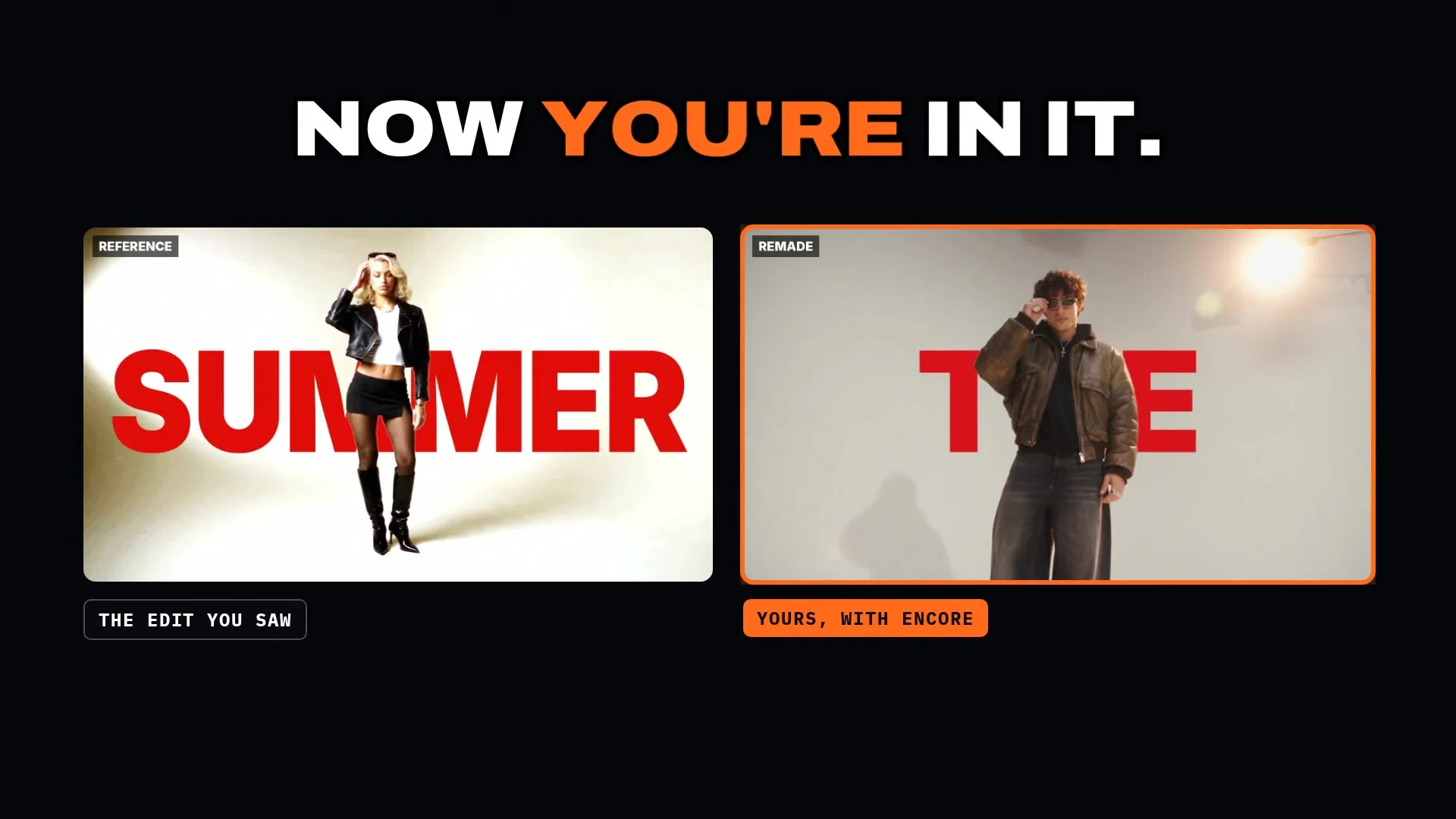
Encore has two ways in. Paste the edit: upload an edit you love that you made or hold the rights to, add yourself, and Encore performs it again with you in it, with the cuts on the same frames, the same beat and your words where the edit had its words. Pick a style: ten ready made edits and effects you fill with one photo, a script or your own talking clip, your outfits, your car or another product, your product photos or clips, your footage of a place, your song, or your own music video cut.
The edit
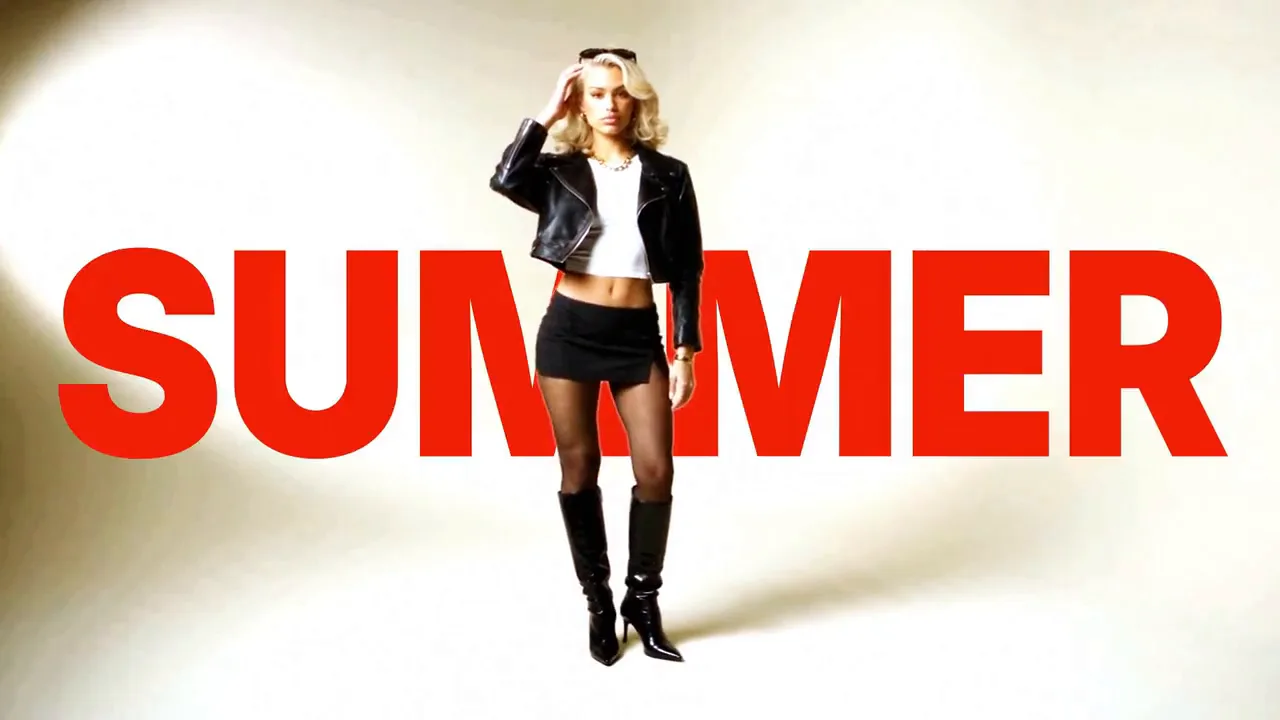
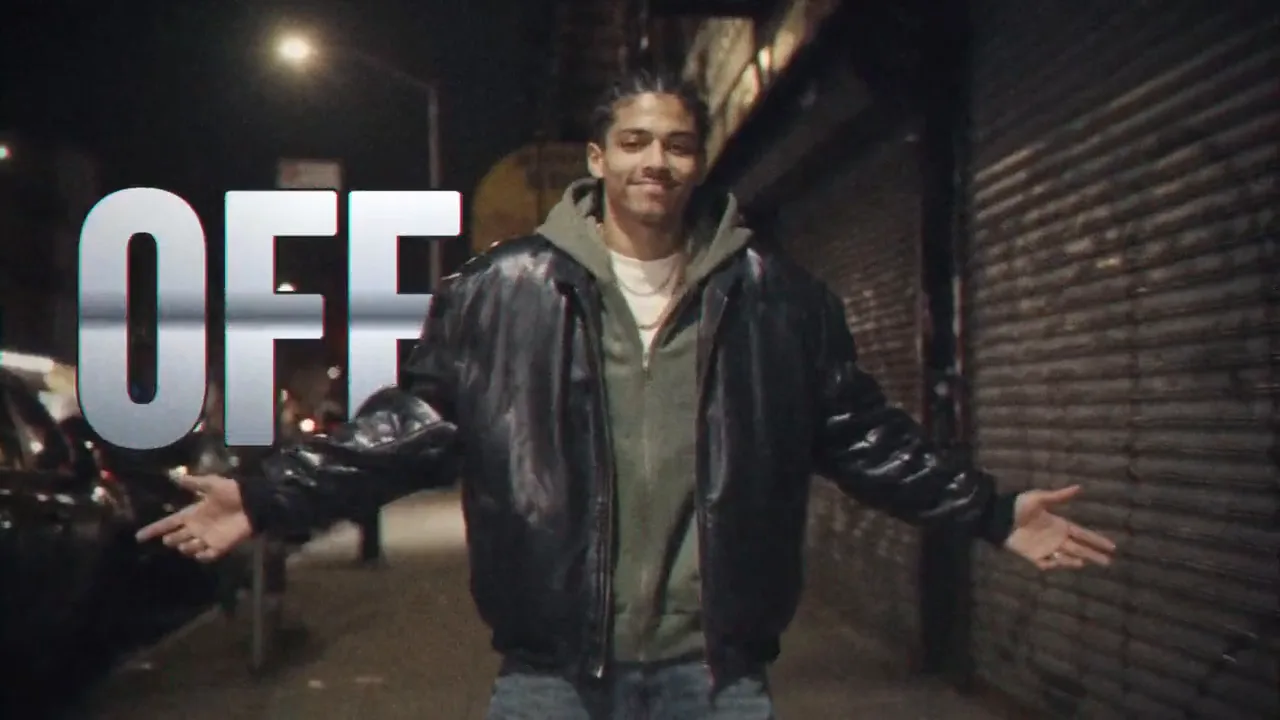
Remade with Teo
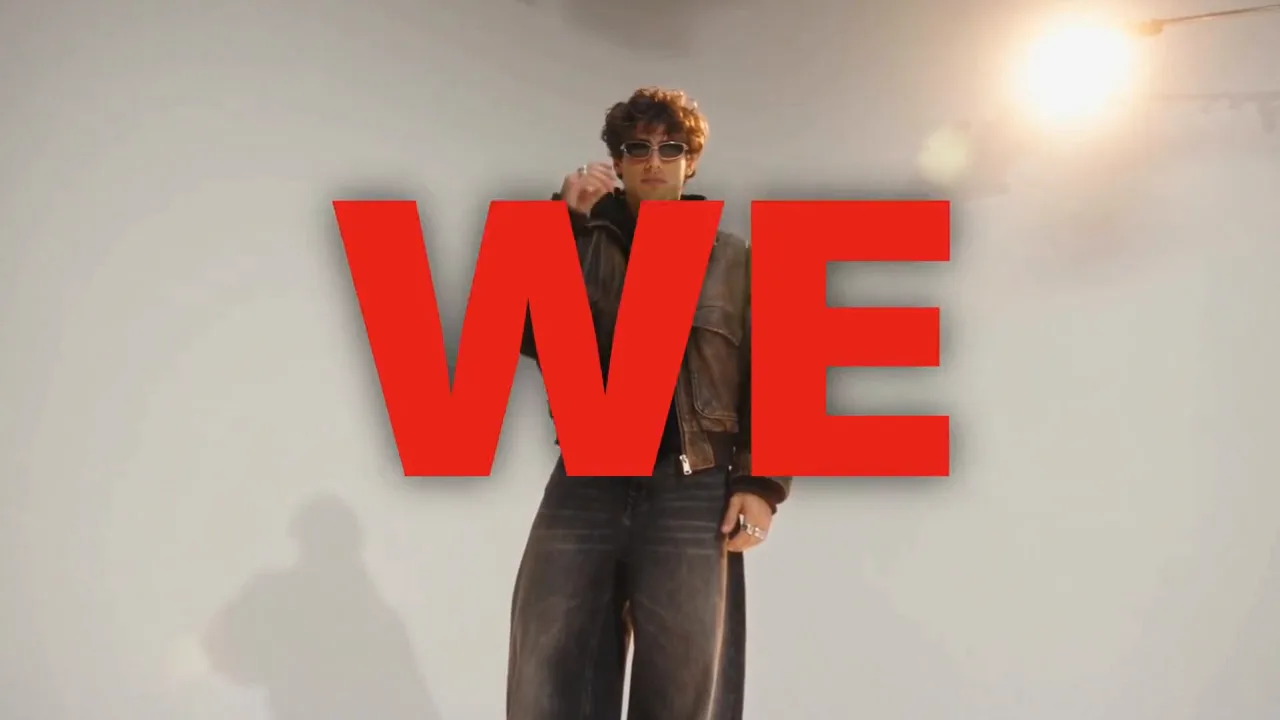
Upload an edit you have the rights to
Open Encore and start with Paste the edit. Upload the clip itself, 4 to 60 seconds, with its audio: an MP4, QuickTime or WebM file of an edit you made or hold the rights to. If your clip already sits online as a video file, you can paste a direct link to that file instead.
Tick the statement under the clip. Encore reads the edit for its grammar only, so the people, brands and words in it never cross into your remake.
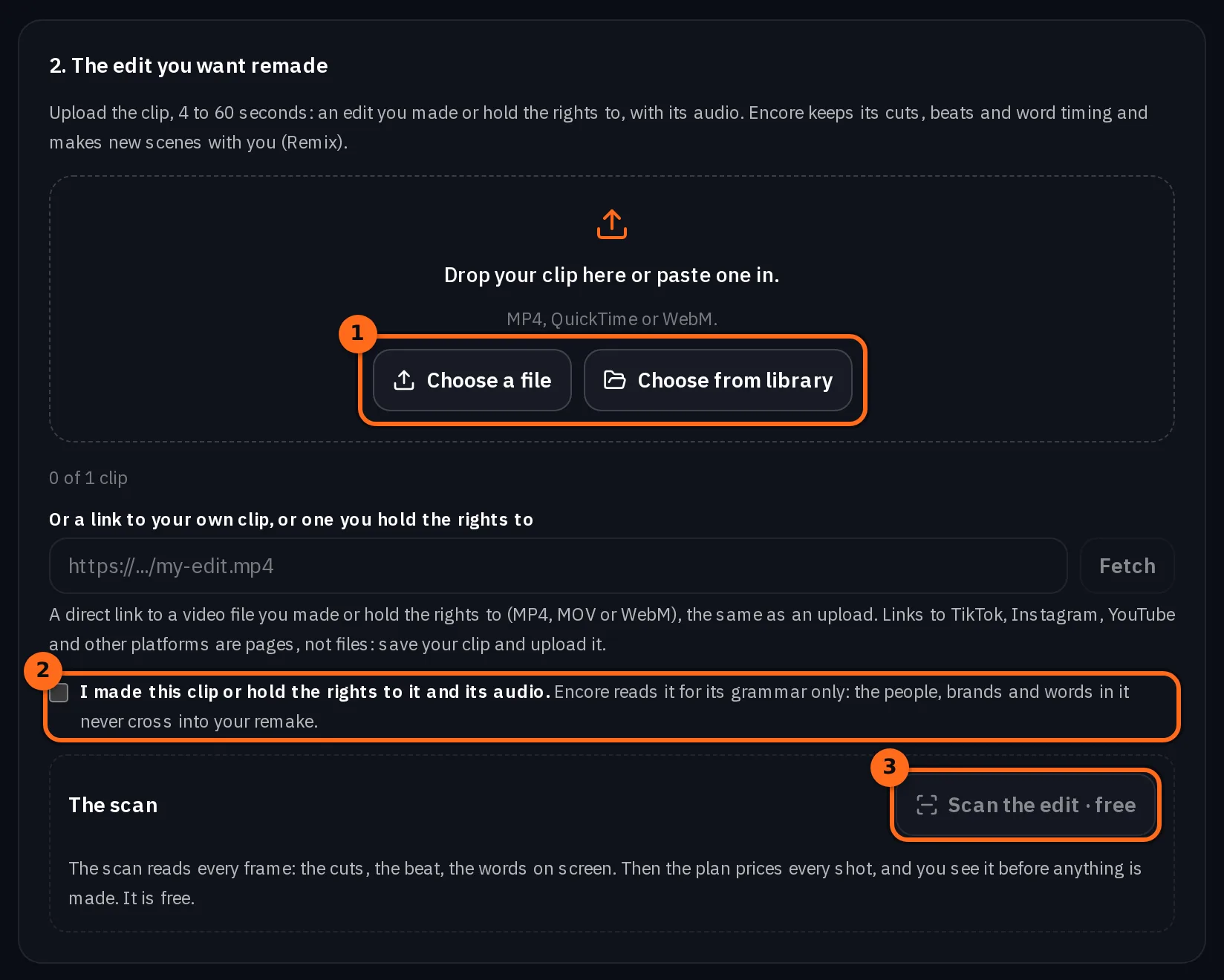
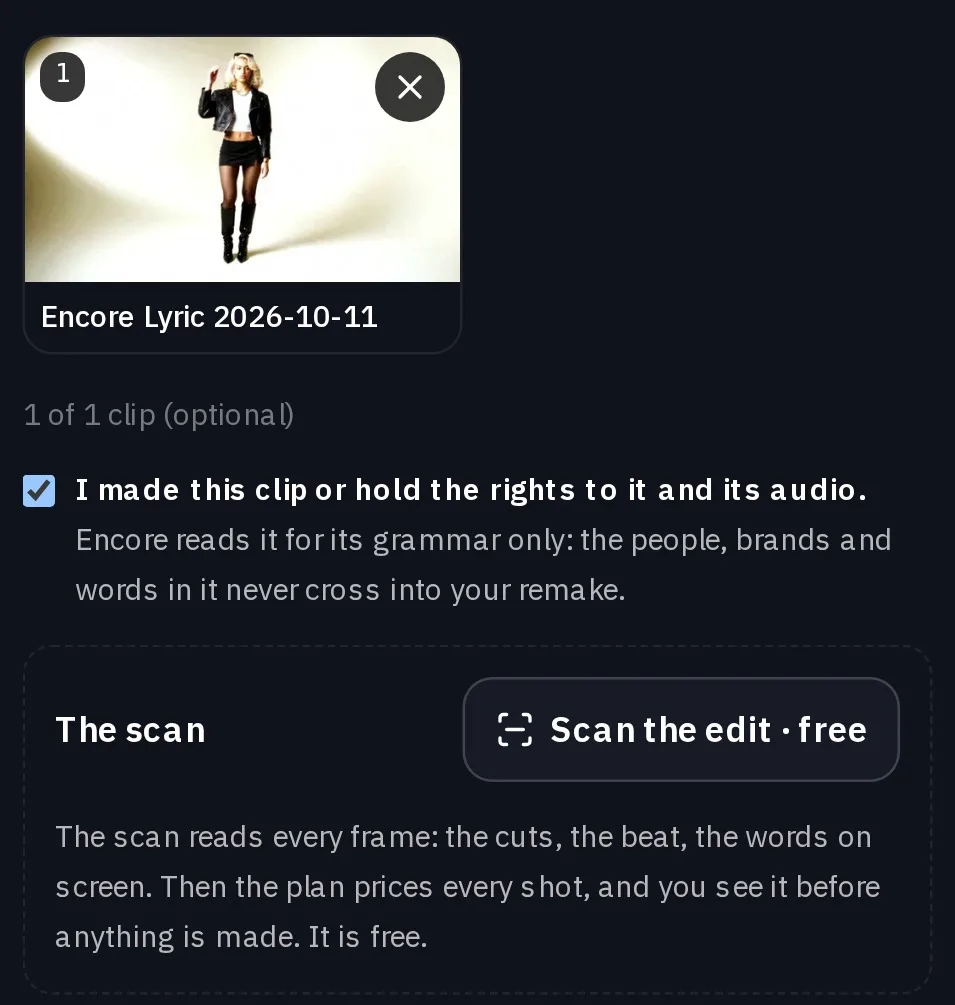
Watch for this:A file or a direct link, never a page. Encore takes the clip itself, uploaded or fetched from a direct link to the video file. A link to a post on TikTok, Instagram, YouTube or another platform is a page, not a file: save your clip and upload it. An edit you do not have the rights to is not taken.
Let the free scan read it, then type your words
Press Scan the edit. The scan is free and takes a few minutes. It reads every frame: the cuts, the beat, the shot sizes, the camera moves and every word on screen, with where it sits and when it lands.
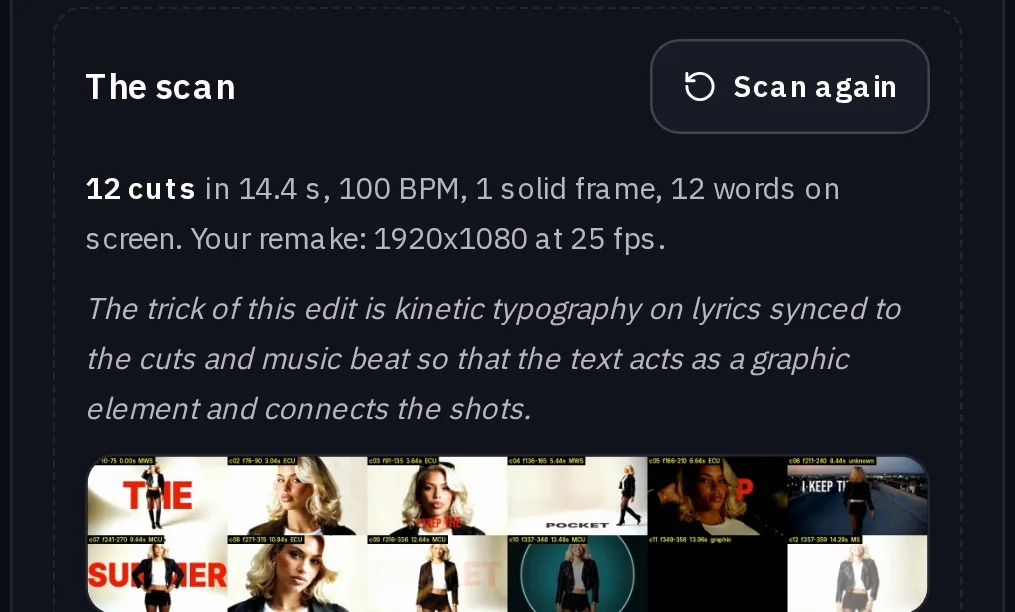
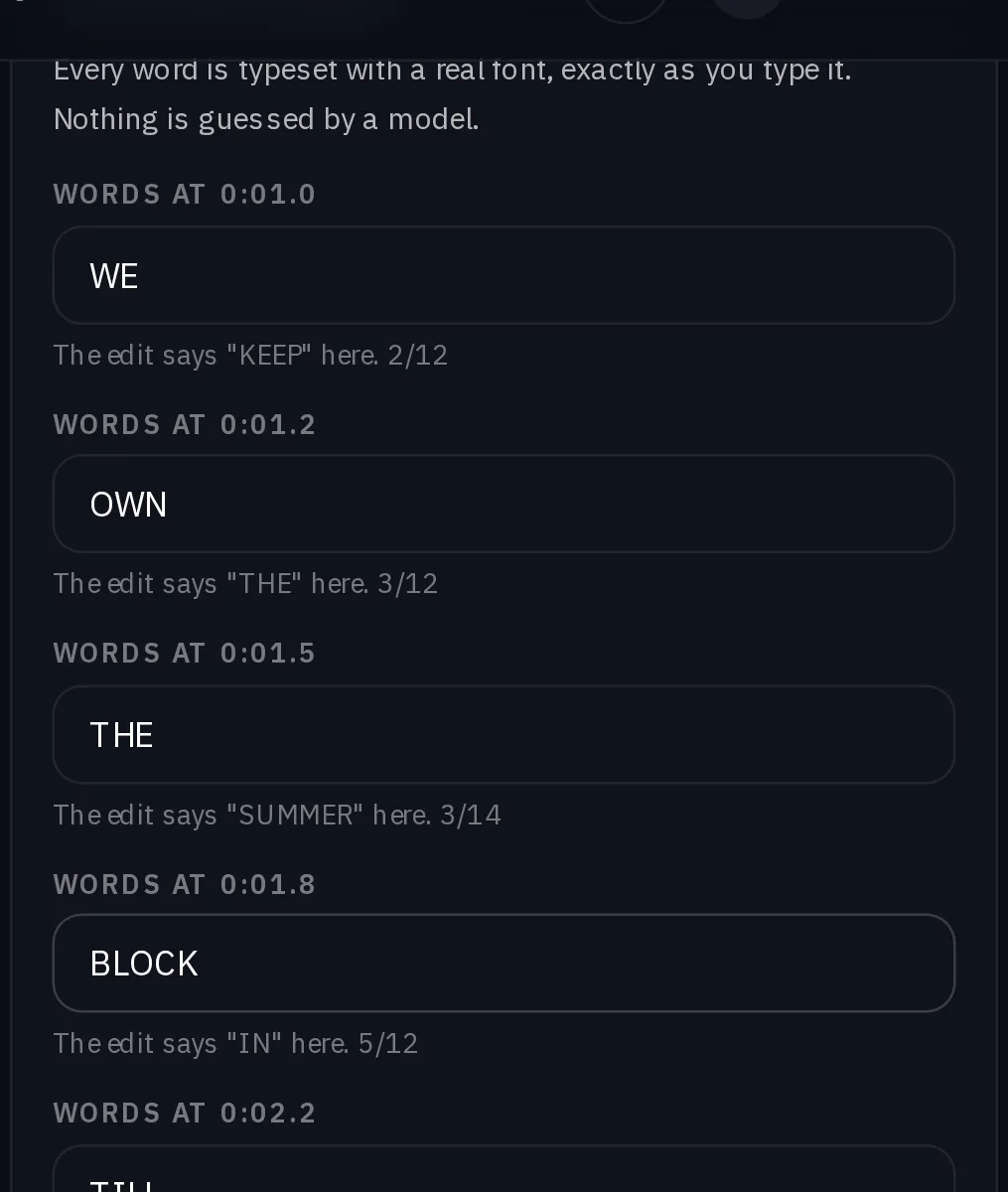
Then type your words. There is one field for every word the edit sets on screen, each as long as the space it fills, and each field tells you what the edit says there. Leave one empty to drop it. Every word is typeset in a real font, exactly as you type it, never guessed by a model.
Pick who is in it, and how it is remade
Choose your subject: 1 to 5 photos of one person, 1 to 3 photos of a product, a clip of your own from 10 seconds to 3 minutes, or one of your characters. Then choose the sound: the edit's own track, your song from the second you pick, or silence.
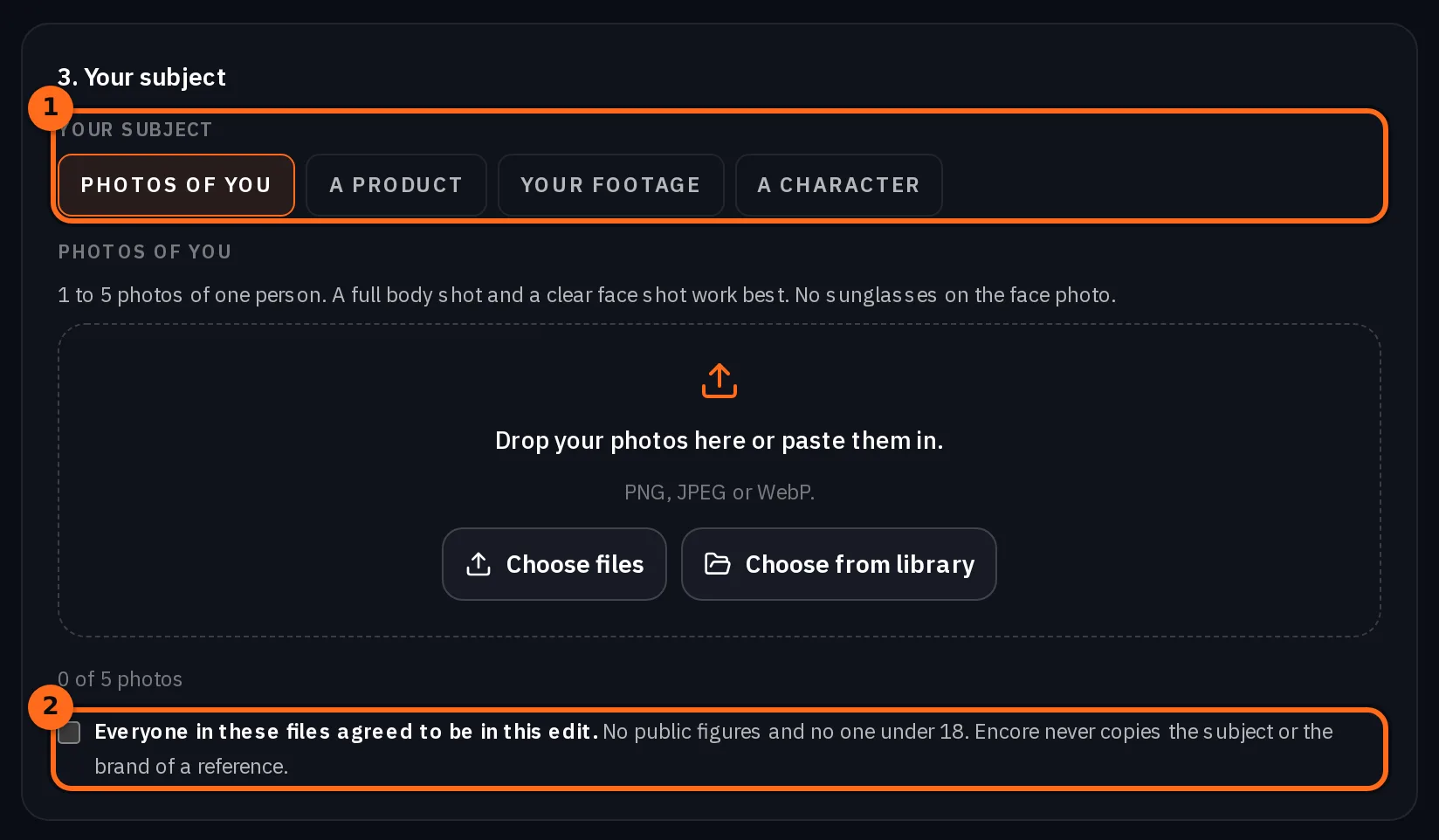
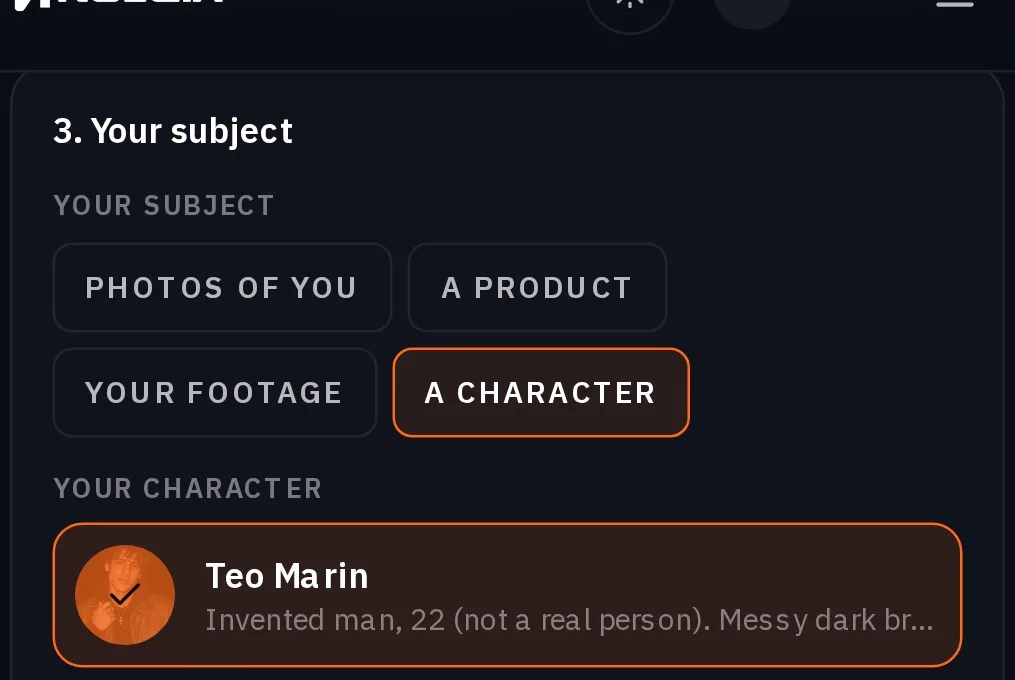
Tick the second statement: everyone in your files agreed to be in this edit. Encore refuses public figures and anyone under 18.
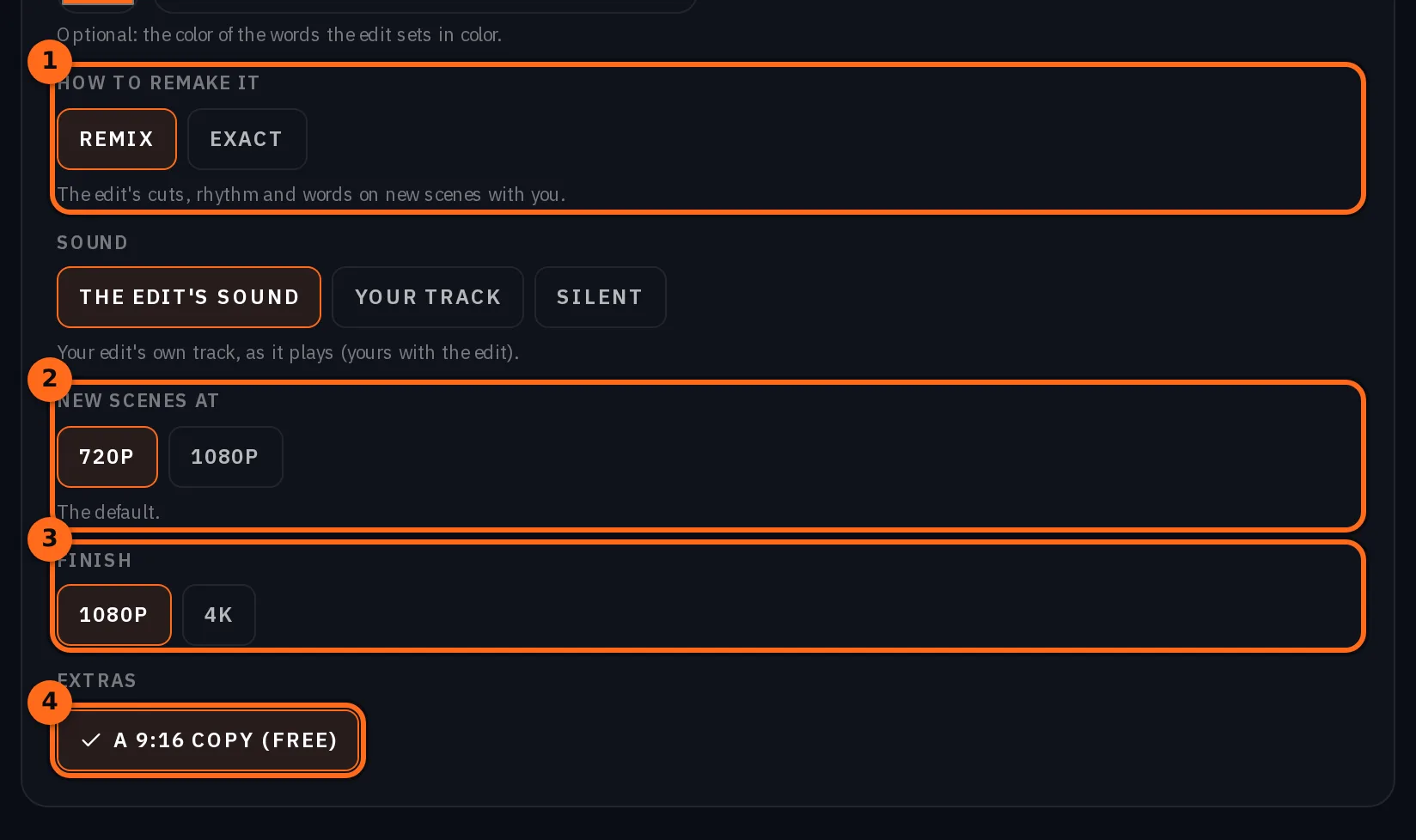
Under How to remake it, pick Remix or Exact. Remix keeps the edit's cuts, rhythm and words and makes new scenes with you. Exact goes shot for shot on the edit's own frames: you perform every shot that has a person in it, and the rest stays as it is. Exact needs photos of you, a character or a product, and runs on Pro and up.
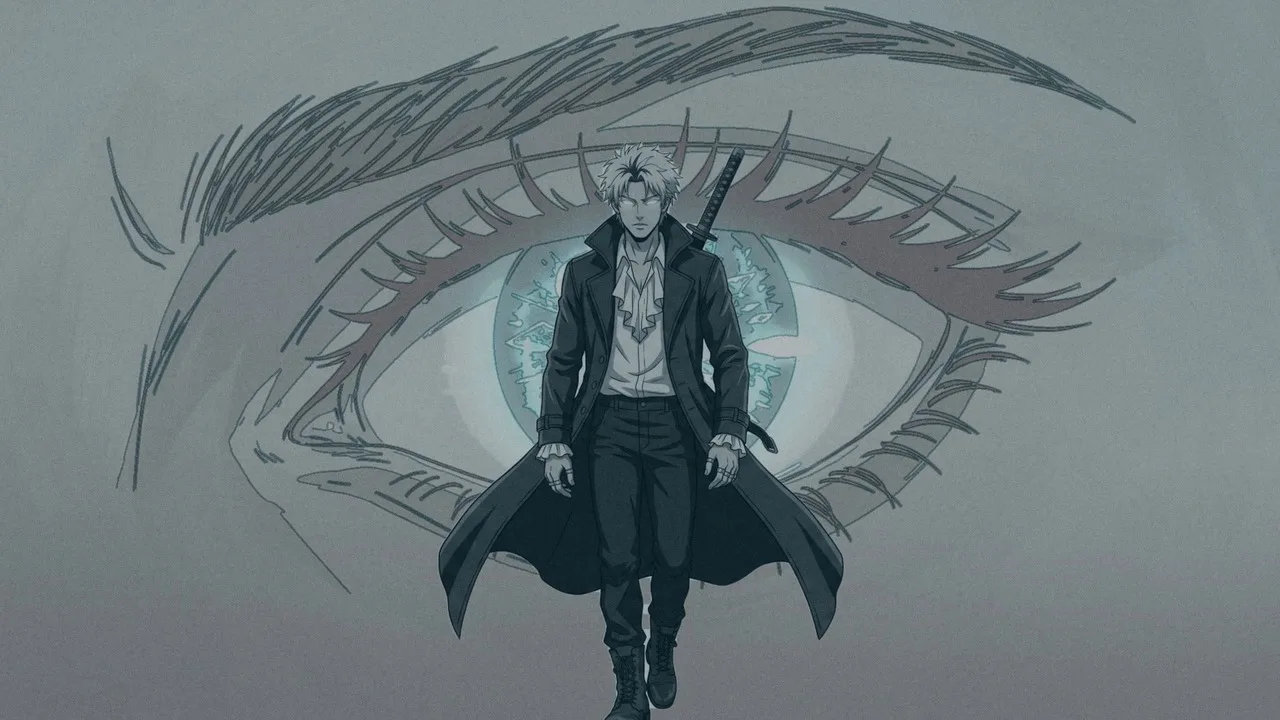
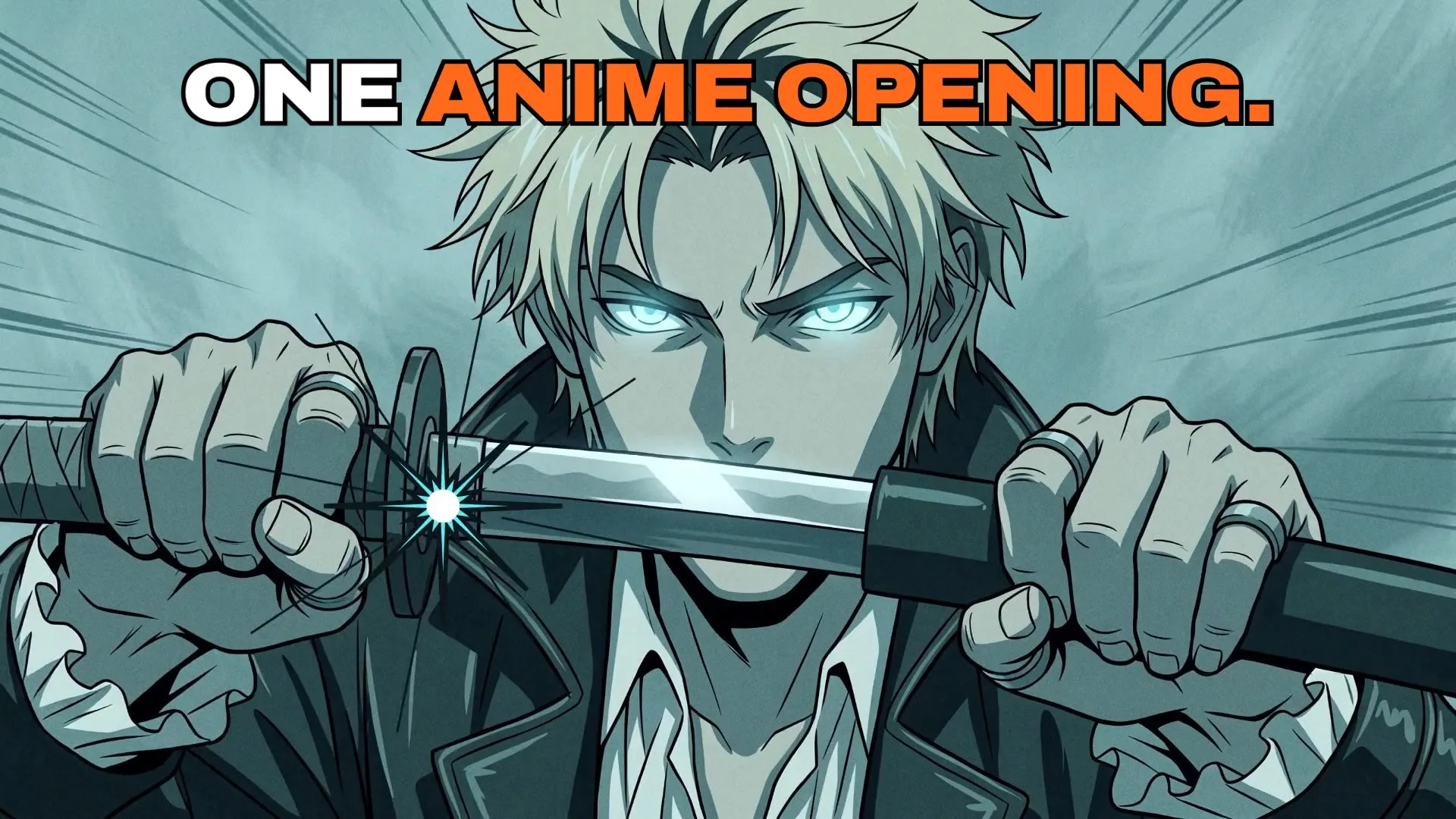
A drawn edit stays drawn. When the edit you upload is drawn, like an anime opening, Encore redraws its cuts in the edit's own style with your subject. The plan marks those shots Redrawn in the edit's style.
Sharper scenes and a 4K finish. New scenes are made at 720p, or at 1080p for sharper faces in close shots, on Pro and up. Finish sets the file you get: 1080p, or 4K, which re-renders your finished edit at 2160p with its grain, texture and sound kept and adds about 10 to 30 minutes. Each choice shows in the price on the button before anything runs.
A free 9:16 copy. Under Extras, pick A 9:16 copy (free), and the remake also comes back at 9:16 for Reels and TikTok: set again for the tall frame, following your subject, with no face cut in half. It is for an edit that is not already vertical, and it adds nothing to the price.
Check the plan and the price, then generate
Encore plans every shot before anything runs. Each shot becomes a new scene made with your subject, a still moved in code, a piece of your own footage, a card drawn by the renderer, a shot redrawn in the edit's style when the edit is drawn, or a shot kept from your edit when nobody is in it. Where your words sit behind you, a matte cuts you out so they can.
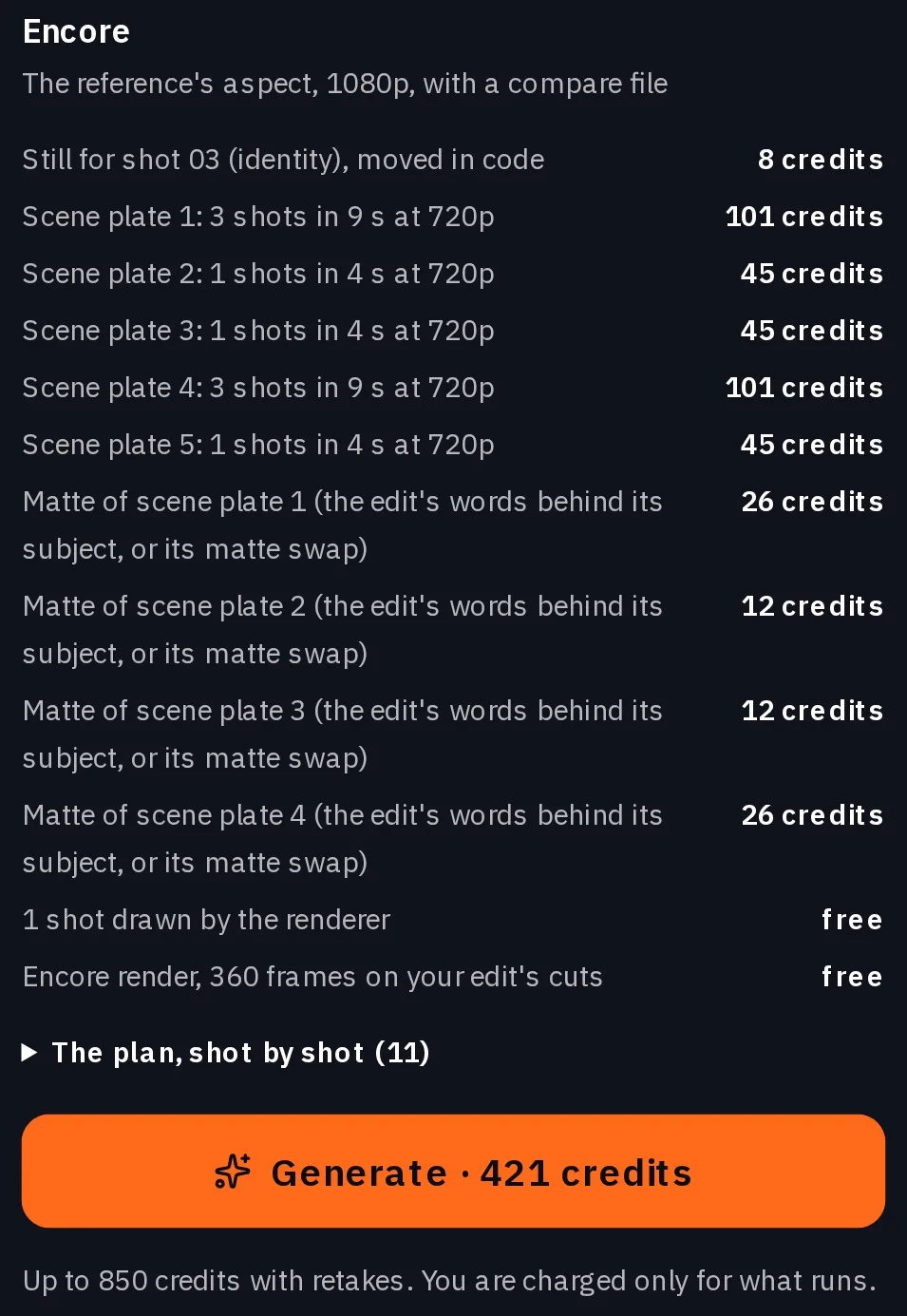
Under the button is the most the run can cost with retakes. You are charged only for what runs. New scenes need Pro and up; a remake built only from shots kept from your edit, drawn cards, your own footage and stills moved in code runs on every plan, and the form tells you before you generate.
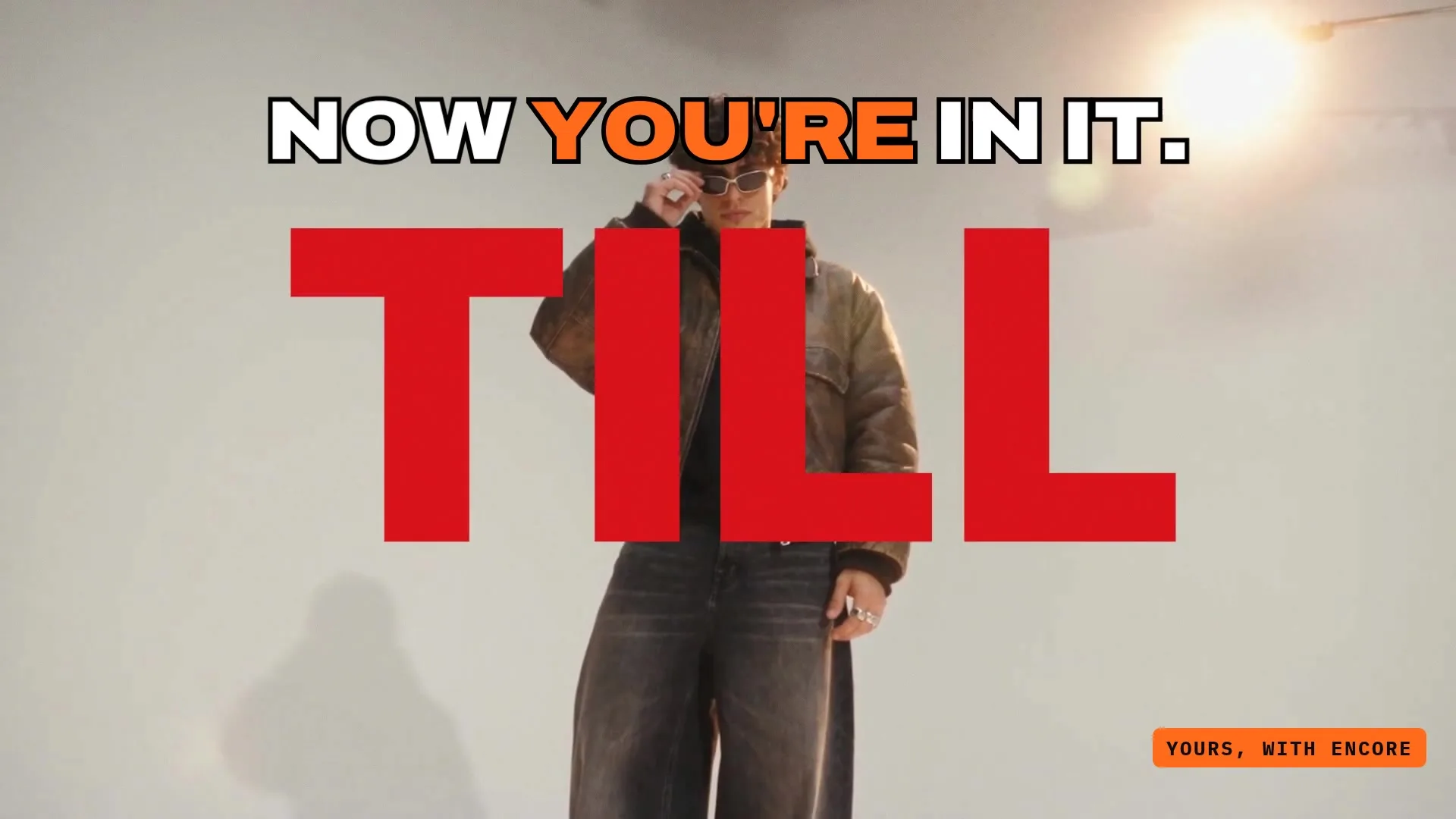
Get the remake and its compare file
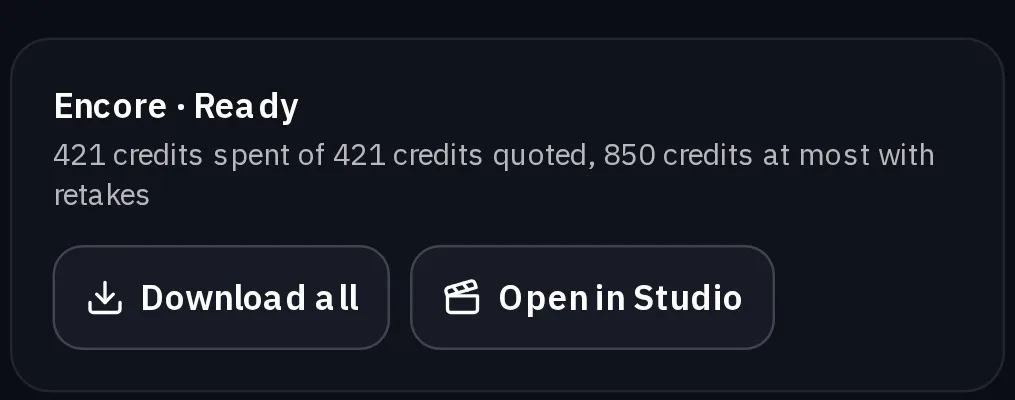
A short edit is remade in about 5 to 10 minutes, and the run finishes on our side, so you can close the page. The remake comes at the edit's aspect, on the edit's cuts.
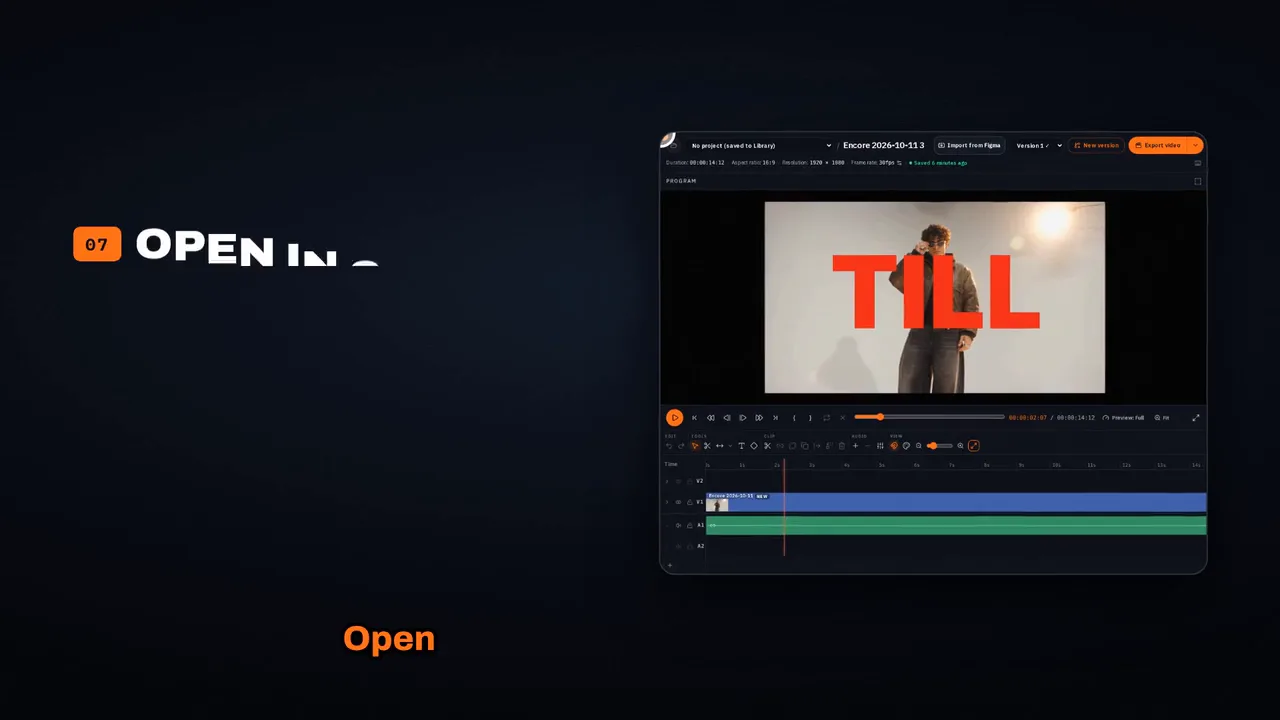
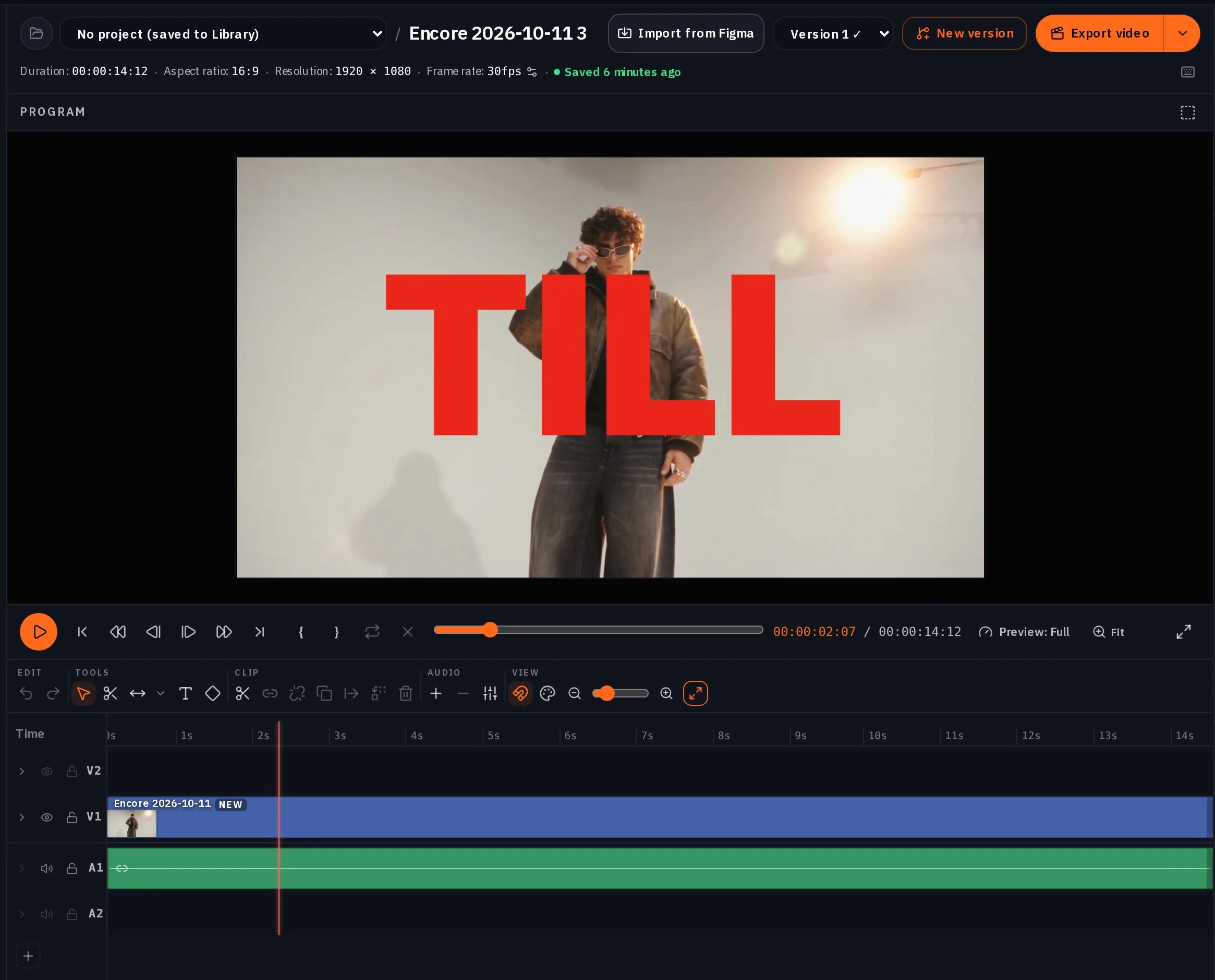
Beside it you get a compare file, your edit above and the remake below on the same cuts, so you can check every one. Download all saves the files, and Open in Studio opens the remake as a composition you can keep cutting.
Or start from one of ten styles
Each style is a finished edit, or a set of effects for your own footage, that you fill with your own material. The style sets the cut, the timing and the type; your photo, script, outfits, car, product or footage go into it. Pick one on Encore, fill it in, and the price is on the button before anything runs.
| Style | You give | You get | Time | Plan |
|---|---|---|---|---|
| Hero | One clear photo of you facing the camera, or a character image you own, and a hero name | A 20 second anime opening, on the style's beat or your own track | About 12 minutes | Pro and up |
| Talk | A script of 40 to 80 words and one of your characters, or your own talking clip of 15 seconds to 3 minutes | Your words, said by your character or by you, cut like a trailer, in 4:3, 16:9 or 9:16 | About 15 minutes from a script; about 6 minutes from your own clip | Pro and up; every plan from your own footage |
| Fit | 3 to 9 full body photos of you in different outfits, and your own two walk clips if you have them | A 12 second vertical lookbook | About 10 minutes | Pro and up; every plan with your own walks |
| Lyric | A full length photo, your song with the second your line starts, and a line of 6 to 14 words | A 14 second lyric word edit | About 15 minutes | Pro and up |
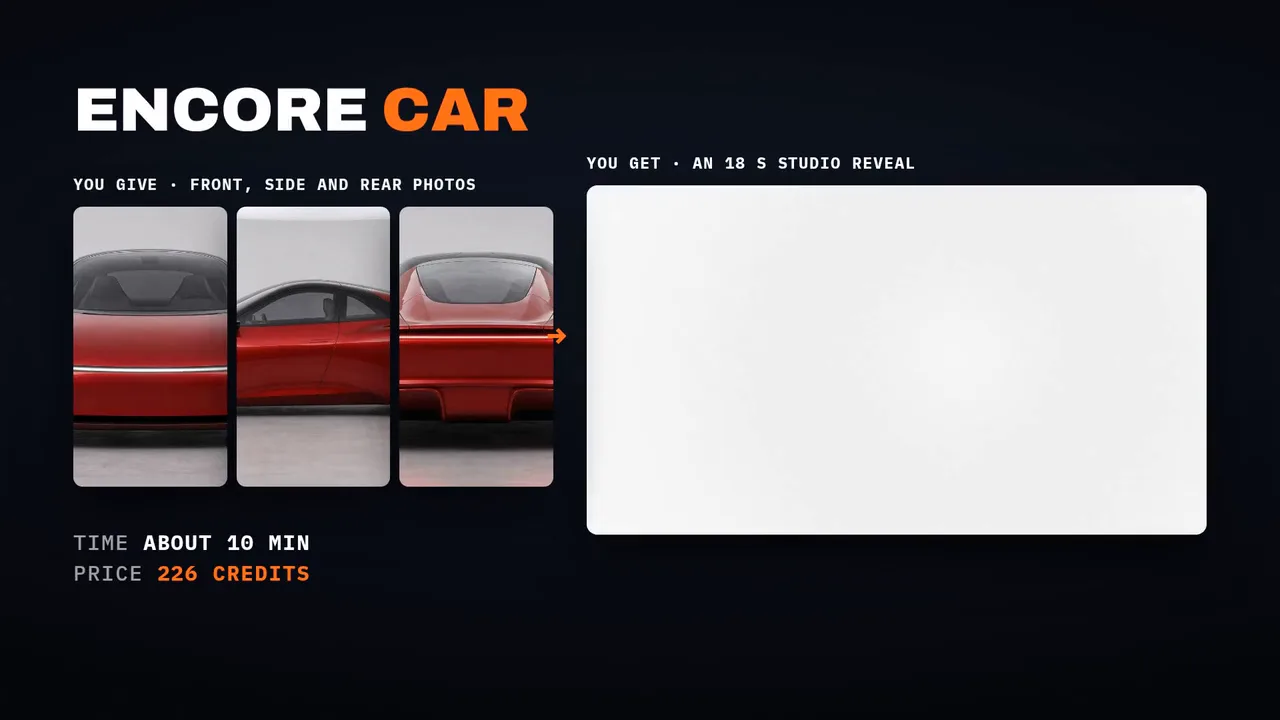
| Car | Front, side and rear photos of your car or any hard product, and its name; your own page text, cabin and detail photos if you want | An 18 second dark studio reveal | About 10 minutes | Pro and up |
| Drop | 1 to 3 product photos and 3 to 6 clips of it in use, or your photos alone | An 18 second launch edit, cut from your clips or made from your photos; from your photos alone it also comes at 9:16 with three posters | About 5 minutes from your clips; about 10 to 15 minutes from your photos alone | Pro and up; every plan from your own clips |
| Travel | One clip of a place you shot, 15 seconds to 5 minutes | A 28 second mood edit, nothing generated | About 5 minutes for a short clip, about 6 to 7 minutes for a 2 minute clip, longer for longer footage | Every plan |
| MV FX | Your own music video or performance cut, 8 to 60 seconds, with your song on it | Your cut in the ROTO or TAPE pack on the beat, with your words behind you and a 9:16 copy that follows you | About 10 minutes for a 20 second cut with ROTO, about 12 with TAPE | Every plan |
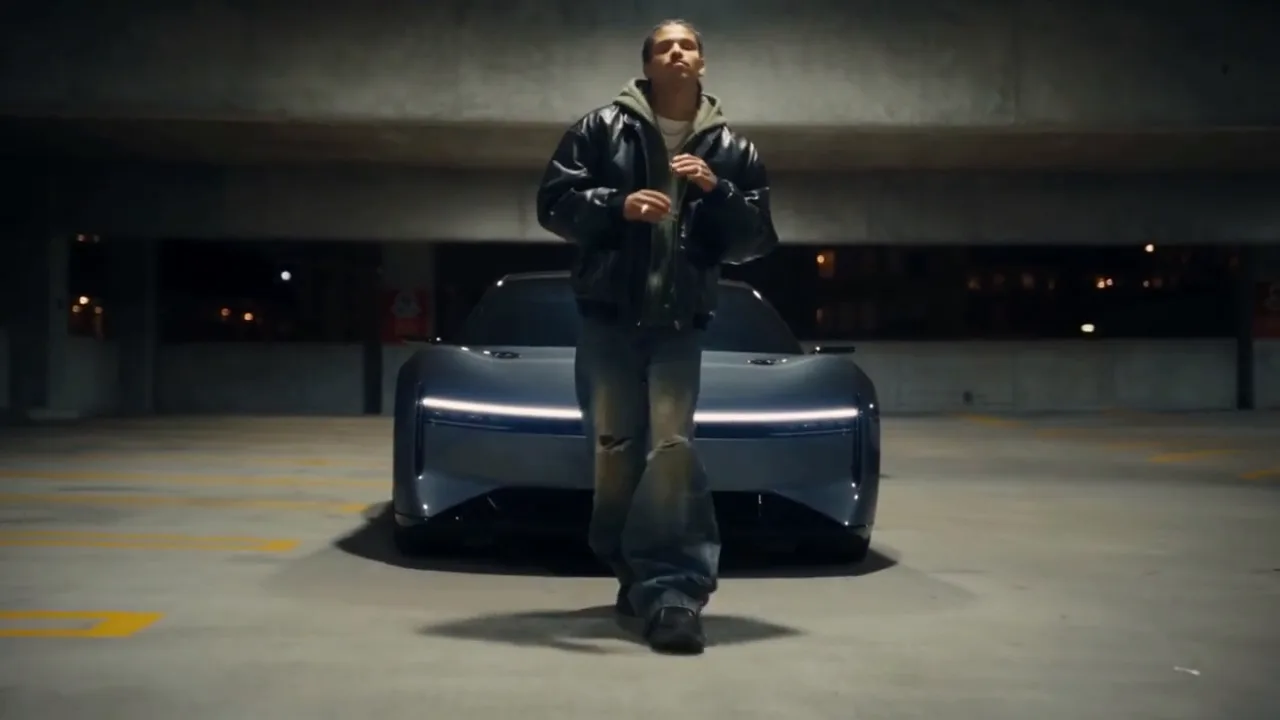
| Morph | 2 to 8 of your own clips in the order they play, up to 60 seconds in all | Your shots with an AI morph at every cut, and a 9:16 copy | About 7 minutes for 3 shots | Pro and up |
| Captions | One clip of you talking to the camera, 15 seconds to 3 minutes | The whole clip at 9:16 with word by word captions in one of four styles | About 5 to 15 minutes, by the length of your clip | Every plan |
An original instrumental. Drop, Travel, Fit and Car can also run on an original instrumental made for your edit, at the style's tempo and labelled as generated, in place of the style's own track or yours.
Hero: one photo, an anime opening
Encore Hero draws you in flat cel style and turns one photo into an anime opening: a silhouette intro with typed lines, teal panels, a sword draw or an open hand energy strike, a card collage, a walk over a giant glowing eye, and your hero name and subtitle at the end.
Use one clear photo of you facing the camera, face lit, no sunglasses and nobody else in it, or a character image you own. Describe an original costume if you want one.
Your own track, and 4K. Hero runs on the style's own beat, or on your track, a song you hold the rights to, from the second you pick. Add the 4K finish and the opening is re-rendered at 2160p with its grain kept; it adds about 10 to 30 minutes, and its price is on the button.
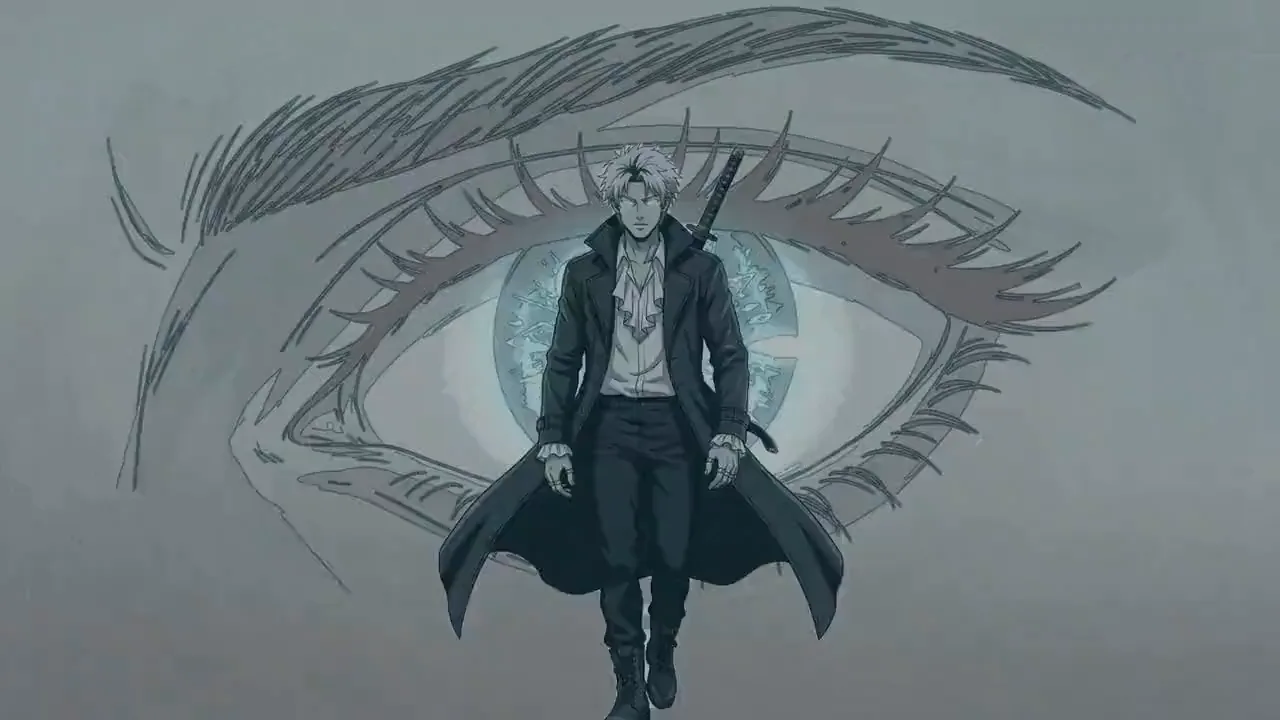
Tip:Fast, and flash safe. Hero cuts fast, and its flashes stay inside safe limits for viewers sensitive to flashing light.
Talk and Captions: you talking, cut like a trailer or captioned whole
Encore Talk has one of your characters say your script in an office, on a street, in a car and in a lobby, then cuts it like a trailer: captions land word by word with one word per line in your color, the picture cuts hard on the clauses, and it ends on a black card with one word.
Write 40 to 80 words exactly as they should be said. Wrap one word in asterisks to color it, or Encore picks one for each line. The voice carries it, with no music. Pick 4:3, 16:9 or 9:16.
Or bring your own talking clip. Upload a clip of you talking to the camera, 15 seconds to 3 minutes, with its sound. Encore transcribes it, you confirm the words, and it's cut like a trailer with word by word captions, in sync with your speech. Nothing is generated, so the edit is free on every plan; reading the words has a small charge for each started minute of your clip, shown on the button.
4K, and a heads up on close-ups. Talk can finish at 4K: pick it under Finish, and it adds about 10 to 30 minutes with its price on the button. And when you cut your own clip at 9:16 and your face fills most of the frame, the form tells you before you pay that a few captions may sit small and low over your chin.
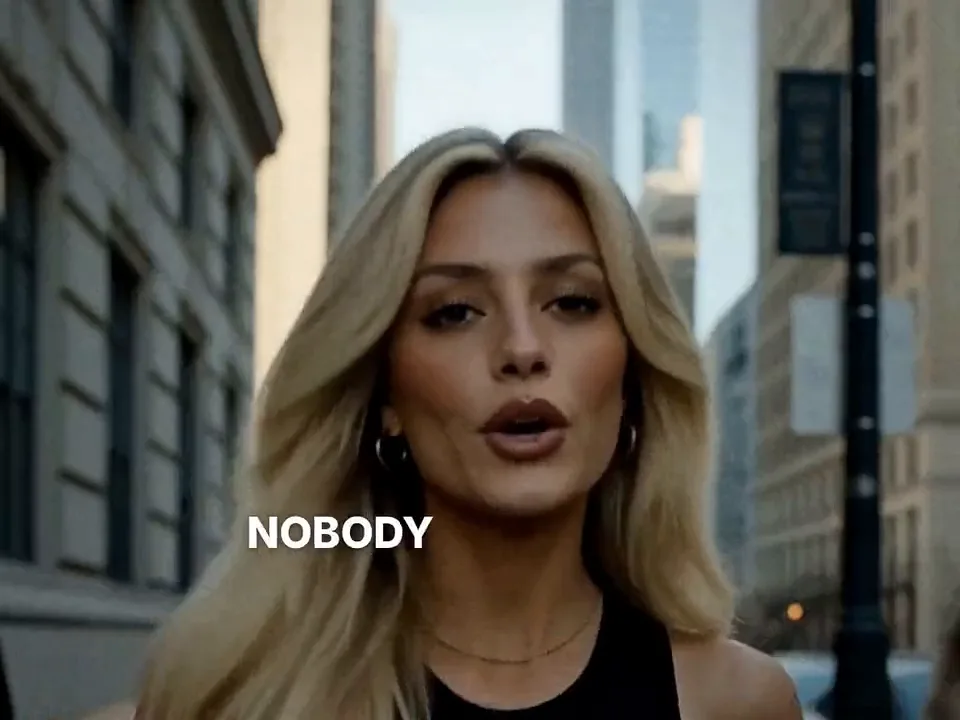
Encore Captions takes one clip of you talking to the camera, 15 seconds to 3 minutes, and gives the whole clip back at 9:16 with every word landing on your voice. Encore reads your words and you fix any it misheard. The words keep off your eyes and mouth and clear of the Reels and TikTok buttons.
- Bold: one to four words a line, with one word in your color.
- Karaoke: the whole line, with each word lighting as you say it.
- Behind me: the words set large behind you, tucked behind your head or shoulders where they still read.
- Glitch in: each word slides in in pieces, without flashing.
Add emoji pops and soft whooshes if you like. An emoji pops beside a line whose word names one, never on your face, and a whoosh sits under each push in, well under your voice.
Behind me
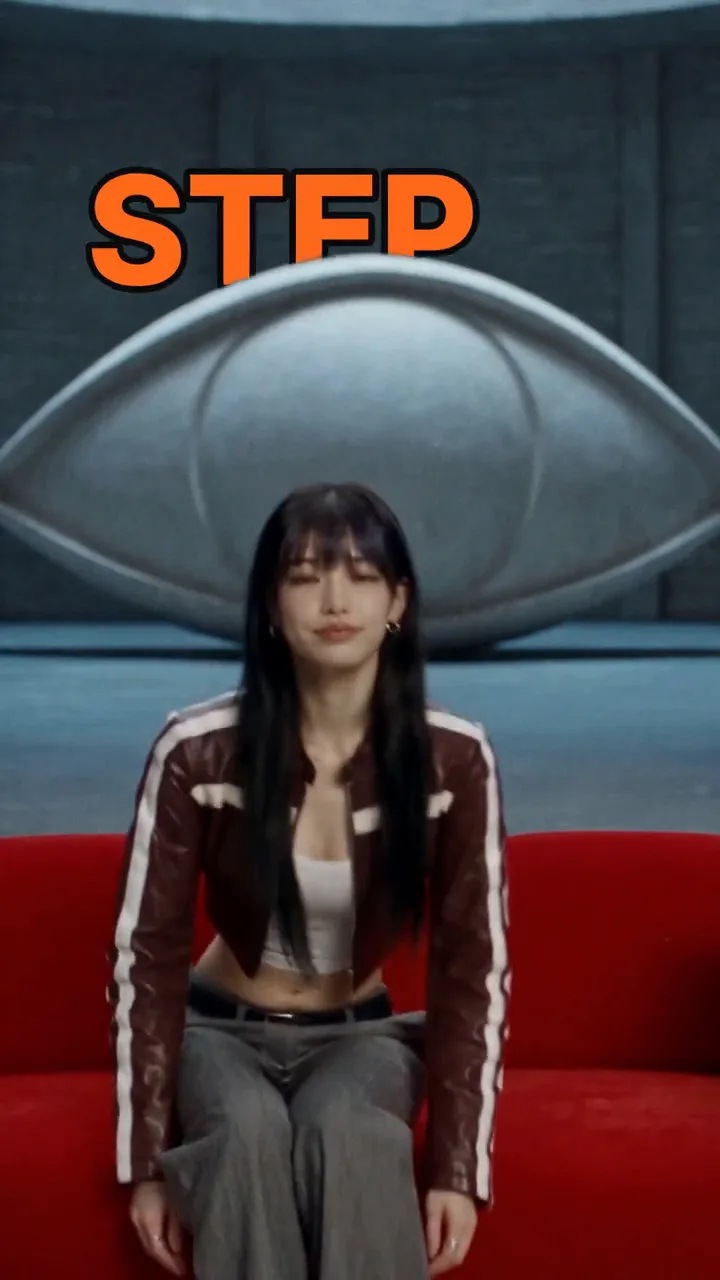
Karaoke
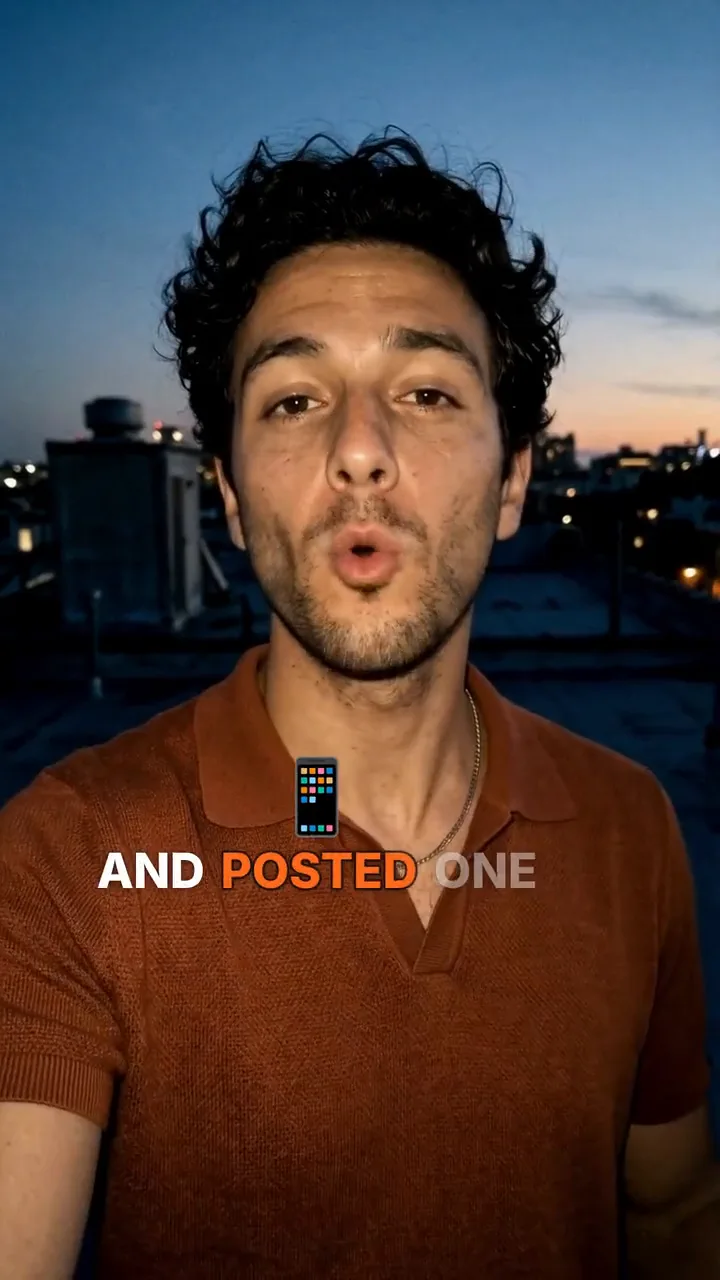
Tip:You are told before you pay. Behind me works best with space around you: a mid shot more than a selfie close-up. A line that would not read behind you is set in front in the bold style. If most of your clip is a close-up, or your face fills the frame so a few lines will sit low over your chin, the form says so before you pay.
Captions run on every plan. Reading your words has a small charge for each started minute of your clip. Behind me also cuts you out of your clip, which is priced by its length and works on clips up to 2 minutes; the price is on the button.
Fit: your outfits as a lookbook
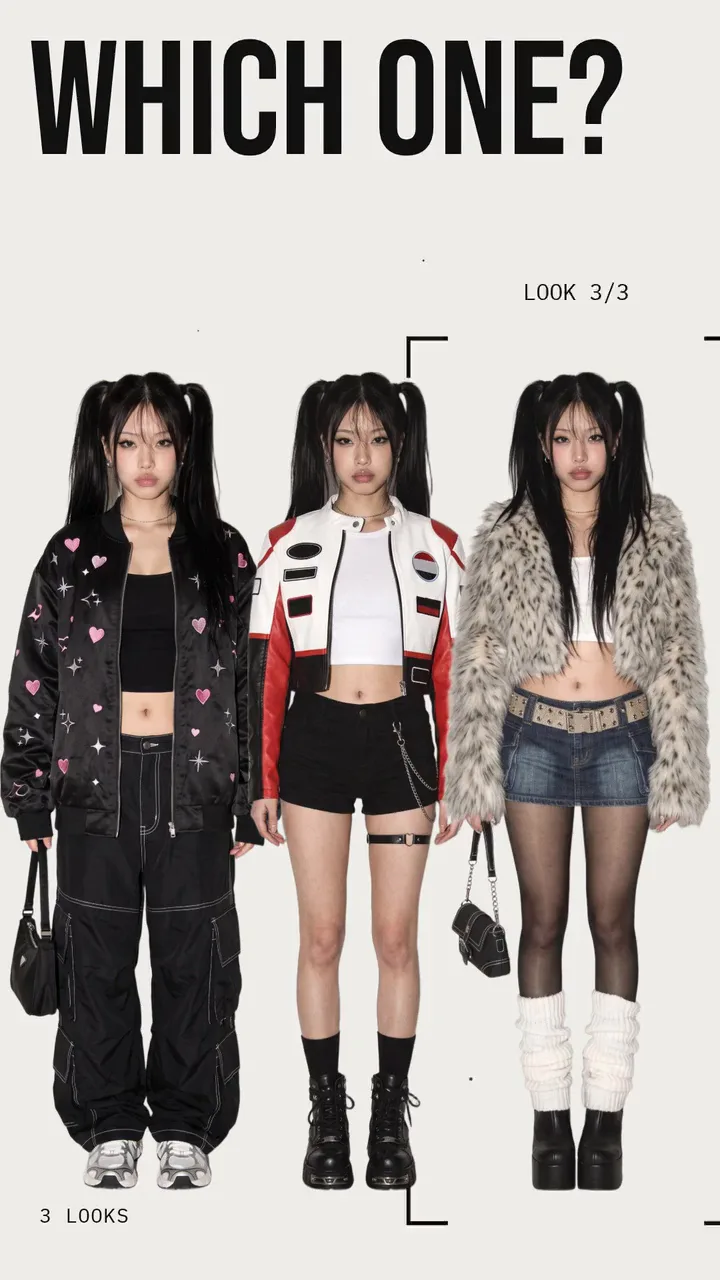
Encore Fit turns 3 to 9 full body photos of you in different outfits into a 12 second vertical lookbook: the question typed over your profile, your outfits in a row, a bracket that lands on the winner in red, two walks in it with sticker cutouts on the beat, and the closer.
Every garment, color, shoe and bag comes from your photos. Encore films two walks in the winning outfit, one toward the camera and one in profile.
Or bring your own walks. Bring your own two walk clips, 5 to 12 seconds each, one walking toward the camera and one walking past it side on, in the winning outfit. Nothing is generated for the walks: Encore cuts you out of each and runs them on the beat with the stickers, and Fit runs on every plan.
Lyric: your song, a lyric word edit
Encore Lyric is the lyric word edit for musicians: you on seamless, your line typeset behind and over you on every beat of your song, matte swap cuts, a halo close up and a tinted ending.
Send a full length photo, a face close up if you have one, your own song with the second your line starts, and a line of 6 to 14 words. Wrap one word in asterisks to make it the giant key word.
Car: your car or any hard product, revealed in a studio
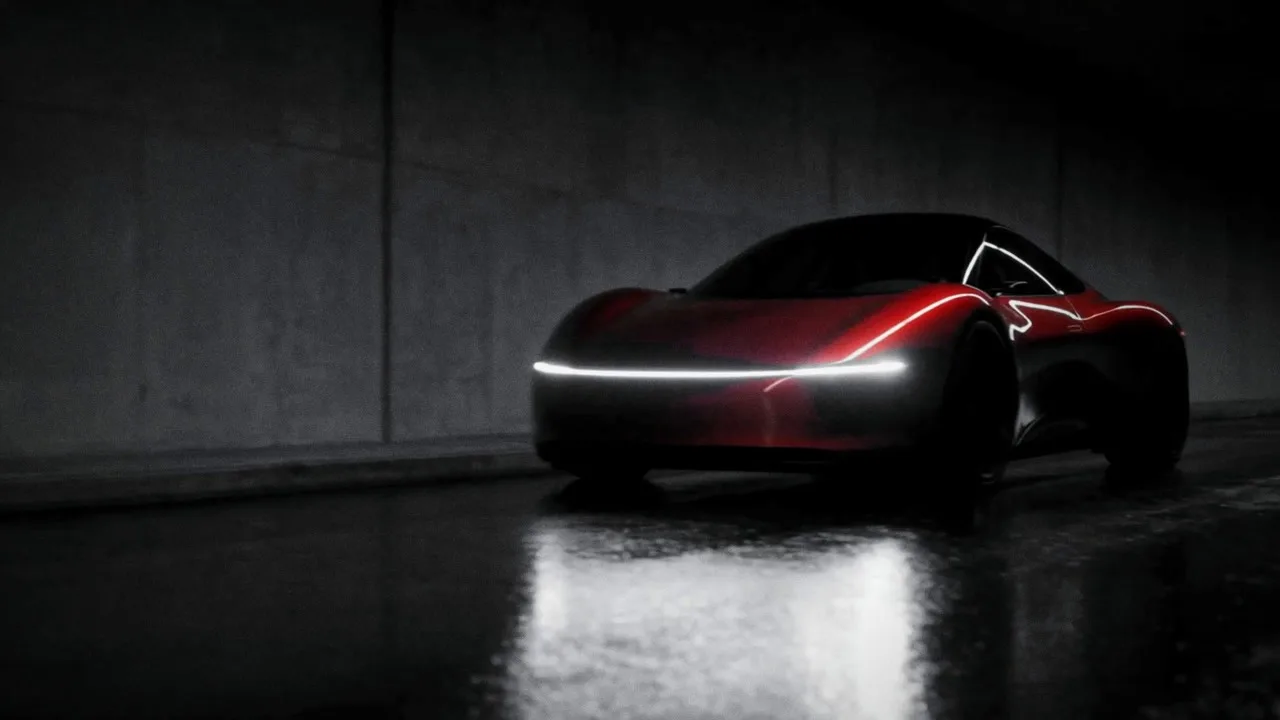
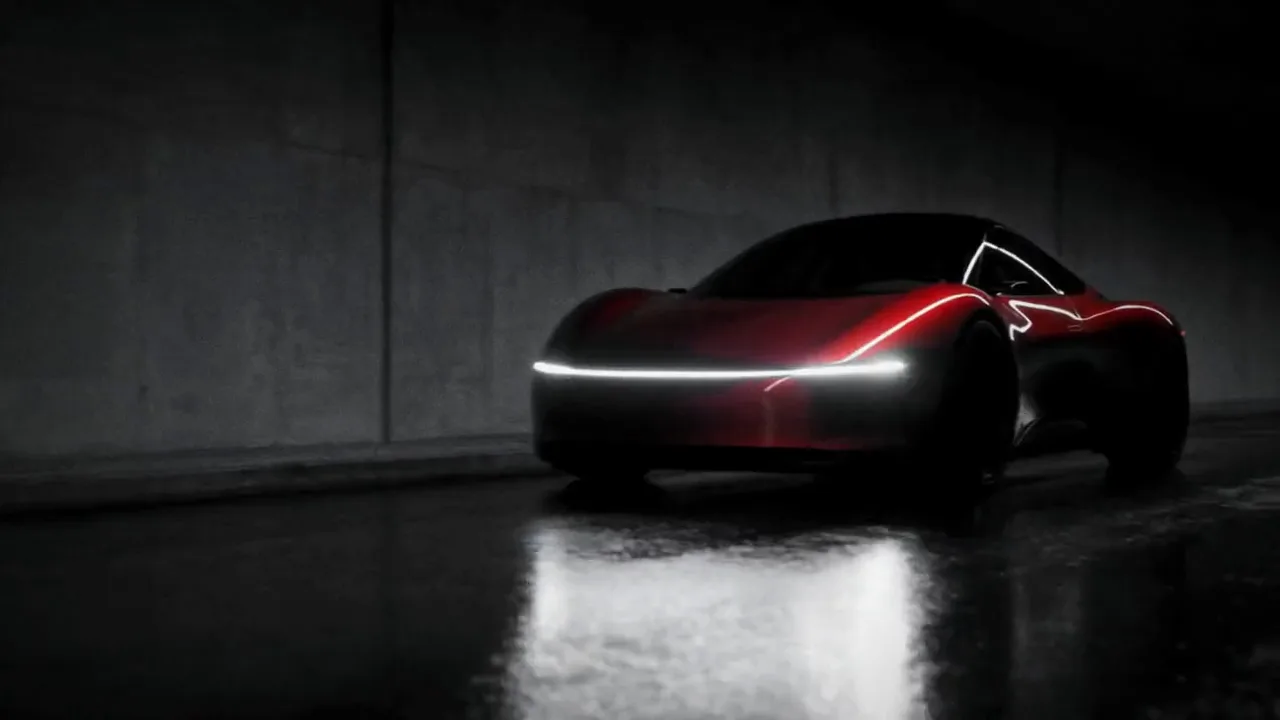
Encore Car reveals your car in a black studio in 18 seconds: line art out of the dark, the model name on a plate, wheel spins, a gauge needle sweeping, printed pages, a tunnel pass, and the grille and headlight reveal. The whole edit is black and white, with your car's color as the only color left.
Send the front, side and rear, plus a wheel and a front three quarter if you have them, and the model name. Four moves are filmed new from your photos, and the rest is your photos, real type and light. Badges and plates stay blank.
Your own pages, cabin and details. Write the three printed pages yourself, up to 240 characters each, or keep the style's own. Add a photo of the cabin and one or two close details, and they join the scenes. Any hard product works too, a watch, a speaker or a sneaker: the same reveal lights it, and the dial reads without units.
Drop and Travel: from your own footage, or your photos
Encore Drop and Encore Travel can be cut from your own material, so nothing is generated and the run costs nothing, on every plan.
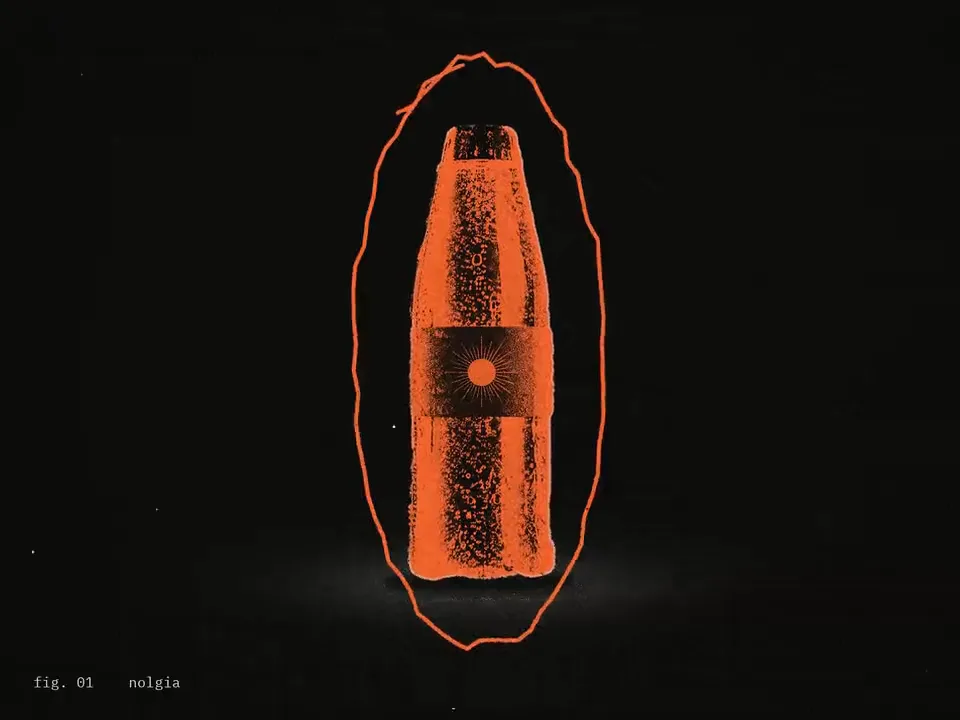
Drop: send 1 to 3 product photos, 3 to 6 short clips of it in use, the name as it should print, and an accent color if you want one, or Encore measures it from your photo. You get an 18 second launch edit that looks like a photocopy, with your product as the only color.
No clips? Make Drop from your photos alone: Encore makes three stills and three short clips of your product from them, then cuts the same edit. That route generates its shots on Seedance, so it needs Pro and up and takes about 10 to 15 minutes. A photo on a plain background gives the cleanest edge, but any sharp photo works.
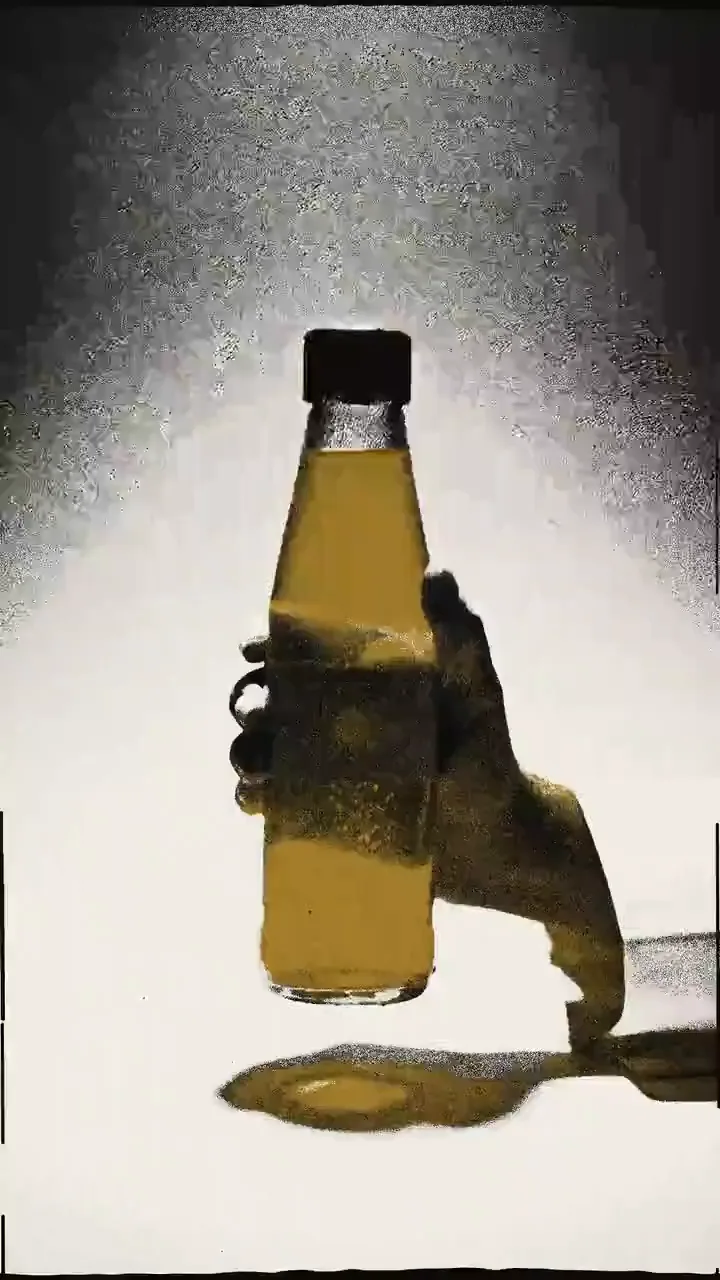
Or make it vertical. From your photos alone, Drop also comes at 9:16 for Reels and TikTok, with three 4:5 posters taken from the edit. Add one or two photos of a person who agreed to appear, and their hands hold and use your product. Your product's own printing is kept off the stills and clips Encore makes; your brand is set by the edit itself. The 9:16 frame runs on Pro and up.
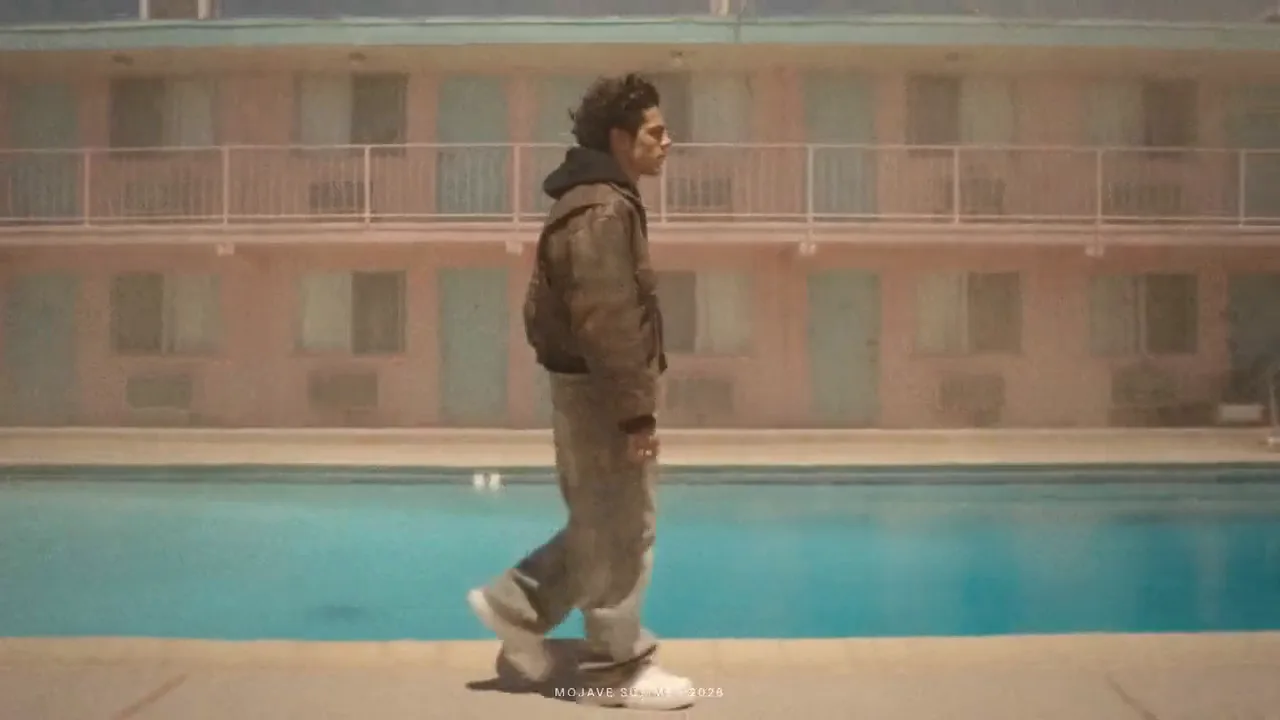
Travel: send one clip of a place you shot, 15 seconds to 5 minutes. Encore reads it four times a second and casts each slot of a 28 second mood edit by its motion, light and framing, with a typed title, a place word and a handwritten line in your own words. Encore leaves out the stretches of your footage where it reads a brand sign or logo; blurred or unreadable signs can remain.
MV FX and Morph: effects on your own music video
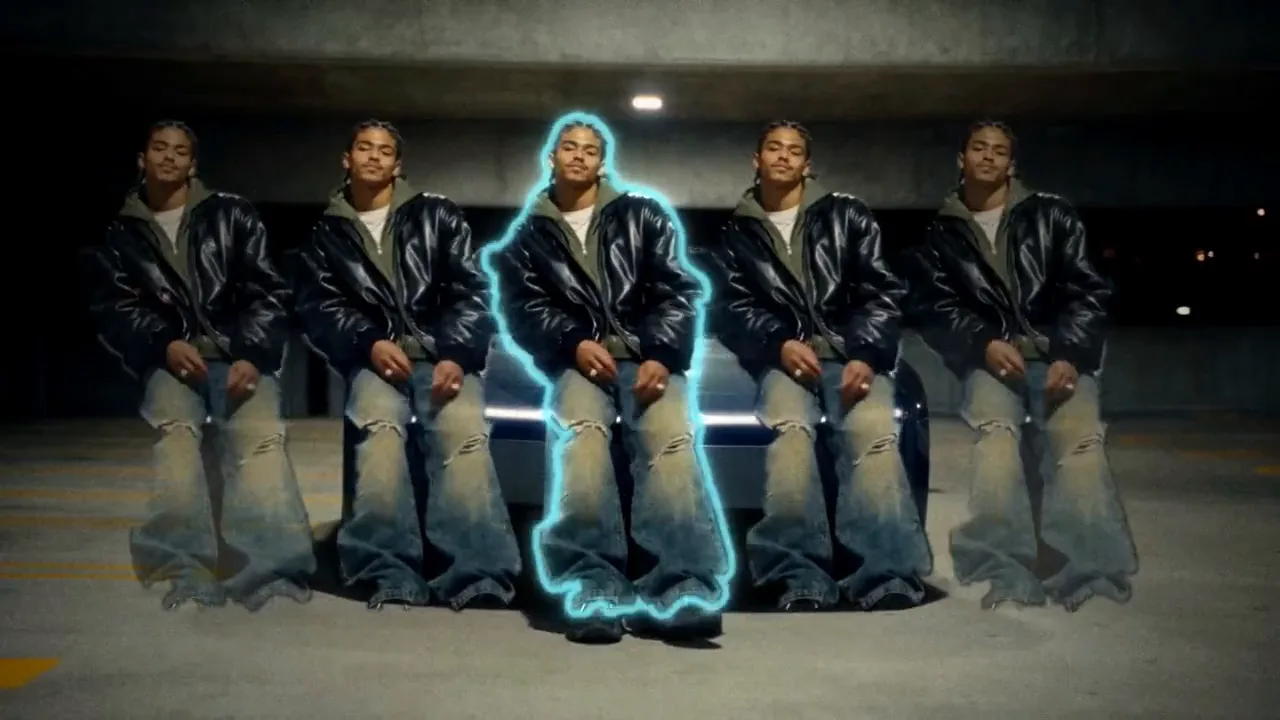
Encore MV FX plays your own music video or performance cut, 8 to 60 seconds, start to end as you shot it, dressed in one of two packs and timed to your song. ROTO adds a white outline and a neon glow around you, marker doodles around your head and shoulders, clones stepping out sideways and echo trails. TAPE plays it back as VHS, with static at your cuts, glitches, film burns and a lens punch on your face.
Type up to four lines, and one word lands on each beat, big, behind you. Add your name and the cut opens on a two beat freeze. You get the edit in your cut's own shape and a 9:16 copy whose crop follows you. Only a matte of your cut is made, so MV FX runs on every plan.
ROTO
TAPE
Encore Morph cuts 2 to 8 of your own shots together in the order you give them, up to 60 seconds in all, and puts an AI morph at every cut that melts one shot into the next. Each morph is pressed into about a second on the cut, so the edit keeps its length and stays on your song. Only the morphs are generated; your shots are used as they are. Morph runs on Pro and up.
What every run gives you back, and what it costs
A remake and the edit styles come back with the finished video, a compare file and a composition in Studio you can keep editing. MV FX does too, and adds a 9:16 copy. Morph comes with a compare file and a 9:16 copy, Drop at 9:16 adds three posters, Captions gives you your whole clip back, captioned, and a remake can add a free 9:16 copy. The price is on the button before anything runs.
- From your own footage: Drop, Travel and Talk can be cut from clips you shot, and Fit can use your own walks, with nothing generated for them. MV FX, Morph and Captions work on your own footage too: MV FX and Behind me captions make only a matte of you, and Morph only its morphs.
- Check every cut: the compare file puts the source above the result on the same cuts.
- Words as typed: every word is set in a real font, spelled exactly as you wrote it.
- Flash safe: every run is checked for flashing before it is delivered.
The scan is free. A remake is priced after the scan, shot by shot, and a style is priced from what you send; the exact price, and the most it can cost with retakes, are on the button before anything runs. Drop from your clips and Travel cost nothing. Talk from your own clip, and Captions in the bold, karaoke and glitch in styles, are free apart from a small charge for reading your words; Behind me adds its matte. MV FX is priced by the length of your cut, and Morph by the number of cuts. Hero, Lyric, Car and Morph run on Pro and up. Talk, Fit and Drop run on Pro and up when Encore generates their shots, and on every plan from your own footage, walks or clips. Travel, MV FX, Captions and the scan work on every plan. Exact, 1080p scenes and a 4K finish each change the price on the button, and the form tells you before anything runs. These are the live prices of the main models Encore runs on.
Seedance 2.5Pro and up
Per 5s clip
480p 26 credits · 720p 56 credits · 1080p 137 credits
1080p renders at 16:9 and 9:16
GPT Image 2.5 SunburstEvery plan
Per image
Native 8 credits · 2K 21 credits · 4K 58 credits
Nano Banana 2.1Every plan
Per image
1K 4 credits · 2K 5 credits · 4K 9 credits
Hailuo 3Pro and up
Per 5s clip
768p 37 credits · 2K 65 credits
Read live from the catalog when this page loads. Every price is shown before you generate. See every rate.
What Encore asks of you, and what it refuses
- Only edits and songs you made or hold the rights to.
- Everyone in your photos, clips and characters agreed to appear.
- No public figures, and no one under 18.
- The edit's own subject, brand and words never reach your remake.
Questions and answers
- Can I paste any video?
- Only an edit you made or hold the rights to, 4 to 60 seconds, uploaded as a file or fetched from a direct link to the file. A link to a post on a social platform is not taken. Encore reads the edit for its structure only: the people, brands and words in it never reach your remake.
- Does Encore reuse the edit's own shots?
- Only a shot with nobody, no product and no words in it can be kept. Every other shot is made new for your subject, while the cuts land on the same frames and your words sit where the edit had its words.
- What does it cost?
- The scan is free, and the exact price of a remake or a style is on the button before anything runs. Drop from your clips and Travel cost nothing. Talk from your own clip, and Captions in the bold, karaoke and glitch in styles, are free apart from a small charge for reading your words.
- What do I get back?
- The finished video, and for a remake and the edit styles a compare file with your source above the result on the same cuts and a composition in Studio you can keep editing. MV FX and Morph add a 9:16 copy, a remake can add one for free, and Drop at 9:16 adds three posters. A remake, Hero and Talk can also finish at 4K, which adds about 10 to 30 minutes.
- Who are the people in this guide?
- AI characters made on NOLGIA: Elle, Teo, Ryo, Sienna, Mika, Vera, Dax and Leo. None of them is a real person.
- Which plan do I need?
- Hero, Lyric, Car and Morph need Pro and up. Talk, Fit and Drop need Pro and up when Encore generates their shots, and run on every plan from your own footage, your own walks or your own clips. Travel, MV FX, Captions and the scan work on every plan. A remake needs Pro and up when it makes new scenes, and so does Exact. The form tells you before anything runs.
Remake an edit with you in it
Open EncoreRelated guides
Video editing
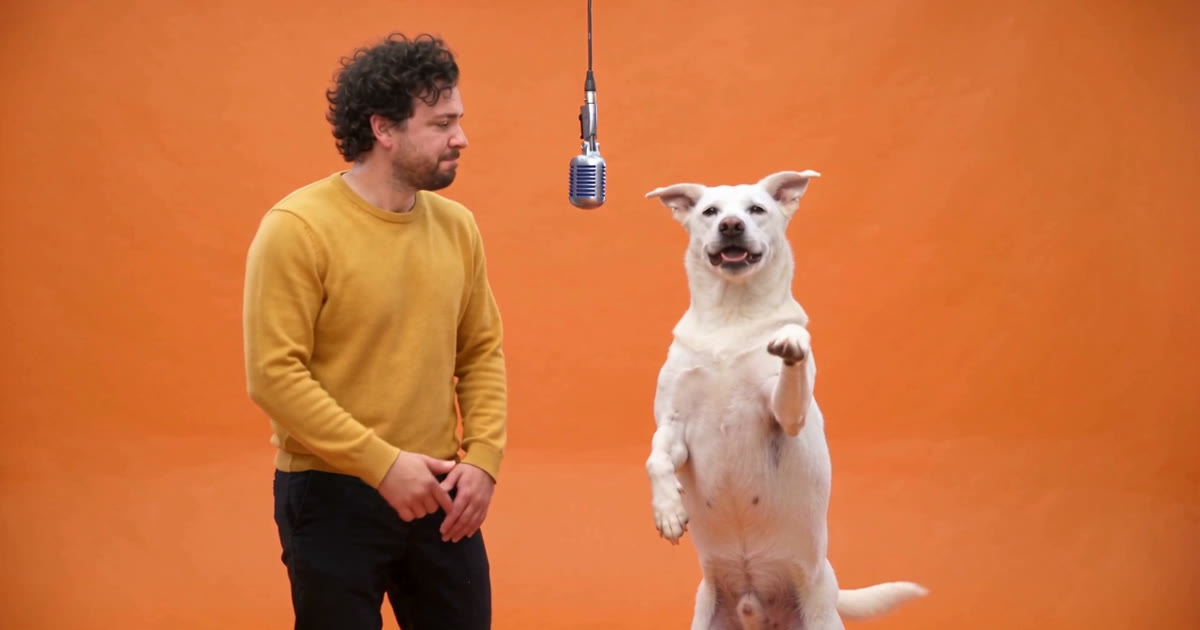
Put your own character and your dog into any video
Pick a video, add a photo of a person and one of a dog, and Miroge recasts the clip with them: the same moves, the same set, the same camera. Every step, on a computer and a phone.
· 10 min read
Filmmaking
Keep characters and locations consistent across shots
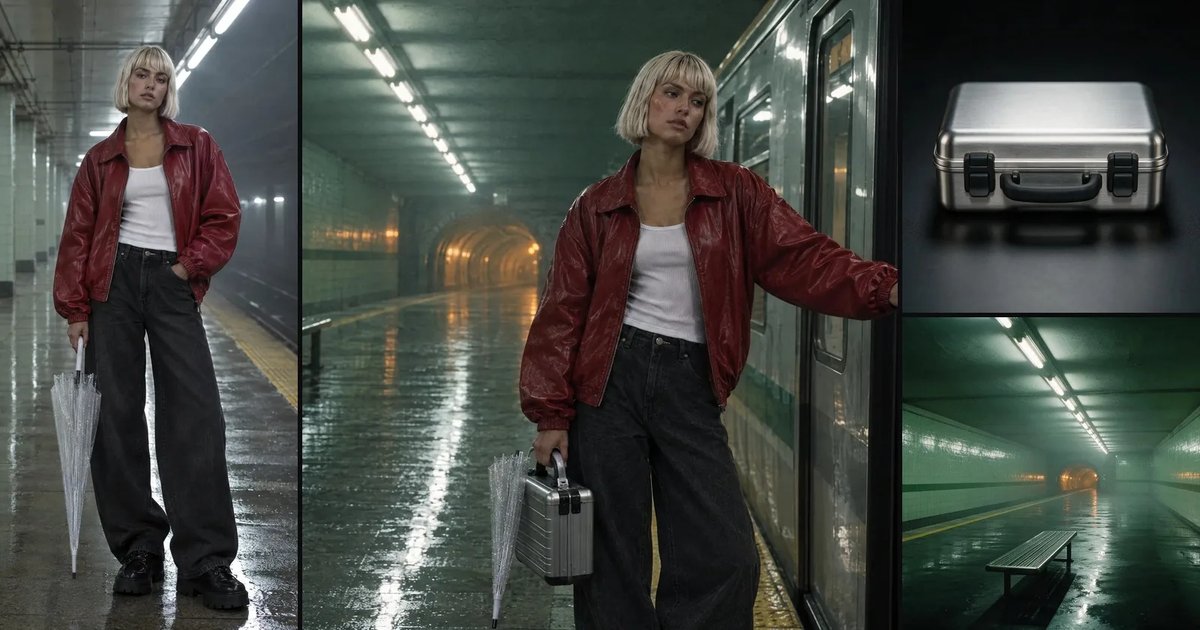
A saved character, a saved location and one repeated sentence per prop: what actually held across five shots of one film, measured object by object and by color, and the two gaps that did not.
· 11 min read
Video editing
Keep the subject, change the world around it
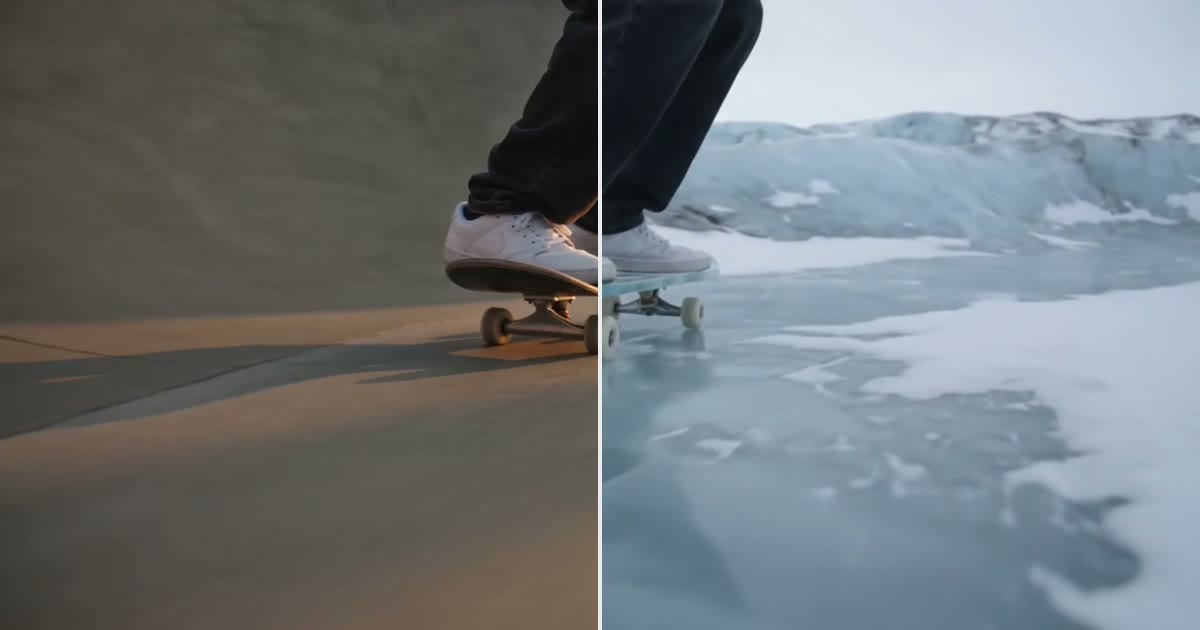
Keep the legs, hands or product in a clip and redraw the place around them. The prompt order that held in 6 of 6 tests, and where it breaks.
· 9 min read