

Video model
Veo 3.1 on NOLGIA
Veo 3.1 makes video clips on NOLGIA from 112 credits per 5s clip, available on Pro and up.
- Price
- 112 credits per 5s clip
- Plan
- Pro and up
- Resolution
- 720p, 1080p
- Aspect ratios
- 16:9, 9:16
What it costs
| Quality | Credits | USD |
|---|---|---|
| 720pDefault | 112 | $7.84 |
| 1080p | 112 | $7.84 |
The price covers a 5 second clip. Longer clips cost proportionally more.
Dollar figures use the 100-credit top-up price, $0.07 per credit.
Presets that use it
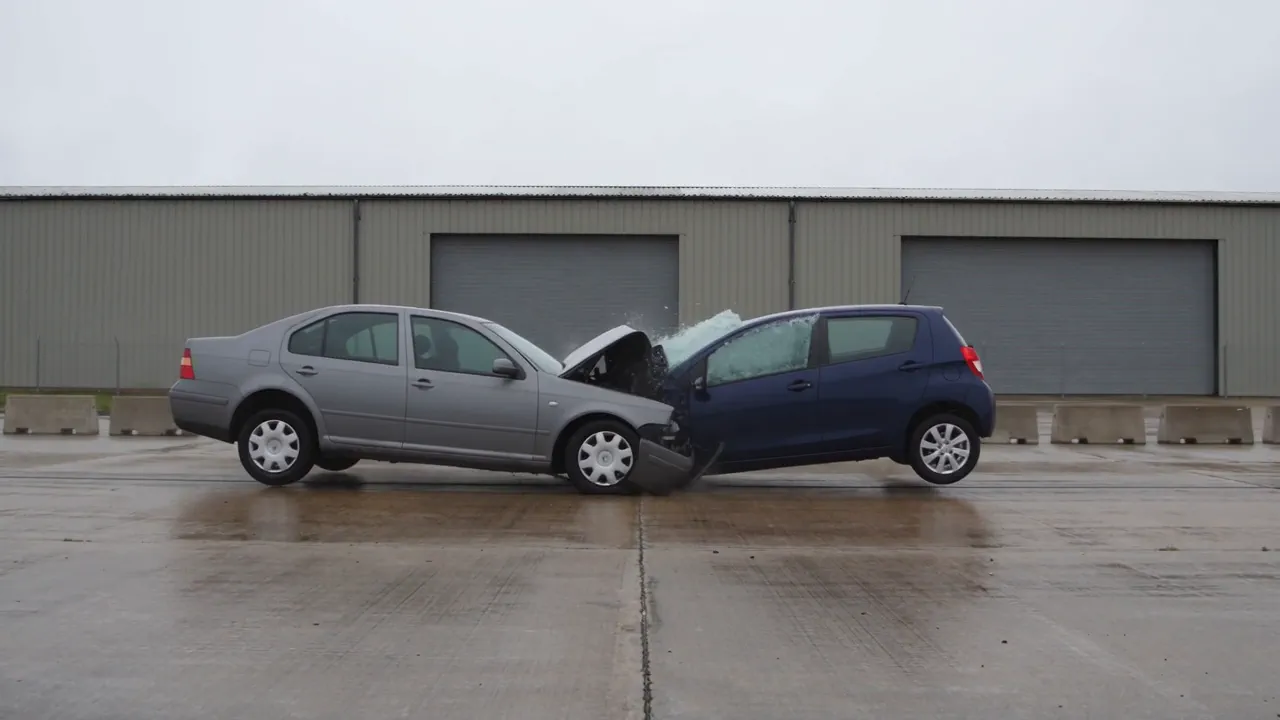
Simulate a car crash
A two vehicle collision as one continuous cinematic take: real crumple, glass and debris, the wreck coming to rest in frame. Deserted street, empty cabs, nothing branded.
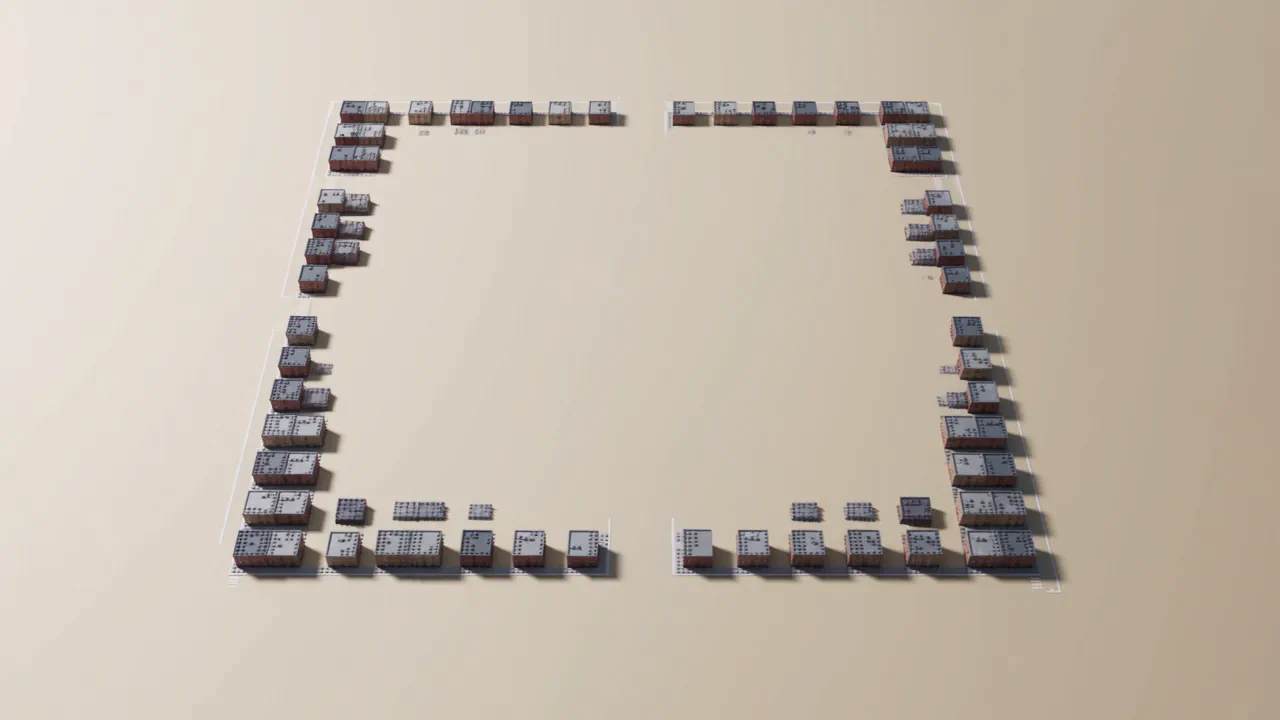
Build New York City from blocks
A city that builds itself out of toy blocks and then lets you fly through it: the towers climbing out of the grid from above, then a low glide down one finished avenue.
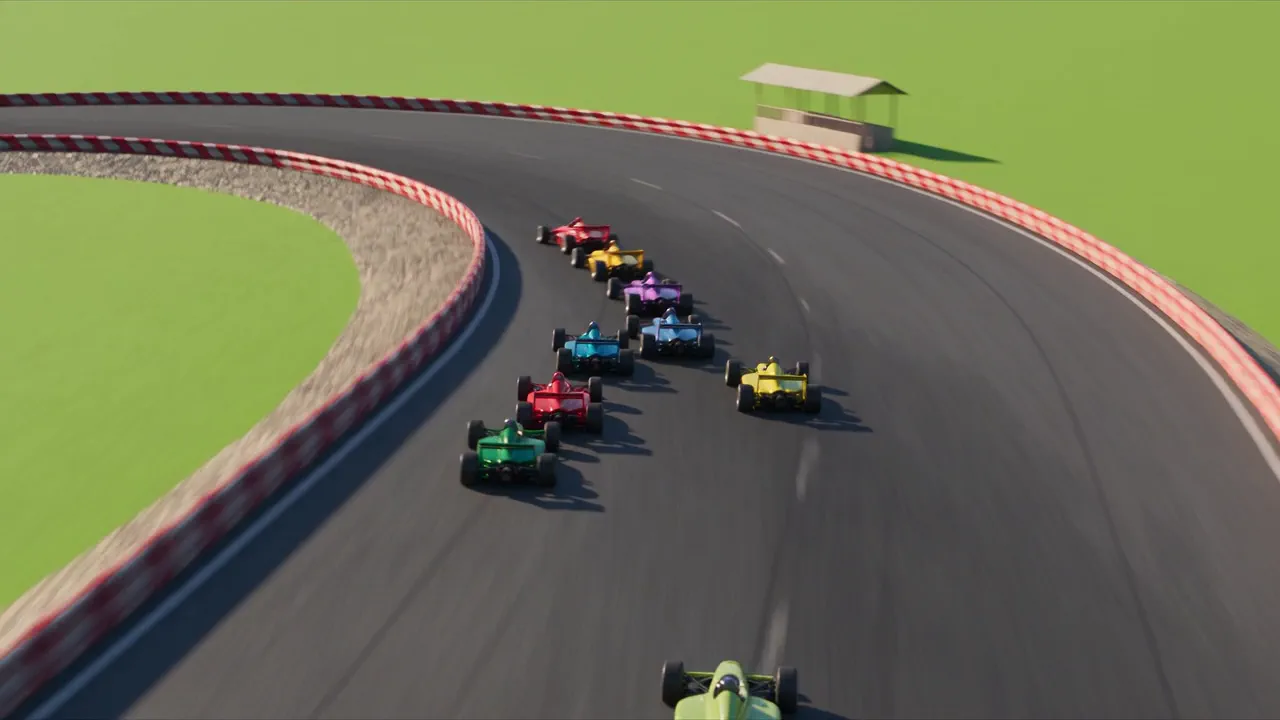
Animate your logo
Your mark as a short studio-style ident: a small original scene that plays out and resolves into your logo, the way a film studio opens a movie. Whimsical, majestic, playful or minimal, in any world you like.
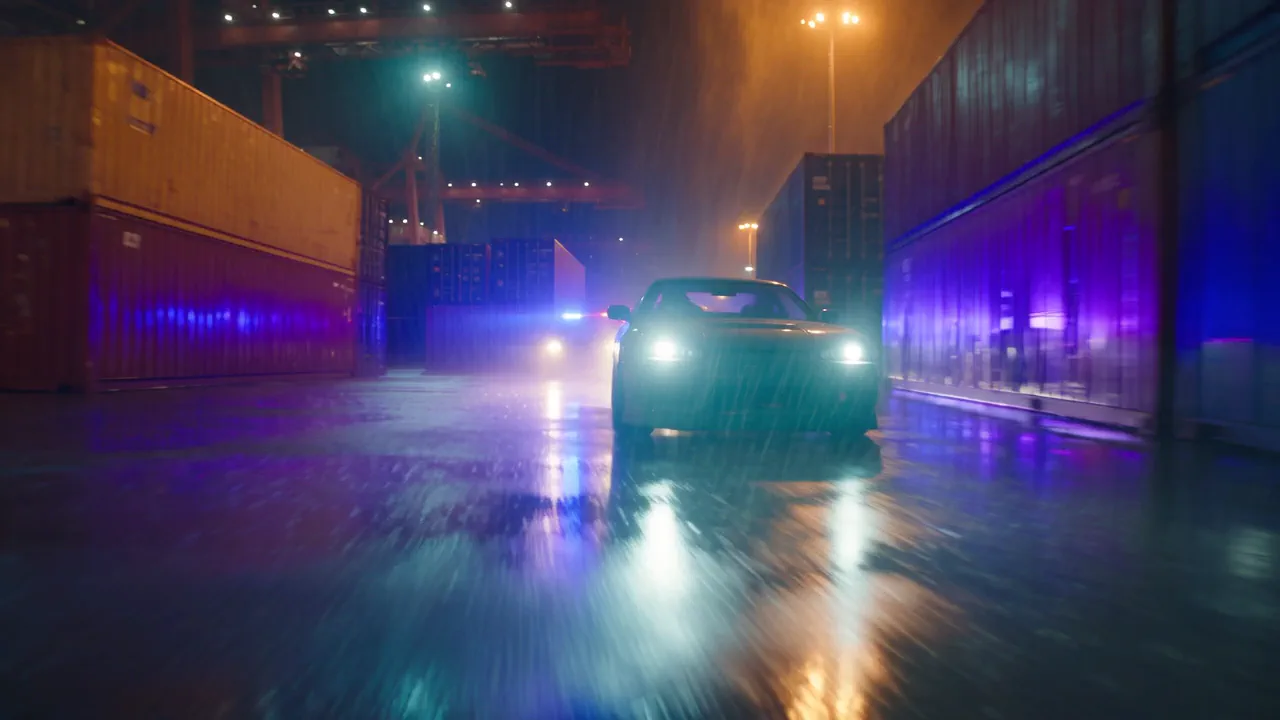
Car chase game trailer
The announce trailer beat for a game that does not exist yet: one in-world take in the game's own look, with no title card baked in so your logo and copy stay editable.
Recreate a launch video
A product launch film in the announce style: hero shots of the thing itself cut to title cards, assembled on a timeline you keep and can re-cut.
FAQ
Questions about Veo 3.1.
- How much does Veo 3.1 cost on NOLGIA?
- Veo 3.1 costs 112 credits per 5s clip at the default 720p tier, about $7.84 at the top-up rate. Other tiers: 1080p 112 credits.
- Which plan do I need?
- Pro and up. Topping up credits does not unlock it on a lower plan.
- Which resolutions are available?
- 720p (the default) and 1080p.
- Which aspect ratios are available?
- Veo 3.1 renders 16:9 and 9:16.
- How is a longer clip priced?
- The price covers a 5 second clip. Longer clips cost proportionally more.
- Can I use Veo 3.1 from the CLI or an agent?
- Yes. The command on this page runs it from a terminal, and the NOLGIA MCP server gives Claude Code and other MCP clients the same model.
Make an Output with Veo 3.1.
Use it from your terminal
nolgia models get veo-3.1
nolgia gen video --model veo-3.1 --prompt "a lighthouse on a sea cliff at dusk, slow push in"