
Preset
Clean logo sting
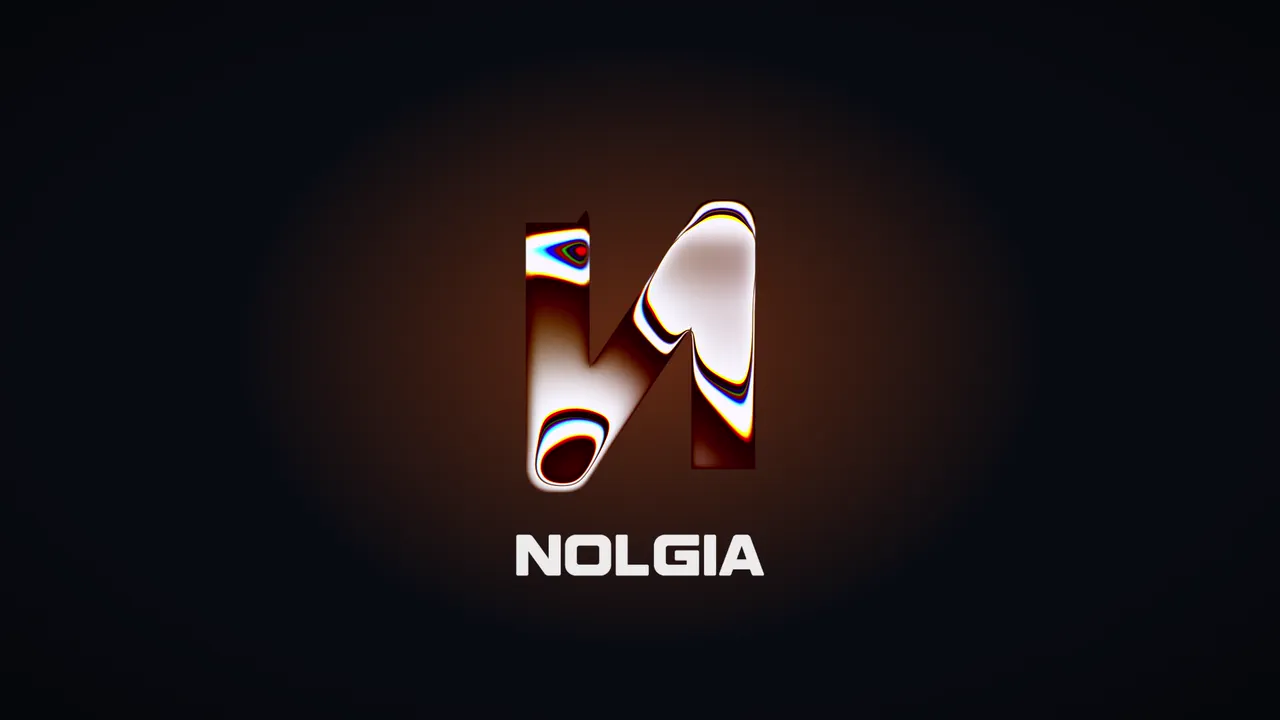
Your logo's exact shape turns to liquid metal in your brand colours, moving as a seamless 4 second loop. For an intro, an outro or an end card.
- Best for
- YouTube intros and outros, end cards, channel idents, ad sign-offs
- Output
- Video
- Time
- About 2 minutes
- Credits
- Free to render
Already have an account? Sign in
Start free with 36 credits, no card needed. You land right in NOLGIA Agent, on this preset's questions, ready to run.
Make it here, free
Answer these now. The render needs a free account: you create one before it starts, and your answers are kept.
Step 1 of 6
Your logo
A PNG with a transparent background works best. Its exact shape is kept, and its surface turns to liquid metal.
Your file goes into your NOLGIA library, so this step needs a free account. Your answers so far are kept, and you come back to this step.
How to use it
NOLGIA Agent asks these questions in a chat, one at a time, with your own material.
Your logo
Add one photo from your device or your Library. A PNG with a transparent background works best. Its exact shape is kept, and its surface turns to liquid metal.
Your name as a logo fileOptional
Add a photo from your device or your Library. If your brand name has its own logo file, add it and it sits under the mark, drawn as it is. You can skip this.
Your main brand colour
Write it in your own words. A hex code like #FF6A1A: the metal is tinted with it. Pick it, or take it from your brand kit.
For example: #FF6A1A
A second brand colourOptional
Write it in your own words. A hex code like #4B7BFF. Leave it empty and a lighter shade of your main colour is used.
For example: #4B7BFF
Where will it play?
Pick one. The shape of the file.
- Wide, 16:9
- Tall, 9:16
- Square, 1:1
- Portrait, 4:5
Which file?
Pick one. An MP4 to post or to drop on a timeline, or a transparent file to lay over your own footage in an editor.
- MP4
- Transparent, ProRes 4444
Render it free
Press Render it free and NOLGIA renders your video from your answers: 0 credits, no agent turn. It lands in your Library. Or press Make it with NOLGIA Agent to work on it with the Agent in a chat. It takes about 2 minutes.
About this preset
Upload your logo and NOLGIA turns its exact shape into liquid metal, tinted in your brand colours, moving as a seamless 4 second loop. Nothing is generated, so the shape of your logo stays exactly as you uploaded it, every time; only its surface becomes the moving metal. Add your name as a logo file too and it sits under the mark as it is. The loop is seamless, so you can repeat it on your timeline for as long as you need. Make it with the NOLGIA Agent: it takes your colours from your brand kit, checks everything, starts the render and hands you the files in the same chat. Or fill in the form on this page and the render starts on its own, with no Agent turn. Get an MP4 to post, or a transparent ProRes 4444 file to lay over your own footage in your editor, in 16:9, 9:16, 1:1 or 4:5. The render is free; with the Agent you pay only for its turn. You can also run it from Claude, Cursor or another agent with NOLGIA connected.
Use cases
- An intro and an outro for YouTube videos
- An end card for an ad
- A 9:16 logo loop for Reels, Shorts and TikTok
- A transparent logo loop over your own footage in your editor
Suggest directions for me
Say what you are making it for and NOLGIA suggests a few directions for Clean logo sting, each with a prompt and the options it sets. Nothing is generated until you use one.
Ready to make a Clean logo sting?
A few quick questions in the chat, your own material, and NOLGIA makes it.