
Preset
Realtour MLS
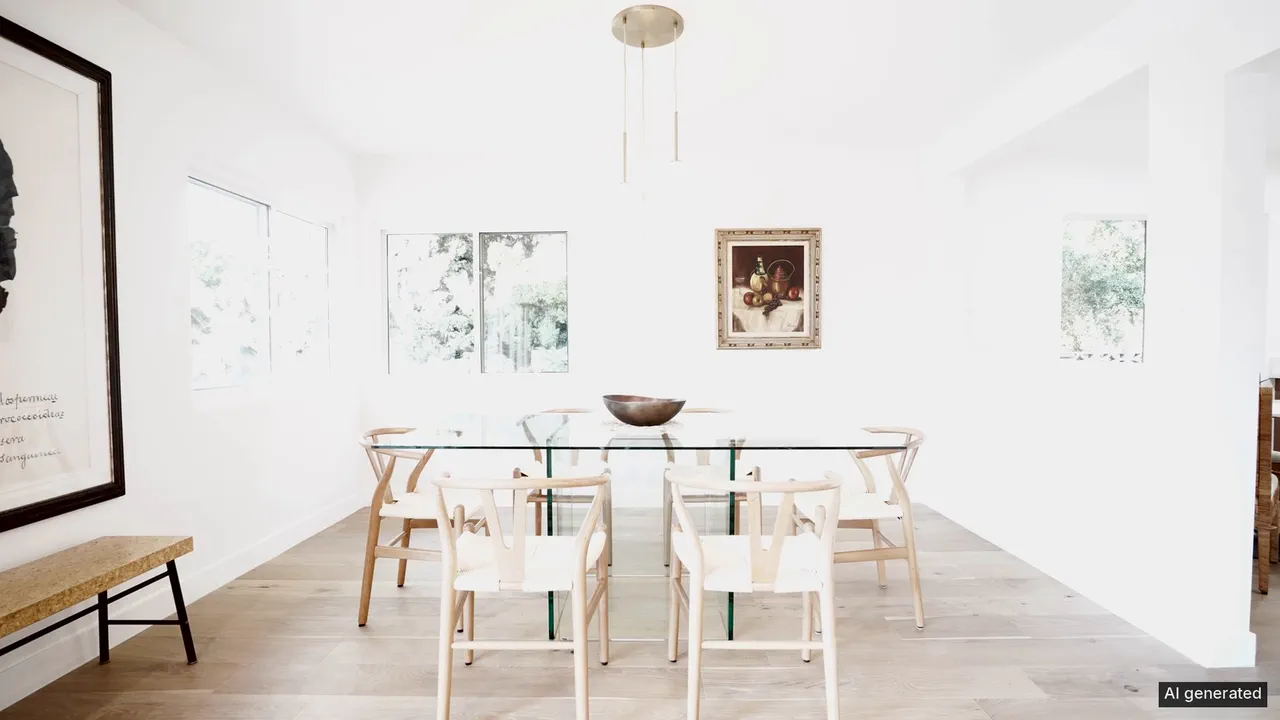
Every photo at full length, in your order, no music and no text. The cut you upload to the MLS: hard cuts, no effects, the AI label on frame; edited photos play as their originals.
- Best for
- The MLS upload.
- Output
- Video
- Time
- about five minutes for 16 photos
- Credits
- Free with any Realtour run; clips priced once.
Already have an account? Sign in
Start free with 36 credits, no card needed. You land right in the Realtour composer, ready to run.
How to use it
In the Agent, these are the questions NOLGIA asks, one at a time. The Realtour composer puts it all on one screen.
Say what you want
Describe it in a sentence, or pick a sample prompt. Add your own photos or clips to the chat if you have them.
Get your video
NOLGIA Agent makes it in the chat and saves it to your Library. Nothing runs until you say go. It takes about five minutes for 16 photos.
Suggest directions for me
Say what you are making it for and NOLGIA suggests a few directions for Realtour MLS, each with a prompt and the options it sets. Nothing is generated until you use one.
Options
Named starting points this preset knows. Pick one after signing in and the chat opens with it in the composer.
- SilentNo music, no text, no effects.
- LabeledThe AI label on every frame.
Ready to make a Realtour MLS?
Create an account and you land in the Realtour composer.