

Kling is back in the NOLGIA catalog, with its 3.0 family beside the earlier models. It is also the first provider whose renders settle within seconds of finishing, because Kling calls back the moment a render is done.
What is in the catalog
Kling v2.6, Kling v2.5 Turbo, Kling Avatar and Kling v3 Motion Control arrived on 19 September. The Kling 3.0 family followed on 20 September: Kling v3 Turbo, Kling v3 Omni and Kling O1, with Kling v3 Omni Audio listed beside Omni. Kling v3 and Kling v3 Pro, which paused with the rest of Kling on 9 September, are in the catalog again too.
| Model | What you give it | Length | Sound | Top resolution |
|---|---|---|---|---|
| Kling v3 Turbo | A prompt, optionally a start frame | 3 to 15 s | With sound | 1080p |
| Kling v3 Omni | A prompt, optionally a start frame | 3 to 15 s | Silent | 1080p |
| Kling v3 Omni Audio | A prompt, optionally a start frame | 3 to 15 s | With sound | 1080p |
| Kling O1 | A prompt, optionally a start frame | 3 to 10 s | Silent | 1080p |
| Kling v2.6 | A prompt, optionally a start frame | 5 or 10 s | Silent | 1080p |
| Kling v2.5 Turbo | A prompt, optionally a start frame | 5 or 10 s | Silent | 1080p |
| Kling Avatar | A reference image and an audio track of up to 30 s | 2 to 30 s | Lip sync to your track | 1080p |
| Kling v3 Motion Control | A reference image and a reference video of 3 to 30 s | 3 to 30 s | With sound | 1080p |
| Kling v3 | A prompt, or a start frame on its image to video id | 3 to 15 s | Optional | 4K |
| Kling v3 Pro | A prompt, or a start frame on its image to video id | 3 to 15 s | Optional | 4K |
Motion Control transfers a human performance from a reference video onto a new subject. Kling Avatar is a lip sync model, so it needs your audio track as well as the image.
Resolution, shape and 4K
Every Kling model needs Pro or above. Most render 720p by default, with 1080p as a premium tier. On Kling v3 and Kling v3 Pro, 720p and 1080p are both standard tiers and 4K is the premium one. Kling v3 Pro renders 1080p unless you pick another tier.
The text to video models render 16:9, 9:16 and 1:1. Kling Avatar and Kling v3 Motion Control have no aspect ratio setting.
We measured what Kling v3's 4K file contains in Seedance 2.5 at 1080p or Seedance 2.0 Pro at 4K. It is a real 3840 by 2160 picture, not a 1080p frame stretched to fit.

How Kling v3 compares with other models on the same prompt, including the one check it missed, is in One prompt, six video models, nine measured checks.
Where you use them
Kling v3 and Kling v3 Pro are in the video composer: pick either in the model menu and write a prompt, or add a start frame. The other Kling models run from their own model page. In Explore their cards say CLI and API, and each one opens that model's page. The page has its own playground: sign in, fill in the form, and the Generate button shows the price before you run it. The API tab beside it shows the same request in TypeScript, Python, Rust, the CLI and curl.
You can also run Kling from the NOLGIA CLI, from Claude Code or Cursor through the MCP server, or from the API. From code, call Kling v3 and Kling v3 Pro by id: kling-v3-t2v, kling-v3-i2v, kling-v3-pro-t2v or kling-v3-pro-i2v. Their pages are Kling v3 and Kling v3 Pro.
No preset runs on Kling. Presets moved to Seedance or MiniMax H3 on 10 September, while Kling was unavailable, and they have stayed there.
Renders that settle within seconds
Video renders now settle within seconds of finishing on providers that call back, and Kling is the first. When a Kling render finishes, Kling tells us straight away, so the job completes without waiting for our next routine check.
We measured three status reads per render instead of fifteen. There is nothing to switch on: it applies to Kling renders however you start them. If a callback never arrives, the routine checks still complete the job.
What it costs
Every Kling model shows the exact price of your settings on the Generate button on its model page before you run it, and a clip longer than five seconds costs proportionally more. Adding sound to Kling v3 or Kling v3 Pro adds to the price. The live published rates for Kling v3 and Kling v3 Pro, read when this page loads:
Kling v3Pro and up
Per 5s clip (audio on by default)
720p 35 credits · 1080p 47 credits · 4K 117 credits
Kling v3 ProPro and up
Per 5s clip (audio on by default)
720p 35 credits · 1080p 47 credits · 4K 117 credits
Read live from the catalog when this page loads. Every price is shown before you generate. See every rate.
Questions and answers
- Can I use Kling in the composer?
- Kling v3 and Kling v3 Pro, yes: pick either in the video composer's model menu. The other Kling models run from their model page, the NOLGIA CLI, the MCP server or the API.
- Which plan do I need?
- Pro and up. Topping up credits does not unlock Kling on a lower plan.
- Which Kling models render 4K?
- Kling v3 and Kling v3 Pro, as a premium tier. The other Kling models top out at 1080p.
- Do any presets use Kling?
- No. Presets moved to Seedance or MiniMax H3 on 10 September and have stayed there.
Every Kling model on one credit balance
See the Kling modelsRead next
Comparison
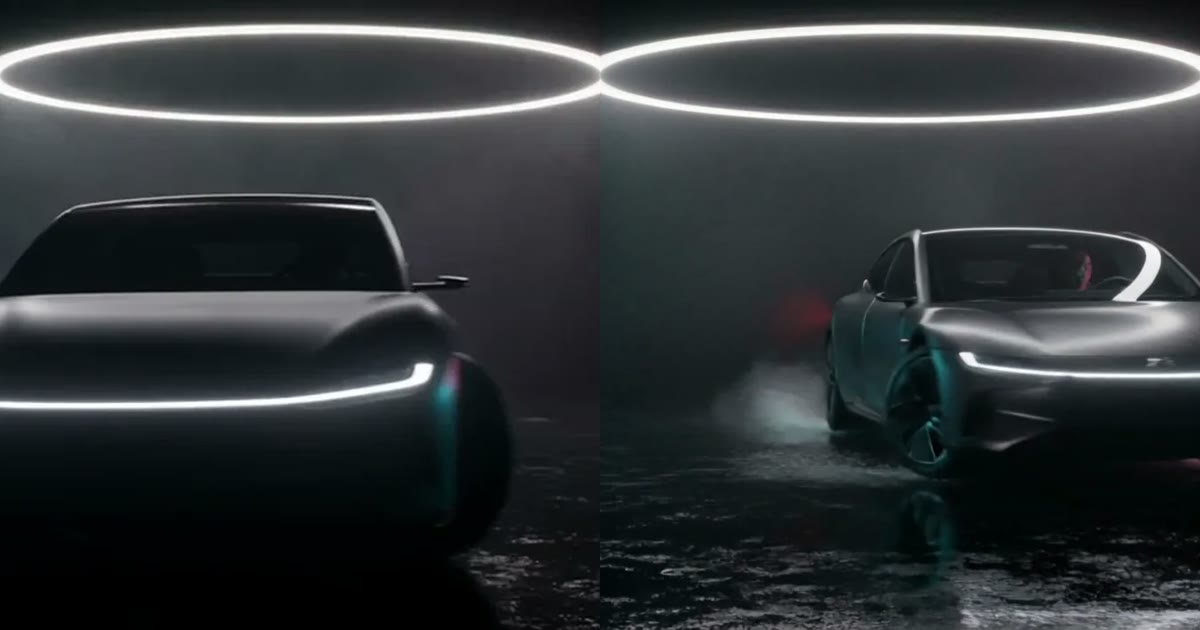
Seedance 2.5 vs Kling 3.0: four tests on the same inputs
Seedance 2.5 and Kling v3 on the same prompts and frames: a scored street scene, a car drive-by, a backflip and a filmed look. What each one got right.
· 9 min read
Comparison
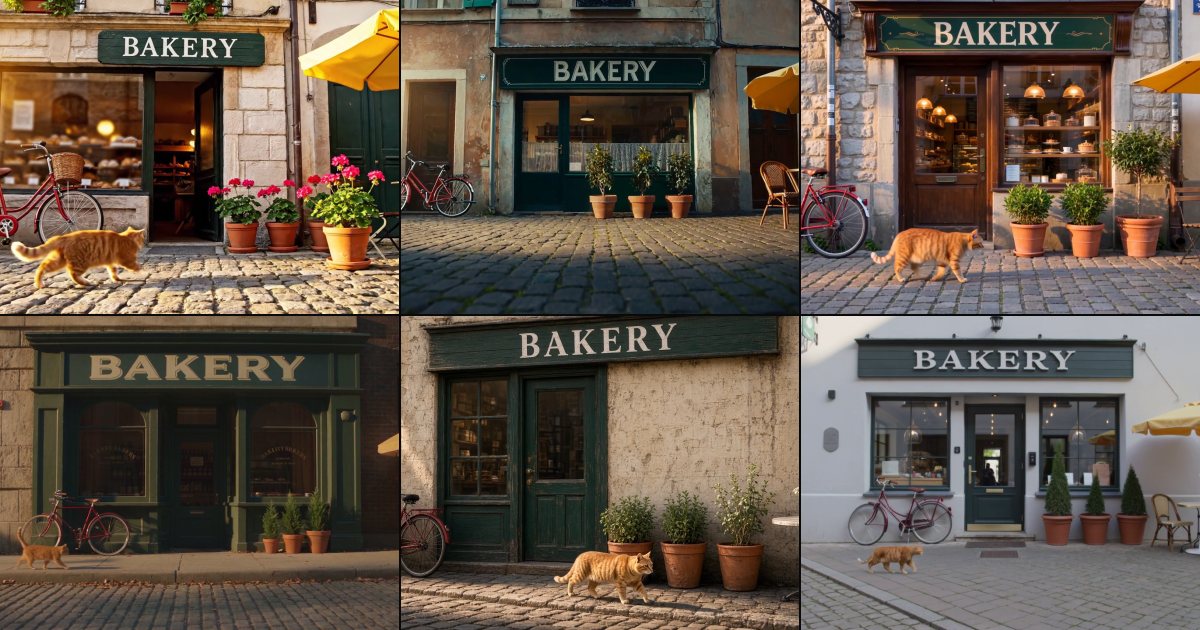
One prompt, six video models, nine measured checks
One prompt with nine checkable details, sent to six AI video models twice each, and every clip measured with a detector, text reading and camera tracking.
· 12 min read

Comparison
Seedance 2.5 at 1080p or Seedance 2.0 Pro at 4K: what the files contain
We rendered one prompt at 1080p and 4K and measured the files: Seedance 2.0 Pro and Kling v3 return real 4K detail. What else changes, and which to pick.
· 7 min read