
A car commercial with AI: hero, drive-by, interior and night gels, with the prompts
A car commercial lives or dies on one thing: the car looking like the same car in every shot. Lock the design in one still, then make every shot from it, and test the models on the shot that stresses the shape most.
- 10 min read
- Updated
- Presets: Film scene, Recreate a launch video
To make a car commercial with AI, design the car once as a still, then make every shot from that still: the hero as an animated push-in, the drive-by and the interior from stills made with the design as a reference, the night shot with gels named in the prompt. Then cut the shots in Studio. The car on this page is a fictional electric grand tourer with no badges and no lettering; every still and clip is the real output of the prompt next to it.
The one thing that separates a commercial from a clip reel is the car keeping its shape. So before the pretty shots, this guide tests the models on the shot that stresses the shape most.
Before you start
- A fictional marque. No real badges, emblems, plates or lettering. The prompts below say so twice; say it in yours.
- One design still that shows the whole car from a three-quarter front angle. It is the reference for every later shot and the start frame for the hero.
- A shot list of four: hero, drive-by, interior, night. Each needs its own still or its own start frame, made with the design attached.
- A budget for a second take on the drive-by. It is the shot that fails most.
Design the car as one still
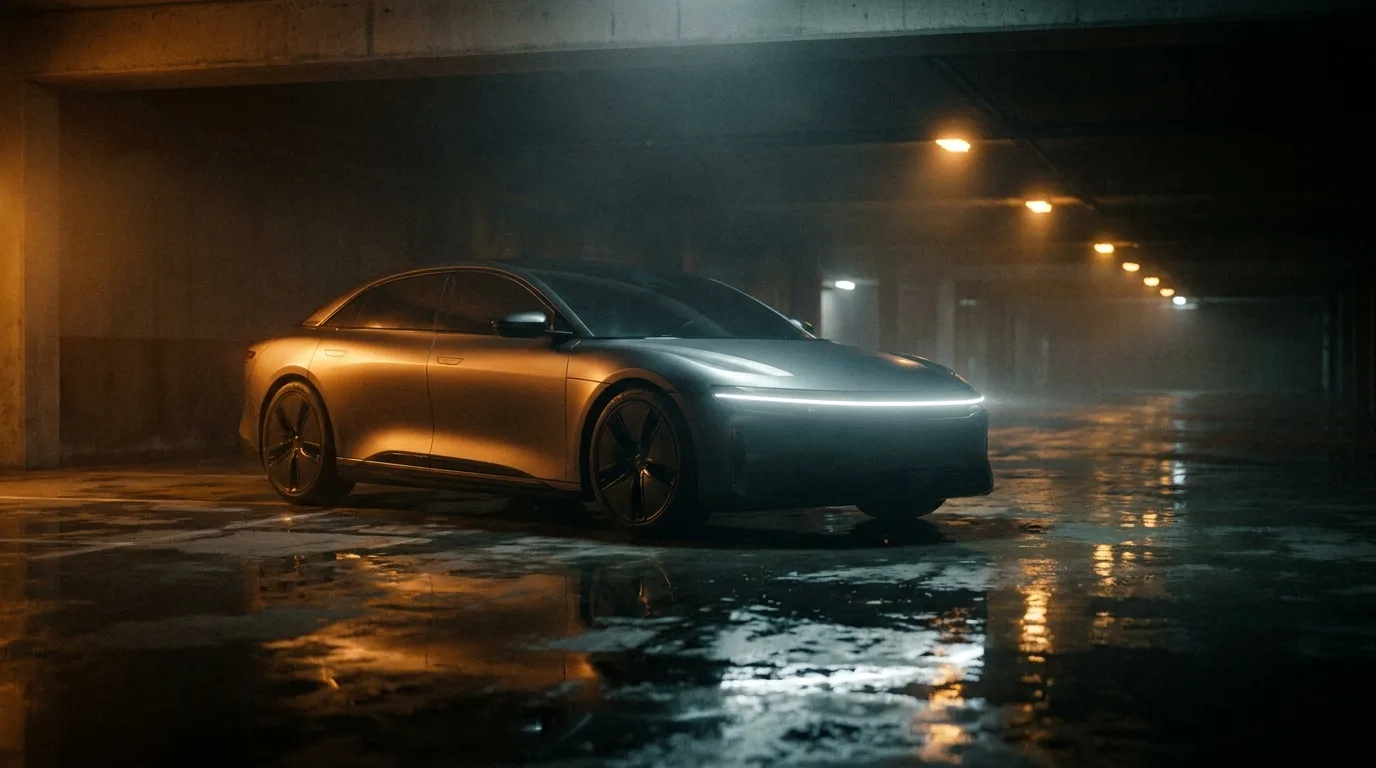
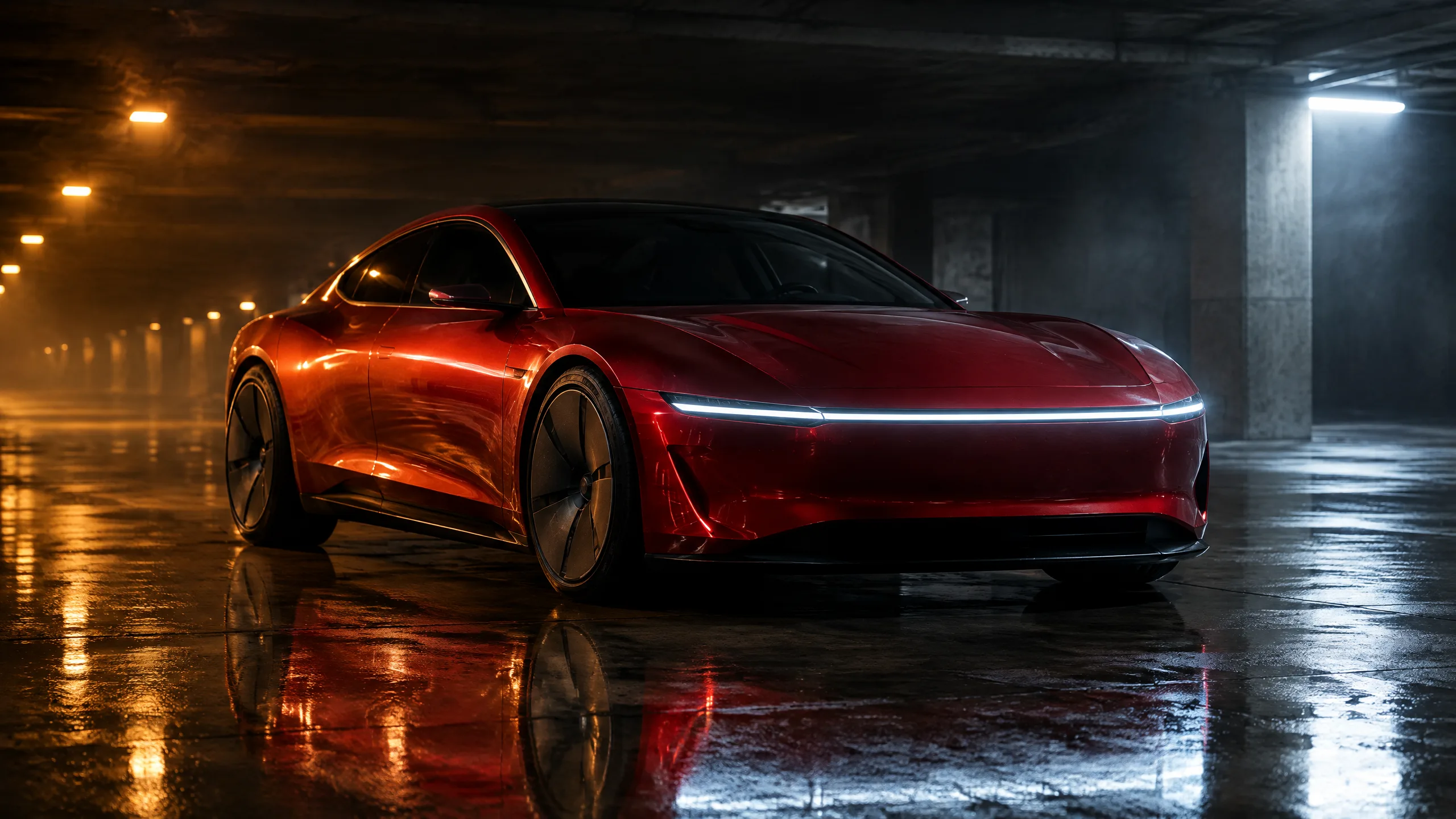
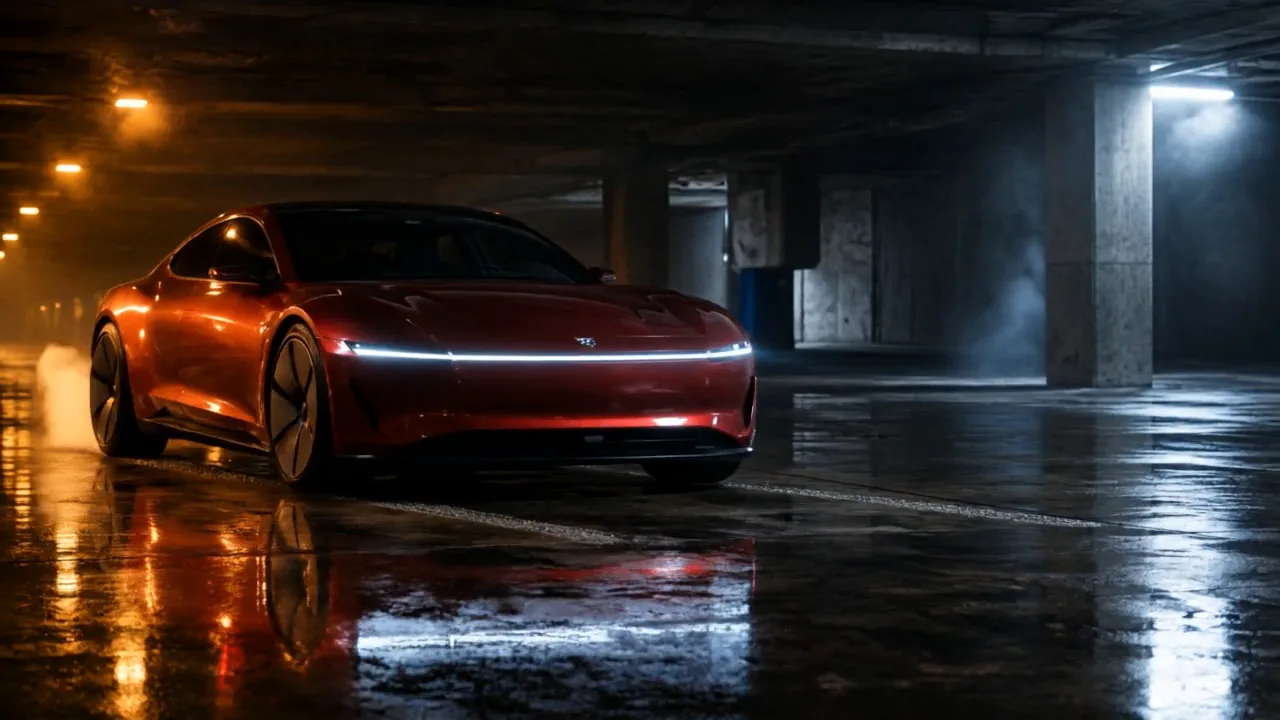
Open the image console and describe the car as a designer would: silhouette, paint, the light signature, wheels, glass. Then the setting: the floor, the light, the gels. Ask for no badges twice. We ran one brief twice, in satin graphite on Nano Banana Pro and in glossy candy red on GPT Image 2.5 Flare, and kept the candy red: the graphite one came back reading as a real production car.
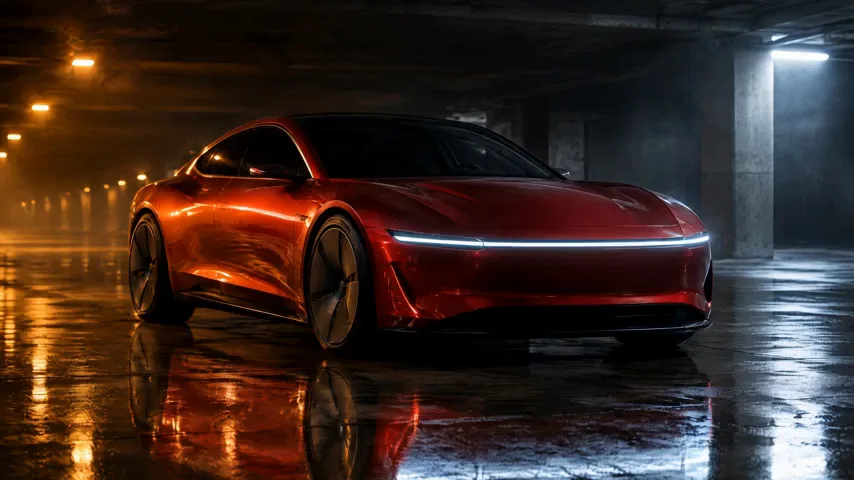
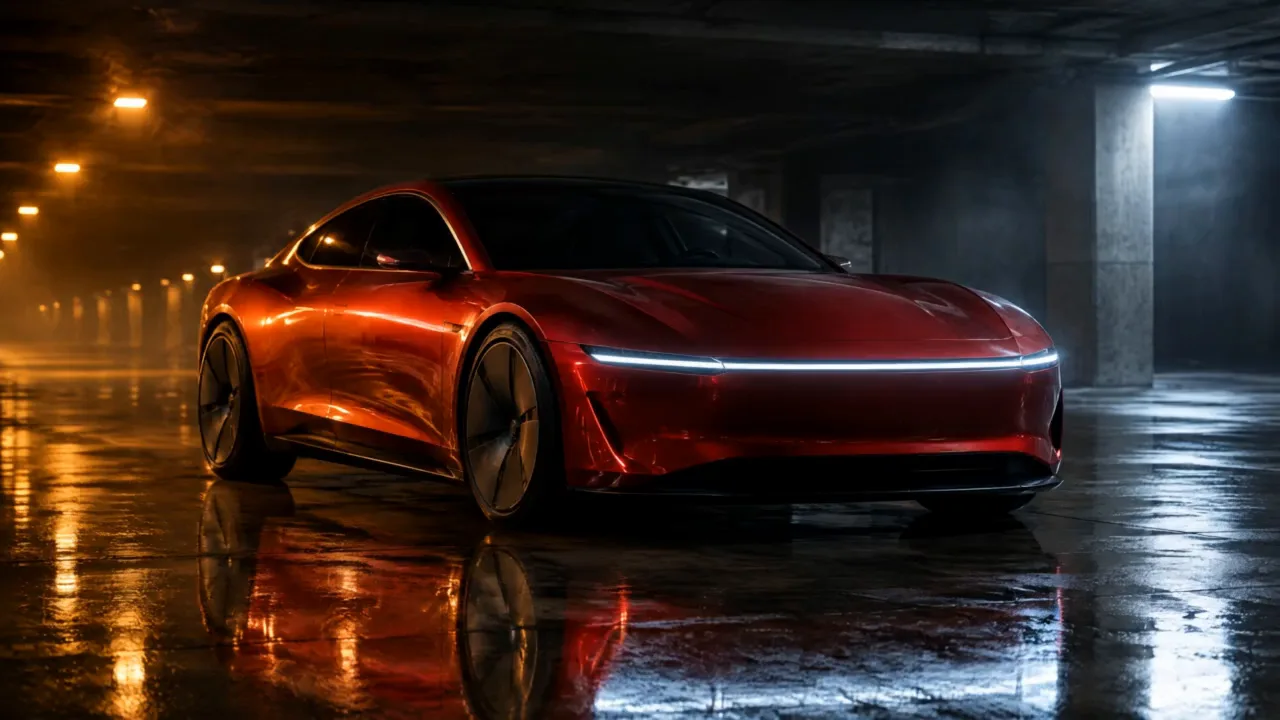
Premium car commercial still. A fictional electric grand tourer coupe with no badges, no emblems, no lettering and no license plate: long low fastback silhouette, glossy candy red paint, a thin full-width light bar across the nose glowing white, slim closed aero wheels, dark tinted glass. Parked on the wet concrete floor of an empty underground parking garage at night, thin haze, a warm amber gel raking the left flank and a cool white key light from the right, a row of dim sodium lamps receding behind, mirror reflections on the wet floor, deep black shadows. Three-quarter front hero angle, 35mm lens, low camera height, strong contrast, photoreal, fine film grain. No text, no letters, no words, no logos, no brand marks, no watermark, no readable signage.
Design A, not used
Design B, kept
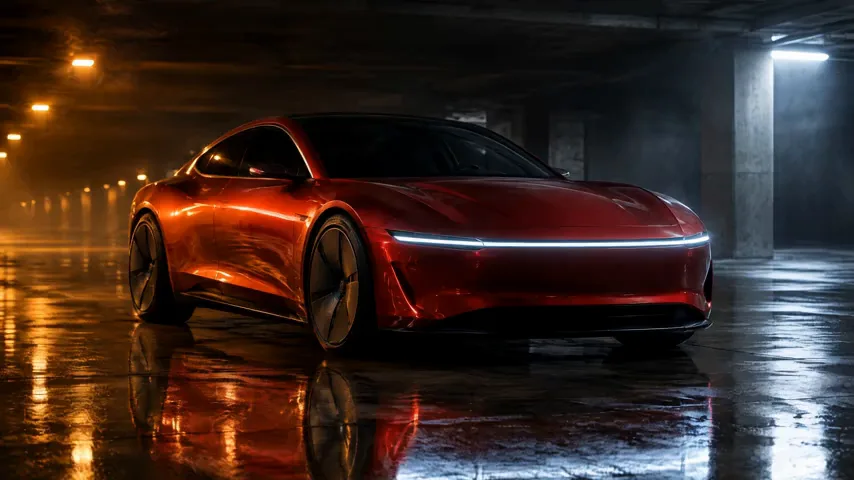
The hero: animate the design still
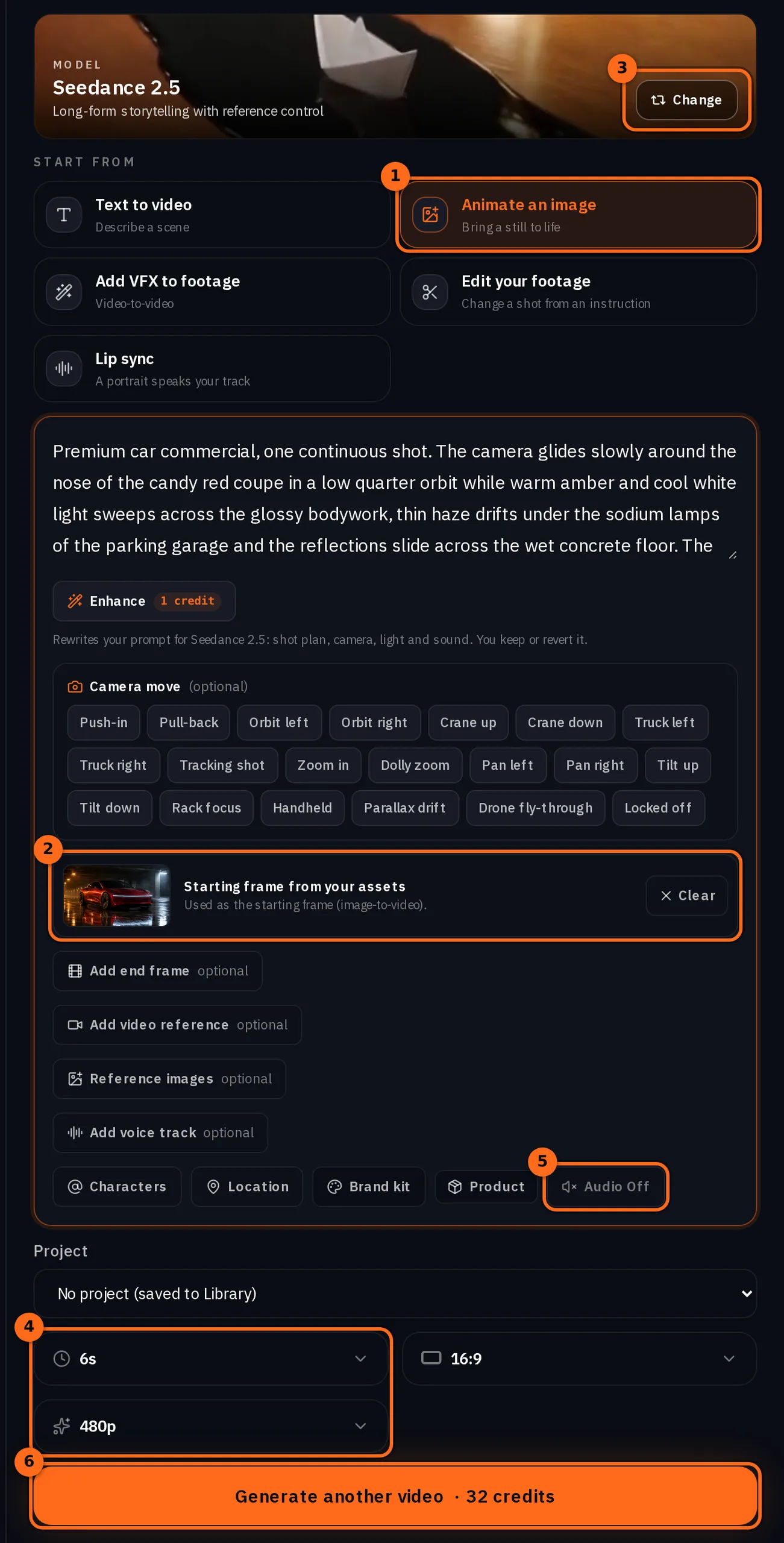
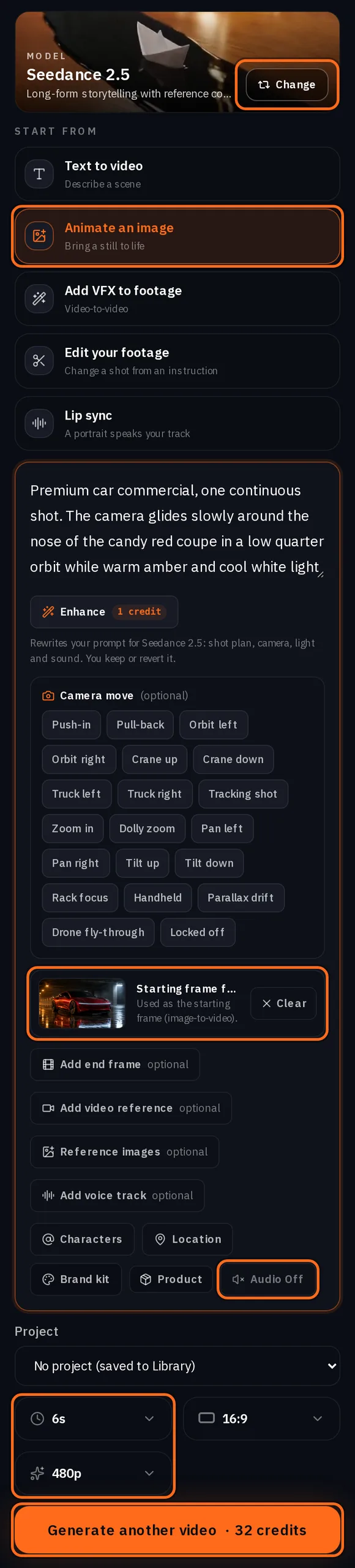
Open the video console, choose Animate an image, add the design still with Add start frame and Upload image, pick Seedance 2.5 with Change on the model card, set 6 seconds and 480p, and switch Audio off. The prompt asks for a small camera move and says the car does not move. The price sits on the Generate button.
Premium car commercial, one continuous shot. The camera glides slowly around the nose of the candy red coupe in a low quarter orbit while warm amber and cool white light sweeps across the glossy bodywork, thin haze drifts under the sodium lamps of the parking garage and the reflections slide across the wet concrete floor. The car stays parked and keeps exactly the same shape, proportions, wheels and light bar. No people. Photoreal, strong contrast. No text, no letters, no logos, no badges, no watermark. Sound: a low electric hum and a soft whoosh of light, no music, no voice.
On the free plan this runs on Seedance 2.0 Mini. The guide used Seedance 2.5, which runs on Pro.
The drive-by: test the models on the shot that moves the car
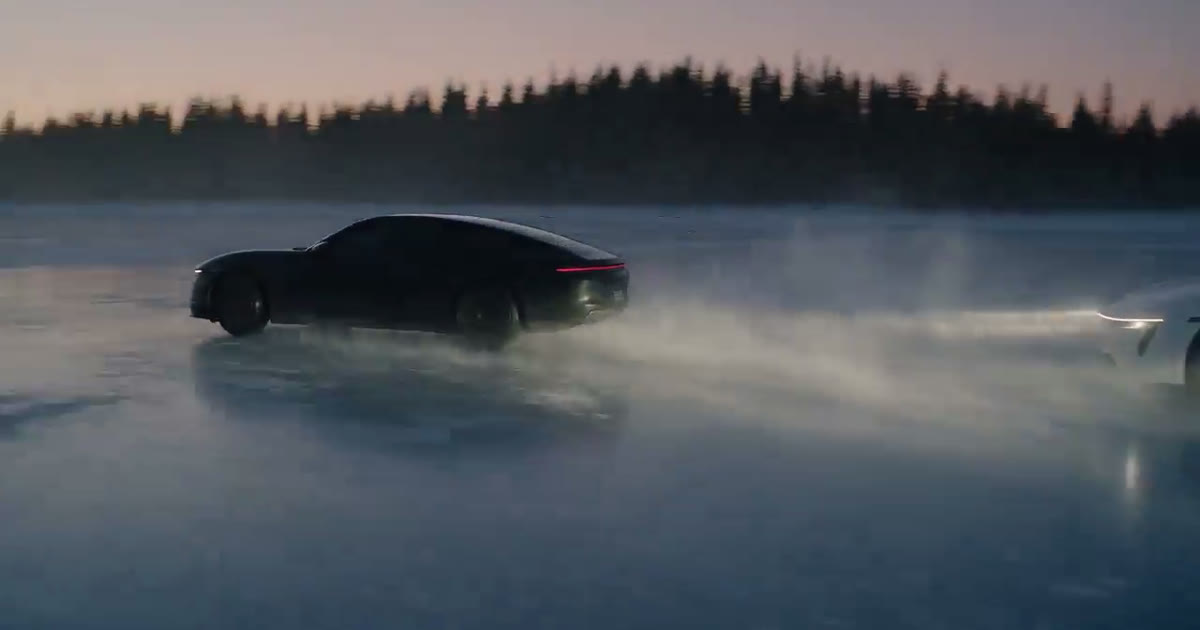
A drive-by moves the whole car past the camera, so it reveals sides the still never showed. That makes it the right shot to test models on. We gave two models the same design still as the start frame and the same prompt, and stepped through every frame of both.
Premium car commercial, one continuous shot from a locked-off camera at low height. The candy red coupe pulls away from its mark and drives across the frame from left to right over the wet concrete floor of the parking garage, warm amber and cool white light sweeping along its flank as it passes, haze swirling in its wake, reflections sliding across the wet floor. The car keeps exactly the same shape, proportions, wheels and full-width light bar throughout. Photoreal, strong contrast. No badges, no emblems, no text, no letters, no logos, no license plate, no watermark, no people.
On the free plan this runs on Seedance 2.0 Mini. The guide used Seedance 2.5, which runs on Pro.
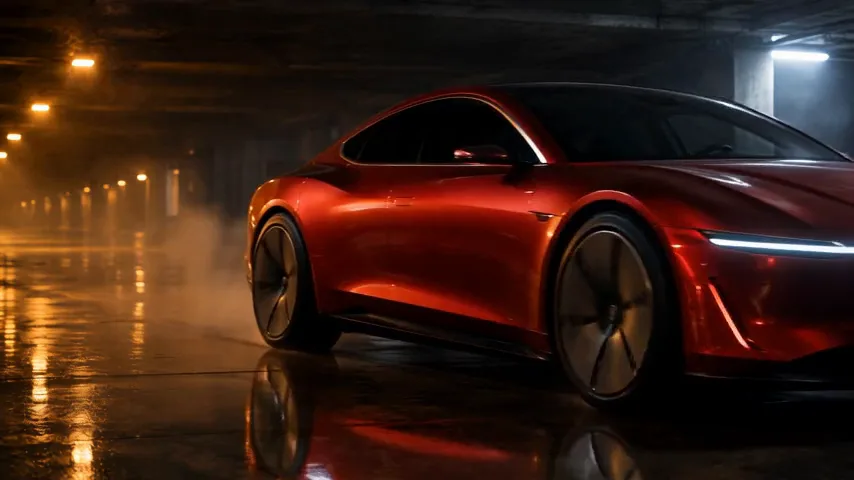
 Seedance 2.5Kling v3
| Model | Shot | Held | What changed |
|---|---|---|---|
| Seedance 2.5 | Drive-by, 5 s | Yes | Pulled forward and turned out right instead of crossing the frame |
| Kling v3 | Drive-by, 5 s | No | A badge-like emblem on the nose |
| Seedance 2.5 | Hero, small orbit, 6 s | Yes | Nothing we could see at full size |
| Seedance 2.5 | Interior push-in, 5 s | Yes | Nothing in the cabin changed shape |
Tip:Test on the drive-by, then shoot the rest on the winner. One take per model is enough to see which one keeps your car. Ours was Seedance 2.5, so the hero and the interior run on it. Yours may differ: the test costs two clips and saves the rest of the commercial.
The interior with night gels
The exterior still says nothing about the cabin, so the interior is its own design. Back in the image console, attach the design still as the reference and describe the cabin, the view through the windscreen and each light as a color, a direction and what it hits. Then animate it on the model that held.
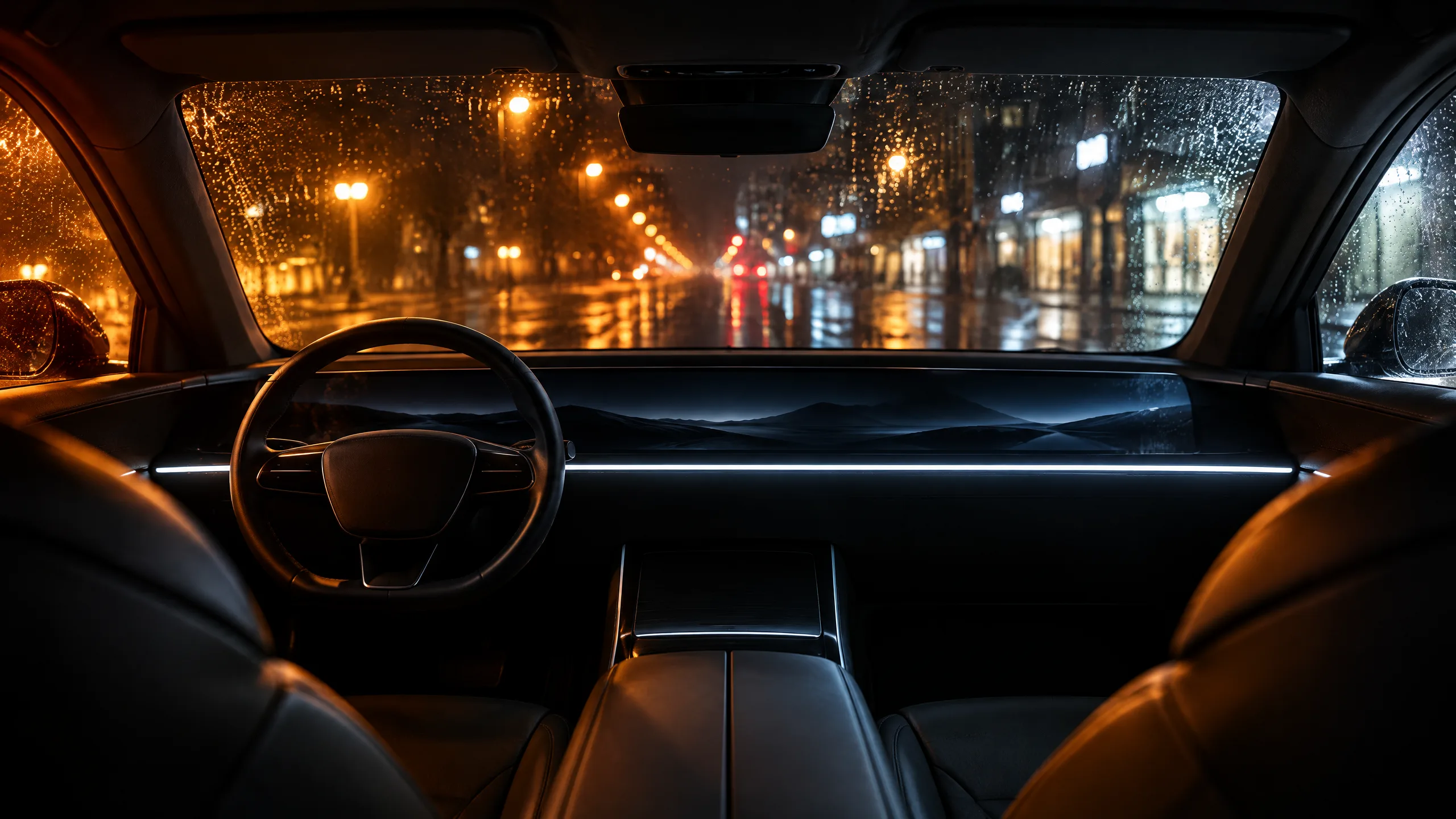
Premium car commercial still, 16:9, the interior of the same candy red grand tourer from the reference, at night. A minimal cabin: dark leather seats, a slim wraparound screen, a thin white light strip running along the dashboard, a plain steering wheel with no emblem. Seen from the rear seat looking forward through the windscreen at a wet city street at night, sodium streetlamps and shop lights out of focus and unreadable, rain drops on the glass. The cabin lit by a warm amber gel from the left and a cool white light from the right, thin haze, strong contrast, 35mm lens, photoreal. No badges, no emblems, no text, no letters, no logos, no license plate, no watermark, no people.
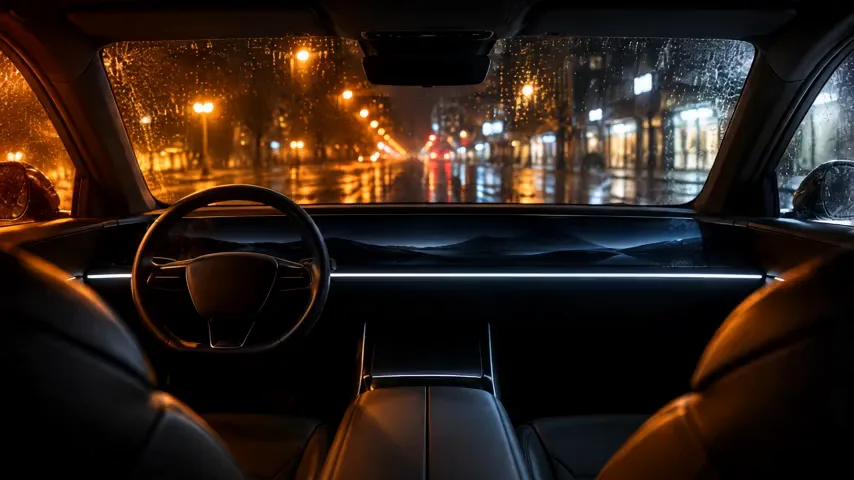
Premium car commercial, one continuous shot, a slow push-in from the rear seat toward the windscreen. The thin white light strip along the dashboard glows steadily, the abstract waves on the wraparound screen drift, rain streaks slide down the glass, the out-of-focus streetlamps and shop lights outside drift past as the car glides forward through the wet night street. The warm amber light on the left and the cool white light on the right hold. Nothing in the cabin changes shape: the same steering wheel, seats, screen and light strip. No people, no text, no logos, no badges, no readable signage. Photoreal, strong contrast.
On the free plan this runs on Seedance 2.0 Mini. The guide used Seedance 2.5, which runs on Pro.
The still
The clip on Seedance 2.5
What goes wrong
| Mistake | Why it hurts | Fix |
|---|---|---|
| A real marque or badge | Comes back wrong, and it is not yours | A fictional design, and say no badges twice |
| A different car in every prompt | Each shot invents its own car | One design still, attached to every shot |
| A move that shows the far side | The far side is invented as it comes round; on one model the drive-by grew a badge | Short moves, a quarter orbit at most; test the drive-by on Seedance 2.5 and Kling v3 |
| Night in the prompt but no light named | Night without light is mud | Name each gel: color, direction, what it hits |
| Trusting the shape at thumbnail size | Wheels and pillars drift where you do not look | Step through the frames at full size before the cut |
Which tool for which job
| Job | Use | Notes |
|---|---|---|
| The design | Image console, GPT Image 2.5 Flare | One still, no badges |
| Stills for each shot | Image console, the design as a reference | Up to four references; the design is enough |
| The hero | Video console, Animate an image, Seedance 2.5 | A small move; audio off, sound added in the cut |
| The drive-by | The model that held in the table above | Same start frame, same prompt |
| A story film around the car | Film scene preset | Plans a scene from a written plan |
| A launch-style edit with titles | Recreate a launch video preset | Hero beats cut to title cards on a timeline |
Where you still regenerate
- The far side of the car is invented. Any move that reveals a side the still does not show is a guess. Keep moves short.
- Wheels are the first thing to drift. Spokes change count mid-shot on some models; check them frame by frame.
- Interiors are their own design. The exterior still does not describe the cabin; make an interior still and describe it fully.
- People and faces are not measured here. This commercial has no driver on camera on purpose.
What it costs
This commercial took two design stills, one interior still and four clips: the hero, two drive-bys for the test and the interior. Prices are on the Generate button before you press it; a render that fails is refunded.
Nano Banana ProEvery plan
Per image
Native 8 credits · 2K 8 credits · 4K 14 credits
GPT Image 2.5 FlareEvery plan
Per image
Native 8 credits · 2K 21 credits · 4K 58 credits
Seedance 2.5Pro and up
Per 5s clip
480p 31 credits · 720p 66 credits · 1080p 160 credits · 4K 202 credits
1080p renders at 16:9 and 9:16
4K renders at 16:9 and 9:16
Kling v3Starter and up
Per 5s clip (audio on by default)
720p 35 credits · 1080p 47 credits · 4K 117 credits
Read live from the catalog when this page loads. Every price is shown before you generate. See every rate.
Checklist before the cut
- No badge, plate or lettering anywhere, in any frame.
- The same silhouette, light bar and wheels in every shot, checked at full size.
- Every camera move is short and stops on the car.
- Each gel is named in the prompt and visible in the shot.
- The cut runs hero, drive-by, interior, night, and ends on the car.
Try it yourself
Download the design still, open the video console, choose Animate an image, upload it with Upload image, pick Seedance 2.5, set 6 seconds and 480p, and paste the hero prompt. The hero above came from that still and that prompt. For the drive-by test, run the drive-by prompt on the same still on Seedance 2.5 and Kling v3 and compare.
The inputs
- The design still (start frame for the hero, WebP)WebP image · 2560x1440 · 271 KBDownload
Questions and answers
- Will the car look the same in every shot?
- Close, if every shot starts from the same design still and the moves are short. We compared the shape frame by frame on the drive-by, and the table above says which model held. Check yours the same way.
- Can I use a real car and its badge?
- Not here. Real badges come back wrong, and the marque is not yours to use. Design a fictional car and say no badges in every prompt.
- Can I put a driver in the shots?
- You can, but we kept people out of this commercial and have not measured faces here. Keep the driver small and in silhouette if you must.
- Which model should I use for the moving shots?
- Test Seedance 2.5 and Kling v3 before you commit. On our drive-by Seedance 2.5 kept the car and Kling v3 added a badge, so the hero and the interior run on Seedance 2.5. Run the same still and prompt on both, step through the frames, and shoot the rest on the one that held.
- How long should each shot be?
- Four to six seconds, cut to two or three in Studio. Longer moves reveal sides of the car the still never showed.
- How do I get the night look with gels?
- Name each light as a color, a direction and what it hits: a warm amber gel from the left on the flank, a cool white key from the right. Night with no light named comes back muddy.
Design your car and animate the hero
Open the image consoleRelated guides
Prompting
A prompt library: the exact prompts behind eight NOLGIA examples
Eight prompts copied from real NOLGIA renders, a film scene, a game trailer, a product film, a logo sting and more, each with the result and what makes it work.
· 8 min read
Ads
A drink ad in fifteen seconds, from stills you generate
Make one styled product still, animate three shots from it, cut them to a sound bed in Studio and type the end line. The appetite cues that worked on a fictional tonic, and the two that did not.
· 11 min read
Ads
100 ad variations from one master: swap hooks, products and sizes
One master clip, three layers of change. Hooks are typed text in Studio, products are Miroge swaps, sizes are new renders or reframed stills. The maths, a real 3 by 3 grid, and what we do not do.
· 12 min read