

Google /Veo 3.1 Fast
veo-3.1-fastVeo 3.1 Fast erstellt Videoclips auf NOLGIA ab 28 Credits pro Clip mit 5 s, verfügbar in Pro und höher.
- ab 28 Credits pro Clip mit 5 s
- Pro und höher
- Referenzbilder
- Natives Audio
Eingabe
Ergebnis
Inaktiv
- Preis
- 28 Credits pro Clip mit 5 s
- Tarif
- Pro und höher
- Auflösung
- 720p, 1080p
- Seitenverhältnisse
- 16:9, 9:16
Was es kostet
| Qualität | Credits | USD |
|---|---|---|
| 720pStandard | 28 | 1,96 $ |
| 1080pPremium | 34 | 2,38 $ |
Der Preis gilt für einen Clip mit 5 Sekunden. Längere Clips kosten anteilig mehr.
Dollarbeträge basieren auf dem Preis für das 100-Credit-Aufladen, 0,07 $ pro Credit.
Ähnliche Modelle
Alibaba
Wan 3.0
ab 14 Credits pro Clip mit 5 s
Alibaba
Wan 3.0 Prime
ab 19 Credits pro Clip mit 5 s
MiniMax
Hailuo 3
ab 37 Credits pro Clip mit 5 s
ByteDance
Seedance 2.5
ab 26 Credits pro Clip mit 5 s
MiniMax
H3 Max
ab 14 Credits pro Clip mit 5 s
Gemini Omni 1.1 Flash
ab 50 Credits pro Clip mit 5 s
ByteDance
Seedance 2.0 Pro
ab 43 Credits pro Clip mit 5 s
ByteDance
Seedance 2.0 Fast
ab 15 Credits pro Clip mit 5 s
Presets, die es nutzen
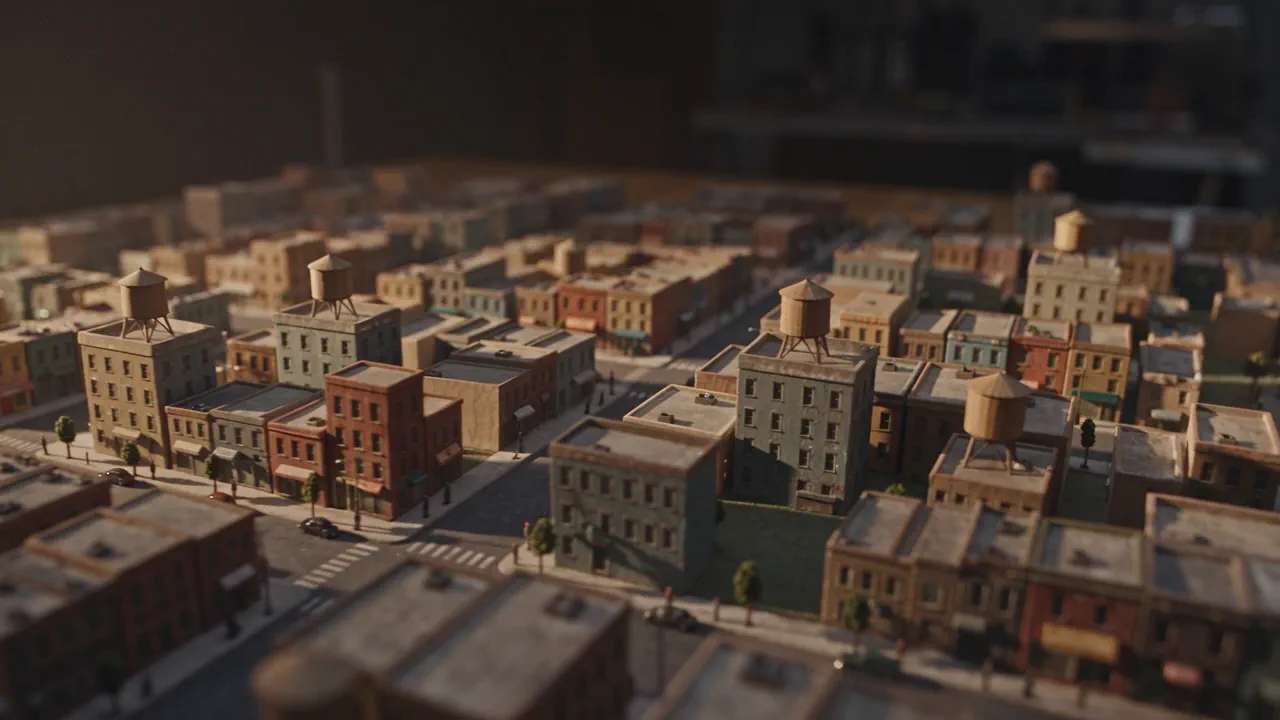
City Reconstruction
A city built as a handmade tabletop model and filmed as a low drone pass, with a tilt shift band of focus that makes the whole world feel tiny.

Build a solar system
A scientifically honest visualization: planets on real orbits, a cell dividing, a weather system turning. Accurate light, no labels baked in, no lens flares.
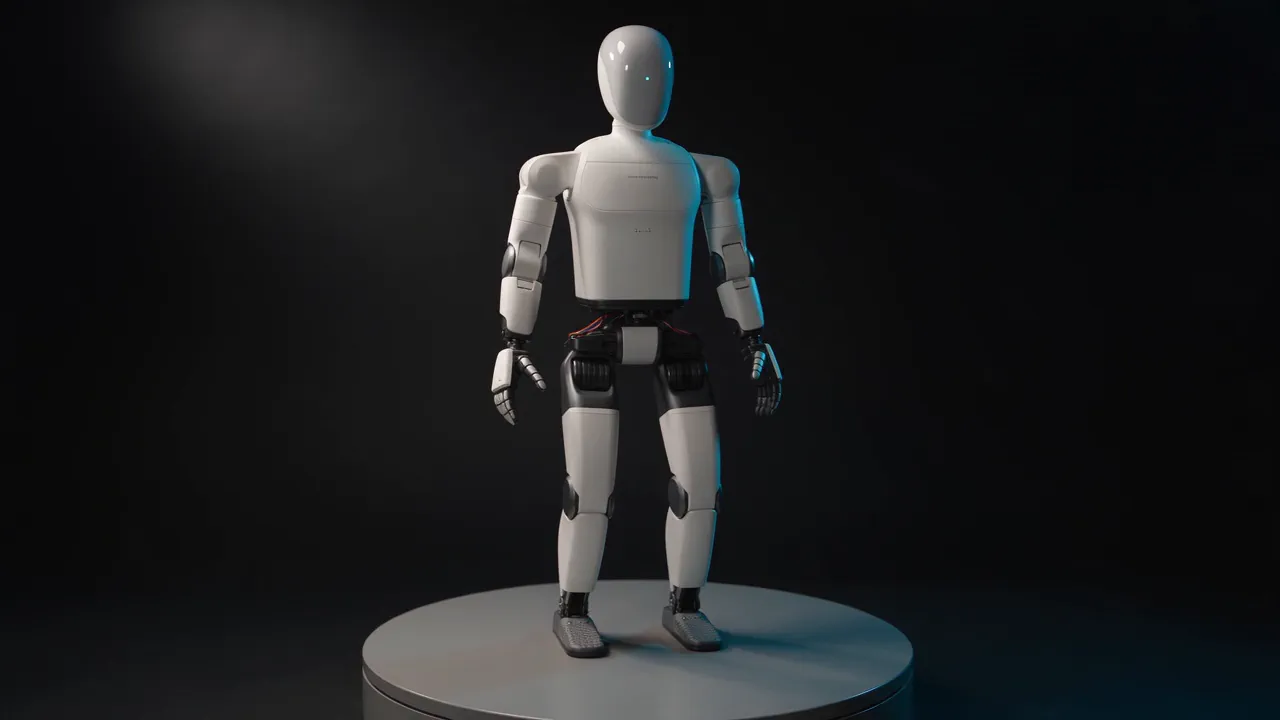
Robot turntable and pose test
Your robot turning on a studio turntable while it works one joint: a locked wide, a steady rotation, and a calm articulation move so the build reads from every side.
FAQ
Fragen zu Veo 3.1 Fast.
- Was kostet Veo 3.1 Fast auf NOLGIA?
- Veo 3.1 Fast kostet 28 Credits pro Clip mit 5 s in der voreingestellten Stufe 720p, etwa 1,96 $ zum Aufladepreis. Weitere Stufen: 1080p 34 Credits.
- Welchen Tarif brauche ich?
- Pro und höher. Credits aufzuladen schaltet es in einem niedrigeren Tarif nicht frei.
- Welche Auflösungen gibt es?
- 720p (Standard) und 1080p (Premium).
- Welche Seitenverhältnisse gibt es?
- Veo 3.1 Fast rendert 16:9 und 9:16.
- Wie wird ein längerer Clip berechnet?
- Der Preis gilt für einen Clip mit 5 Sekunden. Längere Clips kosten anteilig mehr.
- Kann ich Veo 3.1 Fast über die CLI oder einen Agenten nutzen?
- Ja. Der Befehl auf dieser Seite führt es im Terminal aus, und der MCP-Server von NOLGIA gibt Claude Code und anderen MCP-Clients dasselbe Modell.