

Brand mockup preset
AI logo mockup generator
AI logo mockup generator for merch previews, packaging checks, shop signage and brand decks. Your logo on a tote, box, sign, shirt or mug, credibly: a blank surface scene first, then your mark placed on it exactly as drawn, with any wording typed afterwards.
- Best for
- Merch previews, packaging checks, shop signage, brand decks and launch posts that need the logo shown in the real world
- Output
- Image
- Time
- under 2 min per stage
- Credits
- 8 credits per stage at native, so 16 for a finished mockup; 21 or 58 per image at 2k or 4k est.
Already have an account? Sign in
Start free with 36 credits, no card needed. You land right in NOLGIA Agent, on this preset's questions, ready to run.
How to use it
NOLGIA Agent asks these questions in a chat, one at a time, with your own material.
Which surface?
Pick one. The object the mark will go on. Pick the matching direction under this card for stage two.
- Tote bag
- Mailer box
- Shop sign
- T-shirt
- Mug
Where is it?Optional
Write it in your own words. The wall, table or street around it and the light. You can skip this.
For example: a warm white plaster wall and a pale oak surface, soft window light from the left
Brand colors or moodOptional
Write it in your own words. Color names or codes, or the feeling in a few words. Skip it when your project has a brand kit: its palette rides automatically.
For example: warm neutral palette, calm and premium
Create
One press of Create makes your image and saves it to your Library. The price is on the button, and nothing runs until you press it. It takes under 2 min per stage.
Choose a direction
Pick the version closest to what you need, or describe your own. Every direction keeps the Brand mockup guardrails.
Tote bag
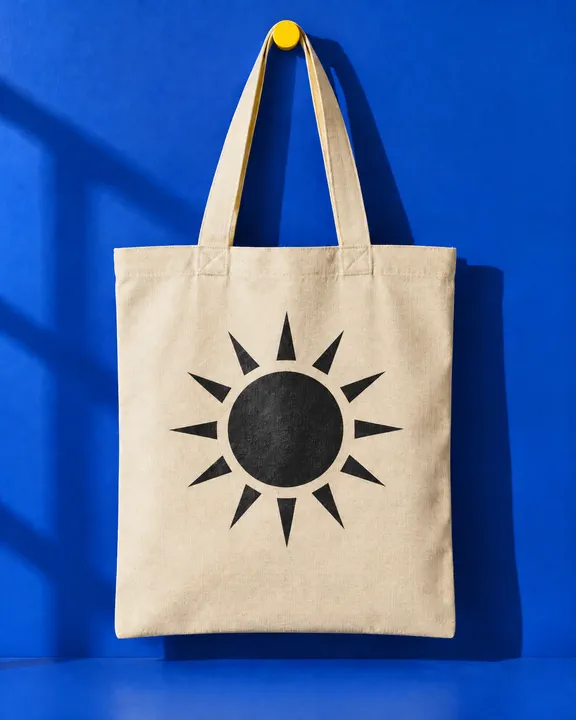
Your mark screen printed on the front panel of a canvas tote, following the weave and folds of the fabric.
- Examples
- 1 example
- Estimated credits
- 8 credits per image, 21 at 2k and 58 at 4k est.
Mailer box
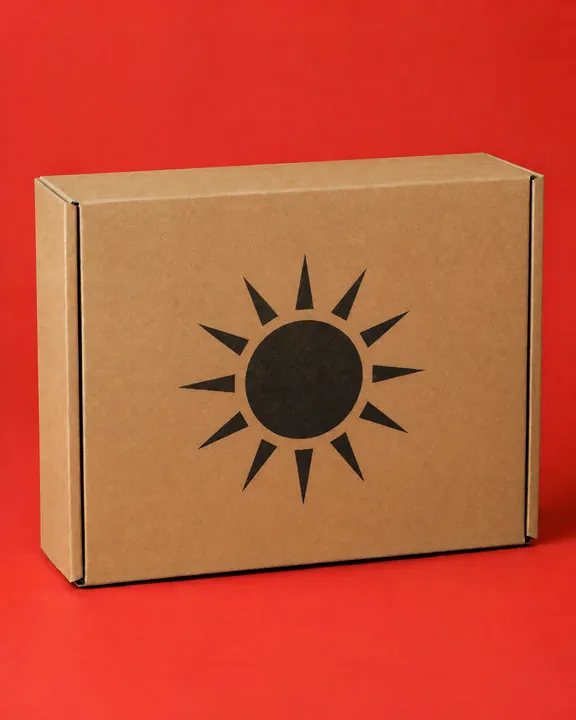
Your mark printed on the front face of a kraft mailer box, the corrugated board showing through the ink.
- Examples
- 2 examples
- Estimated credits
- 8 credits per image, 21 at 2k and 58 at 4k est.
Shop sign
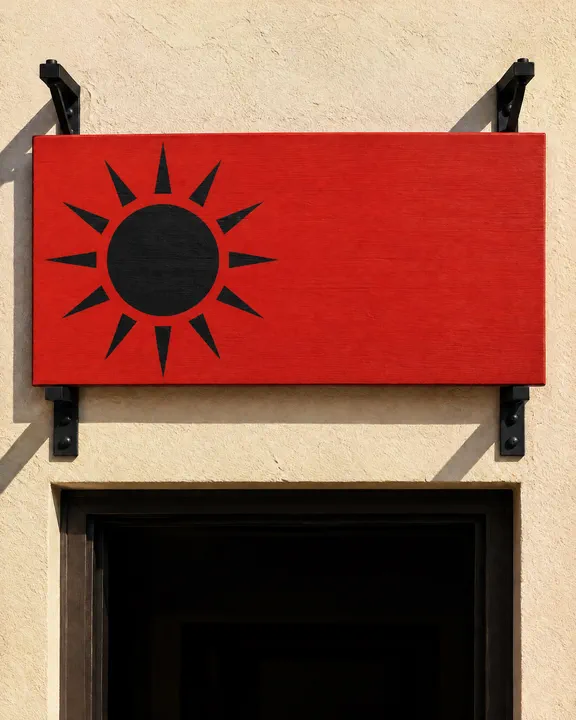
Your mark painted on a wooden shop sign above the door, with the rest of the board kept clean for the name you type afterwards.
- Examples
- 1 example
- Estimated credits
- 8 credits per image, 21 at 2k and 58 at 4k est.
T-shirt
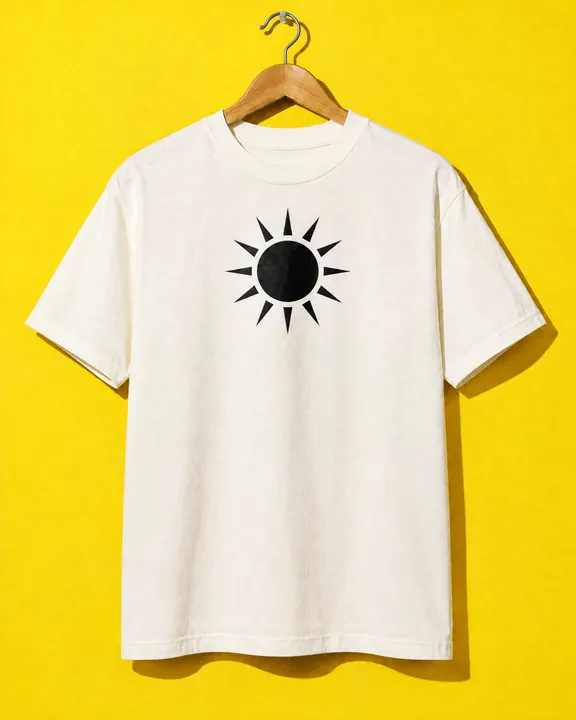
Your mark screen printed on the chest of a cotton tee, following the drape of the fabric.
- Examples
- 1 example
- Estimated credits
- 8 credits per image, 21 at 2k and 58 at 4k est.
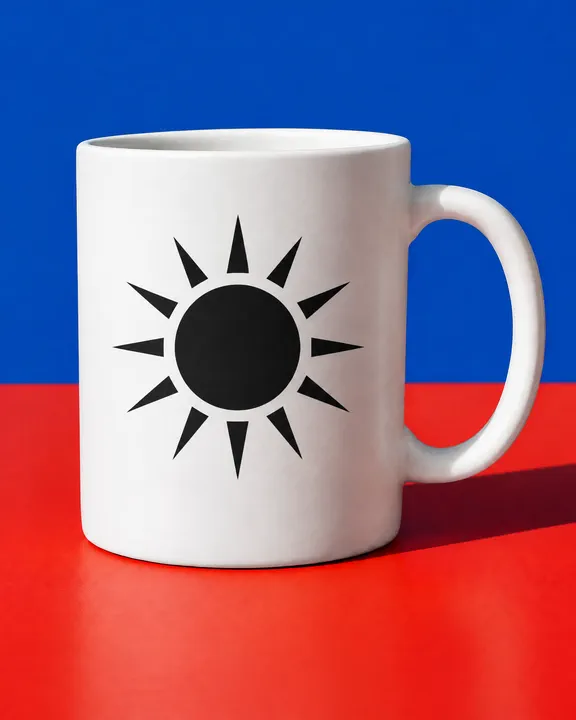
Mug
Your mark printed on the side of a ceramic mug, curving with the body and catching the same highlight.
- Examples
- 1 example
- Estimated credits
- 8 credits per image, 21 at 2k and 58 at 4k est.
- Describe your ownNone of these quite fit? Tell NOLGIA Agent what you have in mind. It starts from the Brand mockup brief and keeps the family guardrails.Try it free with your own brief
About this preset
Brand mockup puts your logo on real things without redrawing it. It works in two stages. This card is stage one: pick a surface (tote, box, sign, shirt or mug) and get a clean, unlettered scene of it, lit and framed so a mark can go on it. Your project's brand kit sets the palette of the scene; the logo stays out of this stage on purpose.
Then choose the matching direction under this card for stage two. It takes the blank scene and your logo (from your brand kit, or a file you upload) and places the mark on the surface exactly as drawn, following the weave, folds or curve of the object under the same light, with nothing else in the picture changed. Your brand name, tagline or any other wording goes on afterwards as a text layer in your own fonts, so nothing is misspelled. A photo of your own blank tote, box or mug works as stage one too.
Use cases
- Previewing merch before you order it
- Checking a logo on packaging at true scale
- Showing a shop sign to a landlord or a client
- Launch posts and brand decks that need the mark in the real world
- Comparing two logo options on the same surface
Examples
Made with this preset, with the prompt behind each one.
Stage two: a black sun mark printed on the kraft mailer box from the logo file, corrugation showing through, 4:5
Edit the first reference image and change one thing only: put the mark from the logo reference onto the front face of the kraft mailer box. THE MARK: a solid black sun, a filled circle with twelve pointed rays, no lettering. THE PLACEMENT: centred on the front face, about a third of its width. The mark matches the logo reference exactly, the same shapes, proportions, colours and spacing; do not redraw, restyle, recolour, simplify or add to it, and add no lettering of your own. It is printed in one flat ink directly on the kraft board, the corrugated texture showing through, following the box's perspective, with the scene's light and shadow falling across it. Keep everything else exactly as it is in the first reference: the same box, backdrop, camera, framing, light and colours, nothing else added or removed. No captions, badges, tags or watermarks. Use only the brand names, logos and trademarks the customer includes in their request; never add real-world brands, logos or trademarked designs the customer did not mention.
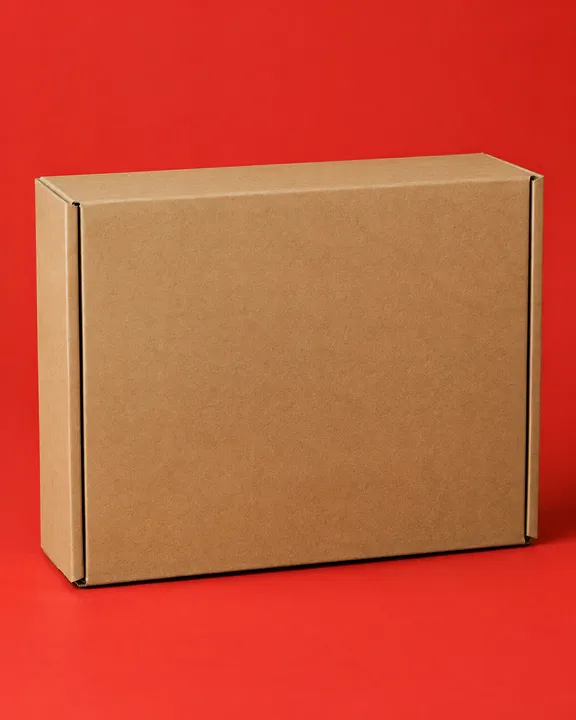
Stage one: the blank kraft mailer box on flat tomato red paper, ready for the mark, 4:5
A blank product mockup photograph, made so a logo can be placed on it afterwards. THE SURFACE: a closed kraft cardboard mailer box at a slight angle, lid and front face plain. THE SETTING: a flat tomato red seamless paper backdrop curving into the floor, the box standing on the red paper, soft window light from the left. THE BRAND: bold flat primaries, tomato red with warm kraft brown and black, the bold energy of a late 90s print ad; the palette of the scene follows the brand. The face of the surface that will carry the mark is turned to the camera, plain, clean and unlettered, evenly lit and filling most of the frame, with its material and texture clearly readable. One object at true scale, razor sharp focus, one soft light condition with real contact shadows, nothing else in frame. No print, logo, lettering, tag, label, sticker, caption or watermark anywhere in the picture. Use only the brand names, logos and trademarks the customer includes in their request; never add real-world brands, logos or trademarked designs the customer did not mention.
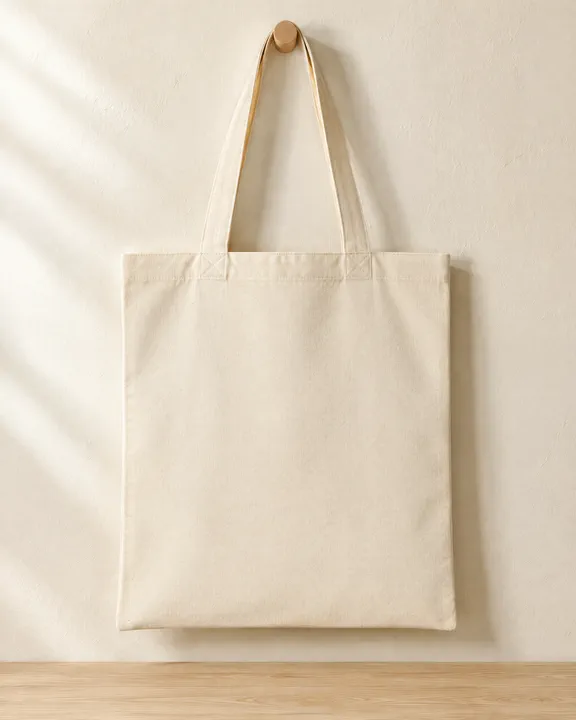
Stage one: a blank canvas tote scene, brand kit riding prompt only (invented brand, no logo yet), 4:5
A blank product mockup photograph, made so a logo can be placed on it afterwards. THE SURFACE: a natural cotton canvas tote bag hanging flat from a peg, front panel to camera. THE SETTING: a warm white plaster wall and a pale oak surface, soft window light from the left. THE BRAND: warm neutral palette, calm and premium; the palette of the scene follows the brand. The face of the surface that will carry the mark is turned to the camera, plain, clean and unlettered, evenly lit and filling most of the frame, with its material and texture clearly readable. One object at true scale, razor sharp focus, one soft light condition with real contact shadows, nothing else in frame. No print, logo, lettering, tag, label, sticker, caption or watermark anywhere in the picture. Use only the brand names, logos and trademarks the customer includes in their request; never add real-world brands, logos or trademarked designs the customer did not mention.
Suggest directions for me
Say what you are making it for and NOLGIA suggests a few directions for Brand mockup, each with a prompt and the options it sets. Nothing is generated until you use one.
Models it uses
The models NOLGIA Agent reaches for on this preset, in order of preference. Sign in to see live credit costs and capabilities from the model catalog.
GPT Image 2.5 Flare
image- Credits per generation
- 8 credits per image
GPT Image 2.5 Sunburst
image- Credits per generation
- 8 credits per image
Ready to make a Brand mockup?
A few quick questions in the chat, your own material, and NOLGIA makes it.