
Tote bag preset
Tote bag logo mockup
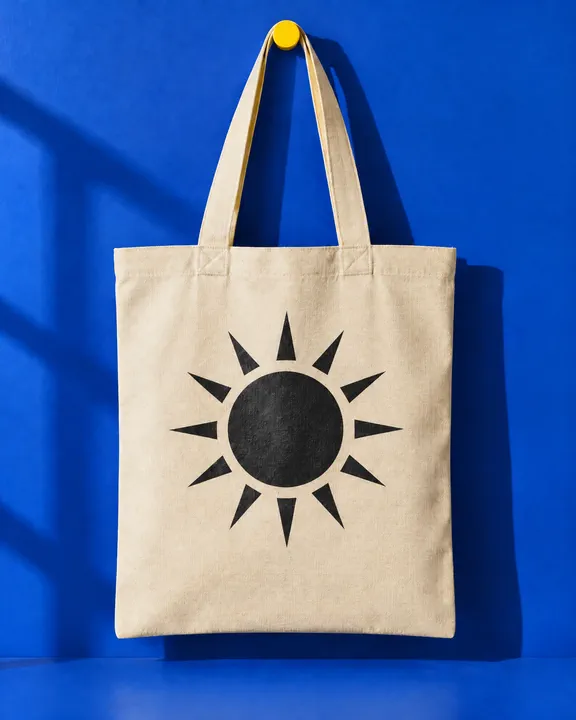
Tote bag logo mockup for merch previews, brand decks and launch posts. Your mark screen printed on the front panel of a canvas tote, following the weave and folds of the fabric.
- Best for
- Merch previews, packaging checks, shop signage, brand decks and launch posts that need the logo shown in the real world
- Output
- Image
- Time
- under 2 min
- Credits
- 8 credits per image, 21 at 2k and 58 at 4k est.
Already have an account? Sign in
Start free with 36 credits, no card needed. You land right in NOLGIA Agent, on this preset's questions, ready to run.
How to use it
NOLGIA Agent asks these questions in a chat, one at a time, with your own material.
The blank tote
Add one photo from your device or your Library. The stage one scene from the Brand mockup card, or a photo of your own blank tote. It comes back unchanged except for the mark.
Your logoOptional
Add a photo from your device or your Library. A clean flat logo file. Skip this when your project has a brand kit: its logo rides automatically.
Describe the mark
Write it in your own words. The shapes and colors of your logo in a few words, so the placement is written as well as shown.
For example: a thin circle enclosing a single fern leaf drawn in one continuous line, deep forest green, no lettering
Where and how big?Optional
Write it in your own words. Where on the surface the mark sits and roughly how large. You can skip this.
For example: centred on the front panel, about a third of the panel's width
Create
One press of Create makes your image and saves it to your Library. The price is on the button, and nothing runs until you press it. It takes under 2 min.
About this preset
Tote bag is stage two of Brand mockup. Give it the blank tote scene from the Brand mockup card (or a photo of your own blank tote) and your logo, and it places the mark on the surface exactly as drawn: same shapes, same colors, the weave and folds of the canvas, under the same light, with nothing else in the picture changed.
If your project has a brand kit, its logo rides automatically and you can skip the upload. Describe the mark in a few words so the placement is written as well as shown, and say where and how big it should sit. Any wording, your brand name or a tagline, is typed afterwards as a text layer in your own fonts, never drawn by the model.
Use cases
- Previewing merch before you order it
- Checking a logo on packaging at true scale
- Showing a shop sign to a landlord or a client
- Launch posts and brand decks that need the mark in the real world
Examples
Made with this preset, with the prompt behind each one.
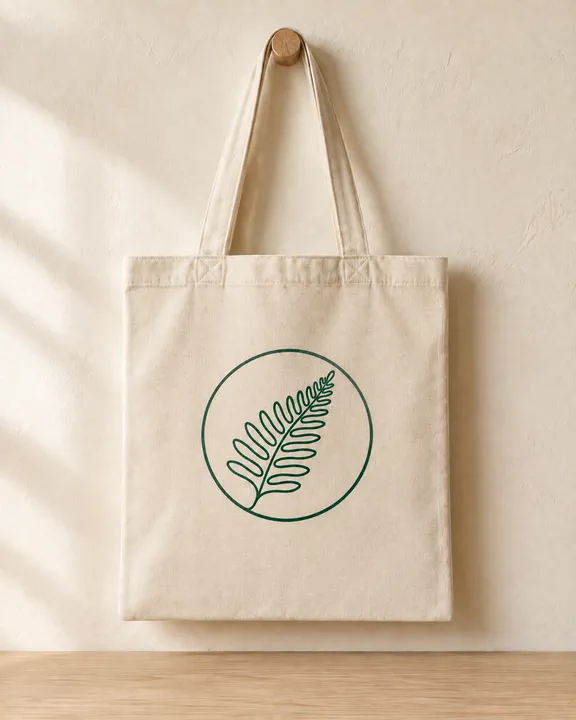
Stage two: the invented fern mark from the brand kit screen printed on the stage one tote scene, nothing else changed
Edit the first reference image and change one thing only: put the mark from the logo reference onto the front panel of the canvas tote bag. THE MARK: a thin circle enclosing a single fern leaf drawn in one continuous line, deep forest green, no lettering. THE PLACEMENT: centred on the front panel, about a third of the panel's width. The mark matches the logo reference exactly, the same shapes, proportions, colours and spacing; do not redraw, restyle, recolour, simplify or add to it, and add no lettering of your own. It is screen printed in one flat ink that sits in the weave of the canvas and follows every fold and crease of the fabric, with the scene's light and shadow falling across it. Keep everything else exactly as it is in the first reference: the same bag, handles, peg, wall, camera, framing, light and colours, nothing else added or removed. No captions, badges, tags or watermarks. Use only the brand names, logos and trademarks the customer includes in their request; never add real-world brands, logos or trademarked designs the customer did not mention.
Suggest directions for me
Say what you are making it for and NOLGIA suggests a few directions for Tote bag, each with a prompt and the options it sets. Nothing is generated until you use one.
Models it uses
The model NOLGIA Agent reaches for on this preset. Sign in to see live credit costs and capabilities from the model catalog.
GPT Image 2.5 Sunburst
image- Credits per generation
- 8 credits per image
Ready to make a Tote bag?
A few quick questions in the chat, your own material, and NOLGIA makes it.