

Explore puts the models and presets on NOLGIA on one page: 132 models and 59 presets on the day we wrote this. Browse by job or by lab, search across all of them as you type, and see what a model makes before you spend a credit.
Browse by job or by lab
Explore opens with a search box and shortcuts to common jobs: newest image to video models, remove background, talking avatar, generate a 3D model, create music, image editing, UGC ad and unboxing. Below them, Recently added lists the newest models, newest first.
Browse by lab has tiles for 18 labs on your one credit balance, from OpenAI, Google and ByteDance to Runway, ElevenLabs and Tencent. Rows by job follow: UGC and creator ads, commerce and product, thumbnails, covers and posters, 3D from photos, edit and utility tools, and a Kling row. Each row shows four cards and a See all link.
Tip:Looking for Kling? Type kling in the search box. All eight Kling models on Explore come up, each with a link to its page.
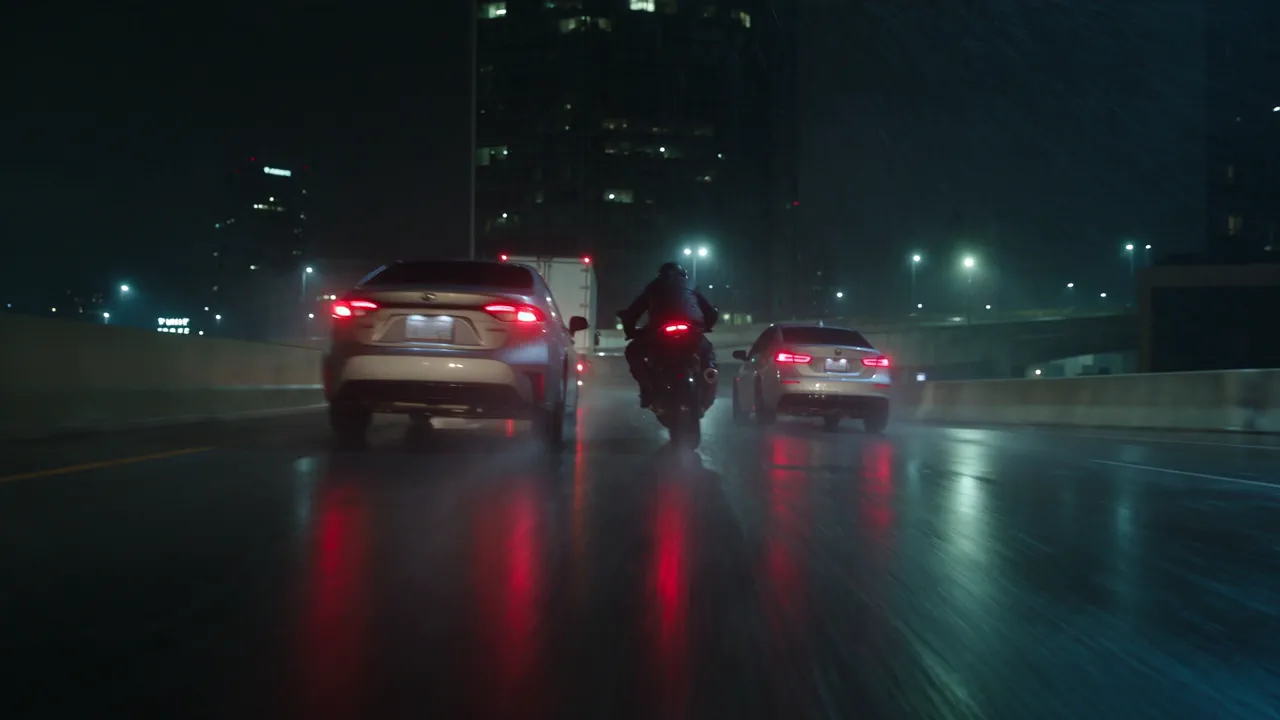
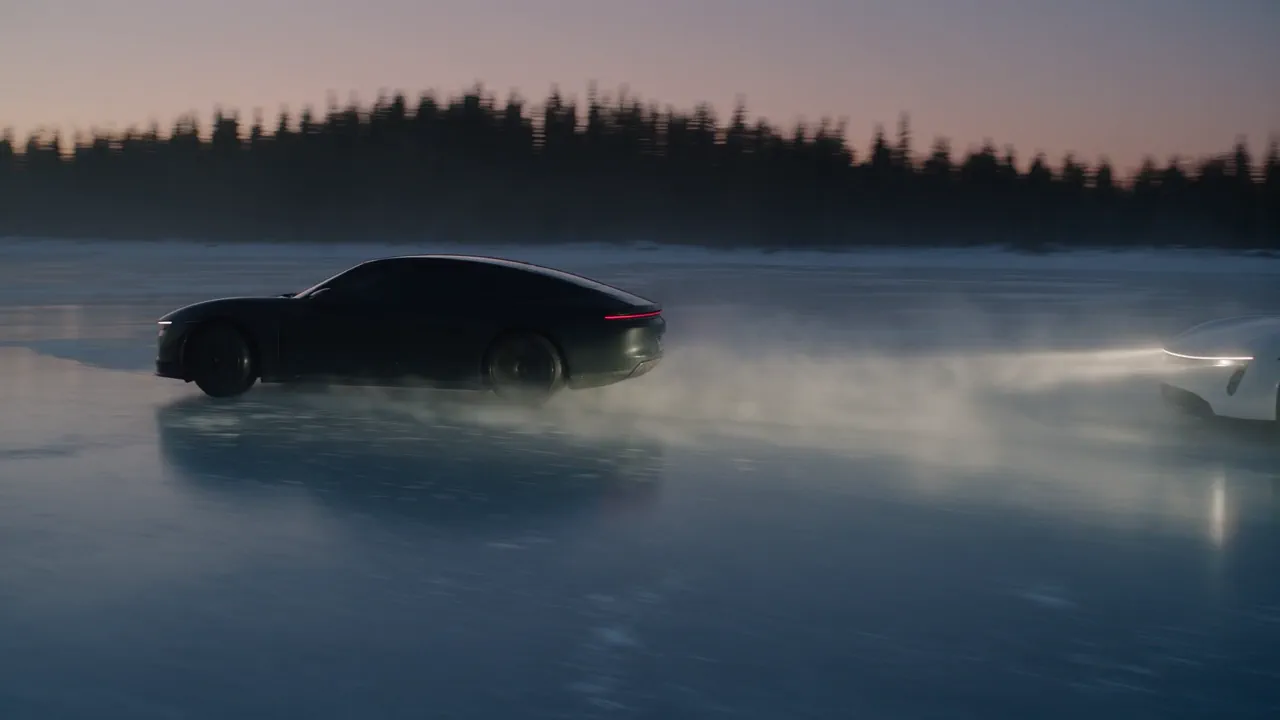
Presets sit next to models, and preset cards are marked Guided. A preset turns a one-line brief into a finished piece; the two below are examples from presets you can open from Explore.
Search as you type
The search box takes a model name, a task, a lab and more. Results update as you type, with no Enter and no page reload, and they cover models and presets together.
The full results page lets you narrow by type, modality, category, provider, tag and plan. Tags include New, Flagship, Guided and the resolutions 720p, 1080p, 2K and 4K, and the plan filter separates what runs on every plan from what needs Pro and up. Sort by newest, name or price.
If you would rather scan a list, All models and All presets sit at the foot of the page.
Model cards show the model's own work
A model card in Explore shows a preview made by that model, chosen to show what it is best at. An image model shows an image, and no two cards share a picture.
Most video cards show a still at rest and play a short clip when you hover. The clip loads only when you hover, so the page stays quick to browse. A few video cards, including six of the Kling cards, show a still without a clip.
Watch for this:Not every card has a preview yet. 11 of the 132 model cards still show the lab's name instead of a picture, including both 3D engines, Gemini Omni 1.1 and several restore models.
Model pages open on a real example
Every model on Explore has a page, including the Kling models, the 3D engines and the restore, upscale and background removal tools that were not listed before. 103 of the 132 pages open on a real example: the prompt already in the box and the result that prompt produced, so you see what a model does before you run it.
The other 29, including six of the eight Kling pages, show an empty result box until you run something. Every page shows the model's rates and the plan it needs.
Each page also has a playground: a form with only the settings that model accepts. Sign in and the Generate button shows the price of your settings before you run. An API tab beside it shows the same request in TypeScript, Python, Rust, the CLI and curl.
Model ids are now ours rather than a supplier's route path, for example flux-schnell. Old ids keep working permanently, and old model-page links redirect.
Every model page links to the models near it and the presets that use it. Our measured comparisons are on the blog: One prompt, six video models, nine measured checks runs the same prompt on six of them.
Find the model for the job
Open ExploreRead next

Model
Kling 3.0 is in the catalog, and Kling renders settle within seconds
Kling v3 Turbo, v3 Omni and O1 join Kling v2.6, Avatar, Motion Control, v3 and v3 Pro, and a Kling render now shows as done within seconds of finishing.
· 5 min read
Comparison
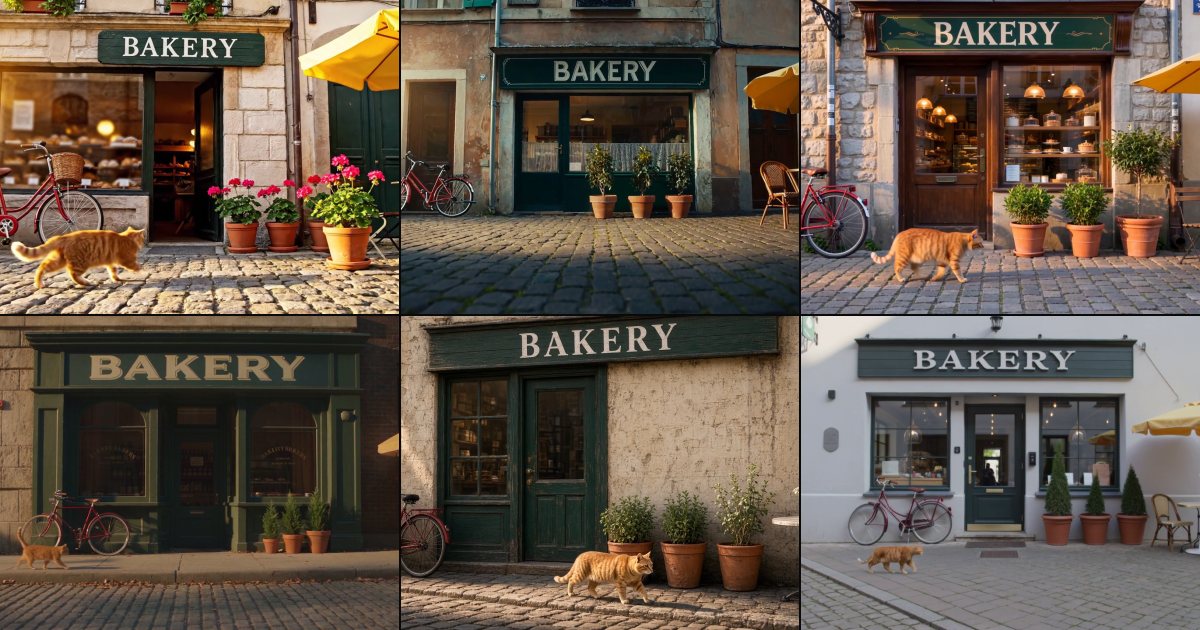
One prompt, six video models, nine measured checks
One prompt with nine checkable details, sent to six AI video models twice each, and every clip measured with a detector, text reading and camera tracking.
· 12 min read

Guides · MCP
Generate from Claude Code or Cursor with MCP
Connect NOLGIA to Claude Code or Cursor with one token and one command or config entry, then ask for images, video and audio in plain words.
· 5 min read