
From one product photo to a video ad and a poster set
You have a product photo on a white background. That is enough to make the ad and the posters, in that order, without a second photo.
- 8 min read
- Updated
- Presets: Social and poster pack, Hands-on product ad
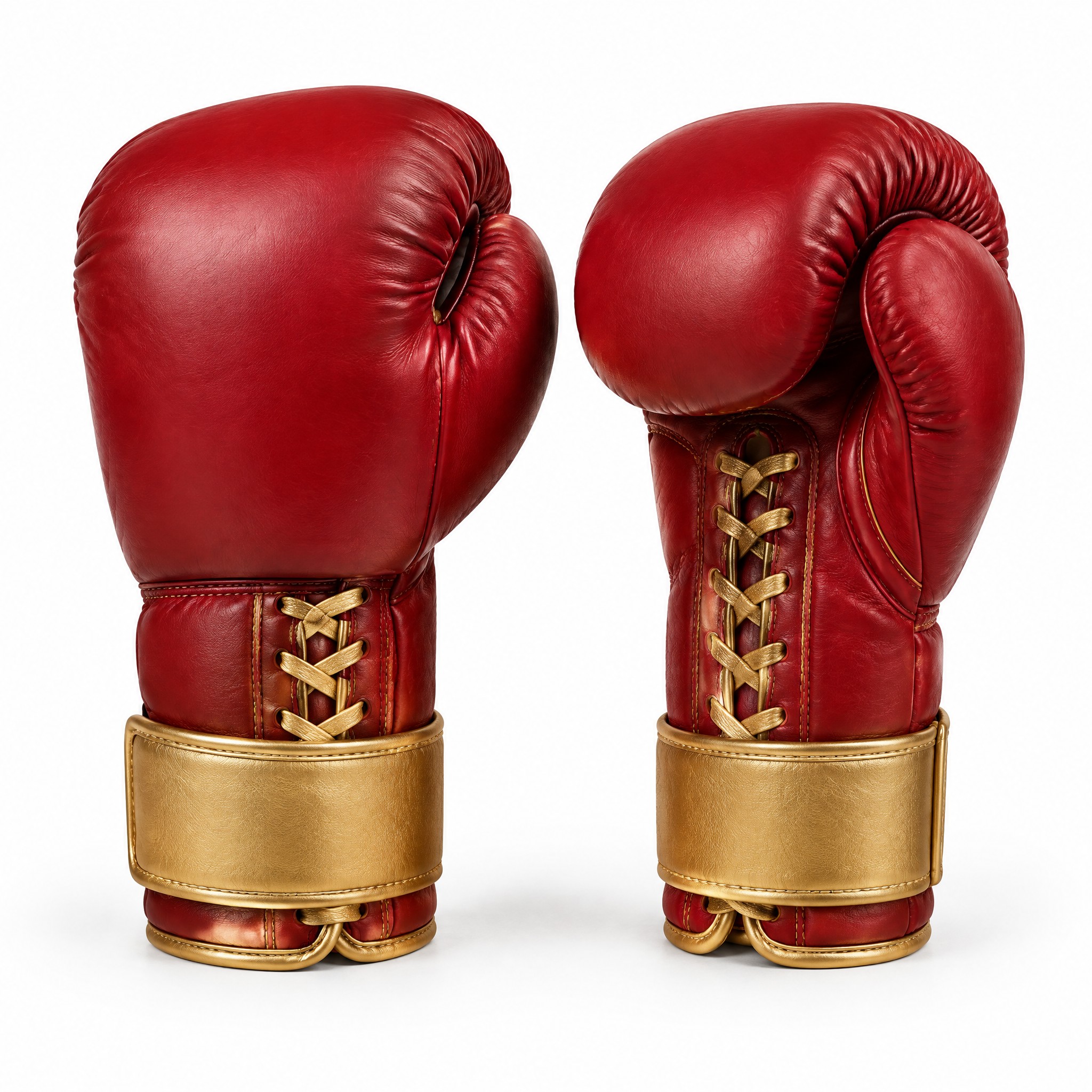
To turn one product photo into a video ad and a poster set, first make a styled still with the photo attached as a reference, then animate that still for the ad and re-run the same reference at three sizes with your headline for the posters. Three tools, in that order: the image console, the video console, the image console again. This page shows the whole run on a pair of fictional boxing gloves, and every picture and clip here is the output of the step next to it.
The product is invented so we could show it: crimson leather gloves with gold laces and no brand. Your starting photo is the one you already have.
Before you start
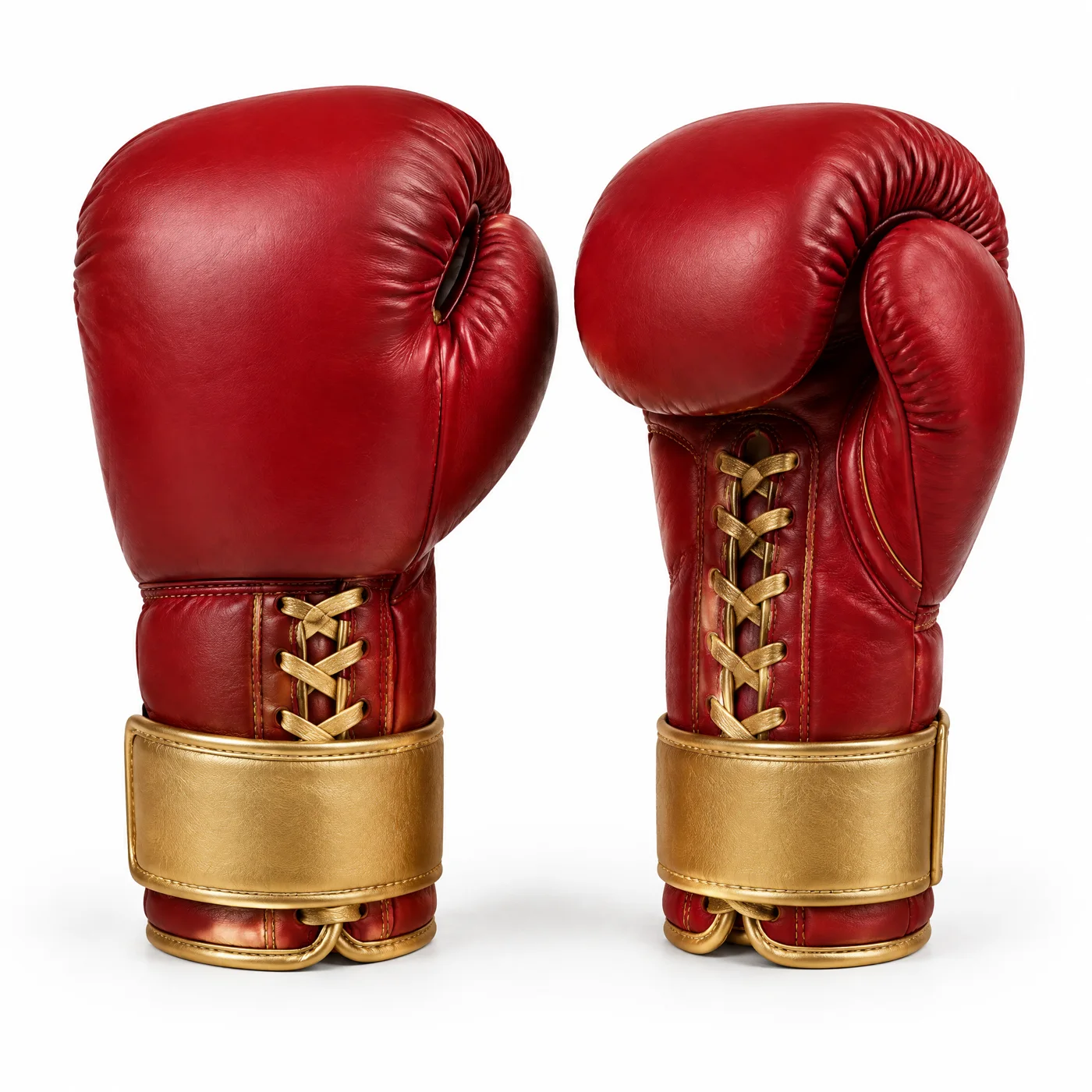
- One product photo on a plain background, sharp, the whole product in frame. Ours is square; any shape works as a reference.
- One line that describes the product the way a buyer would: material, colors, the details that must not change. It goes into every prompt.
- One headline of two to six words for the posters, and nothing else printed. The fewer words, the fewer chances to misspell.
- The sizes you need. We made 9:16 for Stories, 4:5 for a feed and 16:9 for a banner.
Restyle the photo into the ad's look
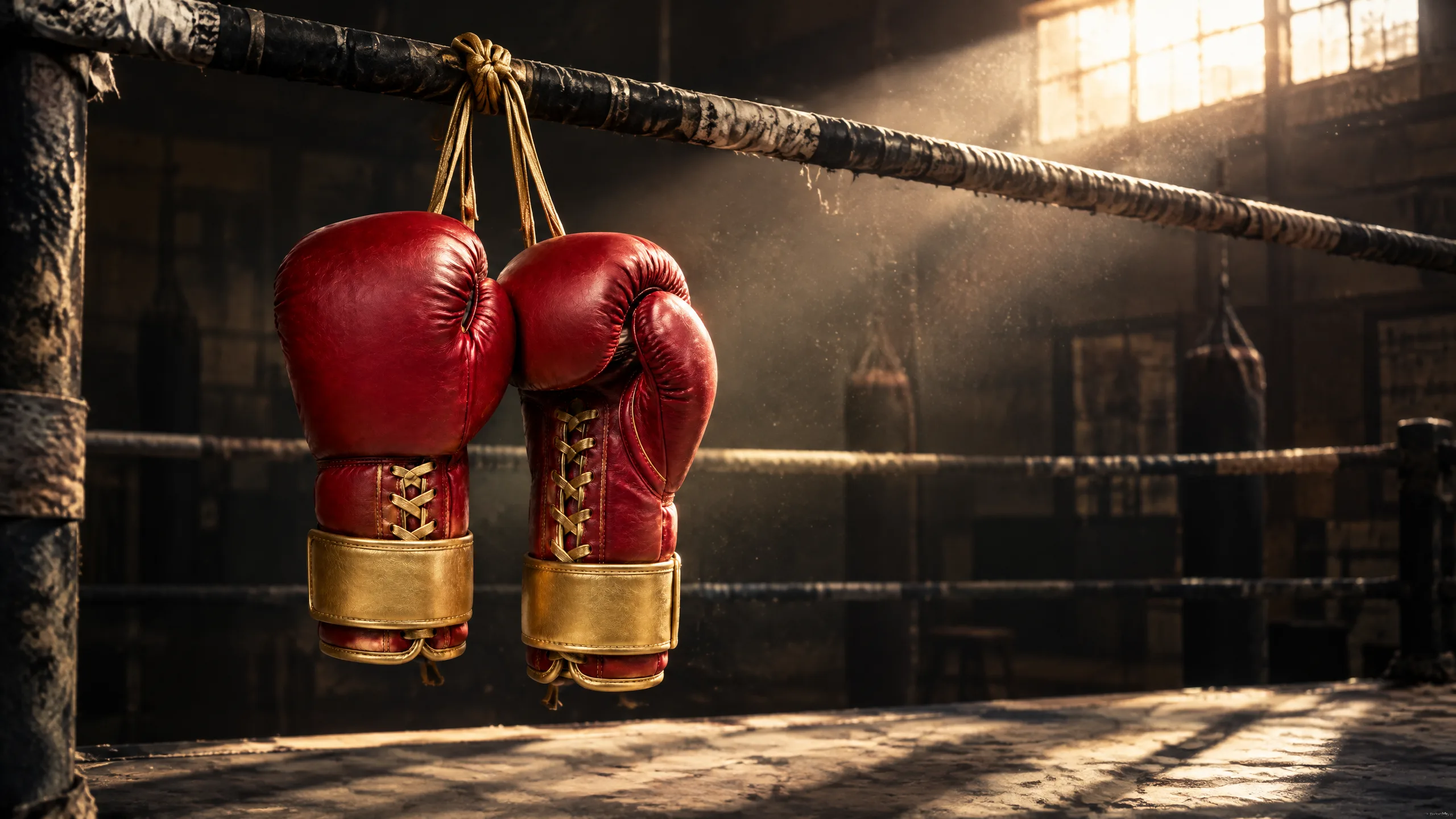
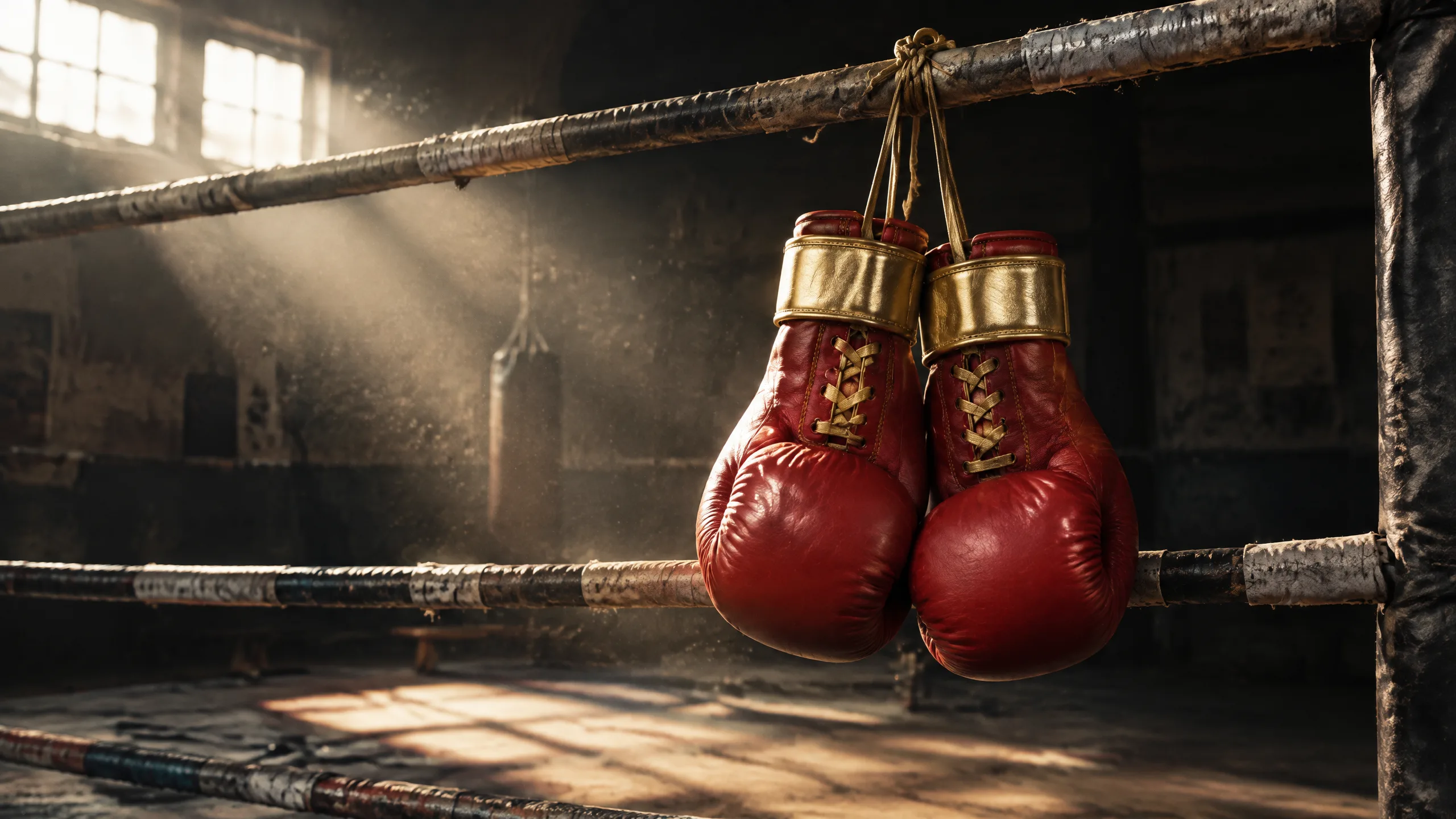
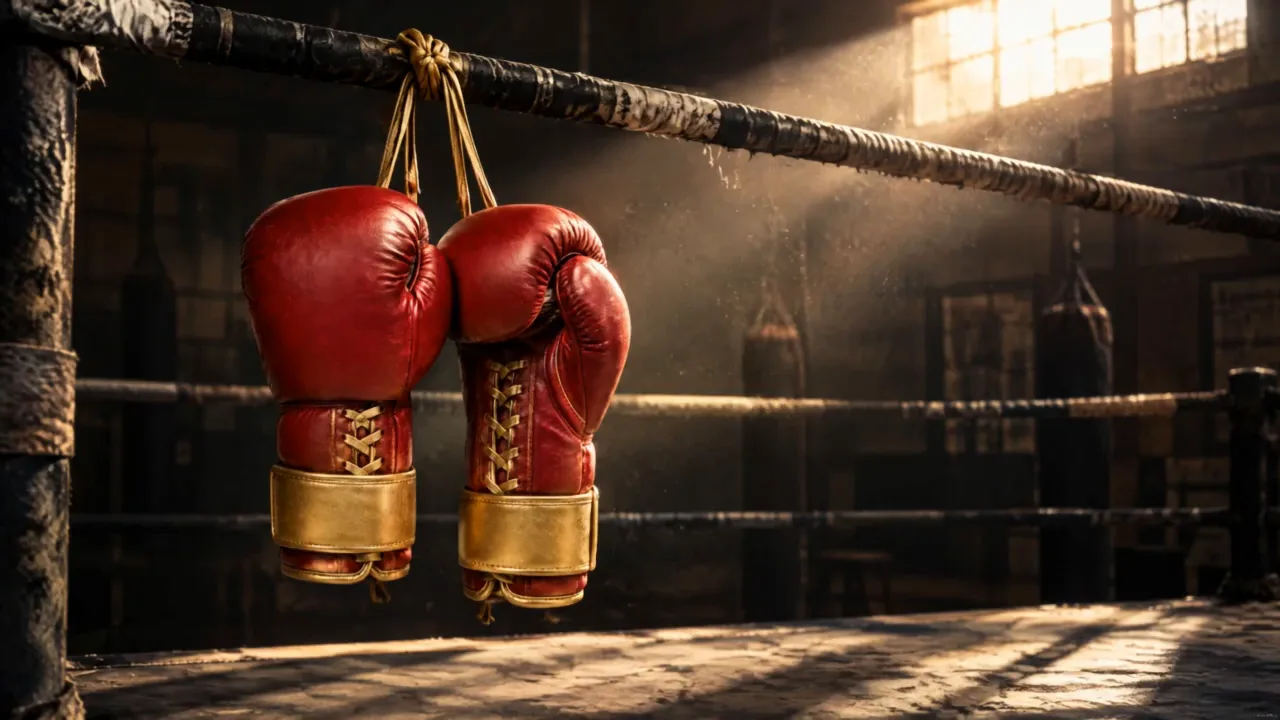
Open the image console, press Add reference image and add the photo. Describe the product exactly as it is in the photo, then the place, the light and the lens. Say what must stay: shape, color, laces, straps. This still becomes the first frame of the ad, so make it 16:9 (or 9:16 for a vertical ad).
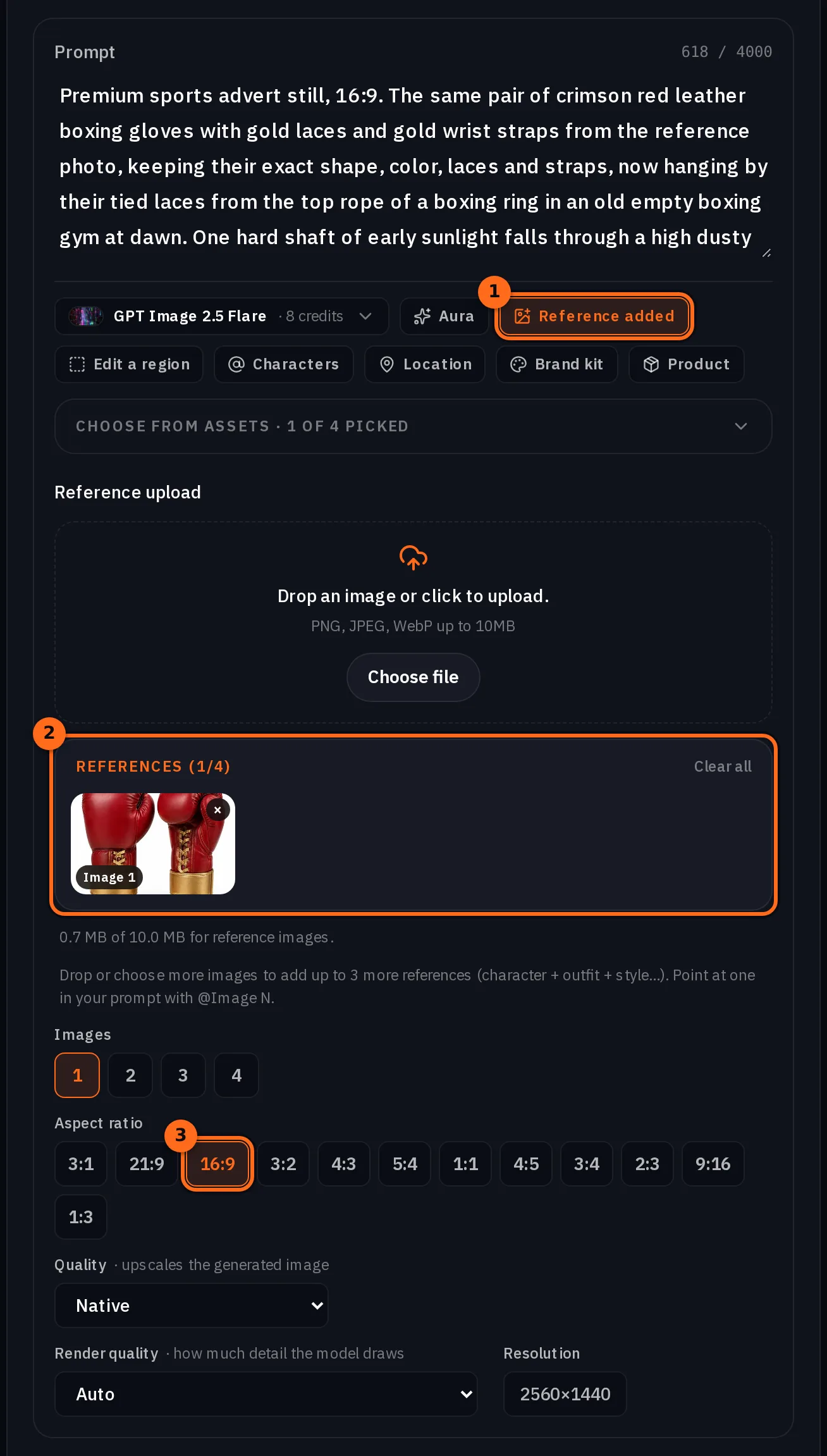
Premium sports advert still, 16:9. The same pair of crimson red leather boxing gloves with gold laces and gold wrist straps from the reference photo, keeping their exact shape, color, laces and straps, now hanging by their tied laces from the top rope of a boxing ring in an old empty boxing gym at dawn. One hard shaft of early sunlight falls through a high dusty window across the gloves, dust drifting in the beam, the rest of the gym in deep shadow, worn canvas and taped ropes, strong contrast, 50mm lens, shallow depth of field, fine film grain, photoreal. No text, no letters, no logos, no badges, no watermark.
The photo
The styled still
First run
Same prompt, run again
Animate the still into the ad
Open the video console, choose Animate an image, press Add start frame and pick the styled still from your Library with Pick an asset (or upload it). Choose Kling v3 (Kling 3.0 on the card) with Change on the model card, set 6 seconds, and write the prompt as motion: what sways, what drifts, where the camera goes, what the sound is. The price sits on the Generate button. This is the same path the drink ad guide runs shot by shot.
Premium sports advert, one continuous shot. The two crimson boxing gloves hang from the top rope and sway very slowly, the gold laces catching the light; dust drifts through the shaft of sunlight, the beam shifts very slightly, the camera pushes in slightly toward the gloves and stops while the gloves stay fully in frame. Nobody enters the frame. The gloves keep exactly the same shape, color, laces and gold straps. Photoreal, strong contrast. No text, no letters, no logos, no badges, no watermark. Sound: the hush of an empty gym, a distant city murmur through the window and one soft ring bell, no music, no voice.
On the free plan this runs on Seedance 2.0 Mini. The guide used Kling v3, which runs on Starter.
Make the poster set at three sizes
Back in the image console, keep the photo as the reference and run the styled-still prompt three times with the headline added and the aspect ratio changed each time. Put the headline where the size wants it: top on 9:16, bottom on 4:5, left on 16:9. Say the headline is the only text in the picture, and say how it is set: ours asks for a heavy condensed italic, like a fight-night title card.
Premium sports poster, 9:16. The crimson red leather boxing gloves with gold laces and gold wrist straps from the reference photo, kept exactly as they are (shape, color, laces, straps), hanging by their tied laces from the top rope of a boxing ring in an old empty boxing gym at dawn, one hard shaft of early sunlight through a high dusty window across the gloves, dust in the beam, deep shadow around. A bold headline across the top quarter of the poster in two lines, set in a heavy condensed italic display face in warm off-white with tight letter spacing, like a fight-night title card: TWELVE ROUNDS. / ONE PAIR. The headline is the only text in the picture: no other words, no logo, no brand mark, no watermark.
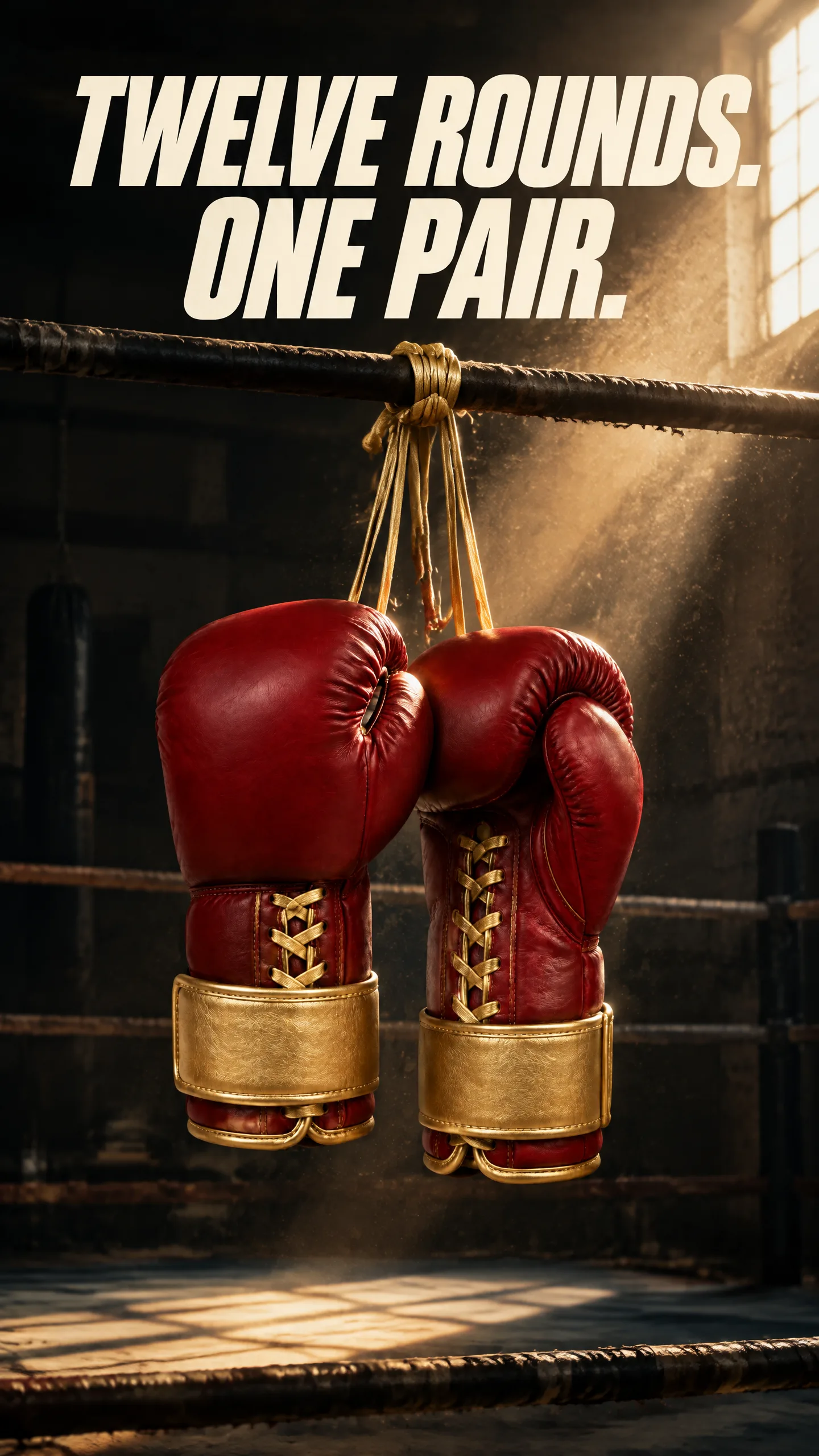
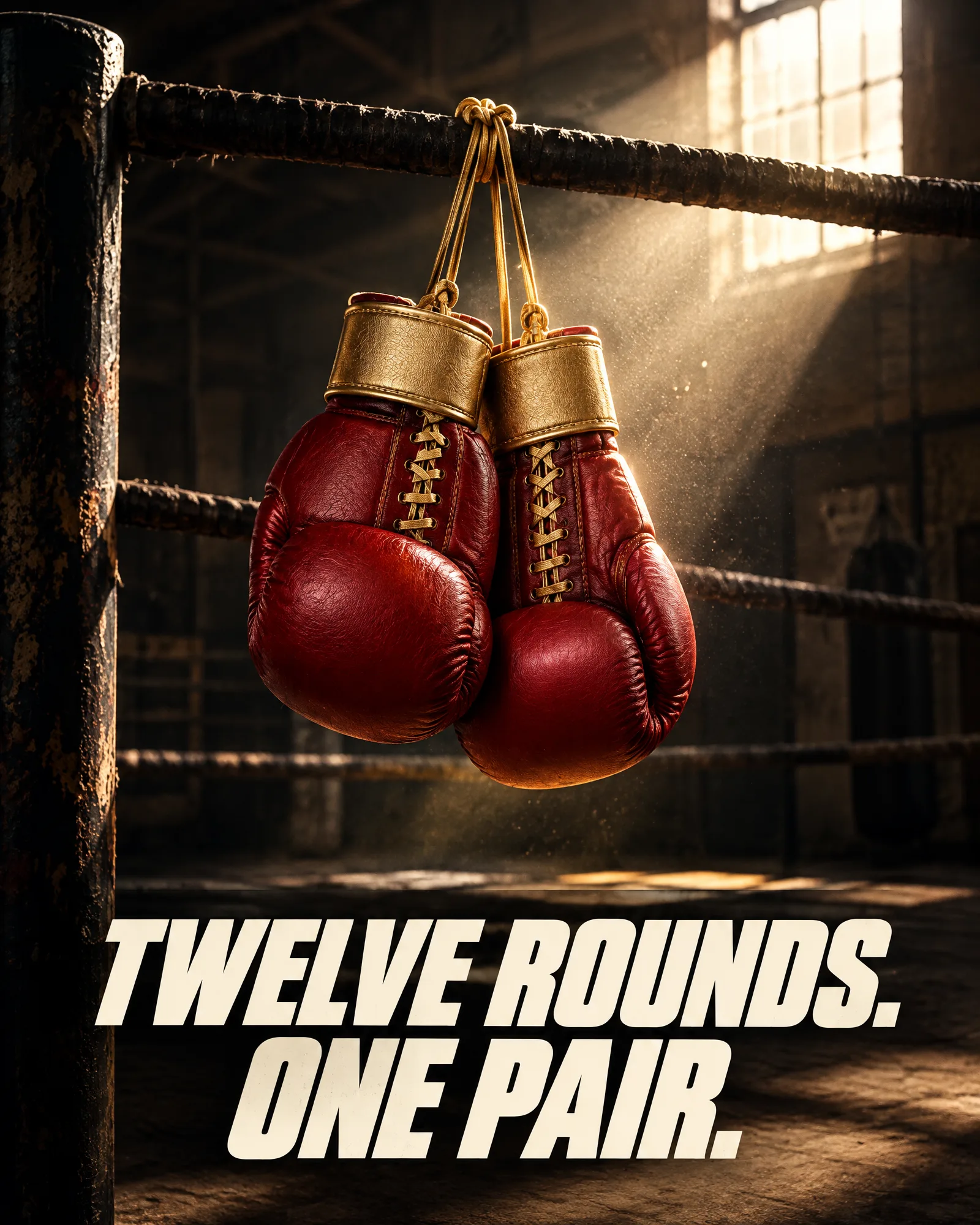
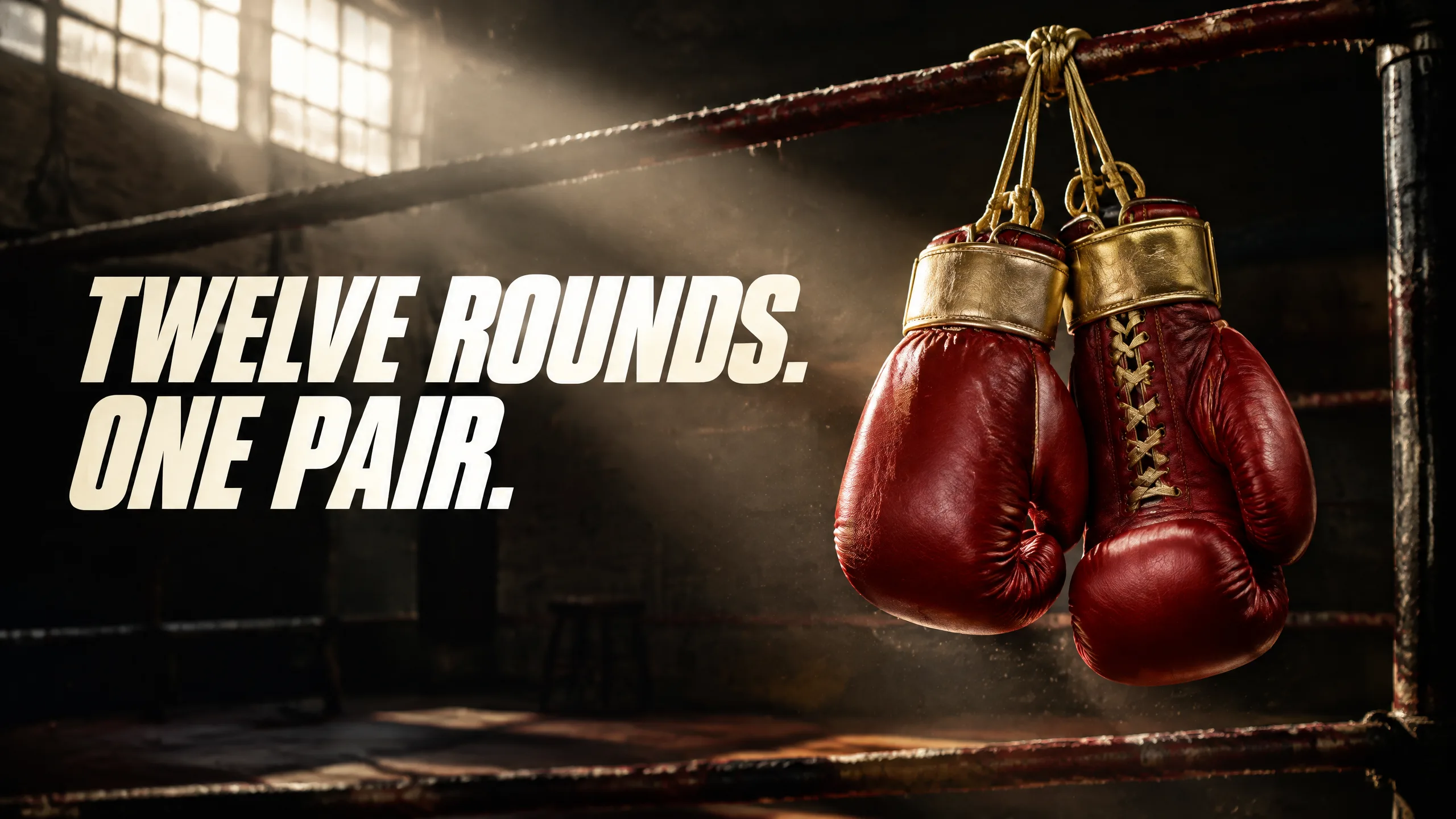
Tip:If the words come back wrong, use the poster pack. All three posters here spelled the headline correctly, and we checked each at full size. If yours do not, the Social and poster pack preset generates the picture and sets the words as real text on top, so they cannot be misspelled.
What goes wrong
| Mistake | Why it hurts | Fix |
|---|---|---|
| Animating the product photo itself | A white-background photo gives the model a white world to animate; the ad looks like a catalogue | Restyle first, animate the styled still |
| Describing the scene but not the product | The model redraws the product to fit the scene | Describe the product from the photo first, then say what must stay |
| A long headline | Every extra word is a chance to misspell or crowd the product | Two to six words, and only the headline |
| Reframing the finished ad for a new size | Reframe works on stills, not clips | Make the still and the ad at the size you need |
| Trusting the words at thumbnail size | A wrong letter hides at small size | Open each poster at full size before you post |
Which tool for which job
| Job | Use | Notes |
|---|---|---|
| The look, from the photo | Image console, GPT Image 2.5 Flare, one reference | Up to four references; the photo is enough |
| The ad | Video console, Animate an image, Kling v3 | 3 to 15 seconds; keeps a hanging product's sway believable |
| Posters with words drawn in | Image console, same reference, headline in the prompt | Check the spelling at full size |
| Posters with words set as text | Social and poster pack | One headline, four sizes, real text on top |
| A hands-on demo clip instead | Hands-on product ad | Phone-footage look, no presenter |
| Bigger files for print | Image console, 2K or 4K quality | Priced per picture; the console shows it |
Where you still regenerate
- Small details drift. Our laces stayed laced and the straps stayed gold, but count stitches and buckles on yours before you post.
- The camera can overdo it. Ask for a push-in that stops and say the product stays fully in frame; keep a second take in the budget.
- Text is a gamble the model usually wins, not always. Three of three posters were right here; the preset with real text is the safe path.
- One size per render. A 9:16 ad is a second animation, not a crop.
What it costs
This set is two stills, one clip and three posters at the standard picture size. Prices are on the Generate button; a failed render is refunded.
- Social and poster pack
Priced on the review card before it runs
Takes 3 to 8 minutes
GPT Image 2.5 FlareEvery plan
Per image
Native 8 credits · 2K 21 credits · 4K 58 credits
Kling v3Starter and up
Per 5s clip (audio on by default)
720p 35 credits · 1080p 47 credits · 4K 117 credits
Read live from the catalog when this page loads. Every price is shown before you generate. See every rate.
Checklist before you post
- The product matches the photo: shape, color, every part you would be asked about.
- The headline is spelled right on every size, checked at full size.
- Nothing else is printed in the picture.
- The ad keeps the product in frame for its whole length.
- Each size was made at that size, not cropped from another.
Try it yourself
Download the gloves photo, open the image console, add it with Add reference image, paste the styled-still prompt and generate at 16:9. Then animate the result in the video console with the ad prompt. Both styled runs above and the ad came from these exact prompts, sent through the API with the same settings.
The inputs
Questions and answers
- Is one photo really enough?
- For a product with one good side, yes. The model shows the sides the photo shows; if the ad needs the back or the sole, add that photo as a second reference.
- Does it work with a phone photo?
- Yes. Plain background, sharp, the whole product in frame. The guide on product photos from a phone photo covers the photo itself.
- Will the model spell my headline correctly?
- Usually, and it did on all three posters here, but not always. Check at full size, or use the Social and poster pack preset, which sets the words as real text.
- Can I get a 9:16 version of the ad?
- Make the styled still at 9:16 and animate that. Reframe changes the size of a still, not a clip.
- Can I put my logo on the gloves?
- Keep it off the picture and add it as a layer afterwards. A logo drawn by the model changes from picture to picture.
- Can a person hold the product?
- Yes, describe the hands and the pose in the still prompt. We kept people out of this example on purpose, so we have not measured it here.
Start from the photo you already have
Open the image consoleRelated guides
Product images
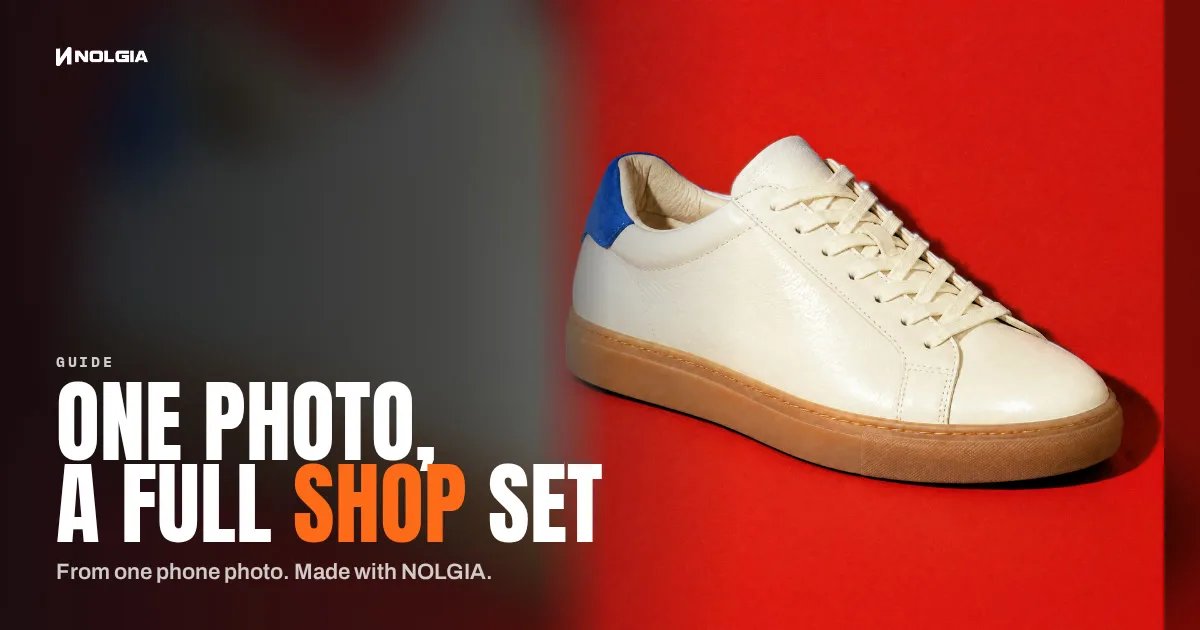
One phone photo to a full shop set
Turn one clear phone photo into a studio hero, a seasonal version, a product page banner and a short clip, with the preset for each step and what the set costs.
· 6 min read
Ads
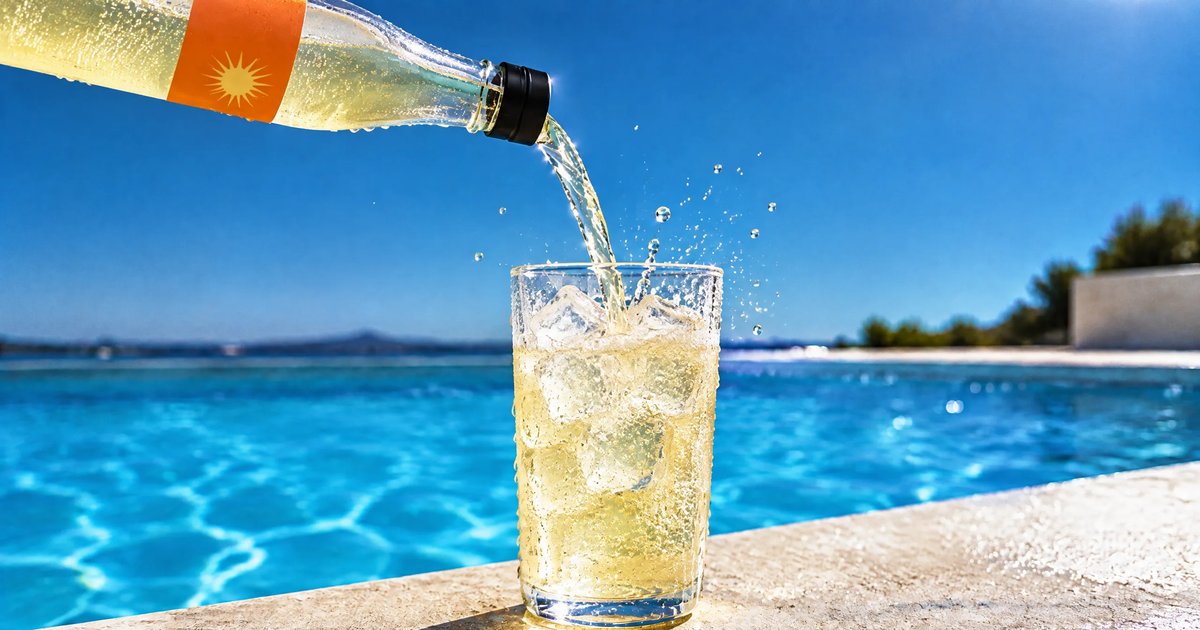
A drink ad in fifteen seconds, from stills you generate
Make one styled product still, animate three shots from it, cut them to a sound bed in Studio and type the end line. The appetite cues that worked on a fictional tonic, and the two that did not.
· 11 min read
Ads
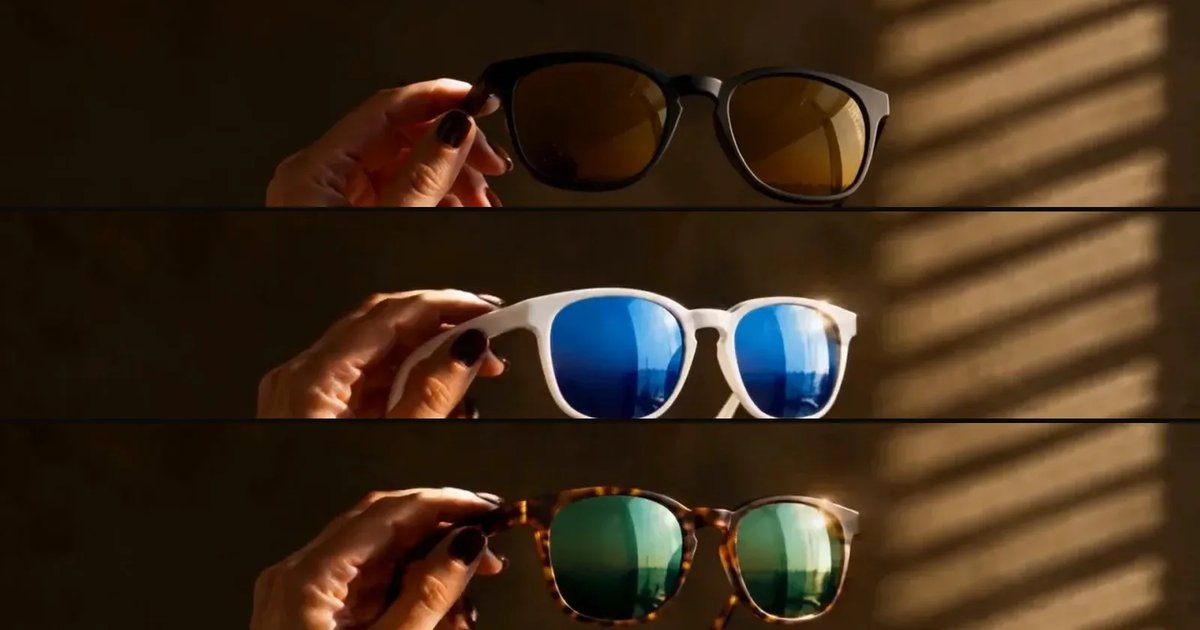
100 ad variations from one master: swap hooks, products and sizes
One master clip, three layers of change. Hooks are typed text in Studio, products are Miroge swaps, sizes are new renders or reframed stills. The maths, a real 3 by 3 grid, and what we do not do.
· 12 min read