

You shot a clip you like. The move is right and the timing is right, but the performer, one prop or the whole place is wrong. Miroge now has its own composer for that: pick one of three modes, add the clip, add photos if the mode takes them, and press Generate.
Miroge started on 19 September as Recast, a way to swap one object in a clip on Gemini Omni 1.1. It was renamed Miroge on 22 September, and on 23 September it got its own composer with two more modes.
Three modes
The mode switch sits at the top of the composer. Each mode starts on its own default model, and the model menu lists every other model that can run it, with what each one takes.
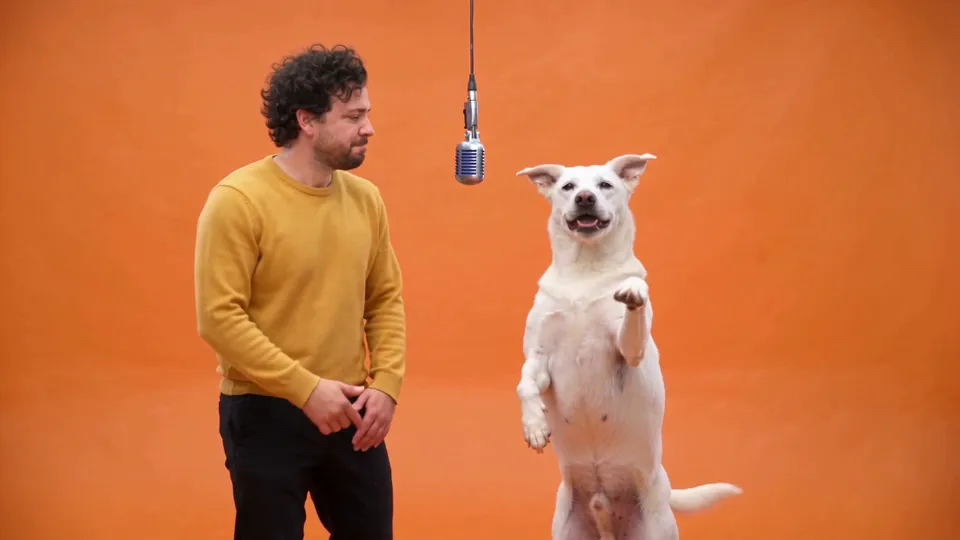
- Motion transfer. Your cast performs the clip. The moves, the timing and the camera come from your video, and the performers from your photos of people, pets or characters. It runs on Seedance 2.5 by default, which takes up to nine photos.
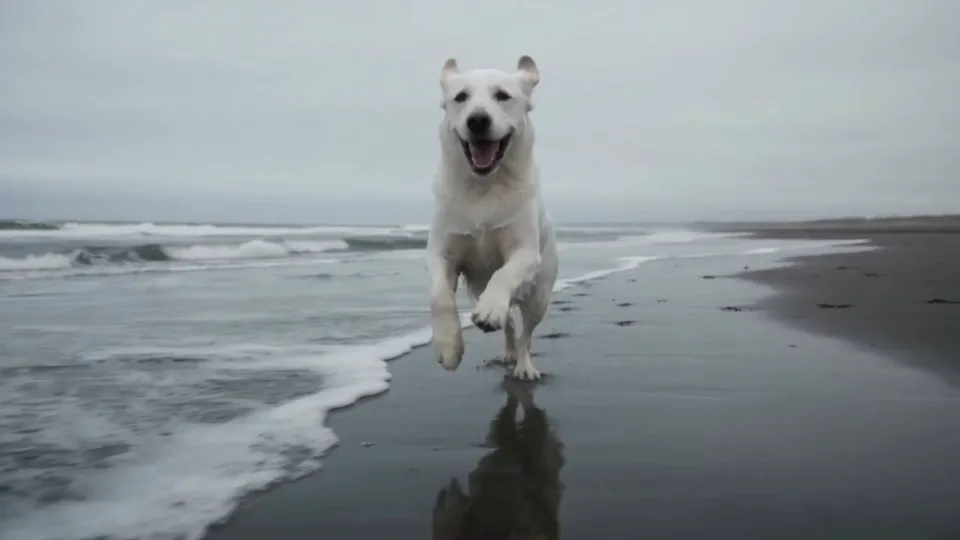
- Swap. Change one thing in the clip, such as a product, a prop or an outfit, and ask for the rest of the shot to stay as you filmed it. Show the new thing in a photo, or describe it. It runs on Seedance 2.5 by default.
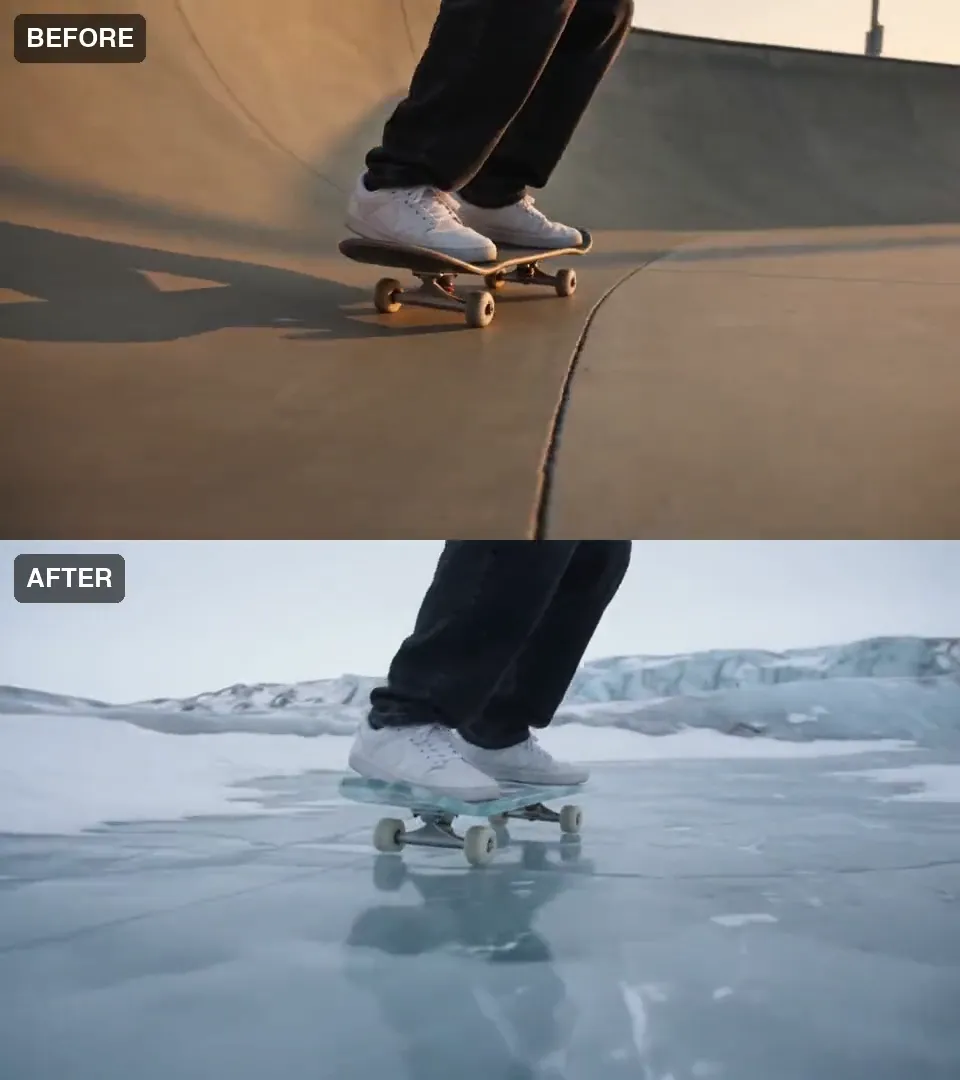
- New world. Keep the subject and its moves, and redraw the place and the light around it. It runs on Gemini Omni 1.1 (Video Edit) by default, which takes no photos: you write what stays, then describe the new world.
Your video
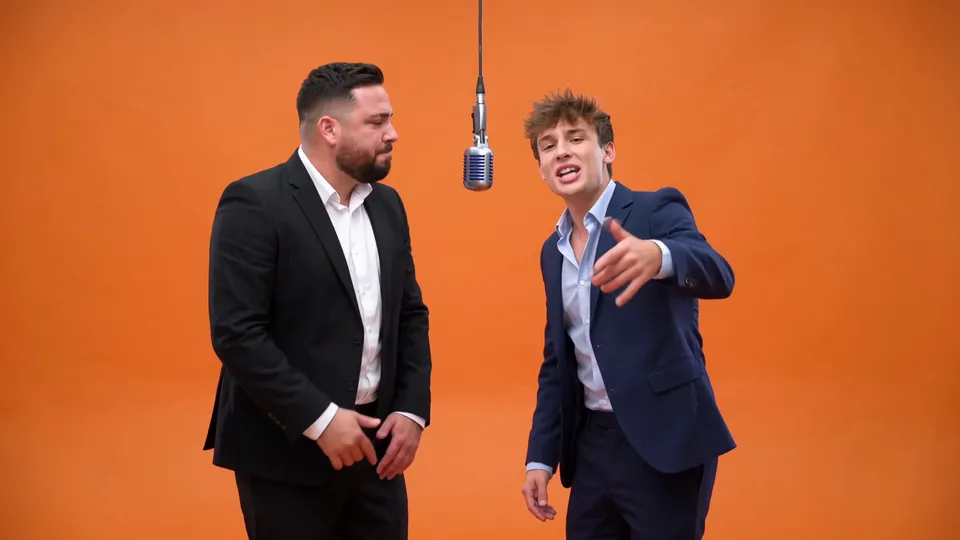
Motion transfer
Your clip
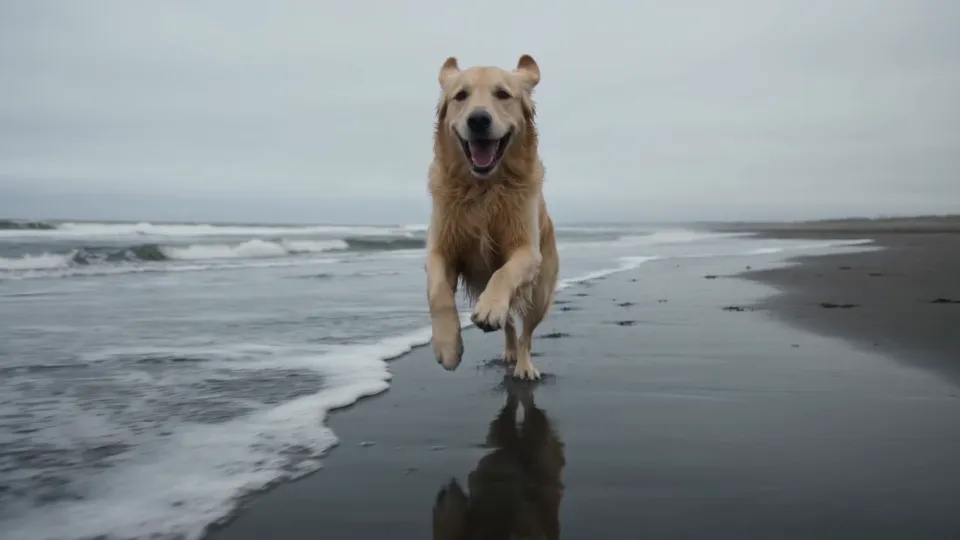
Swap
Where to find it
- The Create menu, where Miroge sits next to Image and Video.
- The Miroge tab on the video page, beside Create Video, Restore Video and Edit Video.
- Open Miroge on the Miroge preset page.
- Recast on a video in your Library, or Miroge in the Studio timeline toolbar with a Library clip selected. Both open Swap with that clip already in place.
Each mode has a guide. Put your own character and your dog into any video walks through Motion transfer step by step, with an example and its files for Swap and for New world too. Swap one product in a clip with Miroge follows one Swap run. Keep the subject, change the world around it covers the prompt order behind New world.
Miroge changes what is in a clip. To get more angles of the same take instead, use Multicam, which turns one locked off take into every setup you pick; its guide is Get every camera angle from one take.
Before you press Generate
The clip tile takes one MP4 or MOV and shows the lengths and sizes the chosen model accepts. If a clip will not run, the composer says why and Generate stays off, so nothing is charged. See what gets sent, under the prompt, shows the whole instruction Miroge builds from your mode, photos and words.
The price for your clip, model and quality is on the Generate button, and one click runs it. A model that keeps your clip's length is priced on that length. Miroge runs on Pro and Studio plans.
Seedance 2.5Pro and up
Per 5s clip
480p 26 credits · 720p 56 credits · 1080p 137 credits
1080p renders at 16:9 and 9:16
Gemini Omni 1.1Pro and up
Per 5s clip
Standard 50 credits
Read live from the catalog when this page loads. Every price is shown before you generate. See every rate.
A run usually takes a few minutes, and you can leave the page: your version appears next to the form and in your Library, with Recreate, Compare and Download. Use footage you shot or made yourself. Clips of well known people and copyrighted material are refused, and a refused run gets its credits back.
What we have measured, and what we have not
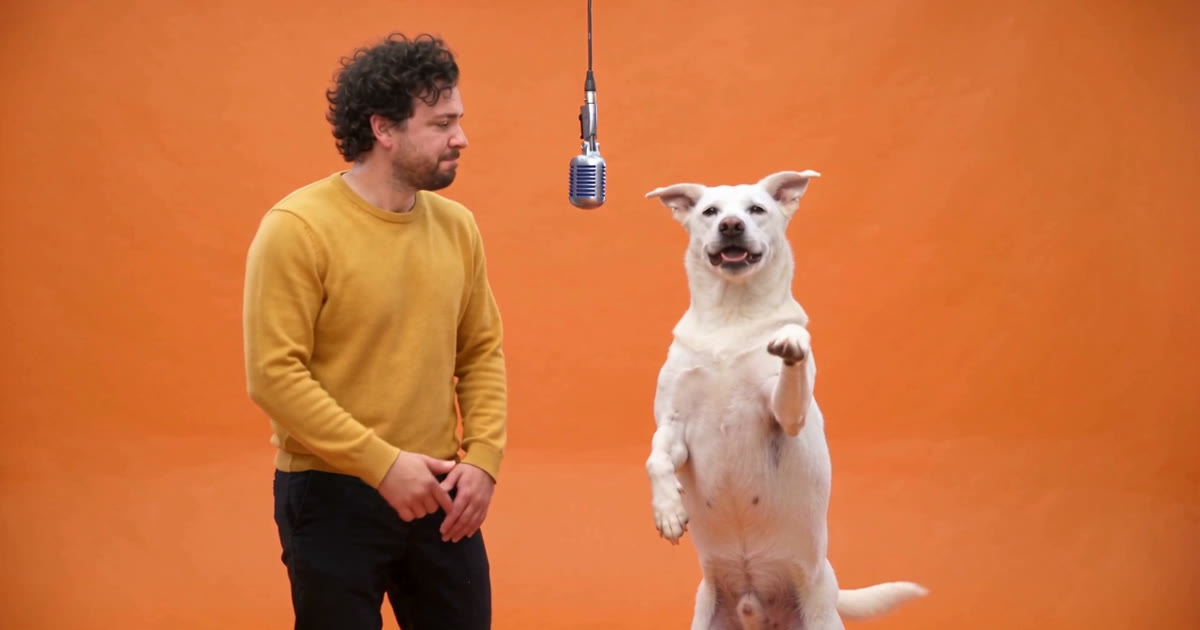
- Two performers, two photos. Motion transfer on Seedance 2.5 replaced two performers with a man and a dog in one clip. Say which photo takes which place: a run without that line left the dog out.
- New world. The subject held in 6 of 6 runs across five clips, each a small subject with no face in frame: legs and sneakers, two hands, a bottle, a runner's feet and a toy buggy. The place is redrawn rather than kept, so do not count on its layout.
- Swap. The examples here are single runs. Every run is a new render, so check each result against your clip.
Watch for this:Not tested yet. Faces and whole bodies in New world are untested. We have not measured how people come out of any mode, so this post makes no promise about them.
Questions and answers
- What is Miroge?
- A video tool for clips you already have. Motion transfer puts your own cast into the clip, Swap changes one thing in it, and New world redraws the place around the subject. The moves, the timing and the camera come from your clip.
- Which plan do I need?
- Miroge runs on Pro and Studio plans. Topping up credits does not unlock it on a lower plan.
- What does a run cost?
- The price for your clip, model and quality is on the Generate button before you press it. A model that keeps your clip's length is priced on that length, and a refused run gets its credits back.
- Is it tested on people?
- Not yet. We have not measured how people come out of any mode, so we make no promise about them. New world held its subject in 6 of 6 runs, all on clips with no face in frame.
Change a clip you already shot
Open MirogeRead next
Guides · Video editing
Put your own character and your dog into any video
Pick a video, add a photo of a person and one of a dog, and Miroge recasts the clip with them: the same moves, the same set, the same camera. Every step, on a computer and a phone.
· 9 min read
Guides · Video editing
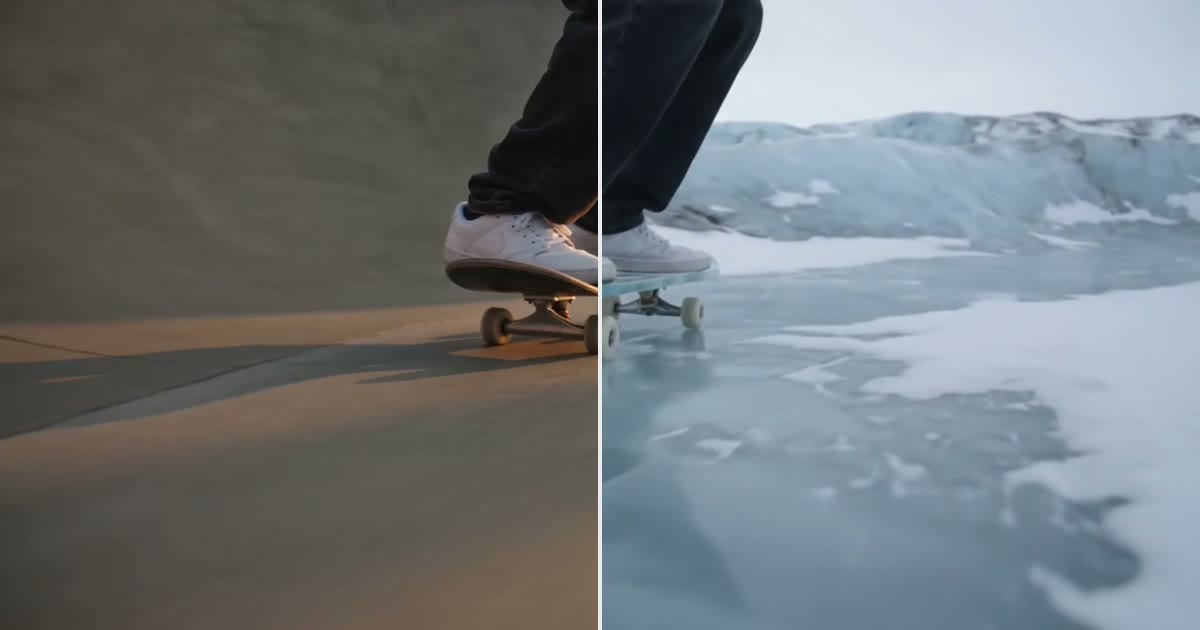
Keep the subject, change the world around it
Keep the legs, hands or product in a clip and redraw the place around them. The prompt order that held in 6 of 6 tests, and where it breaks.
· 9 min read
Guides · Video editing
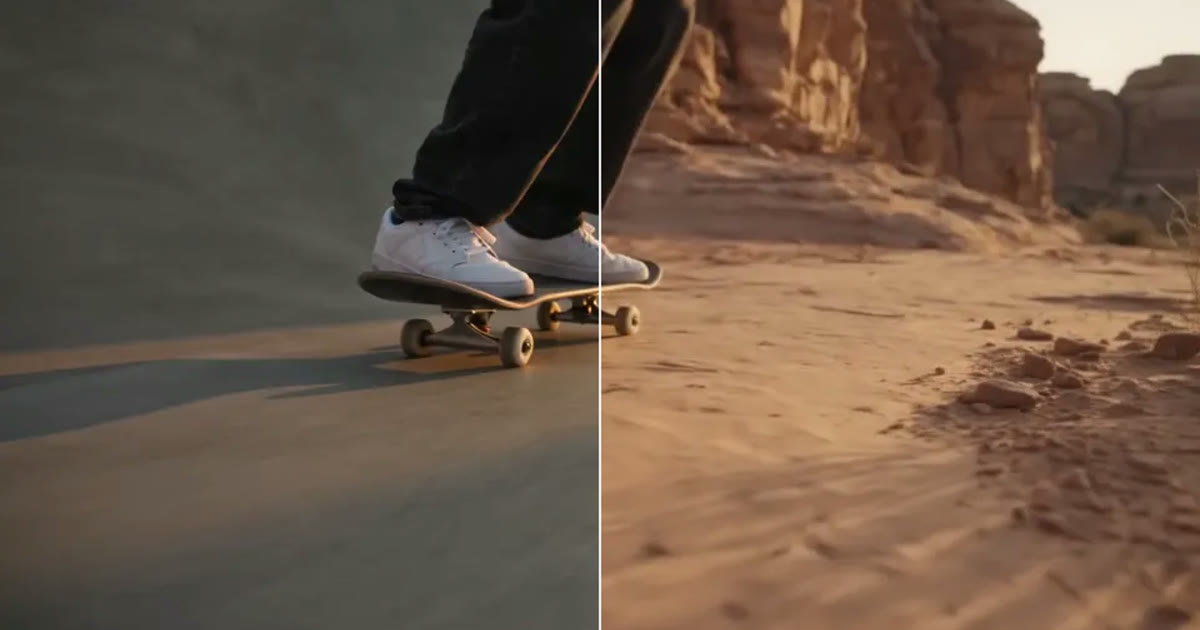
A clip came out wrong: fix it or make it again
Most wrong clips do not need a new render. Swap the one thing that is off, move the scene, clean up the picture or extend it, and make it again only when the shot itself is wrong.
· 5 min read