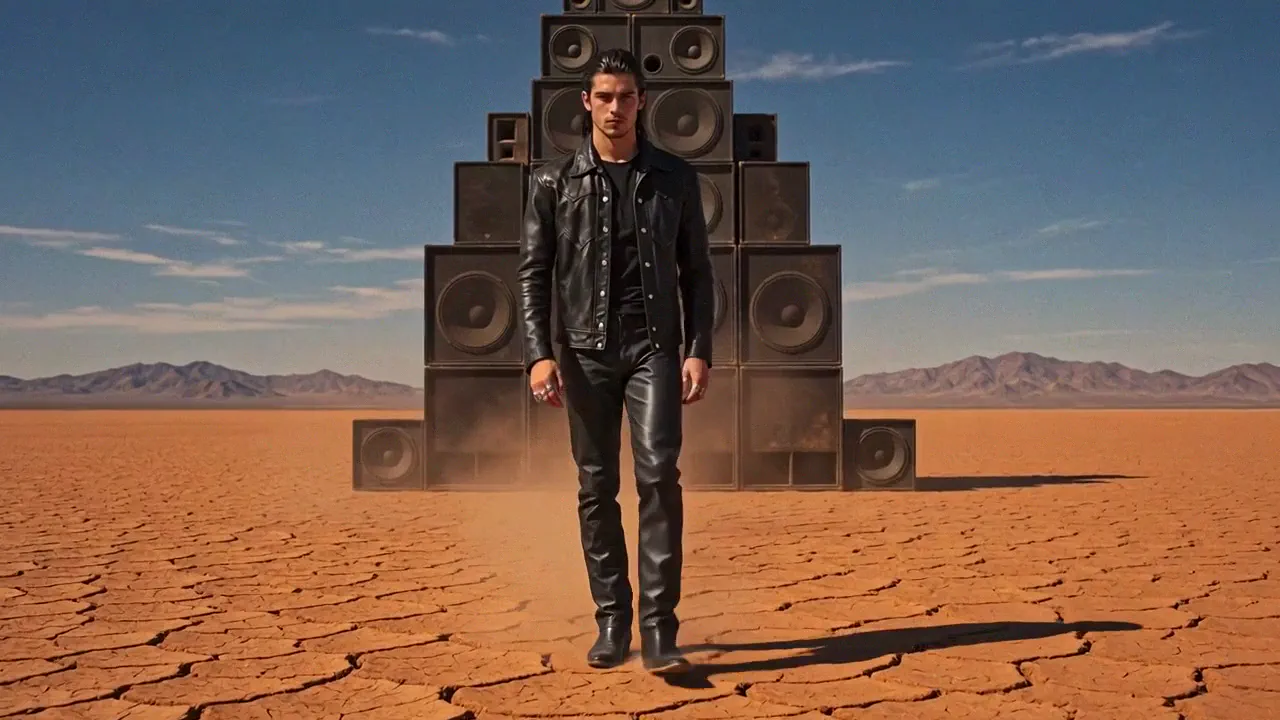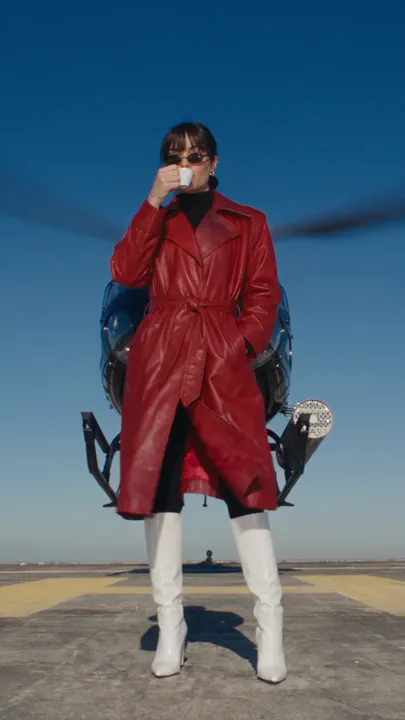
NOLGIA MCP

NOLGIA في مساعدك الذكي

ولّد الفيديو والصور والصوت، واجلب من مكتبتك، وتابع مهمة قيد التشغيل دون مغادرة المحادثة. خادم مستضاف واحد على mcp.nolgia.ai، يشغّل الأدوات نفسها التي يستخدمها وكيلنا.

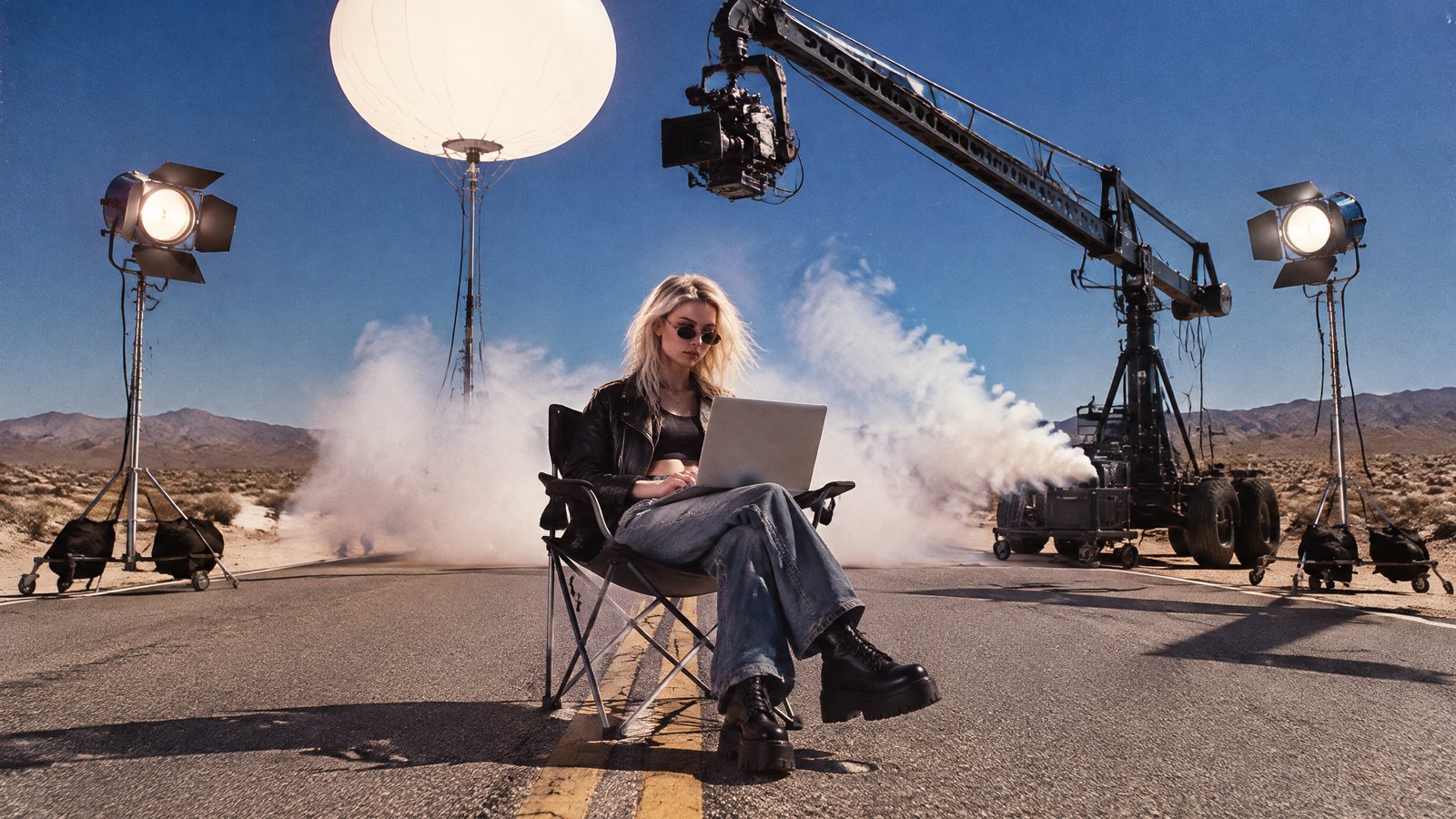
شابة تكتب على حاسوب محمول على كرسي قابل للطي في طريق صحراوي خالٍ، بينما يقف خلفها فريق تصوير كامل على أهبة الاستعداد: رافعة كاميرا، وإضاءة بالونية، وأضواء تصوير، وآلة دخان

الإعداد

ثلاث خطوات، ثم اطلب.

تدعم NOLGIA بروتوكول Model Context Protocol، لذا يصل أي عميل يستطيع حمل رمز إلى المنصة بأكملها. يعمل حاليًا كلٌّ من Claude Code وCursor.

  1. أنشئ رمز API الخاص بك

    أنشئ رمز وصول شخصيًا من إعدادات حسابك. يُعرض الرمز بنصه الصريح مرة واحدة فقط، لذا احفظه في مكان آمن. يستهلك الرمز رصيد الشحن فقط، ولا يمس رصيد خطتك الشهري أبدًا، وتظل النماذج التي تتطلب Pro أو أعلى بحاجة إلى تلك الخطة.

    فتح رموز API
  2. أضف NOLGIA إلى مساعدك

    أضف NOLGIA مرة واحدة، وستتمكن كل جلسة في الطرفية من التوليد وتصفح مكتبتك وقراءة حالة المهام.

    terminal
    claude mcp add --transport http nolgia \
      https://mcp.nolgia.ai/mcp \
      --header "Authorization: Bearer nol_your_token_here"

    أو دع وكيلك يتولى الأمر

    الصق هذا في وكيلك

    سطر واحد
    Read https://raw.githubusercontent.com/nolgiainc/nolgia-cli/main/INSTALL_FOR_AGENTS.md and follow it end to end to install and set up the Nolgia CLI for me.

    يثبّت وكيل البرمجة لديك أداة CLI دون sudo، وينتظر حتى تُكمل المصادقة، ويثبّت المهارات، ويشغّل عملية توليد واحدة للتحقق.

    اقرأ دليل التشغيل
    نقطة النهاية
    https://mcp.nolgia.ai/mcp
    المصادقة
    Authorization: Bearer nol_...
  3. ابدأ الإبداع

    اطلب بلغة بسيطة. كل قالب أدناه هو أيضًا أمر نصي يمكنك لصقه مباشرة في مساعد متصل، ولكل قالب صفحة على NOLGIA إن فضّلت البدء من هنا.

    تصفح كل القوالب

أعد صنعه مع NOLGIA

ابدأ من عمل مكتمل.

كل بطاقة قالب حقيقي من الكتالوج المباشر. انسخ أمره النصي إلى مساعد متصل، أو افتح القالب هنا ودع NOLGIA Agent يشغّله.

كل القوالب

فيديو

Example output from Encore Captions

Encore Captions

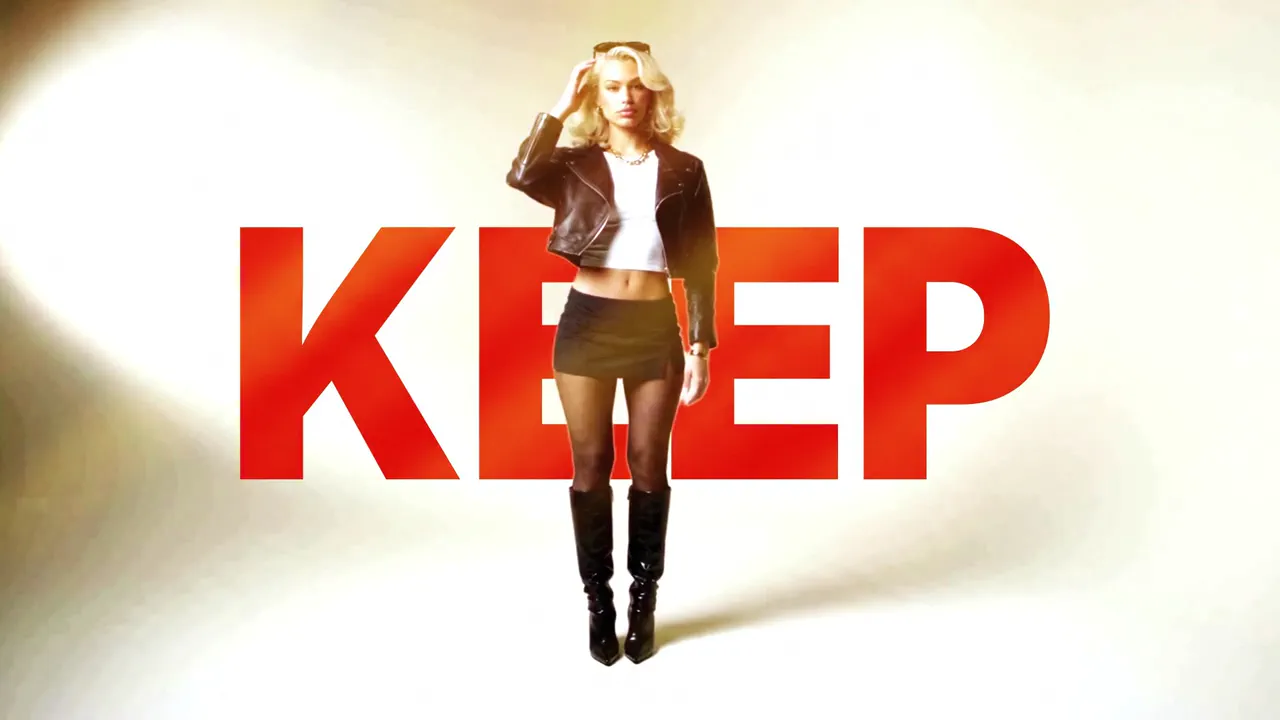
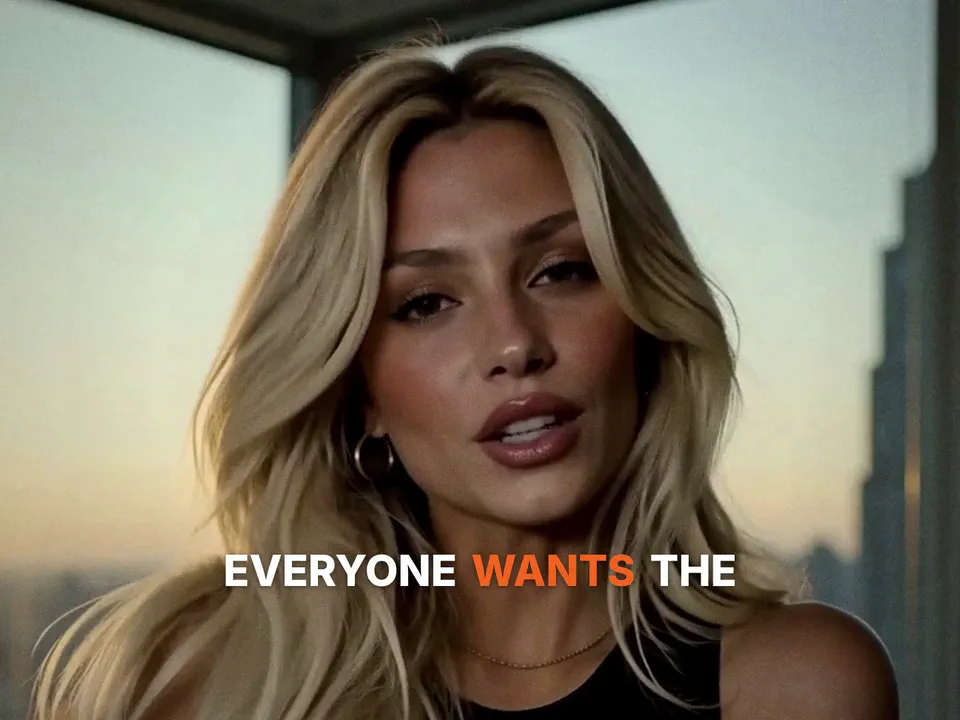
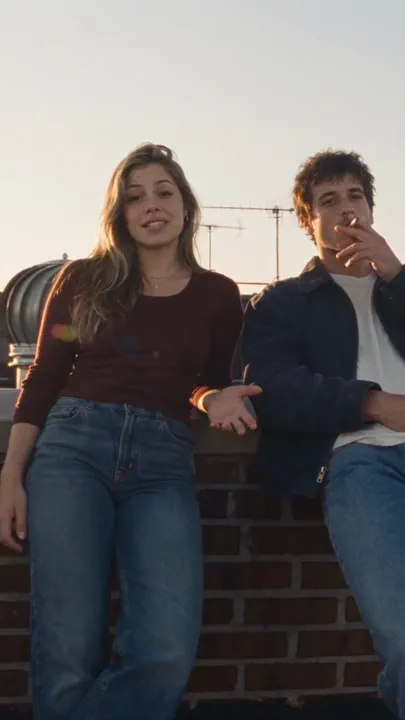
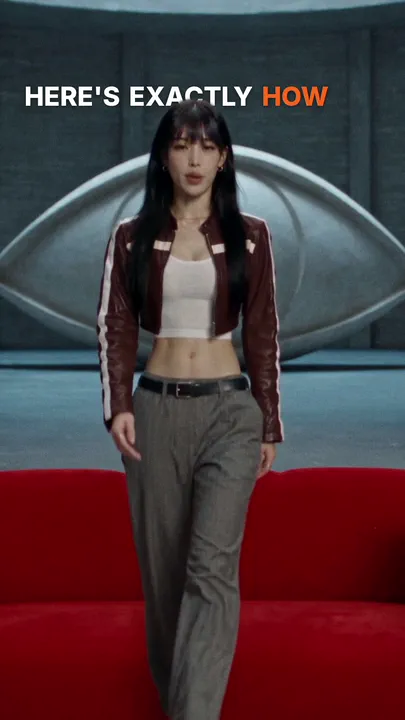
Your own talking clip, captioned word by word at 9:16: bold lines with one colored word, karaoke words that light as you say them, words set behind you, or words that glitch in, with emoji pops and soft whooshes if you like.
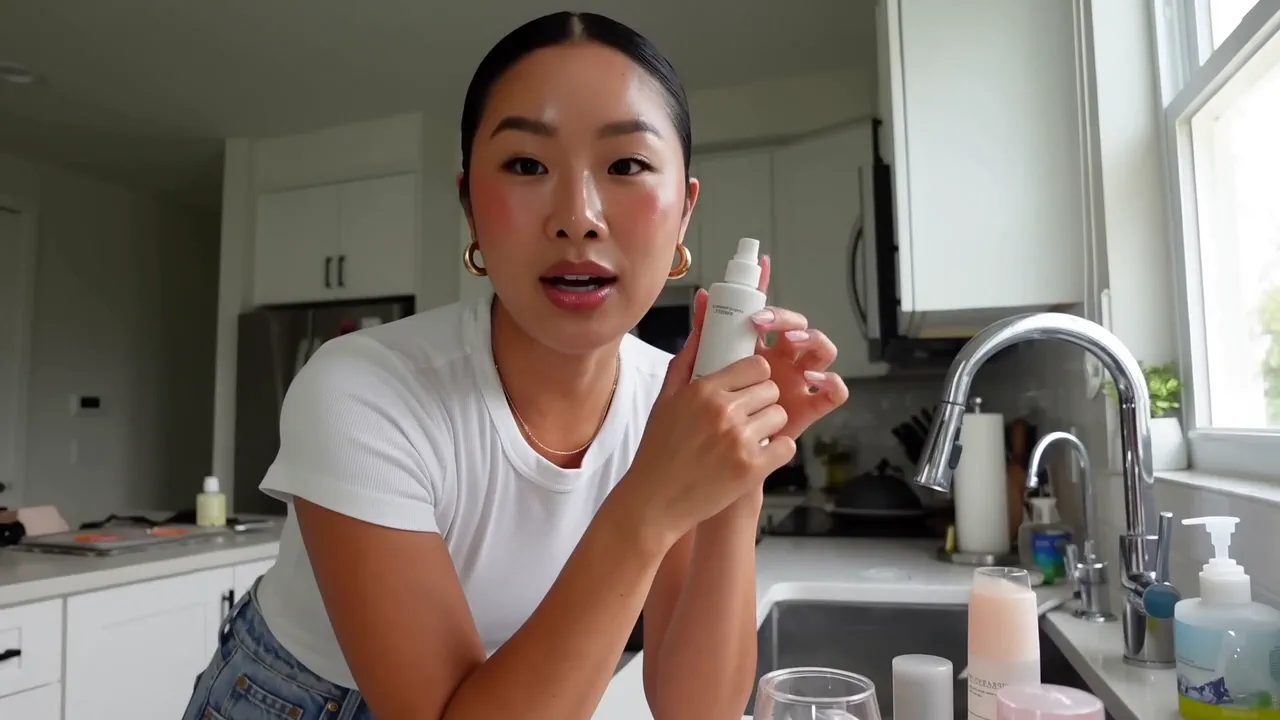
Use NOLGIA to make an Encore Captions. Your own talking clip, captioned word by word at 9:16: bold lines with one colored word, karaoke words that light as you say them, words set behind you, or words that glitch in, with emoji pops and soft whooshes if you like.
فتح القالب
Example output from Multicam: one take, every angle

Multicam: one take, every angle

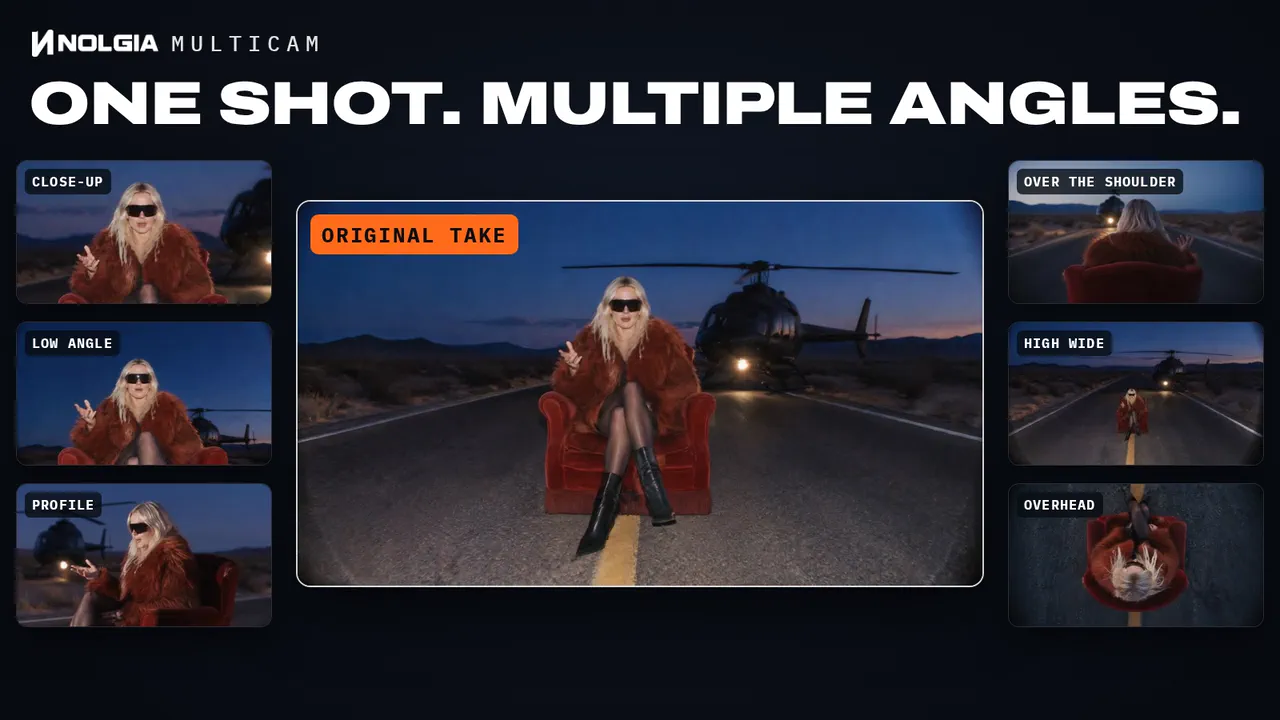
Shoot one locked-off take and get the coverage back: every angle you pick as its own full-length clip in sync with your original sound, plus a highlight edit cut between them.

Use NOLGIA to make a Multicam: one take, every angle. Shoot one locked-off take and get the coverage back: every angle you pick as its own full-length clip in sync with your original sound, plus a highlight edit cut between them.
فتح القالب
Example output from Commercial

Commercial

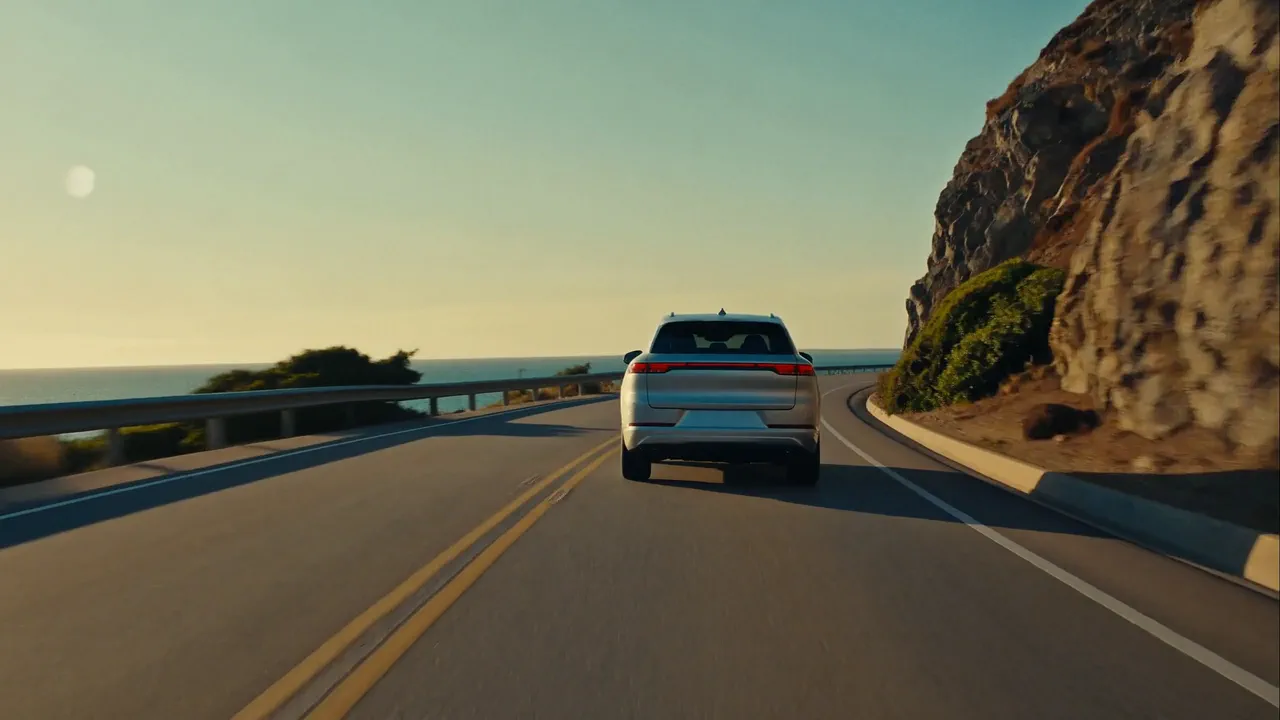
A brand commercial with real cinematic energy. A story in your brand's world, people living the moment, the product woven into life, your tagline on the end card.

Use NOLGIA to make a Commercial. A brand commercial with real cinematic energy. A story in your brand's world, people living the moment, the product woven into life, your tagline on the end card.
فتح القالب
Example output from Social media ad

Social media ad

A scroll stopping creator ad: a talking head clip with hook text, timed captions, and a CTA end card.

Use NOLGIA to make a Social media ad. A scroll stopping creator ad: a talking head clip with hook text, timed captions, and a CTA end card.
فتح القالب
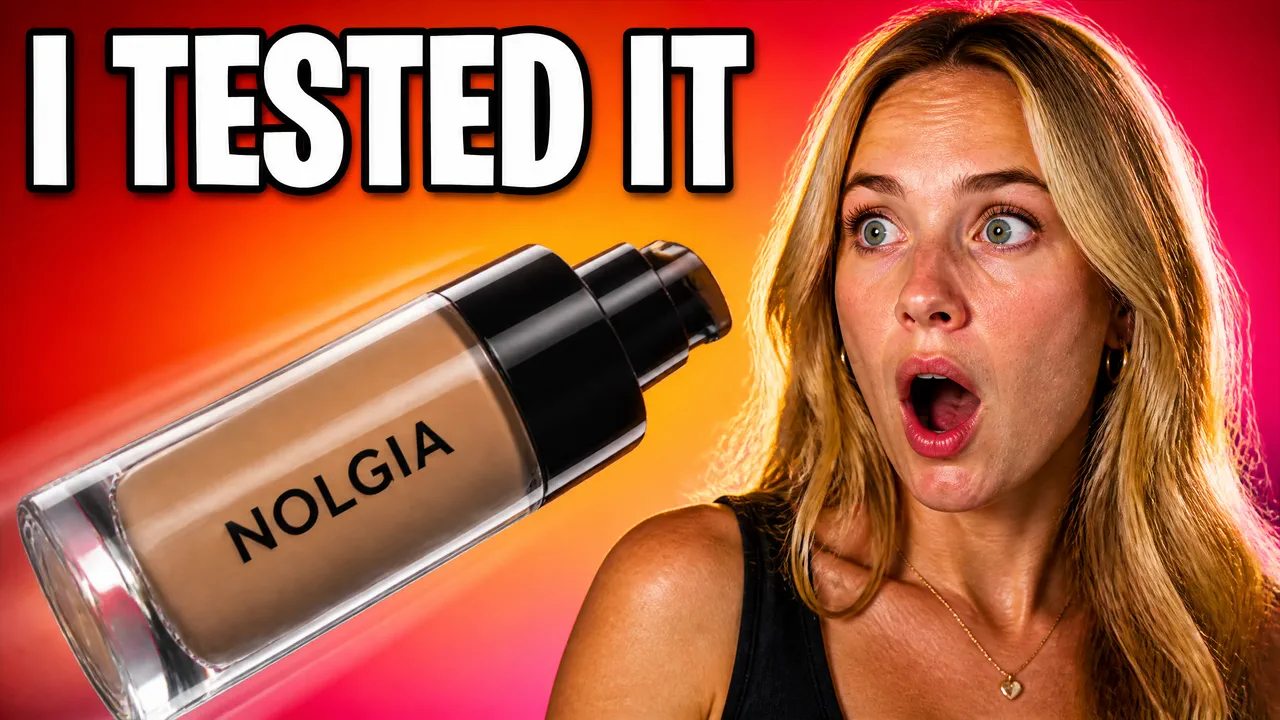
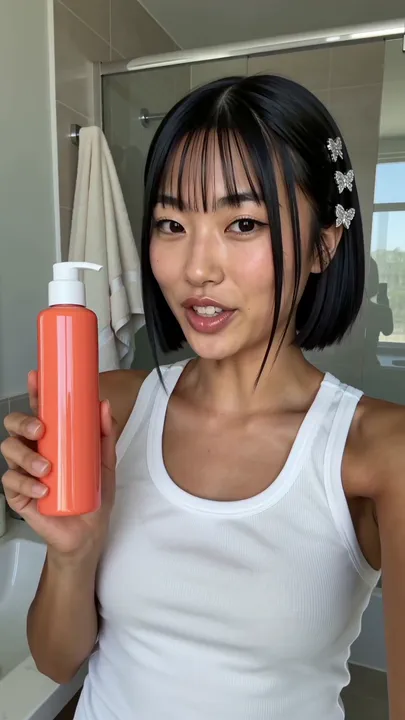
Example output from Creator review ad

Creator review ad

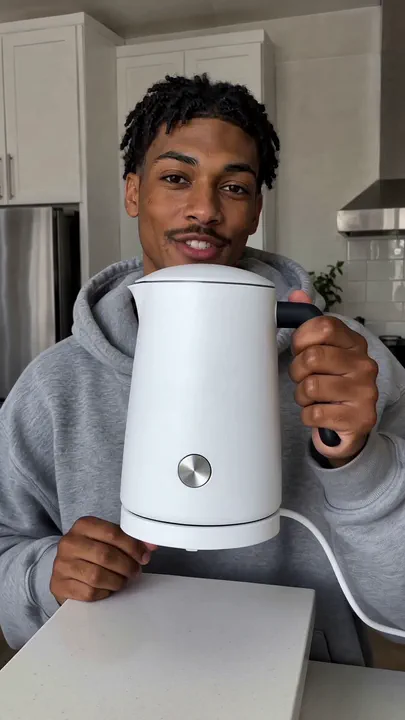
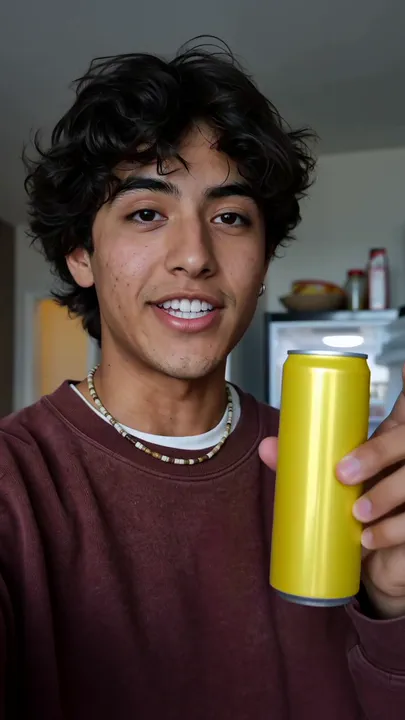
A creator talks your product up on camera, vertical format with real spoken audio. The fastest way to a native feeling review clip.

Use NOLGIA to make a Creator review ad. A creator talks your product up on camera, vertical format with real spoken audio. The fastest way to a native feeling review clip.
فتح القالب
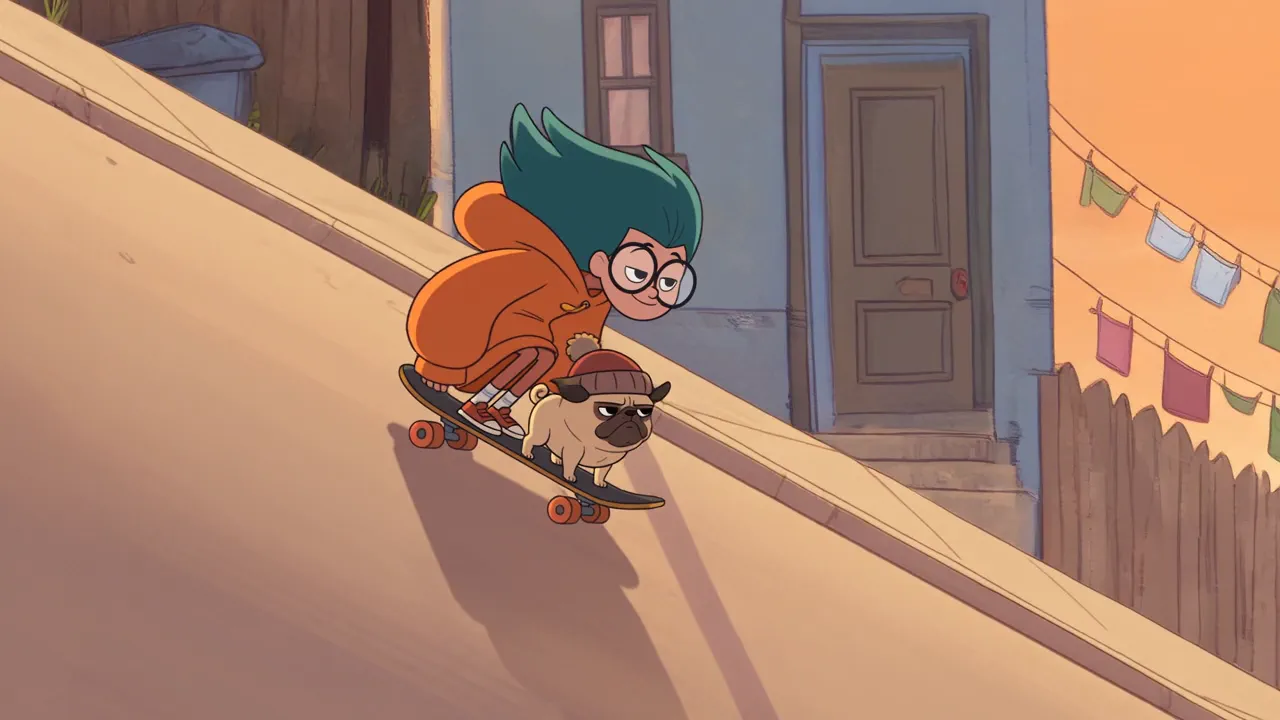
Example output from Animated cartoon

Animated cartoon

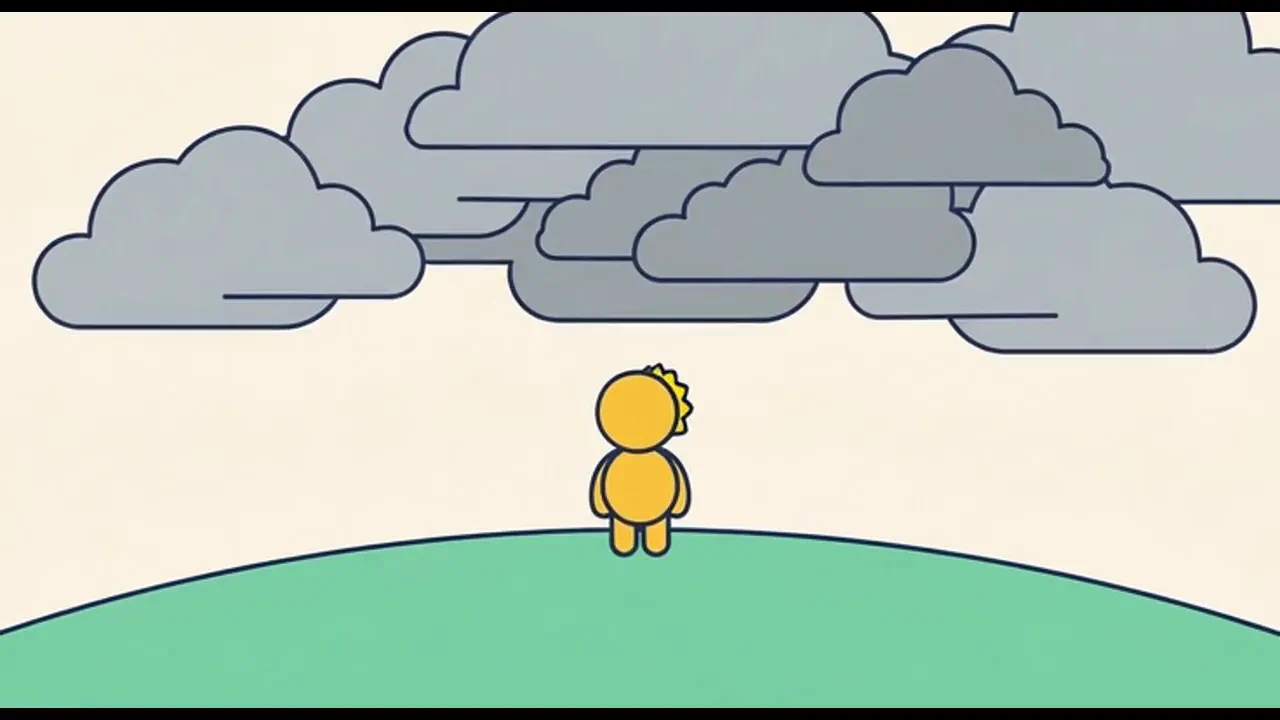
Any kind of animation from your idea, in the style you pick: a single scene in one tap, or a whole episode with the same characters, a title and a score. Choose a direction below or describe your own.

Use NOLGIA to make an Animated cartoon. Any kind of animation from your idea, in the style you pick: a single scene in one tap, or a whole episode with the same characters, a title and a score. Choose a direction below or describe your own.
فتح القالب
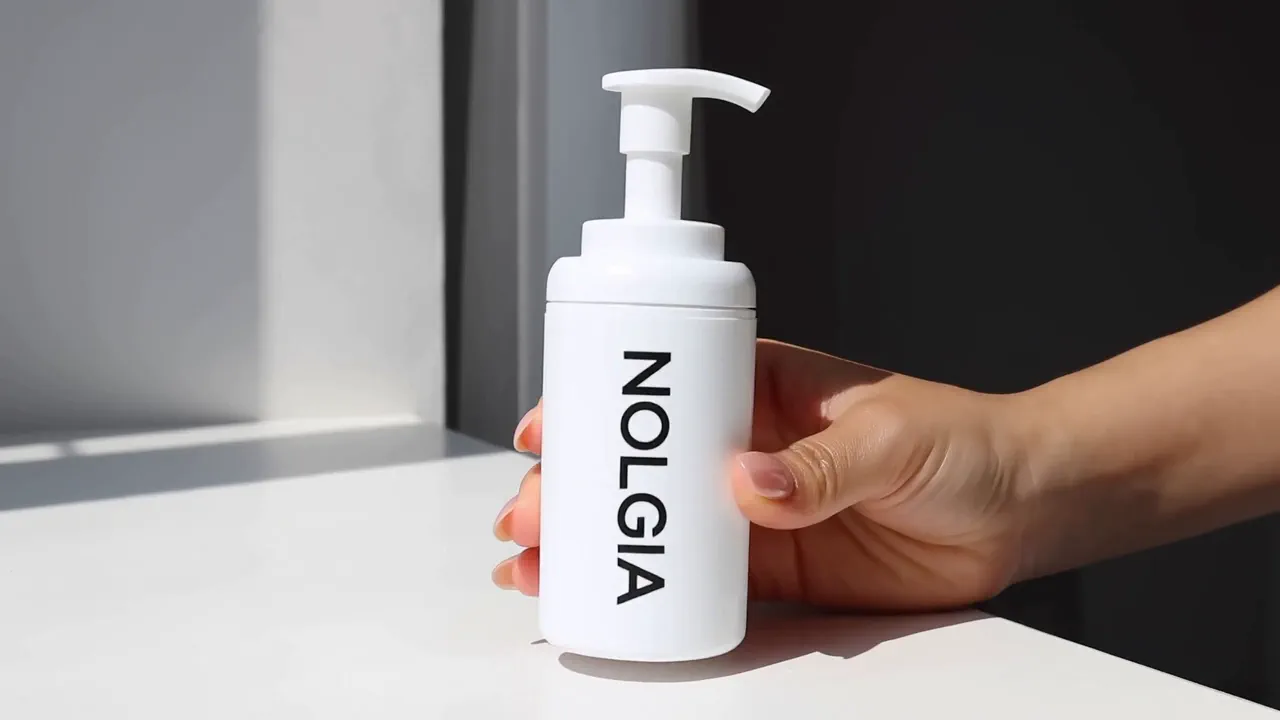
Example output from Hands-on product ad

Hands-on product ad

Your product is the star. Hands on demo footage with sound, no presenter on camera, cut like real phone footage.

Use NOLGIA to make a Hands-on product ad. Your product is the star. Hands on demo footage with sound, no presenter on camera, cut like real phone footage.
فتح القالب
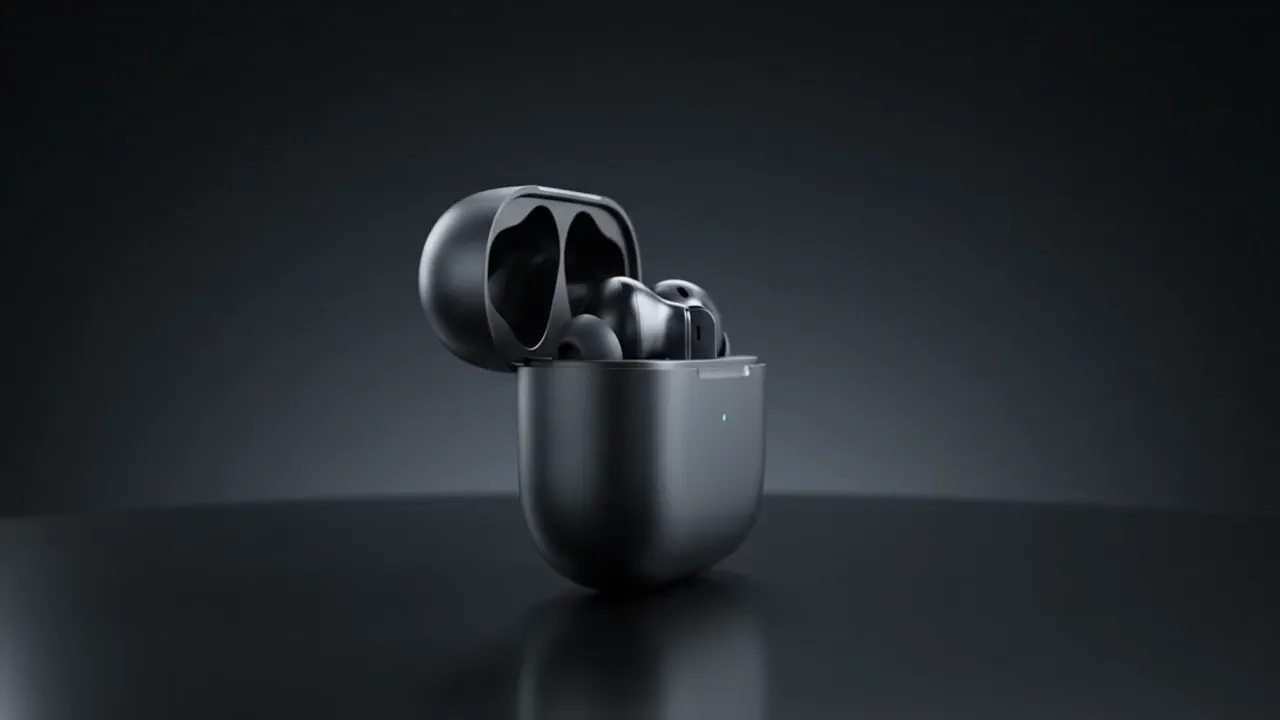
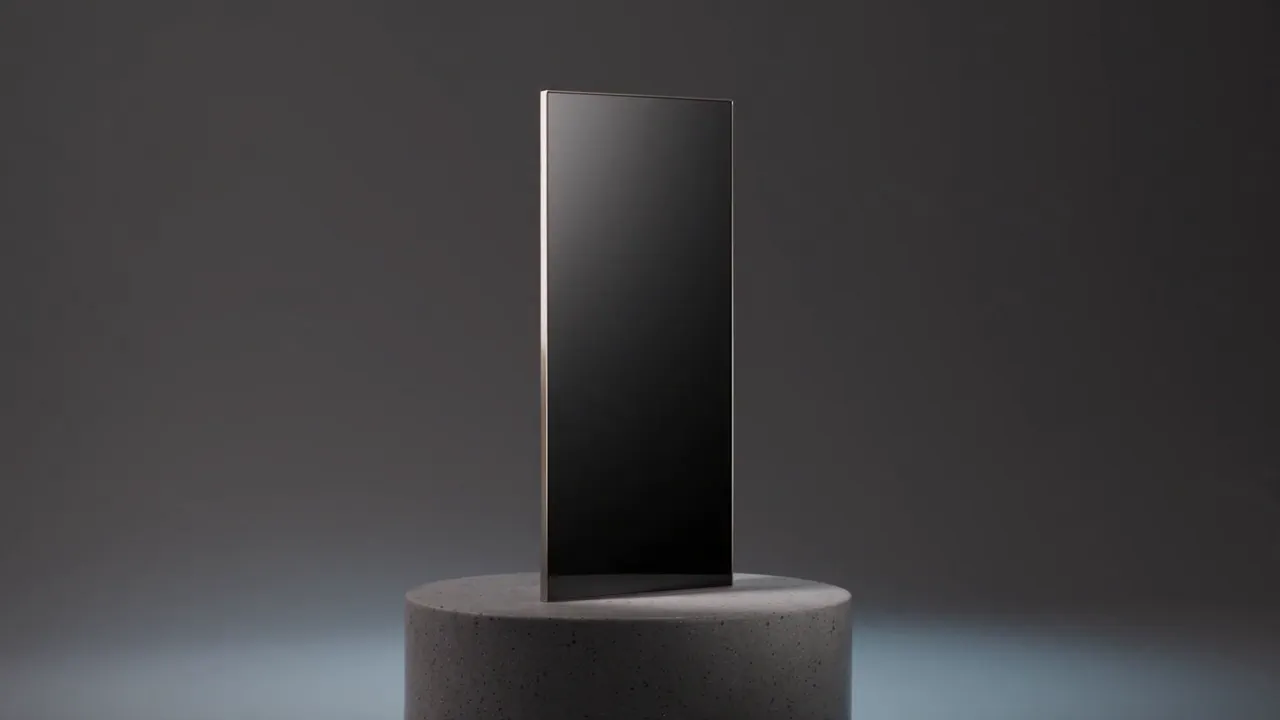
Example output from Product commercial

Product commercial

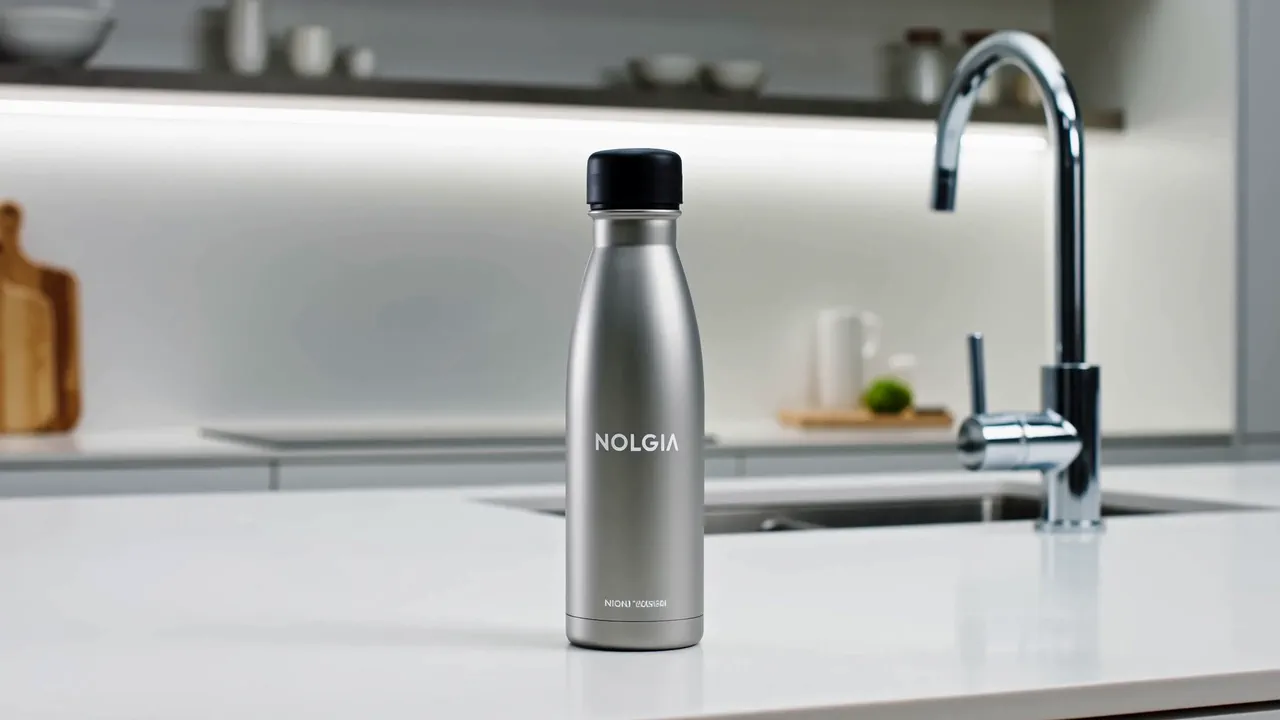
A cinematic commercial for your product: studio light, a slow orbit, and sharp spec callouts that draw themselves in beside it.

Use NOLGIA to make a Product commercial. A cinematic commercial for your product: studio light, a slow orbit, and sharp spec callouts that draw themselves in beside it.
فتح القالب
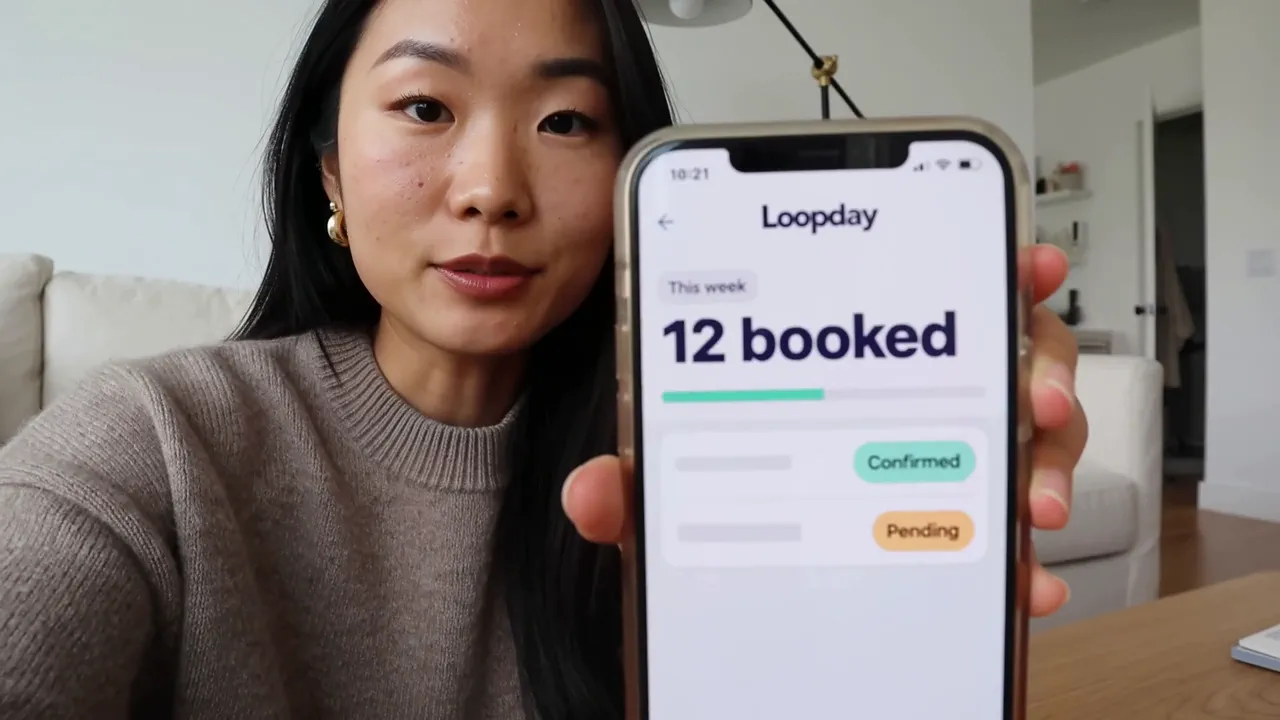
Example output from App ad

App ad

A creator holds your app up to camera and says what it did for them. The app is on the phone in the shot, never pasted over it. Vertical with real spoken audio.

Use NOLGIA to make an App ad. A creator holds your app up to camera and says what it did for them. The app is on the phone in the shot, never pasted over it. Vertical with real spoken audio.
فتح القالب
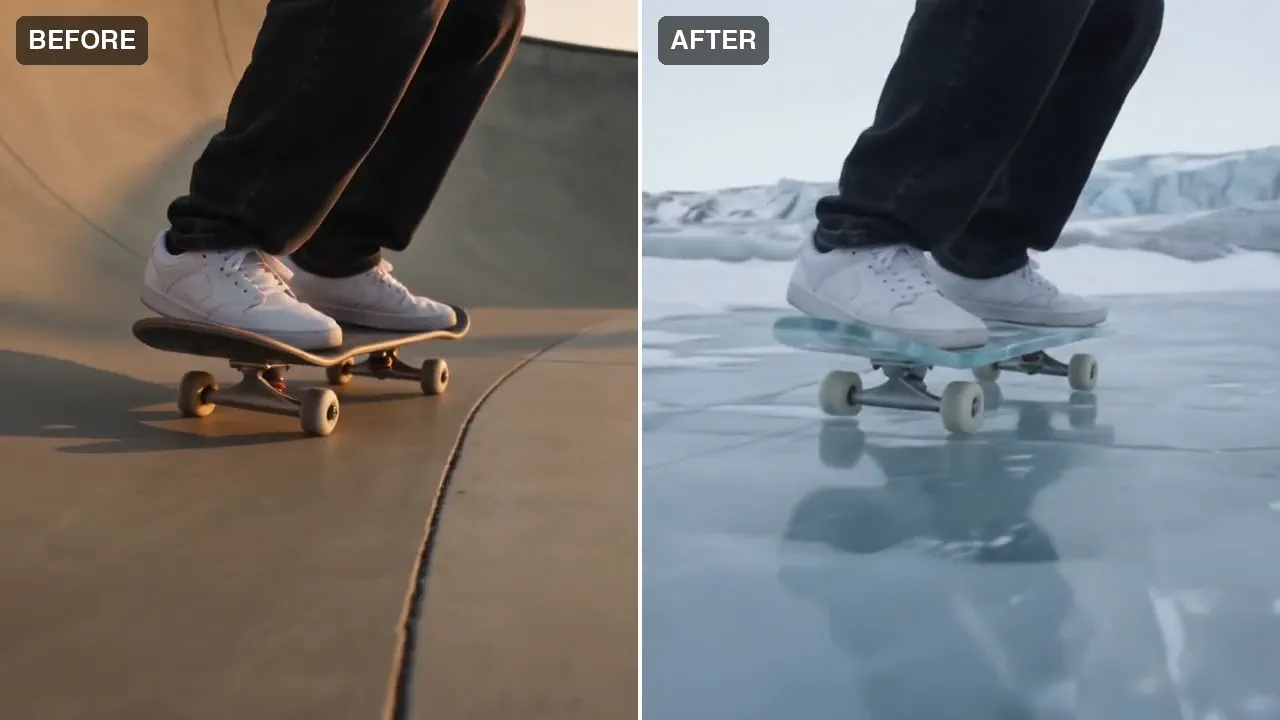
Example output from Miroge: recast your clip

Miroge: recast your clip

Keep the motion, change everything else. Recast a clip you already have with your own people, pets or characters, swap one thing in it, or move it to a new place. The moves, the timing and the camera carry over from your clip.

Use NOLGIA to make a Miroge: recast your clip. Keep the motion, change everything else. Recast a clip you already have with your own people, pets or characters, swap one thing in it, or move it to a new place. The moves, the timing and the camera carry over from your clip.
فتح القالب
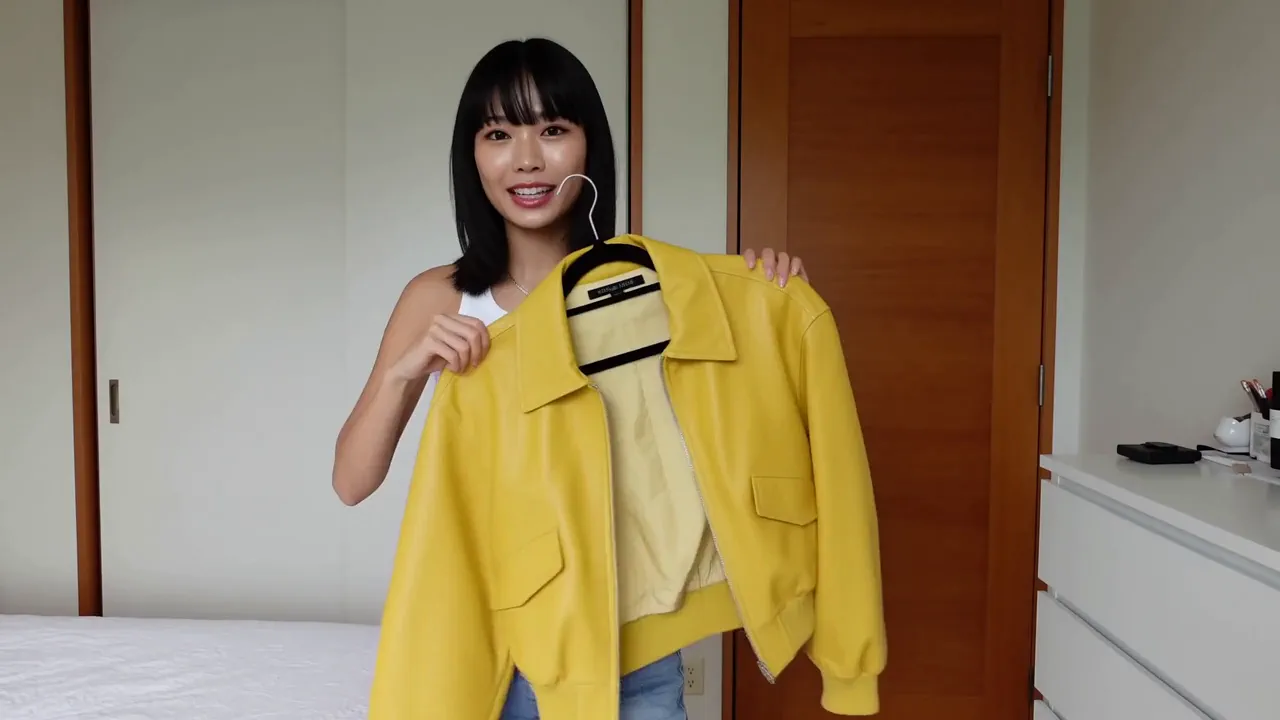
Example output from Outfit try-on

Outfit try-on

A creator shows the piece to camera, then one cut later it is on. The try on beat lands fast, then the fit gets read head to toe with a spoken verdict.

Use NOLGIA to make an Outfit try-on. A creator shows the piece to camera, then one cut later it is on. The try on beat lands fast, then the fit gets read head to toe with a spoken verdict.
فتح القالب
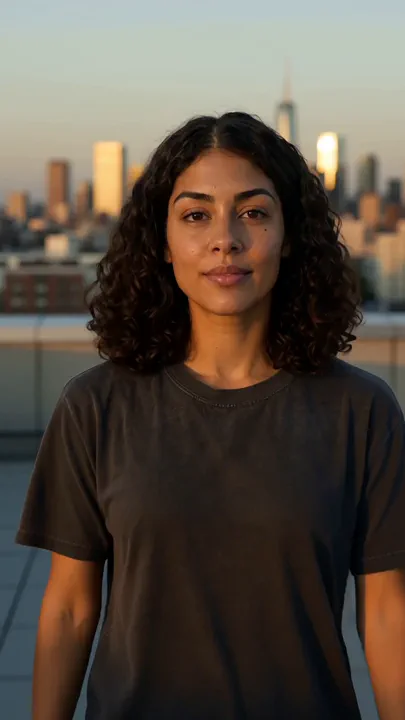
Example output from You on camera

You on camera

A short cinematic clip of you, or any saved character, in the place you pick, with a real camera move.

Use NOLGIA to make a You on camera. A short cinematic clip of you, or any saved character, in the place you pick, with a real camera move.
فتح القالب
Example output from Encore

Encore

Any edit you wish was yours, remade with you in it. Paste the edit, add your photos, your product, your footage or a character, and Encore studies every frame and performs it again, with you.

Use NOLGIA to make an Encore. Any edit you wish was yours, remade with you in it. Paste the edit, add your photos, your product, your footage or a character, and Encore studies every frame and performs it again, with you.
فتح القالب
Example output from Product demo

Product demo

A crisp demo that walks through your product's key features with clean studio shots.

Use NOLGIA to make a Product demo. A crisp demo that walks through your product's key features with clean studio shots.
فتح القالب
Example output from Unboxing reaction

Unboxing reaction

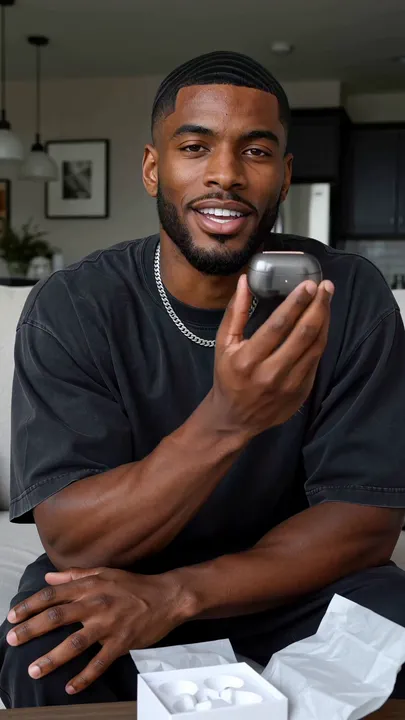
The package opens on camera and the reveal lands as the high point. Vertical with real spoken audio and a genuine first reaction.

Use NOLGIA to make an Unboxing reaction. The package opens on camera and the reveal lands as the high point. Vertical with real spoken audio and a genuine first reaction.
فتح القالب
Example output from Encore Drop

Encore Drop

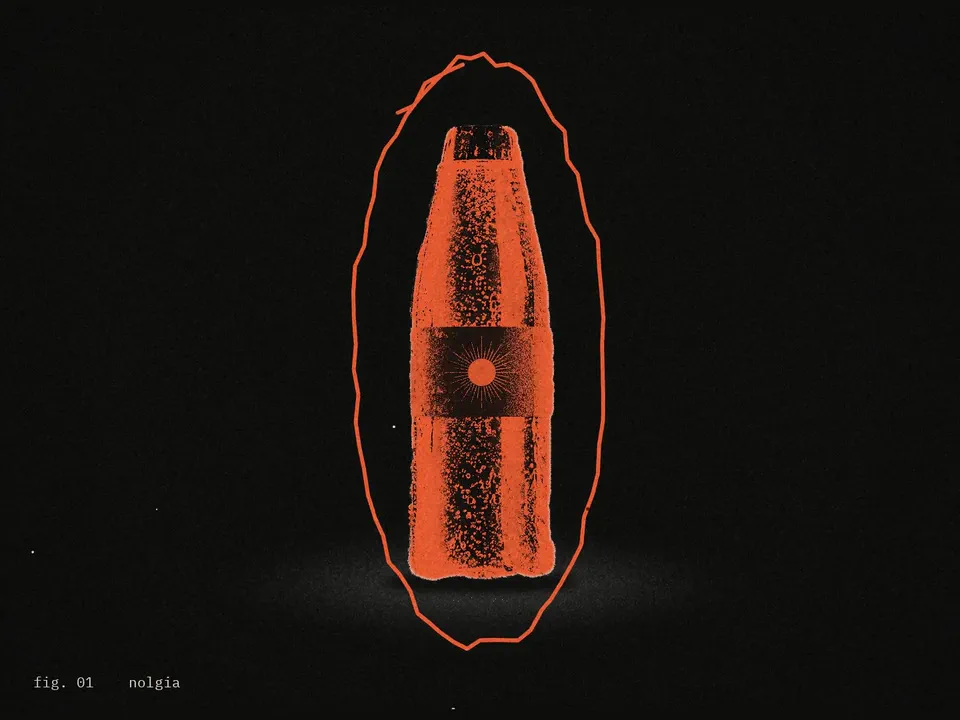
A product launch edit in photocopy editorial style: your product as the only color on black and white paper, figure labels and stamps, your brand stacked and repeated, and an end card with your claim. Cut from your photos and clips with nothing generated, or made from your photos alone.

Use NOLGIA to make an Encore Drop. A product launch edit in photocopy editorial style: your product as the only color on black and white paper, figure labels and stamps, your brand stacked and repeated, and an end card with your claim. Cut from your photos and clips with nothing generated, or made from your photos alone.
فتح القالب
Example output from Encore Travel

Encore Travel

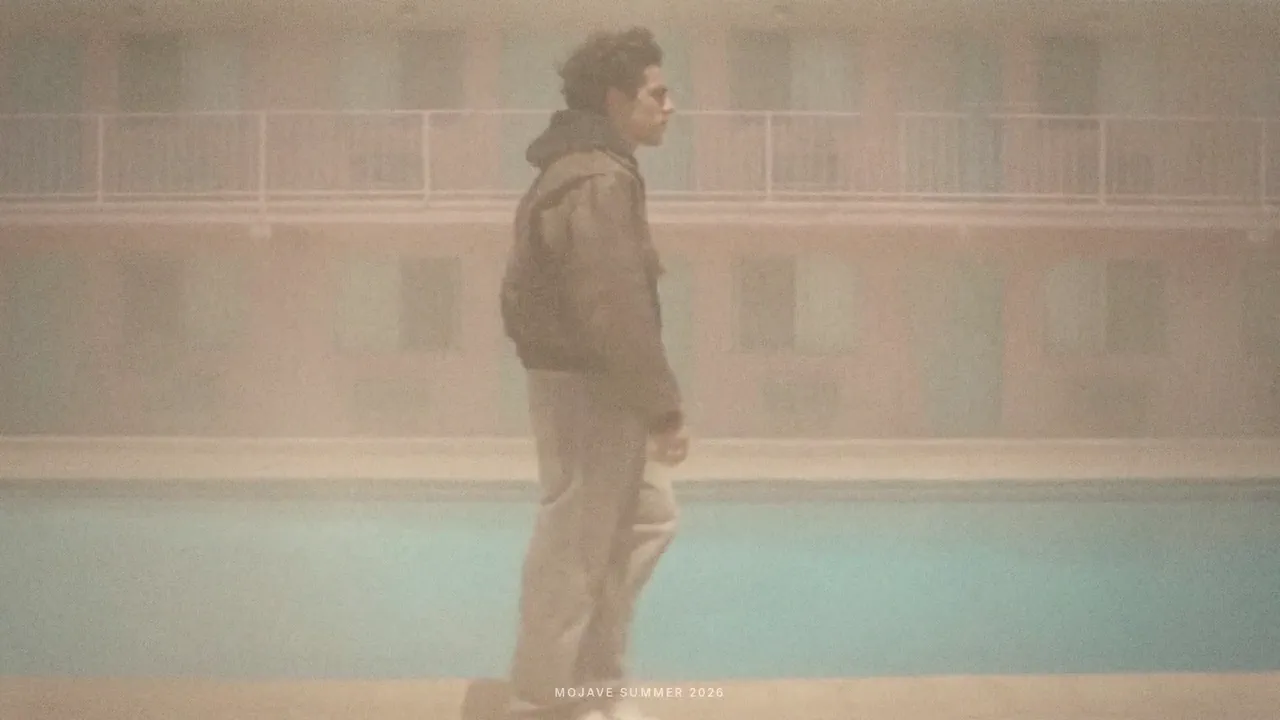
Turn your footage of a place, or one line or one photo of it, into a 28 second mood edit with a typed title, a place word and a handwritten line in your own words. From your footage nothing is generated, so the run is free.

Use NOLGIA to make an Encore Travel. Turn your footage of a place, or one line or one photo of it, into a 28 second mood edit with a typed title, a place word and a handwritten line in your own words. From your footage nothing is generated, so the run is free.
فتح القالب
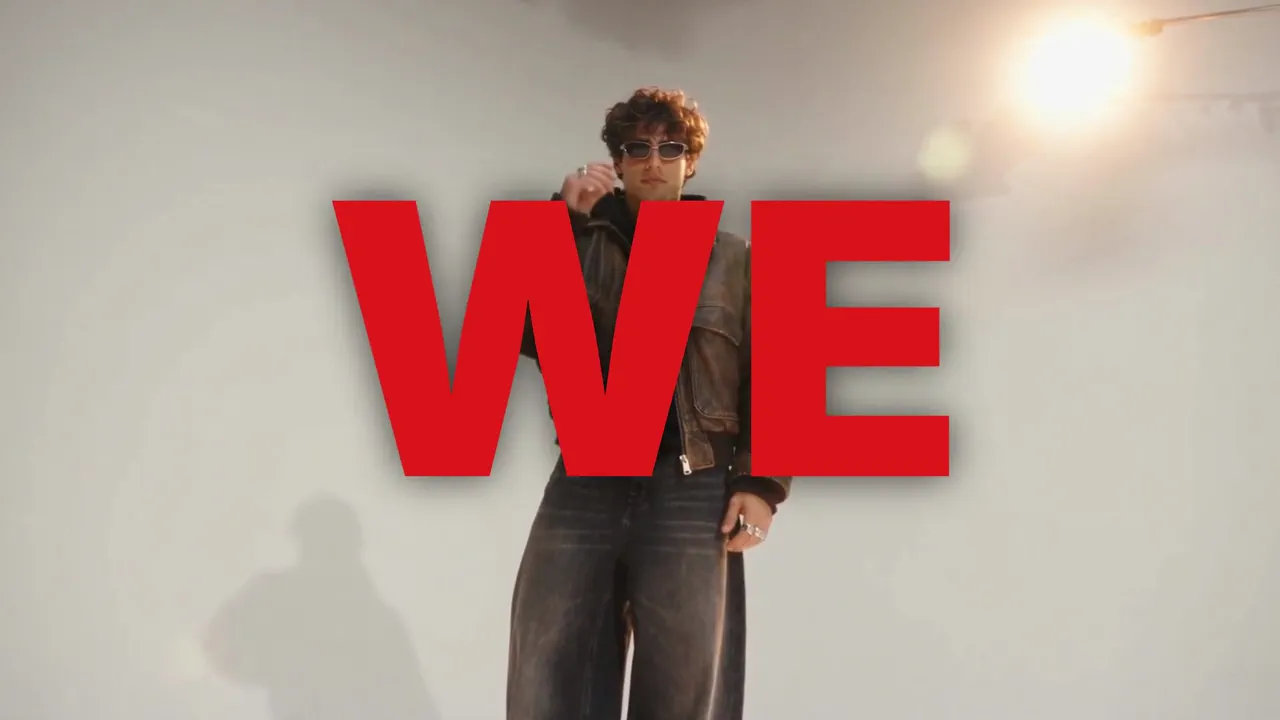
Example output from Encore Lyric

Encore Lyric

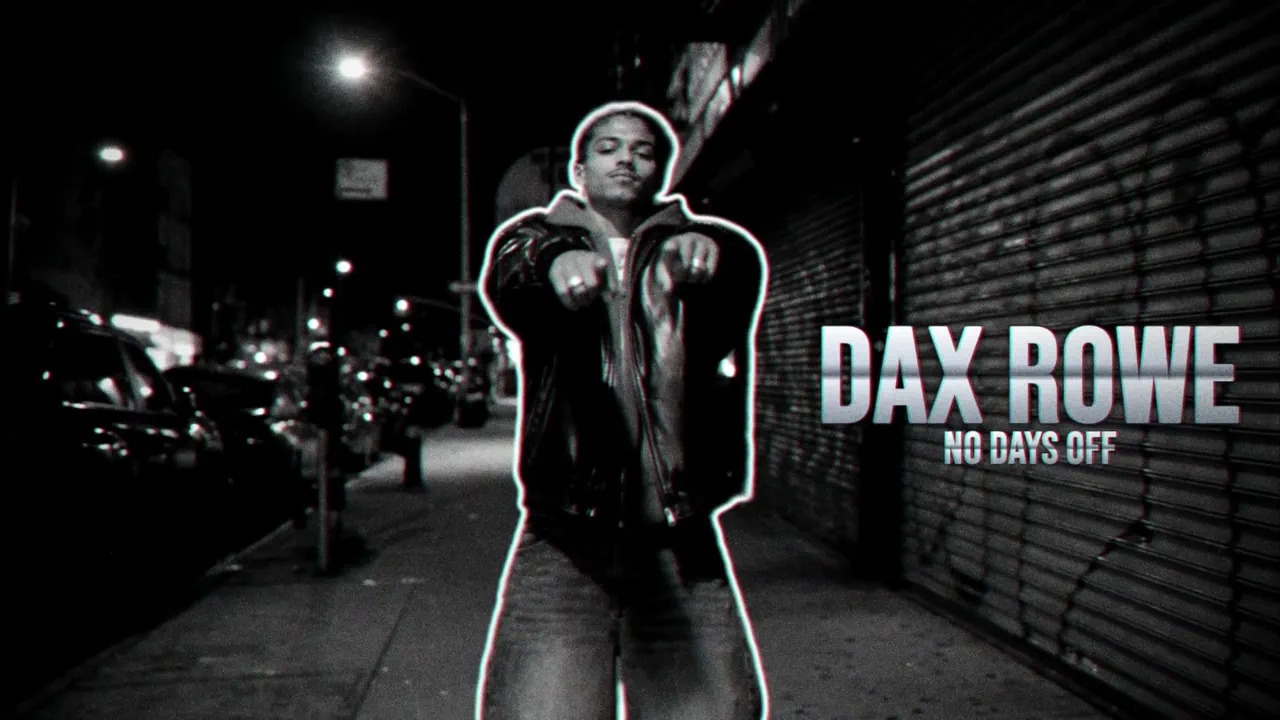
The lyric word edit for musicians: you on seamless, your words typeset behind and over you on every beat, matte swap cuts, a halo close up and a tinted ending, cut to your own song, at 16:9 or 9:16.

Use NOLGIA to make an Encore Lyric. The lyric word edit for musicians: you on seamless, your words typeset behind and over you on every beat, matte swap cuts, a halo close up and a tinted ending, cut to your own song, at 16:9 or 9:16.
فتح القالب
Example output from Encore Fit

Encore Fit

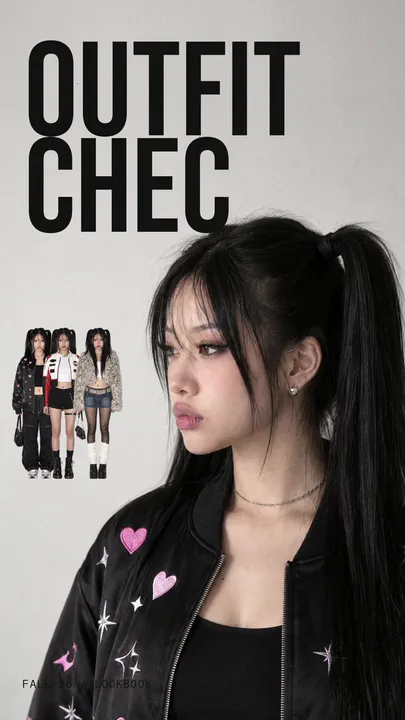
Your outfits as a 12 second vertical lookbook: the question typed over your profile, the lineup of your looks, the winning look picked in red, your walks with sticker cutouts, and the closer.

Use NOLGIA to make an Encore Fit. Your outfits as a 12 second vertical lookbook: the question typed over your profile, the lineup of your looks, the winning look picked in red, your walks with sticker cutouts, and the closer.
فتح القالب
Example output from Encore Car

Encore Car

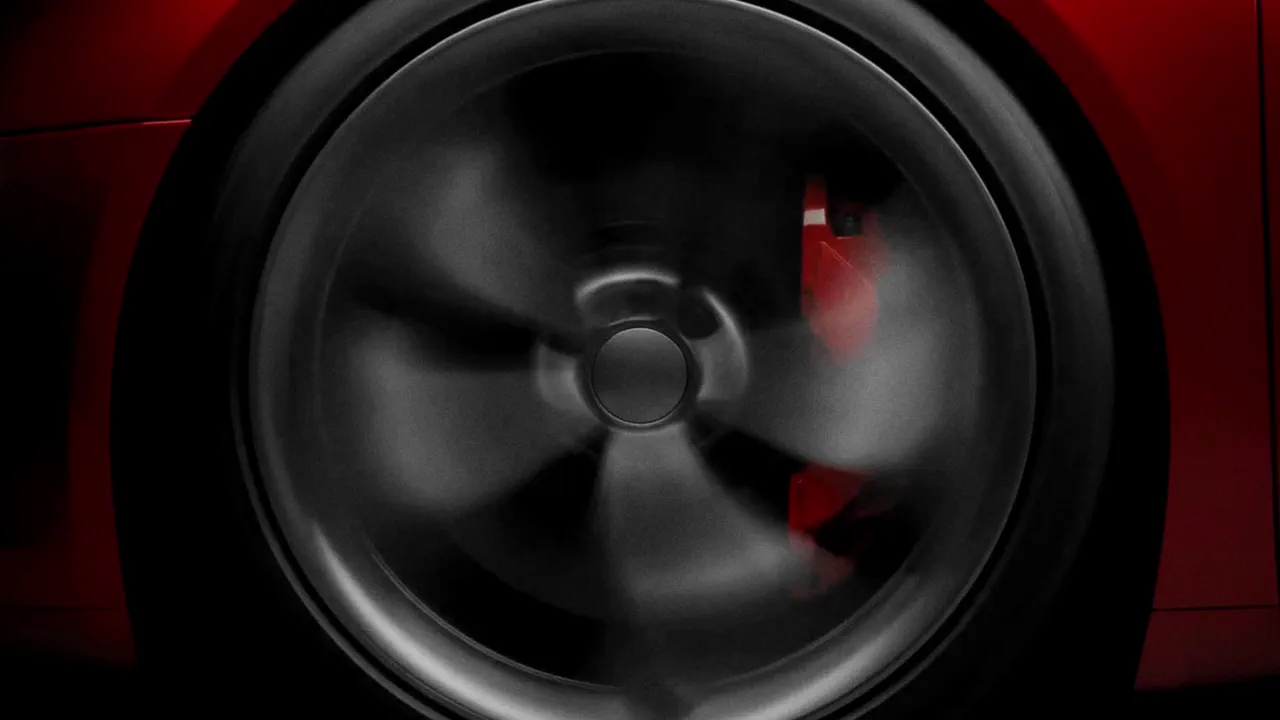
A dark studio reveal of your car, or any hard product, in 18 seconds: light sweeping along it, white flash cuts, a gauge, the name on a plate, printed pages, the reveal and a white flash out.

Use NOLGIA to make an Encore Car. A dark studio reveal of your car, or any hard product, in 18 seconds: light sweeping along it, white flash cuts, a gauge, the name on a plate, printed pages, the reveal and a white flash out.
فتح القالب
Example output from How to tutorial

How to tutorial

A presenter walks through how to use your product in three to five real steps, talking to camera with both hands on the product.

Use NOLGIA to make a How to tutorial. A presenter walks through how to use your product in three to five real steps, talking to camera with both hands on the product.
فتح القالب
Example output from Encore Hero

Encore Hero

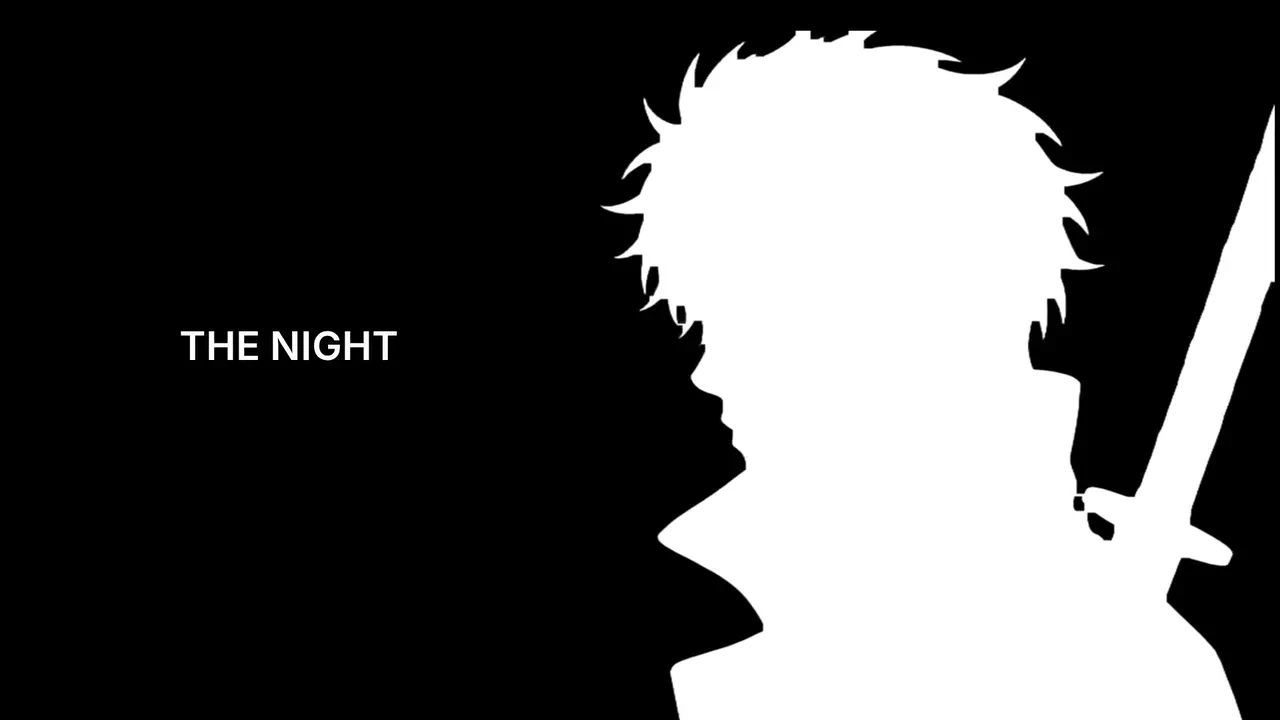
One photo in, an anime opening out: you drawn in flat cel style, a silhouette intro with typed lines, teal panels, a sword draw or an energy strike, a card collage and a walk over a giant glowing eye. Or go cinematic: a 28 second trailer of you in armour.

Use NOLGIA to make an Encore Hero. One photo in, an anime opening out: you drawn in flat cel style, a silhouette intro with typed lines, teal panels, a sword draw or an energy strike, a card collage and a walk over a giant glowing eye. Or go cinematic: a 28 second trailer of you in armour.
فتح القالب
Example output from Encore Talk

Encore Talk

Your script said by your character, or your own talking clip, cut like a trailer: word by word captions with one colored word per line, hard cuts and an end card with one word.

Use NOLGIA to make an Encore Talk. Your script said by your character, or your own talking clip, cut like a trailer: word by word captions with one colored word per line, hard cuts and an end card with one word.
فتح القالب
Example output from Encore MV FX

Encore MV FX

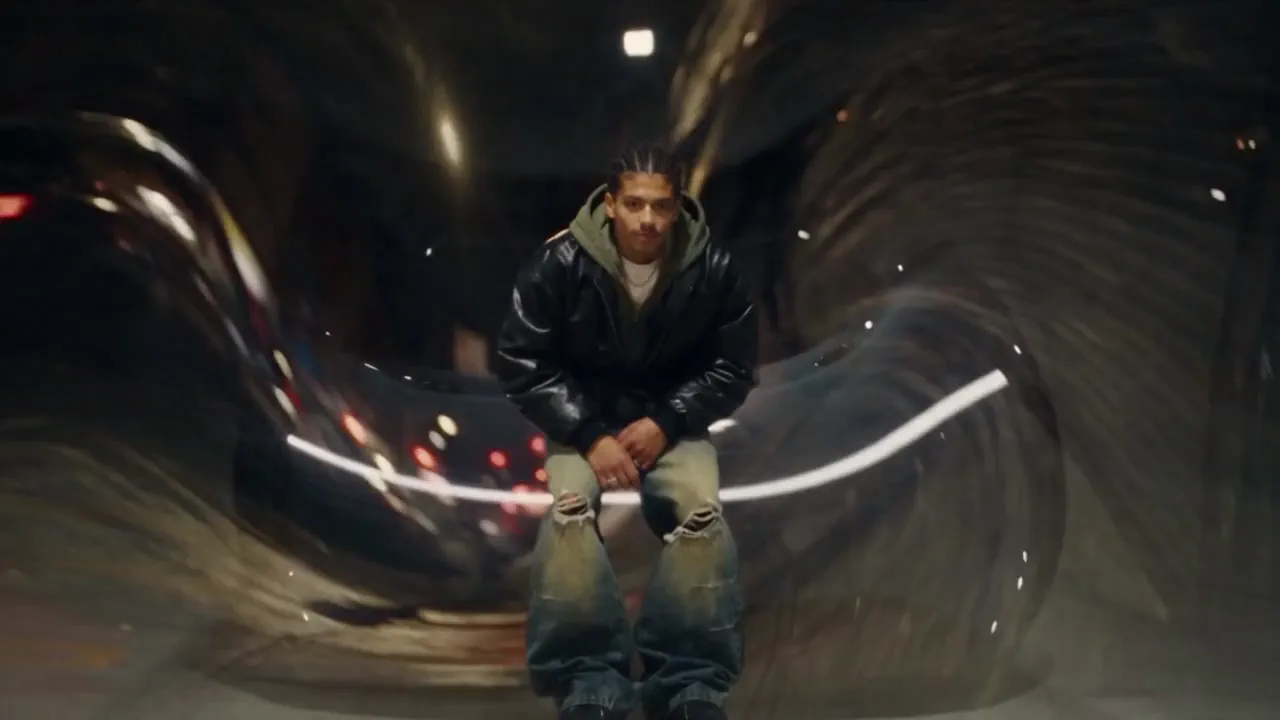
Your own music video cut and your song, on the beat. ROTO dresses you in a neon rim, marker doodles, clones and echo trails; TAPE plays it back as VHS, with static at your cuts, glitches, film burns and a lens punch. Your words land big behind you, with an optional freeze intro with your name and a 9:16 copy that follows you. Only the matte of your cut is made, about 3 credits a second.

Use NOLGIA to make an Encore MV FX. Your own music video cut and your song, on the beat. ROTO dresses you in a neon rim, marker doodles, clones and echo trails; TAPE plays it back as VHS, with static at your cuts, glitches, film burns and a lens punch. Your words land big behind you, with an optional freeze intro with your name and a 9:16 copy that follows you. Only the matte of your cut is made, about 3 credits a second.
فتح القالب
Example output from Encore Morph

Encore Morph

Your own shots in order, with an AI morph at every cut that melts one shot into the next. Each morph is pressed into its cut, so the edit keeps its length and stays on your song. 45 credits a morph, with a 9:16 copy on your face.

Use NOLGIA to make an Encore Morph. Your own shots in order, with an AI morph at every cut that melts one shot into the next. Each morph is pressed into its cut, so the edit keeps its length and stays on your song. 45 credits a morph, with a 9:16 copy on your face.
فتح القالب
Example output from Hook score

Hook score

Send one finished video and get a Hook Score out of 100: how well the first three seconds stop the scroll, the pacing, the words on screen and the call to action. You get the strongest second, notes on your first frame and three fixes you can make today, then the option to make a stronger version.

Use NOLGIA to make a Hook score. Send one finished video and get a Hook Score out of 100: how well the first three seconds stop the scroll, the pacing, the words on screen and the call to action. You get the strongest second, notes on your first frame and three fixes you can make today, then the option to make a stronger version.
فتح القالب
Example output from Narrated channel video

Narrated channel video

Storybook style channel visuals in a locked look, ready for your narration. Pick a style once and every video after matches it.

Use NOLGIA to make a Narrated channel video. Storybook style channel visuals in a locked look, ready for your narration. Pick a style once and every video after matches it.
فتح القالب
Example output from Narrated explainer

Narrated explainer

Any topic or document turned into a finished narrated video: one voice, one illustrated style, a new scene every ten seconds, cut together and ready to share.

Use NOLGIA to make a Narrated explainer. Any topic or document turned into a finished narrated video: one voice, one illustrated style, a new scene every ten seconds, cut together and ready to share.
فتح القالب
Example output from Fashion film

Fashion film

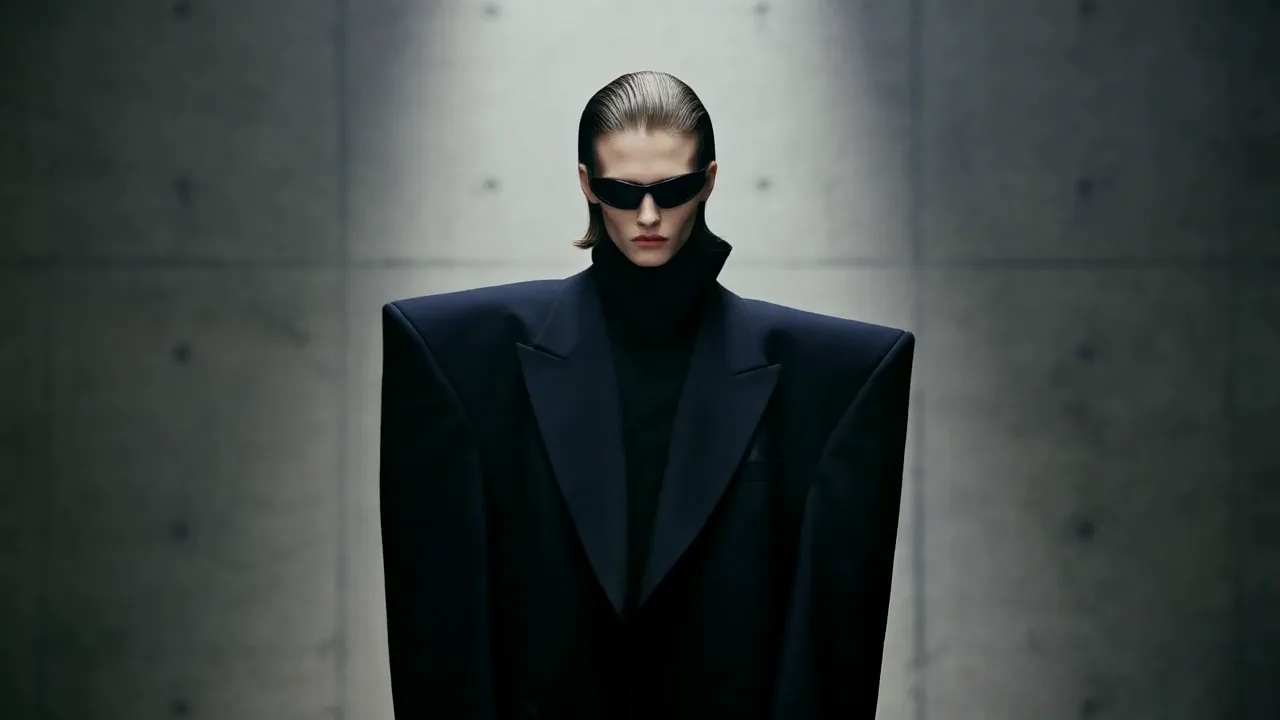
A 60 second editorial fashion film. A face hook, a garment hero, movement, street, editorial and hero close beats cast from one reference model, resolved on a brand end card.

Use NOLGIA to make a Fashion film. A 60 second editorial fashion film. A face hook, a garment hero, movement, street, editorial and hero close beats cast from one reference model, resolved on a brand end card.
فتح القالب
Example output from Music video

Music video

A stylized multi-scene music video: synced cuts, bold looks, and a consistent visual world.

Use NOLGIA to make a Music video. A stylized multi-scene music video: synced cuts, bold looks, and a consistent visual world.
فتح القالب
Example output from AI influencer

AI influencer

Build an original AI influencer step by step, approve their character sheet, then make vertical videos with them: deadpan dances, shadowboxing, runway walks and one-line skits, the strange-character style filling Reels and TikTok.

Use NOLGIA to make an AI influencer. Build an original AI influencer step by step, approve their character sheet, then make vertical videos with them: deadpan dances, shadowboxing, runway walks and one-line skits, the strange-character style filling Reels and TikTok.
فتح القالب
Example output from Nostalgic home video

Nostalgic home video

A vertical clip that looks like old home-video footage: one completely unusual thing inside an ordinary, believable world, filmed by someone with a cheap camera who kept rolling.

Use NOLGIA to make a Nostalgic home video. A vertical clip that looks like old home-video footage: one completely unusual thing inside an ordinary, believable world, filmed by someone with a cheap camera who kept rolling.
فتح القالب
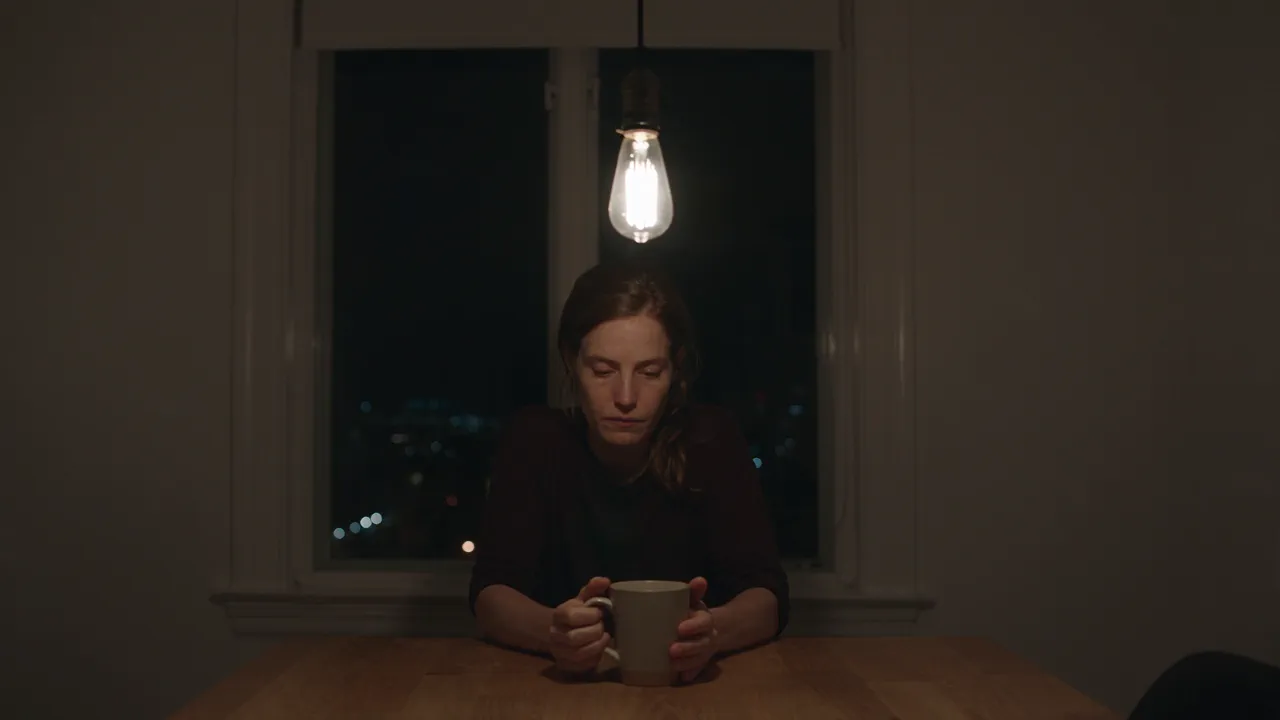
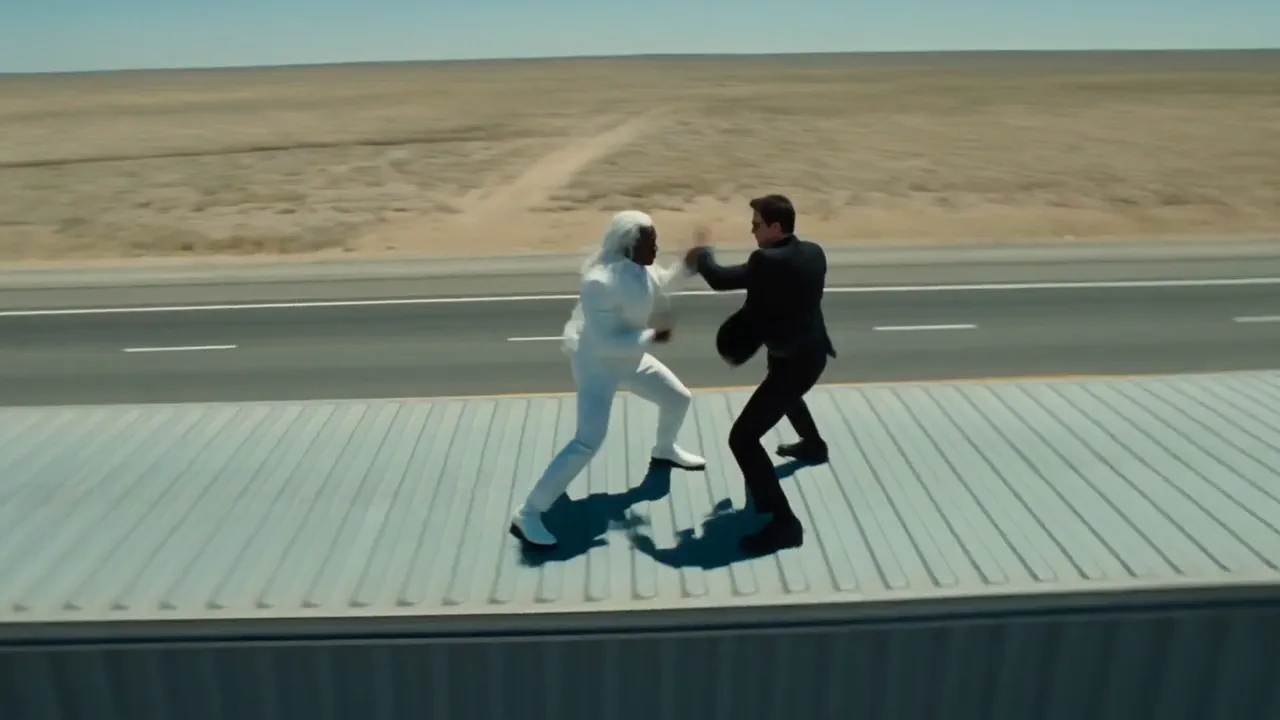
Example output from Film scene

Film scene

A film moment built from a written plan: an action beat, a dialogue scene, a mood piece, a chase, an establishing shot or one long take. Written blocking and physics first, then rendered on the lane the material needs, gated cut by cut.

Use NOLGIA to make a Film scene. A film moment built from a written plan: an action beat, a dialogue scene, a mood piece, a chase, an establishing shot or one long take. Written blocking and physics first, then rendered on the lane the material needs, gated cut by cut.
فتح القالب
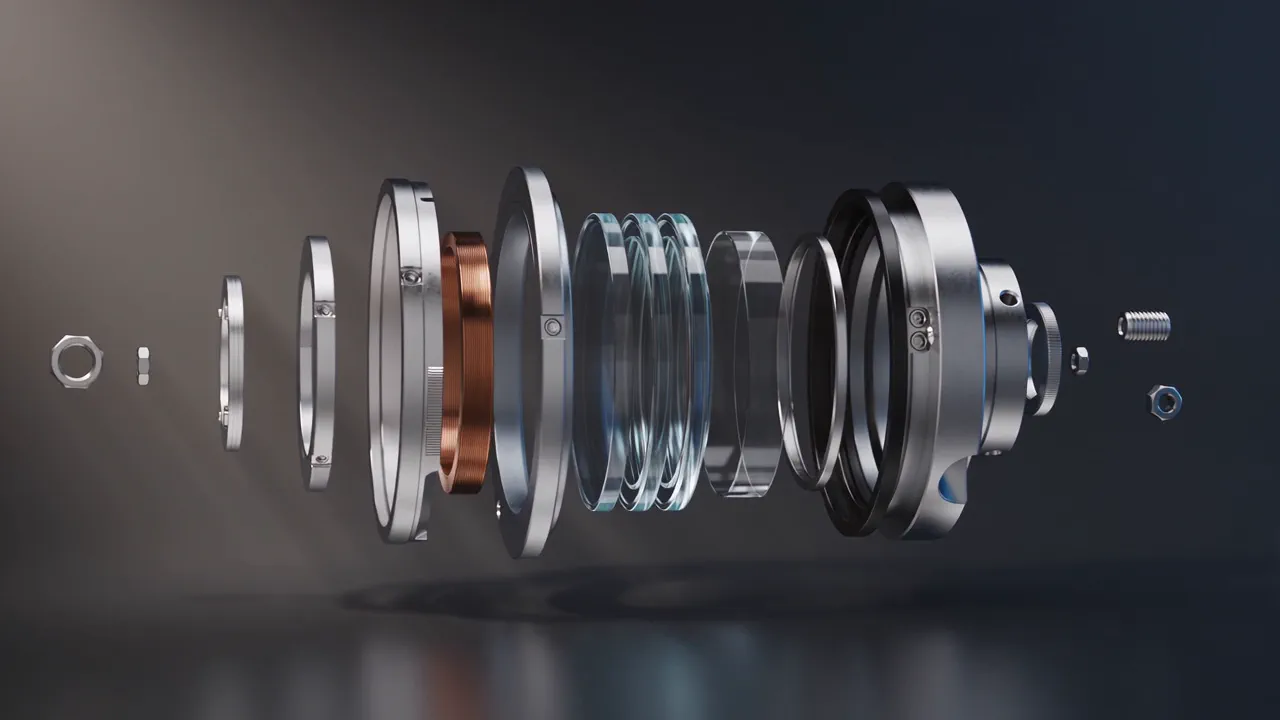
Example output from Exploded Engine Showcase

Exploded Engine Showcase

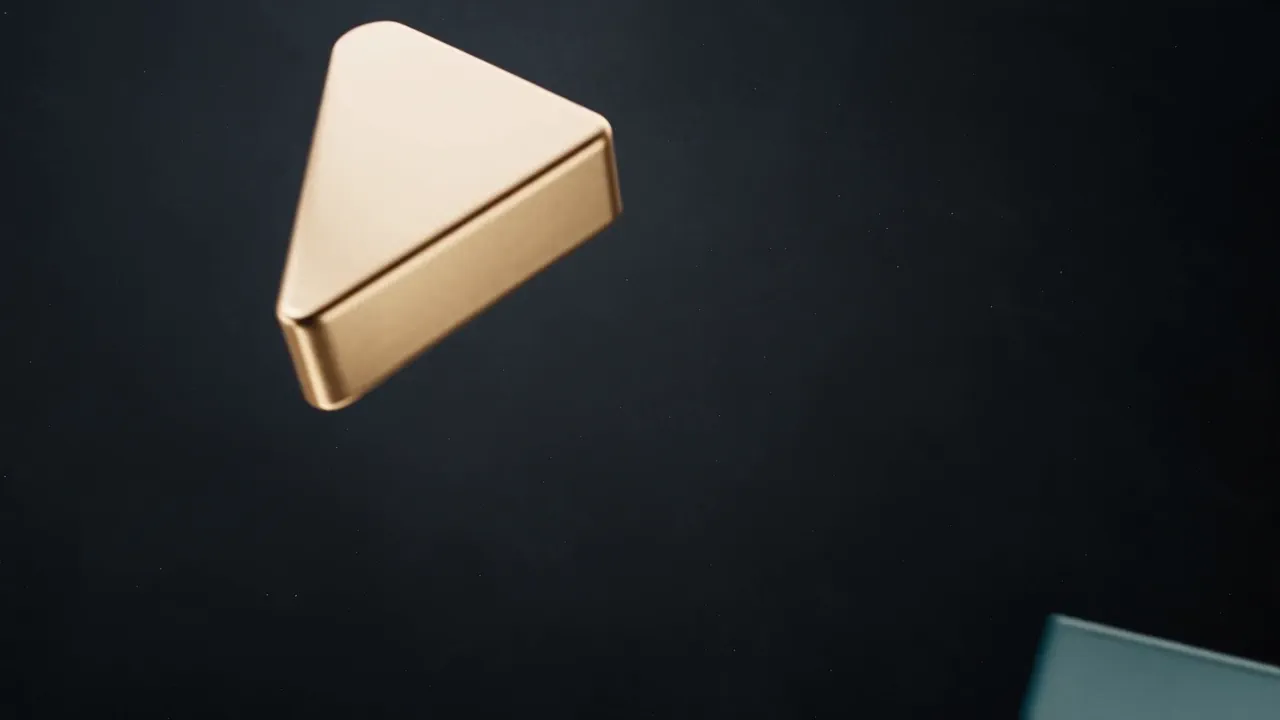
Your product taken apart in mid air: every part floating in its own place through a slow studio orbit, then easing back together. The shot hardware brands pay a 3D studio for.

Use NOLGIA to make an Exploded Engine Showcase. Your product taken apart in mid air: every part floating in its own place through a slow studio orbit, then easing back together. The shot hardware brands pay a 3D studio for.
فتح القالب
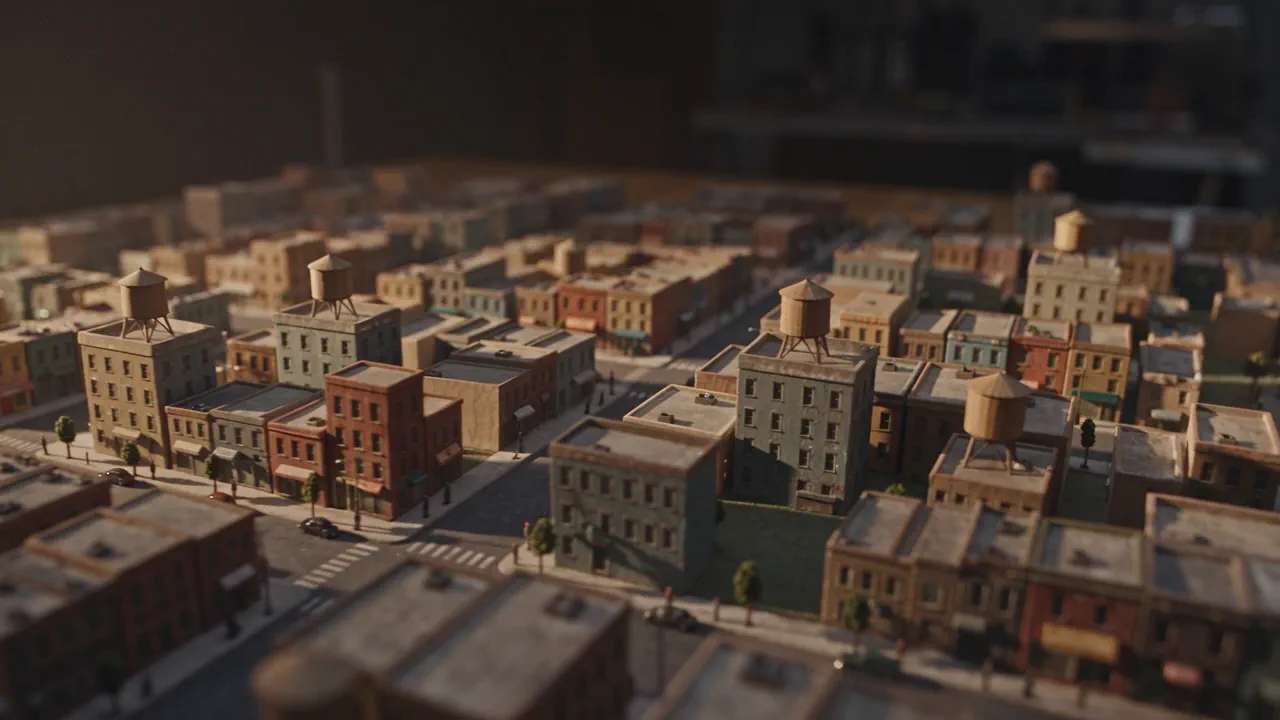
Example output from City Reconstruction

City Reconstruction

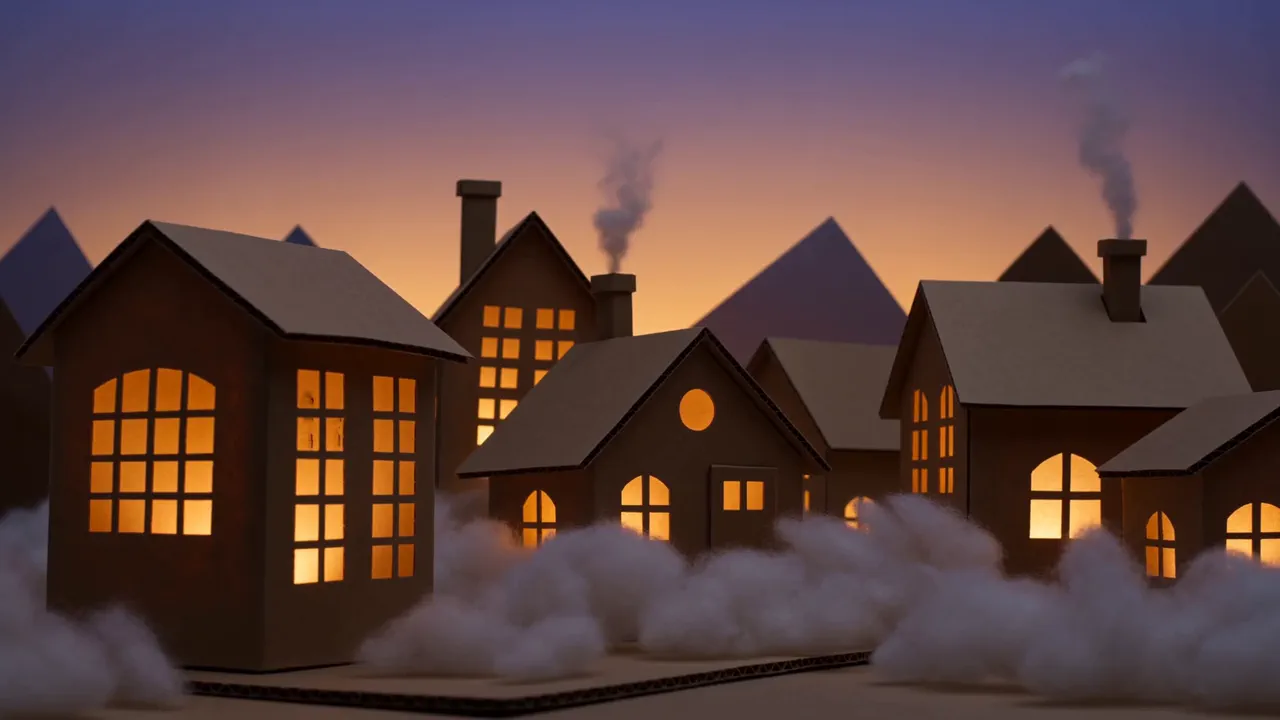
A city built as a handmade tabletop model and filmed as a low drone pass, with a tilt shift band of focus that makes the whole world feel tiny.

Use NOLGIA to make a City Reconstruction. A city built as a handmade tabletop model and filmed as a low drone pass, with a tilt shift band of focus that makes the whole world feel tiny.
فتح القالب
Example output from Build a solar system

Build a solar system

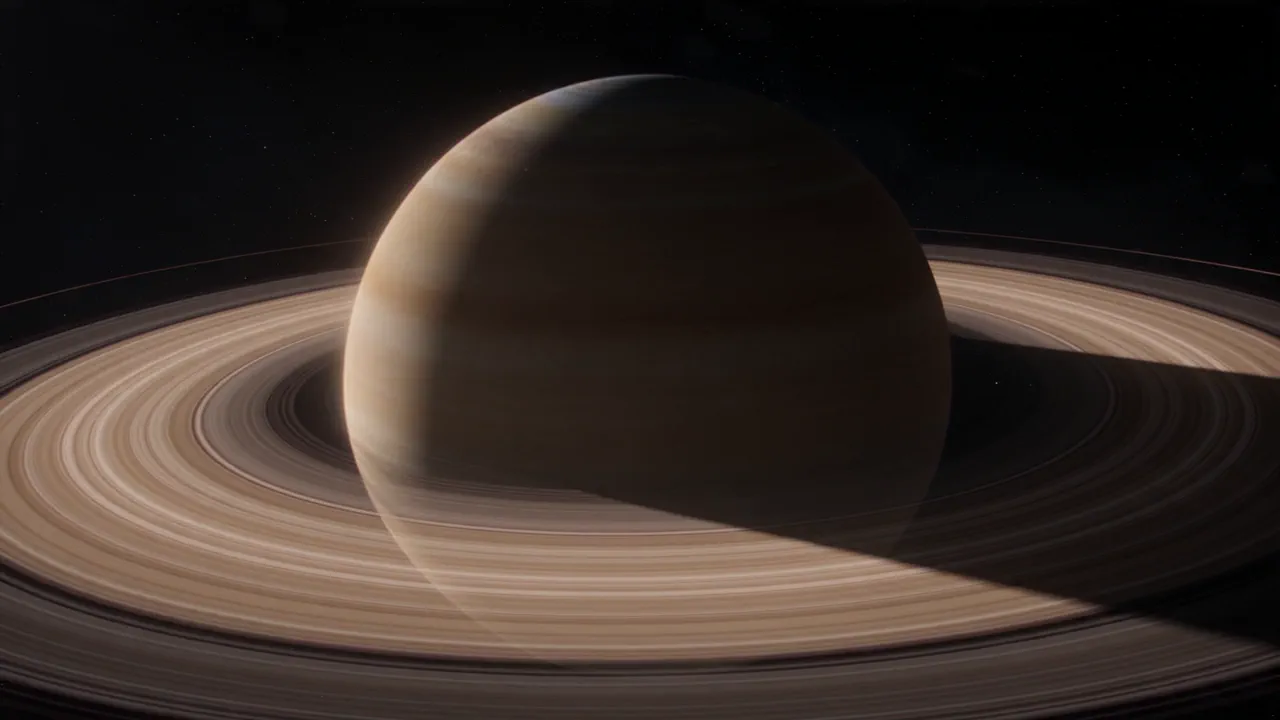
A scientifically honest visualization: planets on real orbits, a cell dividing, a weather system turning. Accurate light, no labels baked in, no lens flares.

Use NOLGIA to make a Build a solar system. A scientifically honest visualization: planets on real orbits, a cell dividing, a weather system turning. Accurate light, no labels baked in, no lens flares.
فتح القالب
Example output from Robot turntable and pose test

Robot turntable and pose test

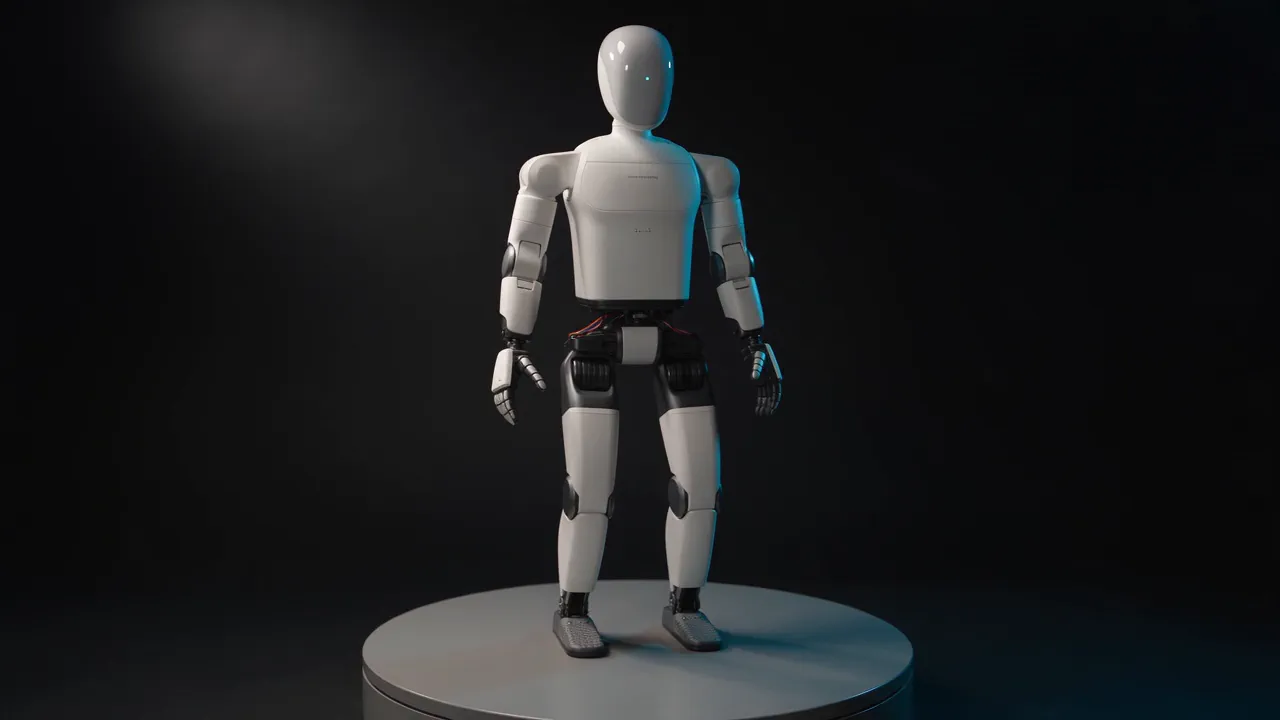
Your robot turning on a studio turntable while it works one joint: a locked wide, a steady rotation, and a calm articulation move so the build reads from every side.

Use NOLGIA to make a Robot turntable and pose test. Your robot turning on a studio turntable while it works one joint: a locked wide, a steady rotation, and a calm articulation move so the build reads from every side.
فتح القالب
Example output from Simulate a car crash

Simulate a car crash

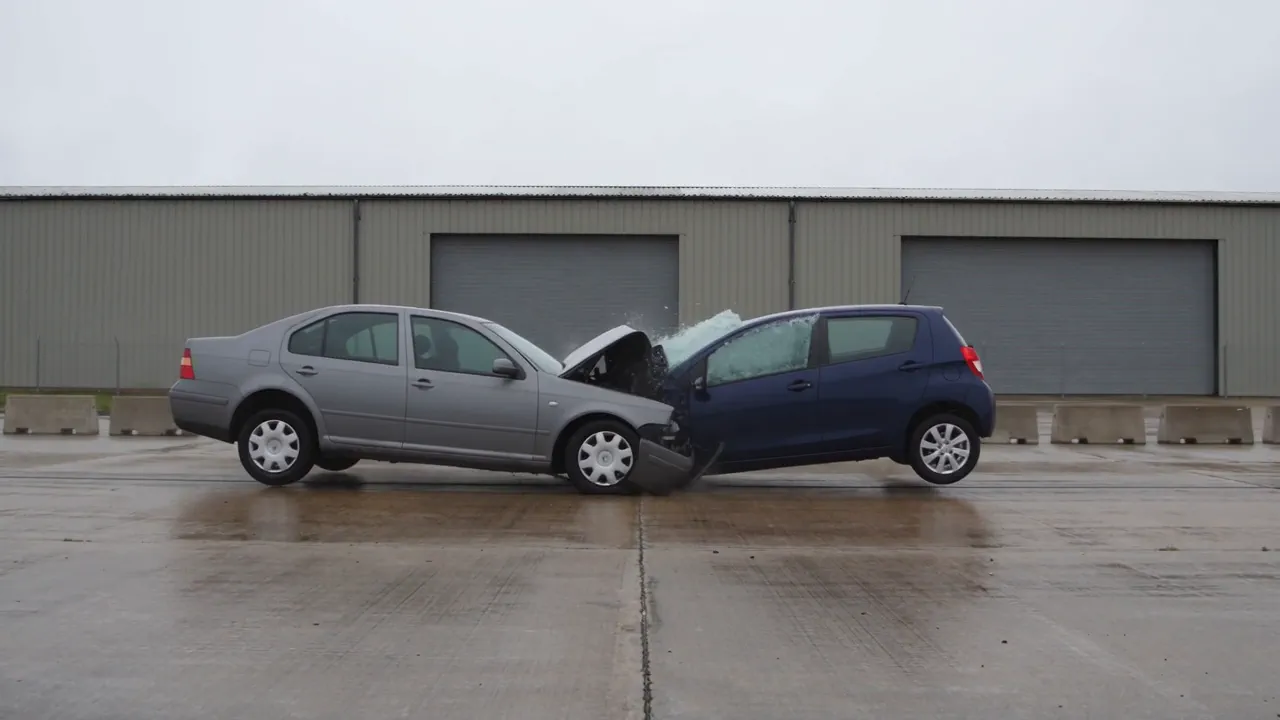
A two vehicle collision as one continuous cinematic take: real crumple, glass and debris, the wreck coming to rest in frame. Deserted street, empty cabs, nothing branded.

Use NOLGIA to make a Simulate a car crash. A two vehicle collision as one continuous cinematic take: real crumple, glass and debris, the wreck coming to rest in frame. Deserted street, empty cabs, nothing branded.
فتح القالب
Example output from Build New York City from blocks

Build New York City from blocks

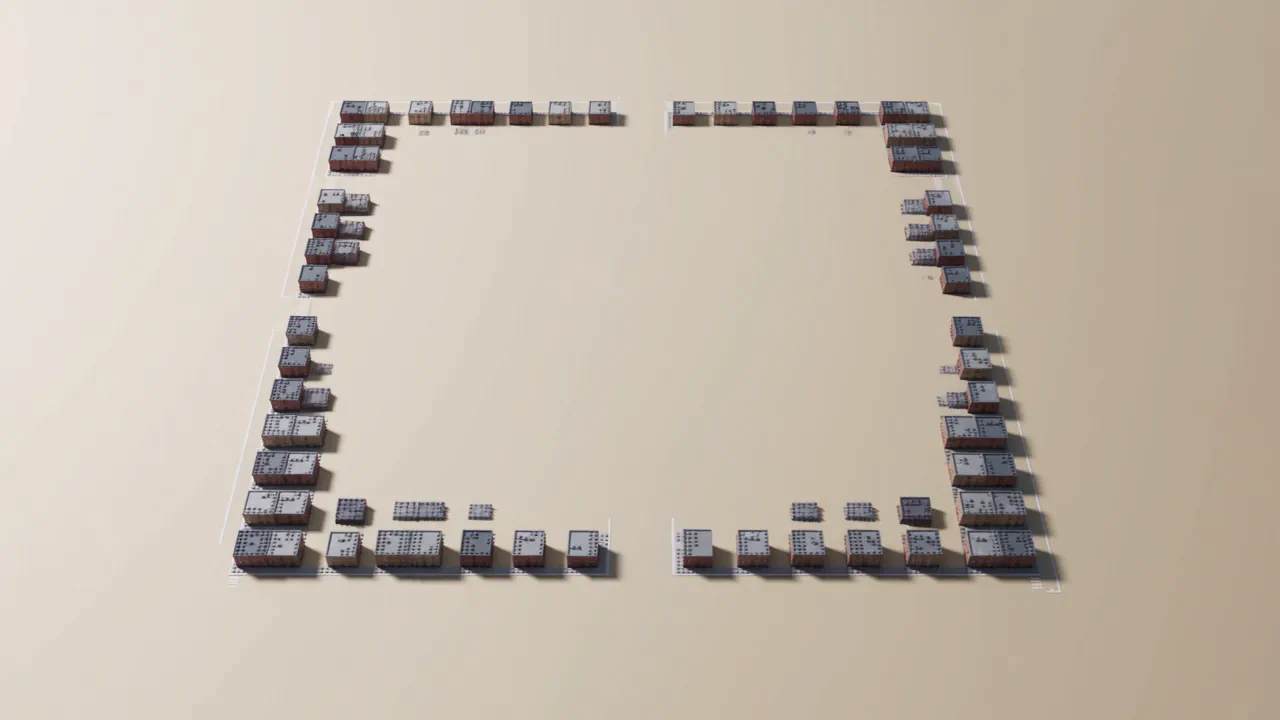
A city that builds itself out of toy blocks and then lets you fly through it: the towers climbing out of the grid from above, then a low glide down one finished avenue.

Use NOLGIA to make a Build New York City from blocks. A city that builds itself out of toy blocks and then lets you fly through it: the towers climbing out of the grid from above, then a low glide down one finished avenue.
فتح القالب
Example output from Animate your logo

Animate your logo

Your mark as a short studio-style ident: a small original scene that plays out and resolves into your logo, the way a film studio opens a movie. Whimsical, majestic, playful or minimal, in any world you like.
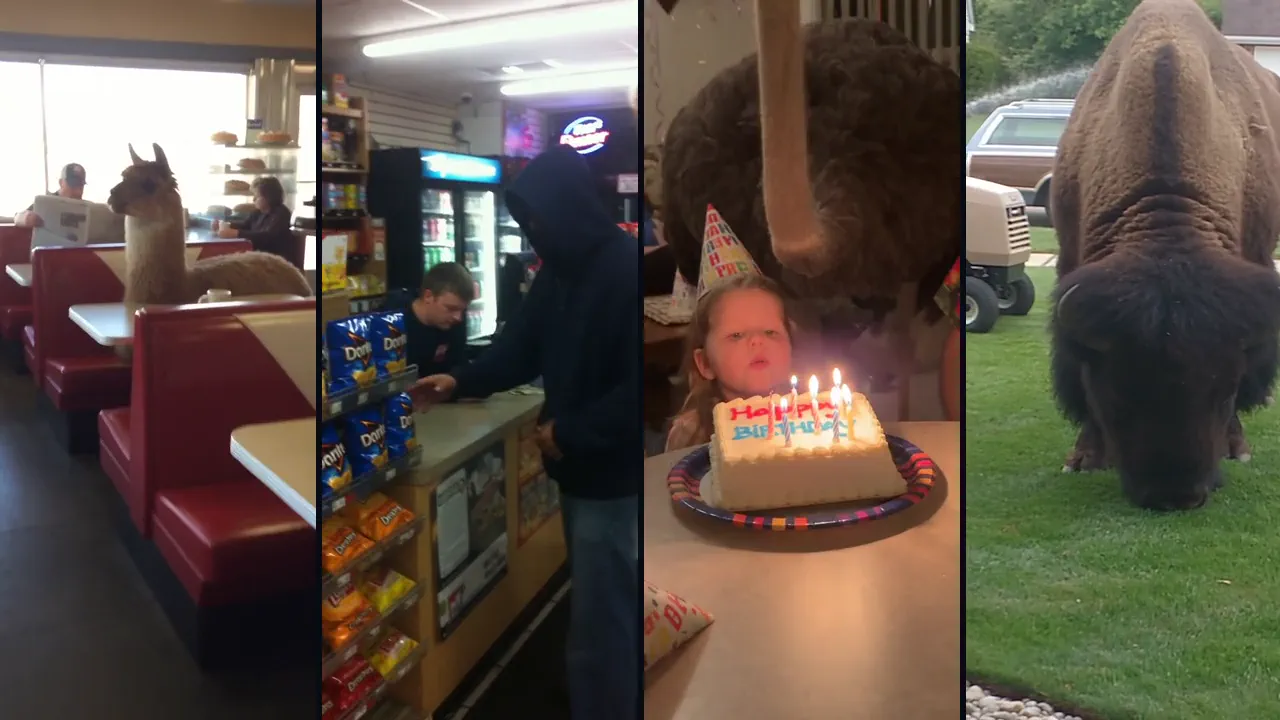
Use NOLGIA to make an Animate your logo. Your mark as a short studio-style ident: a small original scene that plays out and resolves into your logo, the way a film studio opens a movie. Whimsical, majestic, playful or minimal, in any world you like.
فتح القالب
Example output from Musical performance

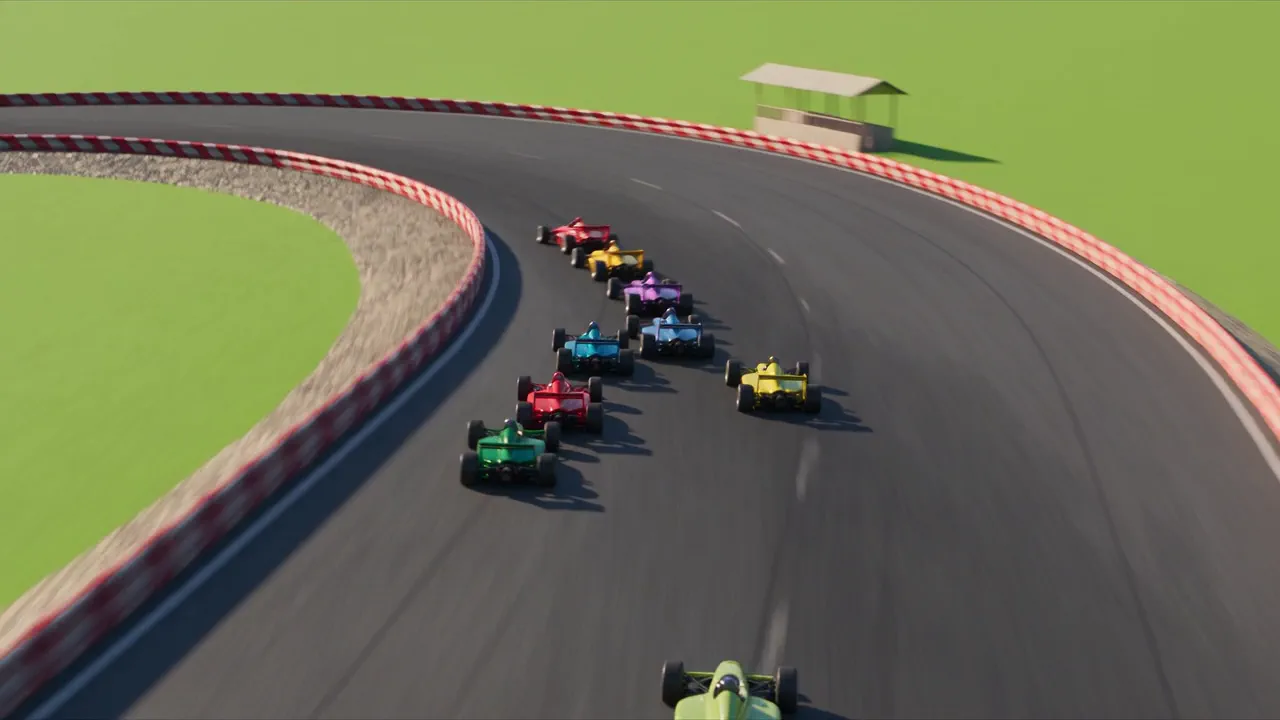
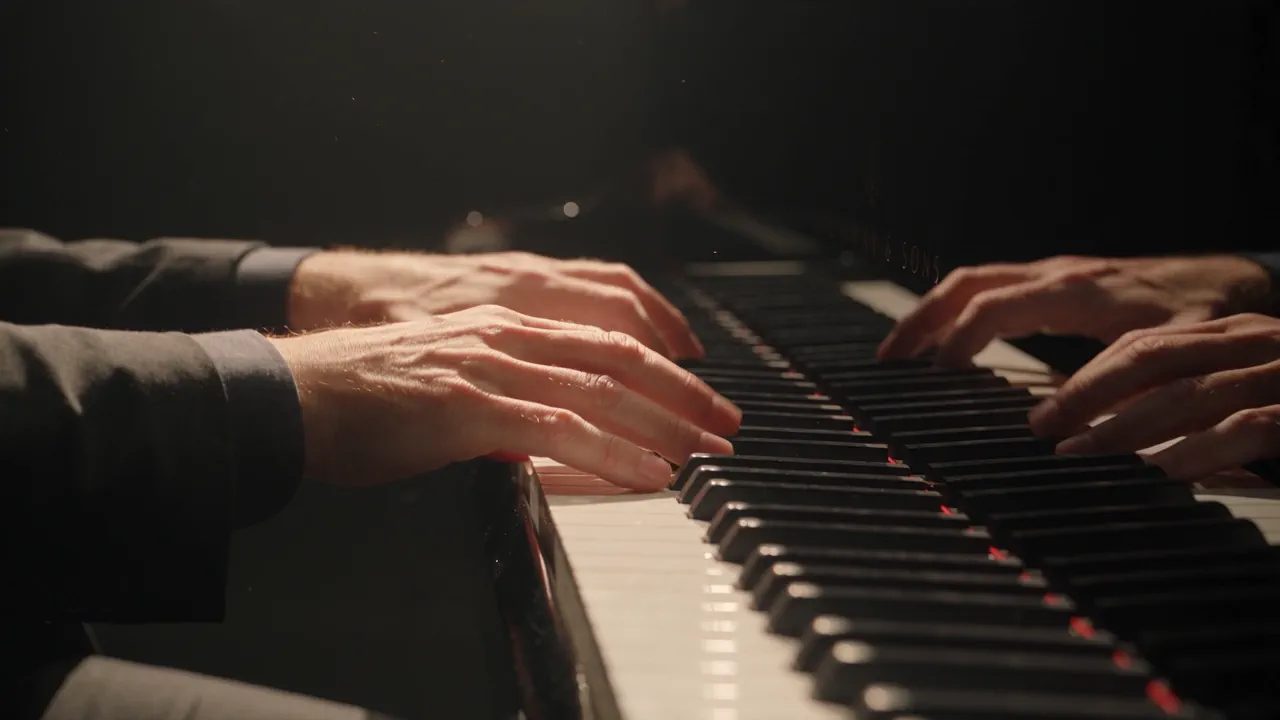
Musical performance

A performer and their instrument in one continuous take, from the hands on the instrument out to the player, with an original piece composed to the take and laid under it. Piano by default; name any instrument, player and setting.

Use NOLGIA to make a Musical performance. A performer and their instrument in one continuous take, from the hands on the instrument out to the player, with an original piece composed to the take and laid under it. Piano by default; name any instrument, player and setting.
فتح القالب
Example output from Car chase game trailer

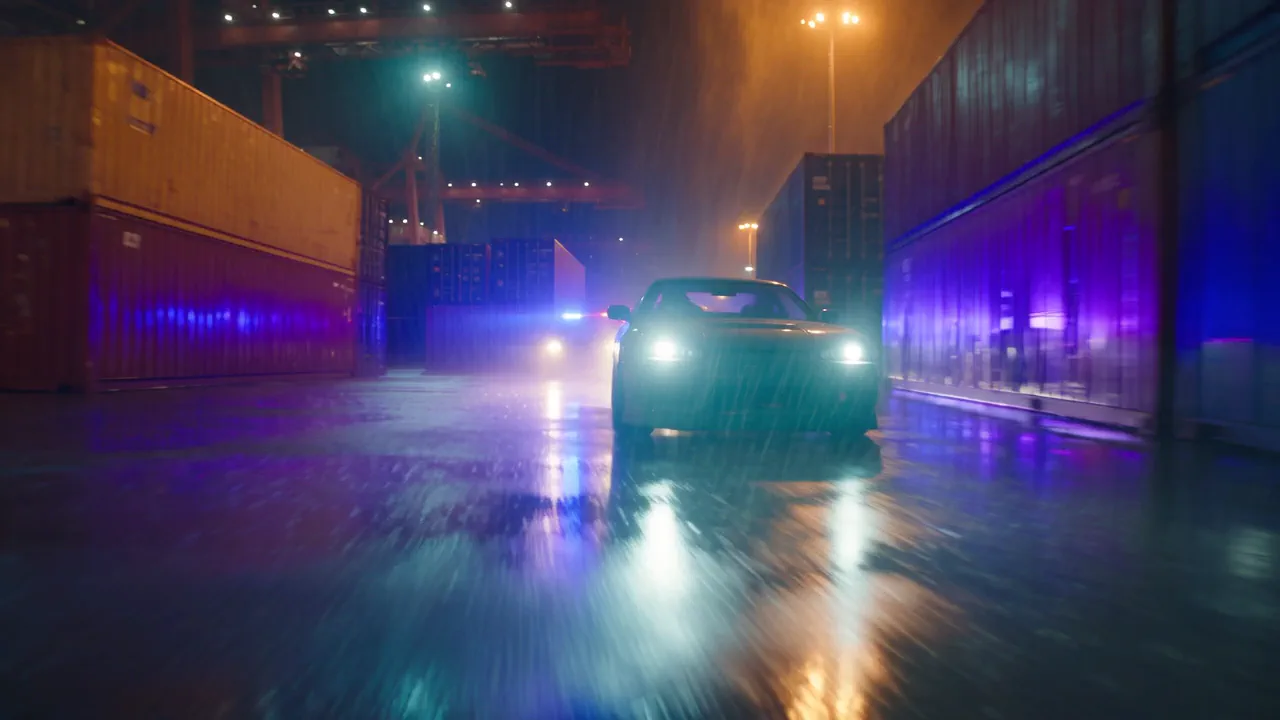
Car chase game trailer

The announce trailer beat for a game that does not exist yet: one in-world take in the game's own look, with no title card baked in so your logo and copy stay editable.

Use NOLGIA to make a Car chase game trailer. The announce trailer beat for a game that does not exist yet: one in-world take in the game's own look, with no title card baked in so your logo and copy stay editable.
فتح القالب
Example output from Color grade footage

Color grade footage

Your own footage graded to a real film stock. Pick a look in plain words or send a reference frame to match, and get the same cut back with the color done, plus the before and after.

Use NOLGIA to make a Color grade footage. Your own footage graded to a real film stock. Pick a look in plain words or send a reference frame to match, and get the same cut back with the color done, plus the before and after.
فتح القالب
Example output from Recreate a launch video

Recreate a launch video

A product launch film in the announce style: hero shots of the thing itself cut to title cards, assembled on a timeline you keep and can re-cut.

Use NOLGIA to make a Recreate a launch video. A product launch film in the announce style: hero shots of the thing itself cut to title cards, assembled on a timeline you keep and can re-cut.
فتح القالب
Example output from Animate your spreadsheet

Animate your spreadsheet

Bring a spreadsheet still to life while every cell stays exactly as written: a highlight sweeping down a column, a gentle push in, a cursor selecting the total, from your own screenshot or from the spreadsheet preset's output.

Use NOLGIA to make an Animate your spreadsheet. Bring a spreadsheet still to life while every cell stays exactly as written: a highlight sweeping down a column, a gentle push in, a cursor selecting the total, from your own screenshot or from the spreadsheet preset's output.
فتح القالب

الصور

Example output from Ad variant pack

Ad variant pack

Four static ads for one product and one set of words, each in a different proven format, made together as one set so you can test them side by side.

Use NOLGIA to make an Ad variant pack. Four static ads for one product and one set of words, each in a different proven format, made together as one set so you can test them side by side.
فتح القالب
Example output from YouTube thumbnail

YouTube thumbnail

A bold click ready thumbnail in one of sixteen proven layouts, with a large expressive subject, a vivid color pop background and a clean rim lit finish. Wide for YouTube, tall for Shorts or 4:5 for the feed, and readable even at feed size.

Use NOLGIA to make a YouTube thumbnail. A bold click ready thumbnail in one of sixteen proven layouts, with a large expressive subject, a vivid color pop background and a clean rim lit finish. Wide for YouTube, tall for Shorts or 4:5 for the feed, and readable even at feed size.
فتح القالب
Example output from Static ad formats

Static ad formats

A scroll stopping static ad for paid social in one of eight proven direct to consumer formats, built around your product photos and your own words.

Use NOLGIA to make a Static ad formats. A scroll stopping static ad for paid social in one of eight proven direct to consumer formats, built around your product photos and your own words.
فتح القالب
Example output from You in any scene

You in any scene

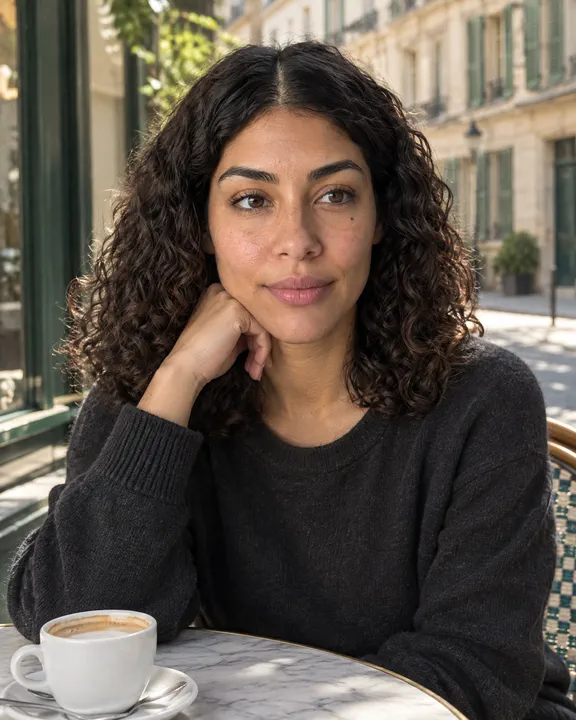
Put yourself, or any saved character, into any place you can describe: a Paris cafe, a mountain top, a studio portrait.

Use NOLGIA to make a You in any scene. Put yourself, or any saved character, into any place you can describe: a Paris cafe, a mountain top, a studio portrait.
فتح القالب
Example output from Try-on still

Try-on still

See a garment from your photos worn by you, a saved character or a stock presenter, in one lookbook still. The garment stays exactly yours.

Use NOLGIA to make a Try-on still. See a garment from your photos worn by you, a saved character or a stock presenter, in one lookbook still. The garment stays exactly yours.
فتح القالب
Example output from Digital Concept Art

Digital Concept Art

Painted key art for a film, a game or a book: an environment, a character or a prop worked up the way an art department does it, with real brushwork and a figure for scale.

Use NOLGIA to make a Digital Concept Art. Painted key art for a film, a game or a book: an environment, a character or a prop worked up the way an art department does it, with real brushwork and a figure for scale.
فتح القالب
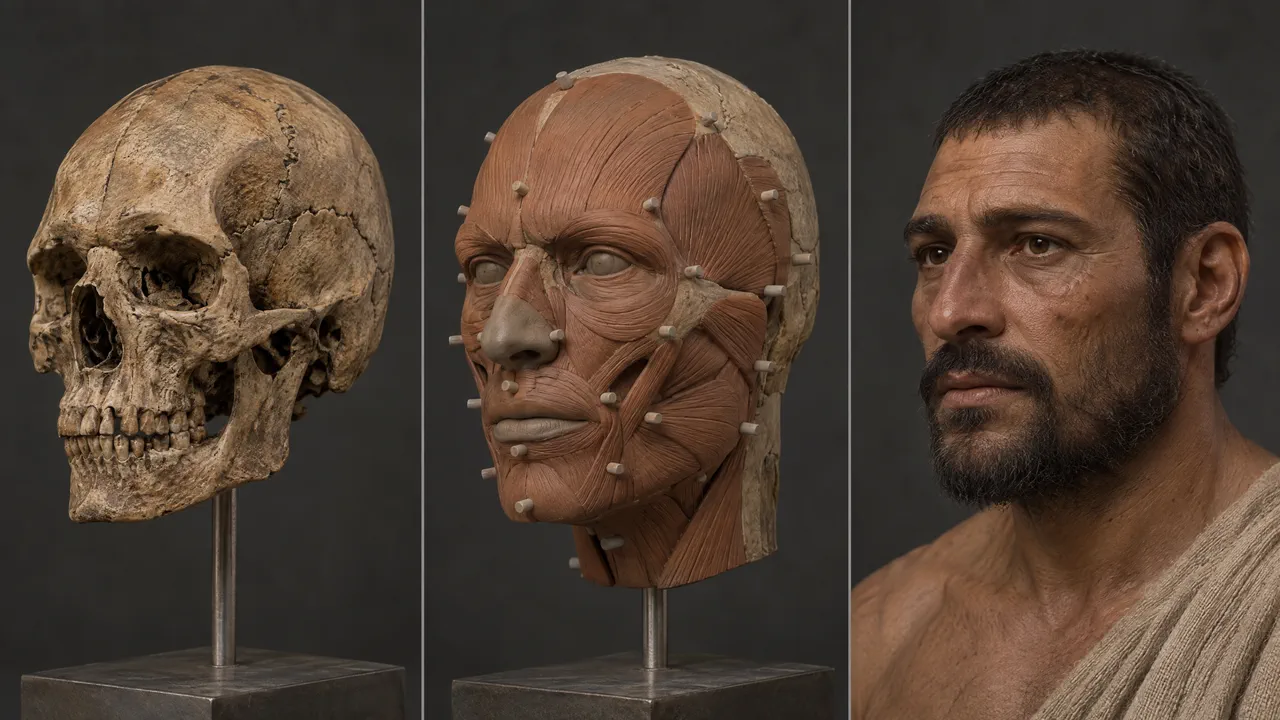
Example output from Reconstruct an ancient face

Reconstruct an ancient face

A forensic facial reconstruction study in three panels: the skull, the clay build up, and the finished photoreal portrait, all at the same angle and scale.

Use NOLGIA to make a Reconstruct an ancient face. A forensic facial reconstruction study in three panels: the skull, the clay build up, and the finished photoreal portrait, all at the same angle and scale.
فتح القالب
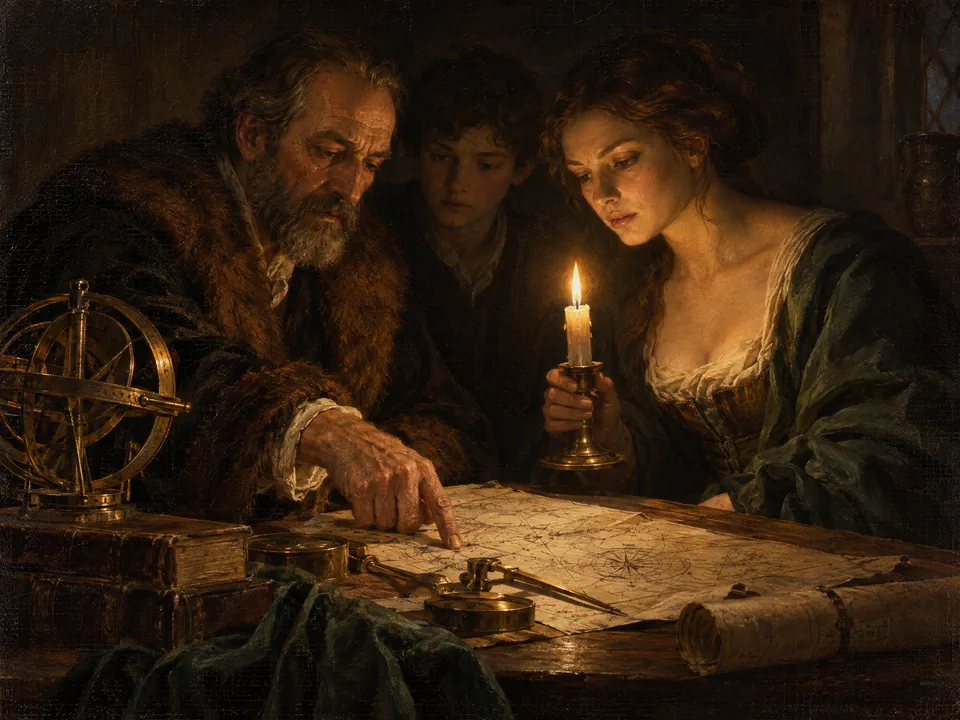
Example output from Paint The Creation of Adam

Paint The Creation of Adam

An original scene painted in a named historical tradition: Baroque candlelight, Dutch golden age, Impressionist daylight or Renaissance fresco, with real paint behaviour and canvas weave.

Use NOLGIA to make a Paint The Creation of Adam. An original scene painted in a named historical tradition: Baroque candlelight, Dutch golden age, Impressionist daylight or Renaissance fresco, with real paint behaviour and canvas weave.
فتح القالب
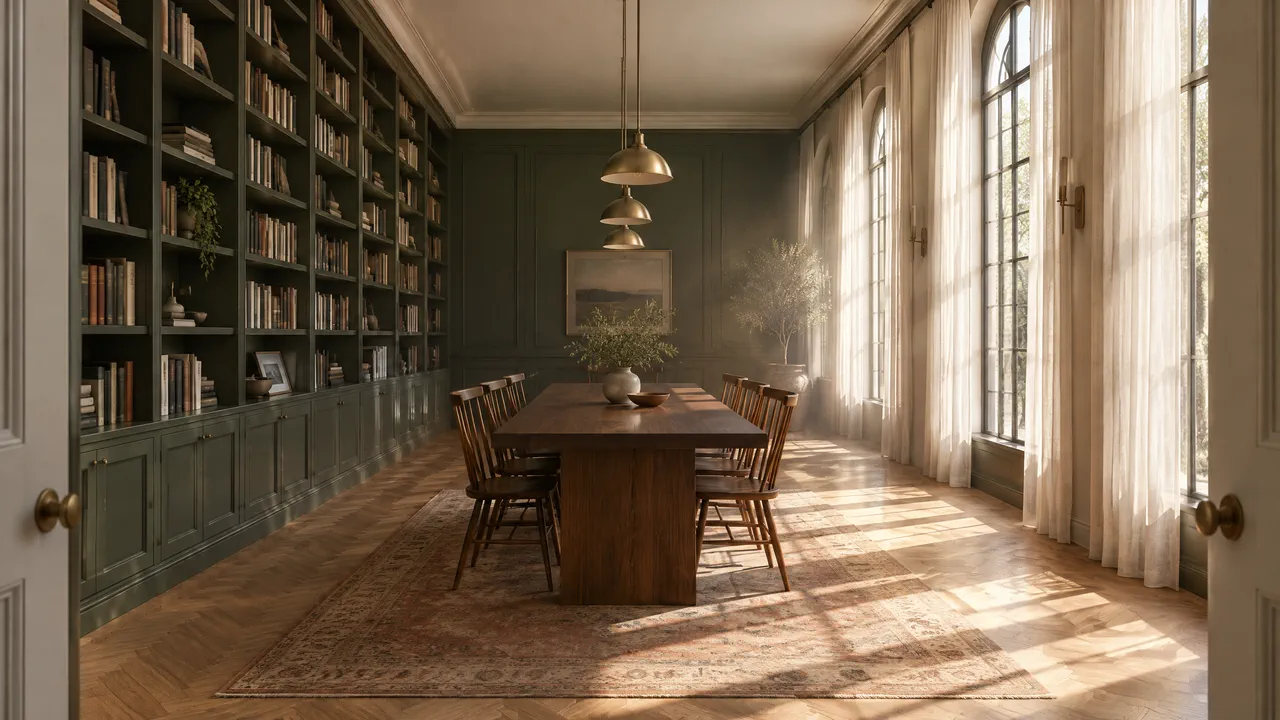
Example output from Interior design

Interior design

A room visualised the way an architecture studio presents one: real materials, physically believable daylight, straight verticals and no clutter.

Use NOLGIA to make an Interior design. A room visualised the way an architecture studio presents one: real materials, physically believable daylight, straight verticals and no clutter.
فتح القالب
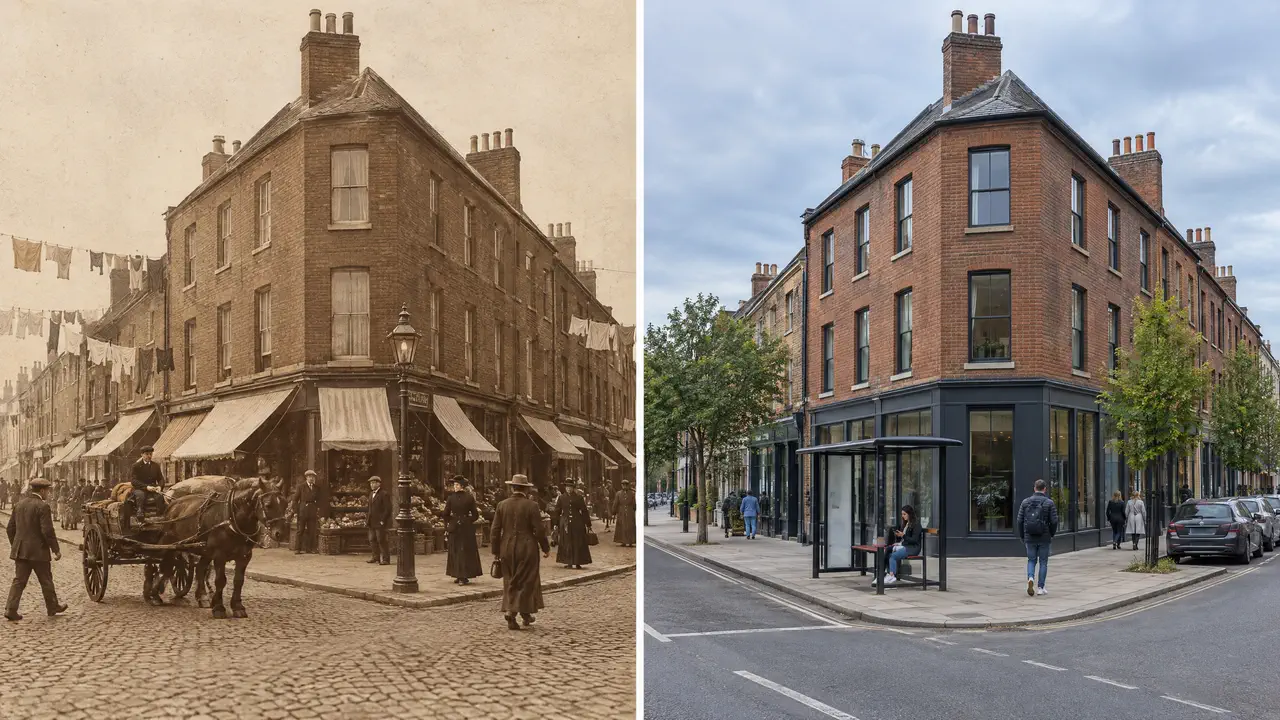
Example output from Then and now

Then and now

The same place in two eras, side by side from one camera position, with the buildings, roof lines and window rhythm matching across both panels.

Use NOLGIA to make a Then and now. The same place in two eras, side by side from one camera position, with the buildings, roof lines and window rhythm matching across both panels.
فتح القالب
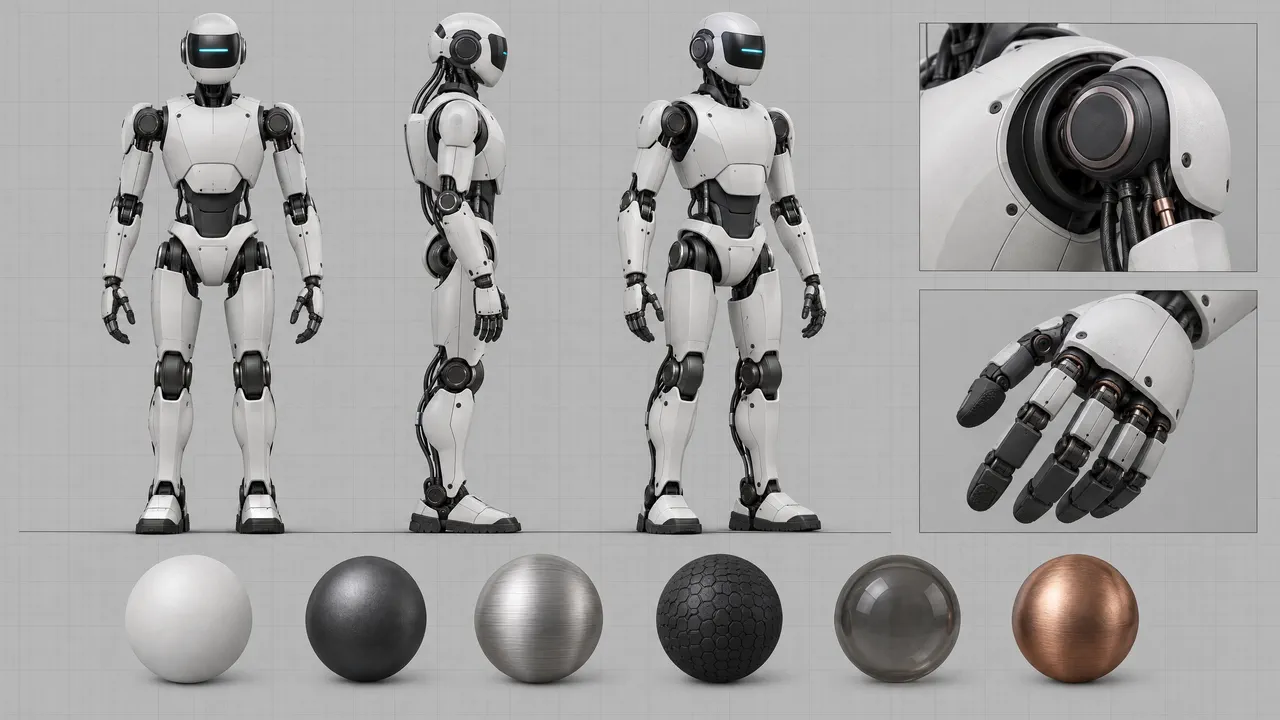
Example output from Build a robot

Build a robot

Your robot drawn as a design sheet: front, side and three quarter views at one scale, two detail insets and a strip of material swatches along the bottom. Nothing is labelled, so the callouts stay yours to add.

Use NOLGIA to make a Build a robot. Your robot drawn as a design sheet: front, side and three quarter views at one scale, two detail insets and a strip of material swatches along the bottom. Nothing is labelled, so the callouts stay yours to add.
فتح القالب
Example output from Product photos

Product photos

Studio grade product stills from your own photos: hero shot, lifestyle scene, in hand closeup, banner or a carousel set, sized for where you sell.

Use NOLGIA to make a Product photos. Studio grade product stills from your own photos: hero shot, lifestyle scene, in hand closeup, banner or a carousel set, sized for where you sell.
فتح القالب
Example output from Marketplace listing images

Marketplace listing images

The image set a marketplace listing needs from your own product photos: a compliant main image on white, then infographic base, angles, detail, lifestyle and what is in the box that all match it.

Use NOLGIA to make a Marketplace listing images. The image set a marketplace listing needs from your own product photos: a compliant main image on white, then infographic base, angles, detail, lifestyle and what is in the box that all match it.
فتح القالب
Example output from A+ content modules

A+ content modules

Layout cards for a product page: your product with a short headline and your own lines, typed on the image. Hero banner, pain points, features, ingredients, how to use, endorsement.

Use NOLGIA to make an A+ content modules. Layout cards for a product page: your product with a short headline and your own lines, typed on the image. Hero banner, pain points, features, ingredients, how to use, endorsement.
فتح القالب
Example output from Brand mockup

Brand mockup

Your logo on a tote, box, sign, shirt or mug, credibly: a blank surface scene first, then your mark placed on it exactly as drawn, with any wording typed afterwards.

Use NOLGIA to make a Brand mockup. Your logo on a tote, box, sign, shirt or mug, credibly: a blank surface scene first, then your mark placed on it exactly as drawn, with any wording typed afterwards.
فتح القالب
Example output from Restyle

Restyle

A picture you already have, re-skinned in a named aesthetic or dressed for a season. The subject stays exactly as it is; the styling, the setting and the light change around it.

Use NOLGIA to make a Restyle. A picture you already have, re-skinned in a named aesthetic or dressed for a season. The subject stays exactly as it is; the styling, the setting and the light change around it.
فتح القالب
Example output from Social and poster pack

Social and poster pack

One headline, four sizes. The picture is generated, the words are real text set on top, so nothing is ever misspelled.

Use NOLGIA to make a Social and poster pack. One headline, four sizes. The picture is generated, the words are real text set on top, so nothing is ever misspelled.
فتح القالب

أصول العلامة التجارية

Example output from Motion graphics

Motion graphics

Sleek animated graphics for intros, explainers and product pages. Clean geometry, smooth studio motion, and no words baked in so your titles stay editable. Choose a direction below or describe your own.

Use NOLGIA to make a Motion graphics. Sleek animated graphics for intros, explainers and product pages. Clean geometry, smooth studio motion, and no words baked in so your titles stay editable. Choose a direction below or describe your own.
فتح القالب
Example output from Cover art

Cover art

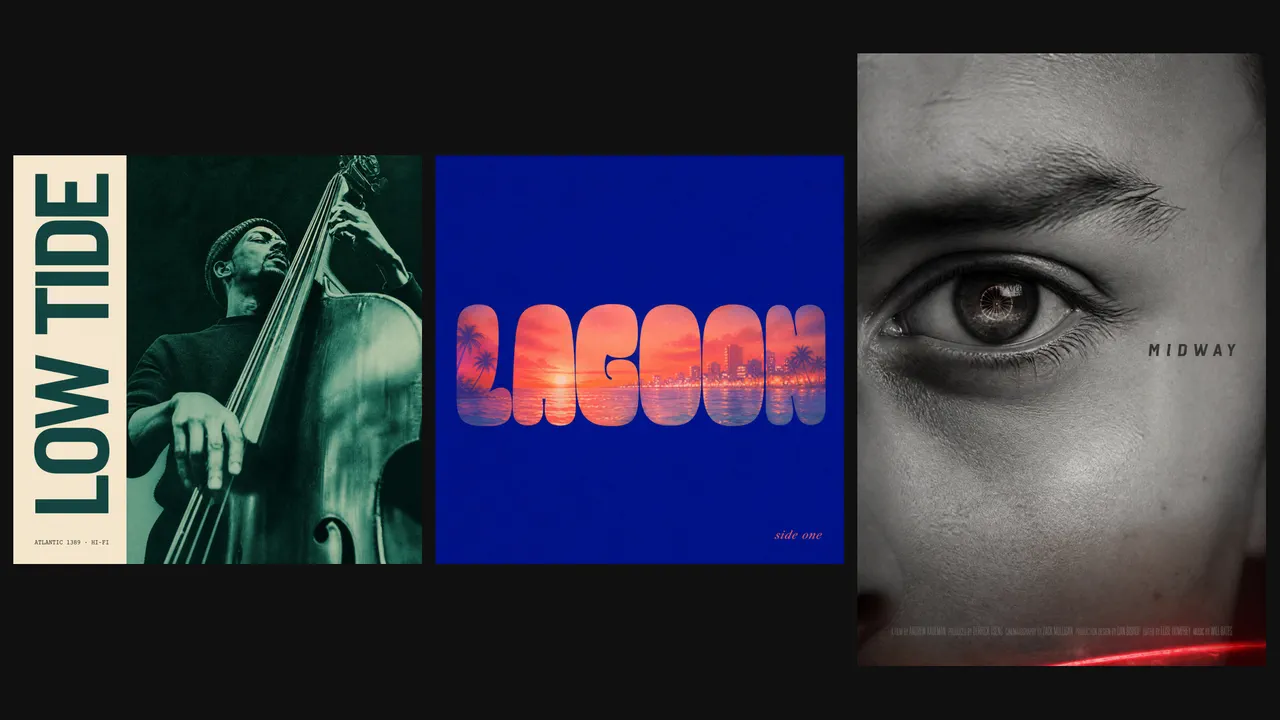
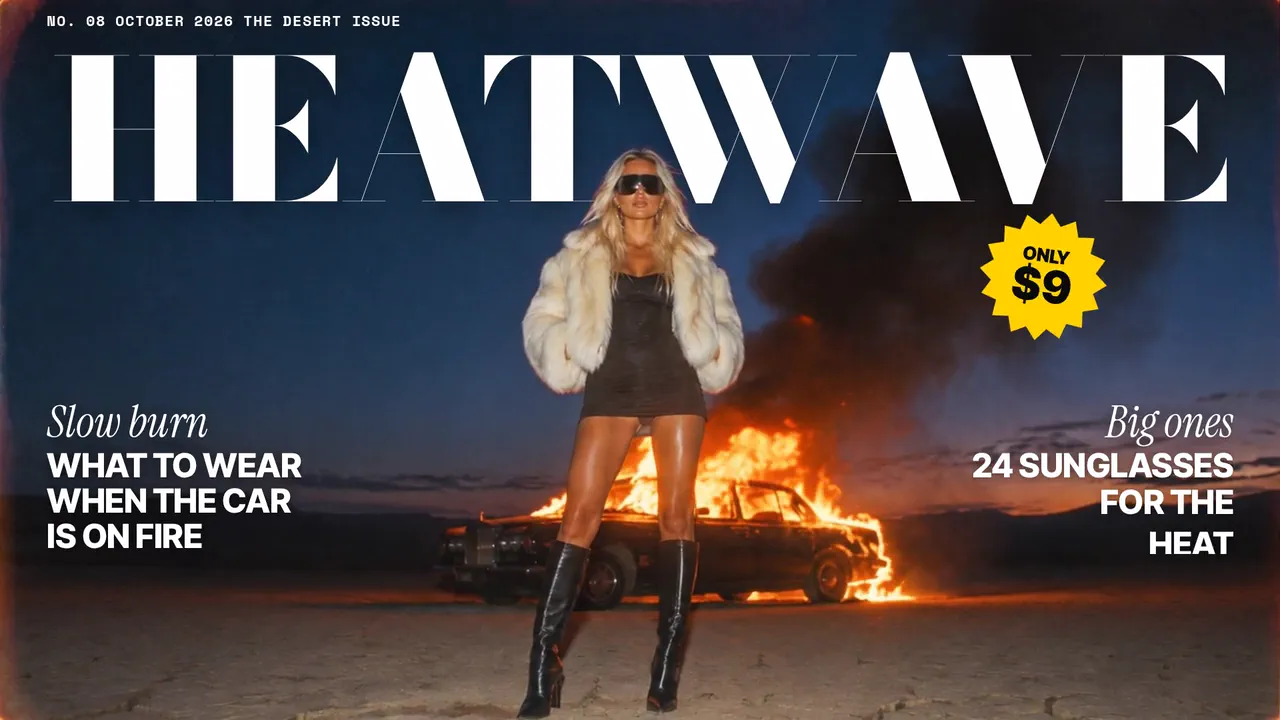
Album covers, book jackets, film and series posters, and carousel opening cards. Tell us what it is for and the feeling you want; we pick the move, the palette, and the type, and show you the plan in plain words before we render.

Use NOLGIA to make a Cover art. Album covers, book jackets, film and series posters, and carousel opening cards. Tell us what it is for and the feeling you want; we pick the move, the palette, and the type, and show you the plan in plain words before we render.
فتح القالب
Example output from Cover reveal

Cover reveal

Turn any finished still into a short reveal that builds up and lands exactly on your image, ready for the feed.

Use NOLGIA to make a Cover reveal. Turn any finished still into a short reveal that builds up and lands exactly on your image, ready for the feed.
فتح القالب
Example output from Poster

Poster

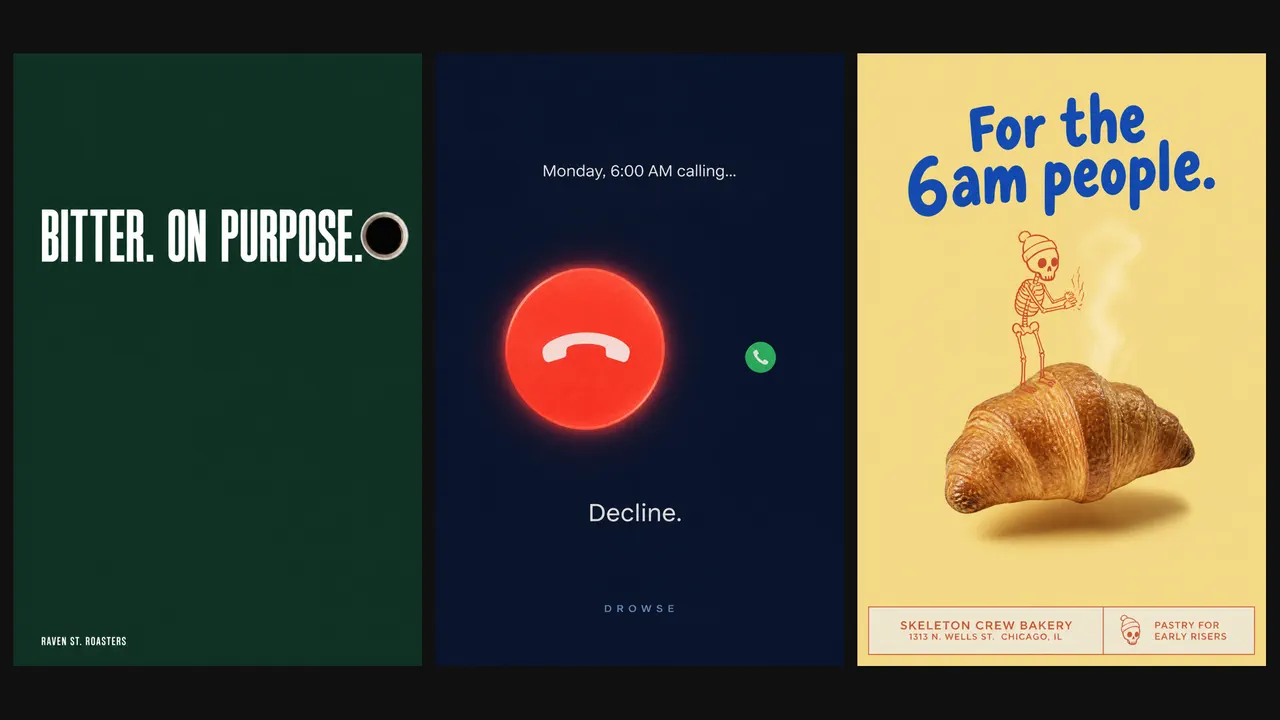
Event posters, wall art, motivational prints, brand posters. Describe the occasion and the vibe in your own words; we name the style, show you the plan, and deliver a poster built on real design laws.

Use NOLGIA to make a Poster. Event posters, wall art, motivational prints, brand posters. Describe the occasion and the vibe in your own words; we name the style, show you the plan, and deliver a poster built on real design laws.
فتح القالب
Example output from Logo

Logo

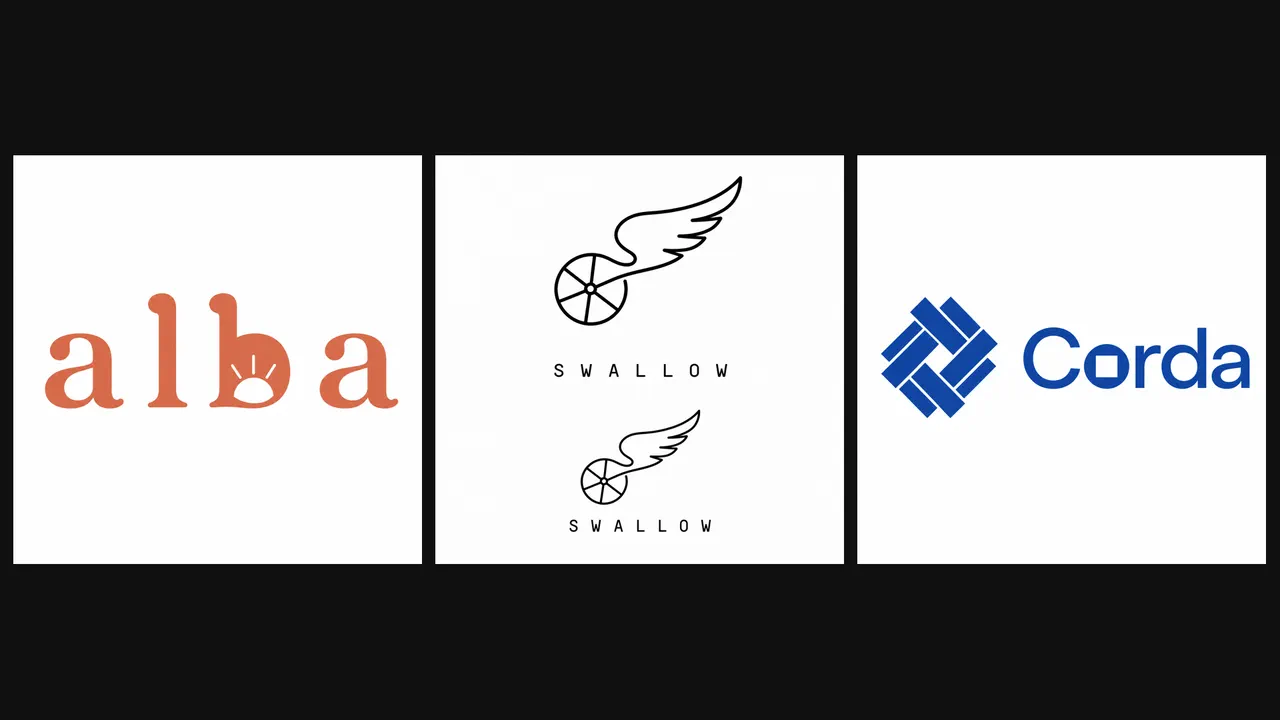
A real logo process: we ask what your brand does and how it should feel, pick the right kind of mark, and deliver it with reversed, one color, and mockup versions so it works everywhere.

Use NOLGIA to make a Logo. A real logo process: we ask what your brand does and how it should feel, pick the right kind of mark, and deliver it with reversed, one color, and mockup versions so it works everywhere.
فتح القالب
Example output from Billboard

Billboard

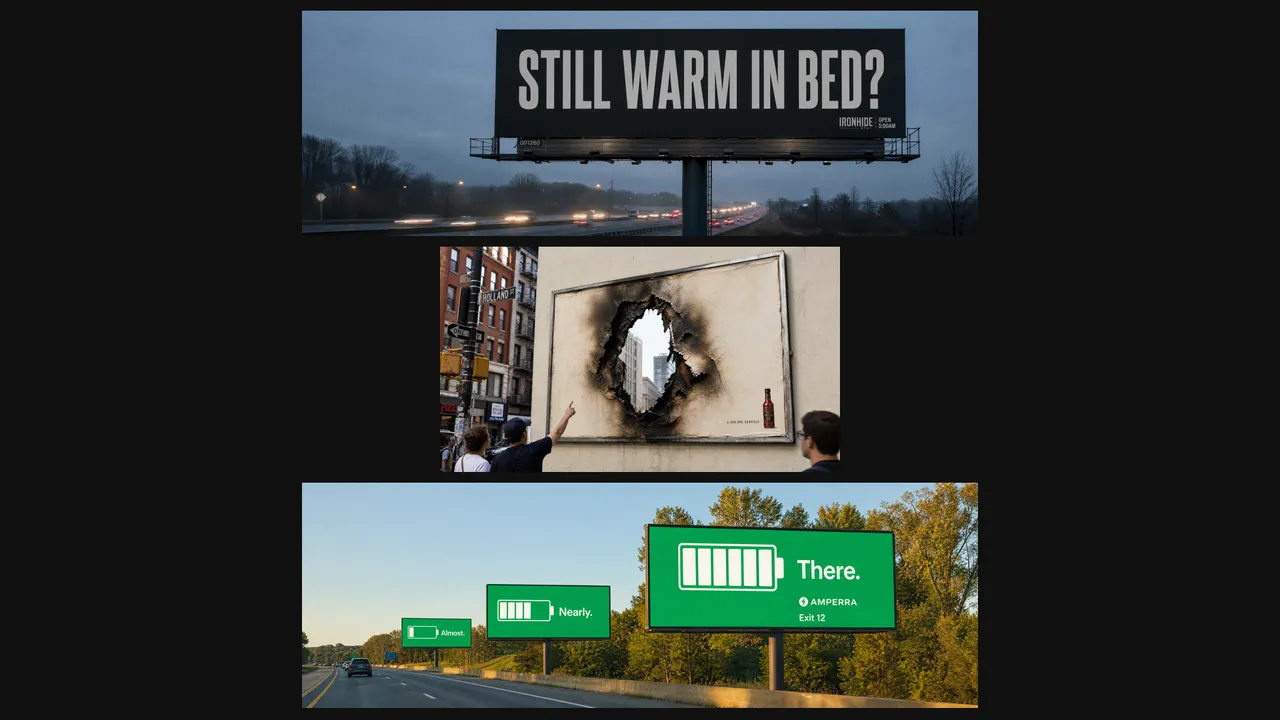
Billboards and street ads people photograph and post. We design the board and show it in its real street, from clean four word classics to dimensional stunts that break the frame.

Use NOLGIA to make a Billboard. Billboards and street ads people photograph and post. We design the board and show it in its real street, from clean four word classics to dimensional stunts that break the frame.
فتح القالب
Example output from Animated titles

Animated titles

Animated titles in 51 named styles: clean corporate, cinematic trailer, magazine cover, red bar slogan, kinetic lyric type, chrome and gold, comic panel, papercraft, neon, glitch and more. Type your exact words, pick a style or describe it, get a transparent title you can drop on any video.

Use NOLGIA to make an Animated titles. Animated titles in 51 named styles: clean corporate, cinematic trailer, magazine cover, red bar slogan, kinetic lyric type, chrome and gold, comic panel, papercraft, neon, glitch and more. Type your exact words, pick a style or describe it, get a transparent title you can drop on any video.
فتح القالب
Example output from Camera in 1,025 Parts

Camera in 1,025 Parts

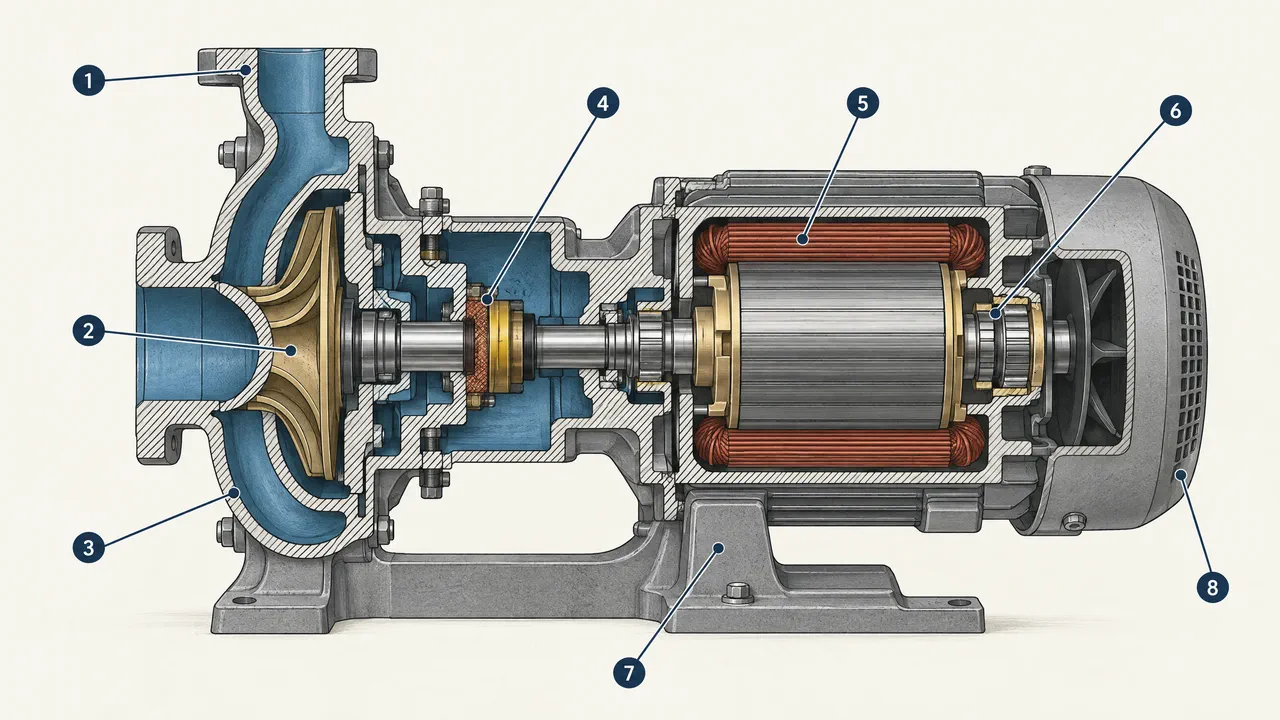
A machine sliced open and drawn like a premium engineering manual: hatched cut face, clean interior, numbered callouts you can label yourself.

Use NOLGIA to make a Camera in 1,025 Parts. A machine sliced open and drawn like a premium engineering manual: hatched cut face, clean interior, numbered callouts you can label yourself.
فتح القالب
Example output from Logo reveal

Logo reveal

Your logo assembling itself and locking into place with a specular sweep. Delivered on a clean ground and as a transparent overlay you can drop on any footage.

Use NOLGIA to make a Logo reveal. Your logo assembling itself and locking into place with a specular sweep. Delivered on a clean ground and as a transparent overlay you can drop on any footage.
فتح القالب
Example output from Turn your office into a tiny world

Turn your office into a tiny world

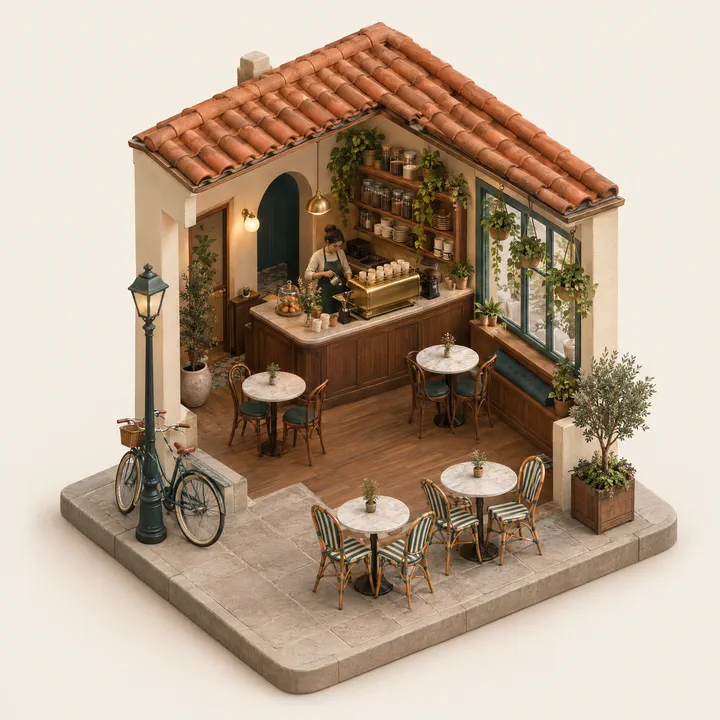
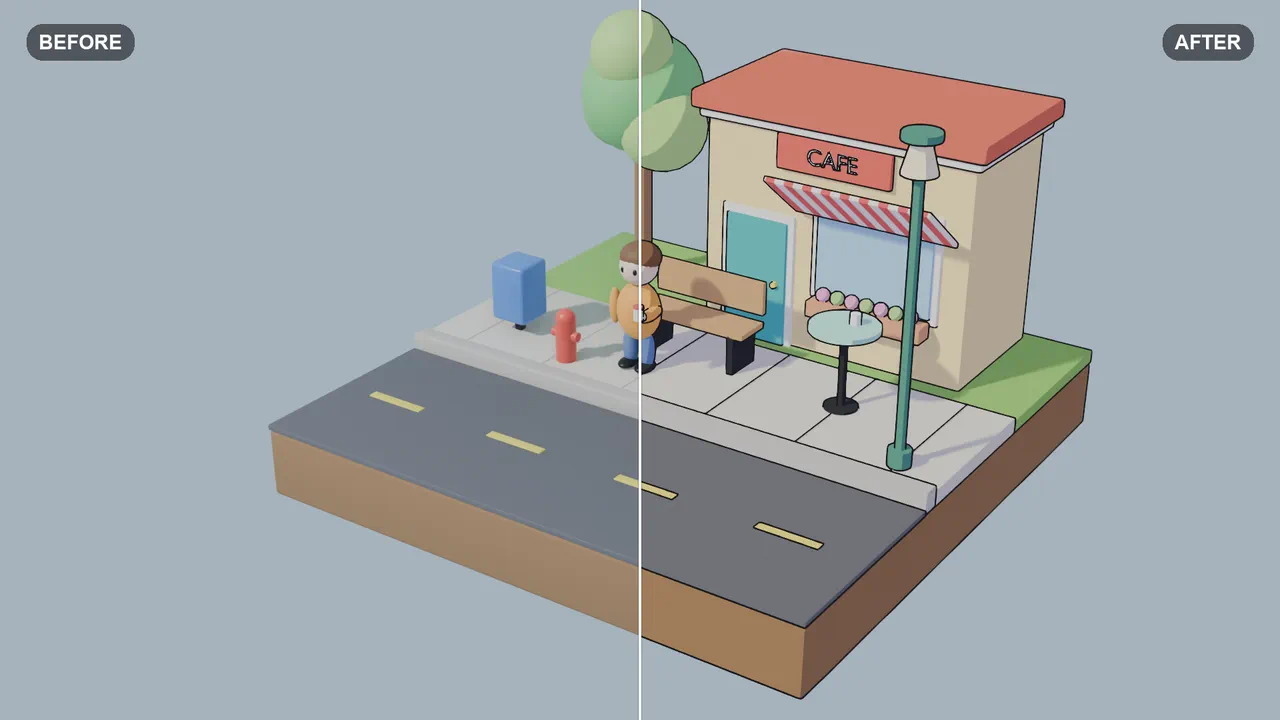
A place rebuilt as a tiny isometric model on its own little base: a shop, an office, a workshop or a street, cut open so you can see inside.

Use NOLGIA to make a Turn your office into a tiny world. A place rebuilt as a tiny isometric model on its own little base: a shop, an office, a workshop or a street, cut open so you can see inside.
فتح القالب
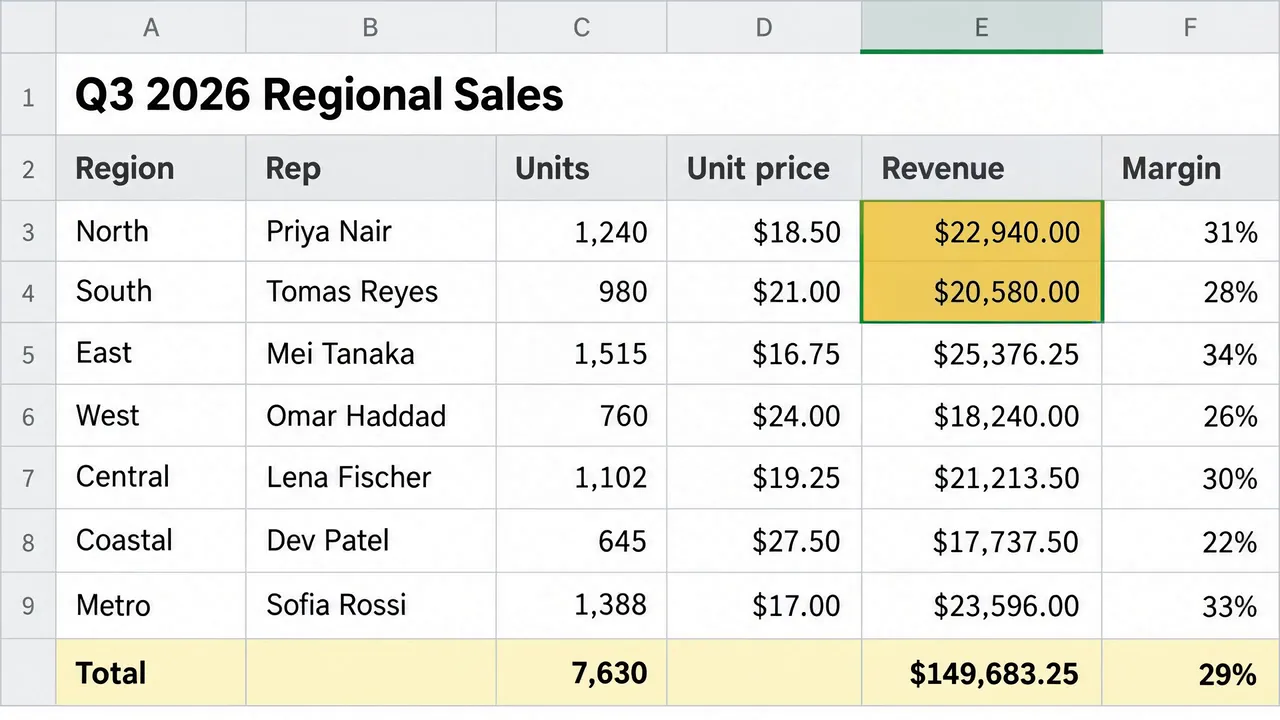
Example output from Turn your data into a spreadsheet

Turn your data into a spreadsheet

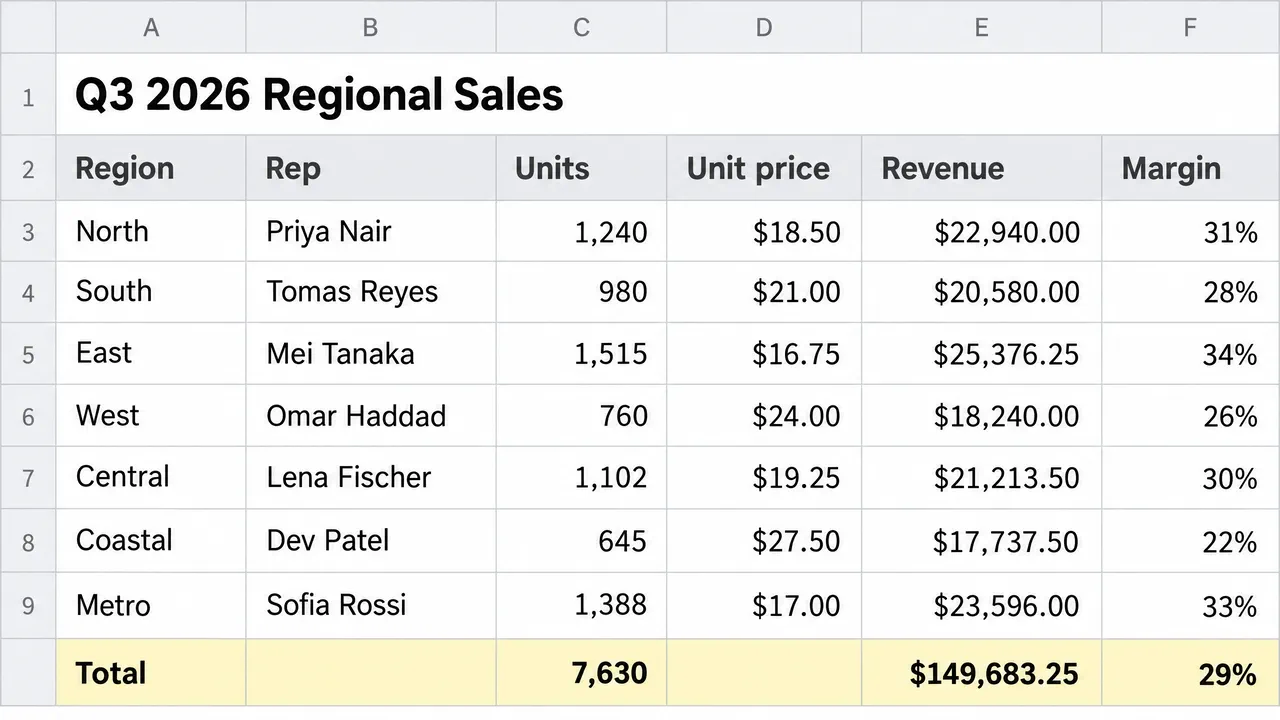
Paste your rows and get a clean, legible spreadsheet image with every cell exactly as you supplied it: a header row, gridlines, right aligned numbers and an optional highlighted total row, in the style you pick.

Use NOLGIA to make a Turn your data into a spreadsheet. Paste your rows and get a clean, legible spreadsheet image with every cell exactly as you supplied it: a header row, gridlines, right aligned numbers and an optional highlighted total row, in the style you pick.
فتح القالب

سير عمل الإضافات

Example output from Grade and clean up a set of photos in Photoshop

Grade and clean up a set of photos in Photoshop

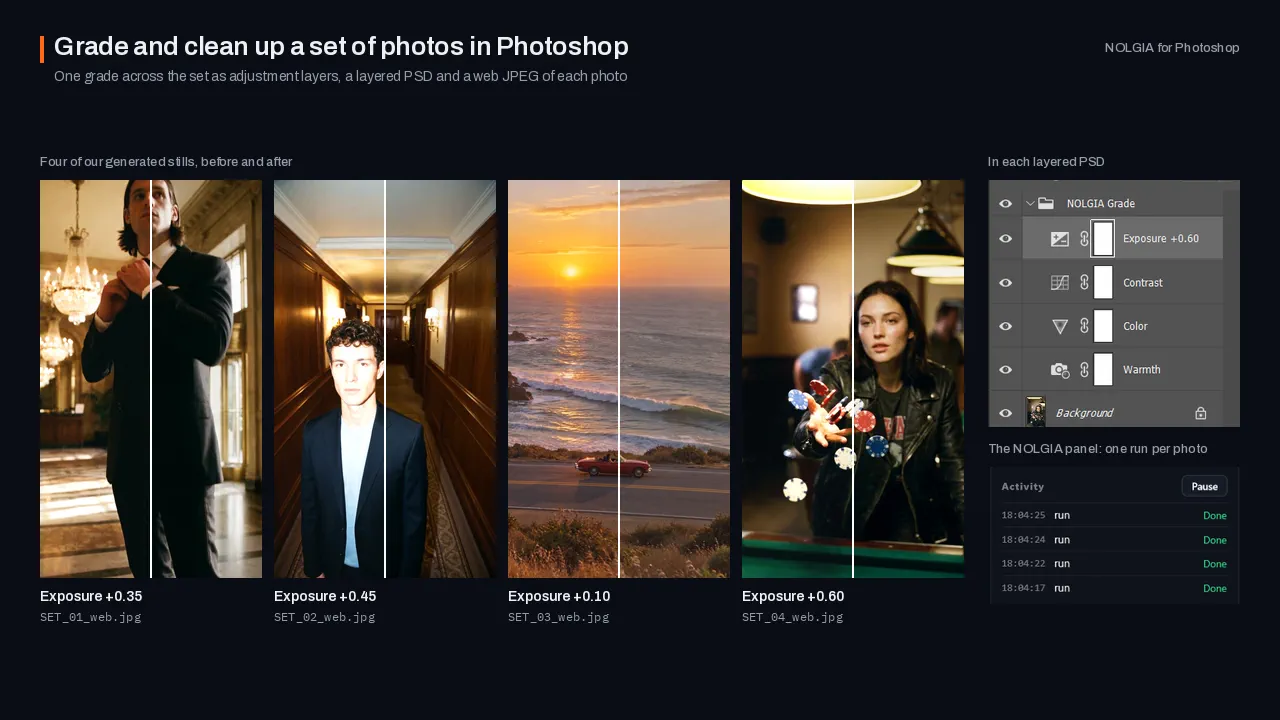
Finish a set of selected shoot photos in Photoshop: one consistent grade as adjustment layers, small distractions you pick removed on masked layers of their own, a layered PSD of each and web JPEGs.

Use NOLGIA to finish my selected shoot photos in Photoshop: one consistent grade, remove small distractions like signs and stray gear, keep every change on its own layer, save layered PSDs and export web JPEGs.
فتح القالب
Example output from Cut a behind-the-scenes edit in Premiere Pro

Cut a behind-the-scenes edit in Premiere Pro

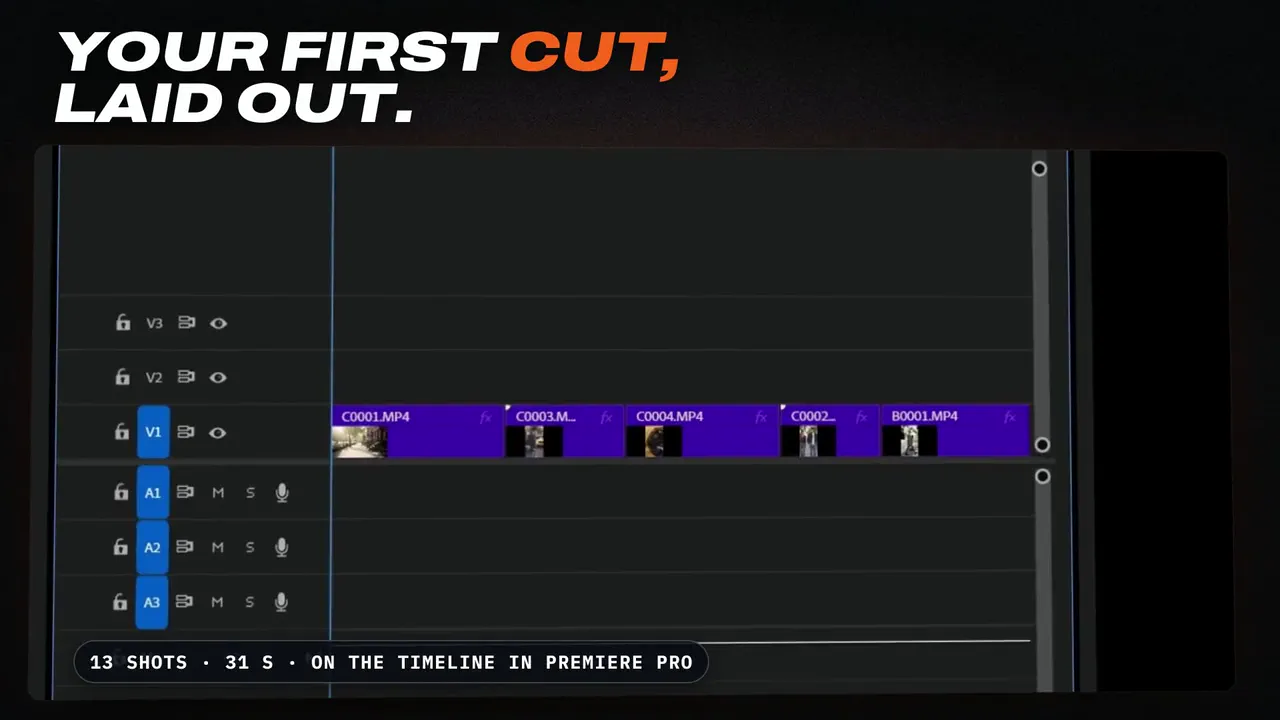
Turn a day of camera clips into a 30 to 60 second behind-the-scenes edit in Premiere Pro, built around what people say: whole lines from the clips' transcripts, the strongest seconds of the other clips between them, on a new sequence, plus a 9:16 copy made with Premiere's Auto Reframe.

Use NOLGIA to cut a 45 second behind-the-scenes edit in Premiere Pro from my shoot, built around what people say: read the transcripts, keep whole lines and exchanges, put the best atmosphere between them, lay it out on a new sequence, and make a 9:16 version for Reels and TikTok, without touching my clips or my sequences.
فتح القالب
Example output from Offload and verify your cards (DIT)

Offload and verify your cards (DIT)

NOLGIA does your DIT: copies your camera cards to your drives, checks every copy against the card, names the files and writes the DIT report. Then the footage comes into Premiere Pro, ready to sort by day with the Organize workflow.

Use NOLGIA to do my DIT: copy my camera cards to my drives, check every copy, name the files by shoot, day and camera, and give me the DIT report. Then bring the footage into Premiere Pro, organized by day.
فتح القالب
Example output from Offload and verify your cards (DIT)

Offload and verify your cards (DIT)

NOLGIA does your DIT: copies your camera cards to your drives, checks every copy against the card, names the files and writes the DIT report. Then the footage comes into DaVinci Resolve, in a bin per shooting day.

Use NOLGIA to do my DIT: copy my camera cards to my drives, check every copy, name the files by shoot, day and camera, and give me the DIT report. Then bring the footage into DaVinci Resolve, organized by day.
فتح القالب
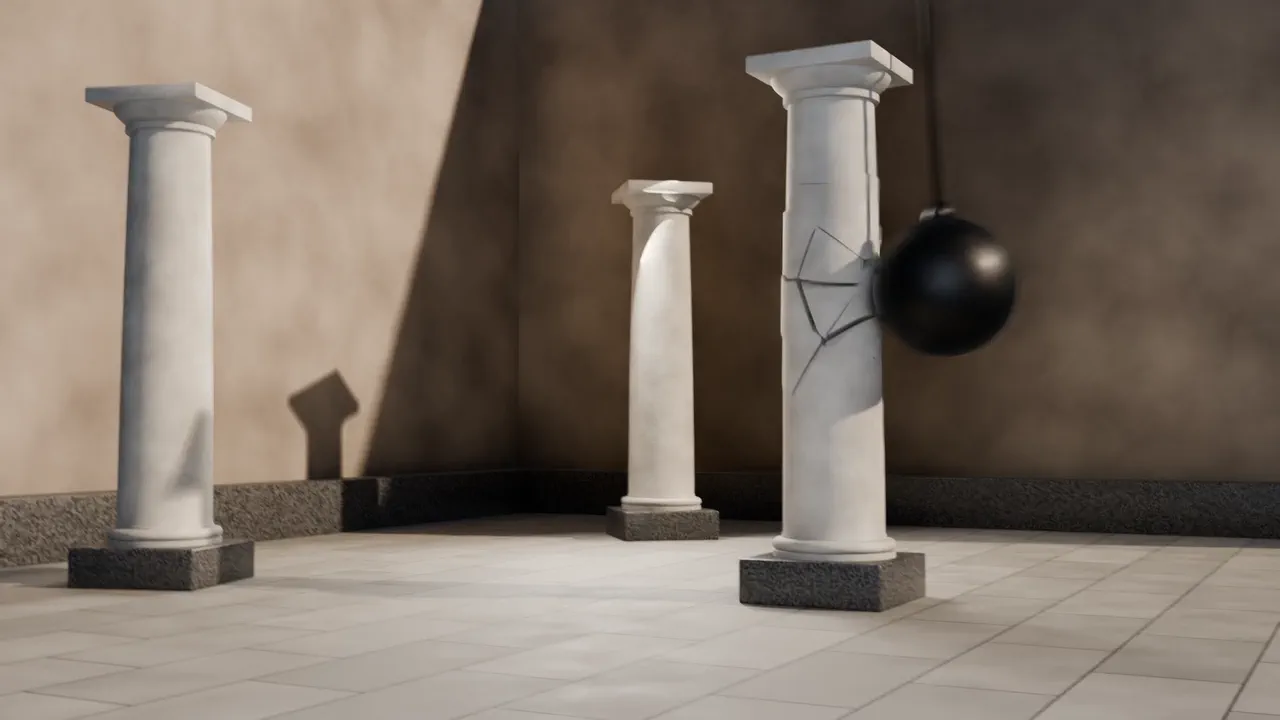
Example output from Destruction in Blender

Destruction in Blender

Break an object in your Blender scene apart: fractured pieces, falling debris and dust, and a camera that catches the moment.

Use NOLGIA to break something apart in my open Blender scene: fracture it, simulate the debris and dust, and give me a camera that shows the moment clearly.
فتح القالب
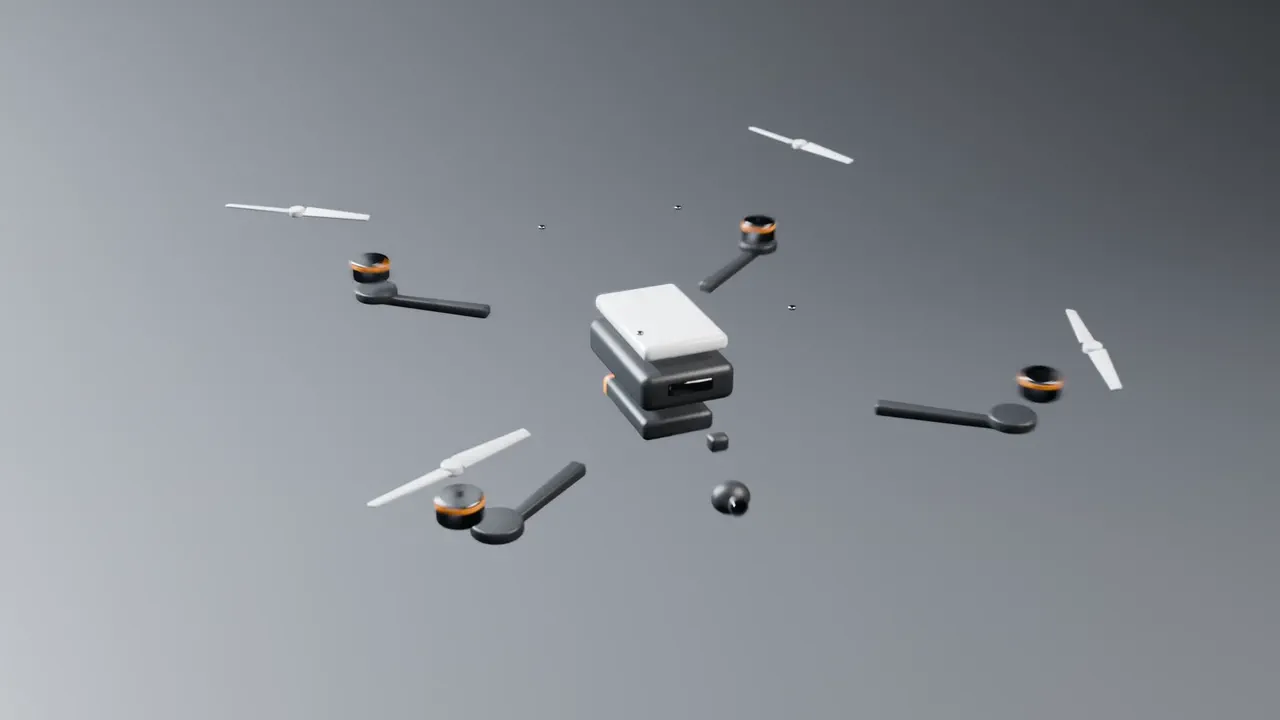
Example output from Exploded view in Blender

Exploded view in Blender

Pull a product in your Blender scene apart so every part shows, then animate it coming back together.

Use NOLGIA to make an exploded view of the product in my open Blender scene: pull the parts apart so you can see how it fits together, then animate it assembling.
فتح القالب
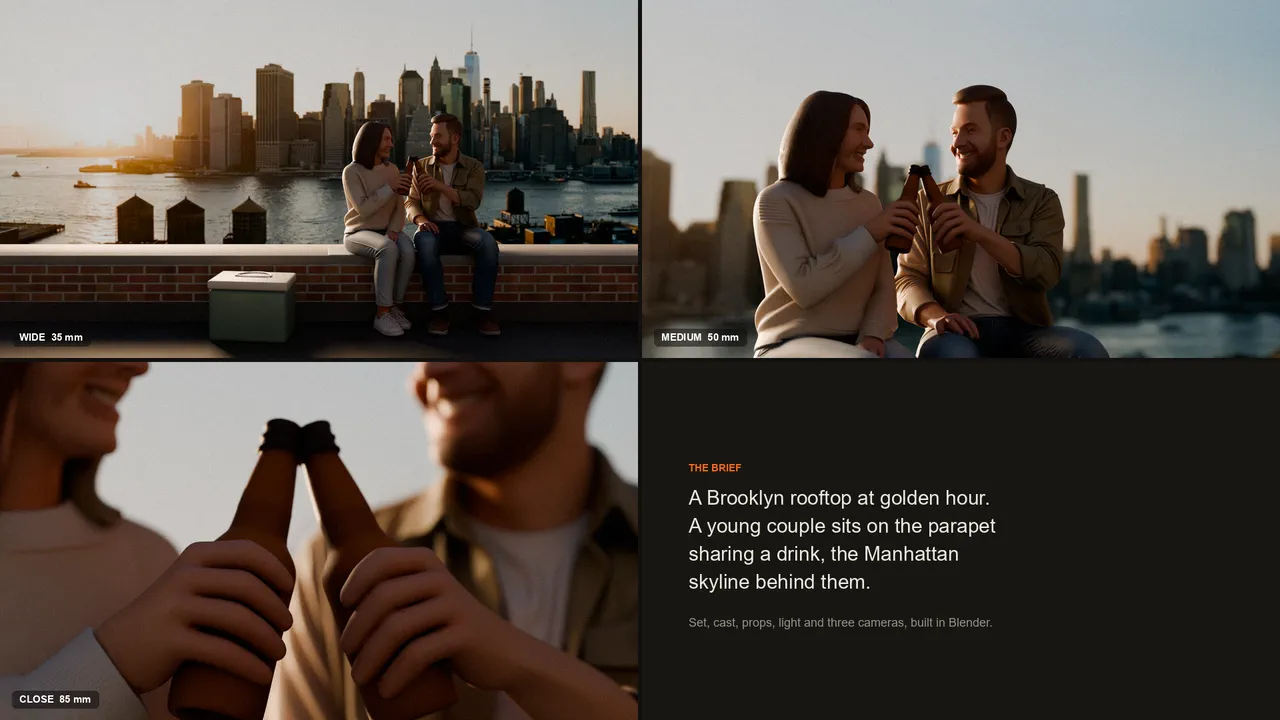
Example output from Build a scene in Blender

Build a scene in Blender

Describe a shot and get it laid out in Blender: the set, the people and props, their poses, the light, and three cameras to choose from.

Use NOLGIA to build a 3D scene in my open Blender file from my brief: the setting, the characters and props, their poses, and three camera angles to choose from.
فتح القالب
Example output from Cartoon look in Blender

Cartoon look in Blender

Give your Blender scene a cartoon look: flat color in two or three bands, clean outlines, and your original colors kept.

Use NOLGIA to give my open Blender scene a cartoon look: toon shading, clean outlines and adjustable colours, keeping my original colours.
فتح القالب
Example output from Organize a Premiere Pro project

Organize a Premiere Pro project

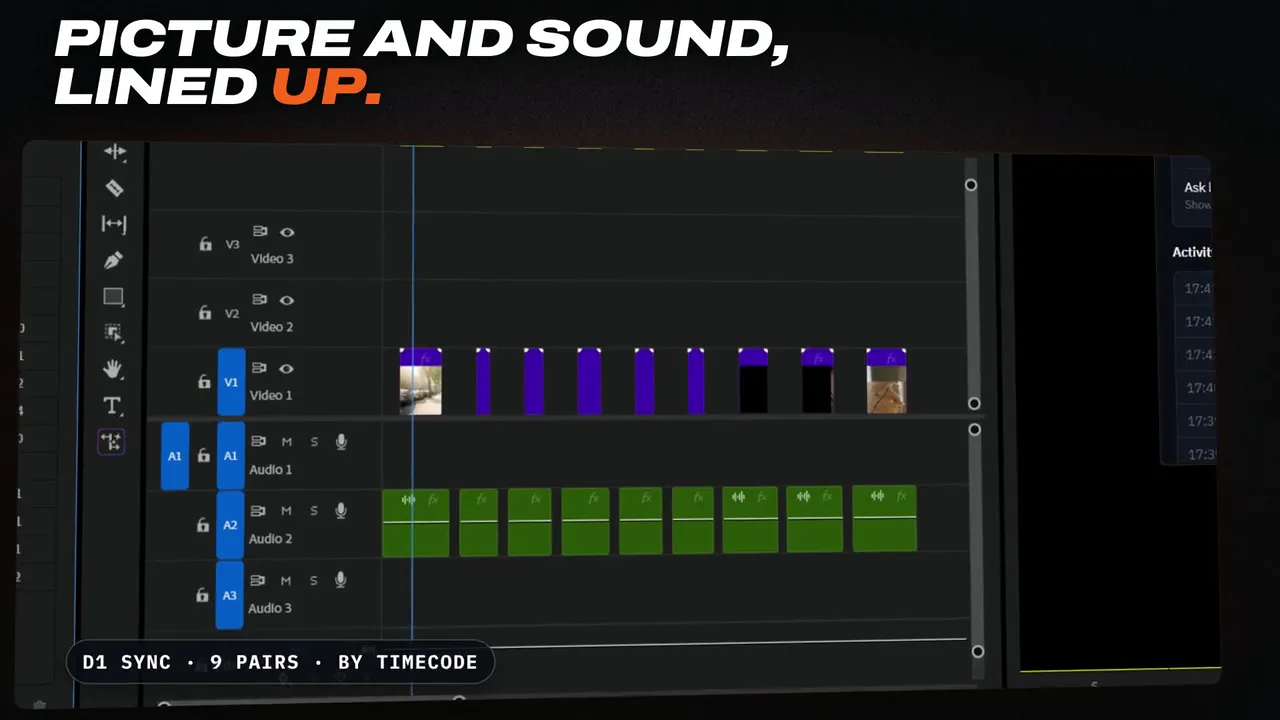
Sort the loose media in your Premiere Pro project into bins by shooting day and type, line up picture and sound by timecode, and make clearly named sequences.

Use NOLGIA to organize my Premiere Pro project: sort the media into bins by shooting day and type, line up picture and sound by timecode where it is reliable, and make clearly named sequences, without touching my original files or edits.
فتح القالب
Example output from Composite a shot in After Effects

Composite a shot in After Effects

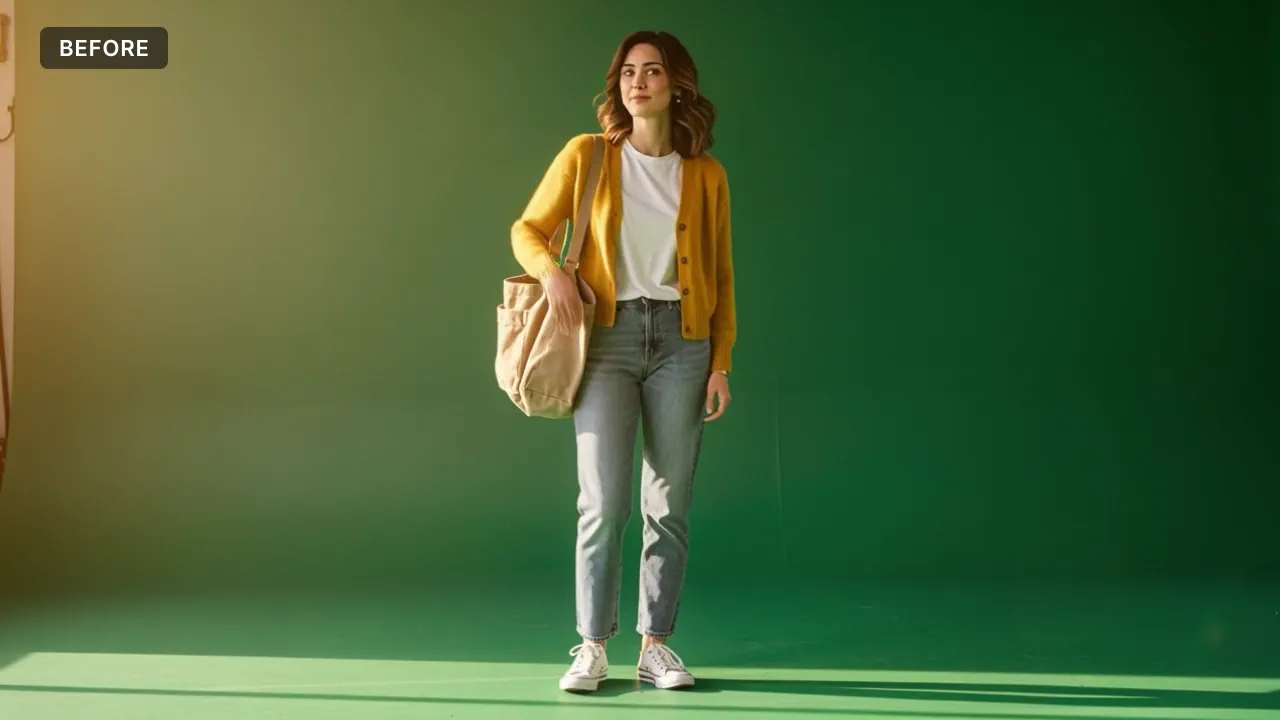
Put your elements into your background plate in After Effects: clean keys, matched light and color, haze, focus, motion blur and grain, all live in a new comp.

Use NOLGIA to composite my shot in After Effects: key and place my elements into the background plate, match light, atmosphere, depth of field, motion blur and grain, and give me a preview and an editable project.
فتح القالب
Example output from Remove unwanted objects in After Effects

Remove unwanted objects in After Effects

Take unwanted objects out of a shot in After Effects: signs, logos, stands or crew, patched with the plate's own texture and grain and moving with the camera.

Use NOLGIA to remove the unwanted objects I point out from my shot in After Effects, keeping the texture and camera movement, and check the whole shot for patches and flicker.
فتح القالب
Example output from Vectorize an image in Illustrator

Vectorize an image in Illustrator

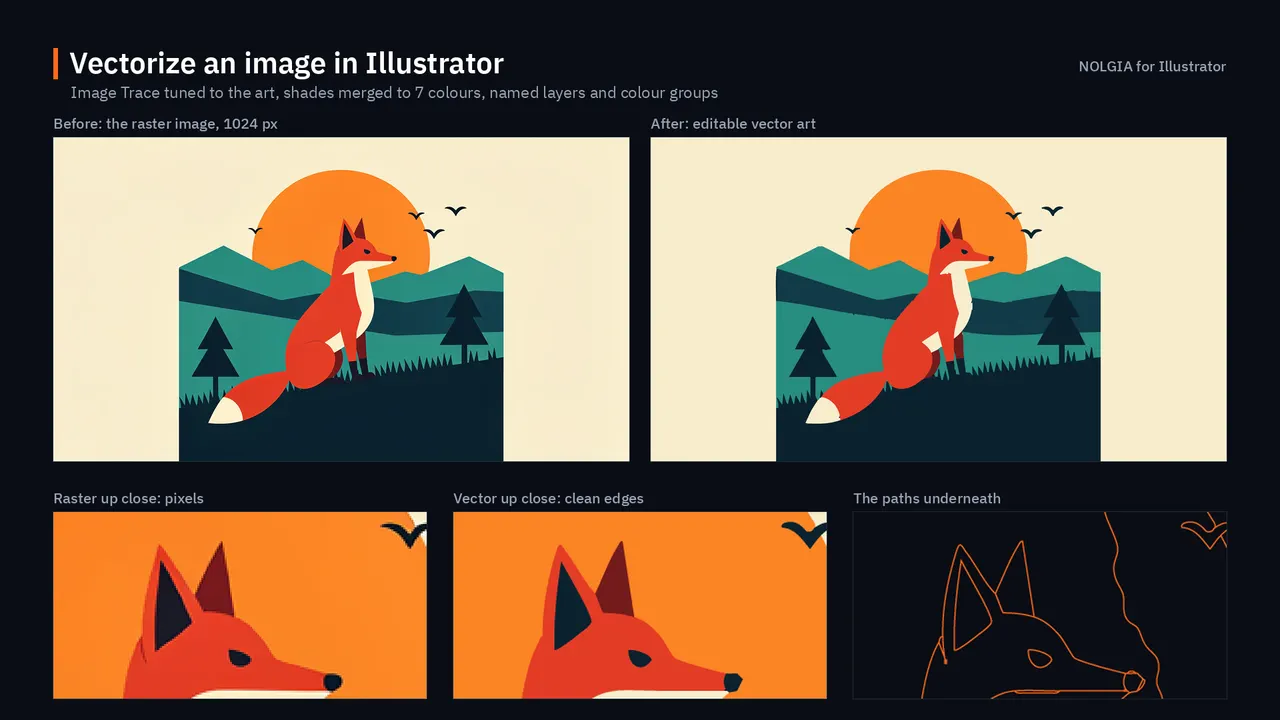
Turn a raster logo, illustration or poster into clean vector art in Illustrator, organized into named layers and groups, with the palette saved as swatches.

Use NOLGIA to turn my image into clean, editable vector art in Illustrator, keeping its composition and colours, organized into named layers and groups.
فتح القالب
Example output from Clean up an image in Photoshop

Clean up an image in Photoshop

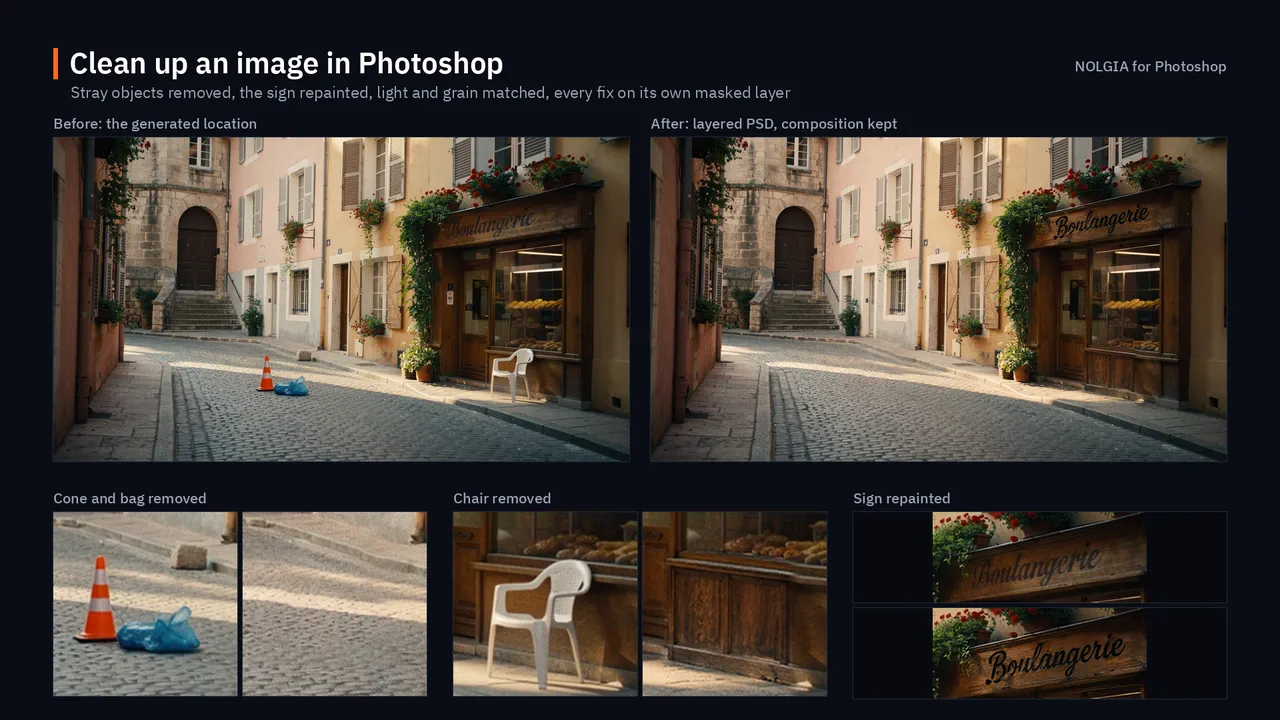
Clean up a generated location image in Photoshop: remove what does not belong, repair smeared signs and warped textures, and match the light, with every fix on its own layer.

Use NOLGIA to clean up my generated location image in Photoshop: remove what does not belong, repair smeared signs and broken textures, and match the light, keeping every fix on its own editable layer.
فتح القالب
Example output from Grade a timeline in DaVinci Resolve

Grade a timeline in DaVinci Resolve

Grade the timeline open in DaVinci Resolve with a NOLGIA film stock: stocks suggested for your footage, applied on a node of their own, with before and after stills from the same frame.

Use NOLGIA to grade the timeline open in DaVinci Resolve with a NOLGIA film stock: suggest stocks that suit my footage, show me before and after stills from the same frame, keep my own grade untouched, and let me try another stock.
فتح القالب
Example output from Assemble a cut in DaVinci Resolve

Assemble a cut in DaVinci Resolve

Turn a NOLGIA project into a first cut in DaVinci Resolve: its clips in a bin, in order, on a new timeline at their frame size and frame rate, with your music underneath.

Use NOLGIA to assemble a cut in DaVinci Resolve from one of my NOLGIA projects: bring its clips into a bin, lay them on a new timeline in order at the clips' frame size and frame rate, add my music if I have some, and show me the first frame.
فتح القالب

سير عمل الإضافات

واعمل في تطبيقاتك أنت أيضًا.

يقدّم الخادم أيضًا سير عمل الإضافات كأوامر نصية جاهزة. في Claude Code، كل منها أمر يحمل اسم سير العمل، مثل /mcp__nolgia__blender-destruction. ومع تثبيت إضافة NOLGIA، تتيح أدوات nolgia_app_* لمساعدك العمل داخل التطبيق على حاسوبك: Blender وAfter Effects وPremiere Pro وIllustrator وPhotoshop وDaVinci Resolve Studio.

ما يمكنك طلبه

81 أداة، وقائمة أسعار واحدة.

واجهة MCP هي نفسها التي يستخدمها NOLGIA Agent. القراءة مجانية؛ وعملية التوليد وحدها تستهلك الرصيد، وفق السعر الذي يعلنه النموذج.

81 أداة، مقروءة من سجل الخادم نفسه

Generate

17 أداة

عرض الأدوات
  • nolgia_text_to_imageGenerate image from text
  • nolgia_image_to_imageGenerate image from an image
  • nolgia_text_to_videoGenerate video from text
  • nolgia_image_to_videoAnimate an image into video
  • nolgia_text_to_audioGenerate audio from text
  • nolgia_run_presetRun a preset
  • nolgia_render_blocksAssemble clips and narration into one video
  • nolgia_multicam_planPlan a Multicam job
  • nolgia_multicam_startStart a Multicam job
  • nolgia_multicam_runCheck a Multicam job
  • nolgia_multicam_downloadDownload every Multicam angle
  • nolgia_multicam_cancelStop a Multicam job
  • nolgia_generate_3dGenerate a 3D model
  • nolgia_generate_setGenerate a set of images
  • nolgia_miroge_optionsPrice a Miroge remake
  • nolgia_mirogeRemake a clip with Miroge
  • nolgia_analyze_referenceAnalyze a reference video

Your library

25 أداة

عرض الأدوات
  • nolgia_list_assetsList generated assets
  • nolgia_get_assetOpen an asset
  • nolgia_delete_assetTrash an asset
  • nolgia_update_asset_tagsSet an asset's tags
  • nolgia_upload_assetUpload an image
  • nolgia_list_charactersList saved characters
  • nolgia_get_characterGet one character
  • nolgia_create_characterSave a character
  • nolgia_update_characterUpdate a character
  • nolgia_delete_characterDelete a character
  • nolgia_list_stylesList saved styles
  • nolgia_create_styleSave a style
  • nolgia_delete_styleDelete a saved style
  • nolgia_transcribe_assetTranscribe an asset
  • nolgia_get_transcriptGet an asset transcript
  • nolgia_suggest_clipsFind short video clips
  • nolgia_create_clipsCreate short video clips
  • nolgia_get_setGet a set of images
  • nolgia_get_mirogeCheck a Miroge remake
  • nolgia_get_reference_analysisRead a reference analysis
  • nolgia_apply_lookApply a look to generations
  • nolgia_look_from_analysisMake a look from a reference analysis
  • nolgia_merge_look_analysesTeach a look from several videos
  • nolgia_match_lookRe-cut a timeline to a look
  • nolgia_score_edit_dnaScore a render against a look

Projects

11 أداة

عرض الأدوات
  • nolgia_list_projectsList projects
  • nolgia_get_projectGet one project
  • nolgia_create_projectCreate a project
  • nolgia_update_projectUpdate a project
  • nolgia_delete_projectDelete a project
  • nolgia_add_project_assetsAdd assets to a project
  • nolgia_remove_project_assetRemove an asset from a project
  • nolgia_list_canvasesList canvases
  • nolgia_get_canvasGet a canvas
  • nolgia_create_canvasCreate a canvas
  • nolgia_update_canvasUpdate a canvas

Edit sessions and tweaks

6 أدوات

عرض الأدوات
  • nolgia_list_tweak_scopesList image tweak scopes
  • nolgia_create_edit_sessionStart an edit session
  • nolgia_get_edit_sessionRead an edit session
  • nolgia_edit_session_stepApply the next image edit
  • nolgia_revert_edit_sessionRevert an edit session
  • nolgia_estimate_edit_sessionEstimate the next edit

Presets

أداتان

عرض الأدوات
  • nolgia_list_presetsList presets
  • nolgia_get_presetGet one preset

Timelines

4 أدوات

عرض الأدوات
  • nolgia_validate_maskValidate a timeline mask
  • nolgia_validate_motionValidate timeline motion
  • nolgia_list_color_presetsList color-grade presets
  • nolgia_get_renderCheck a render

Desktop apps

11 أداة

عرض الأدوات
  • nolgia_app_statusList connected desktop apps
  • nolgia_app_infoRead a desktop app's state
  • nolgia_app_runRun code in a desktop app
  • nolgia_app_commandCheck a desktop app command
  • nolgia_app_previewPreview a desktop app's document
  • nolgia_app_importImport an asset into a desktop app
  • nolgia_app_exportExport from a desktop app
  • nolgia_app_saveSave the document in a desktop app
  • nolgia_app_openOpen a document in a desktop app
  • nolgia_app_ditDo the DIT on the person's computer
  • nolgia_app_transcribeTranscribe clips in Premiere Pro

Models, account and jobs

5 أدوات

عرض الأدوات
  • nolgia_list_modelsList models
  • nolgia_get_accountGet the signed-in account
  • nolgia_get_usageGet generation counts
  • nolgia_cancel_jobCancel a generation job
  • nolgia_list_jobsList generation jobs

أو دع وكيلنا يشغّله.

يشغّل NOLGIA Agent هذه الأدوات نفسها نيابةً عنك، وأنت تختار العقل الذي يفكر به. تُحتسب كل جولة دردشة بسعر عقلها على الأقل؛ أما الجولة الطويلة على نحو غير معتاد التي تتجاوز تكلفة نموذجها ذلك السعر فتُحتسب بتلك التكلفة بدلًا منه.

  • العقل المضمَّنمن 10 رصيد لكل جولة
  • Gemini 3.8 Flashمن 25 رصيد لكل جولة
  • Claude Opus 5.5من 70 رصيد لكل جولة
  • Gemini 4 Argonمن 70 رصيد لكل جولة
  • GPT-6.1 Solمن 70 رصيد لكل جولة

النماذج

النماذج التي يوجّه إليها وكيلك الطلبات.

فيديو

Seedance 2.5

ابتداءً من 26 رصيدًا لكل مقطع مدته 5 ث

عرض النموذج

صوت

ElevenLabs v3 Conversational

ابتداءً من 3 أرصدة لكل 1,000 حرف

عرض النموذج
استكشف كل النماذج

FAQ

أسئلة حول MCP.

ما المساعدات الذكية التي يمكنها الاتصال؟
يعمل حاليًا كلٌّ من Claude Code وCursor. ويمكن لأي عميل MCP يستطيع إرسال ترويسة Authorization أن يتصل.
هل يمكن لوكيل البرمجة لديّ إعداد ذلك نيابةً عني؟
نعم. انسخ التعليمة المكونة من سطر واحد تحت «الصق هذا في وكيلك». سيتبع وكيل البرمجة لديك دليل التثبيت على https://github.com/nolgiainc/nolgia-cli/blob/main/INSTALL_FOR_AGENTS.md لتثبيت أداة CLI ومساعدتك على ربط أدواتك.
كيف أتصل؟
أنشئ رمز وصول شخصيًا (Personal Access Token) من إعدادات حسابك (يُعرض مرة واحدة فقط)، وأضف NOLGIA إلى مساعدك على https://mcp.nolgia.ai/mcp، وأرسل الرمز بصيغة Authorization: Bearer.
ماذا يمكنني أن أطلب؟
الأدوات نفسها التي يستخدمها NOLGIA Agent، وعددها 81: توليد الفيديو والصور والصوت، والجلب من مكتبتك، ومتابعة مهمة قيد التشغيل دون مغادرة المحادثة.
كم يكلف؟
القراءة مجانية؛ وعملية التوليد وحدها تستهلك الرصيد، وفق السعر الذي يعلنه النموذج. المساعد الذي تربطه عبر OAuth، مثل ChatGPT أو Claude، يستهلك الرصيد كما يفعل التطبيق: رصيد خطتك الشهري أولًا، ثم رصيد الشحن. أما الرمز الذي تنشئه فيستهلك رصيد الشحن فقط، ولا يمس رصيد خطتك الشهري أبدًا. وفي الحالتين يحمل خطة حسابك، لذا تظل النماذج التي تتطلب Pro أو أعلى بحاجة إلى تلك الخطة.
هل يمكنني استخدام القوالب من مساعدي الذكي؟
نعم. كل قالب في المعرض هو أيضًا أمر نصي يمكنك لصقه في مساعد متصل، ولكل قالب صفحة على NOLGIA إن فضّلت تشغيله هنا.
هل يستطيع NOLGIA Agent تشغيل هذه الأدوات نيابةً عني؟
نعم. يشغّل NOLGIA Agent الأدوات نفسها نيابةً عنك، وتُحتسب التكلفة لكل جولة دردشة وفق سعر العقل الذي يفكر به، بدءًا من 10 رصيد على العقل المضمَّن.

اربط مساعدك.

أنشئ حسابًا، واستخرج رمزًا، ووجّه عميلك إلى NOLGIA. أول رصيد علينا.